

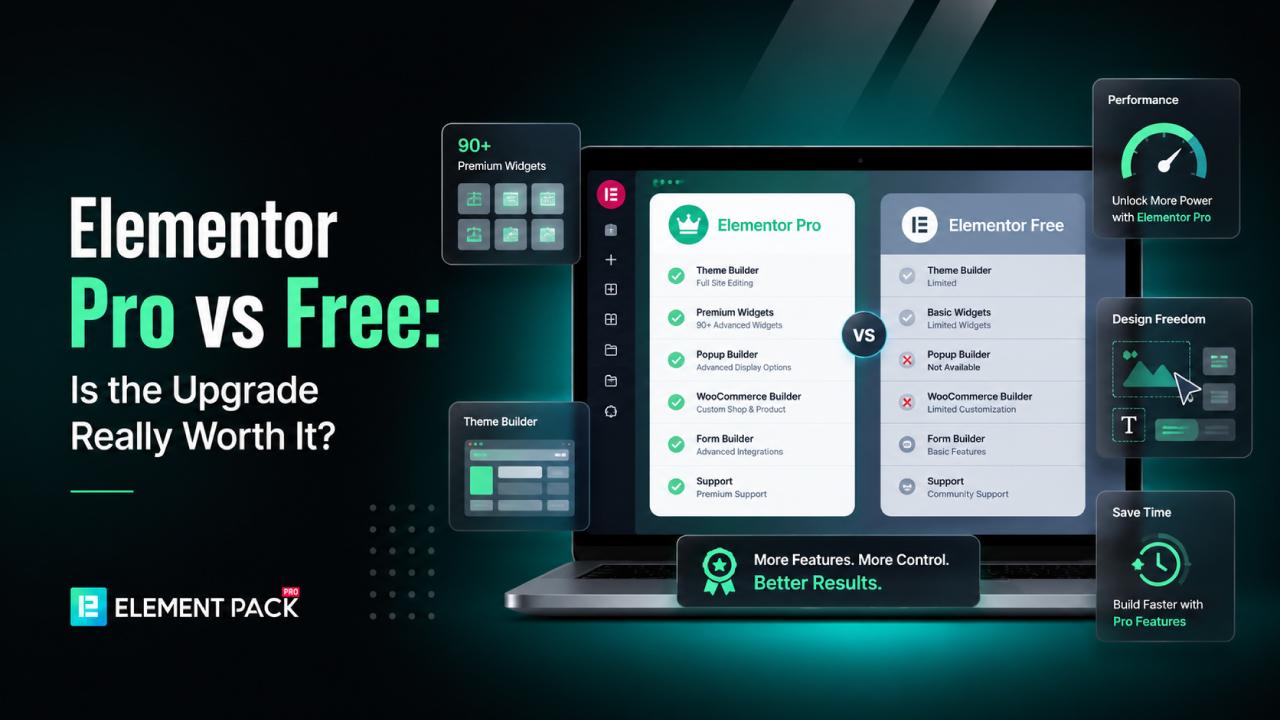
Many WordPress users start with Elementor free and quickly run into walls.
Essential features like custom forms, theme building, popup creation and advanced widgets all sit behind a paid plan, leaving users to wonder whether the upgrade is truly worth it.
The answer is not always straightforward.
Depending on your website needs, Elementor Pro may be worth the investment. But for many users, combining Elementor Free with the right addon can deliver similar or even greater functionality at a lower overall cost.
In this guide, we compare Elementor Pro vs free side by side, examine their features, pricing and limitations and help you determine whether upgrading makes sense for your situation.
We will also explore how Element Pack can extend Elementor Free's capabilities without forcing you into an expensive setup.
What Is Elementor?
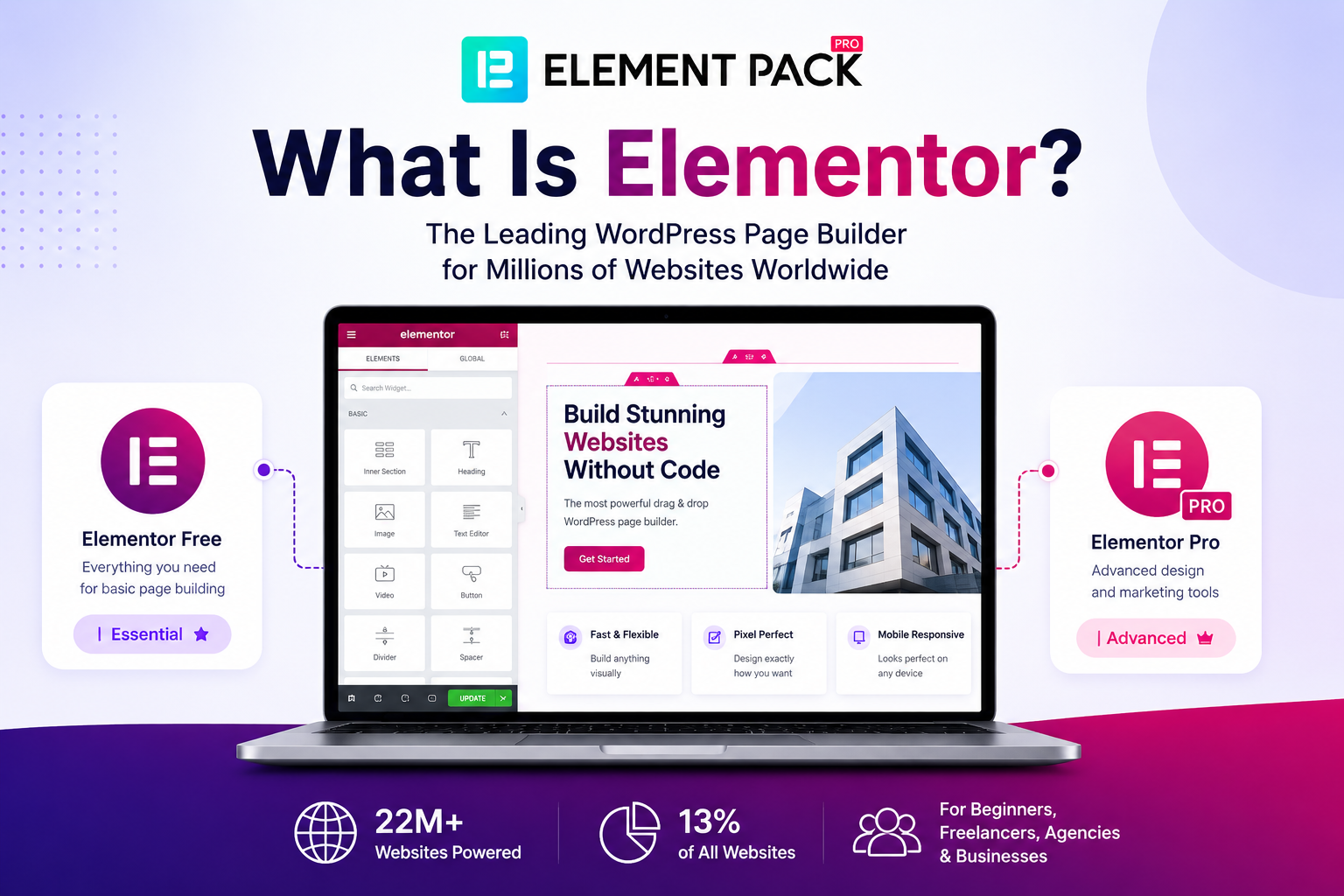
Elementor is the world's leading WordPress page builder, powering over 22 million websites and accounting for roughly 13% of all sites on the web.
It operates on a drag-and-drop interface that lets users design professional layouts without writing any code, making it a go-to tool for beginners, freelancers, agencies and businesses worldwide.
Elementor comes in two forms: a free version that covers basic page building and a premium version that unlocks advanced design systems and marketing tools.
Understanding the difference between these two is the starting point for deciding what is right for your project.
What Is Elementor Free?
Elementor Free is the core plugin available for free from the WordPress plugin repository.
It gives you a fully functional drag-and-drop editor with 32 built-in widgets, basic responsive editing controls, a limited template library and global styling options for colors and fonts. It is a solid starting point for simple websites and portfolio pages.
However, Elementor Free is intentionally limited in scope. Features like the Theme Builder, Popup Builder, Form Builder and WooCommerce integration are not included, which is where users inevitably hit the ceiling and start asking whether they should pay for Pro.
What Is Elementor Pro?
Elementor Pro is the premium upgrade that unlocks the full Elementor platform. It is sold on an annual subscription basis with multiple plan tiers, starting from $59 per year.
You can review all current plans on the official Elementor pricing page.
The Pro version adds advanced builders for themes, popups, forms and WooCommerce stores, plus a significantly expanded widget library.
In 2026, Elementor also introduced the Elementor One ecosystem, which goes beyond the editor to bundle AI generation tools, image optimization, site accessibility, email deliverability and site management into a single subscription.
If you are still comparing your page builder options more broadly, our guide on the best WordPress page builders covers how Elementor stacks up against its main alternatives.
Elementor Pro vs Free at a Glance
Before diving into the details, here is a side-by-side summary of the key differences between Elementor Free and Elementor Pro based on the official feature comparison.
We will explore each area in depth below.
| Feature | Elementor Free | Elementor Pro |
| Widgets | 32 free widgets | 57 (Essential) to 85 (Advanced+) Pro widgets + all 32 free |
| Theme Builder | Not included | Included on all paid plans |
| Form Builder | Not included | Included; form submissions on Advanced Solo and above |
| Popup Builder | Not included | Advanced Solo and above only |
| WooCommerce Builder | Not included | Advanced Solo and above only |
| Dynamic Content | Not included | Basic tags on Essential; full custom fields on Advanced+ |
| Custom CSS & Code | Not included | Advanced Solo and above |
| Template Library | Limited free selection | Full library + cloud template storage |
| Support | AI chatbot only | Basic on most plans; Priority on Agency & One plans |
| Pricing | Free | From $59/year (Essential, 1 site) |
Key Features Included in Elementor Free
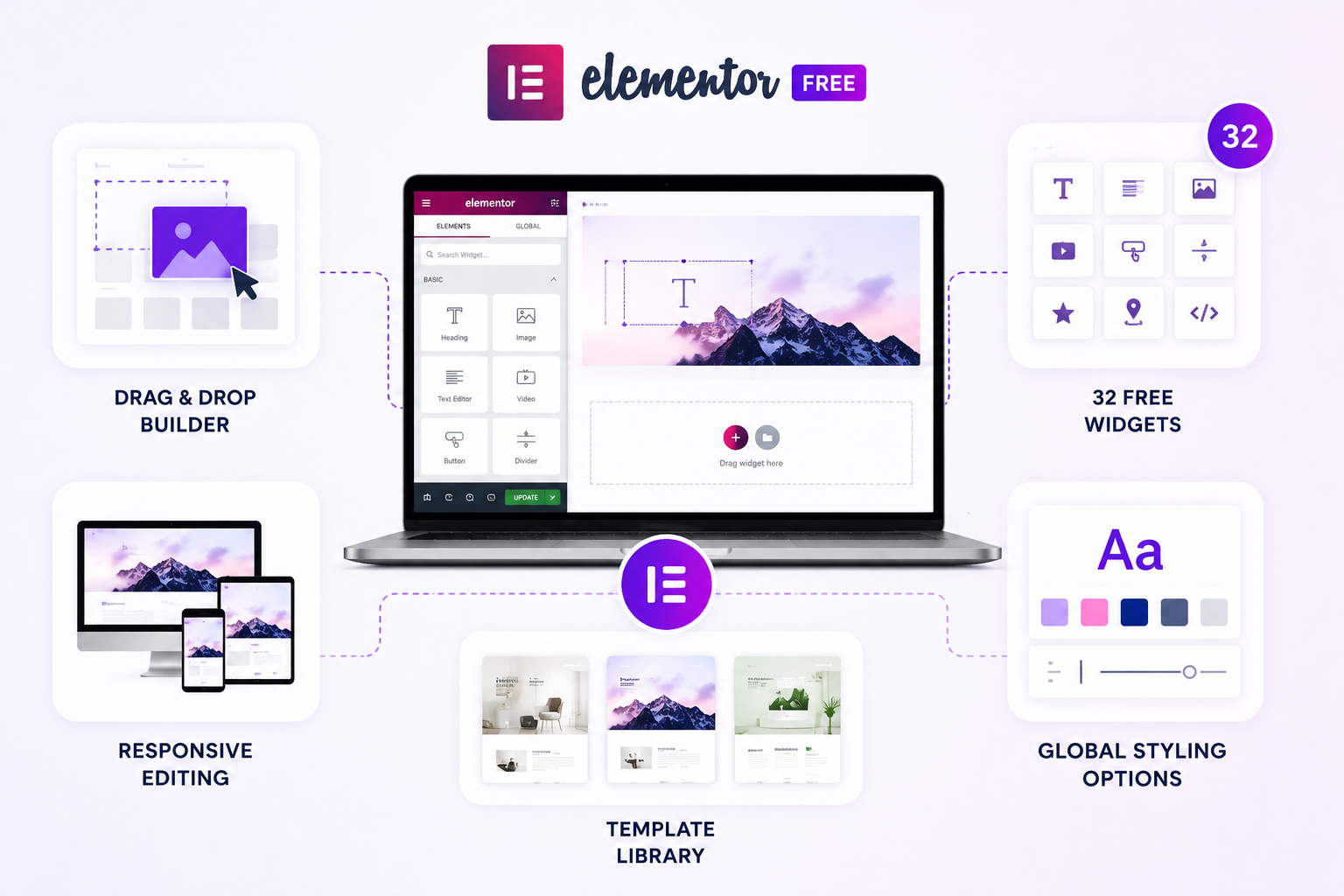
Even without a paid upgrade, Elementor Free is a capable page builder for many simple use cases.
Here is a breakdown of what is available after you download the free plugin.
Drag-and-Drop Builder
Elementor's core drag-and-drop editor is fully available in the free version. You can build multi-column page layouts, customize spacing, adjust typography and preview your design across desktop, tablet and mobile, all without touching code.
This is the same visual editing foundation that powers Elementor Pro and it is covered in depth on the Elementor free vs Pro comparison page.
32 Free Widgets
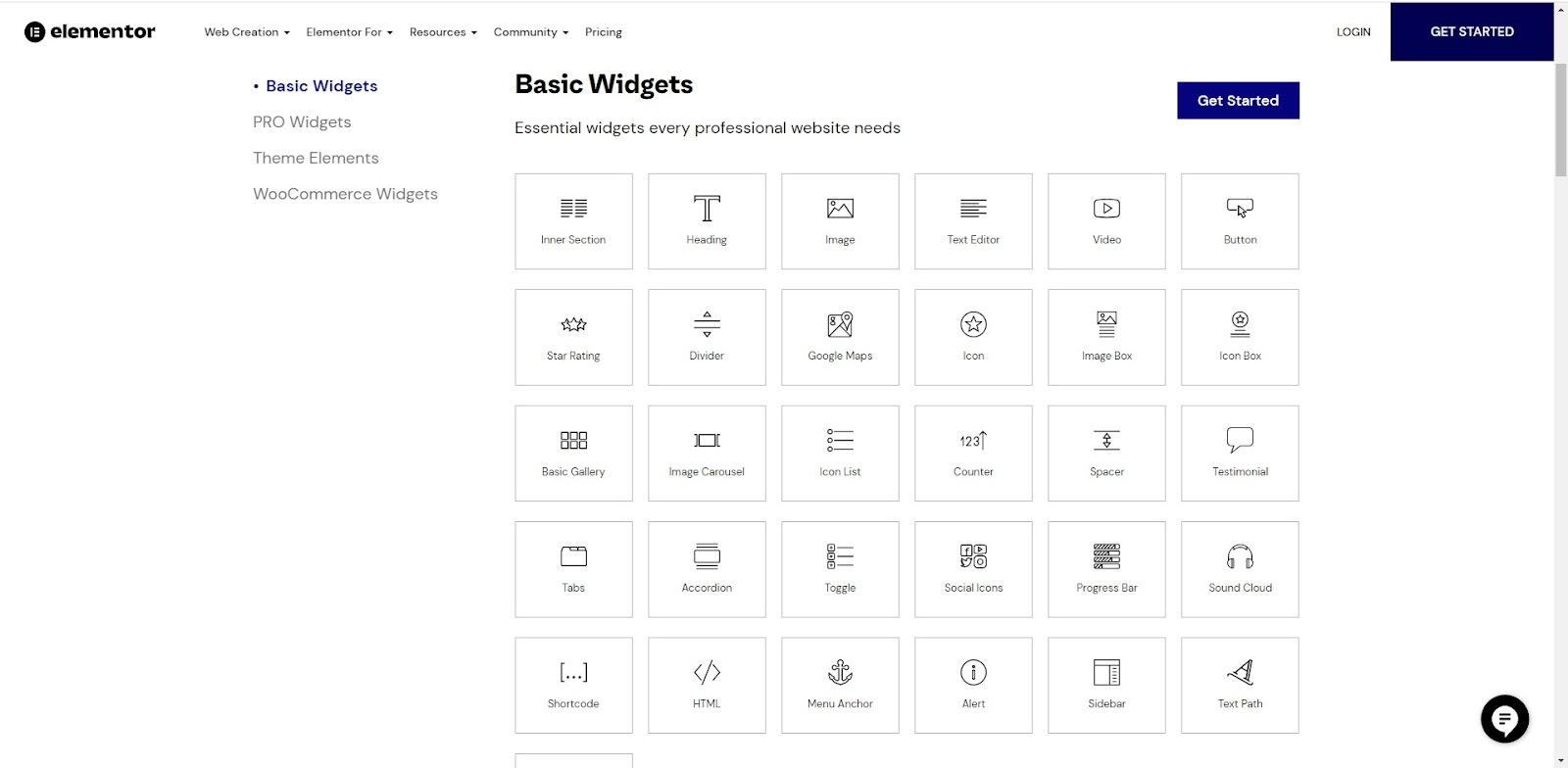
Elementor Free includes 32 core widgets covering the basics: Heading, Text Editor, Image, Video, Button, Divider, Google Maps, Icon Box, Image Carousel, Testimonial, Tabs, Accordion, Progress Bar, Counter and more.
This widget set is sufficient for static pages but falls short for sites that need dynamic content, post grids, or interactive lead capture forms.
Responsive Editing
The free version includes full responsive controls, letting you adjust layout, spacing, font sizes and element visibility per device. You can preview your design at desktop, tablet and mobile breakpoints directly inside the editor. Every website built with Elementor Free is mobile-responsive by default.
Template Library
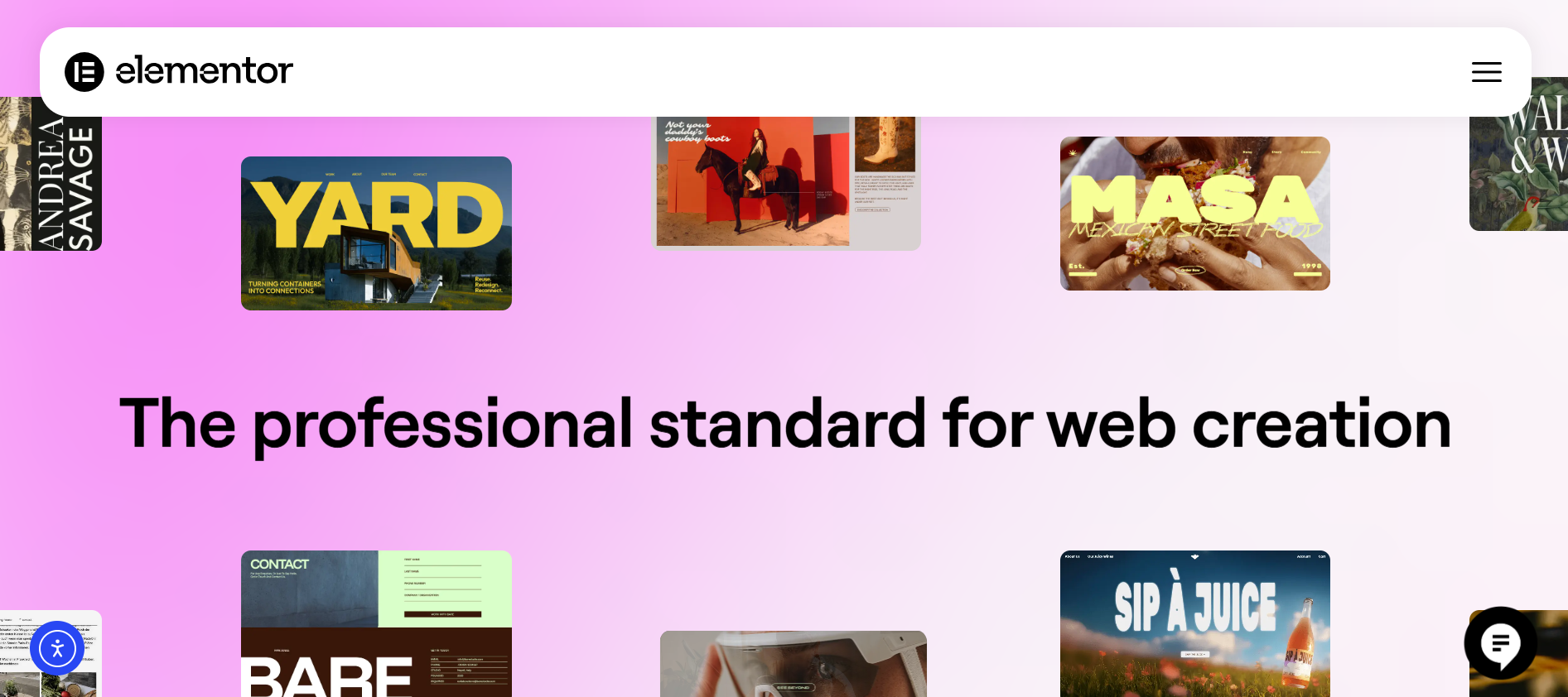
Elementor Free provides access to a limited selection of the Elementor template library, including some landing page and section templates.
However, a large portion of the library, including professionally designed full-site kits and premium section blocks, requires a paid subscription to unlock.
Global Styling Options
Elementor Free allows you to define global colors and typography settings that apply site-wide.
This makes it easier to maintain a consistent visual identity across multiple pages without manually adjusting each element individually. Global styles persist across all pages and update everywhere when changed.
Key Features Included in Elementor Pro
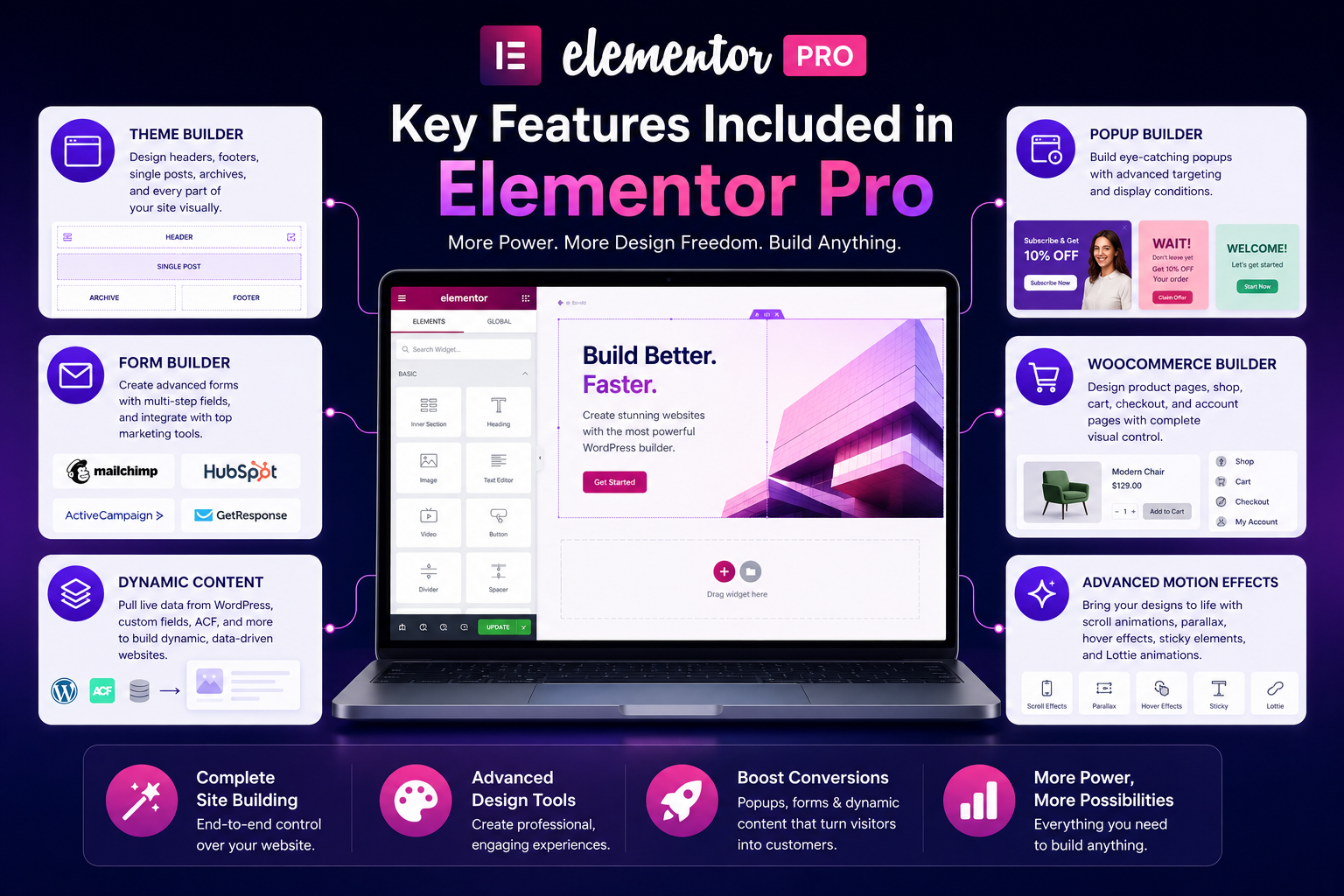
Elementor Pro is where the platform transforms from a page editor into a complete site-building system.
Here is what each major Pro feature delivers, with links to Elementor's own feature pages where you can explore each one further.
Theme Builder
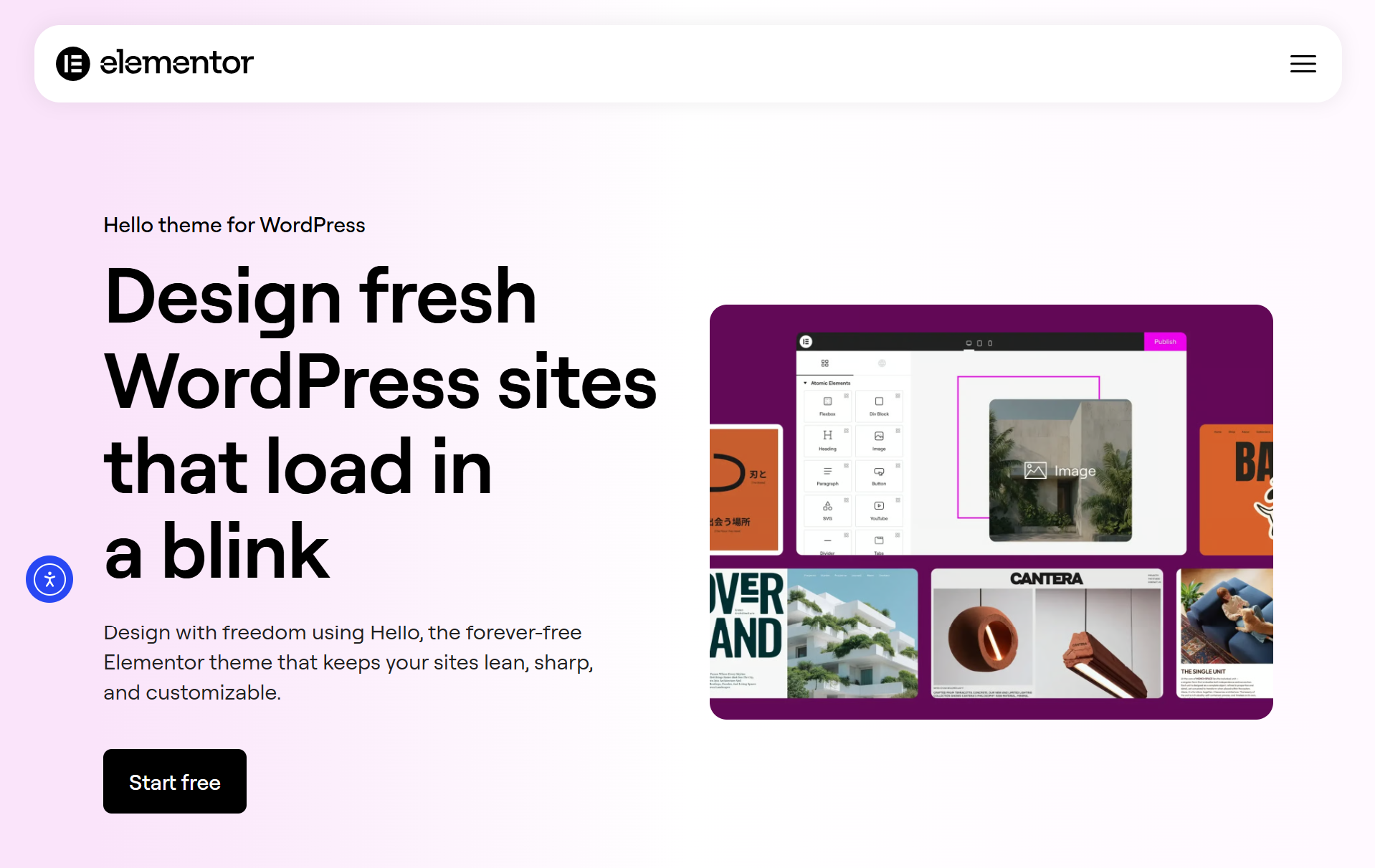
The Theme Builder is the most significant feature unlock in Elementor Pro.
It lets you design every part of your WordPress website visually, including headers, footers, single post templates, archive pages, 404 pages and search result pages, overriding whatever your WordPress theme outputs by default.
Elementor recommends pairing the Theme Builder with the free Hello Elementor theme for the cleanest, most flexible starting point.
This feature is included on all paid plans, including the Essential tier, which is one reason it remains a popular upgrade path even for users who do not yet need the full Pro feature set.
Popup Builder
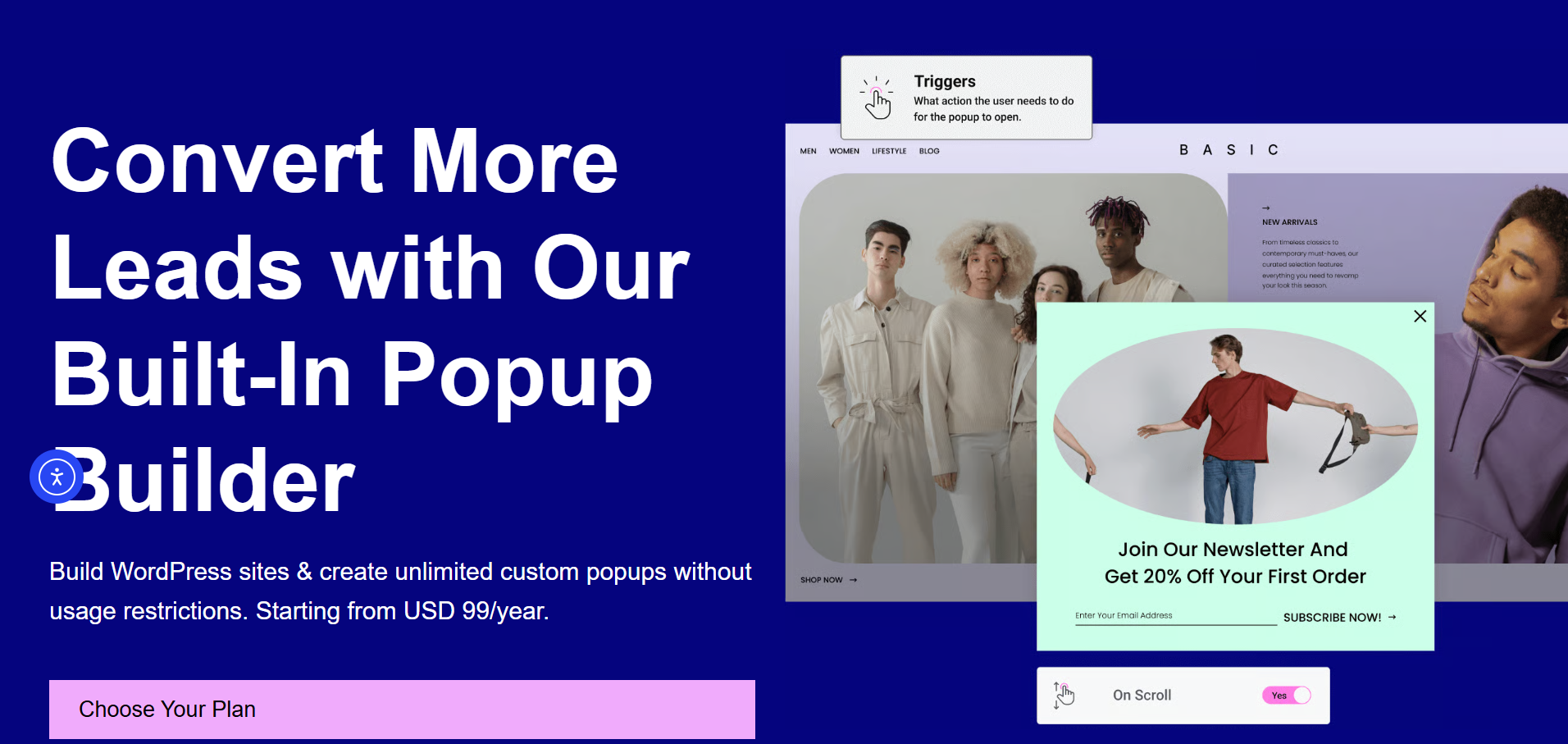
The Popup Builder lets you design custom popups using the same drag-and-drop editor, with display conditions that control when and where they appear.
You can create exit-intent popups, scroll-triggered overlays, page-specific modals and full-screen welcome messages. This feature requires the Advanced Solo plan or higher. The Essential plan does not include access to the Popup Builder.
Form Builder
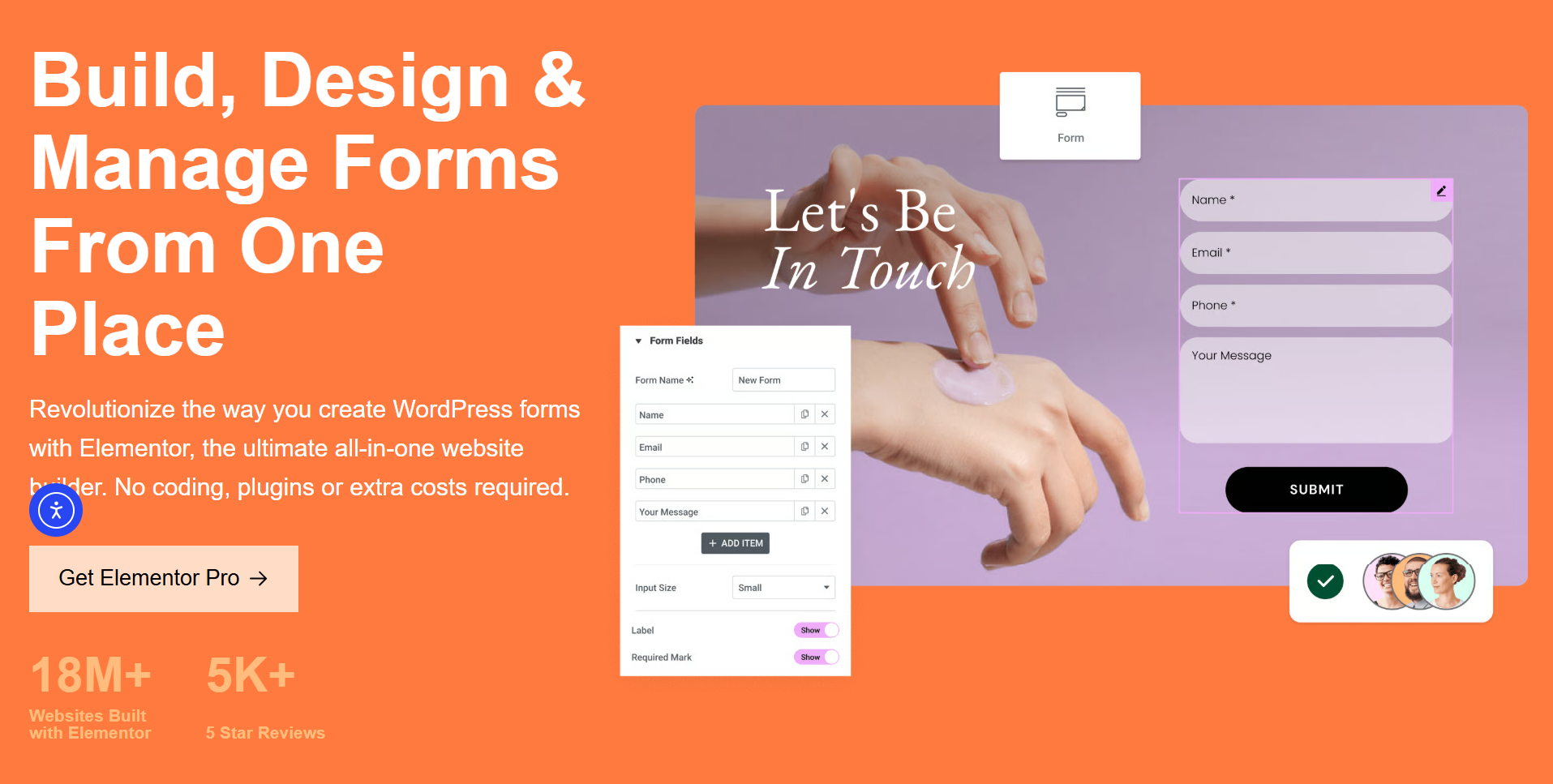
Elementor Pro includes a built-in visual Form Builder that replaces the need for third-party form plugins.
You can create contact forms, lead capture forms, subscription forms and multi-step forms, with native integrations for Mailchimp, Kit, GetResponse, ActiveCampaign, HubSpot and AWeber.
Full form submission logging and marketing integrations are available on the Advanced Solo plan and above.
WooCommerce Builder
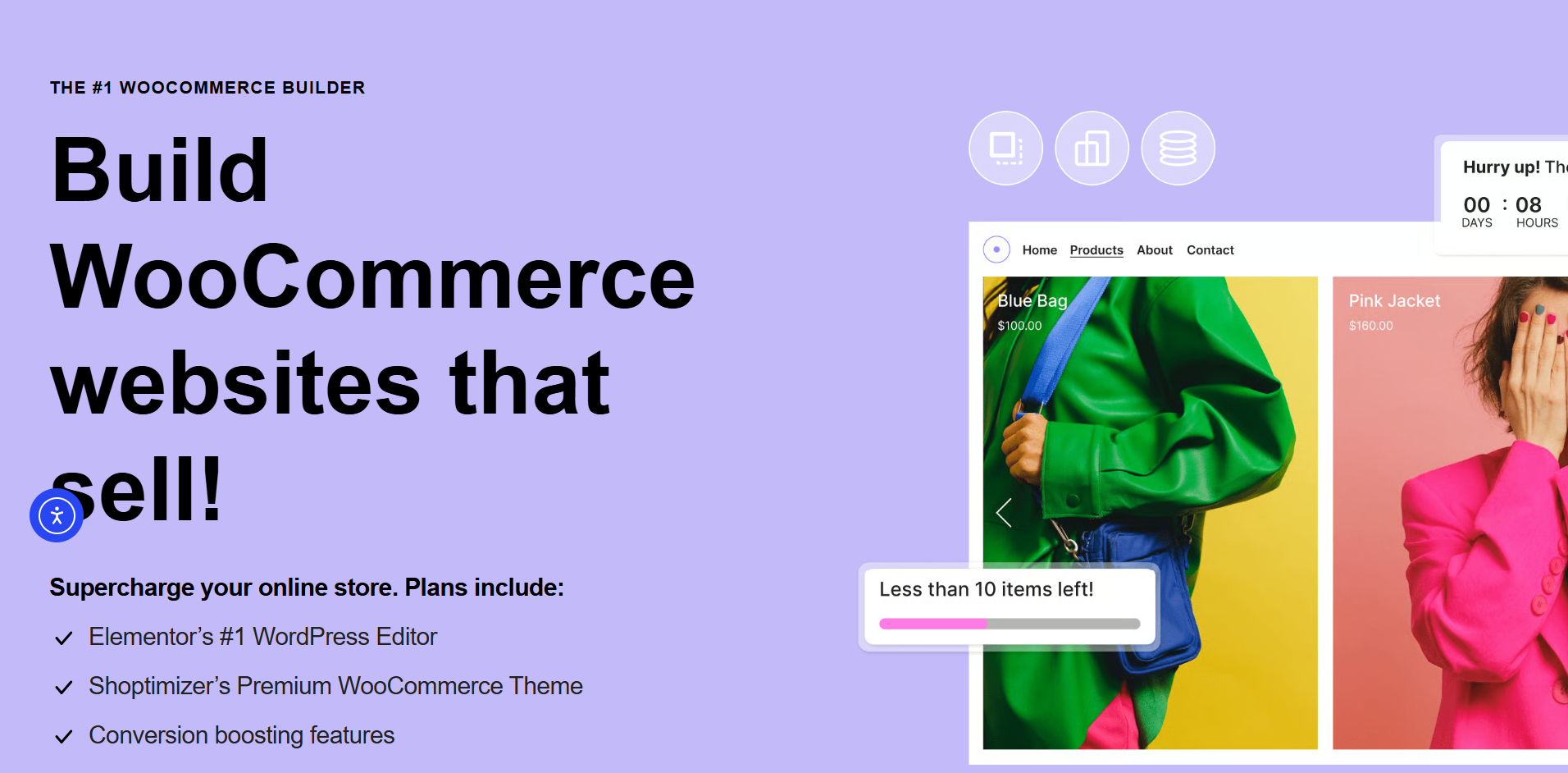
The WooCommerce Builder lets you design custom product pages, shop archive pages, cart pages, checkout flows and account pages using Elementor's visual editor.
This replaces the default WooCommerce templates and gives store owners full design control over the entire shopping experience.
The builder comes with 20+ dedicated WooCommerce widgets. This feature requires the Advanced Solo plan or above.
Dynamic Content
Dynamic Content allows widgets to automatically pull live data from WordPress, such as post titles, featured images, author bios and custom fields from ACF or custom post types.
This is essential for building blog archives, portfolio grids and data-driven sites.
Basic dynamic tags are available on the Essential plan, but full Custom Field and Post Type integration requires the Advanced Solo tier or above.
Advanced Motion Effects
Elementor Pro unlocks motion and interaction tools, including scroll-triggered animations, sticky elements, parallax effects, mouse-based interactions, hover effects and Lottie animations.
These capabilities help create more engaging, interactive experiences that go beyond what static page layouts can achieve.
Elementor Free Limitations You Need to Know
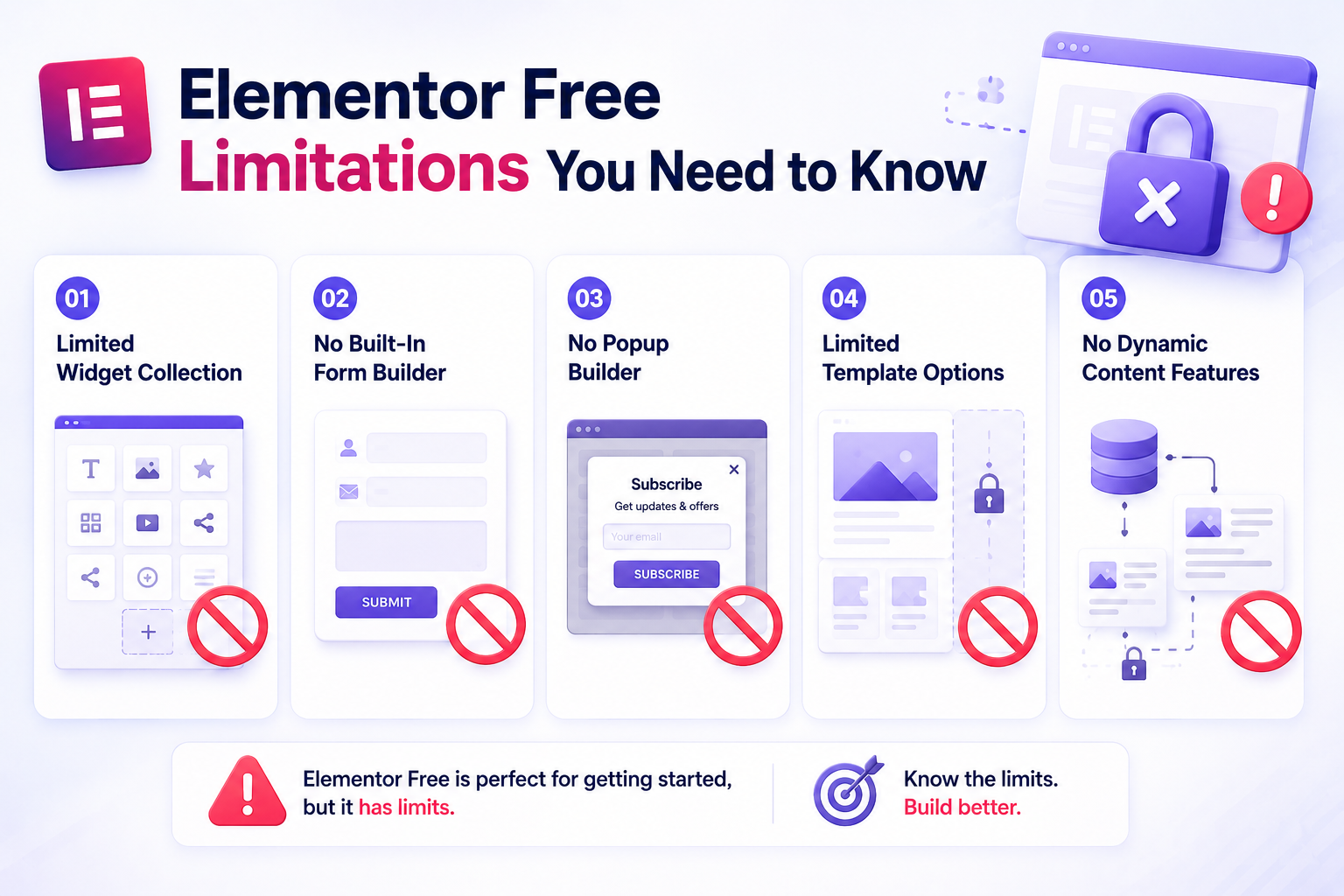
Understanding where Elementor Free falls short is essential before deciding whether to pay for Pro or explore addon-based alternatives.
Each limitation below is worth examining against your specific project needs.
Limited Widget Collection
With only 32 widgets, Elementor Free cannot handle many common website needs out of the box.
There is no post grid, no portfolio display, no price table, no countdown timer, no testimonial carousel and no dedicated WooCommerce product display widget.
Users who need these features either upgrade to Pro or install a third-party Elementor addon.
No Built-In Form Builder
One of the most frustrating limitations of Elementor Free is the complete absence of a native form builder.
Every website eventually needs contact or lead capture forms. Free users must install separate plugins like Contact Form 7 or WPForms and style them independently, since Elementor Free does not provide form-styling widgets.
No Popup Builder
Exit-intent popups, email subscription overlays and promotional modals are standard parts of modern website marketing.
Elementor Free has no popup functionality at all, requiring users to install and manage separate pop-up plugins. Elementor Pro's Popup Builder resolves this, but only on the Advanced Solo plan and above.
Limited Template Options
While Elementor Free includes some templates, the majority of the Elementor template library's professionally designed page kits, section blocks and full-site templates are locked behind a paid plan.
This limits how quickly free users can launch polished pages using pre-built designs.
No Dynamic Content Features
Elementor Free cannot connect to WordPress custom fields, custom post types, or dynamic data sources.
Every piece of content must be manually entered into each page, which is unworkable for blogs, portfolios, e-commerce stores, or any site where information is queried or updated dynamically.
Elementor Pro Pricing Explained
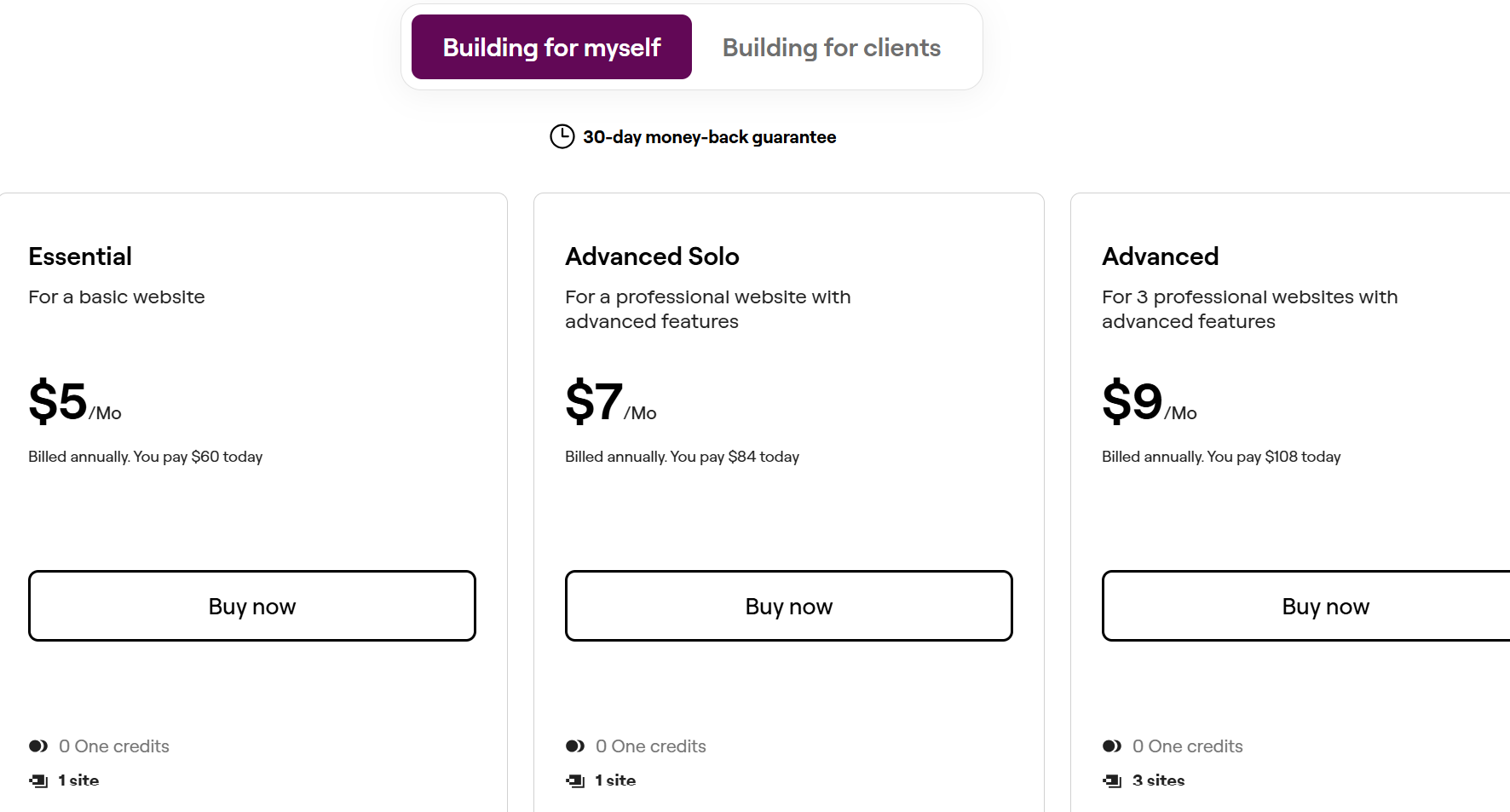
Elementor's pricing structure changed significantly in 2026 with the introduction of the Elementor One ecosystem.
Here is an accurate breakdown based on the current official pricing page.
Current Elementor Pro Plans
Elementor currently offers two product families: Editor Pro plans (focused on design and building tools) and Elementor One plans (the full bundled platform).
All plans are billed annually and come with a 30-day money-back guarantee. Editor Pro plans:
- Essential: 1 site, 57 Pro widgets, Theme Builder, basic Dynamic Content (no custom fields), Form Builder (no submission logging). Entry-level Pro tier.
- Advanced Solo: 1 site, 85 Pro widgets, full Dynamic Content with custom fields, Form Builder with submission logging, Popup Builder, custom CSS and code, and eCommerce features.
- Advanced: 3 sites, same features as Advanced Solo.
- Expert: 25 sites, same features as Advanced, 5,000 cloud templates. Ideal for freelancers managing multiple client projects.
- Agency: 1,000 sites, 50,000 cloud templates, Priority Support.
Elementor One plans (bundled platform):
- One: 1 site, all 85 Pro widgets, full feature set including Popup Builder, WooCommerce Builder, Dynamic Content, AI generation tools (25,000 monthly credits), Image Optimization, Site Accessibility, Email Deliverability, Site Management, Cookie Consent and Priority Support.
- One Agency: Unlimited sites, 350,000 monthly credits, all One features at agency scale.
Note: Prices are subject to promotional periods and regional tax variations. Always confirm the current rate at elementor.com/pricing before purchasing. Elementor discontinued lifetime licenses in 2022, so all plans require annual renewal.
Is Elementor Pro Good Value for Money?
For single-site users with professional website needs, the Essential or Advanced Solo plan offers solid value.
The Expert plan becomes compelling for freelancers managing multiple client sites at roughly $8 per site per year across 25 sites.
However, if your primary need is more widgets and design flexibility rather than Elementor Pro's specific builders, a premium Elementor addon can often deliver equal or greater value for less money, especially across multiple sites.
When Is Elementor Pro Worth It?
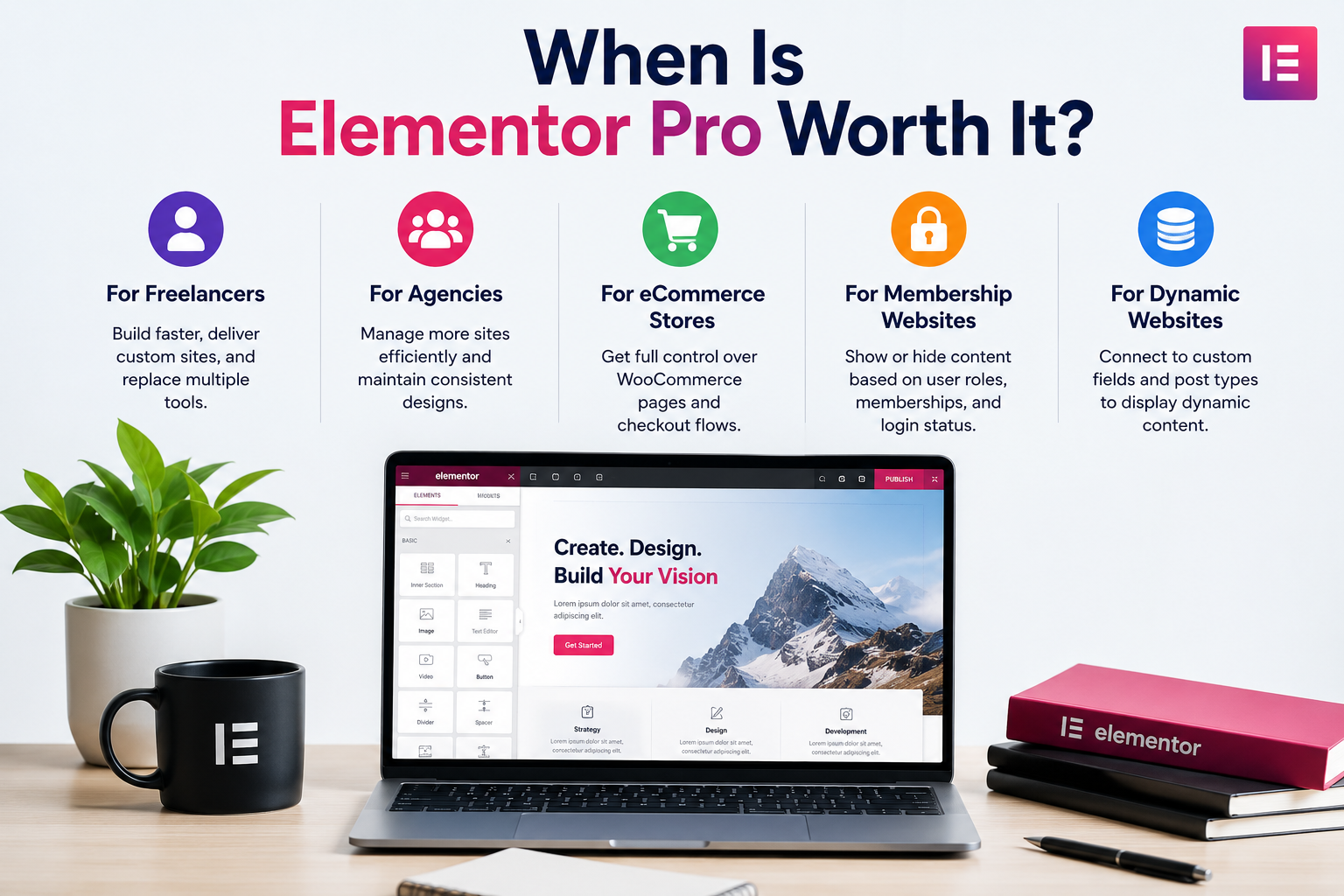
The question of whether Elementor Pro is necessary depends heavily on what you are building. Here are the scenarios where the upgrade genuinely pays for itself.
For Freelancers
Freelancers building websites for multiple clients benefit most from the Expert plan, which covers up to 25 sites at roughly $8 per site per year.
The Theme Builder lets you design fully custom headers and footers without depending on the client's chosen theme.
The Popup Builder and Form Builder replace tools you would otherwise install separately on every client site. For freelancers regularly building sites from scratch, Elementor Pro pays for itself quickly.
For Agencies
Agencies managing a large portfolio of client websites benefit from the Agency and One Agency plans.
The ability to manage templates centrally, use cloud template storage and deploy consistent designs across hundreds of sites through one license creates real workflow efficiency.
The One Agency plan's AI credits and bundled optimization tools also reduce the cost of maintaining separate services for image optimization and accessibility compliance.
For eCommerce Stores
Store owners who need full control over their WooCommerce product pages, checkout flows and cart pages need at least the Advanced Solo plan to access the WooCommerce Builder.
Without it, WooCommerce pages are controlled entirely by the active theme. For anyone running a serious online store, the WooCommerce Builder alone often justifies the upgrade.
For Membership and Gated Content Websites
Websites that restrict content by user role, require custom login pages, or manage member-specific layouts benefit from Elementor Pro's Dynamic Content and Display Conditions features.
These allow you to show or hide content based on user login status, membership level, or role, without requiring custom code or an expensive membership plugin.
Elementor Pro vs Elementor Free Plus Element Pack
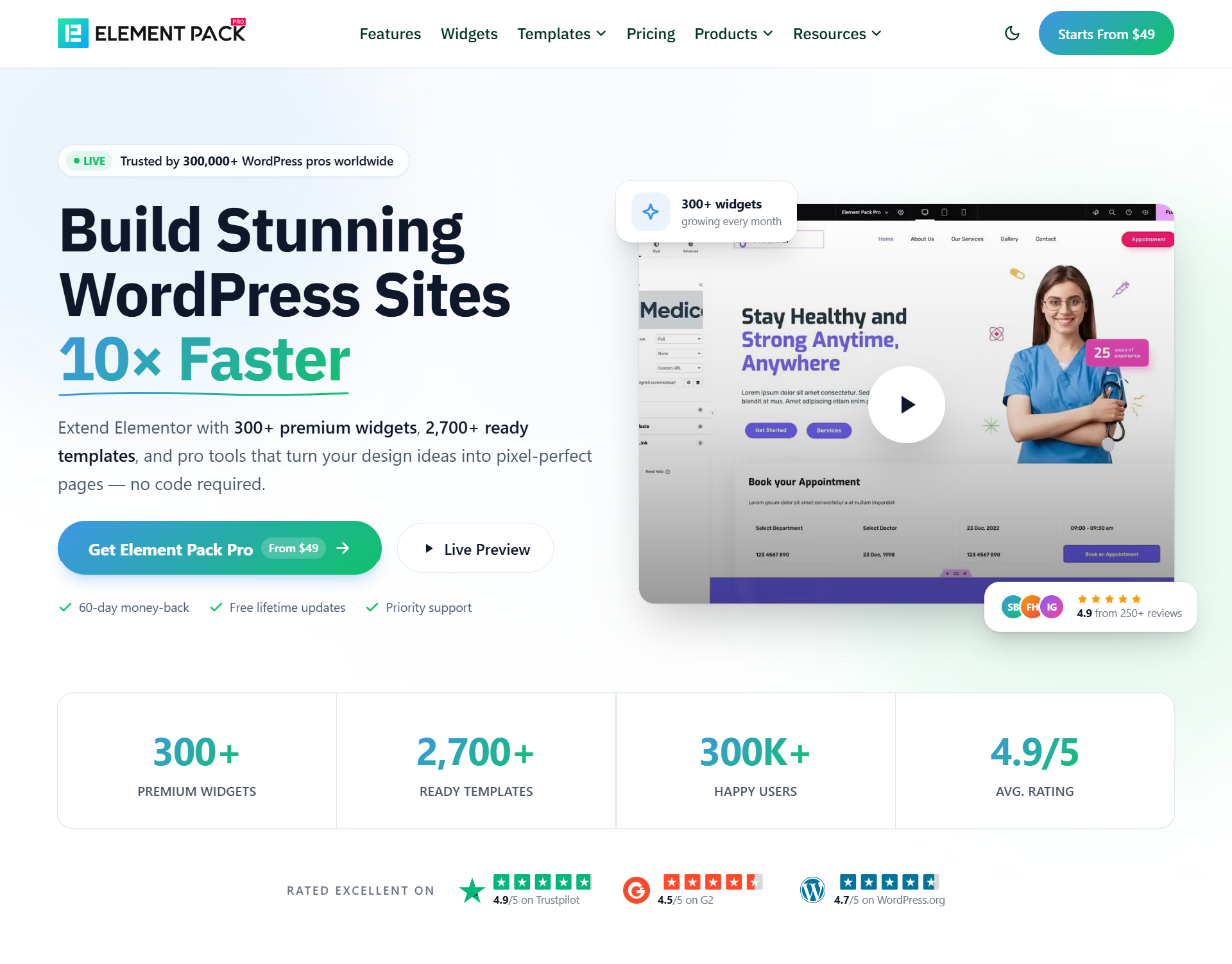
One of the most practical alternatives to upgrading to Elementor Pro is pairing Elementor Free with Element Pack, a premium Elementor addon developed by BdThemes.
This combination gives you an expanded widget library, advanced templates, WooCommerce tools and design extensions without the constraints of Elementor's own pricing tiers.
Can Element Pack Replace Some Elementor Pro Features?
Element Pack is not a replacement for Elementor Pro. It is designed to extend and enhance Elementor, not replace its core builders.
However, it offers features that overlap with and, in some areas, exceed what Elementor Pro provides.
For users whose primary goal is more widgets, more templates and more design flexibility rather than Elementor Pro's specific builders, Element Pack is a compelling and often more cost-effective path.
Where Elementor Pro focuses on site-wide control through its Theme and WooCommerce Builders, Element Pack focuses on expanding the widget palette and adding specialized design tools.
How Element Pack Extends Elementor Free
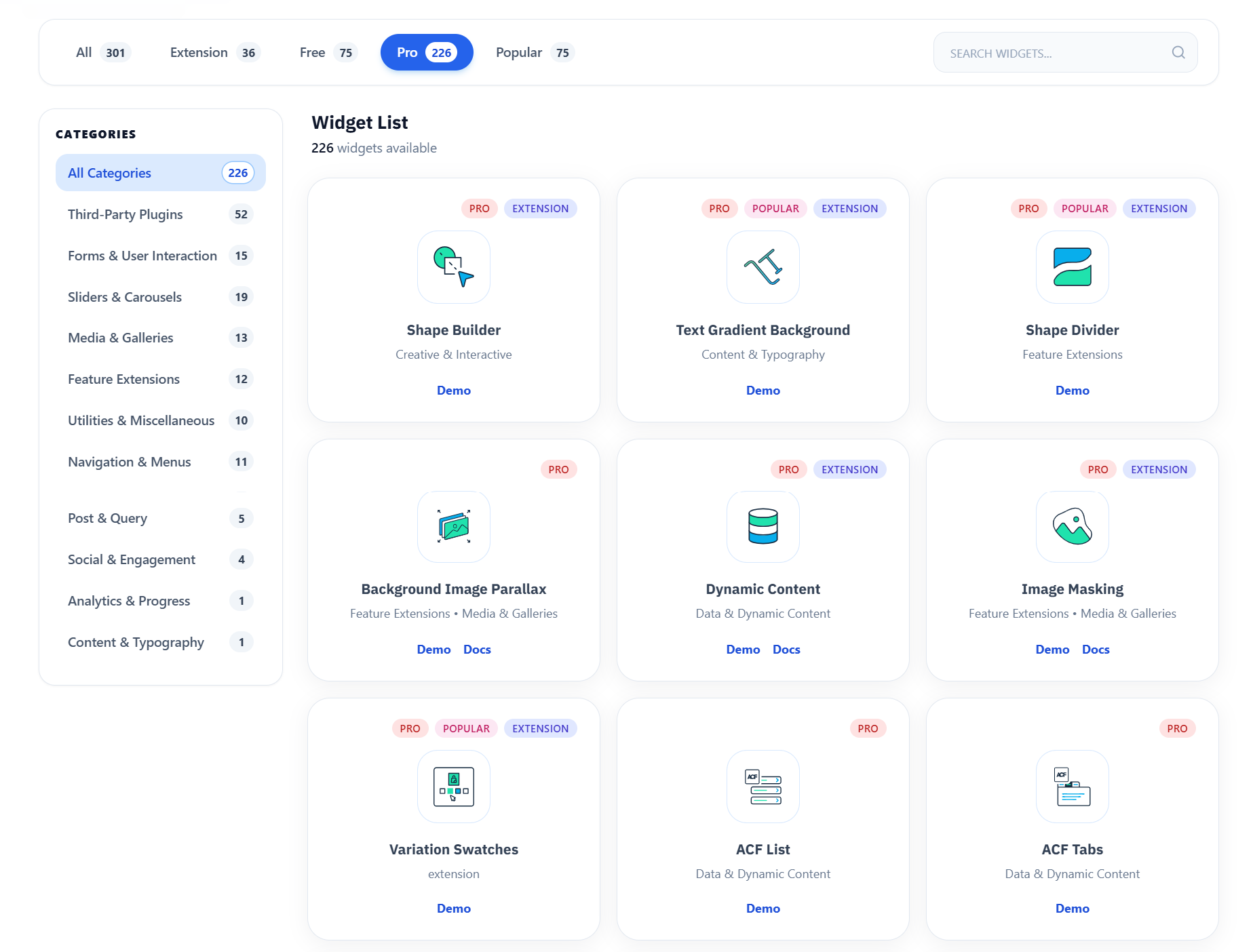
Element Pack adds over 300 specialized widgets on top of Elementor Free's 32, covering content display, navigation, WooCommerce, forms, dynamic data and advanced design effects.
It also brings 30+ pro extensions like Mega Menu Builder, Live Copy Paste, Display Conditions, Floating Effects and Scroll Animations that are not available in either Elementor Free or Elementor Pro.
Widgets and Features You Get with Element Pack
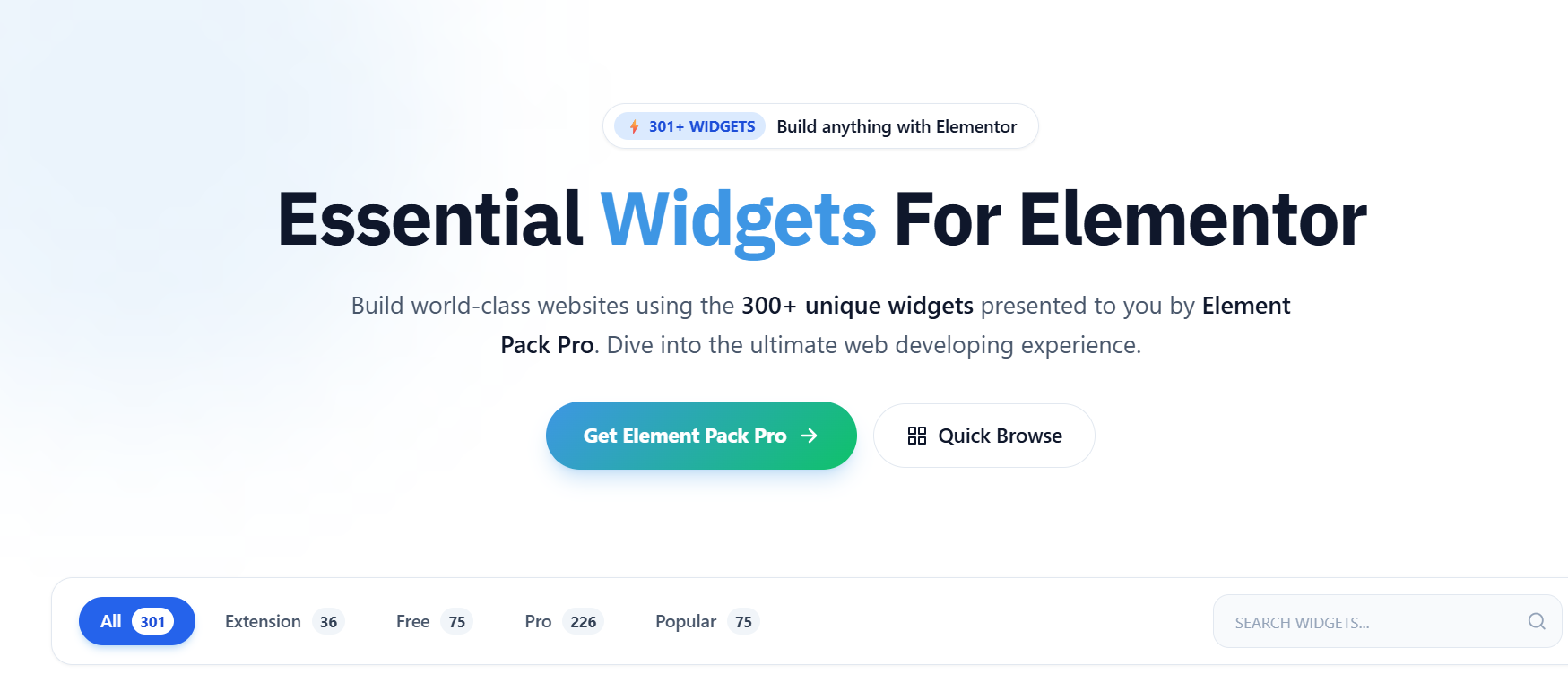
The Element Pack widget library spans virtually every design category:
- Post Grid, Dynamic Grid, Loop Builder and Post Carousel for displaying blog content, custom post types and dynamic data in custom layouts
- Mega Menu Builder for complex navigation structures, which is not available natively in Elementor Pro
- Live Copy Paste for instantly duplicating designs from any Element Pack demo directly into your site with two clicks
- Pricing Table, Countdown Timer, Testimonial Carousel, Advanced Tabs, Timeline and dozens of other interactive content widgets
- Filterable Gallery, Image Masonry, Image Comparison and Scroll Image for visual storytelling
- WooCommerce Product Grids, Product Carousels, Variation Swatches, Mini Cart and dedicated checkout page widgets
- ACF Integration widgets for displaying custom field data across every ACF field type
- Smart Assets Manager that loads only the CSS and JavaScript your page actually needs, keeping sites fast and bloat-free
You can browse live demos of all available widgets at elementpack.pro/widgets.
Templates and Ready-Made Sections
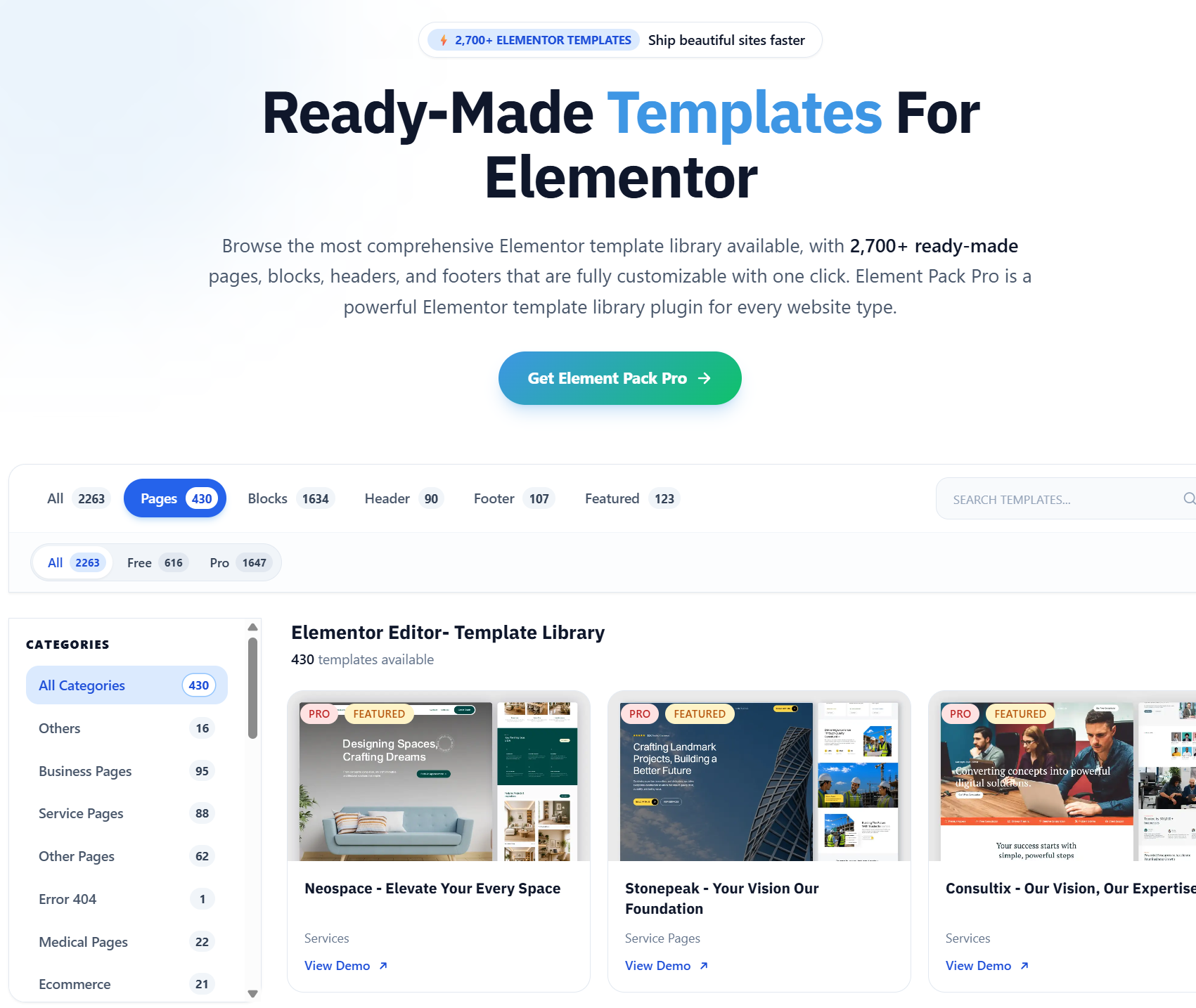
Element Pack includes 2,700+ professionally designed ready-made templates accessible directly inside the Elementor editor, covering landing pages for SaaS products, agencies, restaurants, portfolios, events, eCommerce stores and more.
These templates include Ready Headers and Ready Footers for building site-wide navigation sections without needing a Pro Theme Builder subscription.
Advanced Design Capabilities
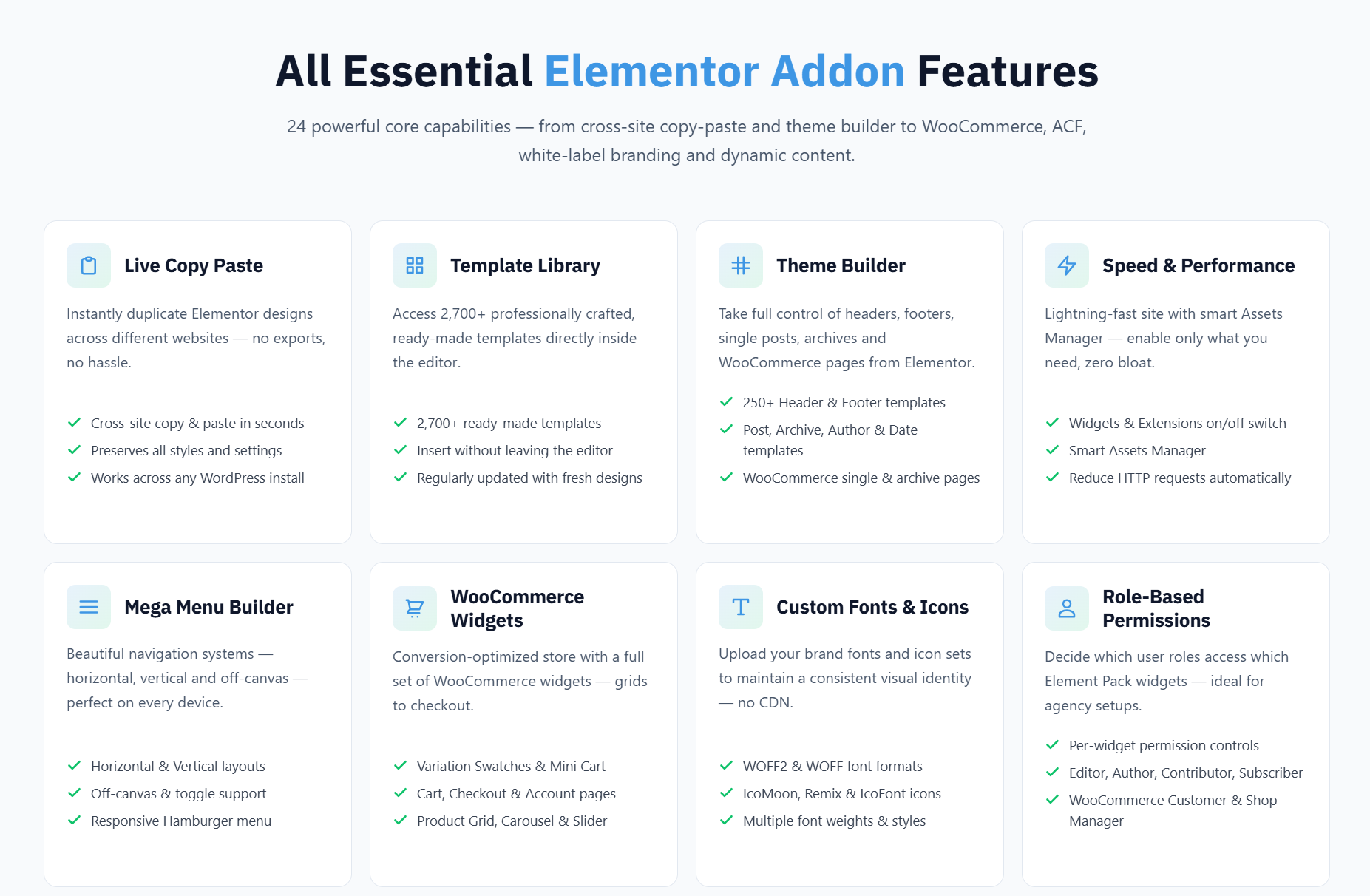
Element Pack's 30+ extensions add design capabilities that go beyond both Elementor Free and Elementor Pro.
You get scroll-driven and physics-based interactive animations, particle backgrounds, animated gradients, 3D text effects, cursor effects and more.
See the full extension list at elementpack.pro/features.
WooCommerce Features
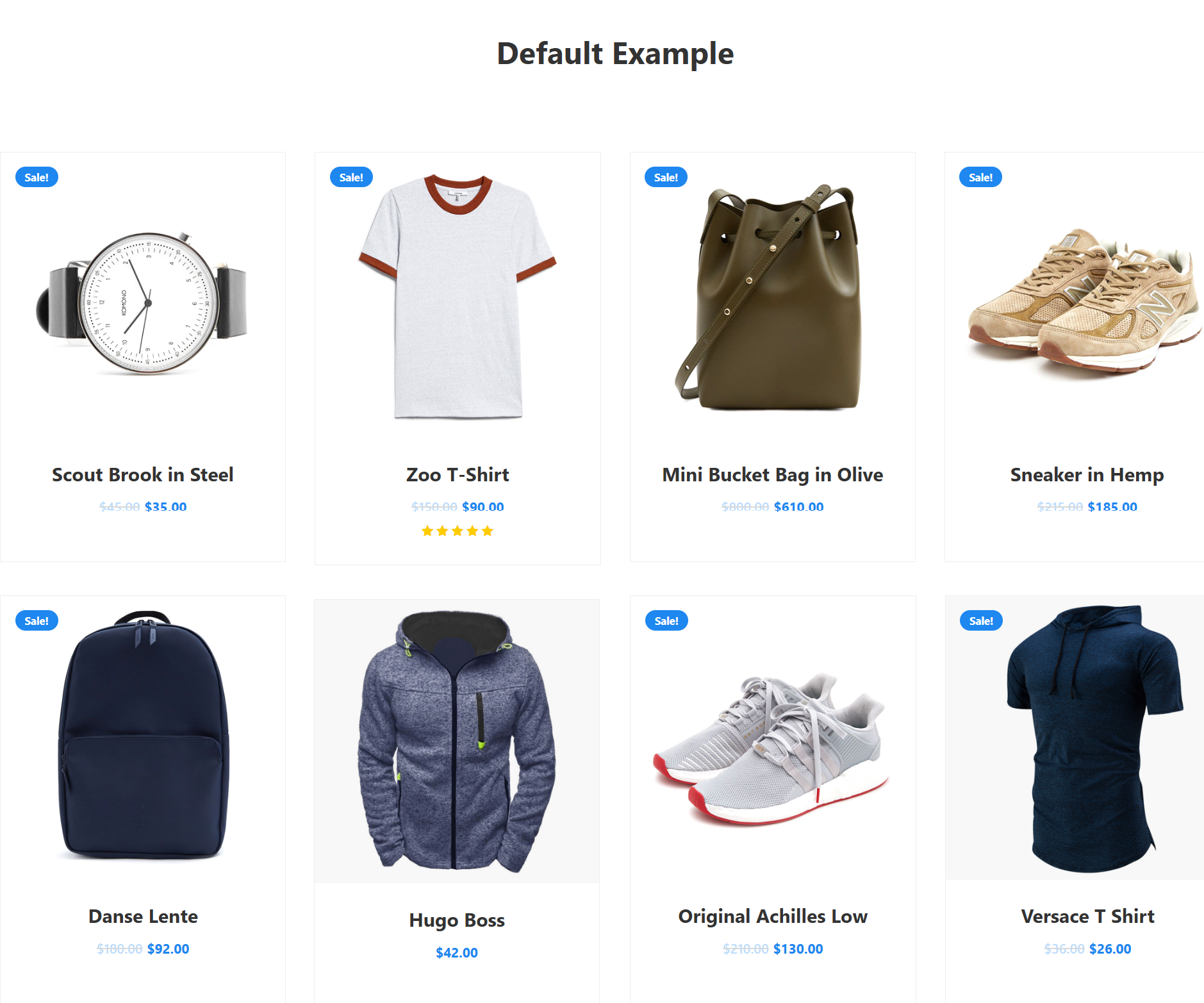
Element Pack treats WooCommerce as a first-class citizen. The WooCommerce widget suite includes product display grids and carousels with advanced filtering, variation swatches that replace dropdown selectors with visual color and size options, a mini cart that integrates anywhere on the page, custom category display layouts and dedicated checkout and cart page widgets.
You can also read our guide on the best Elementor addons for WooCommerce for further options.
Third-Party Integrations
Element Pack integrates natively with WooCommerce, Advanced Custom Fields (ACF), Easy Digital Downloads (EDD), WPML, LearnPress, Tutor LMS, bbPress and the Events Calendar.
It covers the major WordPress plugin ecosystems most commonly used in professional web builds.
Why Many Users Combine Elementor Free and Element Pack
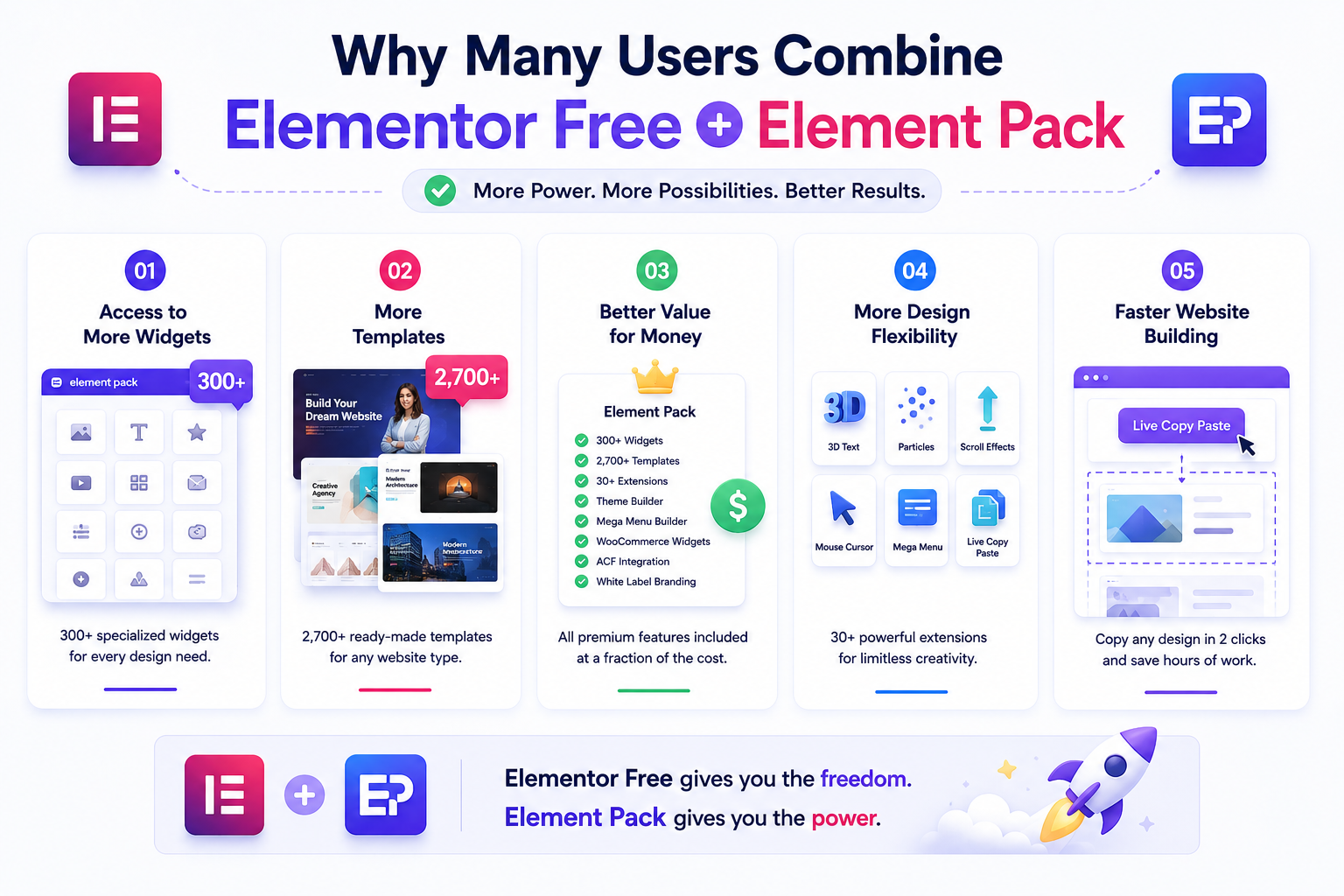
The combination of Elementor Free and Element Pack has become a popular choice for users who want professional-level results without the constraints of Elementor's pricing model.
Here is why this setup works well in practice.
Access to More Widgets
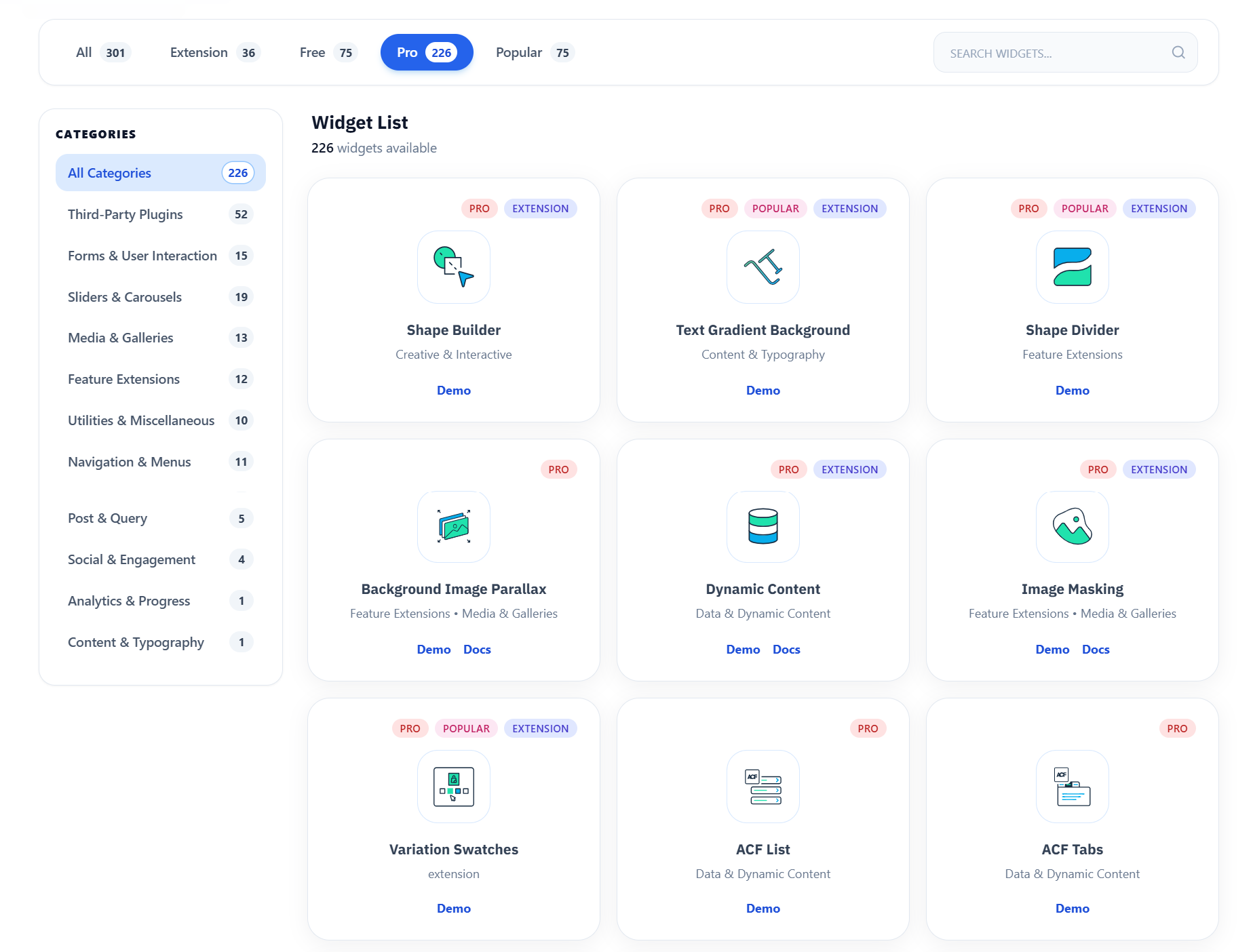
Instead of being limited to Elementor Pro's 57 to 85 Pro widgets, users who install Element Pack alongside Elementor Free gain access to 300+ specialized widgets designed for real-world web design scenarios.
This breadth of coverage reduces the need to install multiple separate plugins for different functionality, keeping the WordPress install lean and manageable.
You can explore the full library at elementpack.pro/widgets.
More Templates
With 2,700+ ready-made templates, Element Pack users can start from polished, professionally designed layouts for virtually any website type.
Combined with Elementor Free's foundational editing tools, this makes it easy to go from a blank WordPress install to a client-ready website in a fraction of the time it would take building from scratch.
Better Value for Money
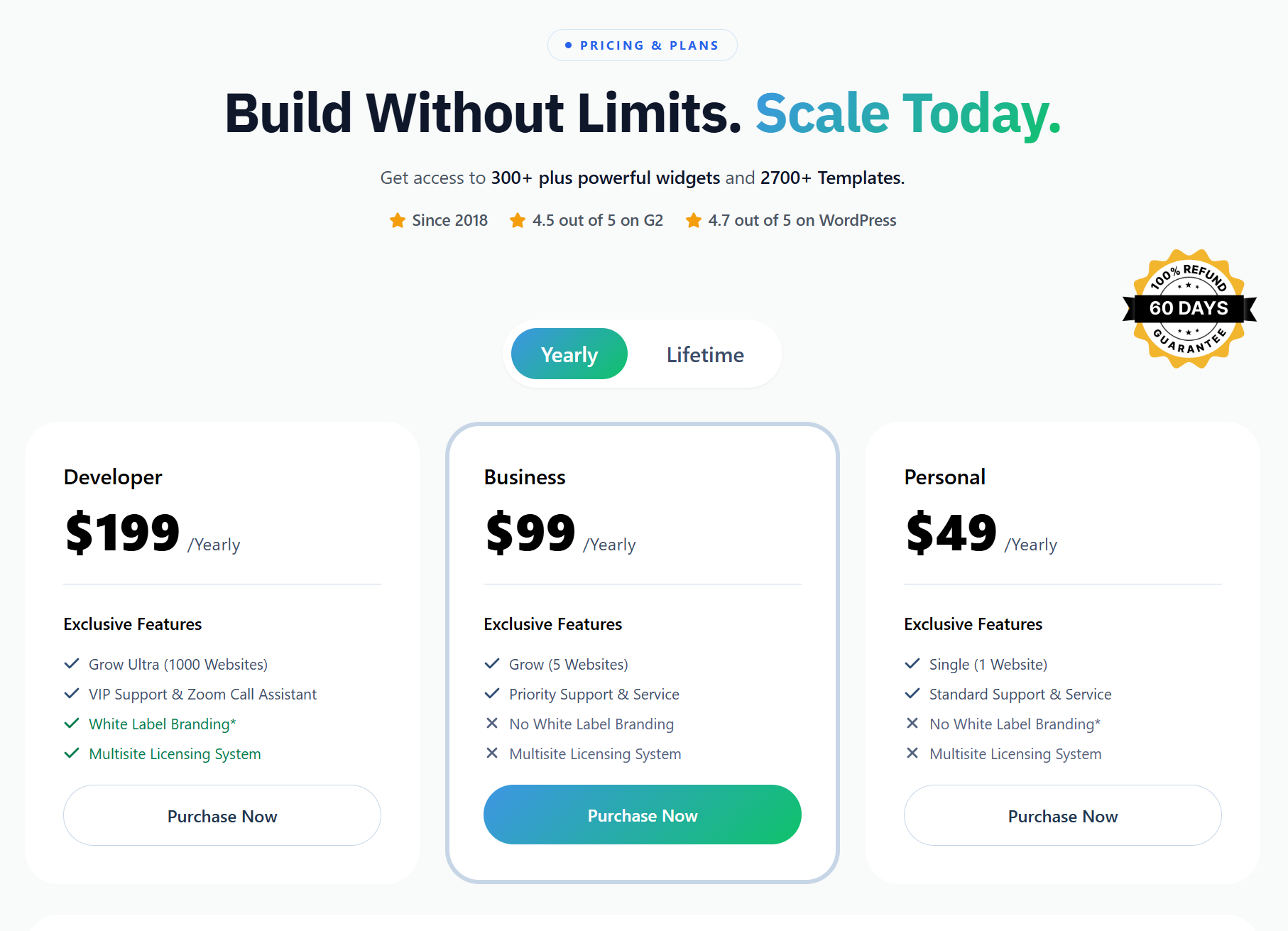
Element Pack's Personal, Business and Agency plans all include the full library of 300+ widgets, 2,700+ templates, 30+ extensions, Theme Builder, Mega Menu Builder, WooCommerce widgets, ACF integration and white-label branding.
Plans differ only in the number of site activations and support priority. Yearly and lifetime plans are both available. See current pricing at elementpack.pro/pricing.
For users managing multiple client sites, Element Pack's Agency plan offers substantial savings compared to purchasing Elementor Pro Expert or Agency licenses.
For a detailed comparison of Element Pack against other Elementor addons, see our Essential Addons alternatives guide.
More Design Flexibility
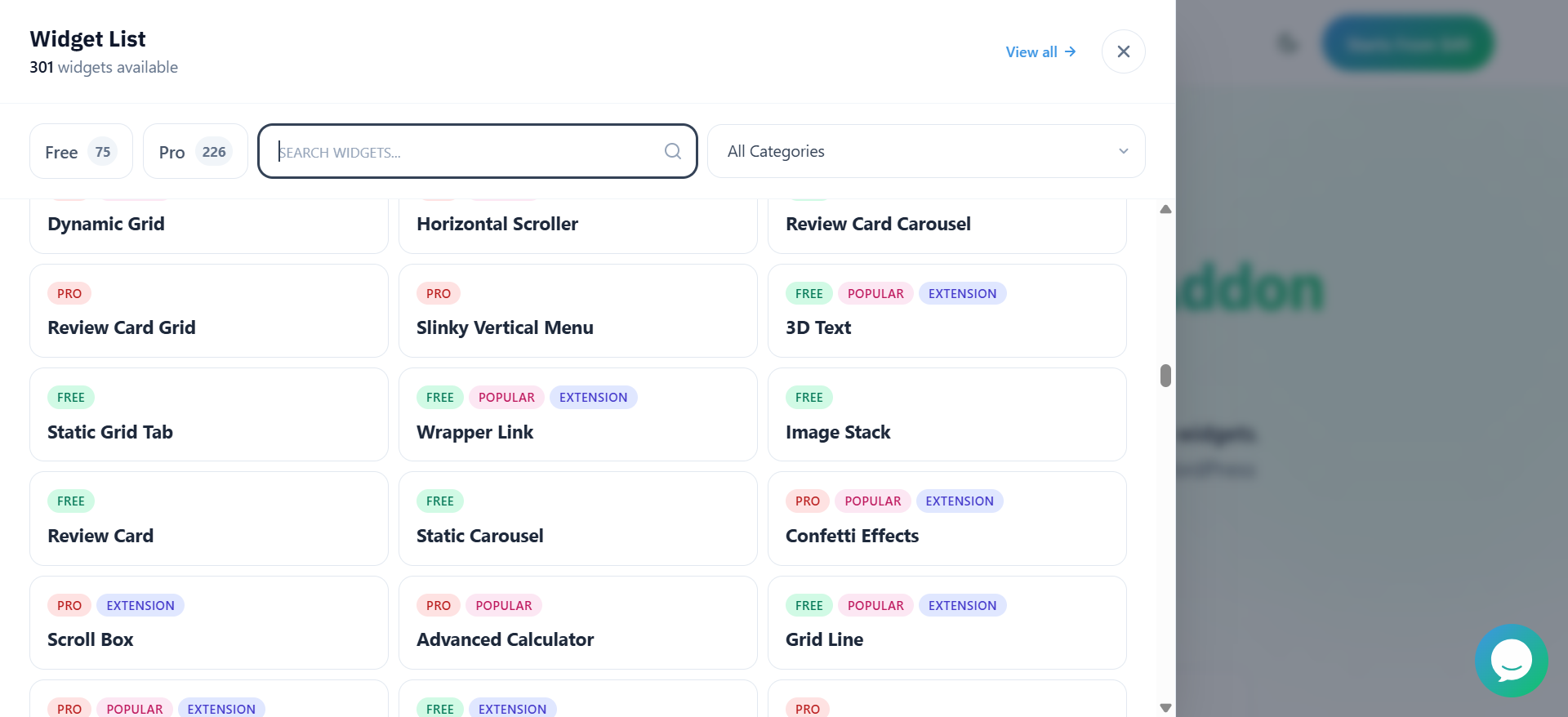
Element Pack's 30+ extensions give designers tools that simply do not exist in Elementor Pro, including physics-based animations, 3D text, cursor effects, scroll-fill effects and notification extensions.
Combined with the Mega Menu Builder and Live Copy Paste, the overall design toolkit is arguably more flexible than what Elementor Pro alone provides.
Our article on the best alternatives to Elementor Pro widgets covers this comparison in depth.
Faster Website Building
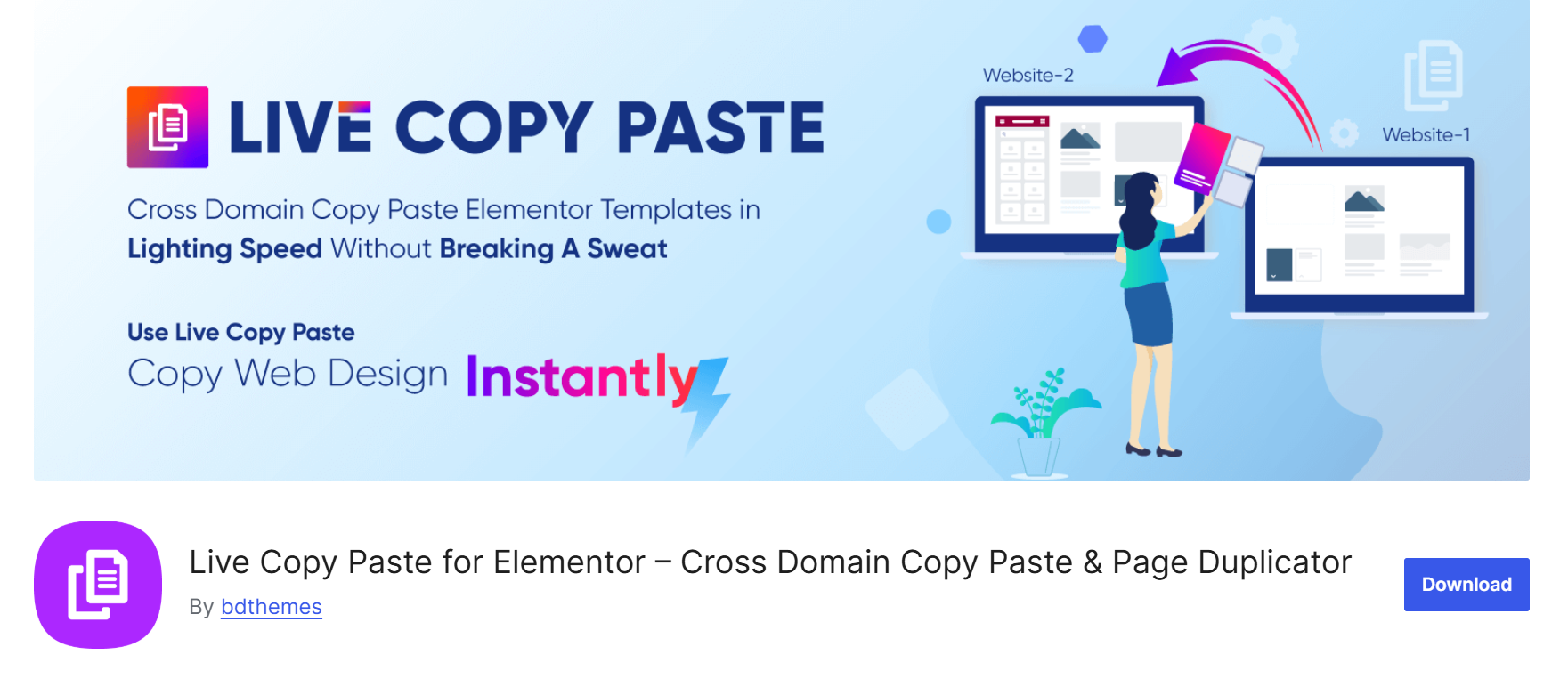
Live Copy Paste lets you copy any design from an Element Pack demo page directly into your Elementor editor in two clicks.
Instead of manually recreating complex layouts widget by widget, you can paste a finished design and customize it to match your project.
This alone makes Element Pack a significant time-saving investment for agencies and freelancers working on tight schedules.
Elementor Pro vs Element Pack Feature Comparison
Here is a direct feature comparison to help you evaluate both options clearly before making a decision.
| Feature | Elementor Pro | Element Pack |
| Total Widgets | 57 to 85 Pro widgets + 32 free | 300+ specialized widgets |
| Templates | Full Elementor template library | 2,700+ ready-made templates inside the editor |
| Extensions | Built-in Pro extensions only | 30+ pro extensions (Mega Menu, Display Conditions, Live Copy Paste and more) |
| WooCommerce Features | Product display, shop, cart, checkout (Advanced Solo+) | Full WooCommerce suite: grids, sliders, variation swatches, mini cart, checkout pages |
| Dynamic Content | Custom fields & post types (Advanced+) | ACF integration, CPT UI, dynamic loop builder, post grids |
| Third-Party Integrations | WooCommerce, Stripe, PayPal, email tools | WooCommerce, ACF, EDD, WPML, LearnPress, Tutor LMS, bbPress, Events Calendar |
| Cross-Site Copy Paste | Not available natively | Live Copy Paste included across all plans |
| Mega Menu Builder | Not included | Included |
| White Label | Not included | Included (Agency plan) |
| Pricing | From $59/year (1 site) | Personal, Business, Agency with yearly and lifetime options |
| Support | Basic chatbot; Priority on Agency & One | Ticket, live chat, knowledge base, video tutorials |
Which Option Offers Better Value for Beginners?
Beginners face a practical choice between three paths when they outgrow Elementor Free's limitations. The right answer depends on what specific features are blocking your progress.
Elementor Free
The best starting point for anyone learning WordPress and web design. It costs nothing, covers the basics across its 32 core widgets and gives you time to understand what you actually need before spending money.
Elementor Pro
The right choice if you specifically need the Theme Builder to replace your WordPress theme's header and footer, the Popup Builder for lead capture campaigns, or the WooCommerce Builder for a custom store.
For users with these specific needs, the Essential or Advanced Solo plan delivers clear value.
Elementor Free Plus Element Pack
The best choice for beginners who want significantly more design capability without committing to Elementor Pro. You keep the familiar Elementor Free editing experience and gain access to 300+ additional widgets, 2,700+ templates and advanced extensions. Explore Element Pack to see the full scope of what becomes available.
Which Option Is Best for Agencies and Professionals?
For agencies and professional developers, the decision between Elementor Pro and Element Pack is not necessarily an either/or choice, but understanding the strengths of each helps you make smarter budget decisions.
- Scalability: Elementor Pro's Expert and Agency plans scale across 25 and 1,000 sites, respectively. Element Pack's Agency plan also covers up to 1,000 site activations and includes multisite licensing, white-label branding and priority support with Zoom call assistance for license owners.
- Cost efficiency: When you compare the per-site cost of Element Pack's Agency plan to Elementor Pro's Agency plan, Element Pack often offers a more cost-effective option for teams that primarily need widget expansion and template access rather than Elementor's specific Pro builders.
- Client projects: Element Pack's white-label feature lets you completely replace all Element Pack branding in the client's WordPress admin, presenting it as your own toolkit. Elementor Pro does not offer white-labeling on standard Pro plans, making this an important differentiator for agencies with white-label delivery requirements.
For agencies that need both advanced dynamic content and a wide design toolkit, combining Elementor Pro with Element Pack gives you the most comprehensive setup available.
Our guide on the best Elementor addons for WooCommerce explains how these tools work together in eCommerce builds.
Frequently Asked Questions
Is Elementor Pro worth it?
It depends on what you need. If you specifically require the Theme Builder, the WooCommerce Builder for a custom store, or the Popup Builder for lead capture, then yes, Elementor Pro is worth the cost. For users who primarily want more design widgets and templates, combining Elementor Free with Element Pack often delivers similar or greater capability at a competitive price.
Can I build a website with Elementor Free?
Yes. Elementor Free is fully capable of building static business pages, portfolios, landing pages and blog content pages. Its 32 widgets cover the core building blocks and you can install free WordPress plugins to handle contact forms and other missing functionality. You can download Elementor Free here.
Is Elementor Pro necessary?
Elementor Pro is necessary if you need site-wide design control. It is not necessary for simple websites, portfolios, or landing pages. For users who want expanded widgets and templates without the Pro subscription, a premium add-on like Element Pack is a practical alternative.
Can Element Pack replace Elementor Pro?
Not entirely. Element Pack is designed to extend Elementor, not replace it. However, for users whose primary need is more widgets, advanced design tools and templates, Element Pack fills that gap and then some. See the Element Pack features page for a full overview.
Do I need Elementor Pro and Element Pack together?
Not necessarily, but many advanced users and agencies do use both together. Elementor Pro provides site-wide builders, while Element Pack adds 300+ additional widgets, templates and extensions. Used together, they form the most comprehensive WordPress page-building toolkit available. If your budget is limited, start with Element Pack alongside Elementor Free and evaluate whether you genuinely need the Pro builders before adding the Pro subscription.
Which is better for beginners?
Elementor Free is the best starting point. Once you are ready to expand your capabilities, Element Pack, paired with Elementor Free, offers the most beginner-friendly upgrade path by adding hundreds of widgets and templates to the familiar editing environment without requiring a Pro subscription.
Final Verdict: Should You Upgrade to Elementor Pro?
Elementor Pro is a well-built, comprehensive tool that delivers genuine value for users who need its core builders.
But if your main motivation is more widgets, more templates and more design flexibility, the upgrade may not be the most cost-effective path. Always compare at elementor.com/pricing before deciding.
If you need more widgets, templates and advanced design capabilities without immediately committing to Elementor Pro, Element Pack offers an excellent way to extend Elementor and build professional websites more efficiently.
With 300+ widgets, 2,700+ templates, 30+ extensions, WooCommerce support, white-label branding and an active support team at BdThemes, it is one of the most capable single investments you can make in your Elementor toolkit.
Explore Element Pack or review the pricing options to find the plan that fits your workflow.
Suza
The BdThemes team builds WordPress plugins trusted by 3M+ users worldwide. We write about web accessibility, WCAG compliance, and inclusive design.