Pro
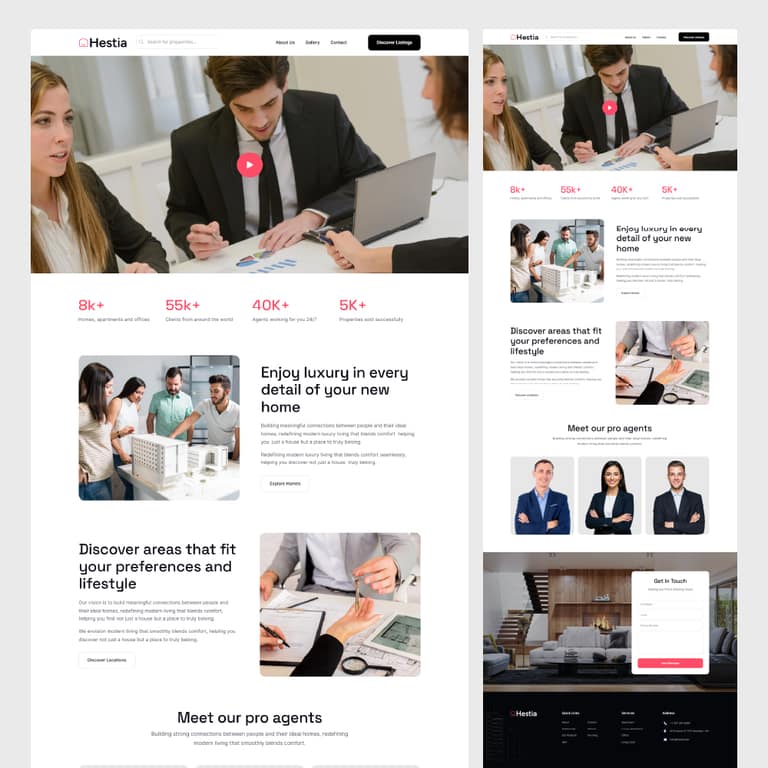
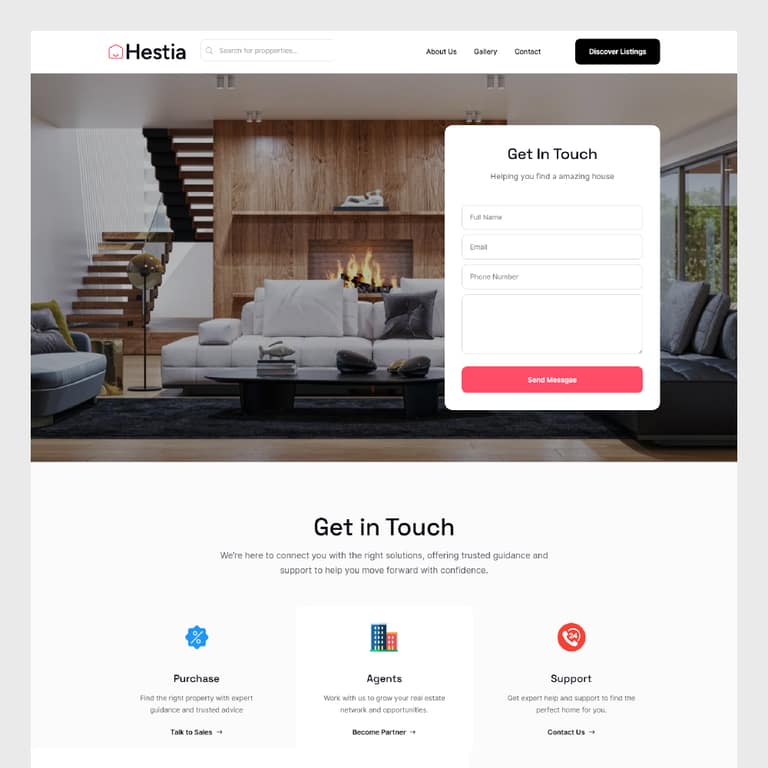
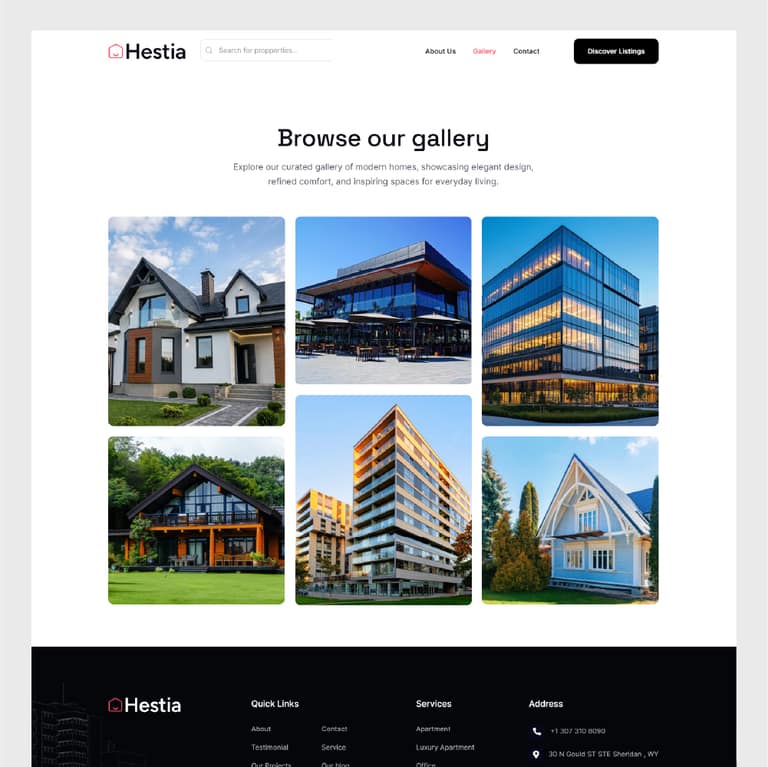
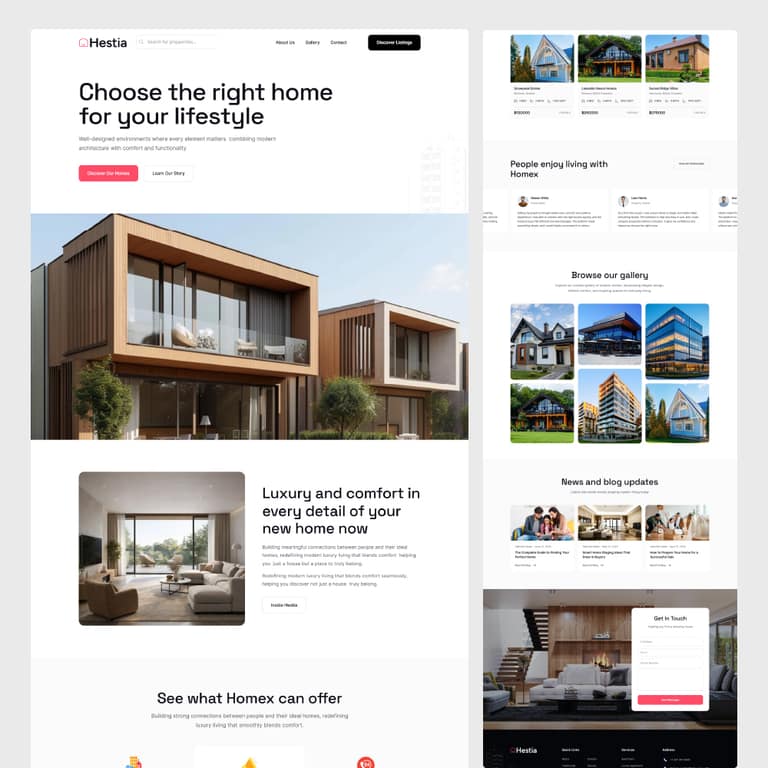
Browse the most comprehensive Elementor template library available, with 2,700+ ready-made pages, blocks, headers, and footers that are fully customizable with one click. Element Pack Pro is a powerful Elementor template library plugin for every website type.
Categories
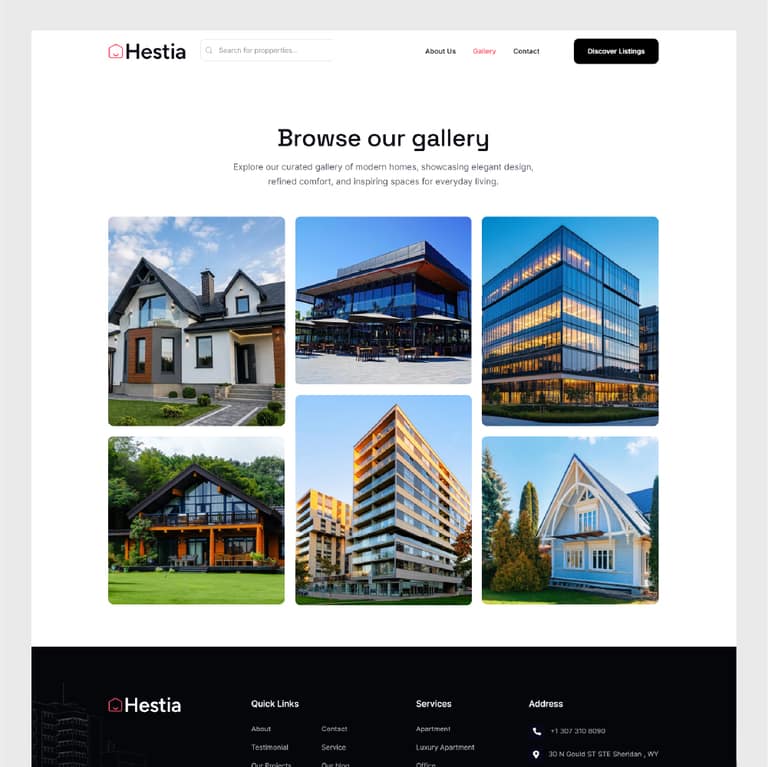
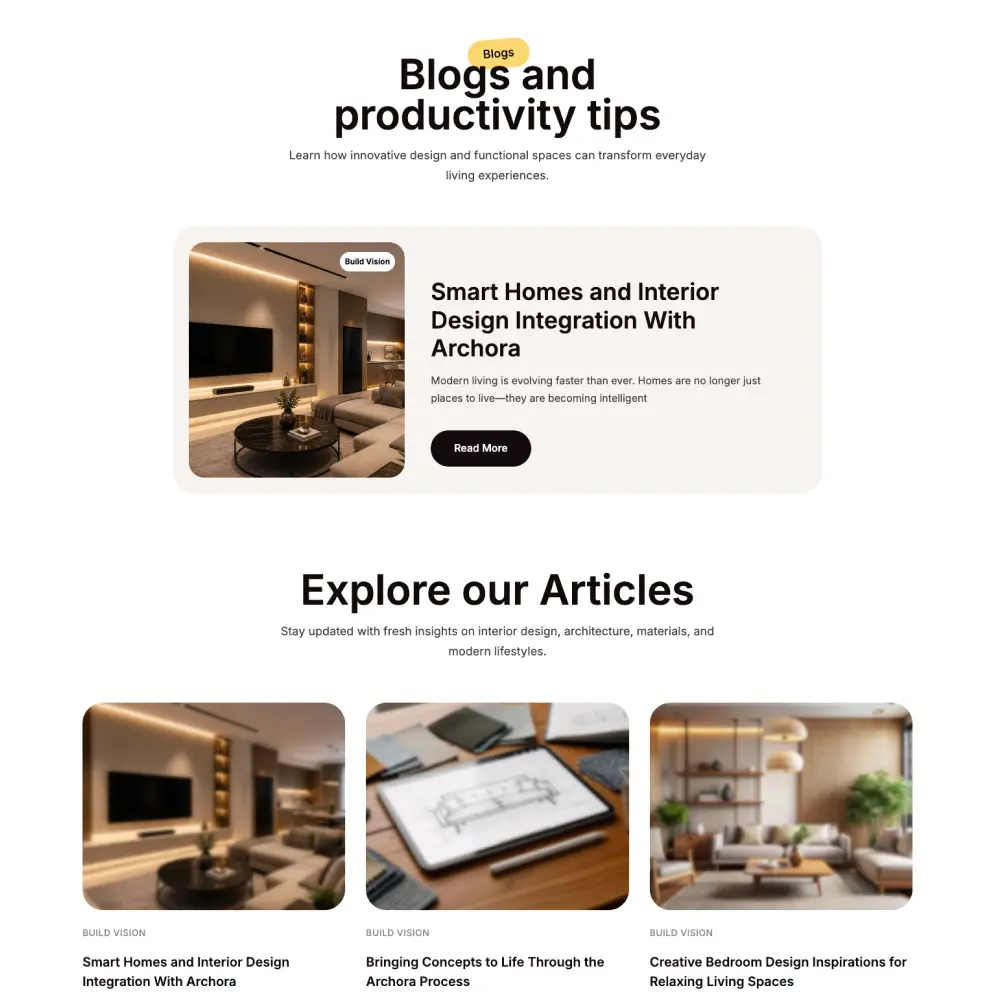
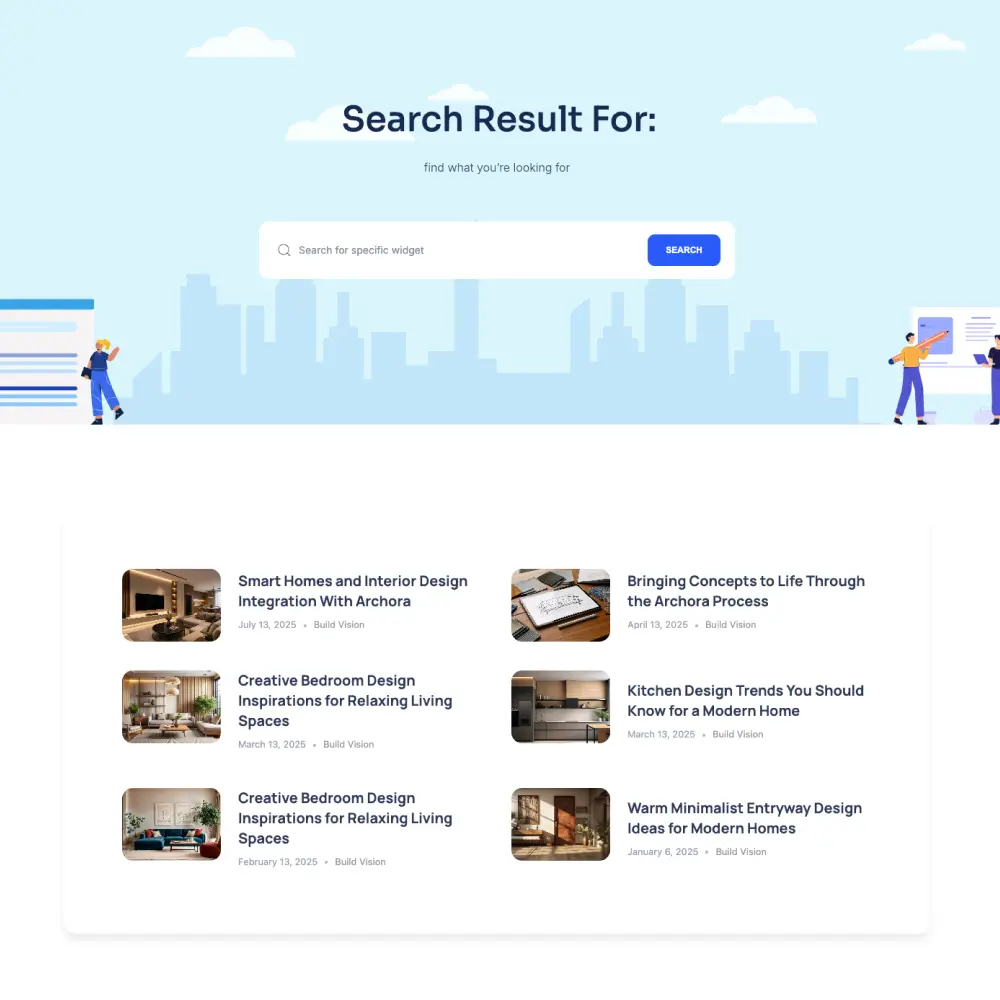

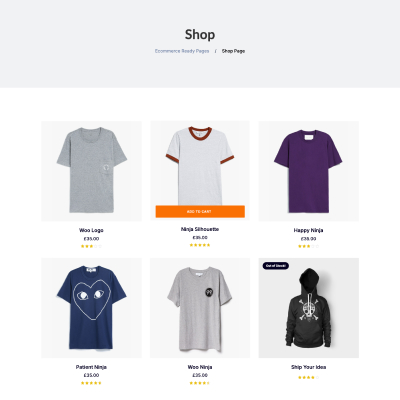
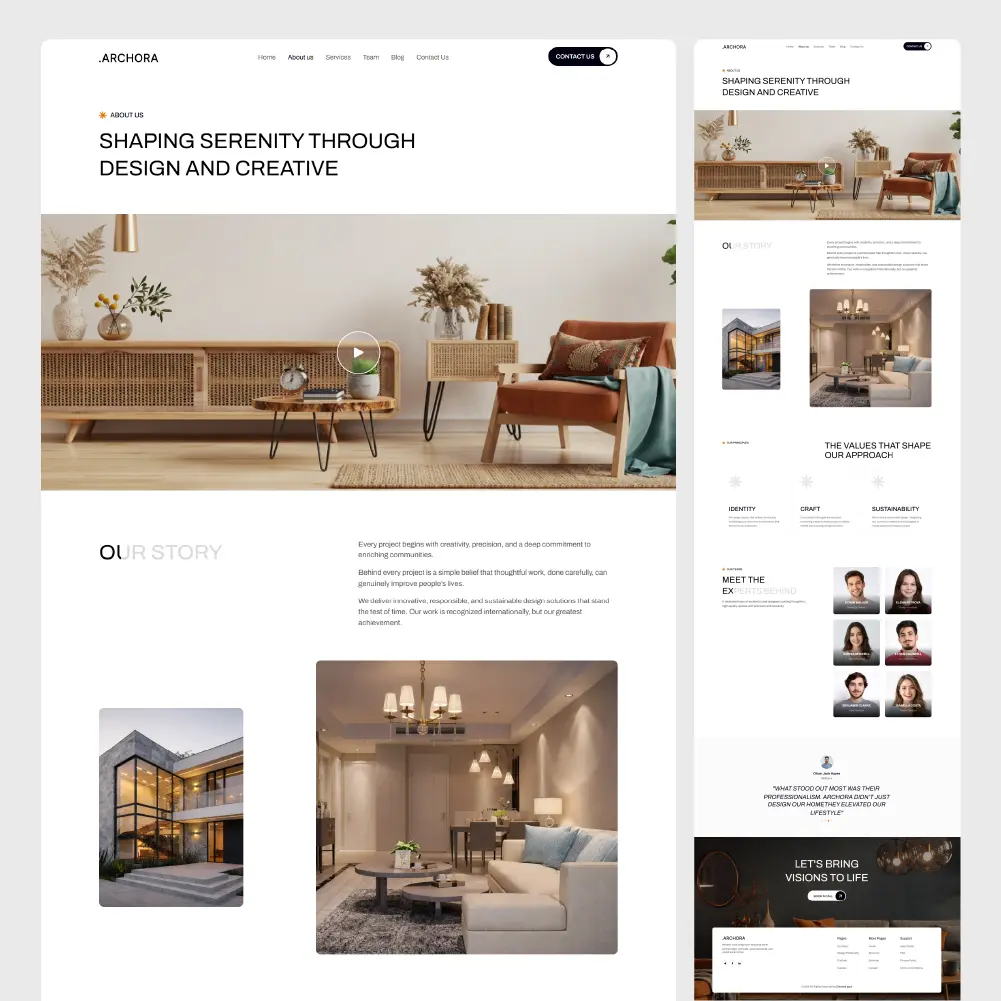
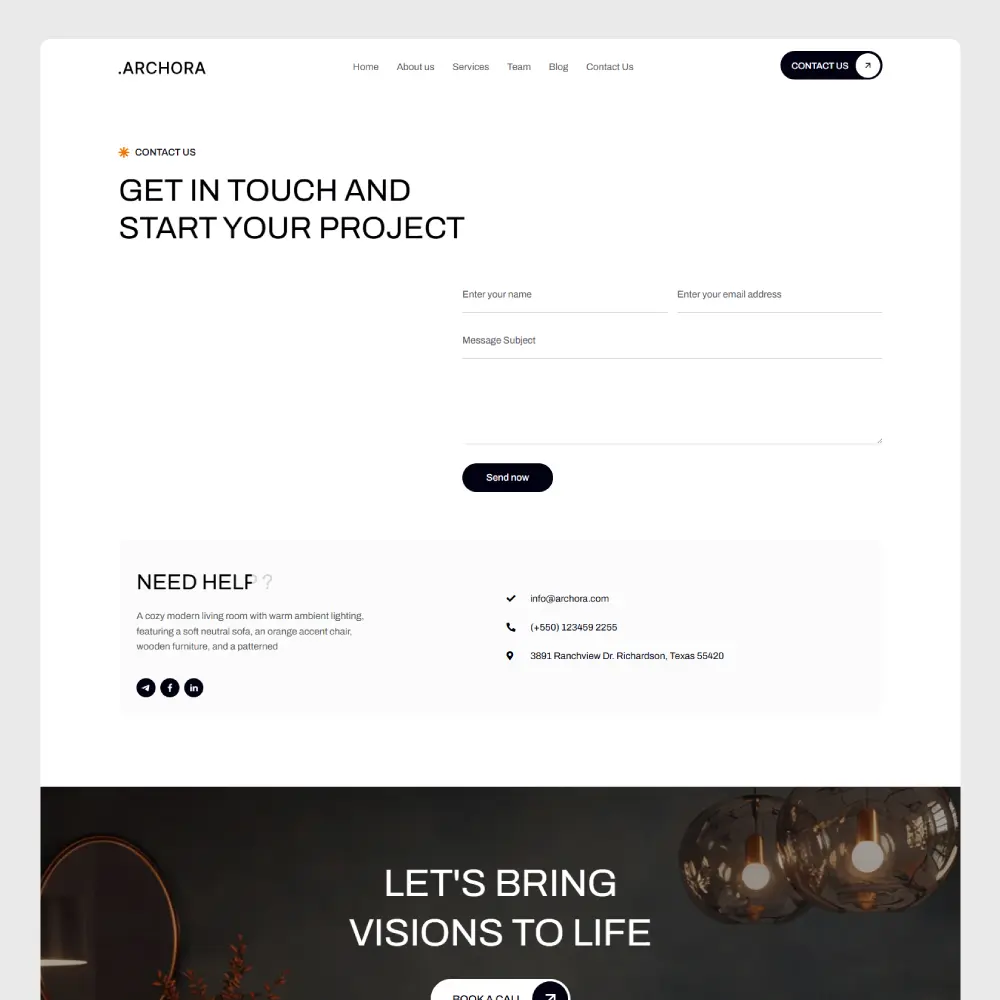
Now you can make your custom bundle with custom discounts.
Personal, Business, Agency – any package, you name it. See Details →
Getting started with our Elementor template library is effortless. Follow these simple steps to import any template in just a few minutes.
First, install and activate Element Pack Pro on your WordPress website.
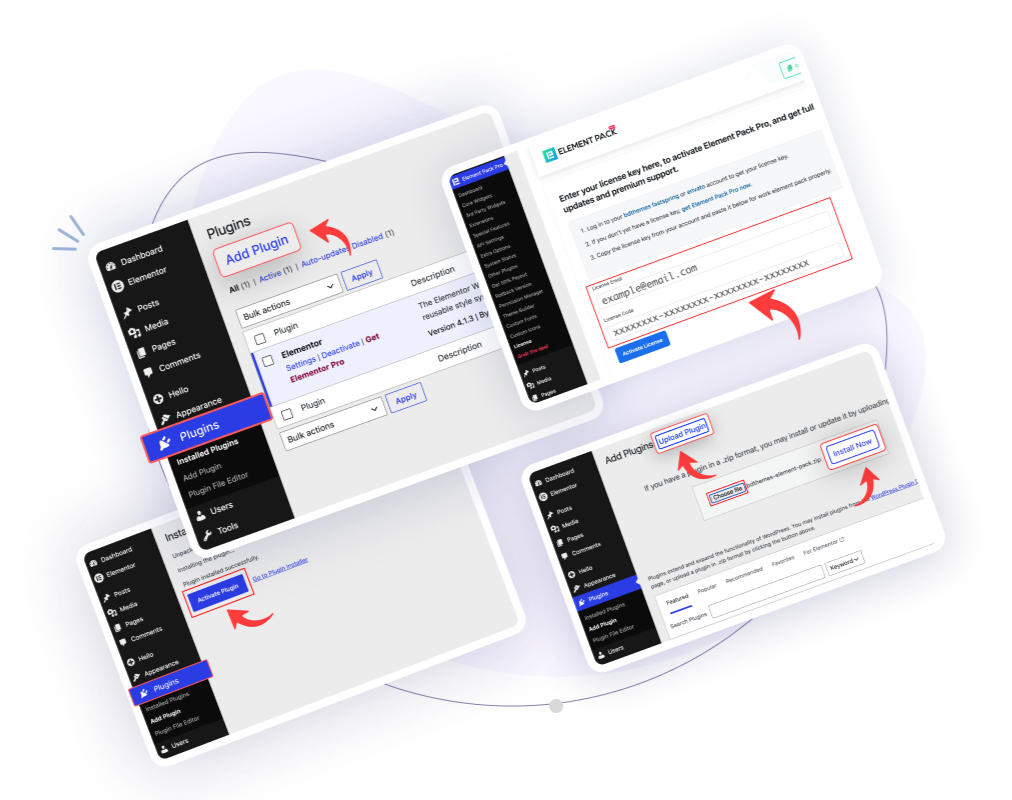
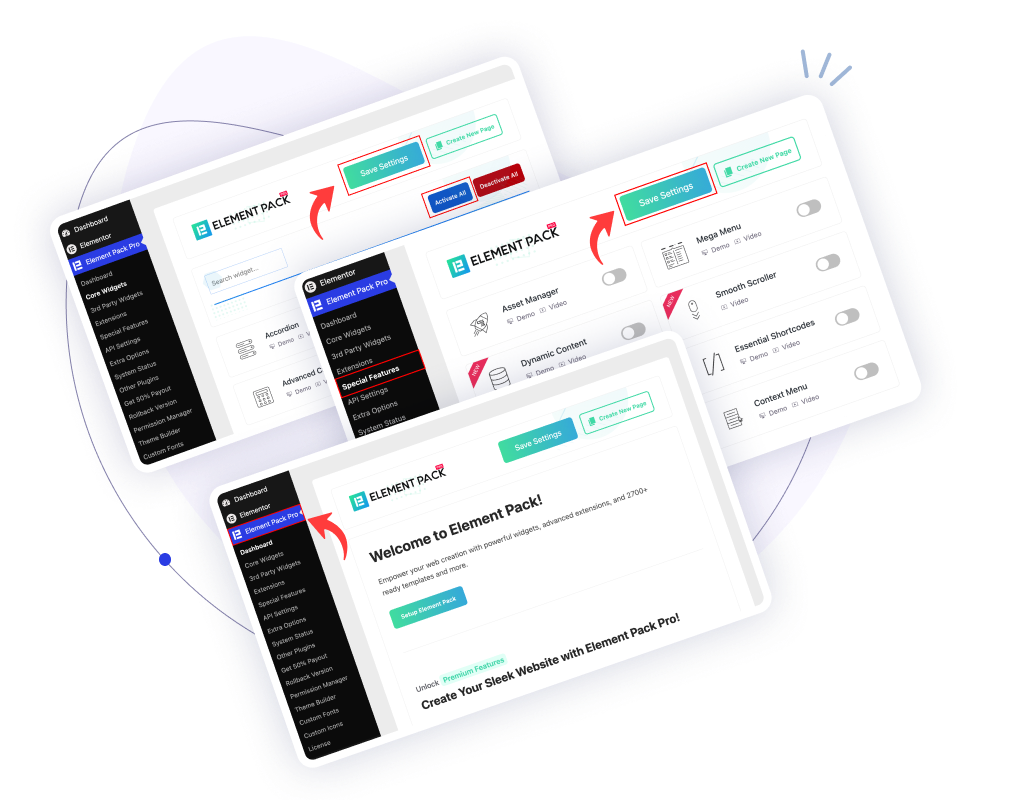
After activating the plugin, you need to enable the Template Library feature.
Tip: Enable all Element Pack widgets to avoid missing content when importing templates. If a widget used in the template is disabled, some sections may appear blank.
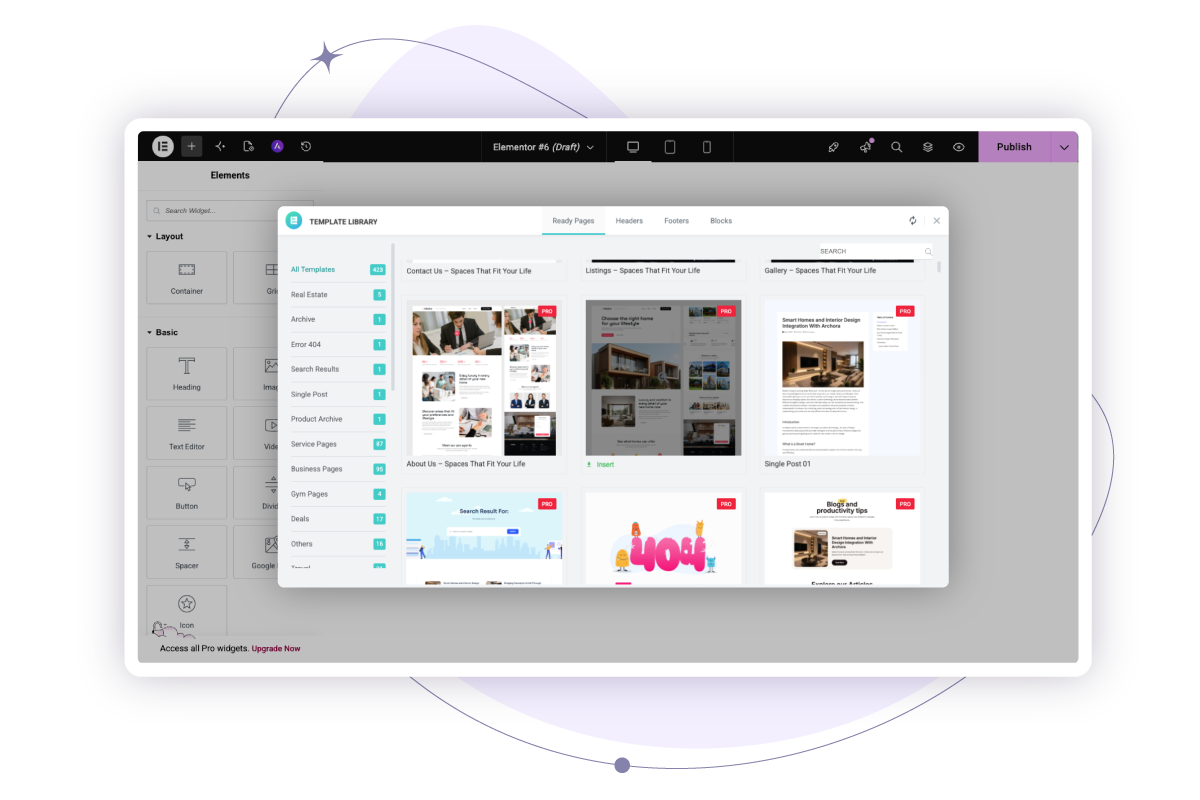
Now you're ready to import a template.
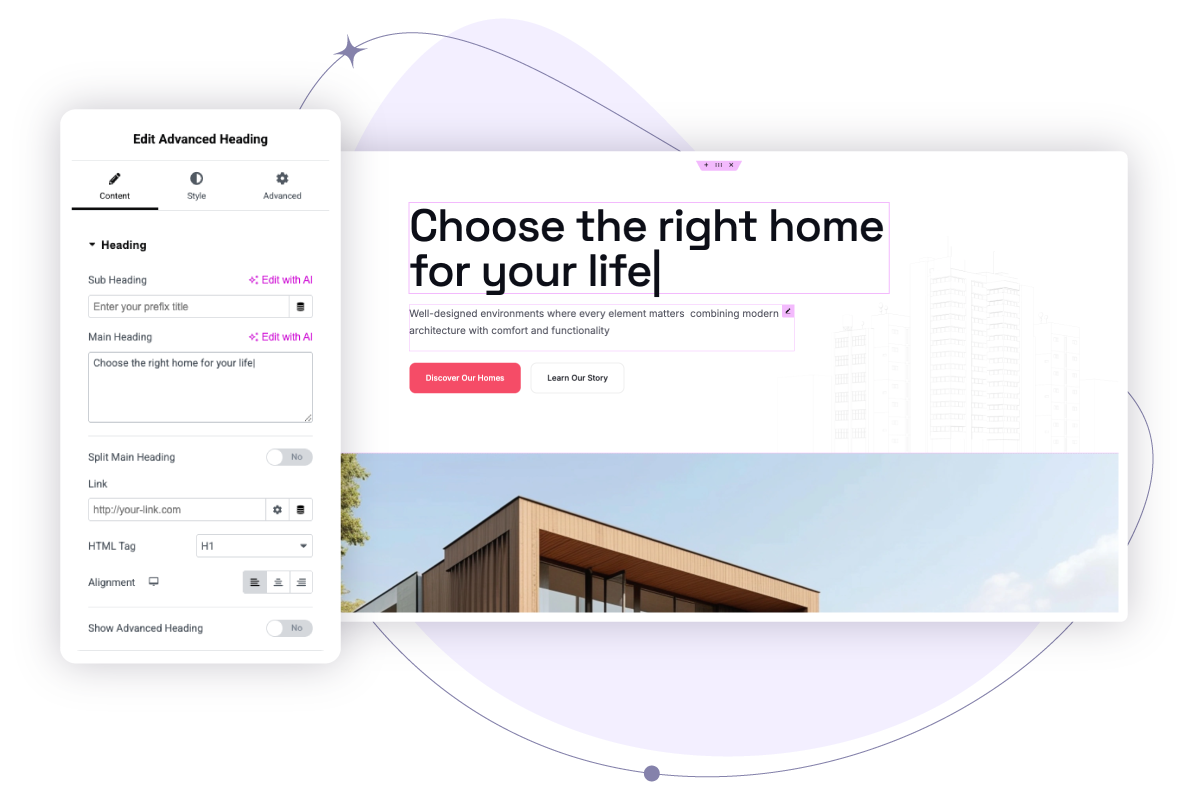
Once the template is imported, you can edit it using Elementor.
That's it! Your Elementor template is now ready to use.
Element Pack Pro provides everything you need to create professional websites without starting from scratch. With thousands of ready-made Elementor templates and seamless one-click imports, you can design, customize, and launch websites in significantly less time.
Get access to 2,700+ professionally designed Elementor templates, including complete pages, website kits, blocks, headers, and footers. Whether you're building a business website, portfolio, blog, online store, or landing page, you'll find templates that fit your project perfectly.
Save valuable time with a streamlined import process. Browse templates directly inside the Elementor editor and import any design with a single click. There is no need to download files, upload ZIP packages, or switch between multiple tabs. Simply choose a template and start customizing.
Every template is built using Elementor's drag-and-drop editor, making customization simple and flexible. Change colors, fonts, images, layouts, and content to match your brand. No coding knowledge is required, allowing both beginners and professionals to create unique websites with ease.
All templates are designed with responsiveness in mind. Each layout is optimized for desktop, tablet, and mobile devices, ensuring your website looks professional and performs smoothly on every screen size. This helps deliver a better user experience and improves engagement.
Element Pack works seamlessly with both Elementor Free and Elementor Pro. You can access and customize templates regardless of which Elementor version you use, making it a flexible solution for freelancers, agencies, business owners, and WordPress users.
Keep your website designs fresh with a constantly expanding template collection. New pages, blocks, sections, and complete website kits are added regularly, giving you more options and helping you stay ahead of modern design trends.
Instead of designing every page from scratch, start with professionally designed templates and focus on customization. This significantly reduces development time and helps you launch websites faster while maintaining a polished and professional appearance.
Every template is created with modern design principles, clean layouts, and user-friendly structures. This ensures your website looks visually appealing while maintaining usability and performance across all devices.
The organized template library makes it simple to find exactly what you need. Browse by category, website type, or design style to quickly locate the right template for your next project and speed up your workflow.
Elementor templates are pre-designed page layouts and section blocks built for the Elementor page builder. You import them into any page with one click and then customize text, images and colors using Elementor's drag-and-drop editor. Element Pack Pro's Elementor template library gives you 2,700+ ready-made designs to choose from.
An Elementor template library plugin is a WordPress plugin that adds a library of pre-designed Elementor templates directly inside your Elementor editor. Element Pack Pro is the most popular Elementor template library plugin, giving you instant access to 2,700+ page templates, block templates, headers, footers and complete website kits, all importable with one click.
Element Pack Pro includes 2,700+ Elementor templates across all categories, pages, blocks, headers, footers and featured template kits. New Elementor templates are added to the library every week.
Element Pack Pro offers both free and premium Elementor templates. Free templates are accessible to all users. Pro templates, which include the most advanced designs and full website kits, are available with any Element Pack Pro license starting from $49.
No. Element Pack Pro's Elementor template library works with both Elementor Free and Elementor Pro. You only need the free version of Elementor installed to access and import templates from our library.
Yes! You can import as many Elementor templates as you like on a single page. Many designers combine multiple block-level Elementor templates, hero sections, feature rows, testimonials and CTAs to build a complete custom page.
Yes. Every Elementor template in the Element Pack library is built mobile-first and fully responsive. They're tested across phones, tablets and desktops to ensure a pixel-perfect experience on every screen size.
Install Element Pack Pro, open any page in the Elementor editor and click the Element Pack template library button. Browse or search for your preferred Elementor template, click "Insert," and it's imported instantly. Then customize it with your own text, images and branding.
This depends on your license. Element Pack Pro offers single-site, multi-site and agency licenses, so you can use our Elementor template library on as many websites as your license covers.
Element Pack Pro's Elementor template library includes full-page templates (homepage, about, contact, service, landing pages), block templates (hero sections, testimonials, pricing tables, CTAs), header and footer templates, WooCommerce templates, blog templates, portfolio templates and complete multi-page website kits.