

When redesigning or building a WordPress site, a page builder like Elementor can speed things up without coding. The Elementor Free widget works for the basics WordPress page building, but key widgets are locked behind Pro, which isn’t cheap and doesn’t provide many important widgets.
So, if you’re managing multiple projects or on a budget, I recommend exploring Elementor Pro alternatives. Many third-party plugins offer better features and widgets at a lower cost.
That’s why I created this blog. In it, I’ll summarize what makes a good Elementor Pro alternative and share 9 powerful, cost-effective options to elevate your builds.
Elementor Pro Alternatives: A Quick Side-by-Side Comparison
There are plenty of powerful alternatives to Elementor Pro’s widget offerings, each with its own set of strengths and specialties.
Whether you’re aiming for pixel-perfect control, faster performance, or a more intuitive interface, today’s ecosystem of page builder tools provides a variety of flexible solutions.
Some are designed for developers who want full control over every detail of the layout and code output, while others prioritize ease of use for beginners or non-technical users.
Additionally, many third-party tools can seamlessly integrate with your existing workflow, giving you access to many advanced widgets, animations, and design modules that expand beyond the limitations of the default Elementor setup.
So, here now I’ll explain a list of 9 best plugins to replace Elementor Pro widgets. Let’s get started!
| Plugin Name | Widget Count | Key Features | WooCommerce Support | Unique Strengths | More About Link |
| Element Pack Pro | 300+ | Provides the most widgets, Mega menu, ACF support, 2700+ templates, cross-domain copy-paste | ✅ Yes | Massive widget library, dynamic content, theme builder | Read More |
| Ultimate Store Kit | 80+ | WooCommerce & EDD builder, cart/checkout/account page templates | ✅ Yes | Deep WooCommerce customization, lightweight, SEO-ready | Read More |
| Essential Addons | 100+ | 5500+ templates, dynamic content, conditional display, parallax | ✅ Yes | Most popular, performance-focused, huge template base | Read More |
| ElementsKit | 90+ | Header/footer builder, mega menu, 900+ templates, widget builder | ✅ Yes | Modular design, advanced parallax, sticky content | Read More |
| Premium Addons for Elementor | 90+ | 580+ templates, Woo mini-cart, display conditions, Lottie animations | ✅ Yes | Advanced Woo widgets, global features, SEO-friendly | Read More |
| Exclusive Addons for Elementor | 100+ | 800+ blocks, WebGL plugin, global styles, and inline editing | ✅ Yes | Lightweight, modern UI, unlimited section nesting | Read More |
| Happy Addons for Elementor | 140+ | Theme builder, mega menu, cross-domain copy, floating effects | ✅ Yes | Presets, live copy, unlimited nesting, blazing fast | Read More |
| Jeg Elementor Kit | 40+ | Header/footer builder, 404 templates, sticky elements | ✅ Yes | Lightweight, clean UI, ideal for simple sites | Read More |
| Elementor Addon Elements | 40+ | Timeline, content switcher, particle backgrounds, modal popups | ❌ Limited | Free-focused, lightweight, creative effects | Read More |
9 Best Plugins to Replace Elementor Pro Widgets
Now, here I’ve described 9 powerful plugins that I’ve personally tested and used across different projects. Each one brings something unique to the table, whether it’s creative design tools, WooCommerce support, or dynamic content features.
So let’s get started.
Element Pack Pro
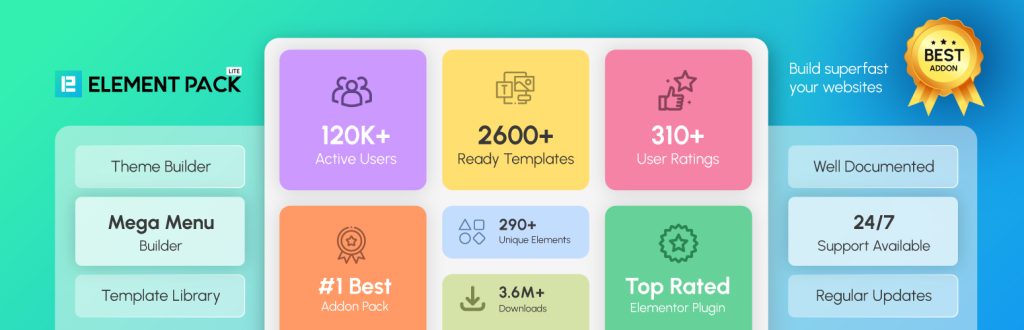
Element Pack has proven to be a strong alternative to Elementor Pro, especially when you’re building WordPress websites that demand more control and flexibility without the overhead of a premium subscription.
Element Pack is the complete toolkit for anyone using Elementor, from beginners and non-coders to professional designers, developers, and agencies. It takes your Elementor experience to the next level, letting you build virtually any kind of website, from simple blogs to complex e-commerce platforms.
This powerful add-on package provides a massive collection of over 300 widgets, and 2,600 ready-made templates. These tools bring advanced page-building features not found in Elementor’s free version, and even some that go beyond Elementor Pro.
With Element Pack, you’ll gain access to vital tools like a comprehensive Mega Menu Builder, smooth Live Copy-Paste functionality for moving designs between sites, and deep WooCommerce integration. It’s the top choice for creating cutting-edge, feature-rich WordPress sites with unmatched customization.
I’ve used both extensively, and in real-world projects, Element Pack often offers solutions like extensive product grids, filtering, custom cart & checkout that Elementor Pro doesn’t much address, and provides only basic product display and cart widgets. If you’ve ever needed to create layered navigation with conditional logic or custom styling, you know Elementor Pro can fall short.
Key Features
- 300+ widgets to extend Elementor with dynamic functionality
- 2600+ templates for quick, professional layouts
- Live cross-site copy-paste for streamlined workflows
- Mega menu builder for advanced navigation
- Tooltips & notations to guide users
- Full WooCommerce widget support
- Structured grids for posts and dynamic content
- Creative motion effects to elevate visuals
- Interactive buttons and countdowns for better engagement
Pros & Cons
| Pros | Cons |
| Element Pack has over 300 widgets, far beyond Elementor Pro’s 60+ only | Missing Native ACF support, and role-based conditions |
| Mega menu builder is available, which is not available in Elementor Pro | Global site settings and custom fonts are not available |
| Extensive product grids, filtering, custom cart & checkout for WooCommerce compared to basic product display and cart widgets in Elementor Pro |
Price
- Personal: $49/year
- Business: $99/year
- Developer: $199/year
- Agency: $699 (Lifetime)
Ultimate Store Kit
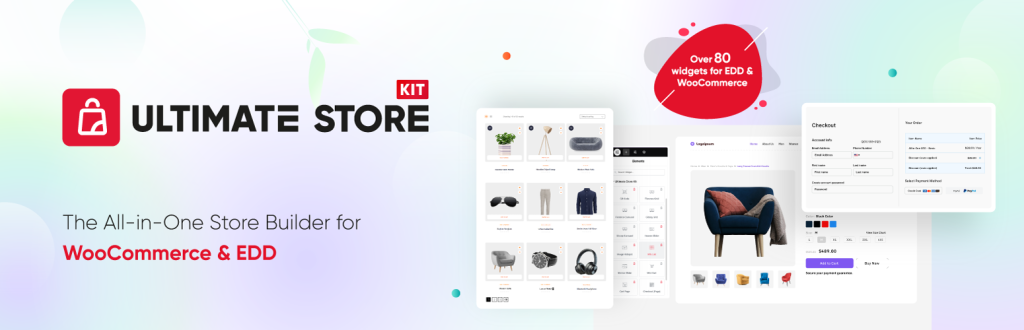
If you’re building WooCommerce store with Elementor and haven’t explored Ultimate Store Kit yet, you’re leaving serious capability on the table. I use it regularly for client stores, and it’s changed the way I approach layout control, checkout customization, and overall user experience.
Compared to Elementor Pro’s basic WooCommerce widgets, Ultimate Store Kit offers over 80 purpose-specific widgets that actually solve common design and sales flow challenges.
What I appreciate most is the Template Builder, which lets me create archive, product, and checkout templates without repeating myself across multiple projects, which is not easy in Elementor Pro.
The built-in checkout tools give full control over layout, field structure, and even conditional logic, which is a game-changer if you’re optimizing for conversions. And the smart UX tools make mobile shopping intuitive, which has made a noticeable impact on engagement for my clients.
If you’re working professionally with e-commerce and Elementor, this kit isn’t just useful, it’s efficient, well-structured, and built for developers who care about performance and control.
Key Features
- 80+ purpose-built widgets
- Template Builder
- WooCommerce & EDD Integration
- Personalized User Accounts
- Smart UX tools
- Built for Elementor
- Checkout Customization
Pros & Cons
| Pros | Cons |
| 80+ widgets focused on WooCommerce and store design, whereas Elementor Pro only provides some basic eCommerce widgets. | It’s built specifically for WooCommerce, which means it’s not ideal for broader site-building needs. |
| For checkout customization, you can have full control over layout, fields, and user flow. On the other hand, Elements Pro provides limited customization options. | No native ACF support, limited dynamic content integration |
| Mobile-first design, frictionless cart experience, and upsell sections, whereas Elementor Pro has basic UX tools like motion effects and popups | |
| Works well with both physical and digital product workflows |
Price
- Personal: $49.99/year
- Business: $99.99/year
- Developer: $249.99/year
ElementsKit
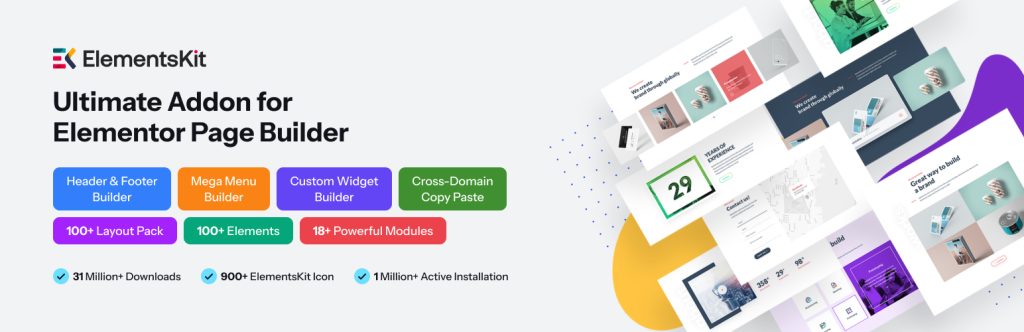
ElementsKit is one of the most flexible Elementor add-ons I’ve used, particularly for clients who need advanced design control without relying on multiple plugins. With over 90 widgets, 18 modules, and 900+ templates, it’s equipped to handle everything from dynamic headers and mega menus to interactive tabs, timelines, and custom widget creation. It simplifies complex layouts while giving you the control to fine-tune every component visually.
However, it’s not without trade-offs. The variety of modules can introduce clutter if you activate too many at once, something to watch for when managing performance. Some pre-designed templates, while useful, often require manual adjustment to align with brand guidelines. And if you’re working on dynamic sites, its lack of ACF integration may limit what you can achieve with data-driven content.
Still, if you’re building with Elementor regularly, ElementsKit offers practical tools that make layout development faster and more flexible than Elementor Pro’s default feature set.
Key Features
- 90+ Elementor widgets
- 18+ modules
- 900+ pre-designed Elementor templates
- 45+ Pre-designed Header & Footer Elementor Templates
- 98+ Ready Pages
- Versatile library of 791+ Pre-made Sections
Pros & Cons
| Pros | Cons |
| Combines 90+ widgets, 18+ modules, and 900+ templates few reducing dependency on multiple addons. | Pre-designed templates, while vast, can sometimes feel redundant across similar design niches. |
| Advanced visibility controls display content conditionally based on device, login status, or user roles. | Limited advanced features compared to other plugins |
| Offers advanced menu structures with intuitive control and responsiveness. | Using many modules/widgets may slightly affect page load speed if not optimized. |
| Supports one-page scrolling and advanced parallax effects for enhanced user experience. |
Price
- Personal: $39/yr
- Professional: $87/yr
- Agency: $179/yr
Essential Addons

I recently used Essential Addons for Elementor in a client’s build, and I found it offered better flexibility and widget variety than Elementor Pro. With over 100 versatile widgets, 5,500+ design-ready templates, and a solid WooCommerce builder, it gave me precise control over layout and functionality without clutter or complication.
The free widget collection alone handled most of the project needs, from interactive sections to clean product grids. The setup was intuitive, and everything worked reliably across devices and themes. For projects that demand precision and efficiency, it’s a plugin I’ll keep in my stack.
Key Features
- 5000+ ready Elementor templates
- 60+ free Elementor add-ons and 40+ pro
- 11+ beautiful WooCommerce widgets
- 3 extensions
Pros & Cons
| Pros | Cons |
| The plugin’s dashboard is designed for easy management of elements and extensions, with simple toggles for activation and deactivation. | Many users have complained about performance issues. |
| The plugin receives regular updates and provides good support to ensure compatibility with the latest versions of Elementor and WordPress. | Many people say they have a worse experience because of backend ads. |
| The plugin has a detailed knowledge base with documentation, video tutorials, and a community forum. |
Price
- Basic: $39.98/1yr
- Professional: $79.98/1yr
- Agency: $187.48/Lifetime
Premium Addons for Elementor
Premium Addons for Elementor is a practical alternative to Elementor Pro, especially when you need a broader widget range and modular control. With over 90 widgets and 580+ templates, I’ve used it to build complex designs without any custom code.
It includes useful content-focused tools like Smart Post Listing and Weather Widgets that add real functionality to client sites. The modular setup lets you enable only what’s needed, which helps keep builds lean. WPML support is another plus for multilingual projects.
That said, it has a few limitations. Compared to Elementor Pro, integration with third-party form plugins like Fluent Forms or Gravity Forms isn’t as polished, often requiring extra tweaking. And while animations are available, they feel basic if you’re aiming for refined transitions or motion design.
Still, if you’re working with Elementor regularly and want more control over widget behavior, Premium Addons fills real gaps in a developer’s workflow.
Key Features
- 90+ highly customizable add-ons and widgets
- 550+ premade templates
- 6 attractive liquid glass and glass morphism effects
- WPML Ready
- AJAX Search Form Widget
Pros & Cons
| Pros | Cons |
| The plugin has an intuitive interface, making it accessible to both beginners and experienced users. | It doesn’t offer true theme-building capabilities (like single post templates or archive pages). |
| Premium Addons integrates well with WooCommerce; it is best for online store design and product presentation. | Unlike Elementor Pro, centralized control over typography and colors is somewhat restricted. |
| A free version is available with a good selection of widgets | |
| The plugin receives frequent updates, ensuring compatibility with the latest Elementor versions and addressing potential issues. |
Price
- Starter: $39/Year
- Studio: $249/Once
- Professional: $118/Year
Exclusive Addons for Elementor
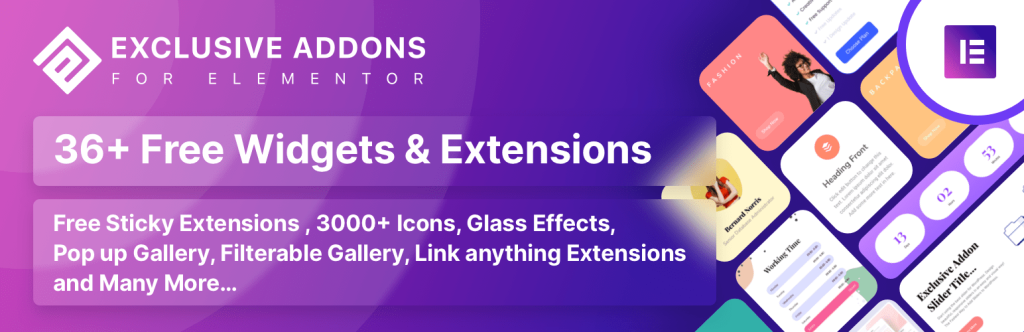
Exclusive Addons offers a compelling alternative to Elementor Pro, especially for developers who want more design flexibility and pre-built assets without relying on multiple plugins. With over 100 well-crafted widgets and 800+ ready blocks, it provides a broad canvas for building visually rich and functional layouts.
I’ve used it on a recent WordPress build, and it helped accelerate development while keeping the UI clean and customizable. Its modular design means you can enable only the components you need, which is great for performance-conscious projects.
That said, there are a few trade-offs to consider. Elementor itself doesn’t offer native control over SEO elements like meta descriptions or structured data, and since Exclusive Addons is built on top of it, that limitation can affect SEO-focused builds.
I’ve also noticed occasional compatibility quirks with certain themes and plugins, which may require manual adjustment or support follow-ups. Still, for most cases, it’s a practical and time-saving addition to any Elementor-based workflow. However, it is sufficient as an alternative to Elementor Pro.
Key Features
- 108+ highly customizable and creative elements and extensions
- 65+ Templates
- 800+ premade blocks
- 3000+ free icons
- 23+ free designed templates in the free version
- 40+ free widgets and extensions in the free version
- 65+ premium widgets and extensions in the pro version
Pros & Cons
| Pros | Cons |
| Exclusive Addons provides special widgets like WebGL for 3D visuals, Lottie animations, and interactive elements. | While generally praised, some users have experienced slower response times or delays in receiving support. |
| According to some users, it works well with the free version of Elementor | A few users have reported encountering minor bugs or glitches within the plugin. |
| Handy features for eCommerce sites |
Price
- Starter: $39/Year
- Exclusive: $99/Year
- Business: $189/Year
Happy Addons for Elementor
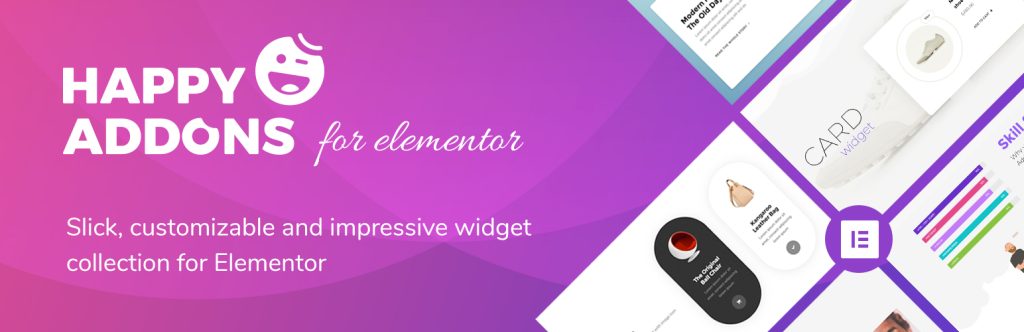
If Elementor Pro isn’t giving you the design control or flexibility you need, Happy Addons Pro is a solid alternative that’s worth considering, especially if you’re building dynamic layouts and want true theme-building capability.
I’ve worked with it on multiple projects and found its free header/footer builder, archive template options, and single post layouts incredibly useful. These features come without the restrictions typically found in Pro, letting you design key theme elements without relying on hacks or external tools.
With over 140 widgets and 24+ utility features, plus more than 70 full-page templates and 500+ individual blocks, it offers more variety than most add-ons in this space. It’s especially helpful for freelancers or developers managing multiple client builds who need speed and variety.
That said, support can be hit-or-miss, response times tend to be slow, and minor compatibility issues may pop up depending on the theme or plugin stack. Still, for most use cases, it’s a capable, time-saving option.
Key Features
- Free Header Footer, Single Post Template
- Archive Page Builder
- 143+ Free & Pro Widgets
- 24+ Features to enhance Elementor
- 70+ full-page Elementor Templates
- 500+ Template Blocks
- 18+ new shape dividers
Pros & Cons
| Pros | Cons |
| Features like cross-domain copy-paste, live copy, and nested sections offer unique functionality not found in standard Elementor Pro. | Some users report that there is very little customization. |
| The plugin is designed for speed, minimizing impact on page load times | A few users have reported that you cannot cancel the subscription on your own |
| Happy Addons offers a knowledge base, an engaged community, and 24/7 support. | |
| Happy Addons includes many WooCommerce widgets for e-commerce functionality. |
Price
- Starter: $39/Year
- Professional: $69/Year
- Expert: $99/Year
Jeg Elementor Kit
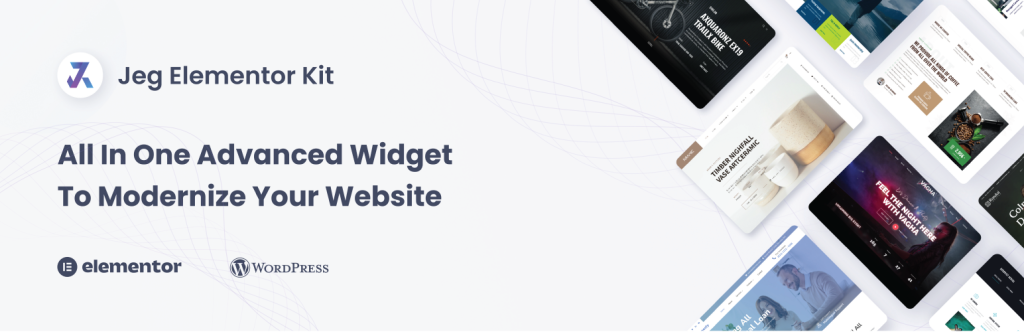
Jeg Elementor Kit may not have the largest widget count compared to other alternatives, but what it offers is clean, practical, and highly usable. I’ve used it across multiple client builds, especially those focused on simplicity and performance, and found its 40+ widgets more than capable for most standard site needs.
Sliders, accordions, post layouts, and WooCommerce components are all well-crafted and easy to configure. It’s a good fit for developers who value lean setups and prefer not to stack plugins or write custom code for every task.
That said, it’s not without flaws. The limited widget variety can be a constraint on more complex or creatively ambitious layouts. Compatibility issues with certain themes and plugins have been reported by users, and in my experience, minor bugs can occasionally disrupt workflows, particularly after version updates.
If you’re building a straightforward site and value a lightweight approach, it remains a viable Elementor Pro alternative, but with some caution.
Key Features
- 40 highly customizable widgets
- Global Style options
- Header and Footer Template
- 404 Template
- Team Member Widget
- Client Logo Slider
- Portfolio Gallery
Pros & Cons
| Pros | Cons |
| WooCommerce supports with Product Grid Widget for displaying products in a clean, customizable layout | Jeg Elementor Kit can sometimes conflict with other plugins like Siteground Optimisation and WooCommerce. |
| Mailchimp Integration | The plugin has been criticized for its persistent review prompts. |
| WPForms Styling | |
| The plugin allows users to create and manage custom headers and footers, reducing the need for additional plugins. |
Price
- Free: $0
Elementor Addon Elements
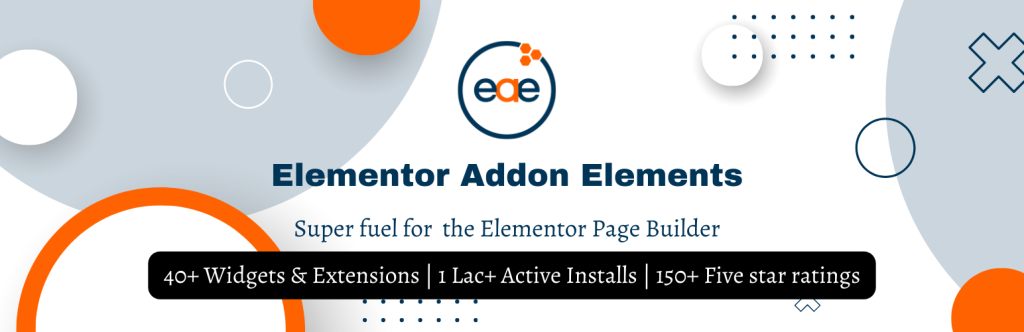
I’m currently using Elementor Addon Elements on another project as a substitute for Elementor Pro widgets, and it’s holding up well for what I need.
The plugin offers a solid mix of creative and functional widgets, like interactive timelines, before/after sliders, and flip boxes, that help bring layouts to life without relying on custom code. It’s especially handy when working on sites that need visual storytelling or product comparisons.
Performance-wise, it’s lightweight and responsive, and the Module Manager lets me load only the widgets I actually use, which keeps things clean. With 50+ premium widgets, it covers most of the basics, and I’ve found the customization options to be flexible enough for mobile and desktop layouts.
That said, I’ve noticed a few bugs here and there, like when trying to use the lightbox feature, the modal does not open, and some users have echoed similar issues in WordPress reviews. So while it’s not perfect, it’s still a practical option if you’re looking to avoid Elementor Pro’s price tag and want something that gets the job done.
Key Features
- 50+ premium widgets
- Fully customizable & mobile responsive
- Lightweight & optimized for speed
- Module Manager – Load only what you want
- Dynamic Content Support with Loop Builder
- Powerful Integrations – ACF, Pods, WooCommerce
Pros & Cons
| Pros | Cons |
| 50+ widgets focused on creative visuals, most of which are not usually available in Elementor Pro | Many are not satisfied with its user experience and design |
| Many add-ons offer advanced features like mega menus, sticky content, and dynamic content capabilities, which are not available in the core Elementor plugin. | Addons may conflict with other plugins or your WordPress theme, leading to unexpected behavior or functionality issues. Thorough testing after installation is crucial. |
| This plugin’s addons often come with extensive customization settings | The theme builder and the popup builder are not available |
| Beginner-Friendly |
Price
- Starter: $49/Year
- Combo Deal with AnyWhere Elementor Plugin: $69/Year
Which Elementor Alternative Works Best for You?
After testing all these Elementor alternatives across different projects, here’s my quick take:
- Element Pack: This one stands out as the most complete option. It offers the largest widget library, over 300+, covering everything from creative design to dynamic content. If you’re looking for a strong alternative to Elementor Pro widgets, Element Pack is my top recommendation.
- Ultimate Store Kit: Great for WooCommerce-focused sites. It’s lightweight and includes essential widgets for cart, checkout, and product pages.
- ElementsKit: Offers a solid mix of widgets and modules, like a header/footer builder and a mega menu. Good for general-purpose use.
- Essential Addons: Reliable and widely used. It includes 85+ widgets and strong WooCommerce support, but fewer advanced design tools.
- Premium Addons for Elementor: Visually polished widgets and effects. Ideal for creative layouts, though not as extensive as Element Pack.
- Exclusive Addons for Elementor: Clean UI and decent widget variety. Good for minimalistic designs, but lacks deeper dynamic content support.
- Happy Addons for Elementor: Includes a theme builder and unique features like cross-domain copy-paste. Widget count is solid, but support can be slow.
- Jeg Elementor Kit: Lightweight and focused small website building. It only has 50+ widgets, but it covers the basics well. A good choice for lean setups.
- Elementor Addon Elements: It’s a decent free alternative with creative widgets like timelines and flip boxes but limited in dynamic content.
Moreover, If you want the widest widget coverage and a plugin that can truly replace Elementor Pro widgets, Element Pack is the better choice.
FAQs about Elementor Pro Alternatives Widgets
What is better than Elementor Pro?
If you’re looking for more flexibility or better value, Element Pack and Ultimate Store Kit are strong contenders.
1. Element Pack offers the largest widget library among free and paid add-ons.
2. You can try Ultimate Store Kit for WooCommerce sites
What to use instead of Elementor?
Depending on your project needs:
1. For more widgets than Elementor: Try Element Pack.
2. For WooCommerce sites: Try Ultimate Store Kit.
3. For Gutenberg Builder: Use ZoloBlocks.
Is there a free alternative to Elementor Pro?
Yes, several plugins offer free versions with solid features:
1. Element Pack
2. Ultimate Store Kit
3. Essential Addons
4. ElementsKit
Do you really need Elementor Pro?
Not always. If your site doesn’t require theme building, dynamic content, or advanced marketing tools, the free version or a plugin stack (like Element Pack, or Ultimate Store Kit) can cover most use cases.
Conclusion
This blog is based on my personal experience, where I tested various Elementor alternatives. I put it together to help other designers and developers find simple, affordable alternatives to replace Elementor Pro widgets.
If you are working on a client project or want more control over your design without adding additional plugins, I hope this guide has given you practical advice on choosing the one that works best for your needs.
Please do not hesitate to leave any questions or comments in the space provided below. Wishing you all the best!
If this article resonated with you, remember to subscribe to our newsletter for more captivating articles, updates, and special offers sent straight to your inbox. Furthermore, follow us on Facebook, X, and YouTube to keep yourself informed.
Md Tarikul
The BdThemes team builds WordPress plugins trusted by 3M+ users worldwide. We write about web accessibility, WCAG compliance, and inclusive design.