






Element Pack Pro offers a delightful user experience with a wide array of widgets tailored for Elementor page building. Its seamless performance makes crafting pages a breeze.
Sekander Badsha
WordPress Developer
Extend your default Elementor addons library with 230+ premium widgets & extensions, 2,700+ ready templates and professional tools that turn design ideas into polished pages without custom code.
230+ widgets & extensions
growing every month
4.9 from 250+ reviews
230+
Premium Widgets & Extensions
2,700+
Ready Templates
300K+
Happy Users
4.9/5
WordPress Rating
Rated excellent on

 4.9/5 on Trustpilot
 4.5/5 on G2
 4.7/5 on WordPress.org
Watch independent walkthroughs of Element Pack features and real Elementor workflows before choosing a plan.
Review counts change over time. These figures were checked on August 12, 2026 and link to their original platforms.

"I've been using Element Pack Pro for a year now and am getting ready to renew my license. In the past, I used multiple Elementor addons simultaneously to get the specific features I needed. Since finding Element Pack, however, I can rely on just one plugin for everything. While not every feature is exactly how I'd envision it, they all get the job done. It's a feature-packed addon that satisfies almost any user's needs."
Ammikas
60-day refund
No questions asked
First-class support
Avg. reply in 2 hrs
Zoom call assistance
Live setup with our team
Champion at WP Weekly Awards. Runner-up (twice) at Monster Awards.
Element Pack: consistently recognized as a top Elementor addon.





Element Pack is an Elementor addon for WordPress developed by BdThemes. It adds a large library of Elementor widgets, templates, extensions, WooCommerce elements and site-building tools to the visual editor. Designers can build content sections, menus, headers, footers, product layouts and dynamic templates through one flexible plugin.
For designers: More visual elements and ready-made starting points.
For stores: WooCommerce widgets for products, carts and checkout layouts.
For agencies: Live Copy Paste, permissions and white-label controls.
From design to deployment, Element Pack Pro brings common Elementor workflows into one plugin. Explore each feature or open the complete feature directory when you need more detail.
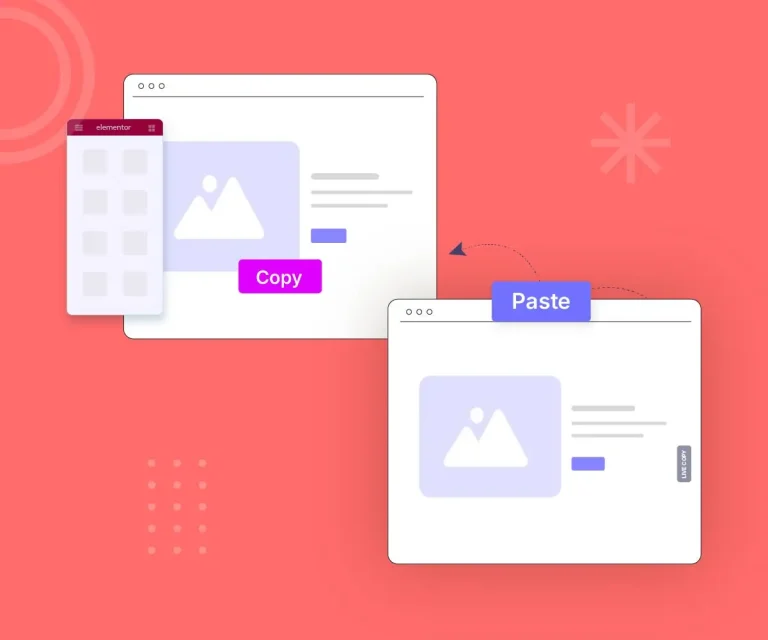
Transfer supported Elementor sections and widgets between WordPress websites while preserving their styles and settings.
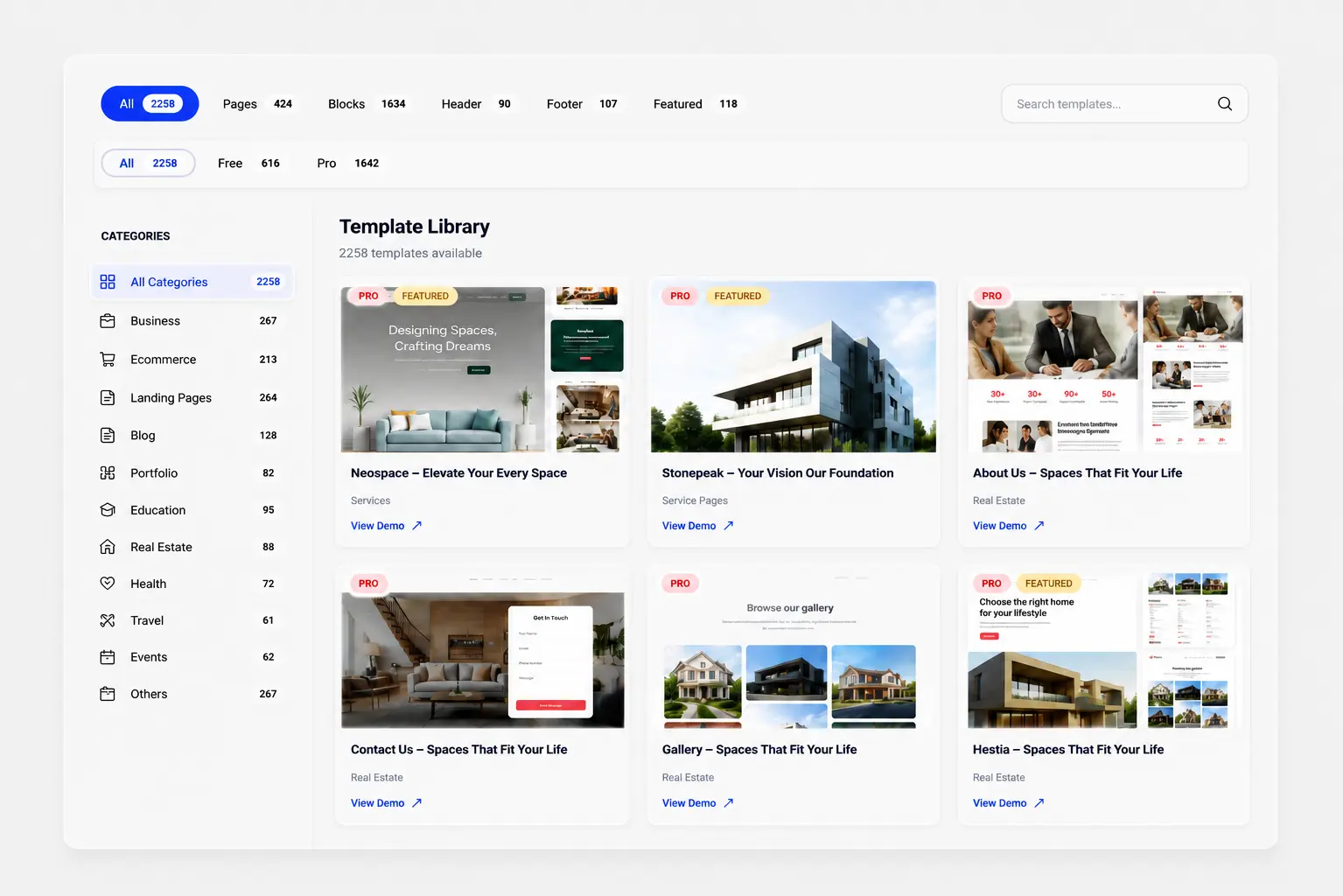
Access 2,700+ ready-made templates from inside Elementor. Start with a relevant layout then customize its copy, colors, images and spacing.
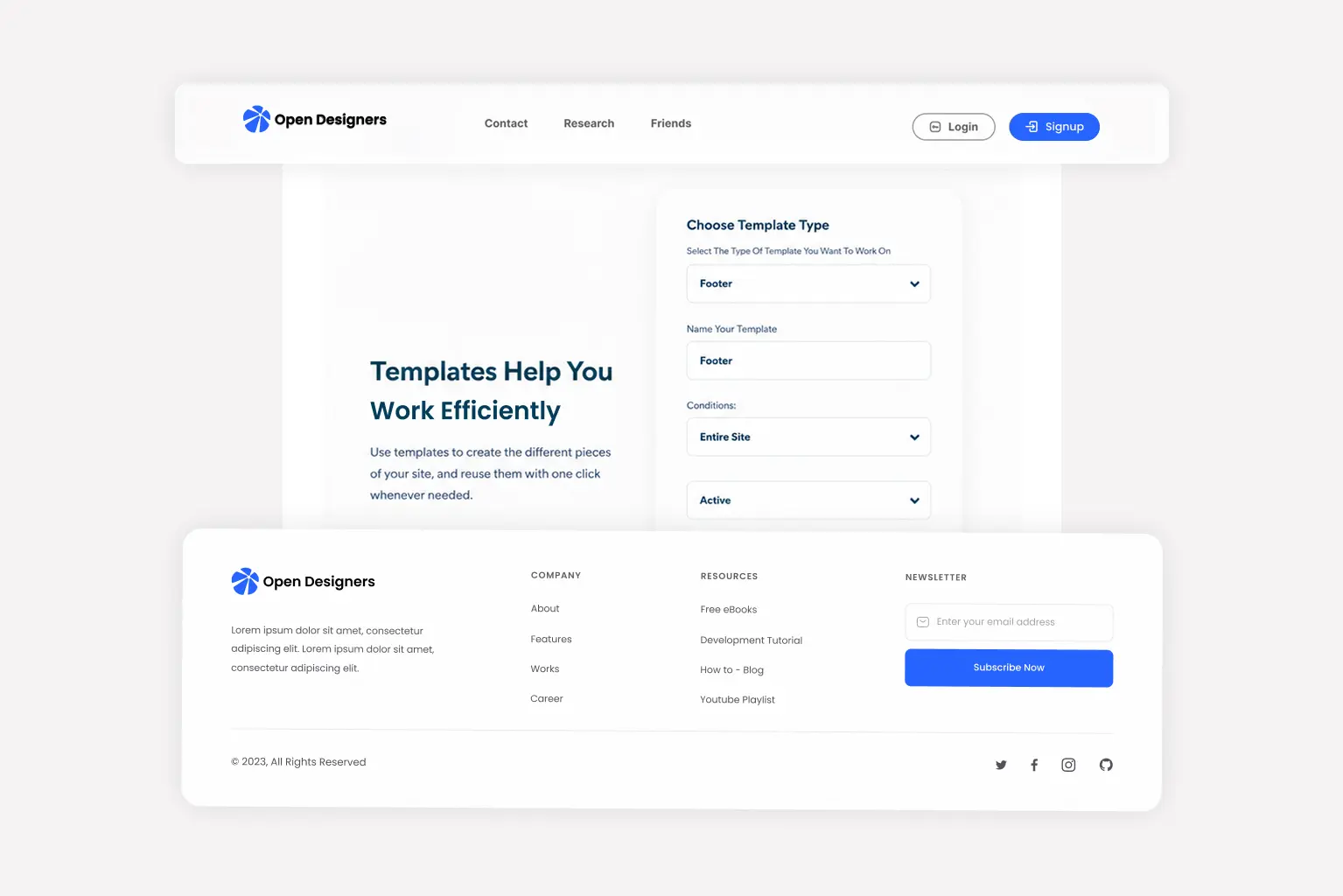
Design headers, footers, single posts, archives, 404 pages and WooCommerce templates through the Elementor editor.

Use widget switches and the Asset Manager to keep the setup focused on the features each site actually uses.
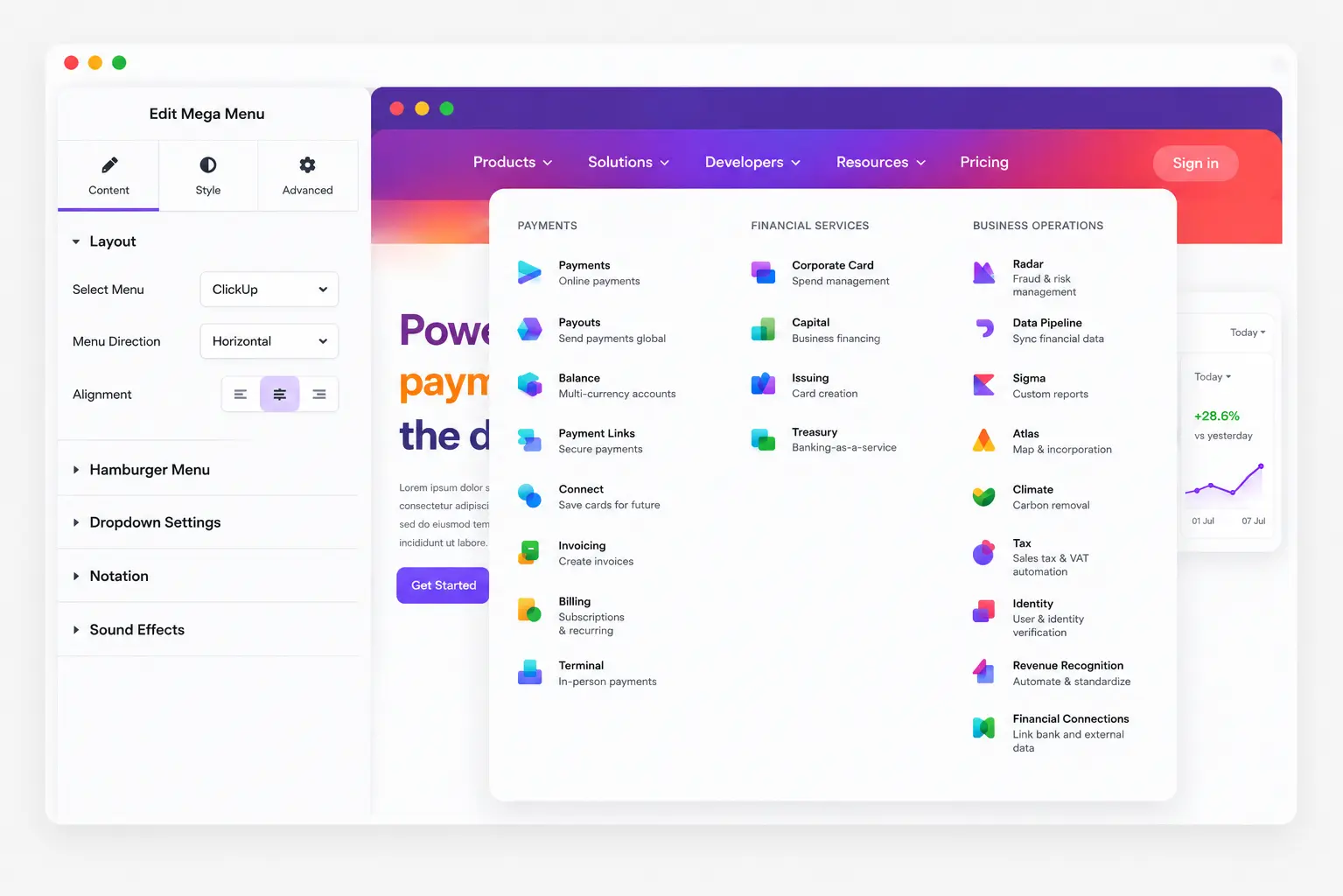
Create horizontal, vertical and off-canvas navigation with responsive controls and Elementor content.
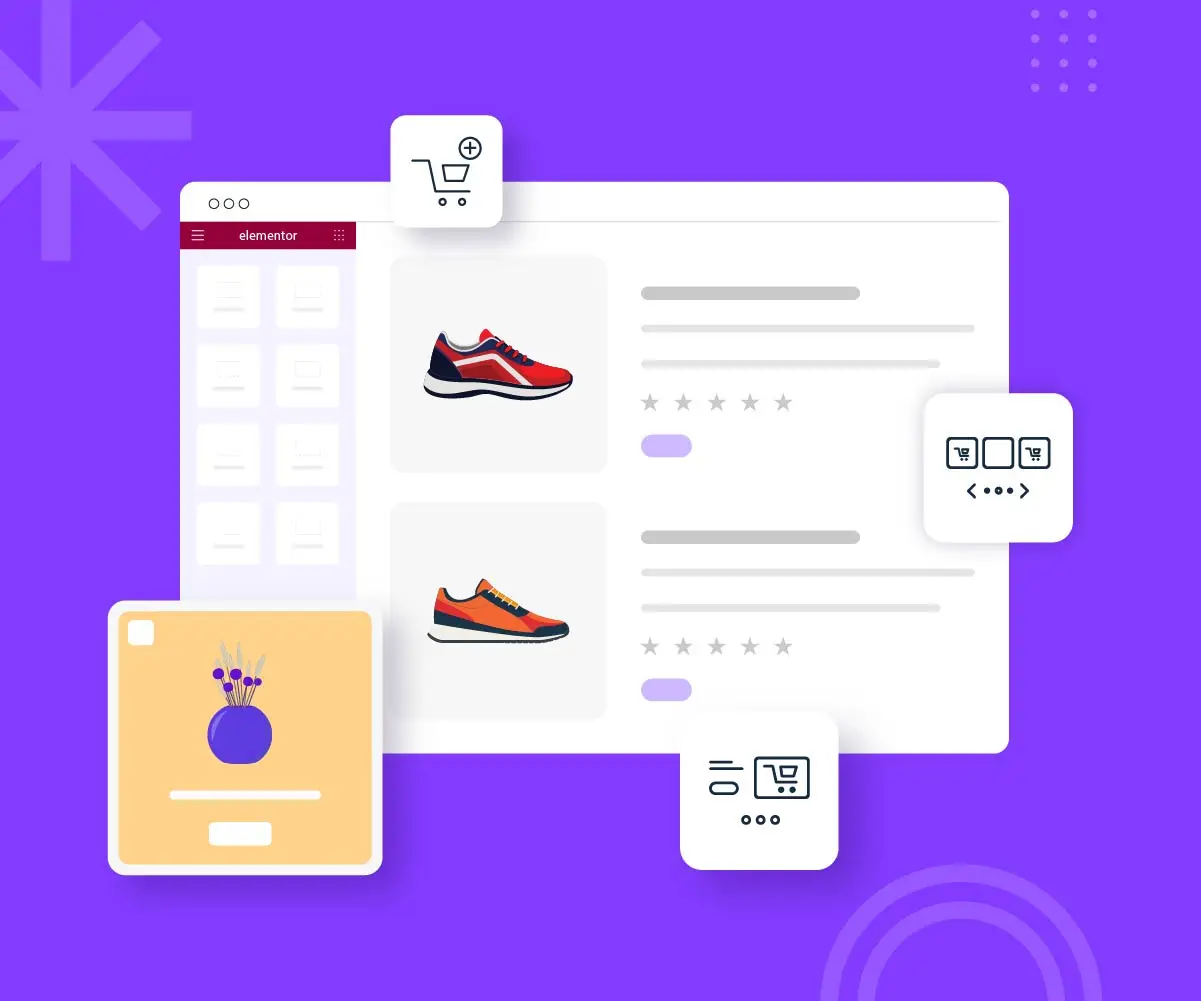
Design product discovery and purchase layouts with Elementor widgets made for WooCommerce stores.
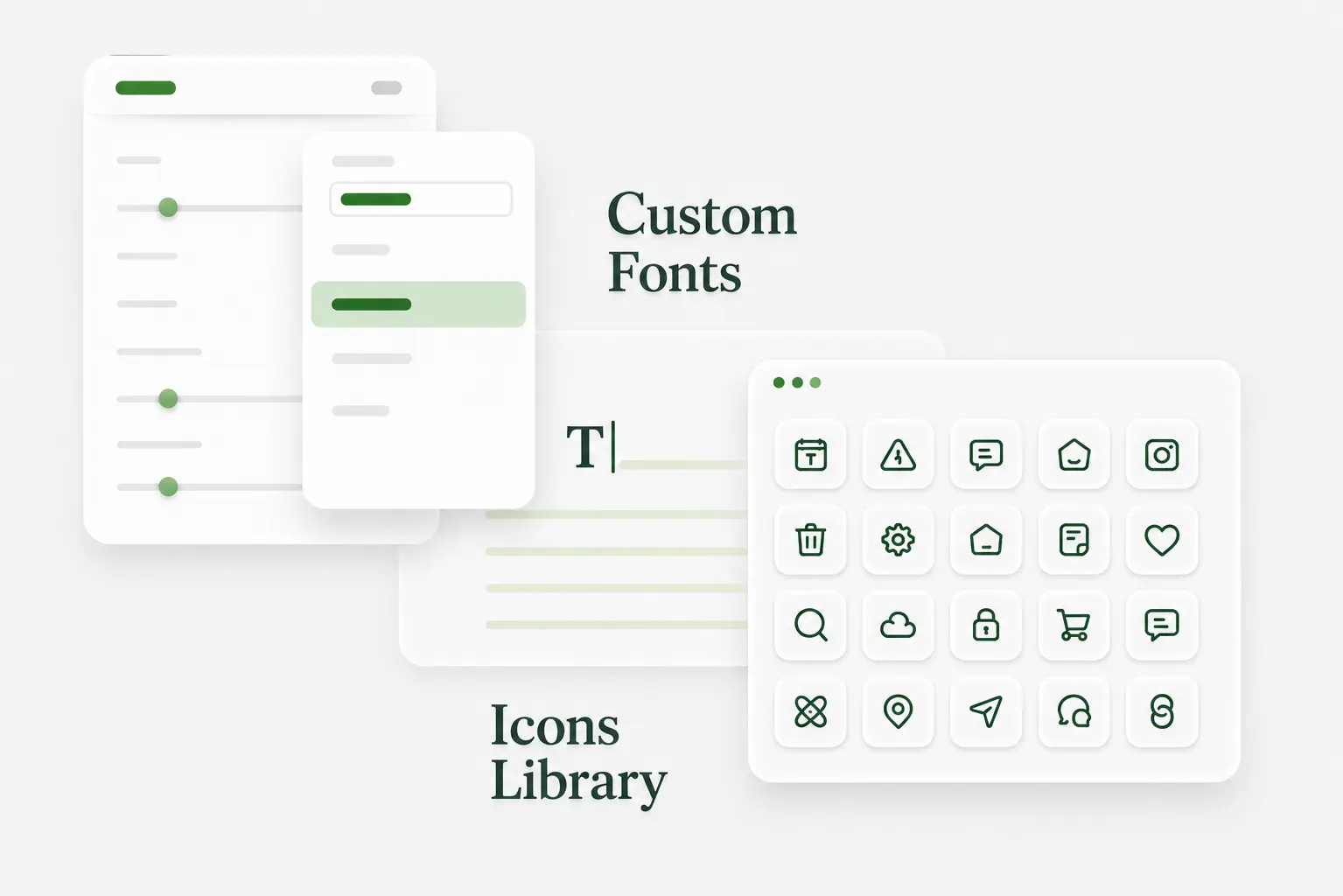
Upload brand fonts and icon sets so design teams can create a more consistent Elementor editing system.
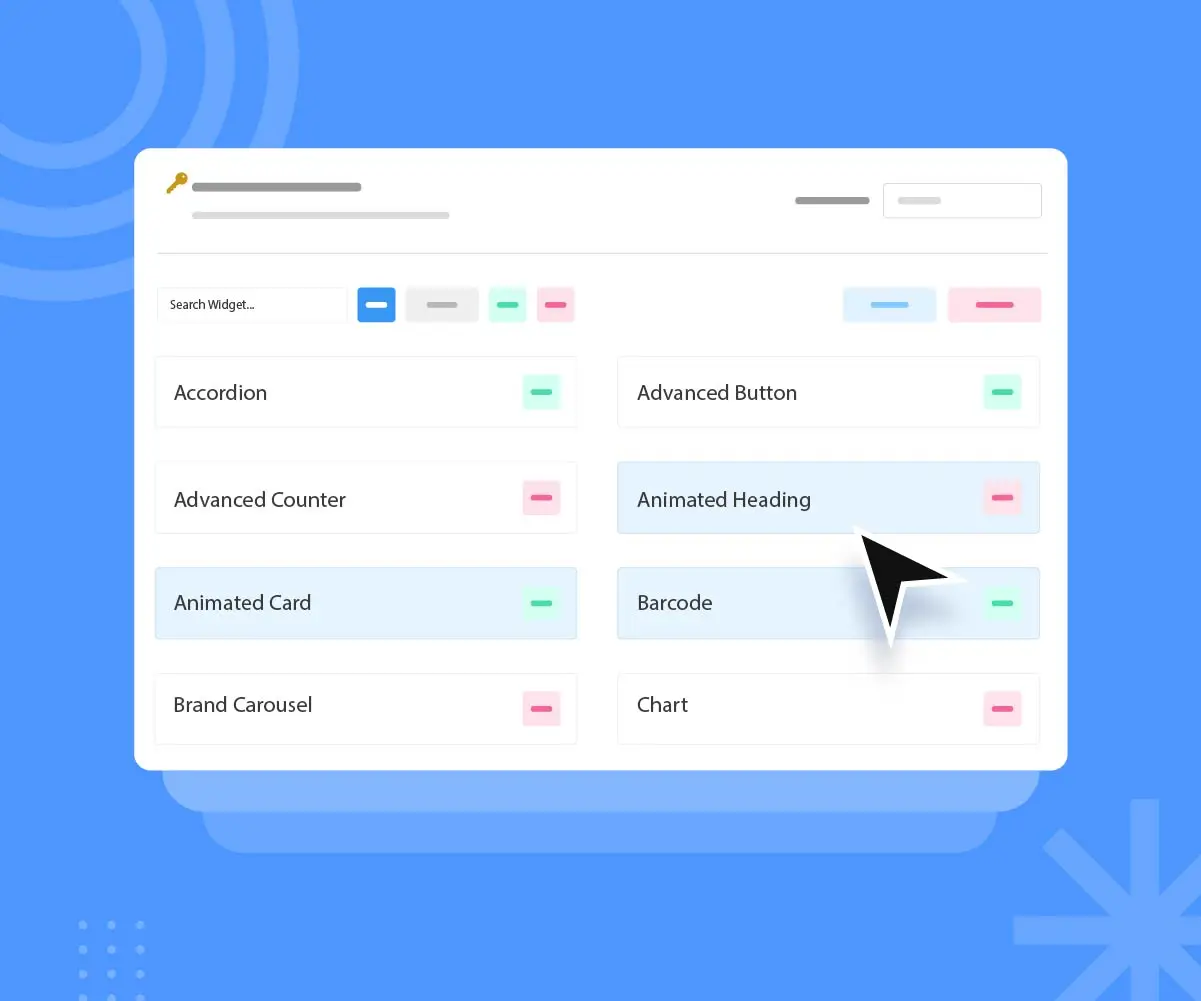
Choose which WordPress roles can access selected Element Pack widgets. This is useful for agency handoffs and multi-user sites.

Display WordPress posts in grids, carousels, lists, cards, timelines and other query-based layouts.
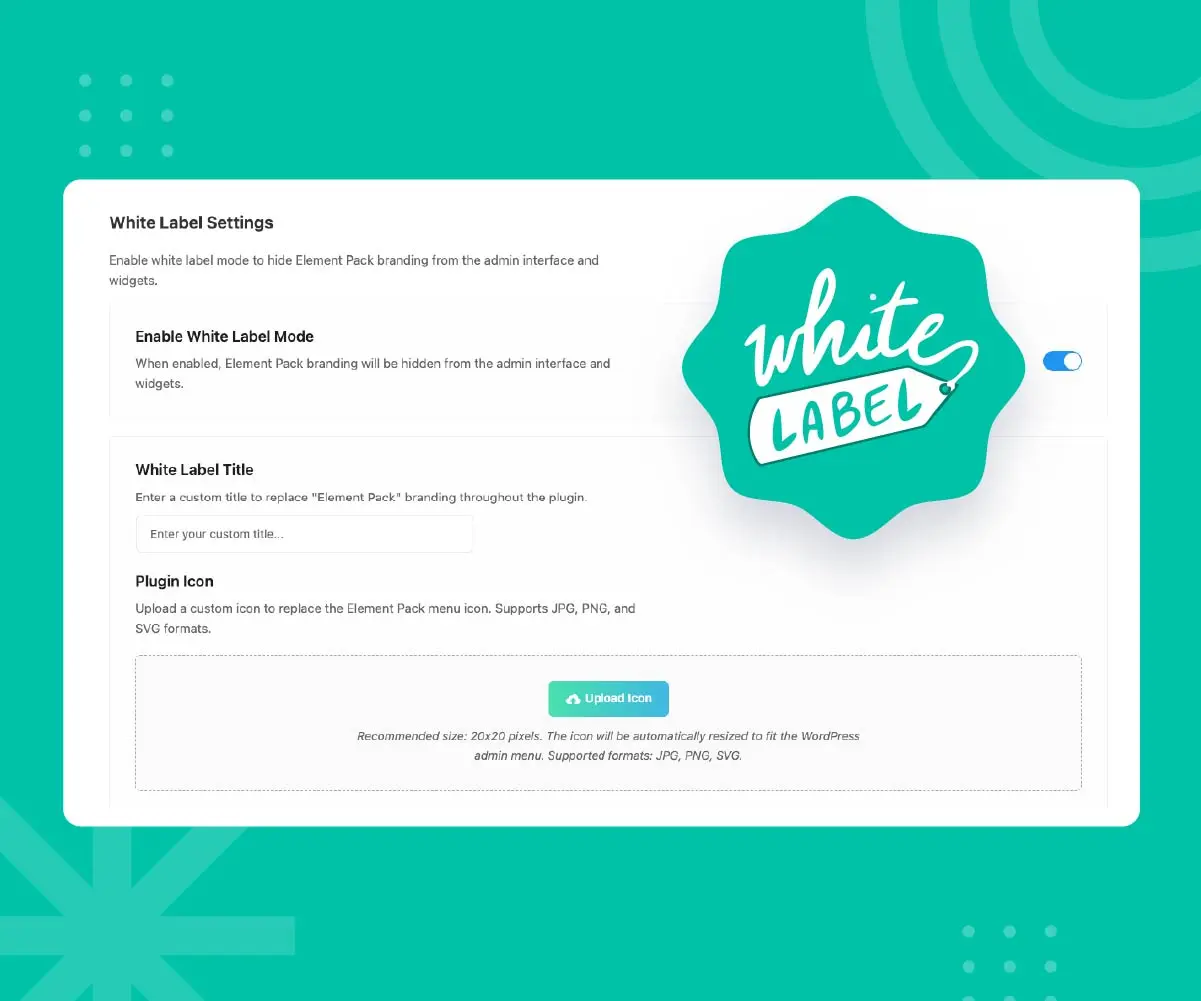
Eligible plans let agencies replace selected Element Pack branding for a cleaner client-facing WordPress dashboard.
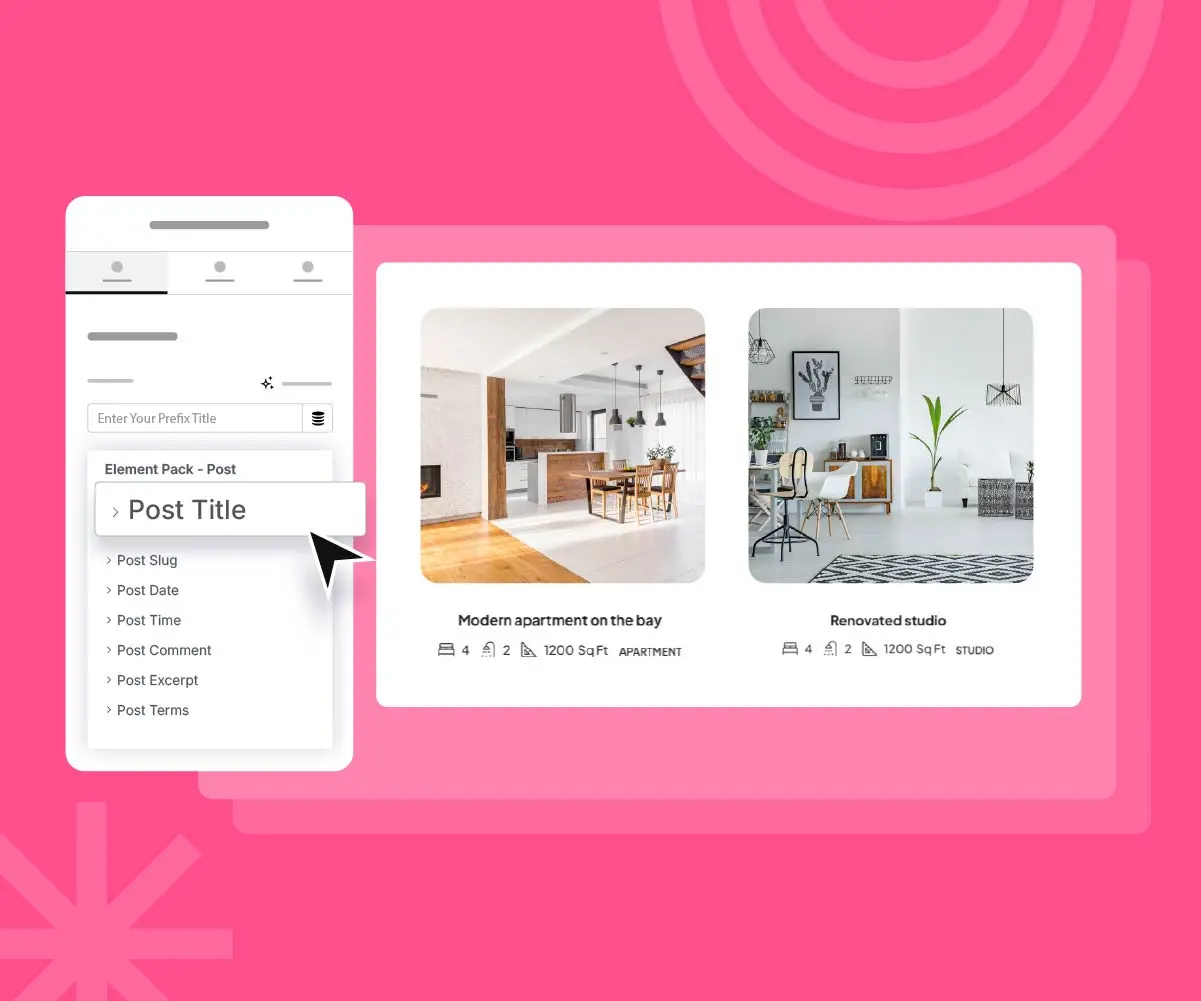
Connect Elementor layouts with custom post types and Advanced Custom Fields for reusable data-driven designs.
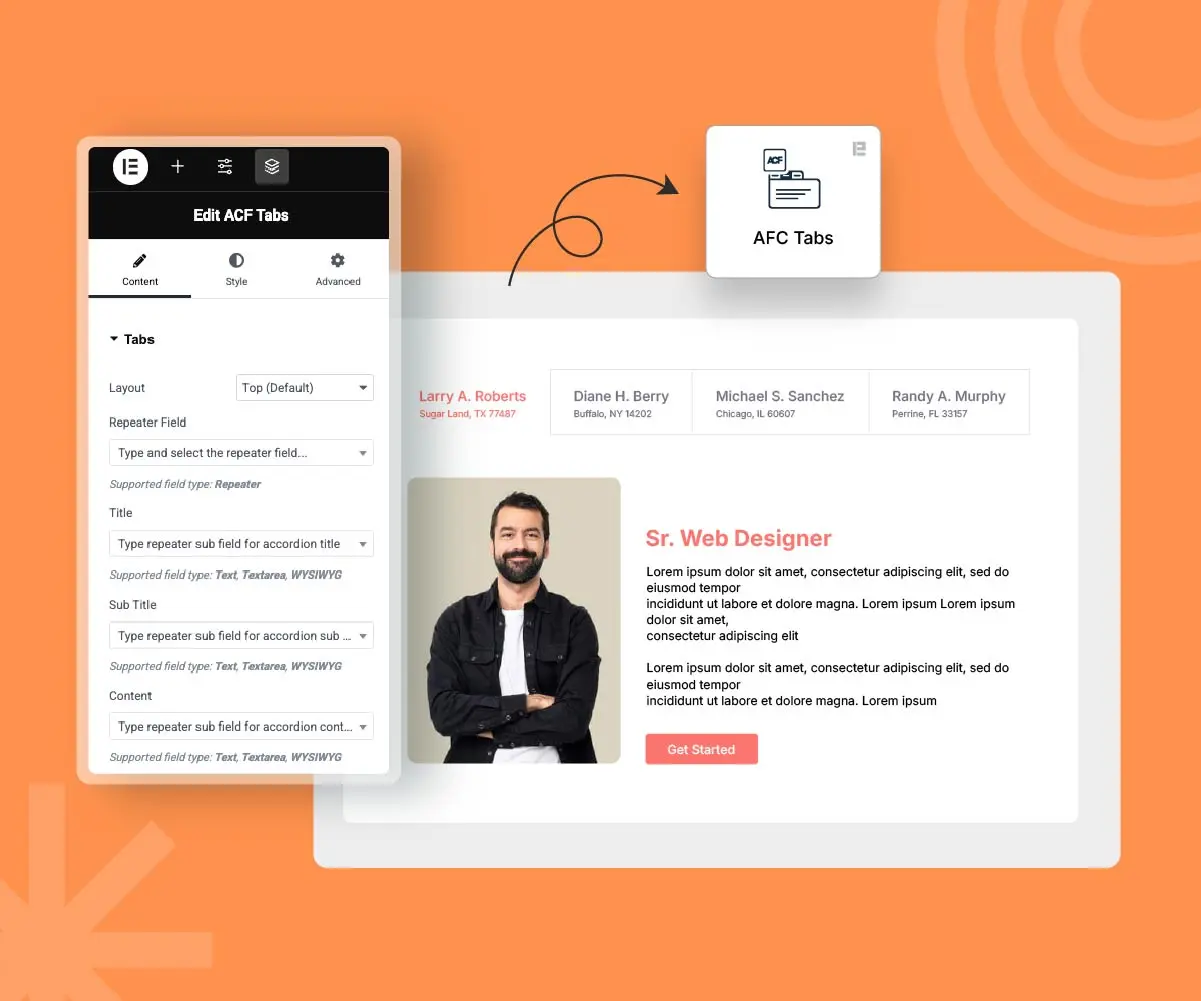
Use dedicated Element Pack widgets to present supported Advanced Custom Fields data in Elementor layouts.
A useful Elementor addon should do more than add decorative widgets. These additional Element Pack features support personalized content, reusable Elementor templates, lead generation and structured answers while keeping the work inside a familiar WordPress design process.
Conditions let designers show or hide supported Elementor widgets according to role, device, date, login status or schedule. This gives an Elementor website more control over what different visitors see without requiring a separate visibility plugin for every campaign or member experience.
Element Pack adds transform, floating and scrolling effects for designers who want motion without rebuilding a layout in custom JavaScript. These controls can help Elementor widgets feel more responsive when animation supports the page message instead of distracting from it.
The built-in Form Builder covers straightforward contact forms and webhook-based automation. For teams comparing Elementor addons, this can reduce the need for another form plugin when a project requires lightweight lead capture or a simple connection to an external workflow.
Dynamic Loop Builder turns Elementor templates into repeatable layouts for custom content. Designers can build dynamic grids and carousels, connect them with Dynamic Tags and reuse the same visual system across posts, products or custom post types.
Element Pack includes purpose-built Elementor widgets for supported WordPress plugins such as bbPress, The Events Calendar, LearnPress and Tutor LMS. Its directory also lists Easy Digital Downloads integration, although new projects should confirm current widget status against the latest changelog before depending on EDD features.
The Schema-Ready FAQ option adds FAQPage JSON-LD to supported accordion content while the Setup Wizard helps teams choose Elementor widgets, related plugins and template kits during onboarding. Together, these tools make the Elementor addon easier to configure and support clearer answer-focused content.
Now you can make your custom bundle with custom discounts.
Personal, Business, Agency – any package, you name it. See Details →
Elementor addons use different counting methods. Some vendors combine widgets and extensions, some count only premium widgets and Crocoblock packages its tools as a multi-plugin suite.
Swipe sideways to compare all addons →
Choose Element Pack Pro if your team wants one Elementor addon that handles design, dynamic content, ecommerce and agency work. It gives you 230+ premium widgets & extensions and more than 2,700 templates. You also get Theme Builder, Mega Menu, Live Copy Paste, display conditions, asset controls, white-label options and a built-in Form Builder.
The purchase protections make this package even stronger and they don't overshadow what competitors offer. Element Pack and The Plus Addons both give you a 60-day refund window. Crocoblock backs its lifetime plan with Zoom support and free updates forever. Ultimate Addons offers priority support. This comparison highlights what each competitor does well, while showing why Element Pack still offers the best all-around value for this audience.
Add motion, visual effects and workflow controls without forcing every project to use the same feature set.
Browse 2,700+ ready-made templates for landing pages, services, portfolios, stores and common page sections. Import a starting point then adapt it to the brand.





The 300,000+ figure is Element Pack's reported user community. WordPress.org separately shows 100,000+ active installations for the free plugin.
















Logos displayed in greyscale · hover to reveal brand colours
These excerpts reflect individual experiences. Visit the source platforms for full reviews, dates and critical feedback.
Element Pack Pro offers a delightful user experience with a wide array of widgets tailored for Elementor page building. Its seamless performance makes crafting pages a breeze.
Sekander Badsha
WordPress Developer
Element Pack has been a game-changer for my workflow. The customizable blocks makes creating unique layouts a breeze. Highly recommended for anyone working with Gutenberg.
Fargo van Hope
Web Designer
Perfect product for creative people, who wants to make great web-site design! Perfect support! Perfect Managers!
Троян Хамроев
UX Designer
Element Pack Pro has been invaluable for our Elementor projects. The vast library of widgets and seamless performance makes crafting professional pages incredibly fast.
Huzaifa Al Mesbah
WordPress Developer
I am setting up my new website and I needed new resources and BdThemes has recommended me and I am very grateful that I have achieved incredible results on my website.
Iker Garmendia
Web Developer
We are very happy with all the options that the plugin gives us. Also the support theme is very friendly and is able to give a quick response on questions.
Rademaker BV
Graphics Designer
Element Pack Pro offers a delightful user experience with a wide array of widgets tailored for Elementor page building. Its seamless performance makes crafting pages a breeze.
Sekander Badsha
WordPress Developer
Element Pack has been a game-changer for my workflow. The customizable blocks makes creating unique layouts a breeze. Highly recommended for anyone working with Gutenberg.
Fargo van Hope
Web Designer
Perfect product for creative people, who wants to make great web-site design! Perfect support! Perfect Managers!
Троян Хамроев
UX Designer
Element Pack Pro has been invaluable for our Elementor projects. The vast library of widgets and seamless performance makes crafting professional pages incredibly fast.
Huzaifa Al Mesbah
WordPress Developer
I am setting up my new website and I needed new resources and BdThemes has recommended me and I am very grateful that I have achieved incredible results on my website.
Iker Garmendia
Web Developer
We are very happy with all the options that the plugin gives us. Also the support theme is very friendly and is able to give a quick response on questions.
Rademaker BV
Graphics Designer
Element Pack Pro is the best Elementor addon I have used. The widgets are incredibly flexible and the performance is outstanding. My clients love the results.
Faheem Chowdhury
WordPress FullStack
A must have plugin for any WordPress website. One of the best features is there professional customer support, i have never been more satisfied with any product more than i am satisfied with the products provided by BdThemes.
Mehmet Emin Öztürk
Software Engineer
We attribute our success to our partnership with ZoloBlocks. Their innovative approach is second to none.
Troy Bruce
WordPress Designer
Element Pack is a very useful plugin for extending Elementor with many extra widgets and features. The free version already offers a good selection of elements, and the interface is easy to understand and use. It helps speed up page building and gives more flexibility when creating professional layouts.
Carbonas
WordPress.org Reviewer
One of the all time performers when it comes to Elementor Blocks.
dcodeify
WordPress.org Reviewer
Element Pack Pro is one of the better addons for Elementor. There is a massive selection of widgets that I can't find with any of the other addon plugins. The Element Pack plugin makes designing websites that much easier and I highly recommend it.
AAE100
WordPress.org Reviewer
Element Pack Pro is the best Elementor addon I have used. The widgets are incredibly flexible and the performance is outstanding. My clients love the results.
Faheem Chowdhury
WordPress FullStack
A must have plugin for any WordPress website. One of the best features is there professional customer support, i have never been more satisfied with any product more than i am satisfied with the products provided by BdThemes.
Mehmet Emin Öztürk
Software Engineer
We attribute our success to our partnership with ZoloBlocks. Their innovative approach is second to none.
Troy Bruce
WordPress Designer
Element Pack is a very useful plugin for extending Elementor with many extra widgets and features. The free version already offers a good selection of elements, and the interface is easy to understand and use. It helps speed up page building and gives more flexibility when creating professional layouts.
Carbonas
WordPress.org Reviewer
One of the all time performers when it comes to Elementor Blocks.
dcodeify
WordPress.org Reviewer
Element Pack Pro is one of the better addons for Elementor. There is a massive selection of widgets that I can't find with any of the other addon plugins. The Element Pack plugin makes designing websites that much easier and I highly recommend it.
AAE100
WordPress.org Reviewer
There are a lot of players in the WordPress plugin community. This is really amazing plugin. The best. Support this amazing team.
rkpulkit
WordPress.org Reviewer
Great plug in and most importantly even better support. Quick and responsive.
bim2020
WordPress.org Reviewer
Great Elementor widgets collection, with all useful elements and nicely crafted. Using it in most of my projets. Very good point for integration with 3rd party plugins like ACF, Easy Digital Download and lot of others.
C-Tomoe
WordPress.org Reviewer
The theme builder here skyrockets the value. One of the best investments I've made all year. Every time I would want a new functionality, I'd look at the widget repository and it would be there. I'm very happy.
xinjii
WordPress.org Reviewer
I've really enjoyed using Element Pack Pro because of all the robust styling options and enhancements it provides on nearly any widget—not just the ones in their pack. Having many of these options right at hand has allowed me to do more advanced-looking sites more quickly.
danbydesign
WordPress.org Reviewer
There are a lot of players in the WordPress plugin community. This is really amazing plugin. The best. Support this amazing team.
rkpulkit
WordPress.org Reviewer
Great plug in and most importantly even better support. Quick and responsive.
bim2020
WordPress.org Reviewer
Great Elementor widgets collection, with all useful elements and nicely crafted. Using it in most of my projets. Very good point for integration with 3rd party plugins like ACF, Easy Digital Download and lot of others.
C-Tomoe
WordPress.org Reviewer
The theme builder here skyrockets the value. One of the best investments I've made all year. Every time I would want a new functionality, I'd look at the widget repository and it would be there. I'm very happy.
xinjii
WordPress.org Reviewer
I've really enjoyed using Element Pack Pro because of all the robust styling options and enhancements it provides on nearly any widget—not just the ones in their pack. Having many of these options right at hand has allowed me to do more advanced-looking sites more quickly.
danbydesign
WordPress.org Reviewer
Direct answers about widgets, templates, compatibility, performance, licensing and setup.
An Elementor addon is a WordPress plugin that adds widgets, templates, extensions or workflow tools to the Elementor page builder. It extends Elementor rather than replacing it. The exact capabilities depend on the addon and the version you install.
Element Pack is an Elementor addon developed by BdThemes. It provides Elementor widgets, templates, extensions, WooCommerce tools, dynamic content features and workflow controls for WordPress websites.
Element Pack is the complete Elementor addon plugin. Inside the plugin are widgets and extensions that provide individual design or workflow features.
No. Element Pack is an independent third-party product from BdThemes. It is designed for the Elementor ecosystem but is not owned by Elementor Ltd.
Yes. Elementor must be installed and active because Element Pack extends its editor. Element Pack is not a standalone page builder.
No. Many Element Pack features work with Elementor Free. Element Pack Pro can also work alongside Elementor Pro. Review overlapping tools before activating duplicates.
Yes. Its widgets use Elementor's drag-and-drop workflow. Beginners should start with a focused set of widgets and expand the setup as project requirements become clear.
The current Element Pack feature page advertises 230+ premium widgets & extensions. Availability differs between the free and Pro versions so check the widget directory before choosing a plan.
The library covers content, forms, navigation, media, marketing, posts, social features, tables, sliders, WooCommerce and supported third-party plugins.
Element Pack currently advertises 2,700+ ready-made templates. Its feature page lists 400+ pages, 2,000+ blocks, 250+ headers and 120+ footers.
Yes. Imported templates can be edited in Elementor. Replace demo text, images, colors, fonts, links and spacing then test the responsive layout before publishing.
Yes, subject to the site limits and terms of your license. Agencies should verify current activation allowances on the pricing page.
Yes. The current feature page lists 250+ ready headers and 120+ ready footers along with tools for applying them to a website.
Yes. Live Copy Paste can move supported Elementor sections or widgets between WordPress websites while preserving their styles and settings.
Element Pack Pro includes Theme Builder features for headers, footers, posts, archives, 404 pages, custom post types and WooCommerce templates.
Yes. The Mega Menu Builder supports horizontal, vertical and off-canvas navigation. Test the finished menu on keyboard, mobile and touch devices.
Yes. Its dynamic content tools can work with WordPress posts, custom post types and supported custom fields to create reusable data-driven layouts.
Yes. Current ACF options include Accordion, List, Gallery, Slider and Tabs widgets along with broader dynamic content tools.
Yes. Element Pack includes widgets for product displays, carts, checkout layouts, account areas and other WooCommerce workflows. Availability can differ by plan.
Element Pack provides cart and checkout widgets. Test payment methods, coupons, validation and mobile layouts on staging before changing a live store.
The feature directory still lists Easy Digital Downloads widgets. However, Element Pack Pro 9.8.5 release notes mark EDD widgets as deprecated. Confirm their current status before using them in a new project.
Any addon can affect performance when many features or overlapping plugins are active. Element Pack includes widget controls and an Asset Manager. Measure important pages before and after configuration.
The Asset Manager helps control Element Pack assets and optional features. After configuration, test the frontend, Elementor editor and browser console.
Install another addon only when it fills a clear gap. Several broad widget libraries can create duplicate controls, extra maintenance and a crowded editor.
It is designed for themes that support Elementor. Theme code and other plugins can still create site-specific compatibility issues so test complex changes on staging.
Yes. The products can work together. Review overlapping widgets, templates, forms and WooCommerce features so unnecessary duplicates remain disabled.
Element Pack widgets use Elementor responsive controls. Manual testing is still important for menus, tables, sliders, forms and product layouts.
The current feature page lists WPML compatibility and RTL support. Test dynamic fields, menus, form labels and store strings in every required language.
Yes. Agencies can use it within the activation allowance of their selected license. Check current plan limits before purchase.
Eligible Pro plans include white-label controls for selected plugin branding. Confirm current plan eligibility because the feature can differ by license tier.
Yes. Role-Based Permission Manager can restrict selected widgets for WordPress and WooCommerce user roles.
Eligible Agency and Developer plans offer multisite licensing. Verify current activation limits and setup requirements before purchasing.
BdThemes provides product support, a knowledge base, video tutorials, a changelog and feedback channels. Support eligibility or response method can depend on the plan.
Element Pack publishes ongoing releases through WordPress.org and BdThemes announcements. Review the changelog and test major updates before deploying them to critical sites.
Security researchers can use the vulnerability disclosure route linked in the plugin's WordPress.org documentation. Site owners should install updates from trusted sources.
Open Plugins in WordPress, choose Add New, search for Element Pack by BdThemes then install and activate it. Elementor must also be active.
Download the current Pro ZIP from your account, upload it through the WordPress Plugins screen then activate the plugin and license.
The Pro plugin unlocks eligible premium features. Back up production sites and test upgrades on staging when custom code or complex caching is involved.
Element Pack overlaps with some Elementor Pro functions but is not a universal replacement. Compare the specific forms, theme tools, integrations and support your project needs.
It can be enough when the required widgets are included. Build the core pages first then upgrade when a Pro feature solves a real gap or replaces another plugin.
The current Element Pack website advertises a 60-day money-back guarantee for eligible Pro purchases. Read the live refund terms before checkout.
Choose according to the number of websites you manage and the Pro features you need. The live pricing page is the source of truth for prices, renewals and activation limits.
Use Element Pack to bring Elementor widgets, ready-made templates, WooCommerce tools and practical workflow controls into one WordPress setup.