

According to W3Techs data, the Elementor market share stands at 18.4% of all WordPress sites, powering over 10.1 million websites worldwide. That means it’s not going anywhere anytime soon.
But here’s the problem: even with Elementor’s native power, you still hit walls with advanced layouts, WooCommerce customization, dynamic content and performance control. That’s where Elementor addon alternatives become essential.
Essential Addons has done its job well with 2+ million active installations. But in 2026, the best Elementor addons 2026 have evolved beyond basic widget collections. Smart agencies and freelancers now demand fewer plugins, better performance, and deeper integration.
This guide shows you the Elementor addon alternatives that deliver exactly that!
You’ll discover which Elementor addons plugins actually deserve space on your WordPress install, how to choose between them. We’ll compare features, pricing, and real-world performance so you can make the right choice for your projects.
How We Selected These Essential Addons for Elementor Alternatives
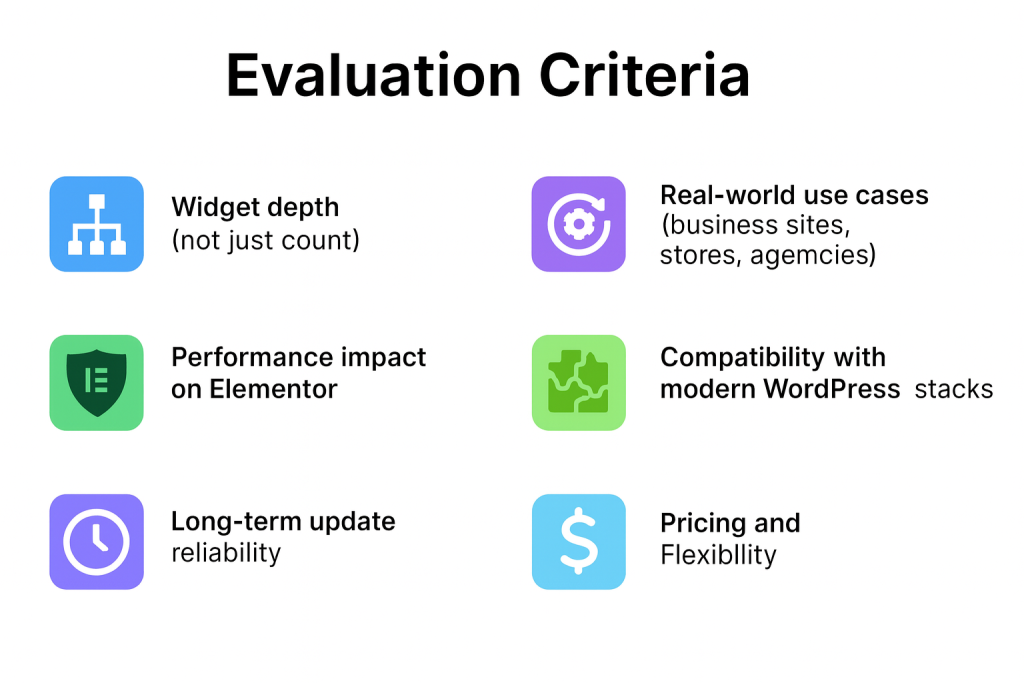
We didn’t just read feature lists. We installed, tested and built real websites with each of these Elementor addon alternatives. Here’s what we measured and why it matters.
Widget Depth, Not Just Numbers
Anyone can claim 300+ widgets. We tested whether those widgets actually work in production. Does the pricing table handle complex scenarios? Can the form widget replace dedicated form plugins? Do carousel widgets offer enough customization for agency work? We built actual client projects to find out.
Real Projects, Real Results
We tested the best Elementor addons 2026 across multiple scenarios. Business websites with complex layouts. WooCommerce stores handle hundreds of products. Content sites with custom post types. Agency workflows with tight deadlines. Each add-on proved itself (or didn’t) in actual working conditions.
Performance Testing with Tools
Website speed affects conversions directly. We used GTmetrix, Google PageSpeed Insights and Query Monitor to measure real impact. Which Elementor addons plugins added bloat? Which ones stayed lean? We tracked JavaScript file sizes, CSS optimization and database queries.
Compatibility Across the Stack
WordPress updates twice yearly. Elementor ships updates monthly. We verified each addon works with WordPress 6.7+, Elementor 3.24+, PHP 8.3 and popular themes like Astra, GeneratePress and Hello. We tested with WooCommerce, ACF, WPML and Polylang.
Update History Matters
We checked GitHub repositories, changelogs and support forums. How often do developers push updates? Do they fix bugs quickly? Do they stay compatible with Elementor changes? According to WordPress.org data, 92% of security issues come from outdated plugins. Regular updates aren’t optional.
Pricing That Makes Sense
We compared annual costs, lifetime deals, multi-site licenses and refund policies. We also factored in hidden costs like higher renewal prices and feature limitations in lower tiers.
Quick Comparison Table: Must-Have Elementor Addons (2026)
| Elementor Addon | Widgets | Best Strength | Ideal For | Free Version |
| Element Pack | 250+ | All-in-one power | Agencies, Freelancers, Designers, Small Business | ✓ Yes |
| Happy Addons | 140+ | Creative effects | Designers | ✓ Yes |
| PowerPack | 150+ | Stability | Freelancers | ✓ Yes |
| Premium Addons | 120+ | Visual design | Marketers | ✓ Yes |
| Unlimited Elements | 700+ | Custom widgets | Advanced users | ✓ Yes |
| Master Addons | 90+ | Affordability | Small sites | ✓ Yes |
| HT Mega | 100+ | Simplicity | Beginners | ✓ Yes |
In-depth Review: Element Pack Pro
Element Pack is a complete replacement for multiple plugins, offering 250+ widgets, 2,700+ templates and deep integrations that most Elementor addon alternatives can’t match.
Why Element Pack Stands Apart
Element Pack covers everything from basic layout building to advanced eCommerce functionality. You get mega menus, dynamic grids, WooCommerce widgets, ACF integration and performance tools in one package. This matters because every additional plugin increases compatibility risks and maintenance overhead.
The architecture is modular. Enable only the widgets you need through the dashboard. This keeps your site lean while giving you access to the full toolkit when projects demand it.
Core Capabilities That Matter
Navigation and Menu Building
The Mega Menu widget handles full-width dropdown menus with images, icons and custom Elementor templates. The Vertical Menu works for sidebar navigation. The Icon Mobile Menu solves responsive navigation challenges. These aren’t basic implementations. They’re production-ready solutions that handle complex site structures.
Content Organization Widgets
The Accordion widget handles FAQs and collapsible content. The Tabs widget organizes information clearly. The FAQ widget adds schema markup automatically for SEO. The Timeline widget creates visual storytelling layouts. These widgets handle real content challenges, not just demo scenarios.
Dynamic Content and Grids
The Dynamic Grid pulls from any post type with advanced query builders. Filter by categories, tags, custom fields, dates and authors. The Post Grid handles blog layouts. The Portfolio Gallery showcases work beautifully. These work with custom post types and ACF without extra configuration.
Interactive Elements
The Modal widget supports video, forms and custom content. The Offcanvas widget creates sliding panels for navigation or content. The Lightbox displays images, galleries and videos professionally. These handle edge cases like nested modals and accessibility requirements.
WooCommerce Deep Integration
Element Pack treats WooCommerce as a first-class citizen. The Product Carousel and Product Grid display products with advanced filtering. The Variation Swatches replace dropdown selectors with visual options. The Mini Cart integrates anywhere on your site. Custom checkout and cart pages use native Elementor editing.
Visual Effects and Animation
Element Pack includes floating effects, parallax scrolling, transform effects and particle backgrounds without custom CSS. The Cursor Effects add modern interactions. The Confetti Effects celebrate conversions. The Grid Line helps with alignment. These make sites feel premium without coding skills.
Advanced Features
Live Copy-Paste works across different domains, saving hours on multi-site projects. The template library includes 2,700+ ready designs accessible inside the Elementor editor. White label branding removes all Element Pack references for client work. ACF integration displays custom fields anywhere. Display conditions show or hide content based on user roles, devices, dates and more.
Who Should Choose Element Pack
Agencies Building Multiple Sites
You need consistent quality across client projects. Element Pack’s white label features let you brand the plugin. The template library speeds up common layouts. Cross-domain copy-paste reduces repetitive work. One license covers the features you’d otherwise get from 5+ plugins.
E-commerce Stores
WooCommerce builders need specialized widgets that understand product data. Element Pack includes everything from product displays to checkout customization. The variation swatches alone improve conversion rates significantly.
Content Publishers
Sites with blogs, portfolios or complex content structures benefit from dynamic content widgets, ACF integration and advanced query builders. Create custom layouts that update automatically as you publish.
Freelance Designers
You need speed without sacrificing quality. Element Pack’s template library, presets and copy-paste features cut development time dramatically. One comprehensive addon beats managing multiple plugins.
Main Features Overview
- 250+ widgets covering all use cases
- 2,700+ professional templates
- Live Copy-Paste across domains
- Complete WooCommerce integration
- ACF custom fields support
- White label branding options
- Performance optimization tools
- Asset manager for selective loading
- Display conditions system
- Regular updates and compatibility
What Works Really Well
- Comprehensive Coverage: You rarely need another addon. Element Pack handles 90% of what most sites require. This reduces plugin conflicts and simplifies maintenance.
- Performance Focus: The asset manager loads only what each page needs. We tested sites with 50+ active widgets and saw minimal performance impact when configured properly.
- Active Development: Updates ship regularly with new features, bug fixes and Elementor compatibility. The team responds to support tickets quickly.
- Documentation Quality: Every widget has detailed documentation, video tutorials and working demos. The learning curve is manageable even for complex features.
Where It Could Improve
- Initial Overwhelm: New users face 250+ widgets in their panel. The search and category system helps, but organizing your favorites takes time. Start by enabling only what you need immediately.
- Premium Pricing: Element Pack costs more than basic alternatives. However, comparing it to buying multiple specialized plugins shows the value. One comprehensive solution often costs less than three separate addons.
Pricing Structure
Element Pack starts at $29/year for personal sites. Agency plans include multi-site licenses and priority support. View current pricing for detailed options.
Other Notable Elementor Addon Alternatives
Happy Addons Elementor
Best for: Creative designers wanting modern visual effects
Download from WordPress.org | Free version available
Happy Addons Elementor focuses on contemporary design elements and smooth animations. With 140+ widgets, it delivers floating effects, creative hover states and modern landing page components. The free version includes 55+ widgets, making it one of the most generous free Elementor addons plugins available.
Main Features:
- 140+ creative widgets
- Floating and transform effects
- Cross-domain copy-paste
- 500+ template blocks
- Preset design styles
- Free version with 55+ widgets
Pros:
- Lightweight and fast
- Excellent animation options
- User-friendly interface
- Strong free version
Cons:
- Smaller widget library than comprehensive alternatives
- Less focus on complex functionality
Pricing: Free version available. Pro starts at $39/year for single site.
PowerPack Addons
Best for: Professionals needing reliable, stable solutions
Download from WordPress.org | Free version available
PowerPack Addons built its reputation on stability and clean code. With 150+ widgets and years of consistent development, it’s trusted by agencies managing long-term client sites. The focus is on professional features that work predictably across different hosting environments.
Main Features:
- 150+ professional widgets
- Header and footer builder
- Display conditions
- Template library
- White label options
- Free version with 30+ widgets
Pros:
- Rock-solid stability
- Clean, documented code
- Excellent support quality
- Regular security updates
Cons:
- More conservative feature set
- Higher price point
Pricing: Free version available. Pro starts at $49/year.
Premium Addons for Elementor
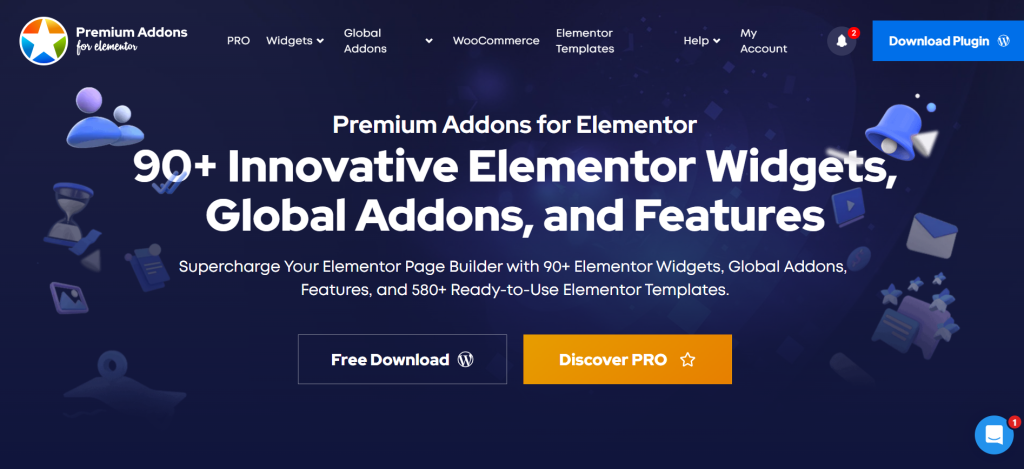
Best for: Marketing pages and conversion-focused designs
Download from WordPress.org | Free version available
Premium Addons specializes in widgets that drive conversions. The 120+ widgets focus on visual impact, testimonials, pricing tables and countdown timers. It’s designed for landing pages and sales funnels.
Main Features:
- 120+ conversion widgets
- Advanced carousel options
- Testimonial displays
- Pricing table variations
- Free version available
Pros:
- Strong visual design options
- Good for marketing
- Active development
Cons:
- Limited advanced functionality
- Less comprehensive than all-in-one options
Pricing: Free version available. Pro starts at $39/year.
Unlimited Elements
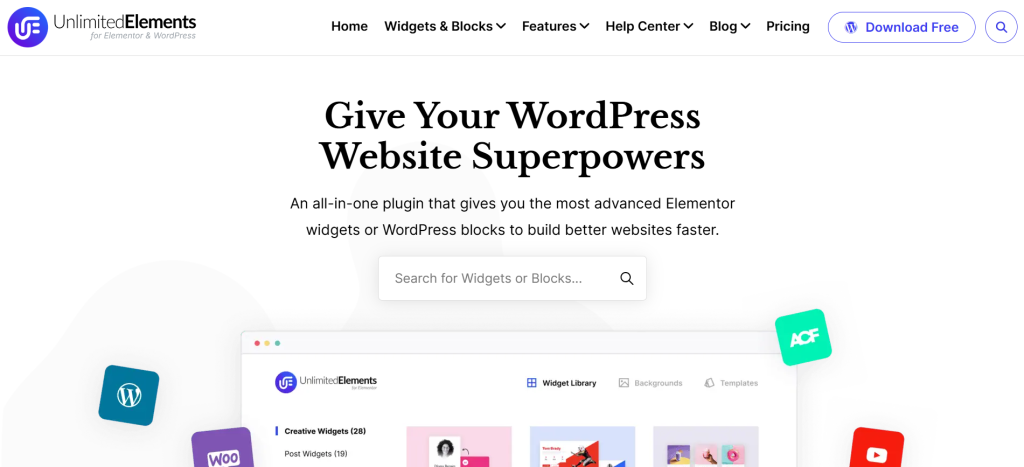
Best for: Advanced users needing specific niche widgets
Download from WordPress.org | Free version available
Unlimited Elements takes a different approach with 700+ widgets from various creators. This massive library covers almost any scenario you might encounter, plus includes a widget builder for custom creations.
Main Features:
- 700+ available widgets
- Custom widget builder
- Regular additions
- Template library
- Free version with 40+ widgets
Pros:
- Largest widget selection
- Widget builder included
- Community contributions
Cons:
- Quality varies across widgets
- Can overwhelm beginners
- Requires careful performance management
Pricing: Free version available. Pro starts at $99/year.
Master Addons
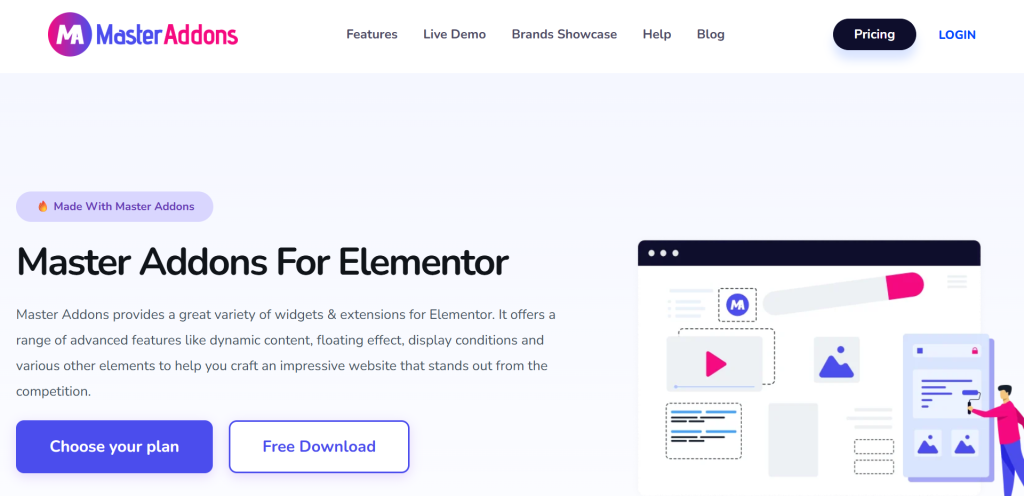
Best for: Budget-conscious small business sites
Download from WordPress.org | Free version available
Master Addons delivers essential functionality at the most affordable price point. With 90+ widgets covering core needs, it’s perfect for straightforward business websites and portfolios.
Main Features:
- 90+ essential widgets
- Header and footer builder
- Display conditions
- Free version available
Pros:
- Very affordable
- Covers basics well
- Easy to learn
Cons:
- Limited widget selection
- Fewer advanced features
Pricing: Free version available. Pro starts at $39/year.
HT Mega
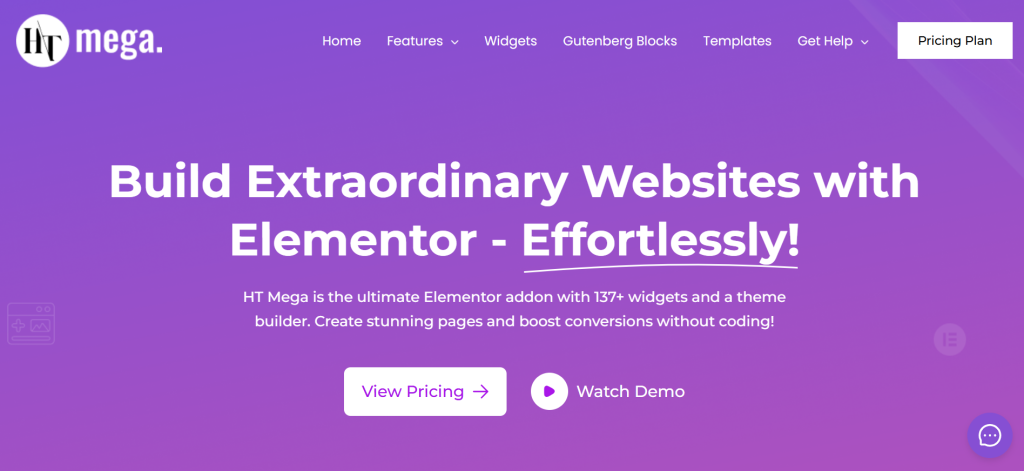
Best for: WordPress beginners
Download from WordPress.org | Free version available
HT Mega simplifies the Elementor addon experience with clear documentation and intuitive controls. The 100+ widgets include helpful tooltips and sensible defaults.
Main Features:
- 100+ beginner-friendly widgets
- Header and footer builder
- WooCommerce integration
- Free version available
Pros:
- Very beginner-friendly
- Clear documentation
- Affordable
Cons:
- Less advanced features
- Smaller community
Pricing: Free version available. Pro starts at $39/year.
Use-Case Based Recommendations
Best for Agencies: Element Pack
When managing multiple client sites, you need comprehensive features, white-label branding and tools that reduce repetitive work. Element Pack’s 250+ widgets, live copy-paste and template library save hours on every project.
Best for Creative Websites: Happy Addons Elementor
Designers prioritizing visual creativity benefit from Happy Addons’ floating effects, modern animations and creative widgets. It stays lightweight while delivering impressive visual polish.
Best for WooCommerce: Element Pack
Online stores need specialized widgets to understand product data. Element Pack provides the most complete WooCommerce widget set among Elementor addon alternatives, from product grids to checkout customization.
Best for Beginners: HT Mega
New users benefit from straightforward interfaces and helpful documentation. HT Mega removes complexity while covering essential functionality.
Best for Budgets: Master Addons
When money is tight, Master Addons delivers solid core features at the lowest price point among the best Elementor addons 2026.
How Many Elementor Addons Do You Really Need?
Installing five different Elementor add-ons sounds like more features mean better results. It doesn’t work that way.
More Plugins Create Real Problems
Each addon loads CSS and JavaScript files. According to performance studies, page speed directly impacts conversions and search rankings. Multiple addons create a mess of conflicting scripts. You’ll spend more time debugging conflicts than building sites.
One Comprehensive Solution Works Better
The sweet spot is an all-in-one addon like Element Pack or PowerPack for general needs, plus potentially one specialized addon for unique requirements. This approach minimizes conflicts while maintaining full functionality.
Why All-in-One Solutions Scale Better
Comprehensive Elementor addon alternatives are built as cohesive systems. Widgets share code libraries, follow consistent design patterns and work together seamlessly. This architectural approach creates better performance than mixing multiple providers.
Practical Performance Tips
- Use asset loading managers to load widgets only where needed
- Enable only the widgets you actually use in projects
- Combine functionality from one provider rather than multiple sources
- Audit active widgets quarterly and disable unused ones
- Test performance after adding any new addon
Conclusion: Building Smarter Elementor Sites in 2026
Elementor powers14.1% of all WordPress sites because it’s flexible. But that flexibility only reaches its potential with the right Elementor addons plugins.
The best Elementor addons 2026 aren’t about widget counts. They’re about consolidating tools, maintaining performance and reducing complexity. Element Pack leads this approach with 250+ widgets, comprehensive WooCommerce integration, ACF support and built-in performance optimization. One well-chosen addon replaces multiple smaller plugins.
Explore Element Pack to see why agencies, freelancers and businesses choose it as their complete solution for WordPress websites in 2026.
FAQs
What are the essential Elementor addons?
Essential Elementor addons plugins extend Elementor with additional widgets, templates and features beyond the base builder. Key options include Element Pack for comprehensive functionality, Happy Addons for creative effects and PowerPack for stability.
How many Elementor addons should I use?
One comprehensive Elementor addon alternative, plus one specialized addon if needed, works best. Too many addons cause performance issues, plugin conflicts and maintenance problems. A single well-chosen solution provides better performance than mixing multiple providers.
Which Elementor addon is best for WooCommerce?
Element Pack offers the most comprehensive WooCommerce widget set among responsive Addons for Elementor. It includes product carousels, variation swatches, mini carts, custom checkout pages and product grids. These widgets handle every aspect of building an online store with Elementor.
Do Elementor addons slow down websites?
Poorly coded Elementor add-ons can significantly slow sites. Quality add-ons like Element Pack, PowerPack, and Happy Addons include performance features such as asset managers, lazy loading, and selective widget loading.
Can I use multiple Elementor add-on plugins together?
You can combine Elementor addon alternatives, but it’s not recommended. Multiple addons increase conflict risks, duplicate functionality and hurt performance. One comprehensive solution typically provides better results than several smaller add-ons.
Supreakshya Shrestha
The BdThemes team builds WordPress plugins trusted by 3M+ users worldwide. We write about web accessibility, WCAG compliance, and inclusive design.