



Running a membership coaching business is no small feat. You always have to keep your members engaged, coming back for more and consistent toward their goals.
It’s easy to focus on the obvious things: creating your coaching content, setting up membership plans and giving members a place to log in. But what happens when you want to release a program week by week? Or offer different content to different members? Or keep track of subscriptions without chasing payments manually?
This is where the right membership features start to matter. They can help you build a coaching experience that works smoothly behind the scenes while giving members a clear reason to stay.
So, what coaching membership features should be on your list? Let’s find out.
What Are Coaching Memberships?
Coaching memberships are subscription-based models where clients pay a recurring fee (monthly or yearly) for ongoing access to a coach's expertise, online course, community or resources.
A coaching membership mostly offers a mix of these features:
- Online courses
- Learning materials
- A community
- Ongoing help
People like it because it's a more affordable way to get expert guidance and stay motivated over the long term than hiring a private coach. And as for coaches, it allows them to help as many people as possible at once and earn a steady, recurring income.
10 Must-Have Features For Managing Coaching Membership Business
After you understand what coaching memberships are and why they work, the next step is making sure your coaching membership website has the right features to support them.
Now, most of all coaching businesses have the same core model. Thus, it doesn't matter whether you run a fitness coaching membership or a business coaching membership; here are ten must-have features to look for:
1. Granular Content Restriction
If you want to earn from a membership site, you must keep your valuable content behind a paywall.
You may have premium lessons for higher-tier members, private resources for specific groups or content that should only be available after someone signs up.
That’s exactly where granular content restriction comes in, as this membership feature allows you to decide exactly who can access specific pages, posts, courses, lessons, videos or other resources based on their membership level or other conditions.
This way you get more control over your coaching content.
2. Tiered Subscription Levels
Every member has different goals, budgets and levels of commitment. Thus offering a single membership plan makes it difficult to serve all of them effectively.
Thus by creating tiered subscription levels, you have different membership plans based on what each member gets. For instance, you can offer membership coaching plans such as:
- Basic plan: Access to your course library.
- Standard plan: Additional resources.
- Premium plan: Coaching or one on one support.
This gives members the flexibility to pick the level that works for them. Meanwhile, allowing you to create different revenue opportunities.
3. Automated Recurring Payments
If your coaching membership runs on monthly or yearly subscriptions, the next big headache is collecting payments from every member.
Now if you are planning to do it again, think again because this could take forever.
That's why automated recurring payments take care of this for you. After a member subscribes, payments are collected automatically as per their chosen billing cycle.
4. Scheduled Content Dripping
Giving members access to your complete coaching program on day one is not always the best idea. Because sometimes, the value comes from guiding members through the material step by step.
Scheduled content dripping allows you to release lessons, courses, videos or other resources as per your schedule. For instance, you can make Week 1 available when someone joins, unlock Week 2 after seven days and continue releasing new material each week.
This keeps your members engaged, and coming every week for more. Also, it saves them from being overwhelmed by too much content at once. Afterall, we don't want to put 100 videos in front of students before they even start.
5. Analytics and Reporting
You can’t improve your membership business if you don’t know what’s happening inside it.
Analytics and reporting features give you a clearer picture of your membership activity. Thanks to it, you can track things such as new members, active subscriptions, cancellations, revenue and other important membership data.
On top of that, you can use it to make data driven decisions as your coaching membership grows.
6. Automated Email Reminders
It’s easy for members to miss a new lesson, forget about an upcoming session, or simply lose track of what they should do next.
That's why automatic reminders are the next most important membership feature.
With automated email reminders and notifications, you don't have to send any reminder messages. The system does it for you. From notifying members about new content, upcoming payments, expiring memberships, coaching sessions to other important updates, the right subscription plugin will handle everything.
Just set it once and forget it.
7. Member Management Dashboard
As your membership grows, managing members from scattered lists and spreadsheets becomes tricky.
Thus having a central place to view and manage your members helps a lot.
A member management dashboard gives you a complete view of your membership plans, subscription status, payments, account details and other member details from one place.
8. Coupons and Free Trials
Getting someone to commit to a coaching membership for the first time isn’t always easy. Coupons and free trials can give potential members a lower-risk way to experience what you offer.
For instance, you can offer a seven day free trial or a limited time discount on a new membership plan. Another creative idea is to make special offers for existing members, seasonal campaigns or specific groups.
9. Community Forums and Member Directories
Coaching doesn’t always have to happen between the coach and the member. Sometimes, the community itself becomes an important part of the experience.
Community forums can give members a place to ask questions, share experiences, discuss challenges and interact with one another. Also, a member directory can help members discover and connect with people who are part of the same community.
For coaching businesses where peer support is important, these features can turn a membership website into a growing, engaging community where people stay for each other.
10. Easy Customization and Branding
Your membership website should feel like an extension of your coaching business, never a generic portal that members forget about.
Thus easy customization and branding features matters. It lets you personalize the experience with your own colors, fonts, layouts, logos, and other design elements. On top of that, you can even create dedicated pages for your programs, member dashboard, resources and community.
Afterall, a consistent look and feel can make your website easier to browse, and creates a more recognizable coaching brand.
Top 3 WordPress Membership Plugins for Coaching Businesses
How to build a coaching membership website with WordPress? Well, it's actually easier than you think. You don't have to buy any expensive SaaS-based membership software or hire a developer.
Got a WordPress website? Congrats! That's all you need.
Although WordPress doesn't come with in-built membership features, who says you can't add them.
There are tons of great WordPress membership plugins available in the WordPress ecosystem. Below are three of the most popular options to create your coaching membership site.
1. ARMember
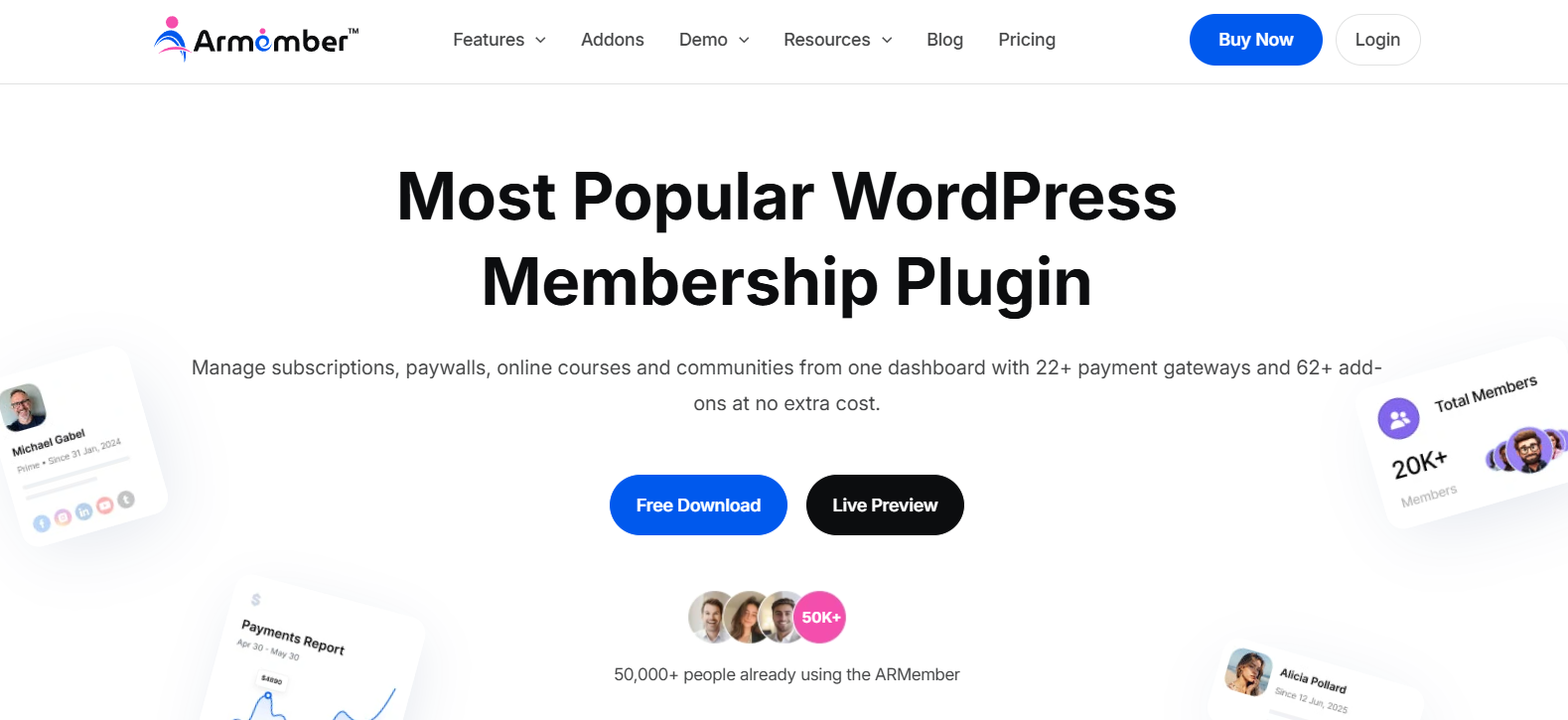
ARMember is one of the most innovative membership plugins for WordPress here.
Trusted by 50,000+ membership business owners, it lets you create a complete coaching membership site.
It is incredibly user friendly and comes with 62+ built-in features for creating and selling online courses, managing content dripping and handling automated subscription billing.
Best of all, you can easily create online courses with structured lessons including video, audio and text. Creating quizzes is also easy, requiring only drag and drop - no coding.
When students complete their course, certificates are automatically generated. And if that’s not enough, you can also sell digital downloads such as eBook, PDF, and short lecture notes.
ARMember Social Community addon lets you even create engaging communities where students can integrate, follow each other, like and comment posts. In other words, you can create your own facebook-like community with zero coding.
Top Features:
- Unlimited membership plans with custom billing cycles, trial periods and proration options
- 22+ payment gateways for automated billing
- Online course creation and social community
- Advanced content restriction and content dripping
- Member profiles and directories
Pros:
- 62+ in-built addons
- 22+ payment gateways for secure transaction
- Advanced content restriction and drip content rules
- In-built gamification elements, robust user profile and directories
- Handles recurring subscriptions, finite plans, trial periods and mid-cycle proration smoothly.
Cons:
- Advanced features are locked behind paywall
- Beginners will need some time to set up advanced features
Pricing:
- Free version available
- The pro version starts at $89/year.
2. AccessAlly
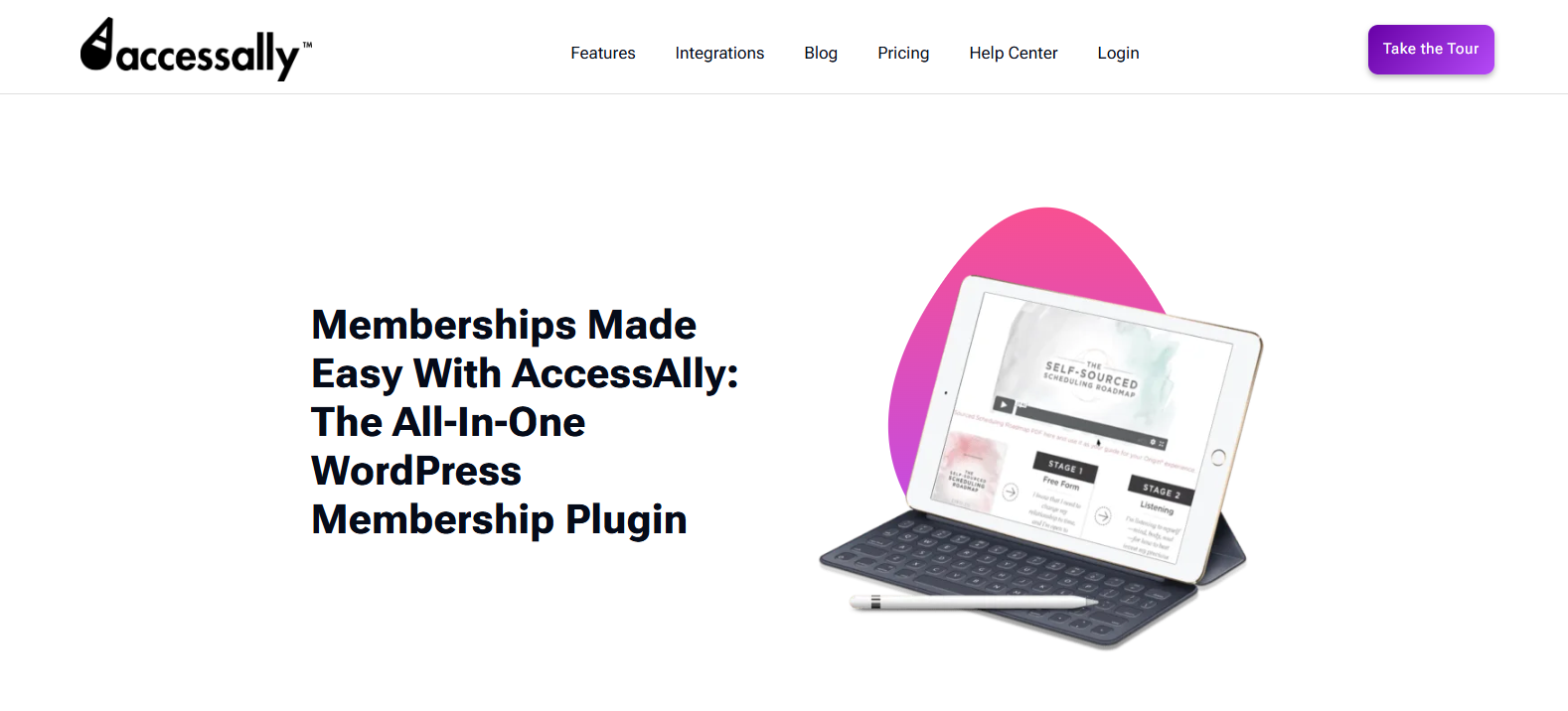
AccessAlly is an all-in-one membership and LMS plugin for advanced course creators, membership site owners and coaching businesses.
This WordPress membership plugin doesn't just gate your content; it actively helps you sell. It features built-in order forms, one-click upsells, and cross-selling dashboards.
If a client completes your introductory coaching module, you can automatically pitch them your masterclass right inside their dashboard.
Top Features:
- Deep CRM integration
- Gamification and progress tracking
- Private notes feature
- Advanced course building
- Coupon codes
Pros:
- Deep CRM Integrations
- Handles recurring subscriptions, trials and one click upsells
- Advances content dripping
- Built-in gamification
- Combines LMS, custom order forms, and affiliate management in one place
Cons:
- Steep learning curve
- Too expensive for growing businesses
Pricing:
- No free version
- The paid plan starts at $299/year
3. WooCommerce Memberships
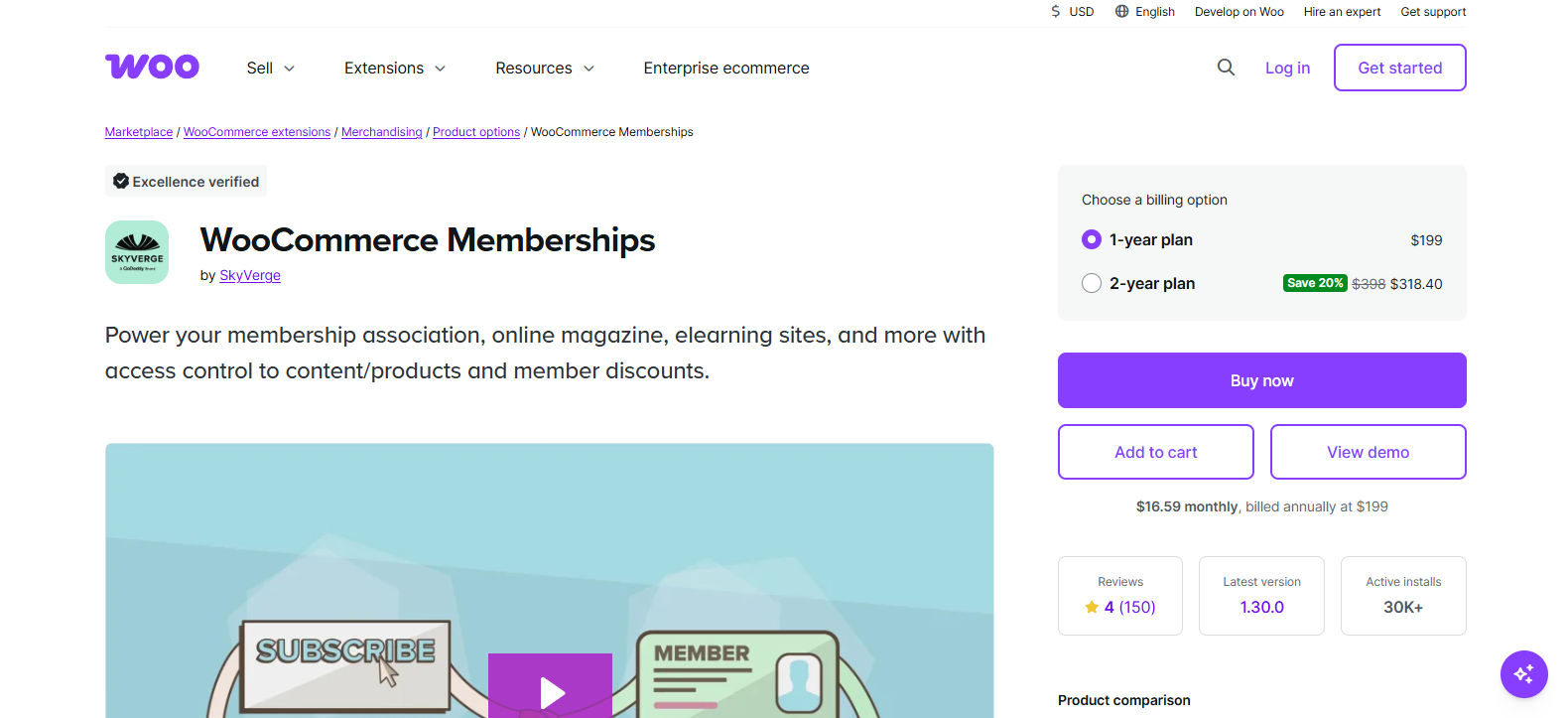
If you already run a store or want to combine digital and physical merchandise with digital content, WooCommerce Memberships is a fantastic option.
You can use it to tier membership to any product type. For instance, you can sell a physical workbook and automatically grant 3 months of access to your digital resource vault. Also, you can use it to reward your loyal members with automatic store discounts.
Top Features:
- Content restriction and content dripping
- Members-only products
- Integrates with WooCommerce Subscriptions for recurring billing
- Member management and area
- Flexible access setup
Pros:
- Deep WooCommerce integration
- Flexible content restriction
- Easy to sell and assign memberships
- Offer better shipping options to members
- Reward members with special discounts
Cons:
- No Built-in recurring billing
- Too expensive for growing businesses
Pricing:
- No free version
- The paid plan starts at $199/year
4. Simple Membership
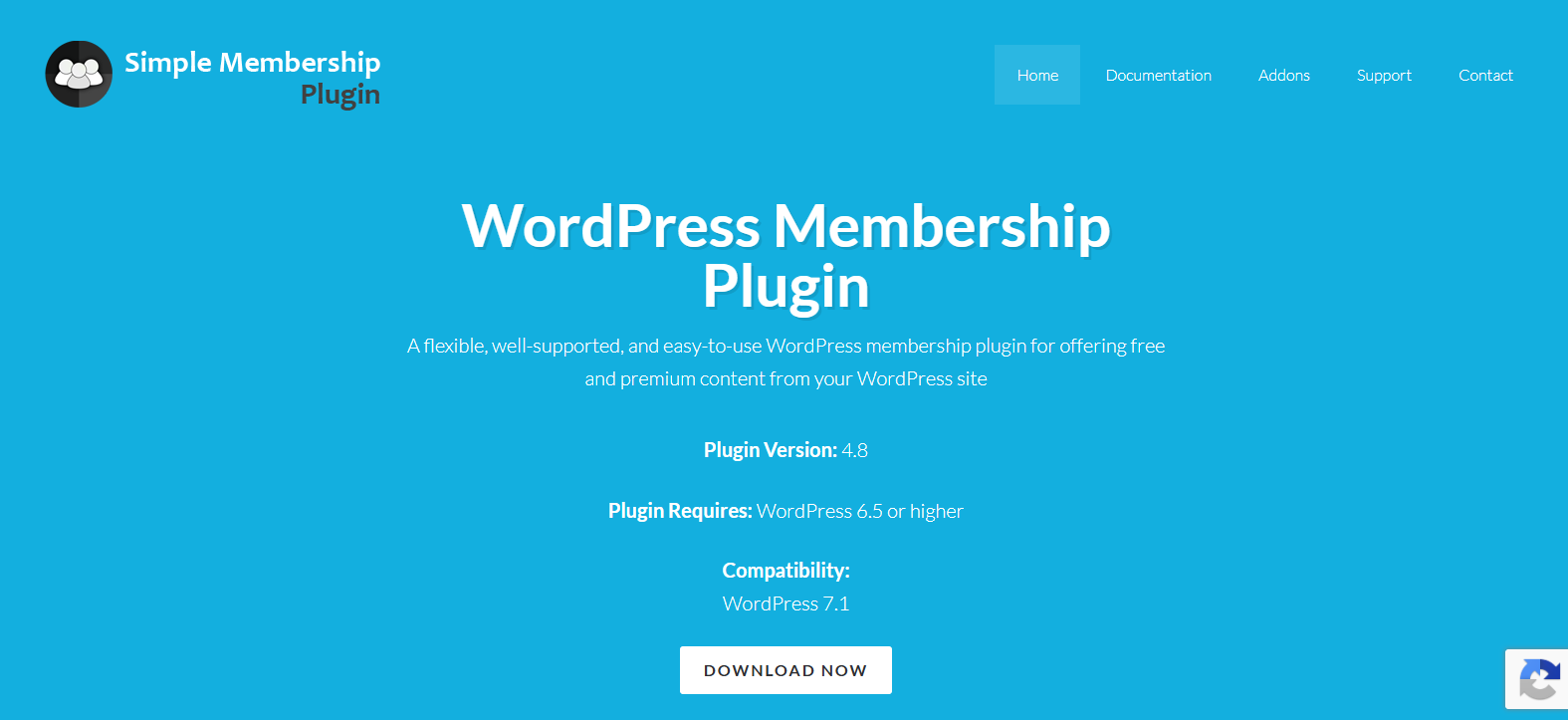
Simple Membership is a free WordPress membership plugin to protect your posts, pages and media content so only registered members can see them. Sounds simple, right? Well, because it is.
As its name suggests, if your goal is to make a simple coaching membership site that only protects your exclusive course content, this is worth checking out.
You can easily create unlimited membership tiers and accept one-time or recurring subscription payments via gateways like PayPal and Stripe.
Top Features:
- Flexible membership levels
- Content protection
- Easy user management
- After login redirection
- Secure payment gateways like PayPal, Stripe and Braintree.
Pros:
- Easy to set up
- Free core features
- Flexible payment options
- Good security controls
- Member management
Cons:
- Lacks advanced automation and outdated interface
- Basic subscription handling
Pricing: This plugin is completely free to use. You may only need to pay for premium addons like Two-Factor Authentication (2FA), WooCommerce Payment and more.
5. s2Member
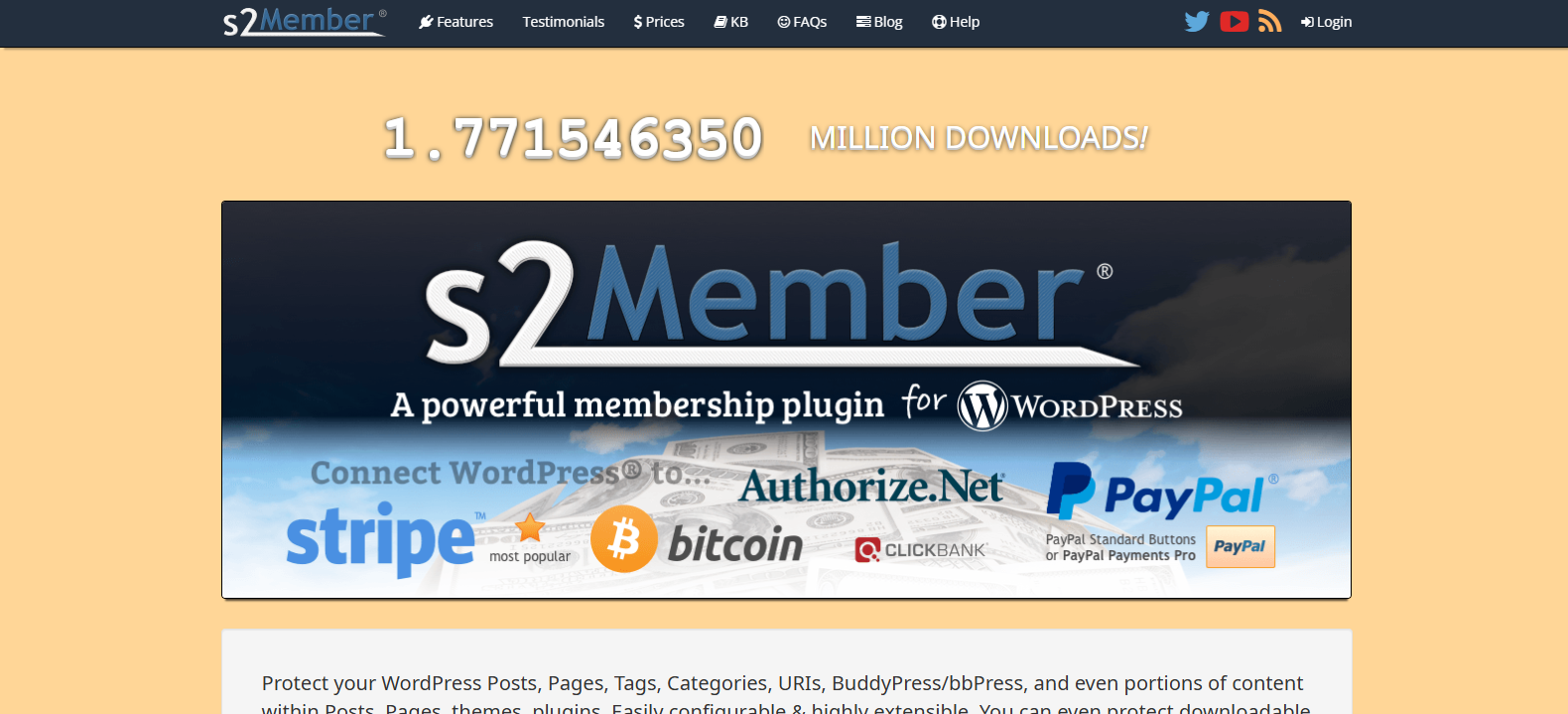
s2Member is another one of the most popular WordPress membership plugins for controlling content access and secure digital downloads.
During testing, s2Member excelled at restricting specific files, streaming videos, and URL taxonomies. If you need to protect downloadable PDFs or protect against password sharing, its security measures are top-tier.
The only downside is its backend UI, which looks like it was from 2012, meaning you need to read through lengthy option panels and documentation to get things running.
Top Features:
- Integrates with BuddyPress and bbPress for community
- Flexible payment gateways
- Membership tiers and custom capabilities
- Protects downloadable files and streaming audio/video, with local storage options
- Automatically filters database queries
Pros:
- One time pricing only
- Generous free version
- Flexible access control
- Robust integrations like PayPal, Stripe, Authorize.Net, BuddyPress and bbPress
- Unlimited membership levels
Cons:
- Lacks advanced automation
- Outdated interface
Pricing:
- Free version available
- The Pro version starts at $89 for lifetime
FAQs
What are some good WordPress Membership plugins for coaching?
Some good WordPress membership plugins for coaching businesses are ARMember, AccessAlly, WooCommerce Memberships, Simple Membership, and s2Member. These plugins offer features such as content restriction, membership levels, recurring subscriptions, content dripping, course creation, and member management.
What is the best membership plugin for WordPress?
ARMember is the overall best membership plugin that offers a wide range of 62+ built-in features for creating and managing a coaching membership website, including 22+ payment gateways, content restriction, content dripping and flexible membership tiers.
How much does ARMember cost?
ARMember offers a free version, and its Pro version starts at $89/year. The Pro version includes advanced membership features, 62+ built-in addons, wide range of payment gateways, content restriction, content dripping and other tools for managing a complete coaching membership website.
Let's Wrap It Up
These are all the essential features for creating a membership site for your coaching business.
Now you don’t have to code to create a membership system with these specific membership features from scratch. WordPress membership plugins like ARMember gives you all these must-have membership features in-built at zero extra cost.
So what are you waiting for? Grow your coaching membership website today with WordPress.
Hanifur Rahman
The BdThemes team builds WordPress plugins trusted by 3M+ users worldwide. We write about web accessibility, WCAG compliance, and inclusive design.