



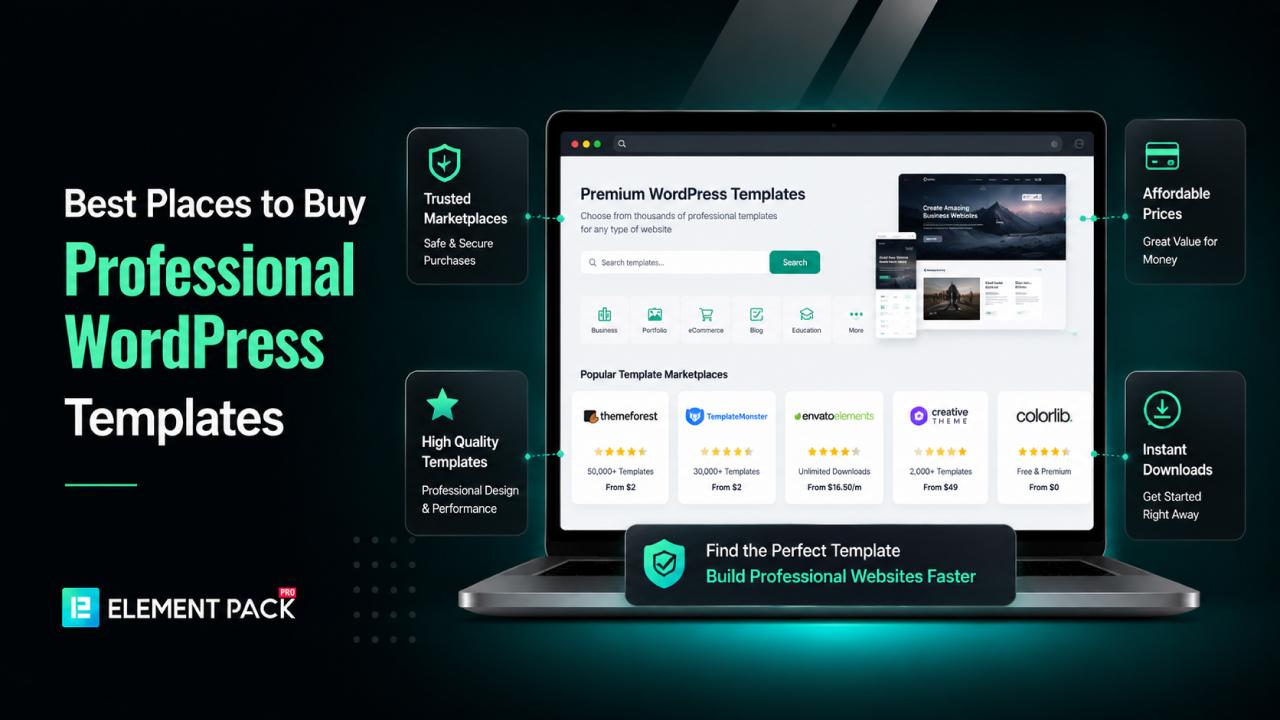
Building a professional WordPress website is easier than ever, but choosing the right template can still feel overwhelming. With thousands of free and premium options available, it's easy to spend hours searching without knowing which template is worth your investment.
Some templates look impressive in demos but perform poorly in real-world use, while others lack updates, support or customization options.
Choosing the wrong template can slow down your website, create compatibility issues and even hurt your search engine rankings. Instead of helping your business grow, it can leave visitors with a poor first impression.
The good news is that you don't have to guess. By choosing a trusted template provider, you can build a fast, responsive and professional website without starting from scratch.
In this guide, we'll explore the best places to buy professional WordPress templates and help you choose the right solution for your next project.
Why Buy Professional WordPress Templates?
A WordPress template is much more than a website design. It controls how your website looks, performs and functions.
While free templates can be a good starting point, premium templates often provide a better experience for both website owners and visitors.
Here are some of the biggest advantages of purchasing professional WordPress templates.
Better Design Quality
Premium templates are created by experienced designers who understand modern web design trends. They use clean layouts, attractive typography and carefully selected color combinations to create websites that look polished and trustworthy.
Whether you're building a business website, an online store or a portfolio, a professionally designed template helps you create a strong first impression.
Faster Website Development
Designing a website from scratch takes time. Professional templates include ready-made pages, sections and layouts that you can customize in minutes.
Instead of spending days creating pages, you can simply import a template and replace the demo content with your own.
Mobile-Friendly Layouts
Most internet users browse websites from smartphones and tablets. Professional templates are fully responsive, ensuring your website looks great on every screen size.
A responsive design also improves usability and contributes to better search engine rankings.
SEO-Friendly Structure
High-quality WordPress templates follow modern coding standards and load quickly. They often include clean HTML, optimized CSS and performance improvements that help search engines crawl your website more efficiently.
While a template alone won't guarantee higher rankings, choosing an SEO-friendly design gives you a solid foundation.
Regular Updates
WordPress receives frequent updates and your template should too. Premium developers regularly release updates that improve compatibility, fix bugs and add new features.
Regular maintenance helps keep your website secure and functioning properly.
Dedicated Customer Support
One of the biggest benefits of purchasing premium templates is access to professional support. If you encounter installation issues or need customization advice, contact the developer rather than searching online forums.
Best Places to Buy Professional WordPress Templates
Finding the right WordPress template provider is just as important as choosing the template itself.
A reliable platform offers professionally designed, responsive, and regularly updated templates that save time while helping you build a fast, visually appealing, and SEO-friendly website.
Below are some of the best places to buy professional WordPress templates, whether you're creating a business website, online store, portfolio, blog, or landing page.
1. Element Pack Template Library (Editor's Choice)
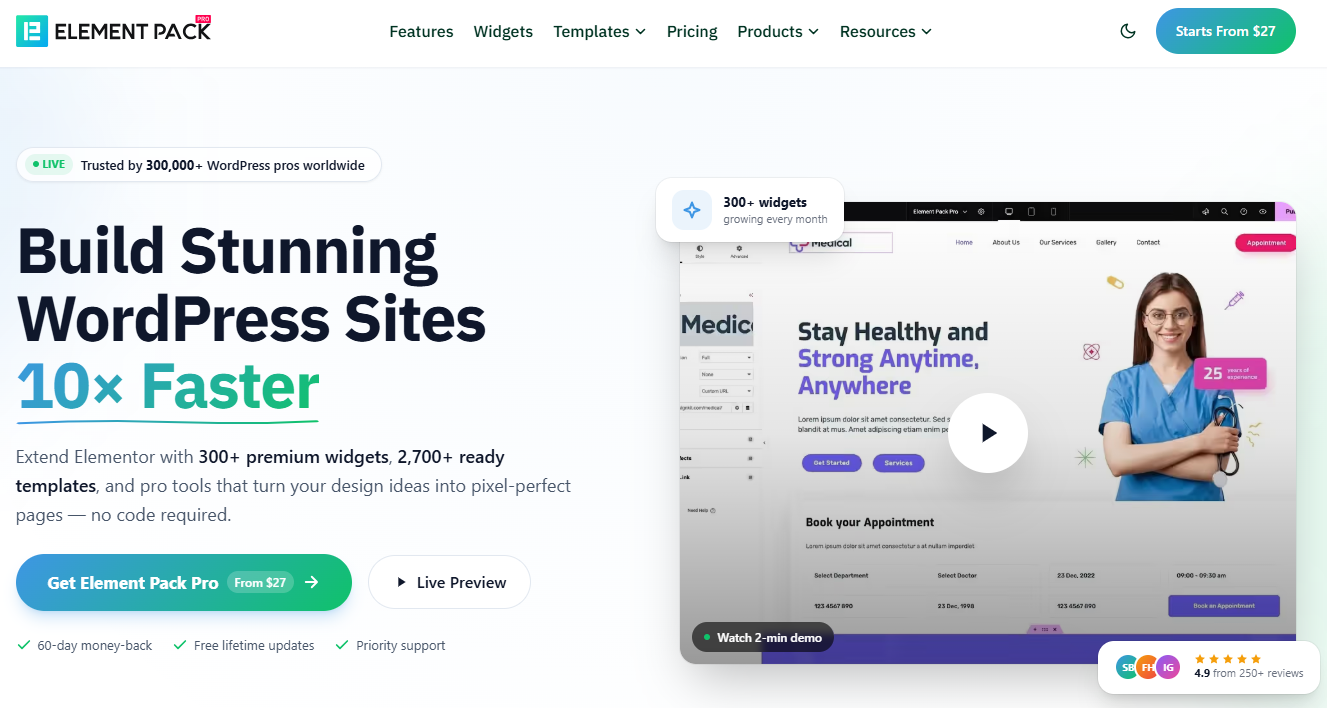
If you're looking for a complete collection of professionally designed Elementor templates, Element Pack is one of the best places to start. Rather than offering just a handful of layouts, it provides a massive library of 2,700+ ready-made templates designed for businesses, agencies, online stores, blogs, portfolios, SaaS companies, educational websites and many other industries.
Every template is built with Elementor, making customization simple even for beginners. Instead of designing each page manually, you can import a professionally crafted layout with just one click and customize it to match your brand.
Unlike many generic template marketplaces, Element Pack combines a large template library with powerful Elementor tools. In addition to templates, it includes more than 300 premium Elementor widgets and 30+ advanced extensions, allowing you to build virtually any type of website without installing multiple plugins.
Key Features
- 2,700+ professionally designed templates
- 300+ premium Elementor widgets
- 30+ advanced extensions
- Complete website kits
- Landing pages
- Headers and footers
- WooCommerce templates
- Blog layouts
- Portfolio templates
- Responsive designs
- One-click template import
- Fast loading pages
- SEO-friendly layouts
- Regular updates
- Detailed documentation
- Professional customer support
Why Choose Element Pack?
Element Pack is ideal for freelancers, agencies, business owners and beginners who want to build professional websites quickly. Since everything is built specifically for Elementor, you don't have to worry about compatibility issues or complicated setup processes.
Whether you're launching a startup website, redesigning a company website or creating client projects, Element Pack offers enough flexibility to speed up your workflow while maintaining a professional design standard.
Best For
- Business websites
- Agency websites
- E-commerce stores
- Landing pages
- SaaS websites
- Portfolios
- Personal blogs
- Corporate websites
- Educational websites
- Service-based businesses
With thousands of templates and hundreds of Elementor widgets available in one package, Element Pack provides excellent value for anyone looking to create beautiful WordPress websites faster.
What Makes a Great WordPress Template?
The best templates don't just look attractive. They also improve usability, performance and scalability. A high-quality template should offer:
- Clean and modern design
- Fast loading performance
- Responsive layouts
- SEO-friendly code
- Easy customization
- Cross-browser compatibility
- Accessibility support
- Regular updates
- Reliable customer support
When these features come together, you can build a website that not only looks professional but also delivers a better experience for your visitors.
2. ThemeForest
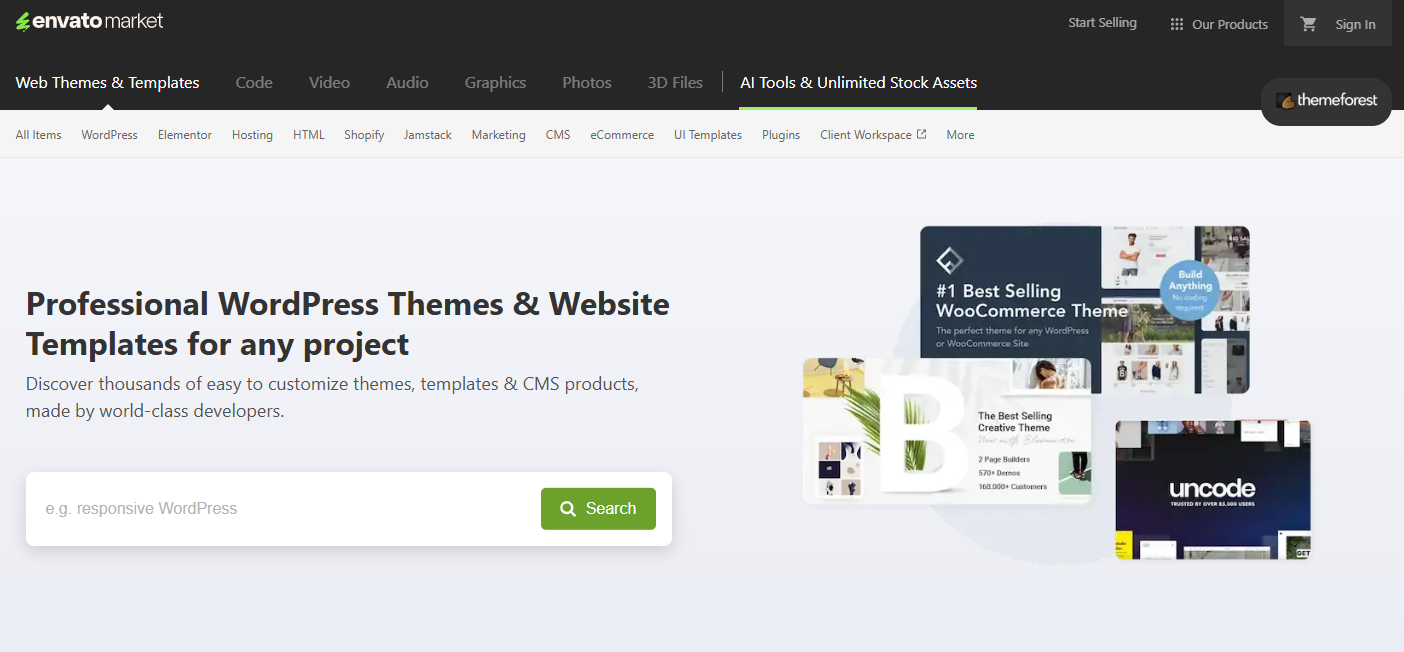
ThemeForest is one of the world's largest marketplaces for premium WordPress themes. With thousands of templates available, it caters to almost every niche, from business websites and ecommerce stores to blogs, portfolios and creative agencies.
One of ThemeForest's biggest strengths is its variety. Whether you're building a restaurant website, a real estate platform or an online magazine, you'll likely find several templates that match your needs.
Most themes include detailed documentation, regular updates and customer reviews, making it easier to evaluate their quality before purchasing.
Best Features
- Huge collection of WordPress themes
- One-time purchase option
- Customer ratings and reviews
- Regular updates
- Responsive layouts
- WooCommerce support
Best For: Businesses, freelancers, agencies and online stores.
3. Envato Elements
If you frequently build websites, Envato Elements offers excellent value. Instead of purchasing individual templates, you pay one subscription fee for unlimited downloads.
Besides WordPress templates, you'll also gain access to stock photos, videos, icons, fonts, presentation templates and graphic assets. This makes it a complete creative toolkit for designers and agencies.
Best Features
- Unlimited downloads
- Premium WordPress templates
- Website kits
- Stock images
- Icons and fonts
- Commercial license
- New assets are added regularly
Best For: Designers, agencies and freelancers working on multiple projects.
4. TemplateMonster
TemplateMonster has been serving the WordPress community for many years. It offers professionally designed templates for nearly every industry.
Whether you're creating a healthcare website, educational platform, restaurant website or online store, TemplateMonster has hundreds of niche-specific templates that are ready to customize.
Many templates also include premium plugins and extended support.
Best Features
- Industry-specific templates
- Elementor-compatible designs
- WooCommerce themes
- Responsive layouts
- Regular updates
- Technical support
Best For: Small businesses and niche websites.
5. Elegant Themes
Elegant Themes is best known for the Divi Theme and Divi Builder. Rather than selling individual templates, it provides access to thousands of professionally designed layouts through a membership.
Divi allows users to visually customize every part of their website without writing a single line of code. Its large template library makes website creation much faster.
Best Features
- Thousands of page layouts
- Visual drag-and-drop builder
- Global design settings
- Lifetime pricing option
- Excellent documentation
- Premium support
Best For: Agencies, freelancers and WordPress beginners.
6. Astra Starter Templates
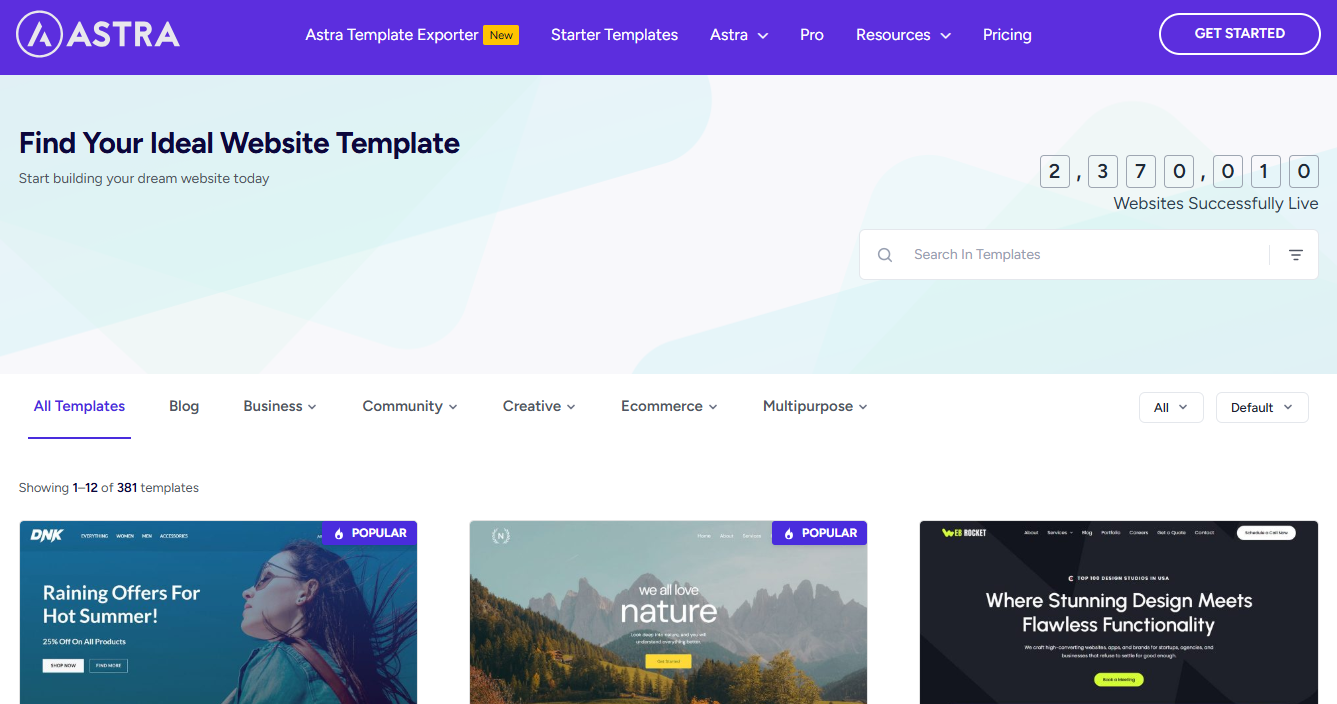
Astra is one of the fastest WordPress themes available today. Alongside the theme, Astra offers an extensive Starter Templates library that works seamlessly with Elementor, Gutenberg and Spectra.
You can import an entire website within minutes and customize every page according to your business needs.
Best Features
- Lightweight code
- Fast loading
- SEO-friendly structure
- Hundreds of starter templates
- WooCommerce ready
- Responsive design
Best For: Business websites, blogs and ecommerce stores.
7. Kadence
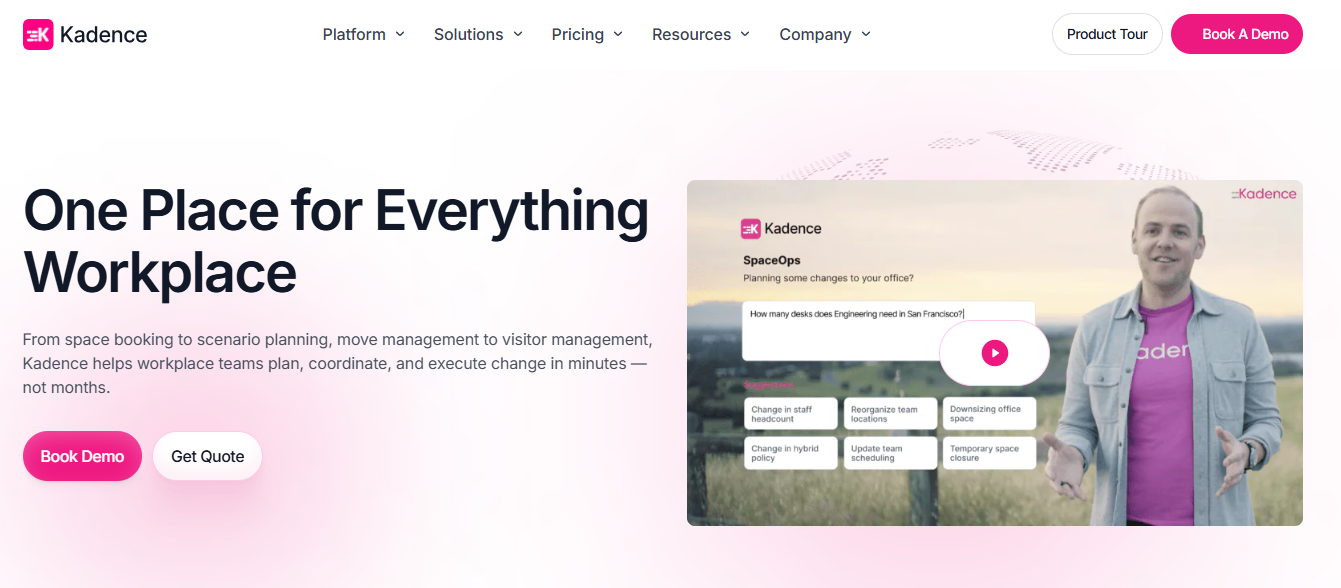
Kadence has quickly become one of the most popular WordPress solutions because of its focus on performance and flexibility.
Its starter templates are clean, modern and optimized for Core Web Vitals. Users can easily customize colors, typography, layouts and headers without technical knowledge.
Best Features
- Fast performance
- Mobile-friendly layouts
- WooCommerce support
- Header and footer builder
- Dynamic content support
- Modern design library
Best For: Bloggers, agencies and small businesses.
8. GeneratePress
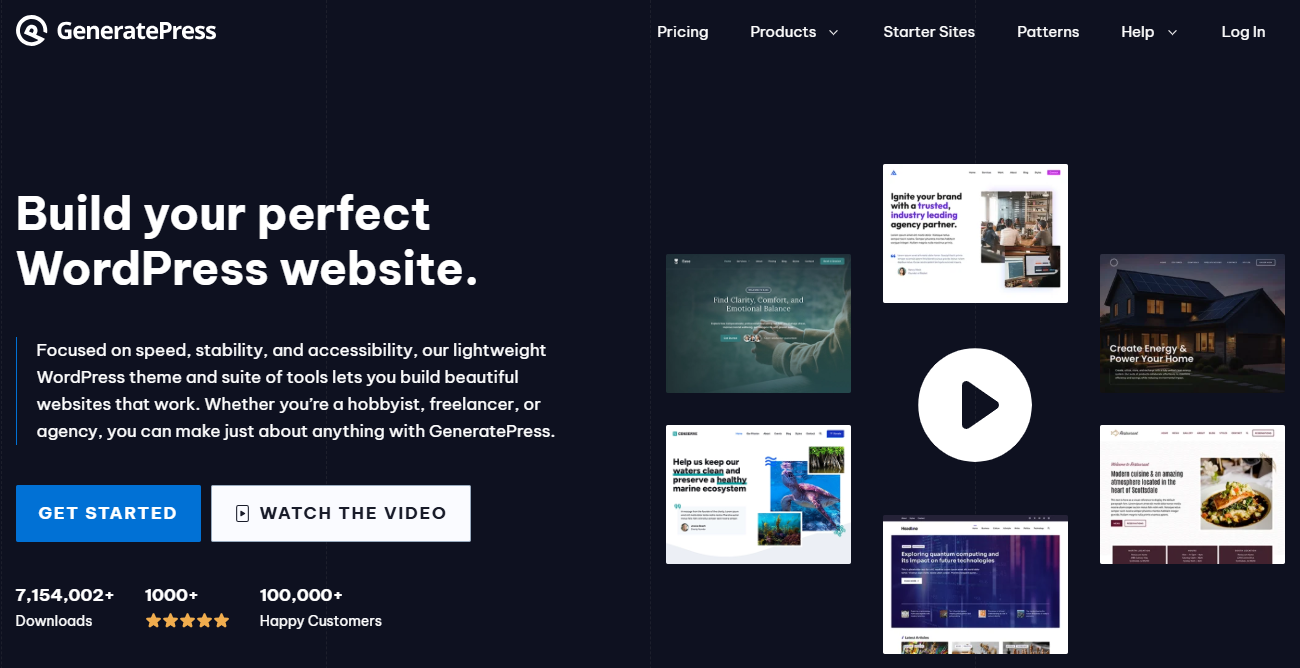
GeneratePress is designed for speed. It is lightweight, flexible and built using clean code, making it an excellent option for SEO-focused websites.
Although it includes fewer templates than some competitors, every design prioritizes performance and usability.
Best Features
- Lightweight framework
- Excellent Core Web Vitals
- SEO-friendly coding
- Modular features
- Responsive layouts
- Extensive customization
Best For: Developers, marketers and performance-focused websites.
9. Elementor Template Library
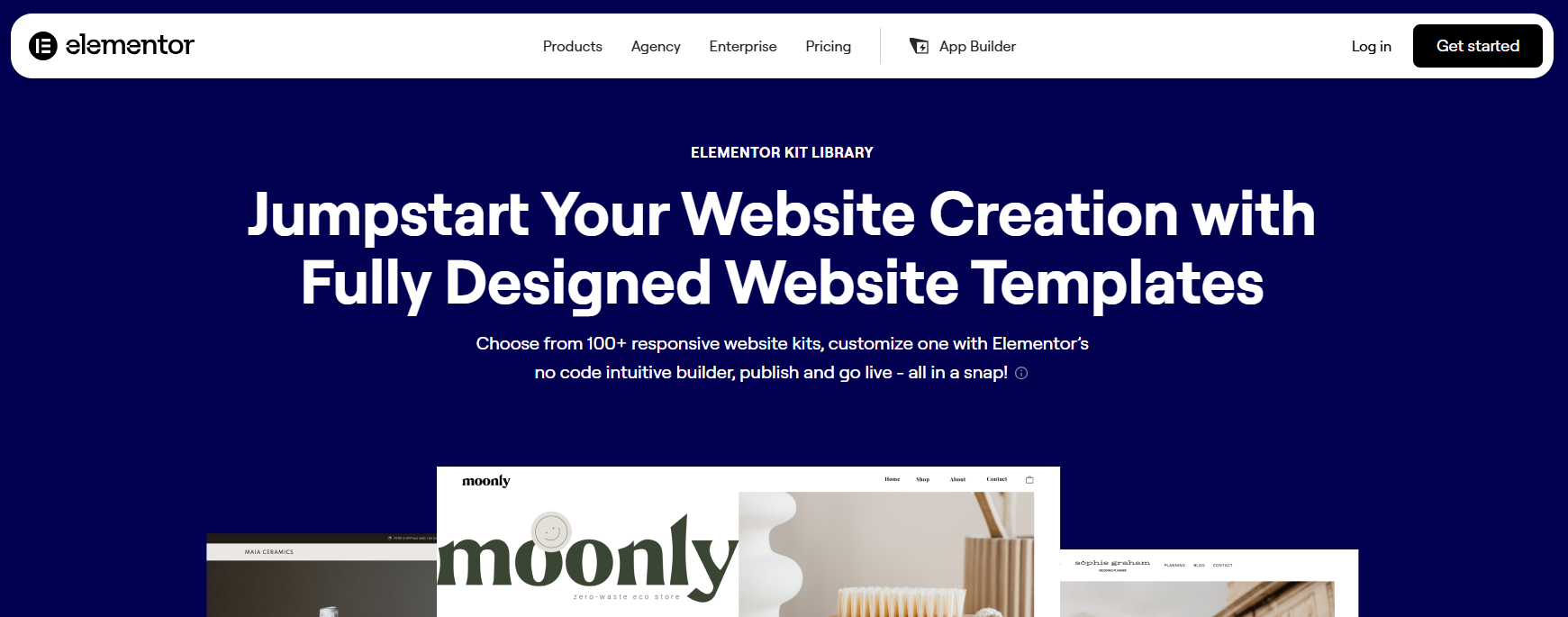
If you already use Elementor, the built-in Template Library provides hundreds of professionally designed page templates.
You can import individual sections or entire pages with one click. It's an excellent option for quickly building landing pages, service pages and homepages.
Best Features
- One-click import
- Landing page templates
- Website sections
- Responsive layouts
- Regular updates
- Easy customization
Best For: Elementor users.
10. Templately
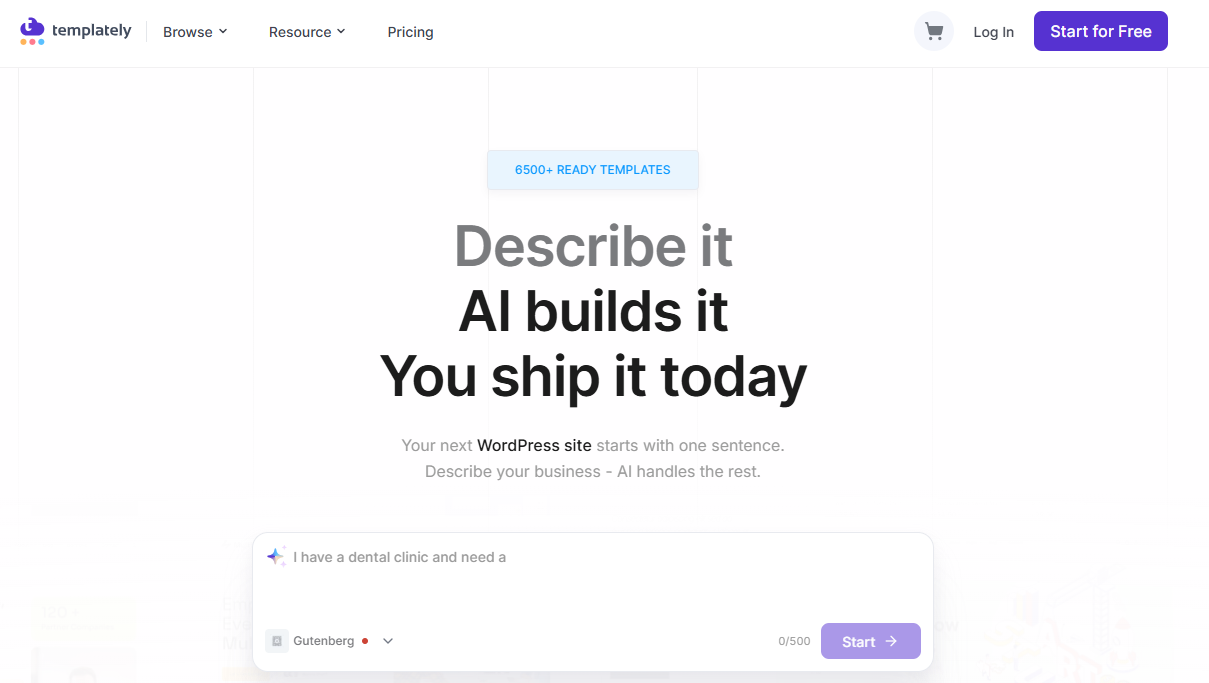
Templately is another excellent solution for Elementor users. It provides thousands of cloud-based templates that you can import directly into your website.
Unlike traditional template libraries, Templately allows you to save designs in the cloud and reuse them across multiple websites.
Best Features
- Thousands of Elementor templates
- Cloud workspace
- One-click import
- Team collaboration
- Responsive layouts
- Regular updates
Best For: Agencies and freelancers managing multiple websites.
Quick Comparison
| Platform | Best For | Free Templates | Premium Templates |
| Element Pack | Elementor users | ✅ | ✅ |
| ThemeForest | All website types | ❌ | ✅ |
| Envato Elements | Unlimited downloads | ❌ | ✅ |
| TemplateMonster | Business websites | Limited | ✅ |
| Elegant Themes | Divi users | ❌ | ✅ |
| Astra | Fast websites | ✅ | ✅ |
| Kadence | Performance | ✅ | ✅ |
| GeneratePress | SEO websites | ✅ | ✅ |
| Elementor Library | Elementor users | ✅ | ✅ |
| Templately | Agencies | ✅ | ✅ |
In the final part, we'll cover how to choose the right template, common mistakes to avoid, frequently asked questions and a strong conclusion with a call to action.
Free vs. Premium WordPress Templates
Many beginners start with free WordPress templates because they cost nothing and are easy to install. While free templates are suitable for personal blogs or simple websites, they often come with limited customization options and fewer features.
Premium WordPress templates, on the other hand, are designed for businesses and professionals who need better performance, flexibility and long-term support.
Here's a quick comparison:
| Feature | Free Templates | Premium Templates |
| Design Quality | Basic | Professional |
| Customization | Limited | Advanced |
| Customer Support | Community forums | Dedicated support |
| Regular Updates | Occasional | Frequent |
| SEO Optimization | Basic | Advanced |
| Performance | Varies | Optimized |
| WooCommerce Support | Limited | Full compatibility |
| Documentation | Basic | Comprehensive |
If you're building a business website or an online store, investing in a premium template is usually the better long-term decision.
How to Choose the Right WordPress Template
Choosing the right template depends on your website goals. Instead of selecting the first attractive design you see, evaluate each option carefully.
Define Your Website Purpose
Ask yourself:
- Is it a business website?
- An e-commerce store?
- A personal blog?
- A portfolio?
- A SaaS landing page?
- A news or magazine website?
Different templates are designed for different purposes.
Prioritize Performance
Website speed directly affects user experience and SEO.
Choose templates that:
- Load quickly
- Use clean code
- Optimize images
- Minimize unnecessary scripts
Fast websites retain visitors longer and often rank better in search results.
Check Mobile Responsiveness
Most visitors now browse websites using smartphones.
Before purchasing a template, preview:
- Desktop version
- Tablet version
- Mobile version
A responsive design ensures your website looks professional on every device.
Look for Easy Customization
Modern WordPress templates should allow you to customize:
- Colors
- Fonts
- Headers
- Footers
- Layouts
- Buttons
- Sections
without writing code.
Templates built for Elementor make this process much easier.
Verify Plugin Compatibility
Your template should work smoothly with popular plugins, including:
- Elementor
- WooCommerce
- Rank Math SEO
- Yoast SEO
- Contact Form 7
- WPForms
- Mailchimp
- WPML
Plugin compatibility saves time and prevents technical issues later.
Even experienced users sometimes make poor template choices.
Here are a few mistakes to avoid.
Choosing Design Over Performance
A visually impressive template isn't always the best option.
If it loads slowly or includes unnecessary animations, visitors may leave before your page finishes loading.
Ignoring Update History
Templates that haven't been updated for years may create compatibility and security issues.
Always check the latest update date.
Buying Without Reading Reviews
Customer reviews reveal valuable information about:
- Code quality
- Support responsiveness
- Bugs
- Performance
- Ease of customization
Always read reviews before making a purchase.
Installing Too Many Features
Some templates include dozens of unnecessary features.
Choose a lightweight template that includes only what you actually need.
Forgetting SEO
Even the most beautiful website won't perform well if search engines struggle to crawl it.
Choose templates that support:
- Fast loading
- Responsive design
- Clean HTML structure
- Schema compatibility
- Accessibility
What Should You Look for Before Buying a WordPress Template?
Not every premium template offers the same value. Before making a purchase, consider the following factors.
Responsive Design
Your template should automatically adjust to different screen sizes, including desktops, tablets and smartphones.
Fast Loading Speed
Website speed affects user experience and SEO. Choose lightweight templates that are optimized for performance.
Easy Customization
Look for templates that work with page builders like Elementor and allow you to customize layouts without coding.
Plugin Compatibility
Your template should work smoothly with popular plugins such as:
- Elementor
- WooCommerce
- Rank Math SEO
- Yoast SEO
- Contact Form 7
- WPForms
- WPML
Regular Updates
Check the template's update history before purchasing. Active development is a good sign that the product will remain compatible with future WordPress versions.
Customer Reviews
Always read customer ratings and reviews. Positive feedback often indicates good code quality, reliable support and consistent updates.
Frequently Asked Questions
What is the best website to buy WordPress templates?
Several trusted providers offer high-quality templates. If you use Elementor, Element Pack is an excellent choice because it combines professionally designed templates with powerful widgets and easy customization. Other popular options include ThemeForest, Envato Elements, Astra and TemplateMonster.
Are premium WordPress templates worth buying?
Yes. Premium templates provide better design quality, regular updates, improved performance, dedicated support and more customization options than most free alternatives.
Can beginners use premium templates?
Absolutely. Most modern templates are built for beginners and work with drag-and-drop page builders like Elementor, allowing you to customize your website without coding.
Do premium templates improve SEO?
While templates alone don't guarantee higher rankings, an SEO-friendly template provides a strong technical foundation through clean code, responsive layouts and faster loading times.
Which templates work best with Elementor?
Templates specifically designed for Elementor offer the smoothest editing experience. Element Pack, Astra Starter Templates and Templately are among the most popular choices.
How often should I update my WordPress template?
Install updates whenever they become available. Regular updates improve security, compatibility and overall performance.
Final Thoughts
Choosing the right WordPress template is one of the most important decisions you'll make when building a website. A high-quality template doesn't just improve your website's appearance. It also enhances performance, user experience, SEO and long-term maintainability.
Rather than focusing only on visual design, consider factors like responsiveness, customization, speed, plugin compatibility and customer support. Investing in a professional template today can save countless hours of work in the future while helping you create a website that looks modern and performs exceptionally well.
If you're an Elementor user looking for professionally designed templates and advanced website-building tools in one package, Element Pack is an excellent place to start. With 2,700+ ready-made templates, 300+ premium widgets, responsive layouts and one-click imports, it helps you build stunning WordPress websites faster without writing code.
Ready to create your next WordPress website? Explore Element Pack today and discover professionally designed templates that help you build faster, smarter and with confidence.

I’m a strategic content writer specializing in Semantic SEO, WordPress, SaaS products, and practical digital tools. I turn complex features and technical subjects into clear, useful content that helps readers solve problems and make informed decisions.