



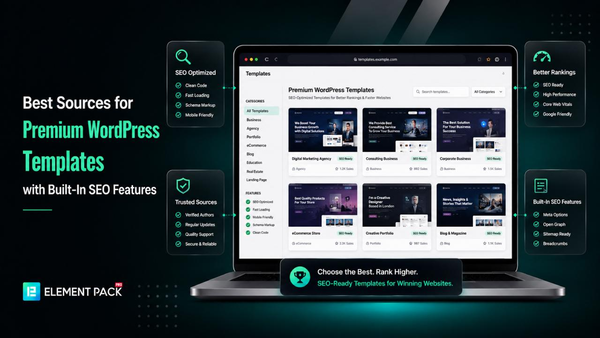
Choosing a premium WordPress template is no longer just about appearance. Many beautiful templates are bloated with unnecessary code, slow to load, and poorly optimized for search engines, which can negatively impact rankings and user experience.
The best premium WordPress templates combine modern design with clean code, responsive layouts, fast loading times, and SEO-friendly architecture.
When paired with Elementor and a powerful addon like Element Pack, they also provide extensive customization without sacrificing performance.
In this guide, we explore the best sources for premium WordPress templates with built-in SEO features, explain what makes a template SEO friendly, and help you choose the right option for your website.
Why SEO-Friendly Templates Matter for WordPress Websites
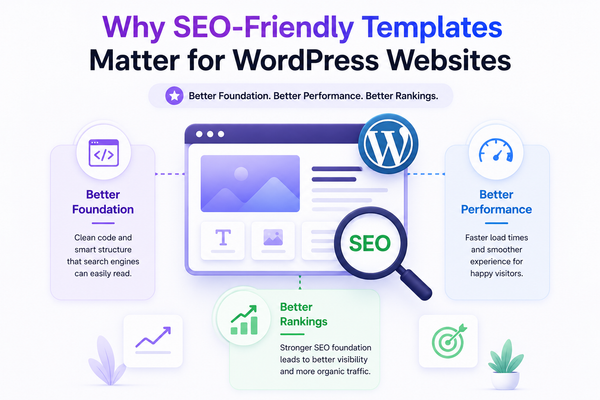
A template is the foundation your entire website is built on, which means its technical quality directly shapes how well your pages can perform in search results.
Understanding this connection helps explain why template choice deserves the same scrutiny as keyword research or content strategy.
How Website Templates Affect SEO
Templates determine the underlying HTML structure, heading hierarchy, image handling, and script loading of every page built on top of them.
According to Google's own Search Central documentation, Core Web Vitals including Largest Contentful Paint, Interaction to Next Paint, and Cumulative Layout Shift are direct page experience signals that influence search rankings.
A poorly coded template can introduce render-blocking scripts and layout shifts that work against your SEO efforts before you have written a single word of content.
The Connection Between Speed, UX, and Rankings
Speed is not just a ranking factor on its own, it is also a conversion factor.
A Backlinko analysis of 208,000 pages found that sites passing all Core Web Vitals see 24% higher click-through rates and 19% lower bounce rates. Real-world case studies back this up further.
Vodafone Italy improved its Largest Contentful Paint by 31% and saw an 8% increase in sales, while Rakuten 24 recorded a 33.13% increase in conversion rate after optimizing Core Web Vitals.
These outcomes start at the template level, since the template determines your baseline code quality before any content or plugin is added.
Why Small Businesses Should Care
Small businesses often cannot absorb the cost of lost traffic or lost conversions the way larger companies can.
A slow, poorly structured template silently undermines marketing spend on SEO and paid ads alike, since both channels send visitors to pages that may underperform regardless of how well the campaign itself was executed.
Choosing a template engineered for both SEO and performance from the outset removes one of the most common, and most overlooked, points of failure in a small business website.
What Makes a Premium WordPress Template SEO Friendly?
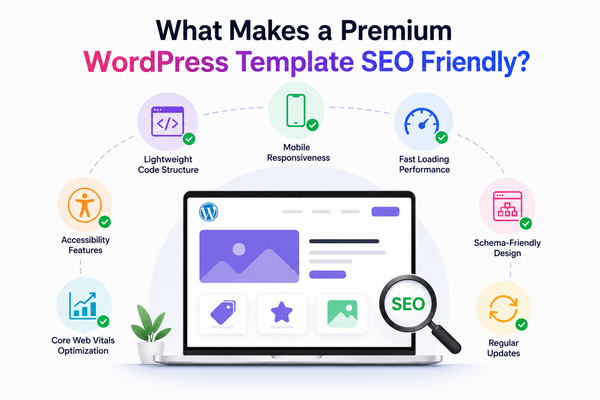
Not every premium WordPress template marketed as professional or modern is actually built with search performance in mind.
The following technical and structural qualities separate genuinely SEO friendly WordPress themes from templates that simply look polished in a demo.
- Lightweight Code Structure: minimal CSS and JavaScript overhead, semantic HTML, and no unnecessary dependencies bloating the page
- Mobile Responsiveness: layouts that adapt cleanly across breakpoints, since Google uses mobile-first indexing for all ranking decisions
- Fast Loading Performance: optimized asset delivery, lazy loading, and efficient image handling to keep load times under the thresholds visitors expect
- Schema-Friendly Design: markup that supports structured data for FAQs, reviews, breadcrumbs, and products to enable rich results in search
- Accessibility Features: proper heading hierarchy, alt text support, and keyboard navigation that align with both usability and ranking signals
- Core Web Vitals Optimization: passing scores for LCP, INP, and CLS based on real Chrome user data rather than lab estimates alone
- Regular Updates: ongoing maintenance that keeps the template compatible with the latest WordPress core, PHP versions, and security standards
Quick Comparison of the Best Premium WordPress Template Providers
The table below summarizes how each provider compares across template count, Elementor compatibility, SEO optimization, and starting price.
| Provider | Templates | Elementor Compatible | SEO Optimized | Starting Price | Best For |
| Element Pack | 2,700+ | Yes | Yes | From $27/yr | All-in-one Elementor businesses |
| Astra Starter Templates | 275+ | Yes | Yes | From $59/yr | Lightweight Astra-based builds |
| Kadence Starter Templates | 200+ | Partial | Yes | From $119/yr | Block editor focused sites |
| Spectra Templates | 100+ | No | Yes | Check pricing | Gutenberg block builds |
| Envato Elements | Thousands | Varies | Varies | From $16.50/mo | Multi-asset subscribers |
| TemplateMonster | 3,800+ | Varies | Varies | Check pricing | Marketplace variety |
| ThemeForest | Thousands | Varies | Varies | From $29 | One-time theme purchases |
| Elementor Template Library | 300+ | Yes | Yes | From $59/yr | Native Elementor Pro users |
| Blocksy Starter Sites | 100+ | No | Yes | From $69/yr | Gutenberg-first design |
| Neve Starter Sites | 100+ | Partial | Yes | From $69/yr | Lightweight blogs and shops |
1. Element Pack
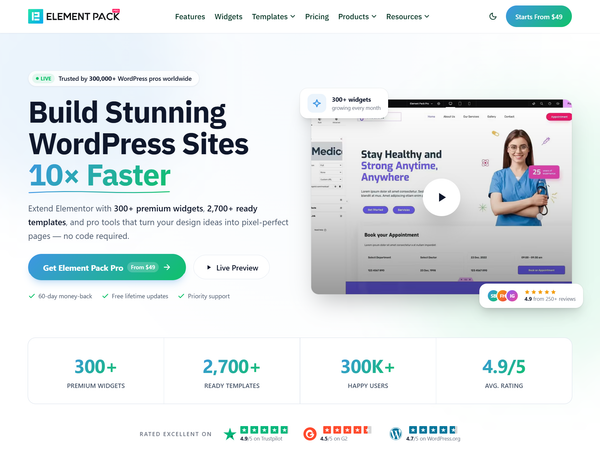
Element Pack by BdThemes is a comprehensive Elementor addon offering 2,700+ ready-made templates built specifically for speed, responsiveness, and SEO-conscious code structure.
Unlike generic theme marketplaces, every template is designed to work natively inside the Elementor editor with no external dependency, giving small business owners a direct path from import to a fully customized, search-ready page.
Template Library
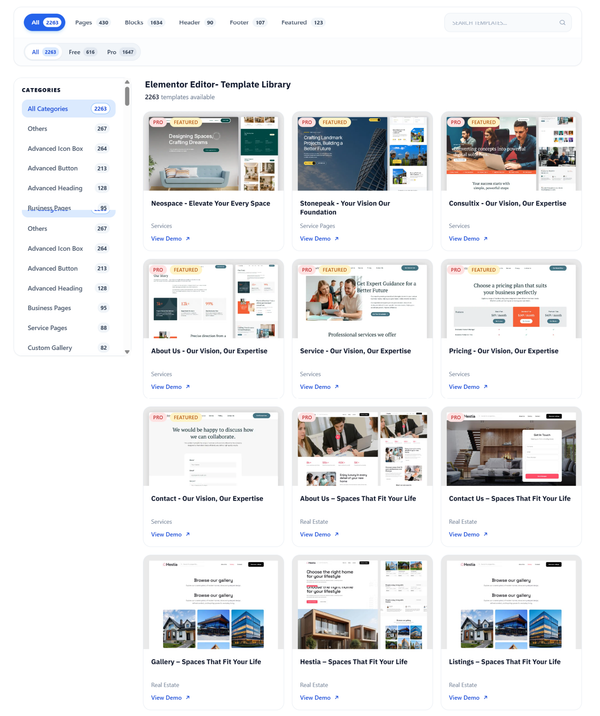
The Element Pack template library spans dozens of industries including agencies, restaurants, portfolios, SaaS products, medical practices, and eCommerce stores, with 2,700+ templates importable directly inside the Elementor editor.
The library also includes dedicated Ready Headers and Ready Footers for assembling complete site navigation without requiring an Elementor Pro subscription.
SEO Benefits
Element Pack templates use clean, semantic markup and avoid the bloated div structures that often plague generic page builder exports.
Widgets like the FAQ Accordion output valid schema markup automatically, supporting rich results in Google Search without manual code editing.
This structural discipline is a meaningful SEO advantage, since templates that generate excessive nested markup tend to slow rendering and complicate crawling.
Performance Features
Element Pack's Smart Assets Manager loads only the CSS and JavaScript required by the widgets actually present on each page, rather than loading the full plugin library site-wide.
For a deeper breakdown of how this affects Elementor performance broadly, see our guide on 25 essential Elementor widgets for business websites, which covers the same performance-first design philosophy across individual widgets.
Customization Options
Every template imported through Element Pack remains fully editable inside the standard Elementor interface, with access to the full widget library and extension set for further customization.
This means a small business can start from a polished template and still apply brand colors, typography, and unique layout adjustments without touching code.
Pros and Cons
Pros:
- Largest template library on this list at 2,700+ designs
- Smart Assets Manager keeps page weight low regardless of library size
- FAQ schema and other structured markup built into relevant widgets
- Works with Elementor Free, no Elementor Pro subscription required
Cons:
- Requires Elementor as the base page builder, not theme-agnostic
- The breadth of the library means some initial browsing is needed to find the right starting template
Best For
Small businesses and agencies already using or planning to use Elementor who want the largest selection of SEO-conscious templates available in a single addon.
For a broader look at how Element Pack compares to other Elementor addons, see our guide on the best Elementor widget providers for small business websites.
2. Astra Starter Templates
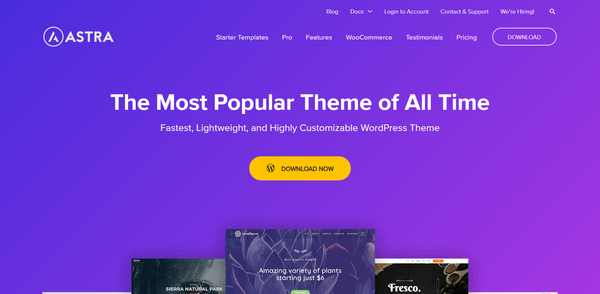
Astra Starter Templates by Brainstorm Force is one of the most widely used WordPress template sources, with the Astra theme itself powering over 2 million websites.
The Starter Templates plugin offers 275+ full-website templates built for performance and SEO across Elementor, Beaver Builder, Spectra, and the native block editor.
Template Library
Astra's template collection covers business, eCommerce, blog, and portfolio niches, with one-click importing through the Starter Templates plugin.
Templates built specifically for Elementor do not require Elementor Pro, only the free version of Elementor.
Pros and Cons
Pros:
- Astra theme is purpose-built for speed and SEO with consistently strong Core Web Vitals scores
- Templates work with Elementor, Spectra, Beaver Builder, and the native block editor
- Large, mature ecosystem with extensive documentation and 2 million plus theme installs
Cons:
- Premium templates require the Essential or Business Toolkit subscription
- Smaller template count than Element Pack at 275+ versus 2,700+
Best For
Small businesses that want a lightweight, theme-level foundation paired with a smaller but highly polished template selection across multiple page builders.
3. Kadence Starter Templates
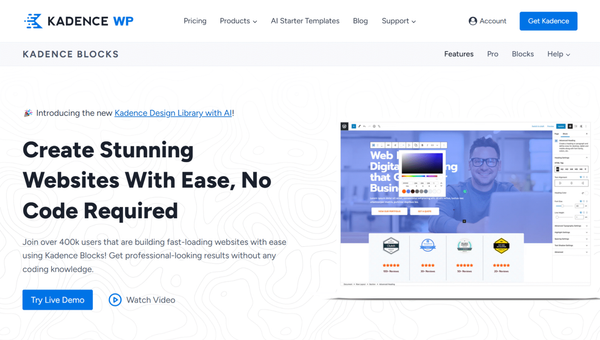
Kadence Starter Templates offers approximately 200 professionally designed templates built around the Kadence theme and Kadence Blocks plugin.
Kadence is primarily a block editor focused ecosystem, with partial rather than native Elementor compatibility.
Template Library
Kadence's library spans business, course, event, eCommerce, nonprofit, photography, blog, political, and membership categories, all importable with a guided setup wizard through the Site Assist interface.
Templates are designed with a clean global font and color controls that make brand customization straightforward.
Pros and Cons
Pros:
- Clean, modern design system with a consistent visual style across the library
- Strong block editor integration with conditionally loaded CSS for better performance
- AI-powered template generation available alongside the pre-designed library
Cons:
- Smaller library than Astra or Element Pack at approximately 200 templates
- Pro pricing starts at $119/year, higher than most competitors on this list
- Built primarily for the block editor rather than Elementor, requiring a different workflow for Elementor-based businesses
Best For
Small businesses building primarily with the native WordPress block editor rather than Elementor, who want a polished, design-forward template library.
4. Spectra Website Templates
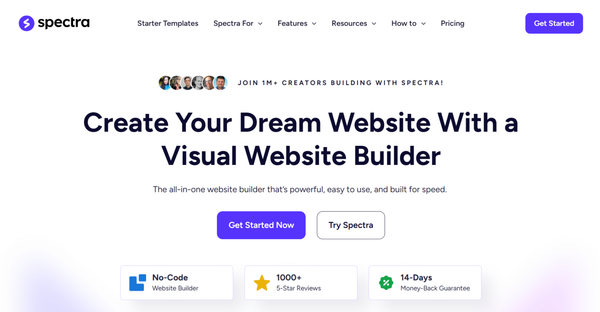
Spectra by Brainstorm Force is a Gutenberg block plugin offering starter template kits that import complete multi-page website designs directly into the native WordPress editor.
It works with any WordPress theme and does not require Elementor or any other third-party page builder.
Template Library
Spectra's library includes 100+ readymade designs across multiple niches, with templates assembled from Spectra's own block library covering containers, headings, post timelines, and image galleries.
The plugin's lean block markup generates fewer DOM elements than many competing block plugins, contributing to faster rendering on shared hosting.
Pros and Cons
Pros:
- Lean block markup with minimal DOM overhead for fast page rendering
- Works with any WordPress theme, no ecosystem lock-in required
- Pro pricing is generally lower than comparable block plugin competitors
Cons:
- No Elementor compatibility, requires committing to the block editor workflow
- Smaller template count at 100+ compared to Element Pack's 2,700+
- Fewer Pro blocks than some competing block plugins, limiting advanced customization
Best For
Small businesses that want to build entirely within the native WordPress block editor without introducing a separate page builder plugin.
5. Envato Elements
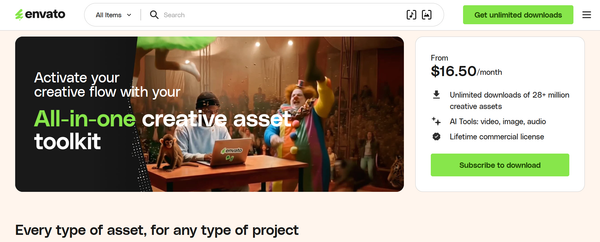
Envato Elements is a subscription-based marketplace offering unlimited downloads from a catalog of over 16 million creative assets, including a large curated selection of WordPress themes and templates across nearly every niche and industry.
Template Library
Envato Elements hosts thousands of WordPress themes and template kits, many compatible with Elementor, Beaver Builder, or WPBakery depending on the individual theme author's build.
Quality and SEO optimization vary significantly from theme to theme since the marketplace aggregates work from thousands of independent authors rather than maintaining a single consistent codebase.
Pros and Cons
Pros:
- Unlimited downloads across templates, fonts, graphics, and stock assets for one flat subscription
- Extremely cost-effective for agencies that need multiple themes per month across client projects
- Wide variety covering nearly every business niche imaginable
Cons:
- Quality and SEO optimization are inconsistent across the marketplace since themes come from many different authors
- WordPress theme support is not included with Elements subscriptions, only with separate Market purchases
- Single-use license model requires careful attention for ongoing client work
Best For
Freelancers and agencies that need access to a high volume of varied design assets across many project types beyond WordPress alone.
6. TemplateMonster
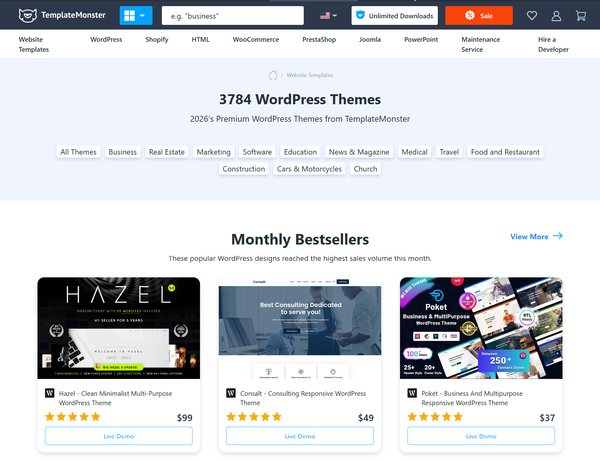
TemplateMonster is a long-established digital marketplace offering 3,800+ WordPress themes alongside Shopify, HTML, and other platform templates.
Many premium themes are multipurpose, with some bestsellers including hundreds of pre-designed pages within a single purchase.
Template Library
TemplateMonster's catalog spans nearly every industry and is also available through MonsterONE, a subscription model granting unlimited access to the full library.
Individual theme quality and SEO readiness vary, as is typical of any large multi-author marketplace, so reviewing specific theme documentation before purchase is advisable.
Pros and Cons
Pros:
- Massive catalog of 3,800+ WordPress themes with frequent sales and discounts
- MonsterONE subscription offers cost efficiency for users needing multiple themes
- 24/7 support included with most theme purchases
Cons:
- Marketplace model means SEO and performance quality varies by individual theme
- Multipurpose themes with hundreds of unused pages can carry unnecessary code bloat if not configured carefully
Best For
Small businesses seeking a single one-time theme purchase across a very wide range of niche options outside the Elementor-specific ecosystem.
7. ThemeForest
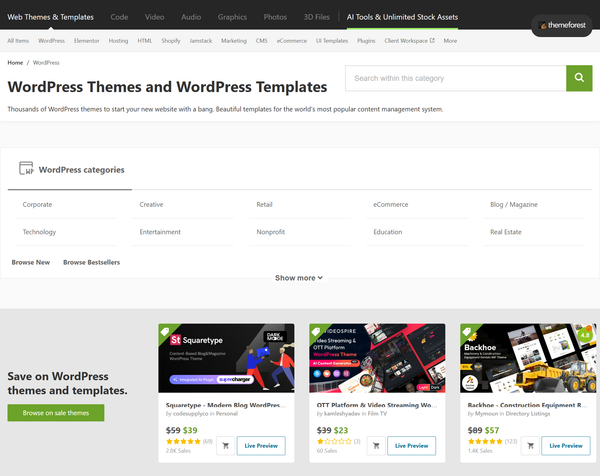
ThemeForest is Envato's per-item marketplace for WordPress themes, separate from the Envato Elements subscription.
It offers one-time purchases of individual themes, with author support typically included, unlike the Elements subscription model.
Template Library
ThemeForest's WordPress category includes thousands of themes spanning every WordPress version and use case, with detailed compatibility filters for builders, WooCommerce, and specific WordPress core versions.
Popular themes often include extensive demo content and starter site imports.
Pros and Cons
Pros:
- One-time purchase model with author support included, unlike subscription-based alternatives
- Detailed version compatibility filters make it easier to verify a theme works with your specific WordPress setup
- Established review and rating system helps identify higher-quality themes within the marketplace
Cons:
- SEO and performance quality still varies significantly by individual author and theme
- Extended licenses for resale or productized use require additional cost
Best For
Small businesses that prefer a one-time theme purchase with included author support rather than an ongoing subscription model.
8. Elementor Template Library
Elementor's own Template Library ships natively with Elementor Pro, offering 300+ professionally designed templates and template kits built directly by the Elementor team.
Since this library is maintained in-house, compatibility with Elementor's editor and ongoing core updates is guaranteed by default.
Template Library
The native library includes full website kits as well as individual page and section templates, with access expanding based on your Elementor Pro plan.
Essential plan users get partial access to the library, while Advanced Solo and above unlock the complete collection along with cloud template storage on higher tiers.
Pros and Cons
Pros:
- Guaranteed native compatibility since the library is built and maintained by Elementor directly
- Templates are pre-tested against new Elementor core releases before they ship
- Tightly integrated into the editor with no separate plugin installation required
Cons:
- Smaller library than third-party addons like Element Pack at 300+ versus 2,700+
- Requires an active Elementor Pro subscription starting at $59/year to access most templates
- Less industry-specific variety compared to larger third-party libraries
Best For
Elementor Pro subscribers who want a smaller, tightly maintained template library with guaranteed first-party compatibility.
9. Blocksy Starter Sites
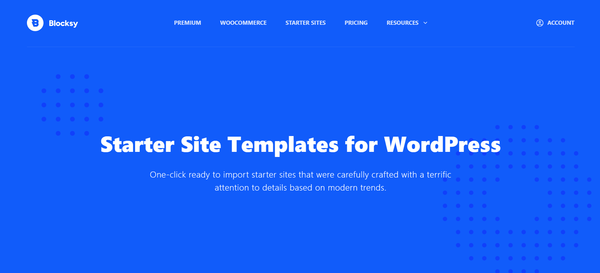
Blocksy Starter Sites by CreativeThemes offers a free and premium template library built entirely around the native WordPress Block Editor.
Blocksy is known for its drag-and-drop header builder and strong Customizer-based live preview accuracy.
Template Library
Blocksy's starter site library spans business, eCommerce, and portfolio niches, with built-in optimizations like lazy loading and schema markup baked into the theme itself rather than requiring separate plugins.
The theme includes extended WooCommerce features like product quick views directly at the theme level.
Pros and Cons
Pros:
- Schema markup and lazy loading built directly into the theme core
- Most visually accurate Customizer preview among block-based theme competitors
- Bundles WooCommerce enhancements at the theme level, reducing the need for separate plugins
Cons:
- No Elementor compatibility, built specifically for the block editor
- Smaller template selection than marketplace-style providers
Best For
Small businesses building exclusively with the native block editor who want strong built-in SEO and WooCommerce features without a page builder.
10. Neve Starter Sites
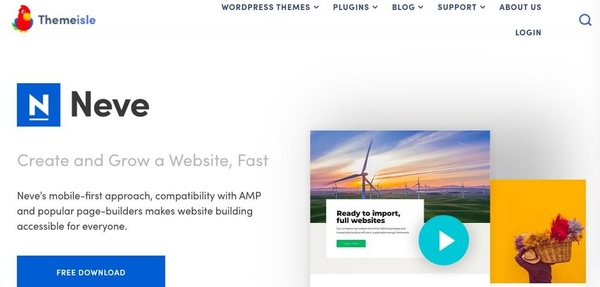
Neve Starter Sites by ThemeIsle offers a library of free and premium templates built on the lightweight Neve theme.
Neve supports Elementor, Brizy, and Beaver Builder alongside the native block editor, giving it more page builder flexibility than Blocksy or Spectra.
Template Library
Neve's templates cover blog, business, and small WooCommerce store use cases, with a grid-based header and footer row system that allows independent configuration of logo, menu, search, and cart components.
The theme maintains a clean front-end payload of roughly 28 KB on a default install, comparable to other top-performing lightweight themes.
Pros and Cons
Pros:
- Partial Elementor compatibility alongside Brizy and Beaver Builder support
- Strong header and footer row builder for flexible navigation layouts
- Lightweight front-end payload that supports consistently good Lighthouse scores
Cons:
- WooCommerce features in the free version are limited to basic shop layouts
- Smaller template library compared to marketplace-style or Element Pack alternatives
Best For
Small businesses and bloggers who want a lightweight, multi-builder compatible theme with a reasonably sized starter template library.
Essential SEO Features to Look for Before Buying a Template

Regardless of which provider you choose, the following checklist will help you evaluate any premium WordPress template before committing your budget to it.
- Responsive Design: confirm the template adapts cleanly at mobile, tablet, and desktop breakpoints with no overlapping or cut-off elements
- Fast Loading Assets: check that images, fonts, and scripts are optimized and that the demo itself loads quickly when tested
- Clean HTML Structure: inspect the page source for excessive nested divs, missing heading hierarchy, or unnecessary inline styles
- SEO Plugin Compatibility: verify the template works smoothly with Yoast SEO, Rank Math, or your preferred SEO plugin without conflicts
- Image Optimization: look for built-in lazy loading and modern image format support like WebP or AVIF
- Accessibility: confirm proper alt text fields, keyboard navigation, and color contrast compliance
- Regular Updates: check the changelog or update history to confirm the template is actively maintained for WordPress core compatibility
Why Element Pack Templates Stand Out
Among every provider compared in this guide, Element Pack combines the largest template library with the most consistent performance engineering specifically for Elementor users.
Here is a closer look at what makes it stand out.
2,700+ Ready-Made Templates
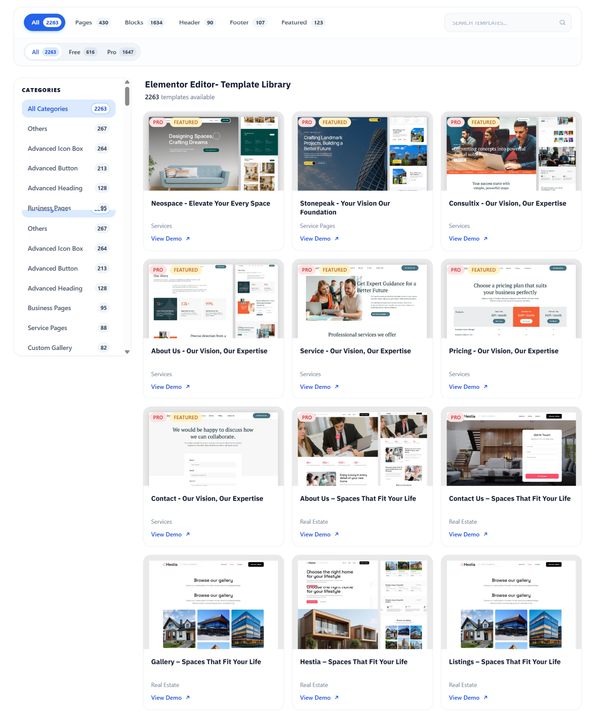
Element Pack's template library is the largest on this list by a wide margin, spanning dozens of industries from agencies to eCommerce stores.
Combined with dedicated Ready Headers and Ready Footers, small businesses can assemble a complete site without needing additional theme builder subscriptions.
Built for Elementor
Every template imports directly into the Elementor editor with no conversion step, since Element Pack is purpose-built as an Elementor addon rather than a generic theme.
This native integration means there is no markup translation layer that could introduce extra code weight, a common issue when importing themes built for other page builders. Full widget access is available at elementpack.pro/widgets.
Lightweight Performance
Element Pack templates avoid the unnecessary nested div structures and inline style bloat common in generic marketplace themes.
Combined with semantic markup practices, this keeps Largest Contentful Paint and Cumulative Layout Shift scores favorable from the moment a template is imported, before any further optimization work is done.
Smart Assets Manager
Element Pack's Smart Assets Manager detects which widgets are actually present on a given page and loads only their associated CSS and JavaScript, rather than loading the full addon library site-wide.
This selective loading approach is one of the most practically important differentiators for SEO, since unused code directly inflates page weight and slows Core Web Vitals scores.
Responsive Designs
Every Element Pack template and widget is built with full responsive controls covering desktop, tablet, and mobile breakpoints by default. Since Google indexes primarily based on mobile rendering, this responsive-first approach directly supports the mobile-first indexing standard that determines modern search rankings.
Business-Focused Layouts
Element Pack's template categories are weighted heavily toward genuine business use cases including agency sites, professional services, eCommerce stores, and SaaS landing pages, rather than purely decorative demo content.
For a deeper look at the individual widgets that power these business-focused layouts, see our guide on 25 essential Elementor widgets for business websites.
Regularly Updated Library
BdThemes ships new templates and updates to the Element Pack library on an ongoing basis, ensuring continued compatibility with new WordPress core releases and Elementor versions.
Our Elementor addon support comparison for 2026 found that BdThemes maintains one of the more active update cadences among Elementor addon providers, which directly supports the long-term SEO health of any site built on the template library.
Frequently Asked Questions
Are premium WordPress templates better for SEO?
Not automatically, but the best ones are. A premium template's price tag does not guarantee SEO quality on its own. What matters is the underlying code structure, loading performance, and adherence to Core Web Vitals standards. Premium templates from providers that explicitly engineer for performance, like Element Pack or Astra, tend to outperform generic free or low-quality premium themes that prioritize visual flourishes over clean code.
Can Elementor templates improve SEO?
Yes, when the templates are built with clean markup and efficient asset loading. Elementor itself does not inherently harm or help SEO, the quality of the specific template and addon you use determines the outcome. Templates from Element Pack are designed with semantic structure and selective asset loading specifically to avoid the page bloat that can come from poorly built Elementor templates.
Do templates affect Google rankings?
Indirectly but meaningfully. Templates determine page speed, mobile responsiveness, and structural markup, all of which feed into Core Web Vitals, which Google has confirmed are direct page experience ranking signals. A poorly coded template can suppress rankings even when your content quality is strong, since slow or unstable pages create poor user experience signals that work against your SEO efforts.
What is the best source for premium WordPress templates?
For Elementor users specifically, Element Pack is the strongest option due to its 2,700+ template library, native Elementor integration, and Smart Assets Manager performance optimization. For block editor focused builds, Astra Starter Templates and Kadence are strong alternatives. For broader asset needs beyond WordPress alone, Envato Elements offers the most flexibility through its subscription model.
Are Element Pack templates SEO-friendly?
Yes. Element Pack templates use semantic HTML structure, support schema markup through widgets like the FAQ Accordion, and load only the assets required per page through the Smart Assets Manager. This combination directly supports favorable Core Web Vitals scores, which Google uses as a page experience ranking signal. You can review the full template library and widget set before importing any design.
Can I customize premium templates without coding?
Yes, across nearly every provider covered in this guide. Element Pack templates remain fully editable inside the standard Elementor interface after import, with no code required to adjust colors, typography, layout, or content. The same applies to Astra, Kadence, Spectra, and Neve templates within their respective editors. Our guide on how to create a custom blog layout for Elementor demonstrates this customization process in practice.
Final Verdict
The right source for premium WordPress templates depends on your page builder of choice and how much template variety your business needs.
For businesses building with Elementor, Element Pack combines a large library of professionally designed templates with lightweight performance, responsive layouts, and SEO-conscious design, making it an excellent choice for businesses that want to build attractive, search-friendly websites efficiently.
Explore the full template library or review current pricing to find the plan that fits your next project.
Supreakshya Shrestha
The BdThemes team builds WordPress plugins trusted by 3M+ users worldwide. We write about web accessibility, WCAG compliance, and inclusive design.