



For most online stores, the holidays can make or break the year. Preparation pays off when traffic picks up and shoppers expect more. Small problems become expensive fast: a slow checkout that costs you one sale a week in summer could cost you dozens a day in December.
Stores that handle the season well usually have their systems ready before the rush. Getting those basics in place early leaves more time to sell and less time spent fixing problems or responding to frustrated customers.
This checklist begins with driving sales, then covers getting your store ready, reaching more shoppers, managing the extra orders, and following up after the holidays. Many of the tools have free versions you can try before paying for an upgrade, so most of the list costs nothing to get started.
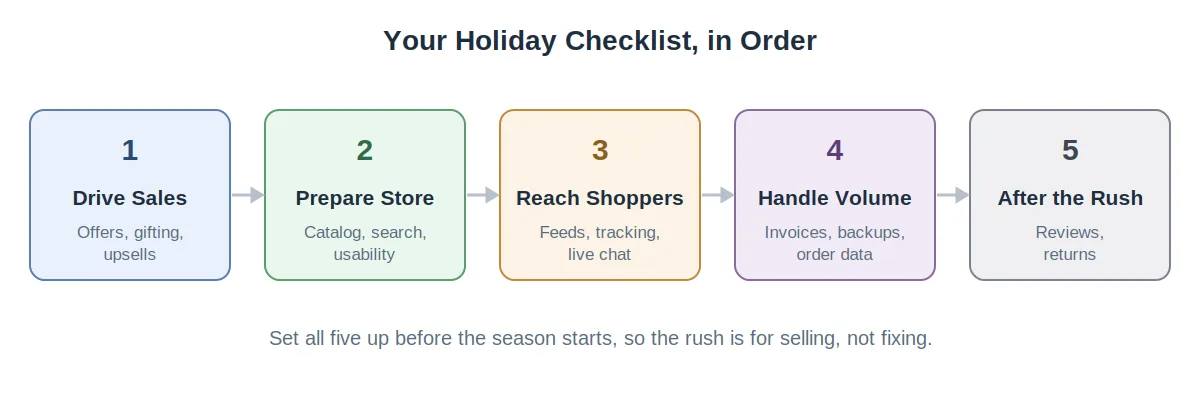
Five areas to set up before the season, starting with the ones that drive revenue.
1. Drive More Holiday Sales
Revenue comes first. These are the tools that turn holiday traffic into holiday orders, and they need setup and testing time, so build them well before Black Friday.
Plan promotions that stand out

Everyone discounts during the holidays, so a flat percentage disappears into the noise.
WooCommerce Smart Coupons handles the offers that get noticed, such as BOGO deals, spend-and-save tiers, and pre-applied coupon links, with bulk code generation for campaign-specific codes. A free version covers the essentials.
✓ Promotional calendar mapped for the whole quarter and scheduled in advance.
Build a checkout that sells more

At peak traffic, a generic checkout leaves money on the table. CartFlows, used on 200,000+ stores, lets you build a streamlined checkout with order bumps and one-click upsells. Its free version covers core funnel building.
✓ Checkout flow tested end to end with at least one order bump configured.
Enable gift cards
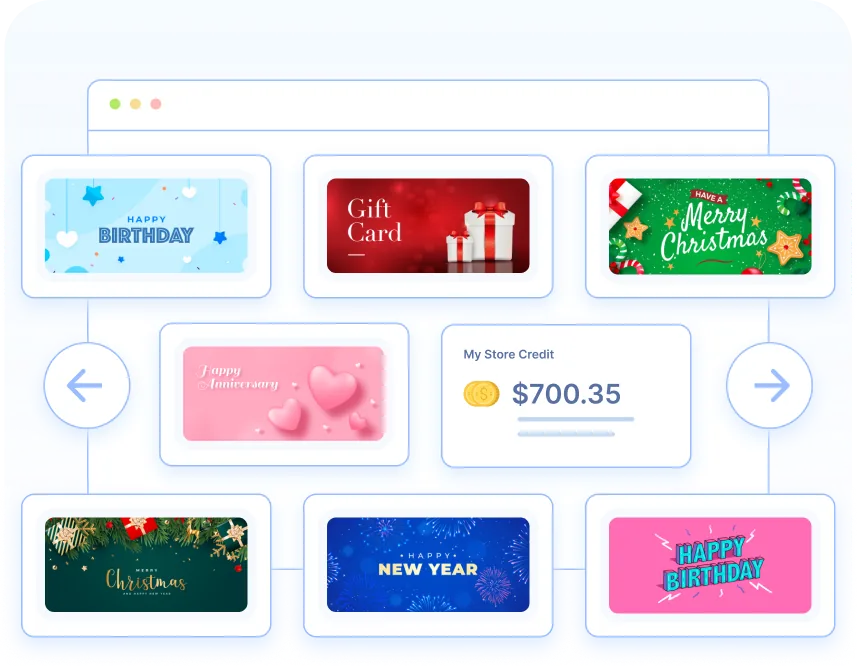
Every December brings shoppers who want to buy from you but can't decide on a specific gift. Wordpress Gift Cards handles digital and physical cards with custom amounts and scheduled delivery, which is ideal for last-minute gifters.
The free version lets you sell one gift card product with four templates; unlimited cards and 20+ templates come with the premium version.
✓ Gift cards live, added to your main navigation where gifters look for them.
Let shoppers save gift ideas
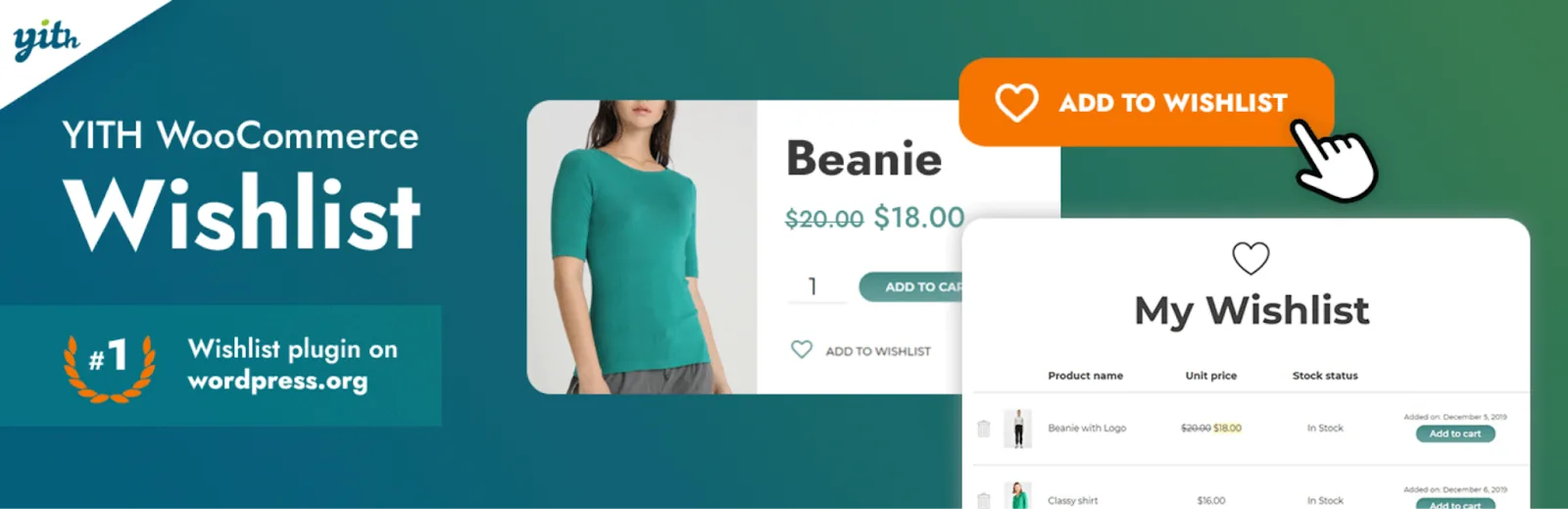
Holiday shoppers browse early and buy later, often building lists for several people at once. YITH WooCommerce Wishlist, one of the most widely installed wishlist plugins, lets customers save products to a list they can return to and share. Shared wishlists also work as gift hints, which quietly sends new visitors your way.
✓ Wishlist button visible on product pages before holiday browsing picks up.
Suggest the next item
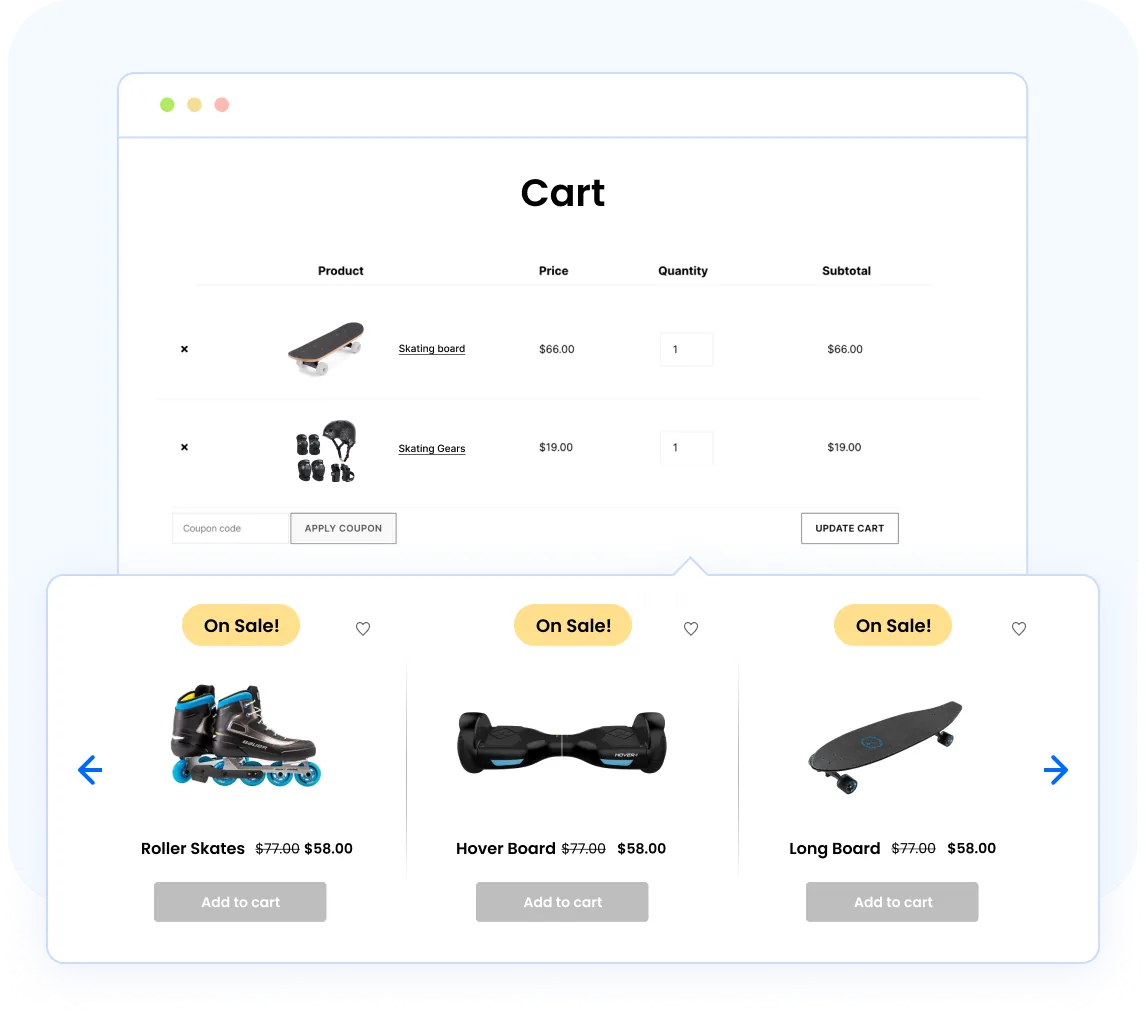
Holiday shoppers are in a buying mood and open to suggestions, if your store makes them.
WooCommerce Product Recommendations by WebToffee places “frequently bought together” and upsell suggestions where shoppers decide, drawn from real buying patterns. The free version covers related products and basic upsells.
✓ Recommendations live on best-selling products, where the extra-item lift concentrates.
Show that others are buying

TrustPulse shows small live notifications of recent purchases and signups. Holiday traffic is exactly when that activity is frequent and genuine, which is when the notifications work best.
✓ Notifications styled and running before the traffic peak, not during it.
2. Get Your Store Ready for Holiday Shoppers
With the selling tools in place, make sure the store itself can handle what the season brings: new seasonal products, heavier mobile traffic, and a wider range of shoppers than any other time of year.
Refresh your catalog in bulk
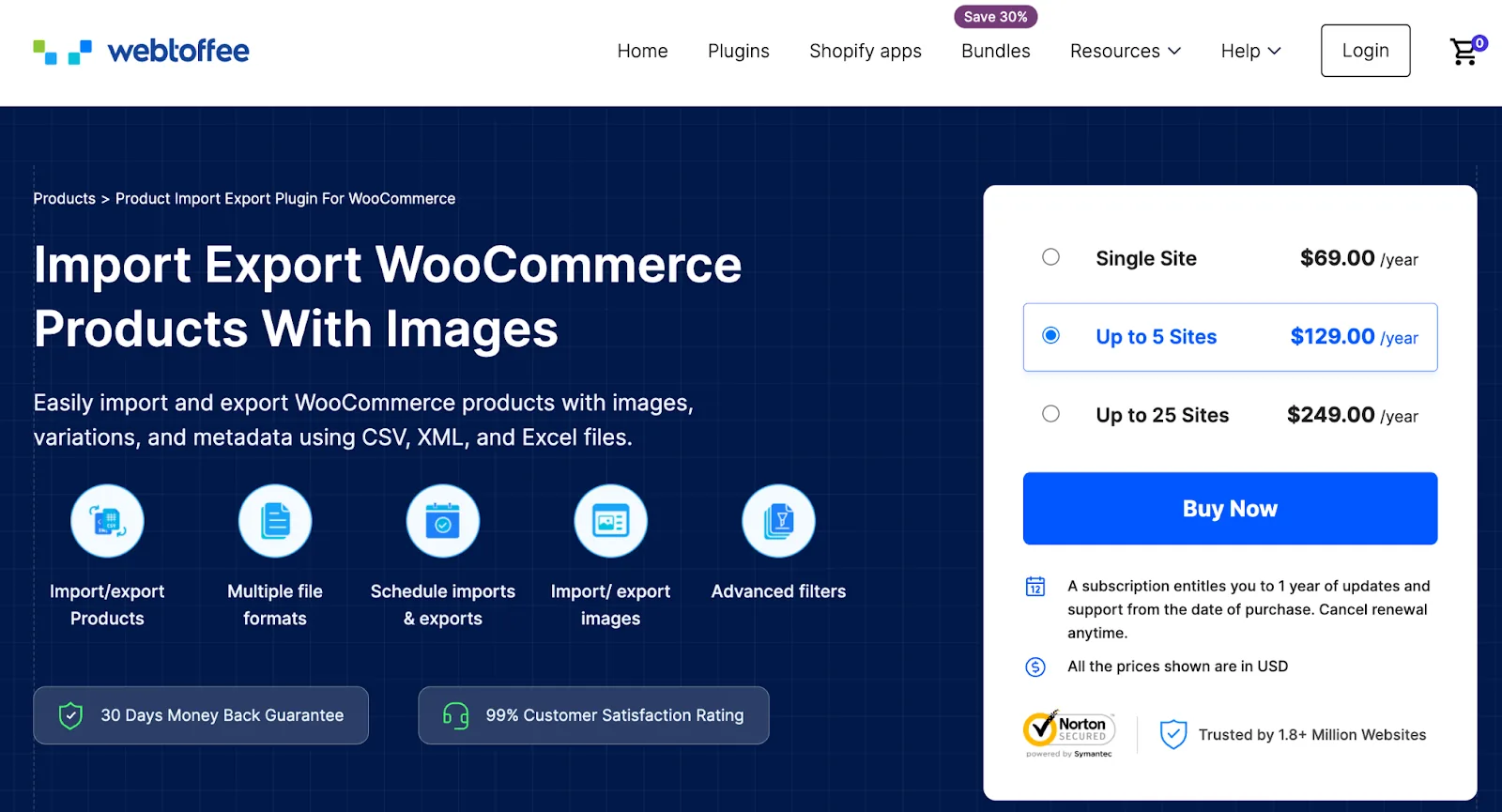
Seasonal lines, holiday pricing, and gift-eligible tags pile up before the holidays, and editing products one by one is a time sink.
Product Import Export for WooCommerce lets you add seasonal products, apply holiday pricing across a category, and update stock in bulk from a spreadsheet. The free version handles core import and export.
✓ Full catalog backup exported, with seasonal changes staged in one import.
Make product options easy on mobile
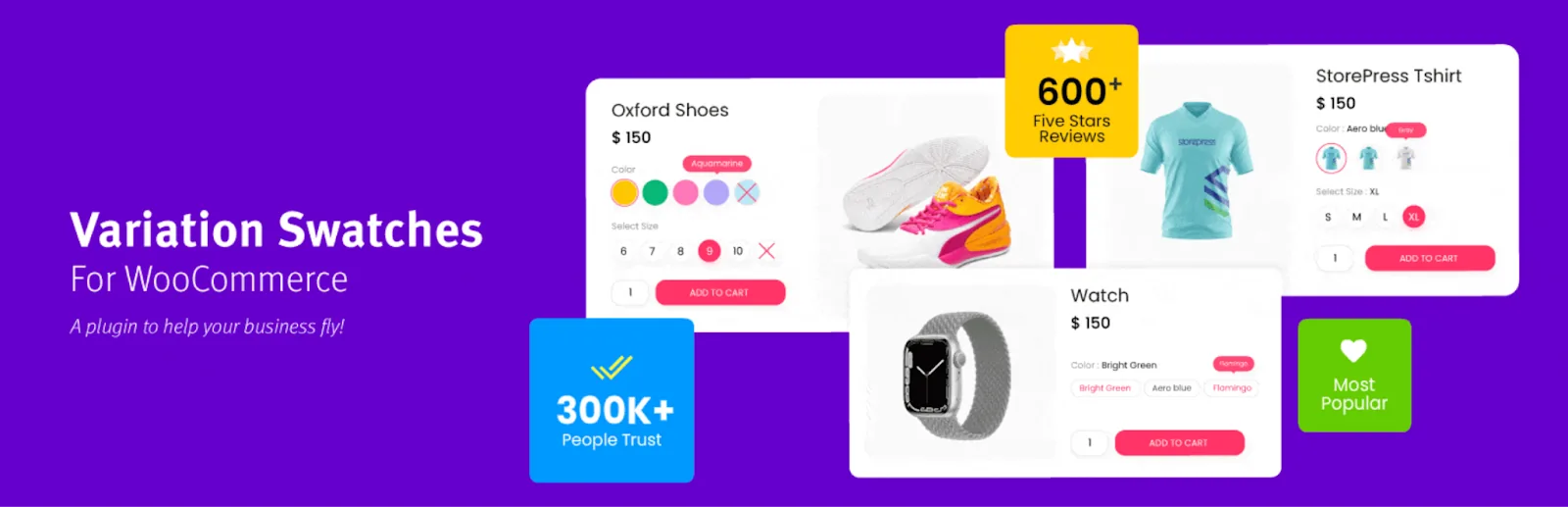
Holiday shopping skews heavily toward phones, and tiny variation dropdowns are a common reason distracted shoppers give up. Variation Swatches for WooCommerce replaces them with tappable color, image, or label swatches, so choosing a size or color takes one glance and one tap.
✓ Product pages tested on a phone, with swatches replacing dropdowns.
Make the store usable for every shopper

Holiday traffic is your most diverse of the year, and an inaccessible store turns away customers who came ready to buy, on top of the legal exposure under ADA and the European Accessibility Act.
WebYes Accessibility Toolkit improves accessibility at the code level and includes a free Chrome extension for instant WCAG testing on any page.
✓ Top landing and product pages checked and fixed before traffic climbs.
Sharpen product search
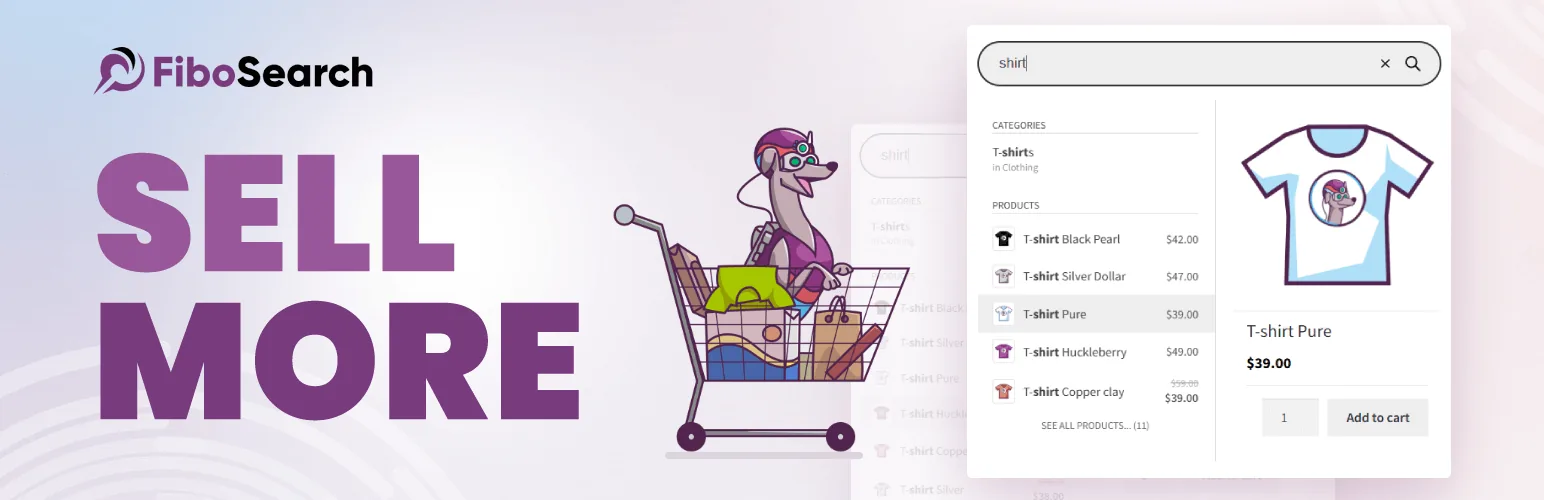
Holiday shoppers arrive knowing what they want and expect to find it fast. FiboSearch, on 100,000+ stores, adds a live search bar that suggests products as customers type. The free version delivers the core experience.
✓ Live search tested against your top seasonal search terms.
3. Reach and Support More Shoppers
In the weeks before the rush, focus on getting in front of more people, tracking what's working, and being ready for the questions new visitors bring.
List products on shopping channels
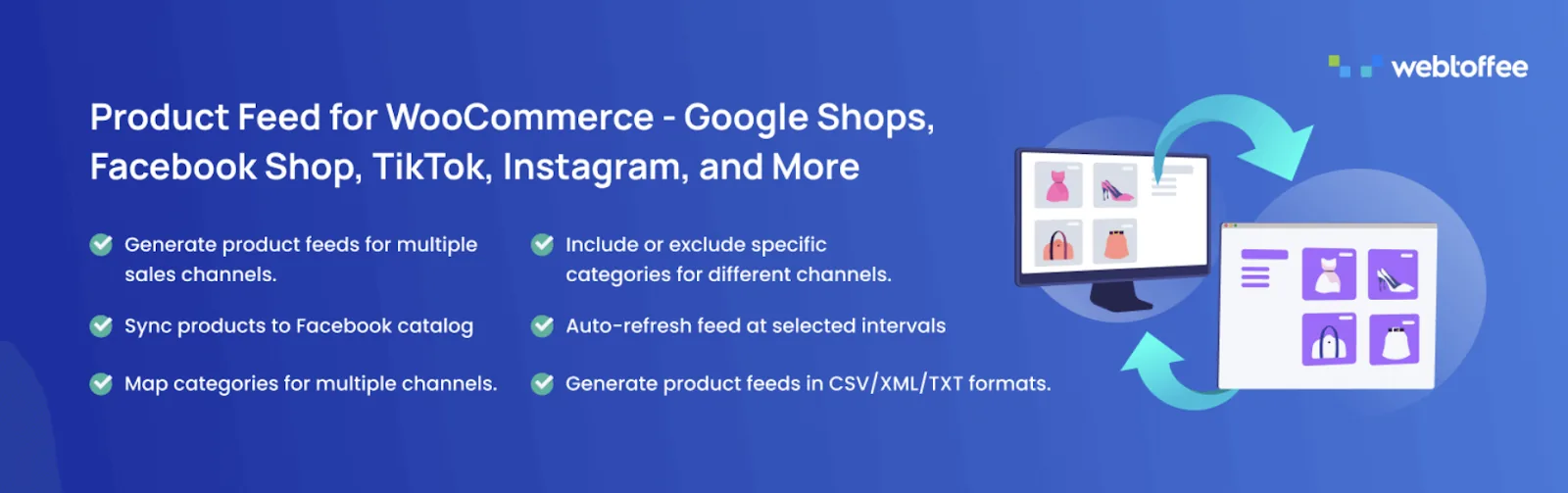
Google Shopping, Facebook, and Instagram drive enormous holiday traffic, and each needs a product feed in its own format. Product Feed for WooCommerce by WebToffee generates and auto-syncs those feeds from your catalog. The free version handles the core channels. Submit feeds early, since review can take longer during peak periods.
✓ Feeds submitted and approved on your priority channels ahead of the rush.
Track what your campaigns bring in
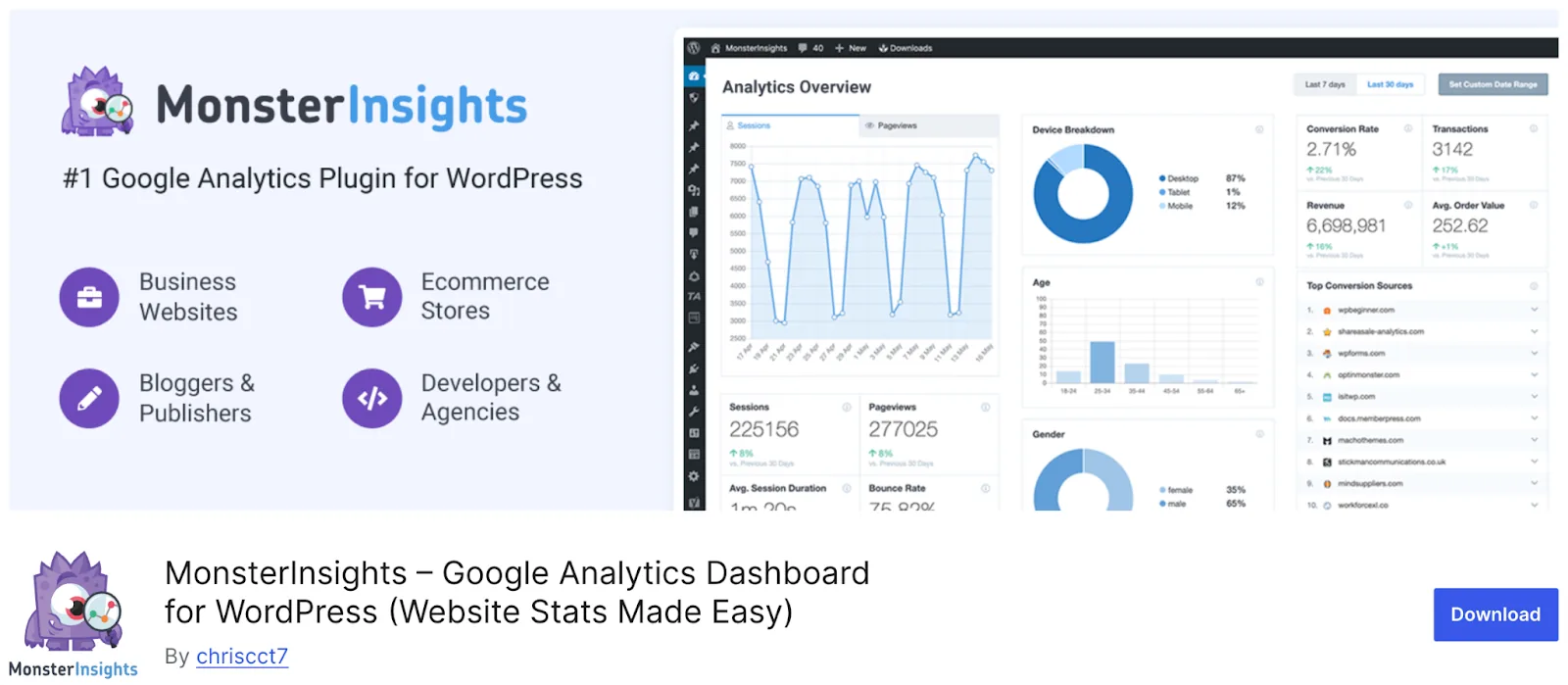
The season generates data you can act on in real time: which promotions convert, which channels send buyers, and where shoppers drop off.
MonsterInsights surfaces revenue, conversion rate, and product performance in your WordPress dashboard, so you can adjust while it still matters.
✓ eCommerce tracking verified with a test order before campaigns go live.
Get consent for that tracking
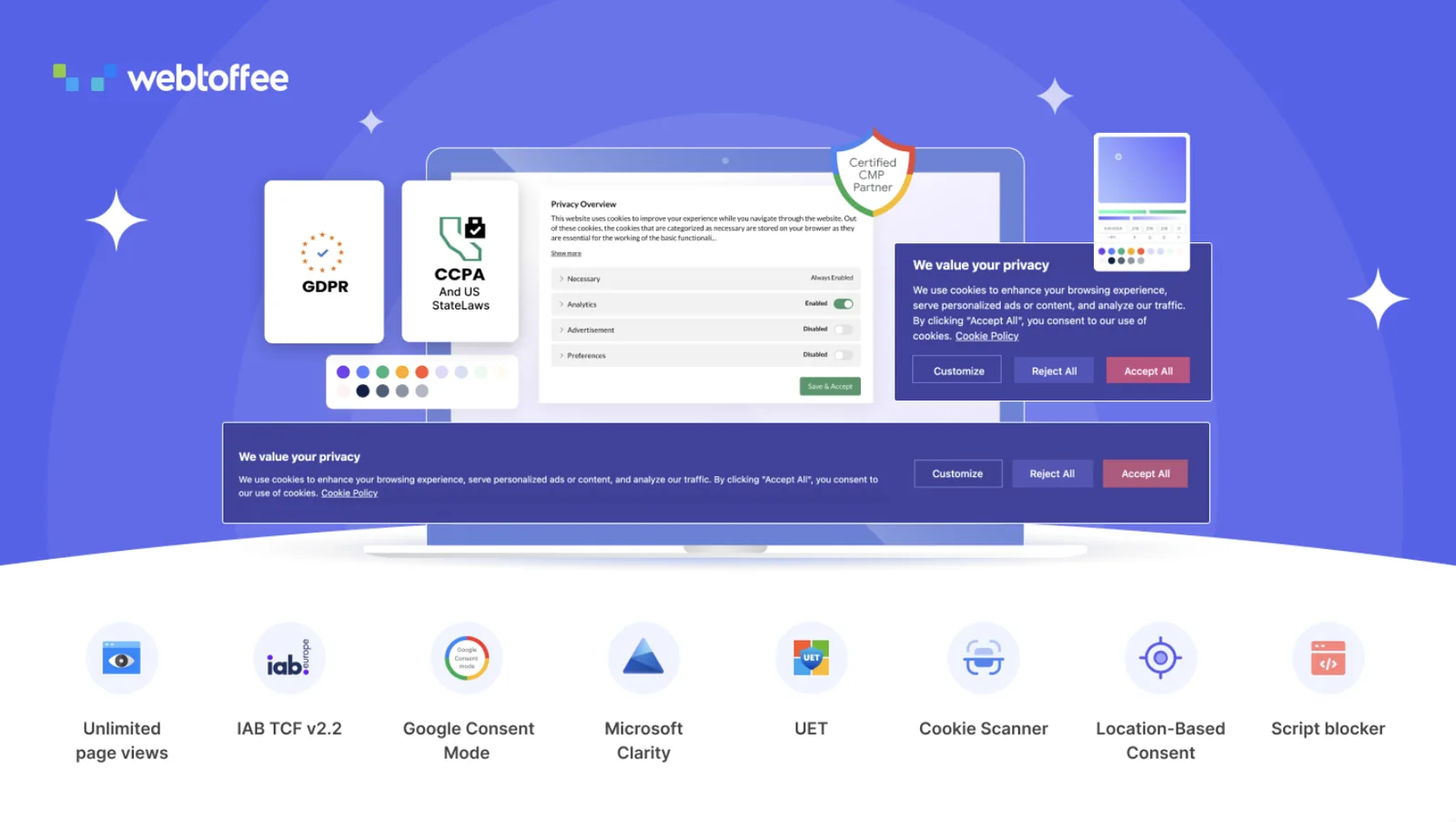
Holiday campaigns lean on analytics, ad pixels, and remarketing, and if you get visitors from the EU, UK, or California, that tracking needs proper consent.
GDPR Cookie Consent by WebToffee is a Google-certified consent platform that scans your cookies, shows a customizable banner, blocks tracking until consent is given, and supports Google Consent Mode so your holiday analytics keep working within the rules.
✓ Consent banner live before you scale ad spend.
Ready your live chat

Holiday shoppers ask time-sensitive questions like “will this arrive by the 24th?”, and an answer that comes tomorrow is useless. Tidio pairs live chat with an AI assistant that can field routine questions automatically. Free to start, and manageable from a phone.
✓ Saved replies drafted for shipping cutoffs, returns, and gift options.
4. Handle the Order Surge
When orders triple, the back office is where things break. Set these up now so the rush is about packing orders, not chasing paperwork.
Automate order documentation
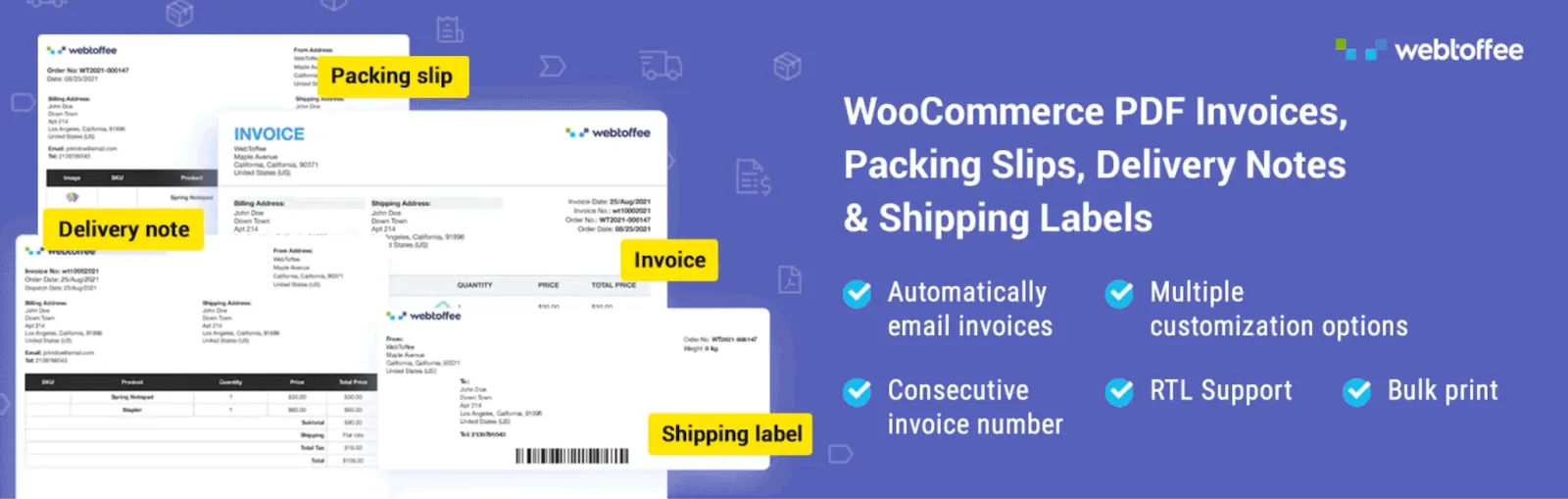
At holiday volume, manual invoicing becomes a real bottleneck, and gift buyers often need proper invoices. PDF invoices & packing slips for WooCommerce
generates branded, tax-compliant invoices automatically and attach them to order emails. The free version covers core generation.
✓ Automatic invoicing switched on so nobody touches it during the rush.
Back up your store before peak
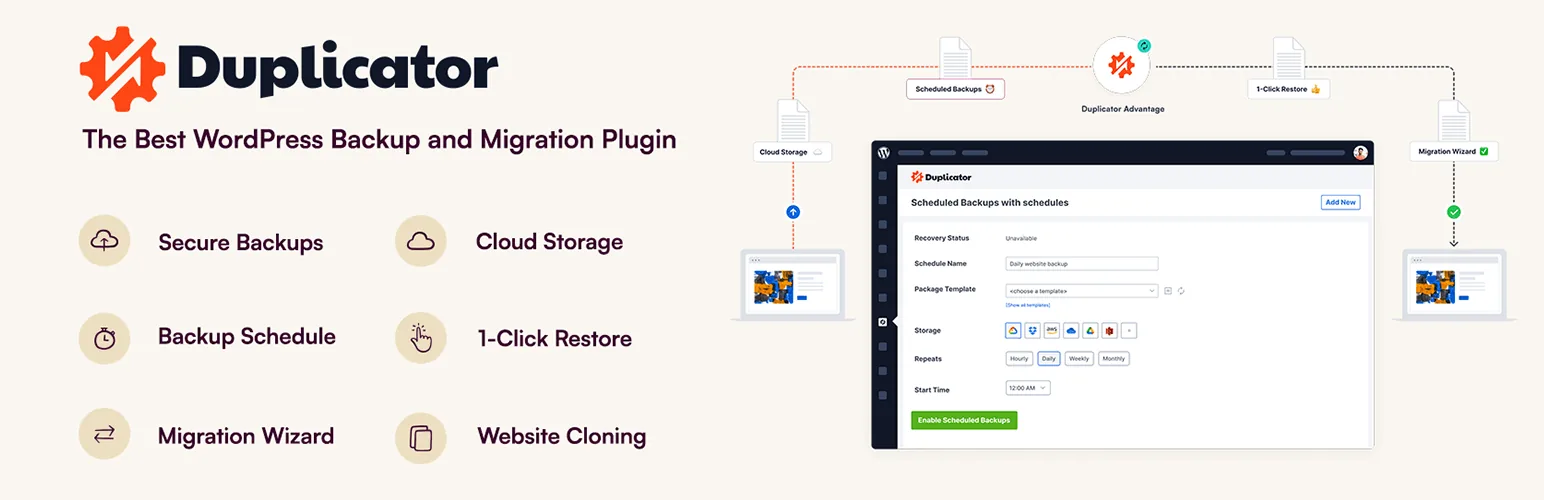
The worst time to discover you have no working backup is in the middle of your busiest week. Duplicator is one of the most widely used backup and migration plugins for WordPress, packaging your entire site so it can be restored if something goes wrong.
✓ A full backup created, and a restore tested on a staging site.
Keep order data portable
Peak volume means peak order data, which your accountant, your records, and any external tools will need.
Order Import Export for WooCommerce by WebToffee exports and imports orders across CSV, XML, TSV, and Excel with filtering and a guided wizard.
The free version covers core transfers, which is handy for period-end exports and reconciliation.
✓ One test export run, so you know it works before you need it under pressure.
5. Prepare for What Comes After
The season doesn't end on December 25th. January brings reviews, returns, and your best chance to turn one-time holiday buyers into repeat customers.
Collect reviews while satisfaction is fresh

Holiday buyers are mostly first-time customers, and happy ones rarely review unprompted.
Customer Reviews for WooCommerce, used by 80,000+ stores, sends post-purchase review requests and can offer a thank-you coupon, that doubles as a reason to come back in January.
✓ Review request flow running before holiday orders start landing on doorsteps.
Handle EU returns properly

If you sell to the EU, the Right of Withdrawal directive (EU 2023/2673) requires a clear way for customers to cancel orders within a set window, and the post-holiday period is exactly when those requests spike. EU Withdrawal Button for WooCommerce by WebToffee adds a compliant withdrawal button and guided form to the customer's account. The free version gets you compliant on its own.
✓ Withdrawal process in place before January's return wave.
Your Pre-Season Bottom Line
The thread running through this whole checklist is timing. Every system here is easier to set up in a calm autumn than in a frantic December, and each one you get in place ahead of time is one less thing that can break when the stakes are highest.
You don't need all of it to have a strong season. If you're starting late, prioritize the three that map to your biggest weakness: if you've never run a real promotion, start with coupons and gift cards; if your product pages don't suggest anything, add recommendations; if you sell to the EU, settle consent and returns early. Fix your weakest link first, because that's where the season will test you hardest.
Then treat the rush as what it should be: the payoff for preparation, not a crisis to survive. Work through the checklist now, and when the traffic arrives, your store will be ready to turn it into your best season yet.
Hanifur Rahman
The BdThemes team builds WordPress plugins trusted by 3M+ users worldwide. We write about web accessibility, WCAG compliance, and inclusive design.