


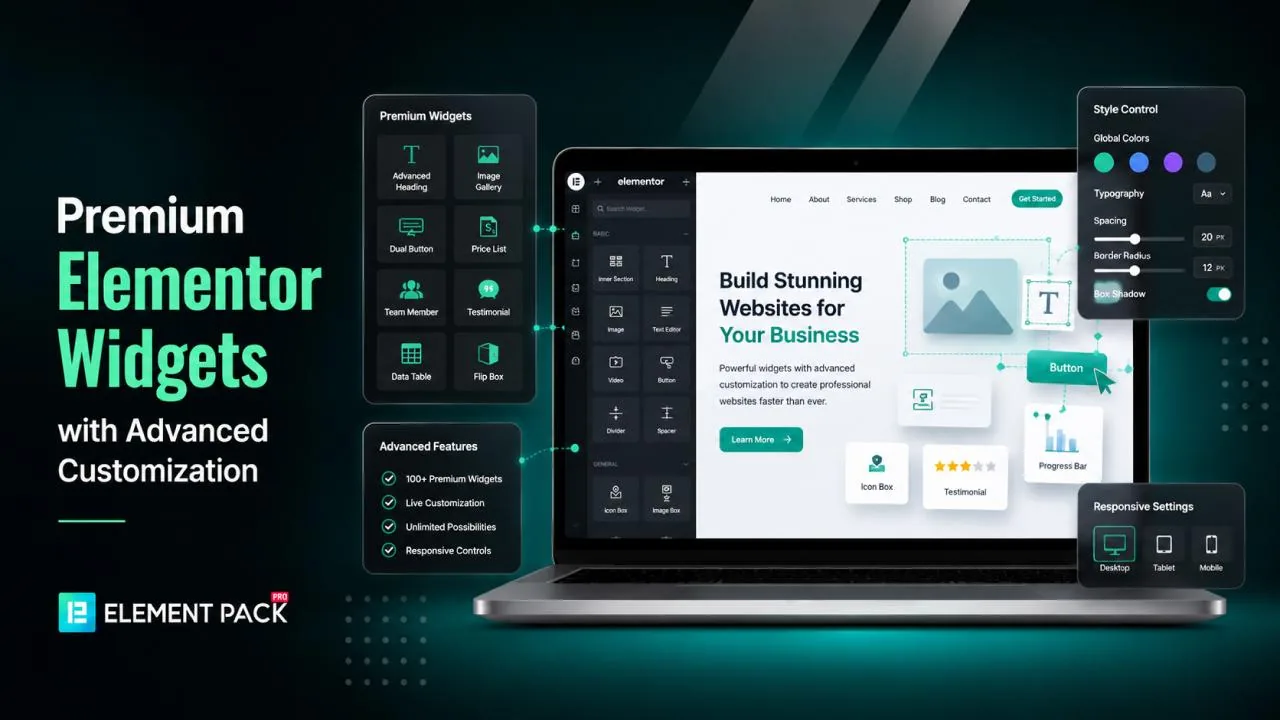
Elementor provides a strong foundation for visually building WordPress websites, but the default widget library has its limits.
The moment you want an advanced slider, a creative pricing table, a dynamic content carousel, or a mega menu, you quickly realize you need something more powerful.
This is exactly why so many designers and developers go looking for premium Elementor widgets with deeper customization options.
The good news is that you do not need to hunt across dozens of marketplaces or stitch together multiple plugins to fill the gap. A well-built Elementor add-on plugin can hand you hundreds of extra widgets, professionally designed templates, and granular style controls, all inside the same editor you already know.
In this guide, you will learn what to look for in a premium widget library, where these widgets actually come from, and which add-on consistently shows up at the top of the list for WordPress professionals who need real customization power.
What Makes a Widget Library Truly Premium
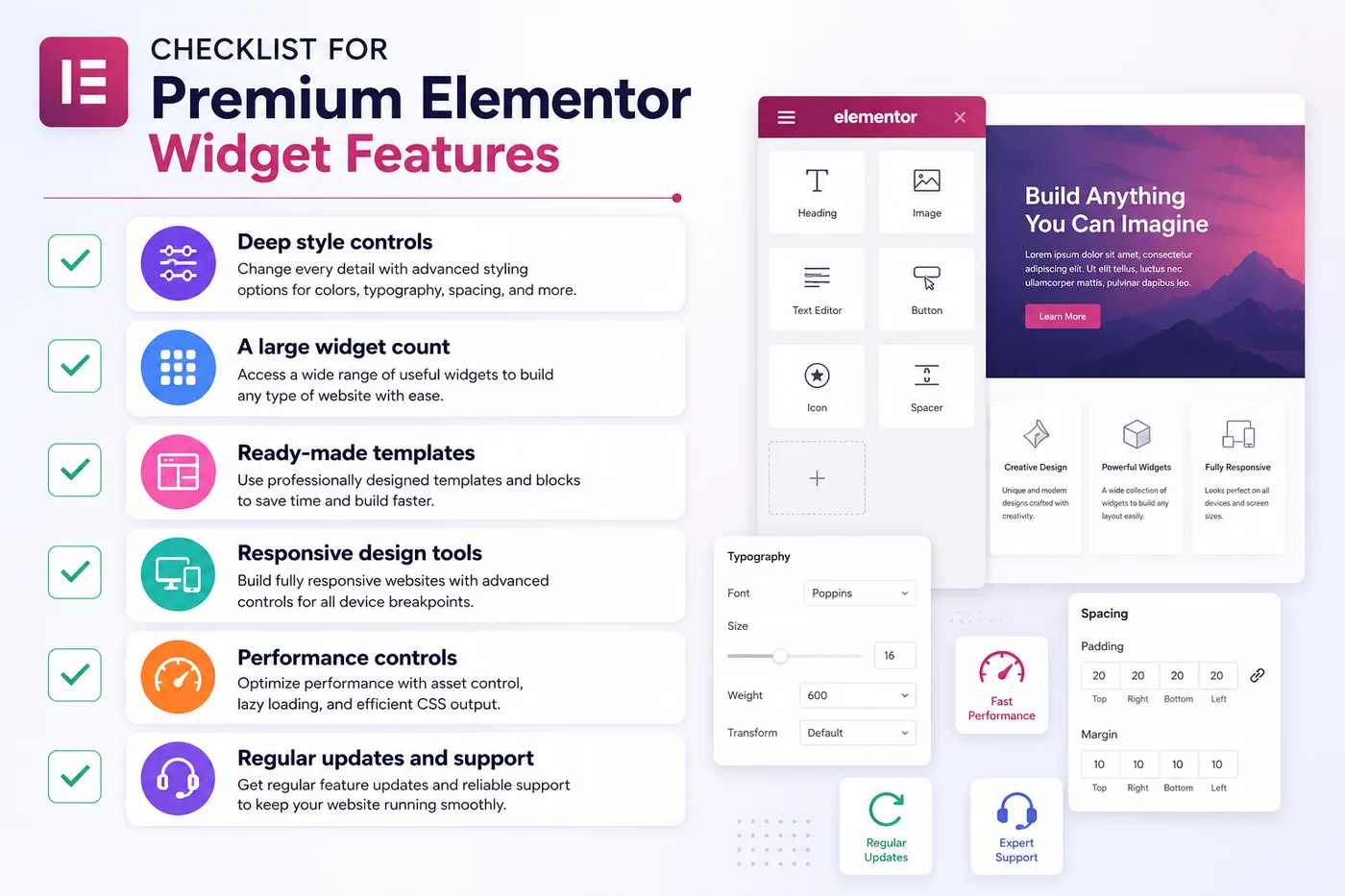
Not every "premium" widget pack lives up to the name. Before you commit to an add-on, check it against a few core qualities that separate genuinely powerful widgets from basic ones.
- Deep style controls that let you adjust spacing, typography, colors, hover effects, and animations on every single element, not just the obvious ones
- A large widget count that covers everything from sliders and carousels to pricing tables, testimonials, mega menus, and WooCommerce elements
- Ready-made templates you can drop into a page and customize, instead of building every section from a blank canvas
- Responsive design tools so your customizations hold up properly across desktop, tablet, and mobile
- Performance controls that let you disable unused widgets so your site does not load unnecessary code
- Regular updates and support since Elementor itself updates often, and your add-on needs to keep pace
Once you know what to look for, the next question is where to actually find a plugin that checks every one of these boxes.
Where to Find Premium Elementor Widgets
You generally have three paths when you go looking for extra Elementor widgets.
1. The WordPress Plugin Repository
The free WordPress.org repository hosts lite versions of many popular Elementor addons. These give you a taste of extra widgets at no cost, but the customization options are usually capped, and advanced widgets are often locked behind a premium upgrade.
2. Individual Marketplaces Like ThemeForest
Marketplaces sell standalone Elementor add-on plugins from many different developers. The variety is huge, but quality, support, and update frequency vary a lot from one seller to the next. You also risk ending up with several smaller addons just to cover all your design needs, which can slow your site down.
3. A Dedicated, All-in-One Elementor Addon Plugin
This is the path most professional designers and agencies eventually land on. Instead of combining several smaller plugins, you install one comprehensive addon that bundles hundreds of widgets, ready-made templates, and advanced customization tools under a single, well-maintained codebase.
This is where Element Pack Pro stands out. It is built specifically to extend Elementor with a massive widget library and deep styling controls, and it is trusted by hundreds of thousands of WordPress users around the world.
A Closer Look at a Trusted Elementor Addon Plugin
When you want one plugin that genuinely covers every customization need, it helps to understand what a top-tier add-on actually includes. Here is what a library like Element Pack brings to the table.
An Extensive Widget Collection
A strong add-on offers hundreds of widgets covering nearly every design scenario, sliders, carousels, advanced buttons, pricing tables, testimonials, scroll navigation, post grids, timelines, news tickers, and WooCommerce-specific widgets for product display, carts, and checkout flows. Every widget comes with its own dedicated set of style and content controls.
Thousands of Ready-Made Templates
Beyond individual widgets, a complete library also ships with thousands of pre-built page templates, blocks, headers, and footers. You can insert these directly inside the Elementor editor and adjust the colors, fonts, and content to match your brand in minutes.
A Built-In Theme Builder
A theme builder feature gives you control over your headers, footers, single post layouts, archive pages, and even WooCommerce product pages, all from inside Elementor. This means you rarely need to touch your theme files directly.
A Mega Menu Builder
Custom navigation matters for any serious website. A dedicated mega menu builder lets you create horizontal, vertical, and off-canvas menus that adapt cleanly to every screen size.
Custom Fonts and Icon Libraries
Brand consistency depends on typography and iconography. The ability to upload your own font files and icon sets means your design never feels limited to whatever comes bundled with your theme.
Performance and Speed Controls
A genuinely well-built add-on lets you toggle individual widgets and extensions on or off, so your site only loads the code it actually uses. This keeps page speed scores healthy even with a large widget library installed.
Role-Based Permission Controls
For agencies managing client sites, the ability to control which widgets different user roles can access is a major convenience. It keeps the editing experience simple for clients while giving developers full access.
Why One Comprehensive Plugin Beats Several Smaller Ones
It can be tempting to install a different small plugin every time you need a new widget type. One plugin for sliders, another for pricing tables, a third for a mega menu. Over time, this approach creates real problems.
- Multiple plugins often load conflicting scripts and styles, which slows your site down
- Each plugin needs its own updates, and compatibility issues become more likely as your plugin count grows
- Design consistency suffers when widgets from different developers do not share the same style logic
- Support becomes fragmented since you have to contact several different teams for different issues
A single, well-maintained add-on like Element Pack solves this by giving you one consistent codebase, one update cycle, and one support channel, while still covering the full range of widgets and templates you would otherwise need several plugins to achieve.
Frequently Asked Questions (FAQs)
What is the best way to get extra widgets for Elementor?
The most reliable approach is to install a dedicated Elementor add-on plugin that bundles a large widget library, ready-made templates, and advanced customization controls in one package, rather than combining several smaller, single-purpose plugins.
Are premium Elementor widgets worth the cost?
For most growing websites, yes. Premium widgets typically include far more style and customization options than the default Elementor widgets, along with templates that save significant design time. The cost is usually a small one-time or annual fee compared to the hours saved during the build process.
Will adding more widgets slow down my website?
It depends on the plugin. A well-built add-on includes performance controls that let you disable widgets you are not using, so only the necessary code loads on each page. Look for this feature specifically when comparing options.
Can I use premium Elementor widgets with any WordPress theme?
Most premium Elementor add-on plugins, including Element Pack, are built to work with any standard WordPress theme, as they operate as an extension of Elementor rather than relying on a specific theme structure.
Do I need coding skills to use advanced Elementor widgets?
No. Premium widgets are designed for visual, drag-and-drop editing. All style and content adjustments are made in the Elementor panel, so no coding knowledge is required to use even the most advanced widgets.
Final Thoughts
If you are searching for premium Elementor widgets with extensive customization options, the smartest move is to choose one comprehensive add-on rather than piecing together several smaller plugins. Look for a wide widget library, deep style controls, ready-made templates, a theme builder, and built-in performance tools.
A plugin like Element Pack Pro brings all of these pieces together in a single, well-supported package trusted by hundreds of thousands of WordPress users. Whether you are building a simple landing page or a full WooCommerce store, having this level of widget power and customization at your fingertips makes the entire design process faster and far more enjoyable.
Explore the full widget library and templates at Element Pack to see how much further your Elementor designs can go.
Tariqul
The BdThemes team builds WordPress plugins trusted by 3M+ users worldwide. We write about web accessibility, WCAG compliance, and inclusive design.