


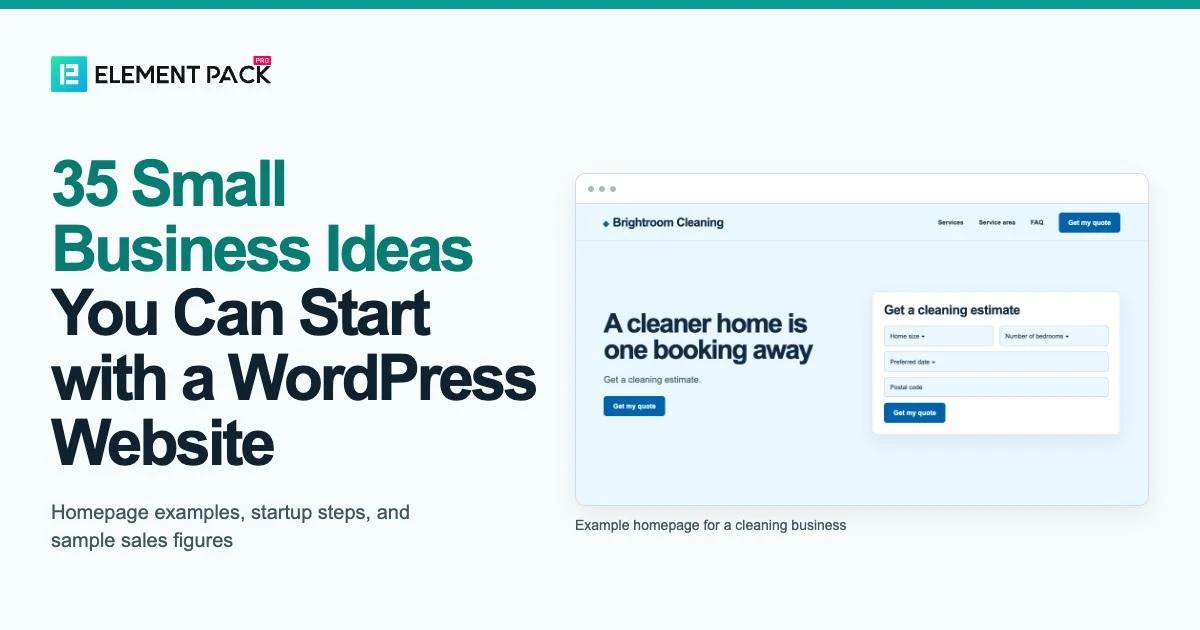
Picture the first thing a customer should be able to do on your website. A parent might book a trial lesson, a shopper might download a planner, and a local homeowner might request a cleaning quote. Each action points to a business you could start and a different kind of site to build.
The hard part is deciding which offer is worth testing. A full store can take weeks to set up when all you need is a product preview and one checkout. A service business can lose inquiries if the page shows plenty of photos but gives buyers no clear way to ask for a quote.
These 35 small business ideas show what a first WordPress website could look like for each offer. Use the homepage examples to see how customers would browse, book, or buy. Then compare the first tests and sample monthly sales figures to choose an idea you can try with your current skills, time, and budget.
Every mockup shows a fictional business and a sample homepage. The income scenarios use USD for comparison. Prices, order volumes, and costs are assumptions you can replace with your own numbers. Monthly revenue is the money billed or collected in the scenario. The monthly remainder subtracts the specified cash costs and excludes owner labor, taxes, and one-time setup.
35 Small Business Ideas at a Glance
Use the category that matches what you can deliver now. Each idea includes a homepage example, two first steps, a practical tip, and sample sales and costs.
Professional and Freelance Services
1. Freelance copywriting
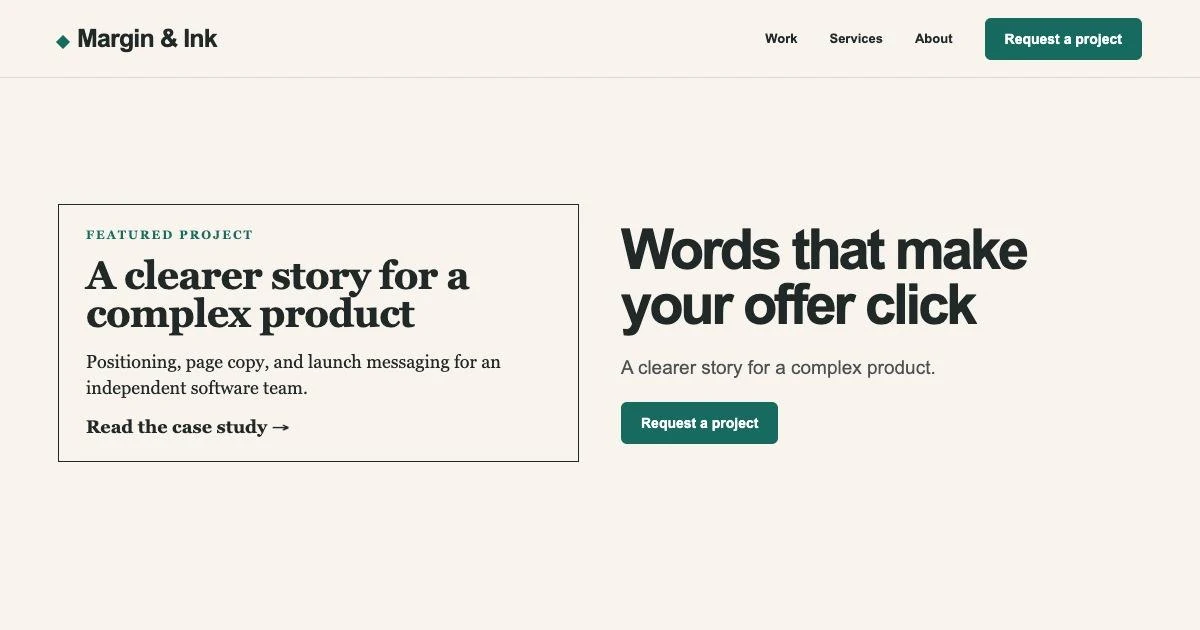
A software company may know its product well and still struggle to explain why buyers should care. Interview its team, turn the findings into a sales page or case study, and charge a project fee that covers the draft and an agreed number of revisions.
Your first website needs a niche-specific service page, two or three writing samples, and a brief form that asks about audience, deadline, and scope.
Who buys. B2B teams with complex offers.
How to start
1) Pick one deliverable for a niche you know and write two portfolio samples in that format.
2) Define the brief, handoff files, and revision limit before quoting.
Tip for success. Ask prospects what they want readers to do after reading the copy. That gives the project a concrete goal.
Illustrative monthly sales. At $450 per project, 2 projects bring in $900 and 5 bring in $2,250.
Illustrative costs and remainder. After $80 in monthly fixed costs and $25 per project, the two scenarios leave $770 and $2,045 before owner labor and taxes. Allow $35 separately for initial website setup in this model.
2. Virtual assistant services
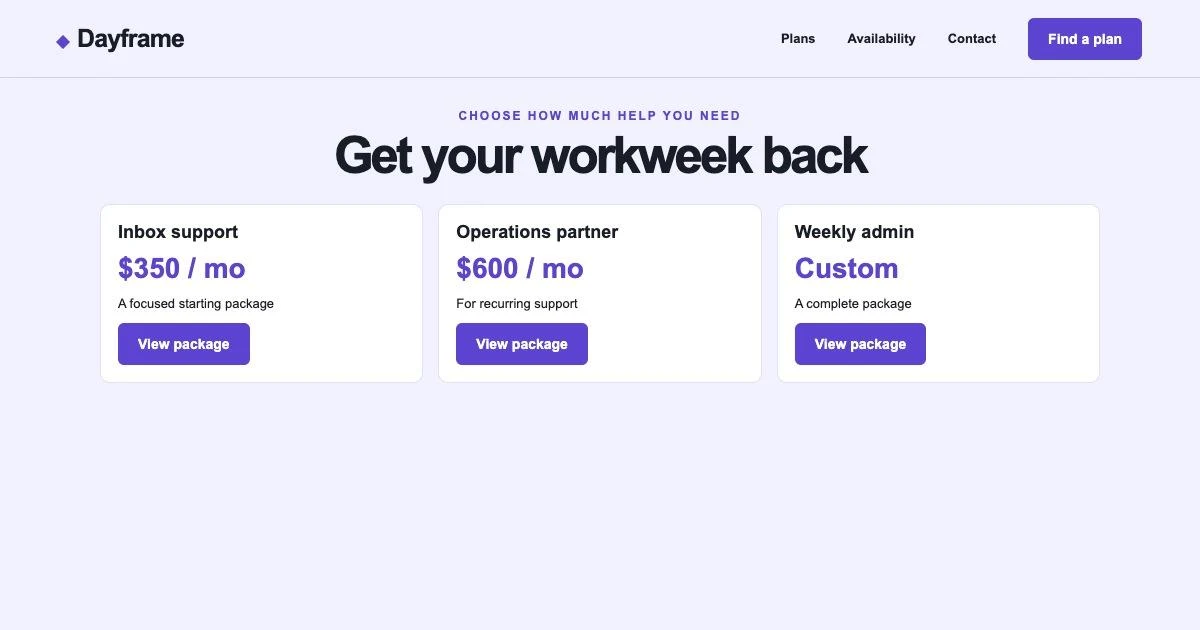
Give a small team a reliable person to handle the work that interrupts its day. Offer a monthly block of hours for inbox triage, scheduling, and document prep. Set a response window and agree which tasks need the client's sign-off.
Your first website needs a task menu, package descriptions, availability, and a discovery-call form.
Who buys. Owner-led agencies with recurring admin work.
How to start
1) List the recurring tasks you can handle and agree which ones need the client's approval.
2) Trial a paid block of hours with a shared task list and weekly recap.
Tip for success. Track task time for the first month before offering a flat retainer.
Illustrative monthly sales. At $350 per client per month, 2 monthly clients bring in $700 and 5 bring in $1,750.
Illustrative costs and remainder. After $70 in monthly fixed costs and $45 per client, the two scenarios leave $540 and $1,455 before owner labor and taxes. Allow $30 separately for initial website setup in this model.
3. Bookkeeping services
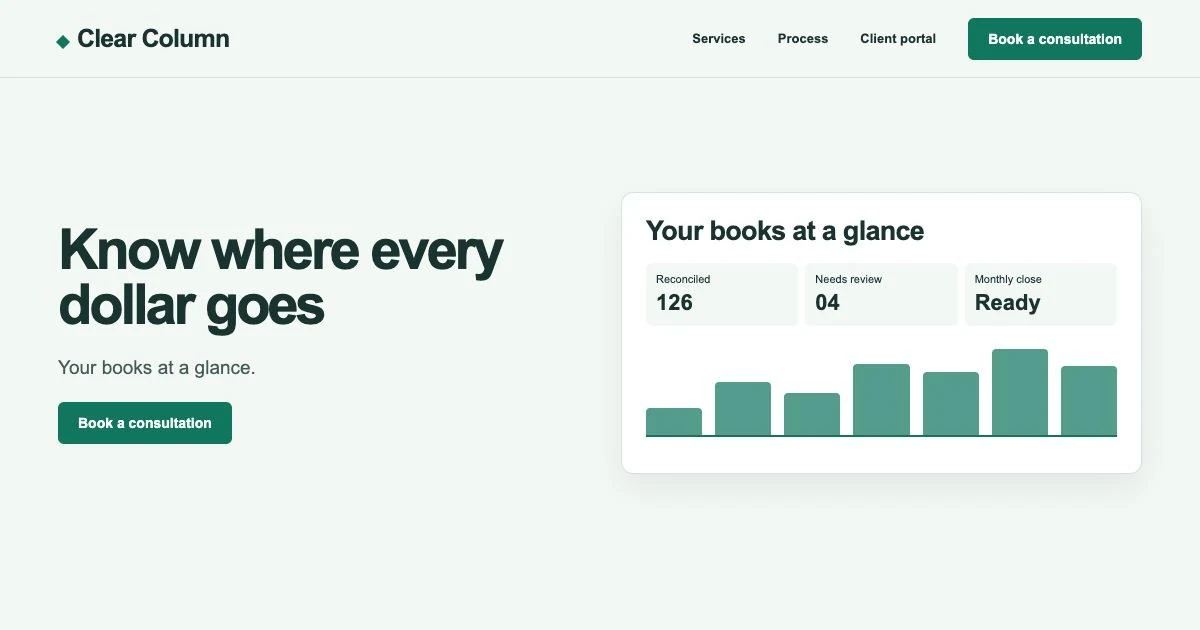
Help solo businesses understand what came in, what went out, and which transactions need attention. Package reconciliation and monthly reporting around transaction volume. Agree on when clients must upload records and which work falls within your qualifications.
Your first website needs an industries-served page, a clear scope of work, and a consultation form. Collect financial records through your client portal after onboarding.
Who buys. Solo businesses that need a dependable monthly close.
How to start
1) Choose the type of client and the bookkeeping tasks you can competently deliver.
2) Set up a secure way to receive documents and give clients a monthly submission deadline.
Tip for success. Quote catch-up work separately so historical records do not absorb the monthly package.
Illustrative monthly sales. At $300 per client per month, 3 monthly clients bring in $900 and 8 bring in $2,400.
Illustrative costs and remainder. After $140 in monthly fixed costs and $60 per client, the two scenarios leave $580 and $1,780 before owner labor and taxes. Allow $10 separately for initial website setup in this model.
4. Social media management
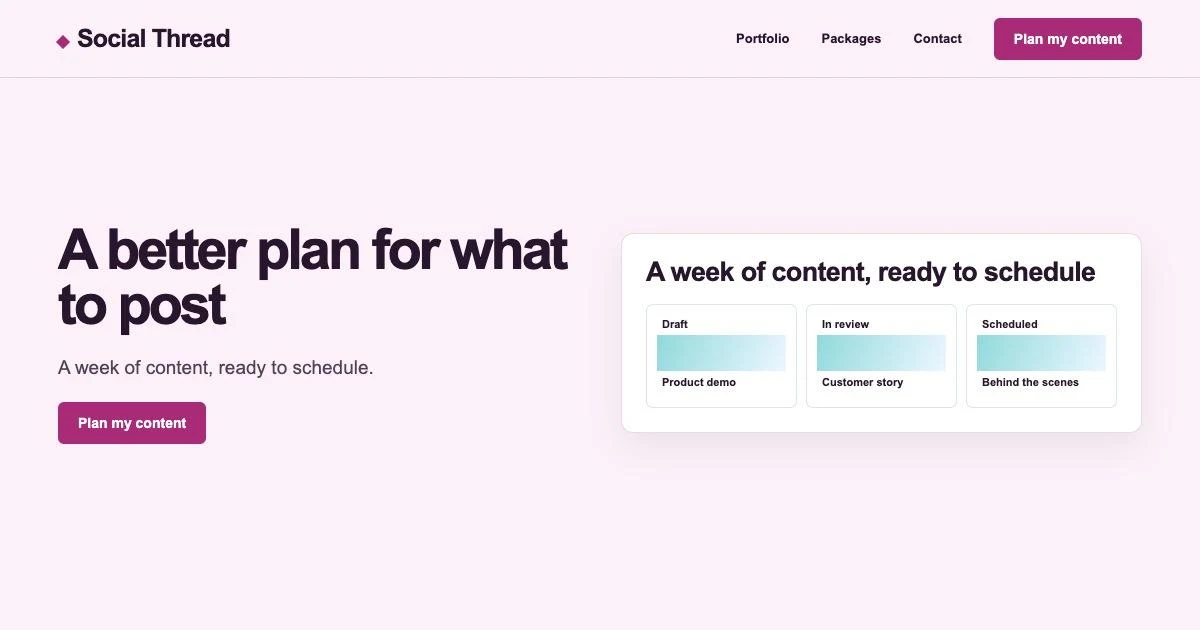
Give a small business a realistic publishing schedule it can maintain. A monthly package can cover planning, writing, scheduling, and a short performance report. The scope should spell out the channels, number of posts, and who supplies photos or approves copy.
Your first website needs sample calendars, campaign examples, package inclusions, and an inquiry form that asks which channels the client uses.
Who buys. Small teams with content to share and limited publishing time.
How to start
1) Build a sample content calendar around a real industry and one platform.
2) Agree on the approval process and asset responsibilities before scheduling a post.
Tip for success. Define what the monthly report will cover and how often the client can request revisions.
Illustrative monthly sales. At $600 per client per month, 2 monthly clients bring in $1,200 and 5 bring in $3,000.
Illustrative costs and remainder. After $180 in monthly fixed costs and $70 per client, the two scenarios leave $880 and $2,470 before owner labor and taxes. Allow $35 separately for initial website setup in this model.
5. Web design and maintenance
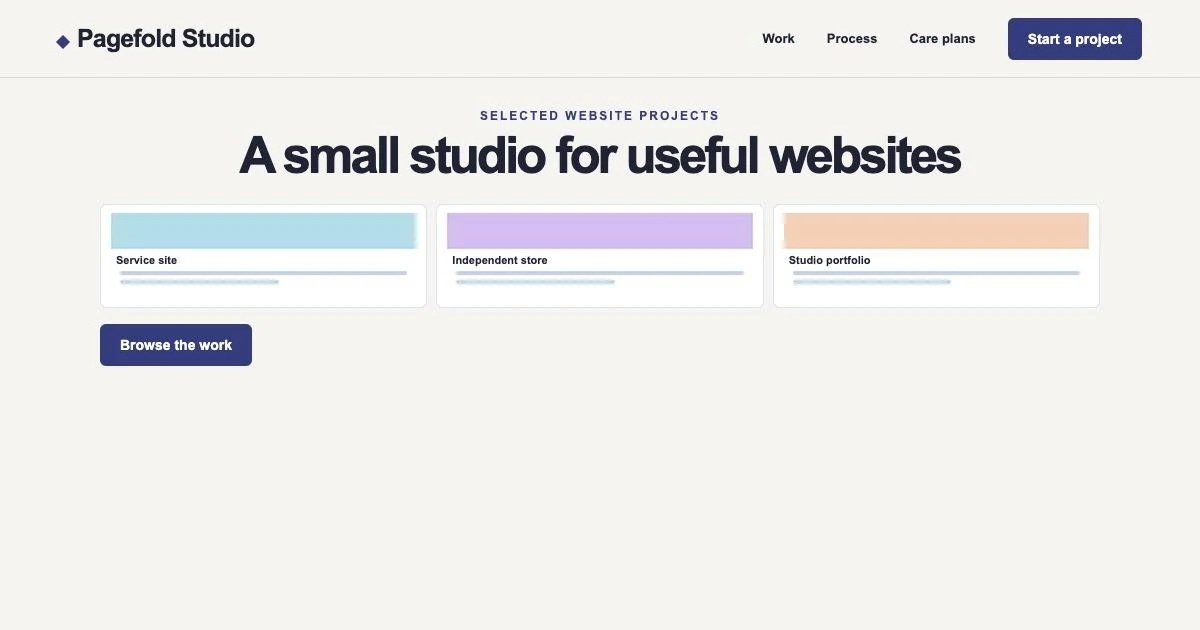
Build focused websites for businesses that need more inquiries or a simpler way to update their pages. Sell a fixed-scope site with clear deliverables, then offer a maintenance plan with a defined allowance for updates and content edits.
Your first website needs project examples, separate build and care-plan pages, and a project brief with budget and timeline fields.
Who buys. Service businesses that need leads and editable pages.
How to start
1) Create a demo site for one business type and publish a clear list of deliverables.
2) Use a project questionnaire to gather content, page needs, and launch dates.
Tip for success. Write the maintenance scope separately and show clients how to update everyday content.
Illustrative monthly sales. At $950 per website build, one build brings in $950 and three builds bring in $2,850.
Illustrative costs and remainder. After $180 in monthly fixed costs and $110 per website build, the two scenarios leave $660 and $2,340 before owner labor and taxes. Allow $85 separately for initial website setup in this model.
Local and Appointment-Based Services
6. Residential cleaning
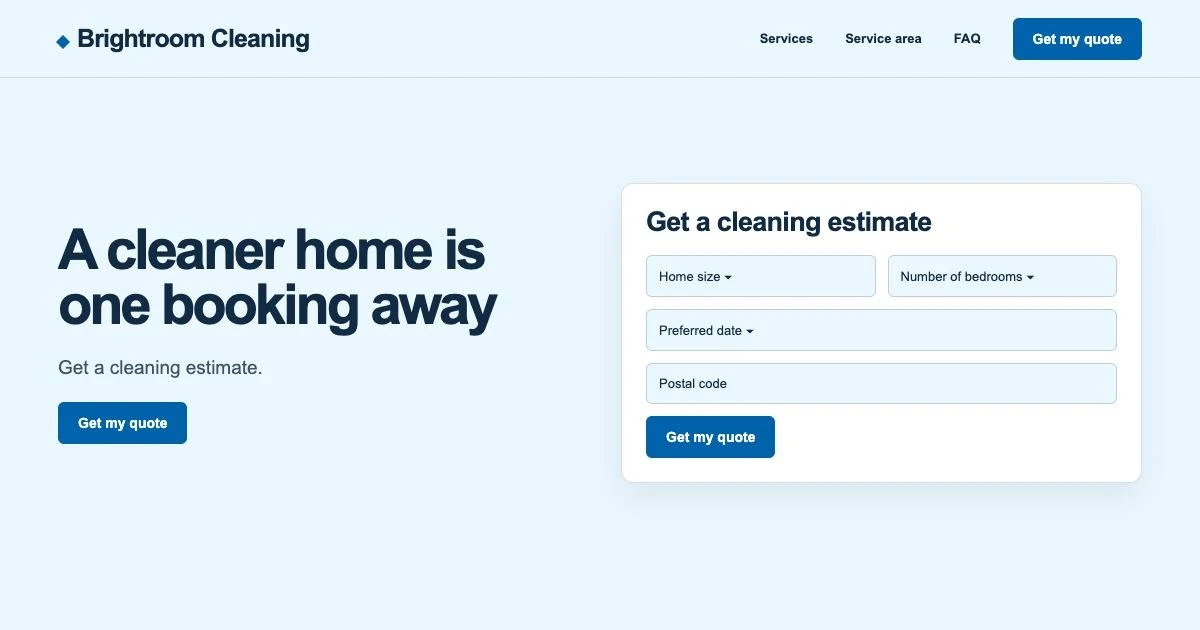
Offer weekly cleans, deep cleans, or move-out cleans as separate services. A repeat customer needs to know what is included each visit. Quote the first job around room count, current condition, travel, and extras such as oven cleaning.
Your first website needs service descriptions, coverage information, a checklist of inclusions, and a quote form with room count and preferred dates.
Who buys. Households booking a recurring clean or a move-out service.
How to start
1) Choose a service area and write a checklist for standard and deep cleans.
2) Time a paid pilot and record travel, products, and clean-up time.
Tip for success. Ask about current room condition before pricing the job. Two homes of the same size can take very different amounts of time.
Illustrative monthly sales. At $120 per cleaning job, 8 jobs bring in $960 and 22 bring in $2,640.
Illustrative costs and remainder. After $35 in monthly fixed costs and $20 per cleaning job, the two scenarios leave $765 and $2,165 before owner labor and taxes. Allow $25 separately for initial website setup in this model.
7. Pet sitting and dog walking
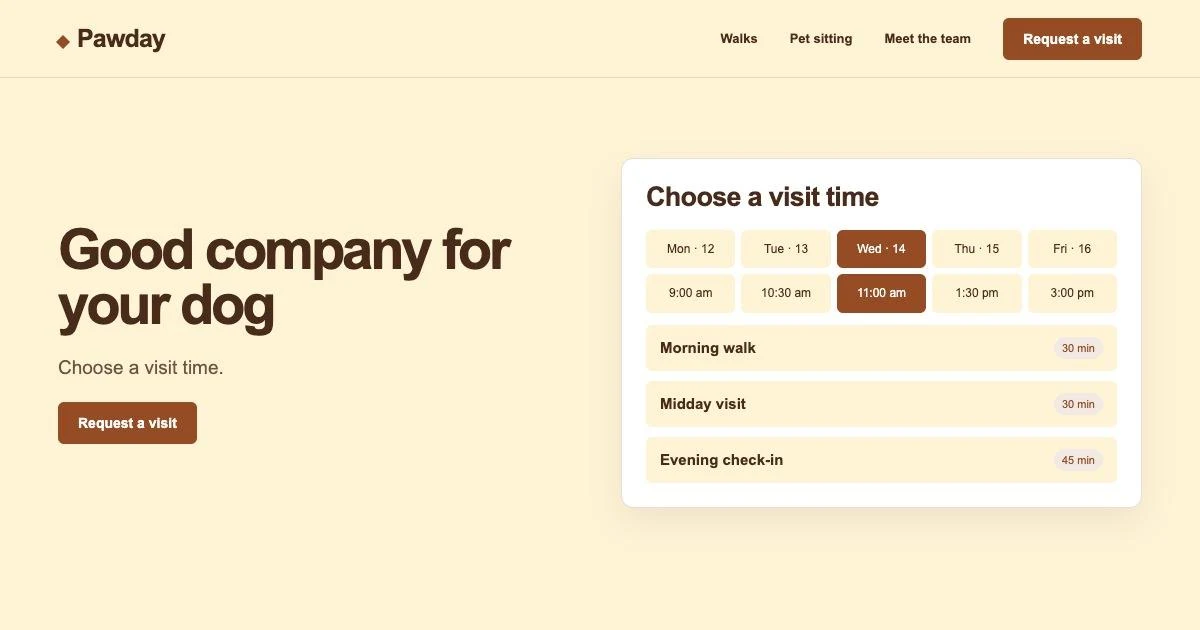
Give pet owners dependable help when they work long hours or travel. Charge per walk or visit, or reserve recurring time slots in a weekly package. Use a meet-and-greet to check routines, access, and the walking route.
Your first website needs a caregiver profile, service options, availability instructions, and an inquiry form for pet type and visit frequency.
Who buys. Pet owners who need regular coverage during work or travel.
How to start
1) Choose walk lengths and visit windows, then publish which areas you can cover reliably.
2) Use a meet-and-greet to learn the pet's routine, access instructions, and emergency contacts.
Tip for success. Group nearby repeat bookings so travel between visits does not consume the margin.
Illustrative monthly sales. At $25 per visit, 20 visits bring in $500 and 60 bring in $1,500.
Illustrative costs and remainder. After $45 in monthly fixed costs and $7 per visit, the two scenarios leave $315 and $1,035 before owner labor and taxes. Allow $20 separately for initial website setup in this model.
8. Lawn and garden care
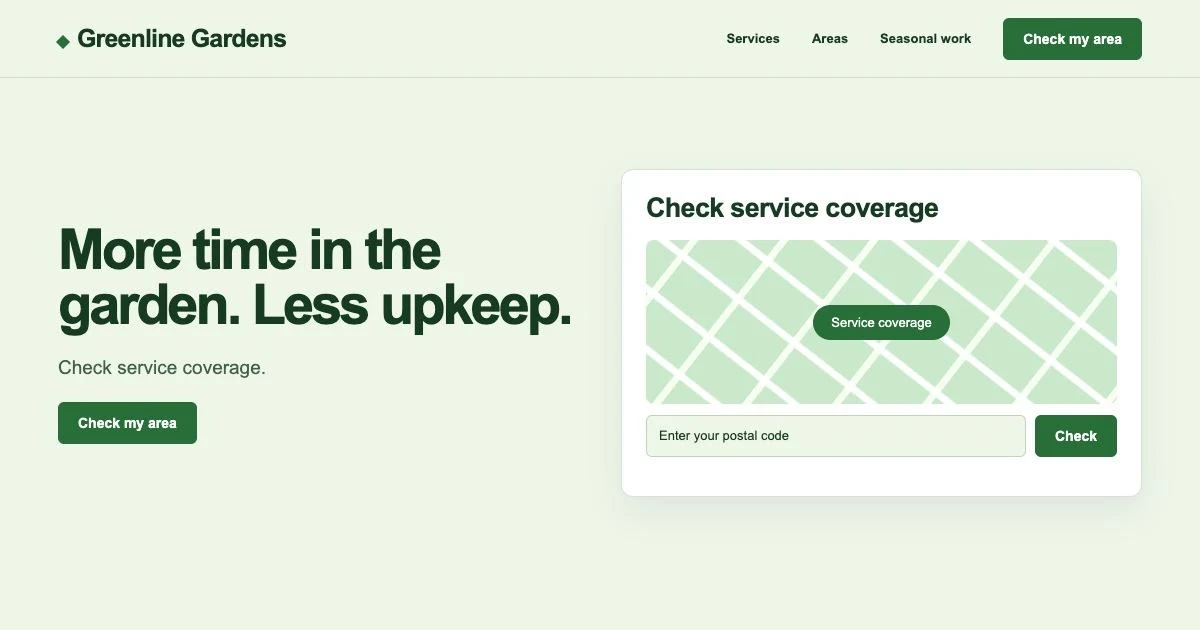
Help homeowners keep outdoor spaces usable through recurring mowing, garden care, or seasonal cleanups. Price routine visits and larger jobs separately. Include disposal and travel in the quote so a one-off cleanup pays for the extra work.
Your first website needs a before-and-after gallery, a coverage section, maintenance packages, and a quote form that accepts project photos.
Who buys. Homeowners seeking recurring garden care.
How to start
1) List the jobs your tools can handle, such as mowing, trimming, or leaf removal.
2) Quote a small trial job using photos or a visit and record disposal and travel costs.
Tip for success. Set separate prices for a one-off cleanup and a recurring maintenance visit.
Illustrative monthly sales. At $65 per job, 10 jobs bring in $650 and 30 bring in $1,950.
Illustrative costs and remainder. After $100 in monthly fixed costs and $18 per job, the two scenarios leave $370 and $1,310 before owner labor and taxes. Allow $35 separately for initial website setup in this model.
9. Mobile car detailing
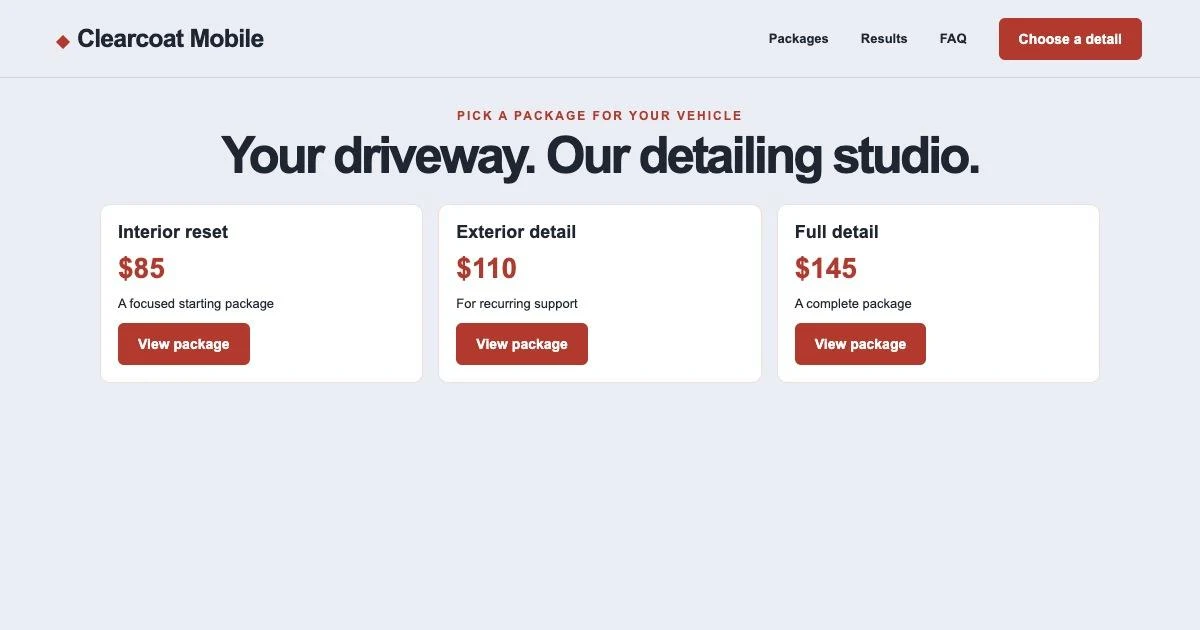
Take detailing to the customer's driveway. Offer an interior refresh, an exterior detail, and a full package with clear inclusions. Ask about vehicle size and condition before confirming the price and explain what water or power access you need.
Your first website needs package cards, a vehicle-size selector, before-and-after images, and an appointment request.
Who buys. Vehicle owners who value at-home service.
How to start
1) Write separate package checklists for interiors, exteriors, and full details.
2) Test each package on a sample vehicle and note water, power, and time requirements.
Tip for success. Ask for photos when the vehicle condition is uncertain and confirm surcharges before arrival.
Illustrative monthly sales. At $145 per detail, 6 jobs bring in $870 and 18 bring in $2,610.
Illustrative costs and remainder. After $120 in monthly fixed costs and $32 per detail, the two scenarios leave $558 and $1,914 before owner labor and taxes. Allow $40 separately for initial website setup in this model.
10. Home organization
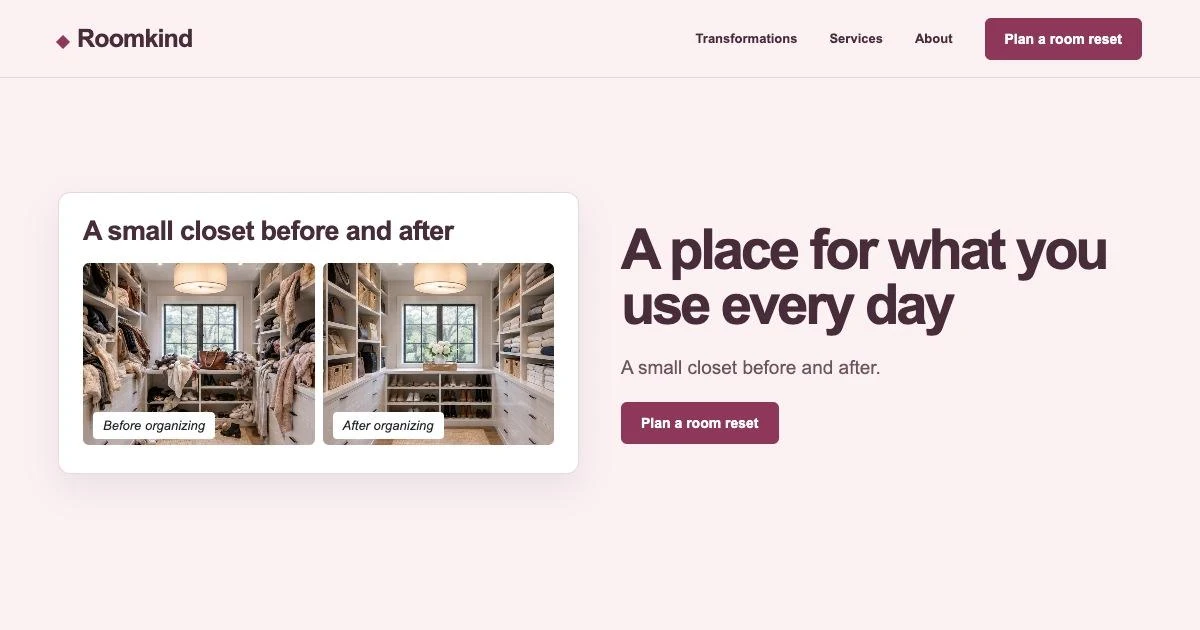
Help households make a crowded room easier to use. Start with one area such as a closet or kitchen and sell a half-day session with a clear scope. Agree on decisions the client will make and how storage products or disposal are handled.
Your first website needs room-specific examples, a process page, package details, and a consultation form.
Who buys. Busy households managing a specific cluttered room.
How to start
1) Pick a room type and complete a small portfolio project with photo permission.
2) Provide a session plan that covers sorting, storage, and the client's decisions.
Tip for success. Confirm who buys containers and who handles donations before you book the session.
Illustrative monthly sales. At $230 per session, 3 sessions bring in $690 and 10 bring in $2,300.
Illustrative costs and remainder. After $65 in monthly fixed costs and $45 per session, the two scenarios leave $490 and $1,785 before owner labor and taxes. Allow $15 separately for initial website setup in this model.
Online Teaching and Coaching
11. Online tutoring
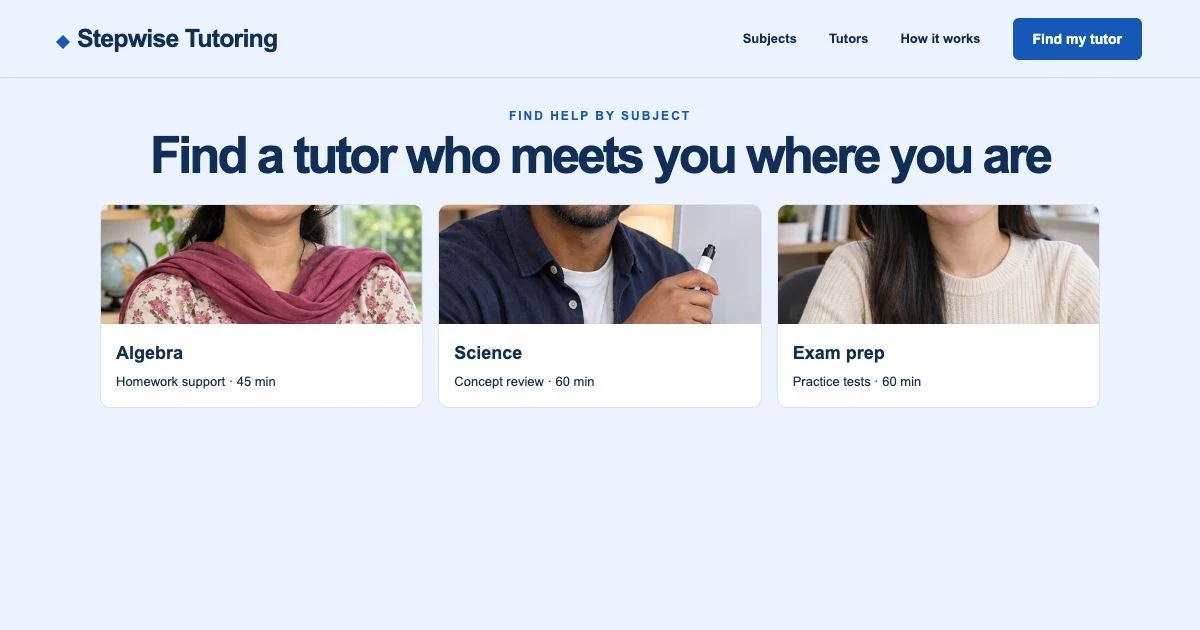
Teach one subject or level well enough to give families a clear starting point. Offer an assessment, individual lessons, or a multi-session package. Show what a lesson looks like and how you will track a learner's progress.
Your first website needs tutor credentials, subject pages, a sample lesson plan, and a booking form that displays the time zone.
Who buys. Families looking for subject-specific help.
How to start
1) Choose one subject, level, and learning goal to feature on your site.
2) Create a short diagnostic and use it to recommend a trial lesson or study plan.
Tip for success. Show families what progress updates will look like and when they will receive them.
Illustrative monthly sales. At $35 per lesson, 12 lessons bring in $420 and 36 bring in $1,260.
Illustrative costs and remainder. After $45 in monthly fixed costs and $4 per lesson, the two scenarios leave $327 and $1,071 before owner labor and taxes. Allow $10 separately for initial website setup in this model.
12. Language conversation coaching
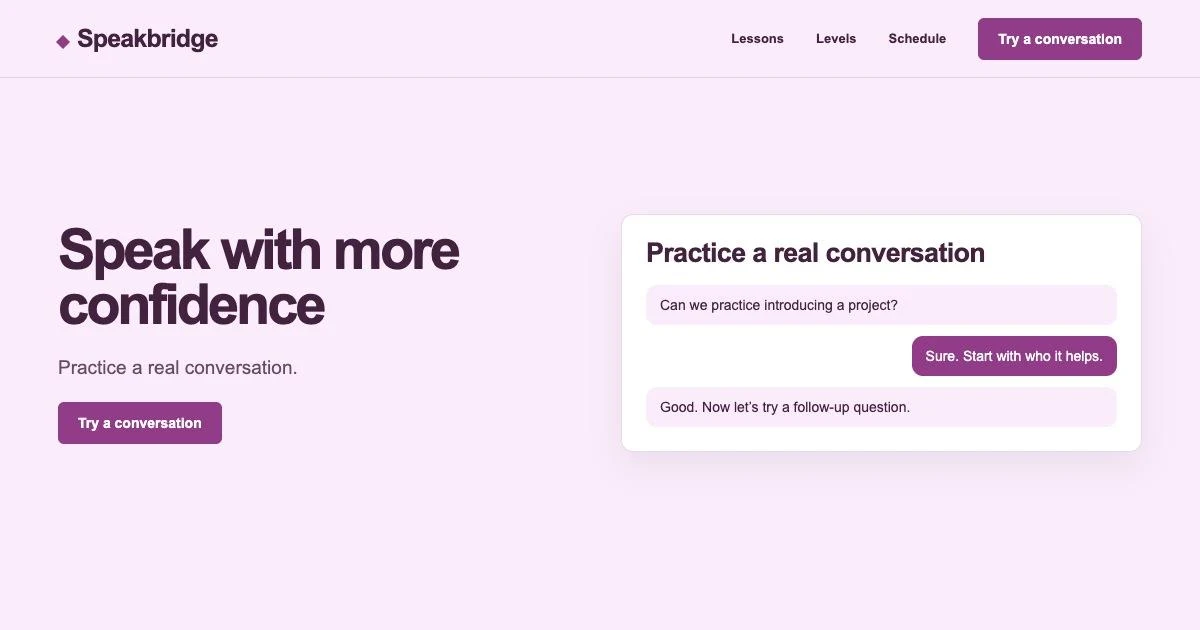
Help adult learners rehearse the conversations they actually need, such as interviews, client calls, or travel situations. Charge for individual sessions or a group series. Keep group members at a similar level so each learner has time to speak.
Your first website needs level descriptions, session examples, a placement form, and a schedule with group size and time zone.
Who buys. Adult learners with an upcoming workplace or travel goal.
How to start
1) Design one scenario-based lesson for a specific proficiency level.
2) Run a paid pilot with a small group and collect feedback on speaking time.
Tip for success. Keep learners with similar goals together so the material stays useful to everyone.
Illustrative monthly sales. At $28 per session, 12 sessions bring in $336 and 40 bring in $1,120.
Illustrative costs and remainder. After $40 in monthly fixed costs and $3 per session, the two scenarios leave $260 and $960 before owner labor and taxes. Allow $12 separately for initial website setup in this model.
13. Music lessons
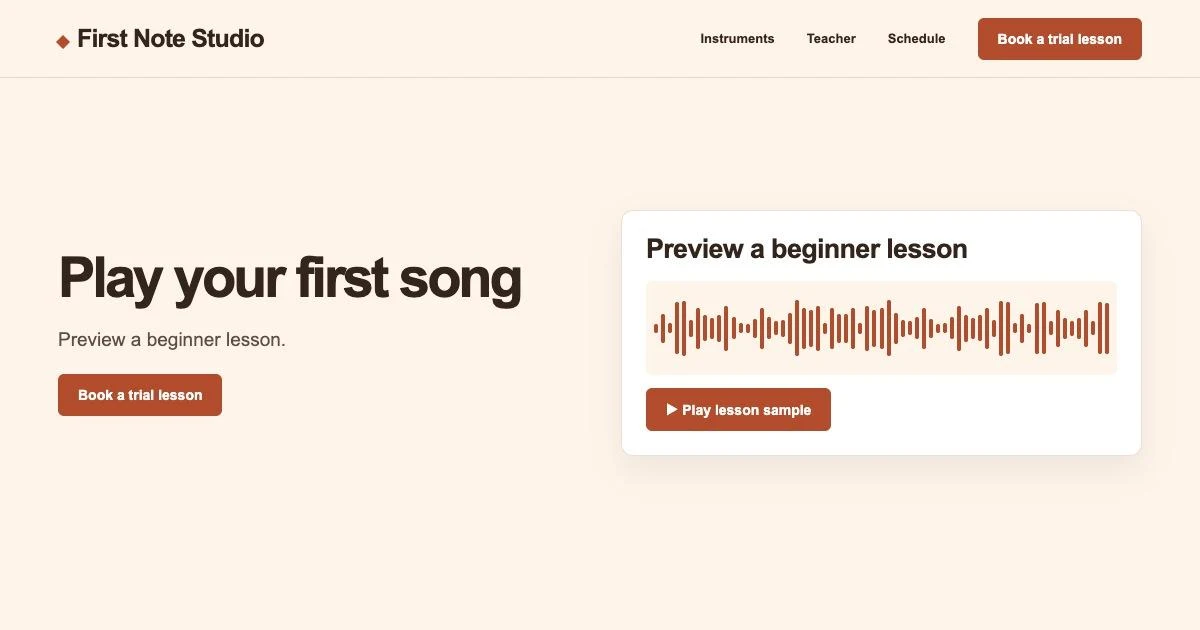
Build lessons around small milestones, such as playing a song or reading a short piece. Sell trial lessons and recurring slots. Share a sample exercise and tell learners which instrument, camera setup, or practice materials they need.
Your first website needs a teacher page, short demonstration clips, equipment requirements, and a trial-lesson booking page.
Who buys. Beginners who want a structured practice routine.
How to start
1) Publish a short lesson clip to show how you explain a beginner skill.
2) Offer a trial session with a simple equipment and practice checklist.
Tip for success. Build repeat lessons around milestones students can demonstrate.
Illustrative monthly sales. At $40 per lesson, 12 lessons bring in $480 and 32 bring in $1,280.
Illustrative costs and remainder. After $55 in monthly fixed costs and $5 per lesson, the two scenarios leave $365 and $1,065 before owner labor and taxes. Allow $12 separately for initial website setup in this model.
14. Software workshops
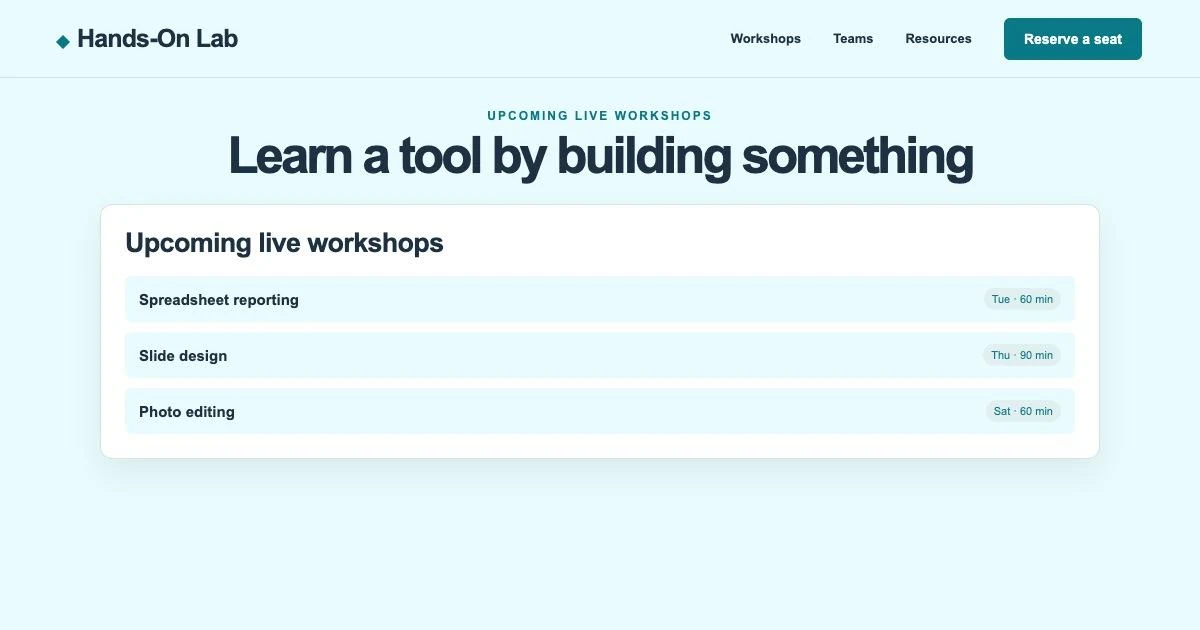
Teach a specific software task by guiding attendees through a finished project. Sell seats for a live class or quote a private workshop. Include the files, skill level, and expected outcome so participants can decide whether the class fits them.
Your first website needs a workshop syllabus, prerequisites, a sample exercise, and a registration page with class dates.
Who buys. Small teams or individuals building a specific software skill.
How to start
1) Pick one outcome that participants can finish in a single workshop.
2) Publish the sample project, prerequisites, and date, then collect paid registrations.
Tip for success. Set a minimum enrolment and explain what happens if the session is rescheduled.
Illustrative monthly sales. At $49 per workshop seat, 10 seats bring in $490 and 35 bring in $1,715.
Illustrative costs and remainder. After $95 in monthly fixed costs and $7 per workshop seat, the two scenarios leave $325 and $1,375 before owner labor and taxes. Allow $30 separately for initial website setup in this model.
15. Career coaching
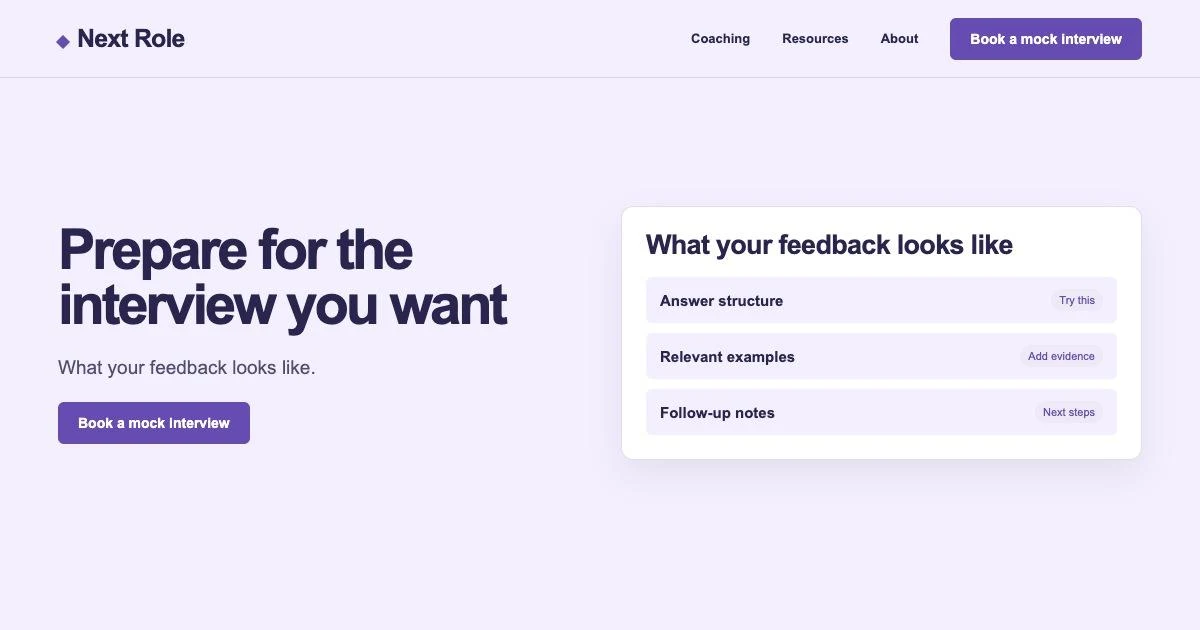
Help job seekers prepare for a role they can name. Sell a mock interview or a package that includes application feedback and a follow-up. Show an anonymized feedback sample so buyers understand what they will take away.
Your first website needs a service menu, example session plans, and a booking form that gathers the target role and timeline.
Who buys. Job seekers preparing for a defined role.
How to start
1) Choose a role family and build a mock interview with realistic prompts.
2) Create a sample feedback sheet and offer a trial session with clear deliverables.
Tip for success. Separate application review from interview coaching when they require different preparation.
Illustrative monthly sales. At $85 per session, 5 sessions bring in $425 and 16 bring in $1,360.
Illustrative costs and remainder. After $60 in monthly fixed costs and $8 per session, the two scenarios leave $325 and $1,172 before owner labor and taxes. Allow $15 separately for initial website setup in this model.
Digital Products
16. Printable planners
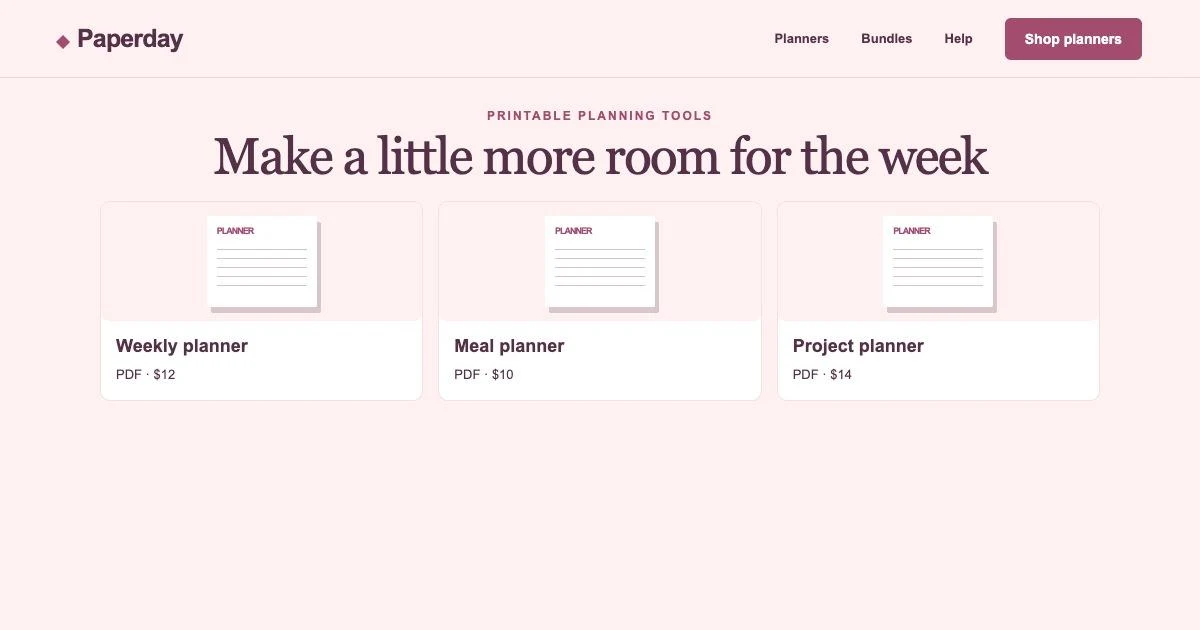
Create a printable that helps someone repeat a real task, such as planning meals or keeping track of client projects. Sell a single download first. Bundle related pages once buyers show which formats and layouts they use.
Your first website needs preview images, paper-size details, printing instructions, checkout, and a testable download flow.
Who buys. People who prefer a printable system for a repeated task.
How to start
1) Solve one recurring planning problem and test the printable on paper yourself.
2) Upload preview pages with dimensions and print instructions, then test the customer download.
Tip for success. Start with one file and use buyer questions to decide what belongs in a bundle.
Illustrative monthly sales. At $12 per download, 15 sales bring in $180 and 75 bring in $900.
Illustrative costs and remainder. After $38 in monthly fixed costs and $2 per download, the two scenarios leave $112 and $712 before owner labor and taxes. Allow $20 separately for initial website setup in this model.
17. Spreadsheet templates
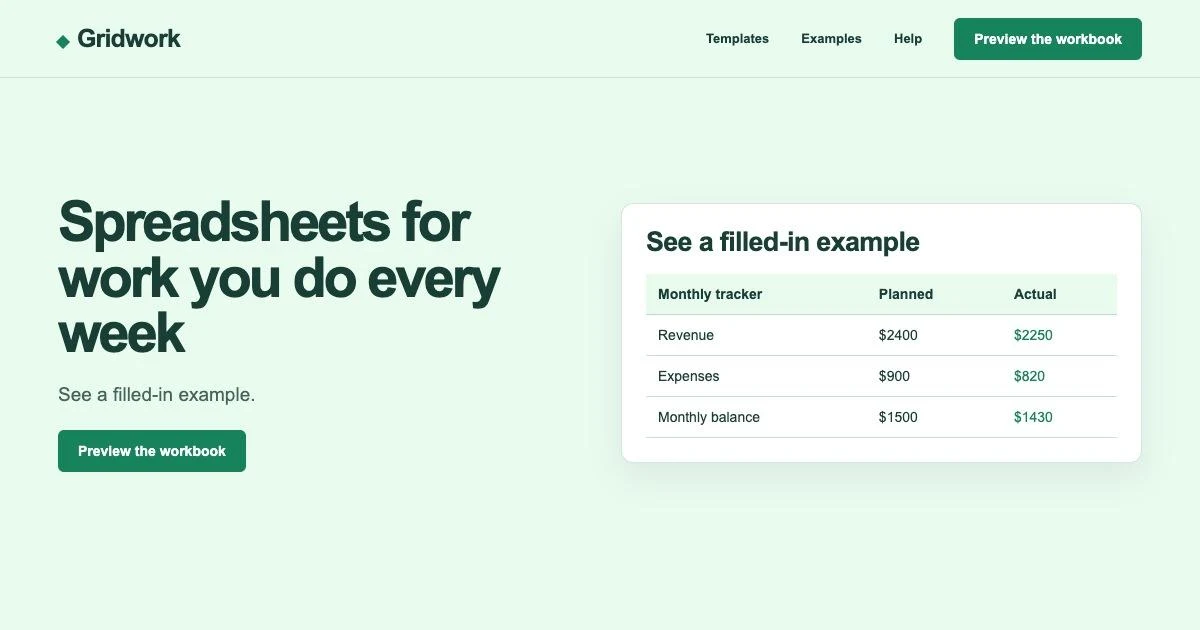
Turn a recurring calculation or reporting task into a workbook buyers can reuse. Sell one file or several related templates. Include a completed example, protect formulas where appropriate, and state which spreadsheet apps support the file.
Your first website needs screenshots with sample data, software compatibility, setup instructions, and a clear product license.
Who buys. Buyers who repeatedly perform the same calculation or workflow.
How to start
1) Build a single workbook and test it with incomplete data and unusual values.
2) Add an example tab and document which apps and file formats are supported.
Tip for success. Keep sample data clearly separate from the blank version buyers will use.
Illustrative monthly sales. At $24 per workbook, 10 sales bring in $240 and 45 bring in $1,080.
Illustrative costs and remainder. After $45 in monthly fixed costs and $3 per workbook, the two scenarios leave $165 and $900 before owner labor and taxes. Allow $25 separately for initial website setup in this model.
18. Website template packs
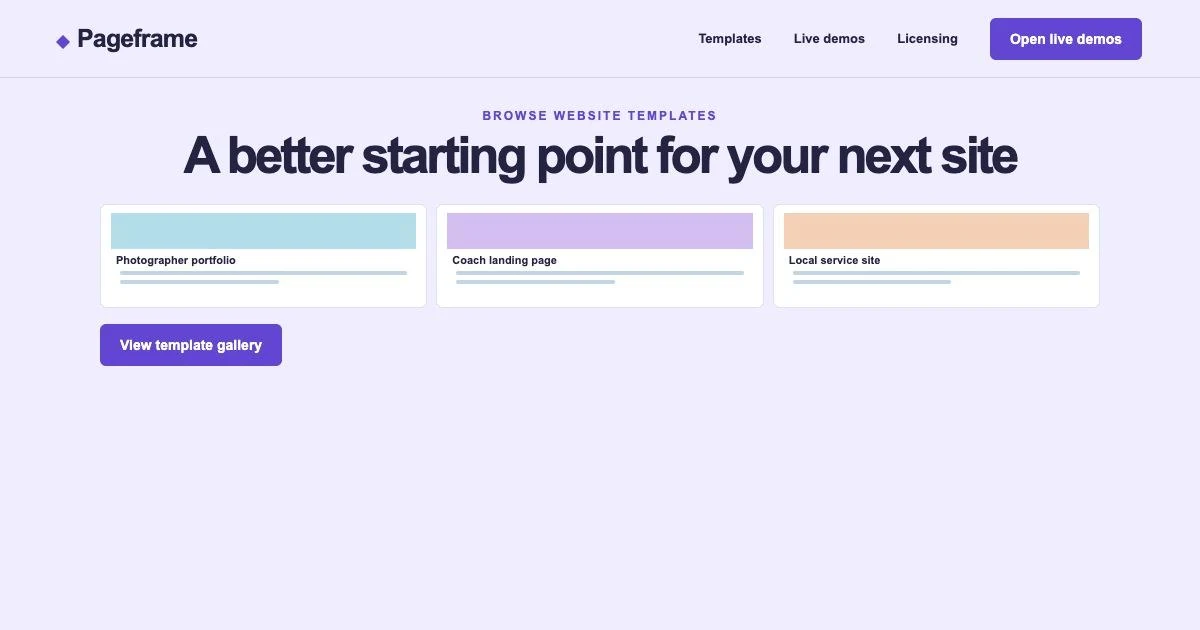
Design a reusable set of pages for a buyer you understand, such as photographers or independent shops. Sell a template pack with a working demo and brief setup guide. Explain which plugins, licenses, or design assets buyers will need.
Your first website needs live demos, a list of included layouts and required plugins, license terms, and installation instructions.
Who buys. Designers and small business owners who need a reusable page structure.
How to start
1) Build one niche-specific pack and document its required plugins and assets.
2) Import it onto a fresh WordPress install before you share the demo and listing.
Tip for success. Show what the buyer gets and what still needs customization.
Illustrative monthly sales. At $69 per template pack, 5 sales bring in $345 and 24 bring in $1,656.
Illustrative costs and remainder. After $75 in monthly fixed costs and $8 per template pack, the two scenarios leave $230 and $1,389 before owner labor and taxes. Allow $35 separately for initial website setup in this model.
19. E-books and workbooks
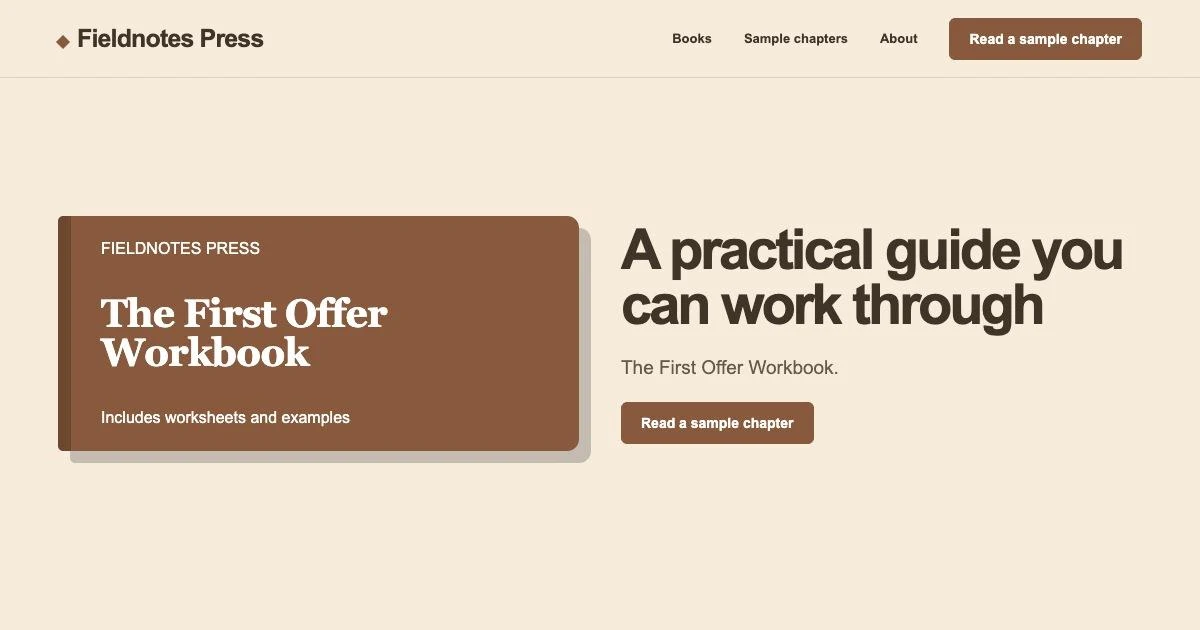
Write a short guide for a clear problem and add exercises that help readers apply it. Sell the e-book on its own or with editable worksheets. Let readers inspect a sample chapter and the contents before buying.
Your first website needs a table of contents, sample pages, accessible download formats, and a checkout that clearly lists what comes with the purchase.
Who buys. Readers with a narrow problem and a need for guided exercises.
How to start
1) Write one chapter and one worksheet around a defined task.
2) Share a sample or take preorders before finishing the entire book.
Tip for success. Include an example of a completed exercise so buyers can judge the level of guidance.
Illustrative monthly sales. At $19 per sale, 12 sales bring in $228 and 60 bring in $1,140.
Illustrative costs and remainder. After $50 in monthly fixed costs and $3 per sale, the two scenarios leave $142 and $910 before owner labor and taxes. Allow $25 separately for initial website setup in this model.
20. Stock photography and graphics
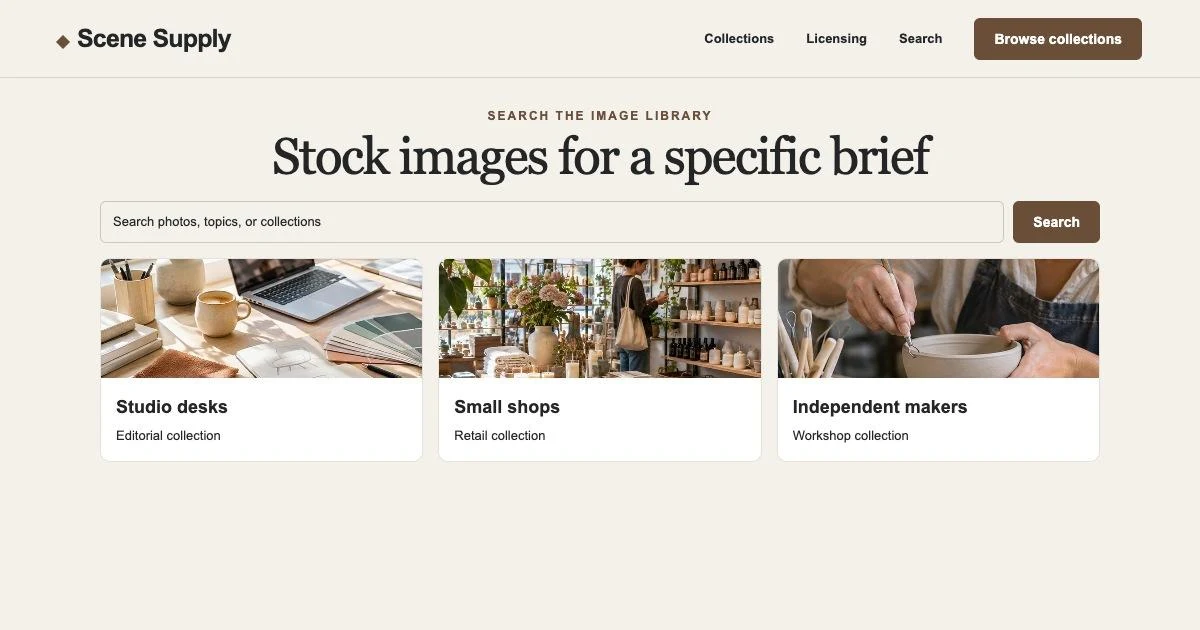
Build small, focused visual collections that save designers from searching through generic stock. Sell a pack or license individual files. Show dimensions, formats, and permitted uses so buyers can check the license against their project.
Your first website needs searchable preview galleries, image dimensions, usage terms, and a purchase or download page.
Who buys. Design teams with a specific visual brief.
How to start
1) Choose a subject buyers struggle to find and produce a small, coherent collection.
2) Publish a gallery with file sizes, formats, and clear usage terms.
Tip for success. Make it easy for buyers to check whether commercial use, editing, or redistribution is allowed.
Illustrative monthly sales. At $35 per license, 8 licenses bring in $280 and 40 bring in $1,400.
Illustrative costs and remainder. After $70 in monthly fixed costs and $5 per license, the two scenarios leave $170 and $1,130 before owner labor and taxes. Allow $30 separately for initial website setup in this model.
WooCommerce supports downloadable products and lets you configure how customers access purchased files. Test the full checkout and download process with a customer account before launch. See the WooCommerce downloadable product guide.
E-commerce and Physical Products
21. Handmade goods
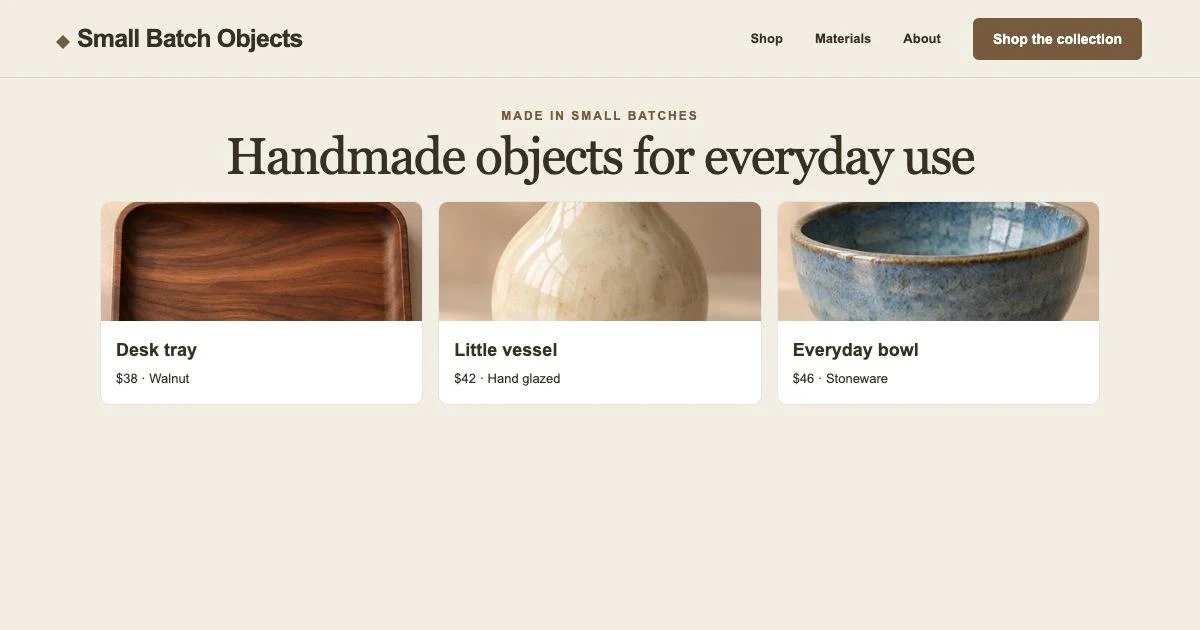
Start with a small collection you can make consistently, such as stationery or homewares. Set prices using materials, production time, packaging, and selling costs. Use product photos that show scale, texture, and any variation buyers should expect.
Your first website needs product photos, dimensions, materials, stock information, shipping details, and checkout.
Who buys. Buyers who value distinctive small-batch products.
How to start
1) Make a batch you can reproduce and record materials, timing, and rejects.
2) Photograph the actual products, list dimensions, and test packing and shipping.
Tip for success. Limit the first collection to items you can restock without losing money on labor.
Illustrative monthly sales. At $42 per order, 12 orders bring in $504 and 55 bring in $2,310.
Illustrative costs and remainder. After $90 in monthly fixed costs and $19 per order, the two scenarios leave $186 and $1,175 before owner labor and taxes. Allow $45 separately for initial website setup in this model.
22. Print-on-demand merchandise
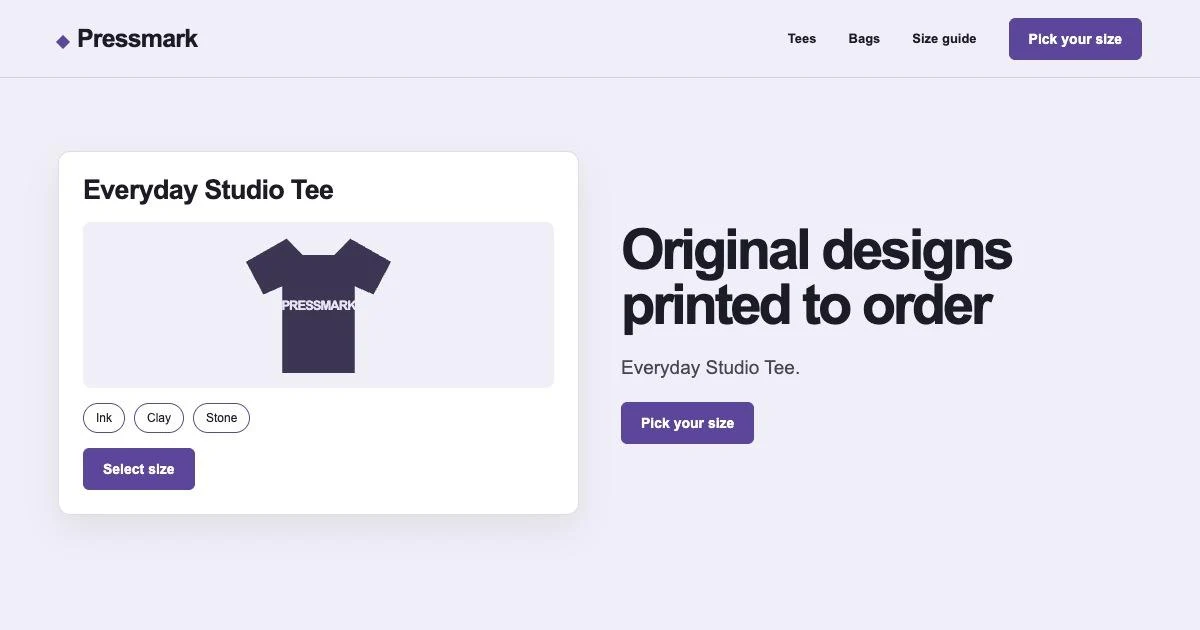
Sell your original artwork on products made after an order is placed. Test a few designs and order samples to check the result. Build your offer around product quality, fulfillment times, and a margin that can absorb returns.
Your first website needs a few product pages, size guides, original mockups or sample photos, and clearly displayed delivery and return terms.
Who buys. Fans of a specific visual style or community.
How to start
1) Pick a few designs and order samples from the fulfillment provider.
2) Check print quality and sizing, then publish product pages and run a trial order.
Tip for success. Allow room for fulfillment fees, returns, and reshipments when setting prices.
Illustrative monthly sales. At $30 per order, 15 orders bring in $450 and 80 bring in $2,400.
Illustrative costs and remainder. After $65 in monthly fixed costs and $19 per order, the two scenarios leave $100 and $815 before owner labor and taxes. Allow $30 separately for initial website setup in this model.
23. Curated gift boxes
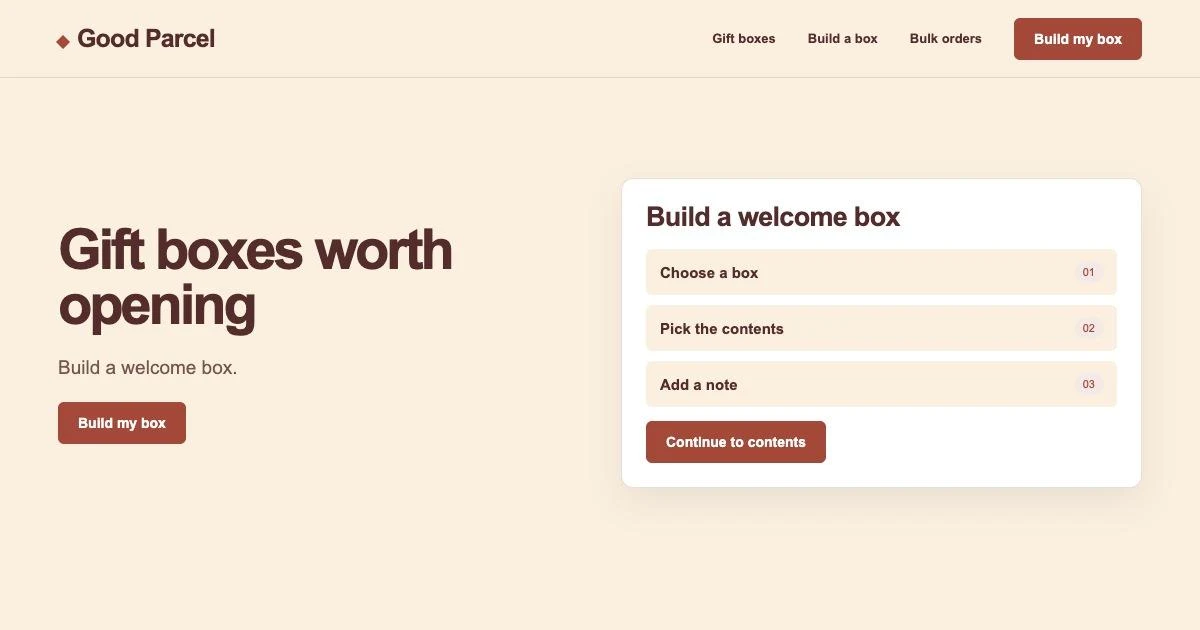
Assemble gift boxes for a repeatable occasion, such as a welcome kit or a client thank-you. Sell stock boxes through your site and quote custom bulk orders. Show the exact contents, options for a gift note, and the last date to order.
Your first website needs photos of the exact contents, customization choices, order lead times, and a bulk-inquiry form.
Who buys. Businesses and individuals buying gifts for a recurring occasion.
How to start
1) Choose a buying occasion and assemble a repeatable box you can photograph.
2) Confirm suppliers and packing costs before offering individual and bulk orders.
Tip for success. Publish a dispatch lead time and a deadline for custom notes or branded inserts.
Illustrative monthly sales. At $65 per gift box, 8 boxes bring in $520 and 40 bring in $2,600.
Illustrative costs and remainder. After $110 in monthly fixed costs and $37 per gift box, the two scenarios leave $114 and $1,010 before owner labor and taxes. Allow $50 separately for initial website setup in this model.
24. Refurbished specialty goods
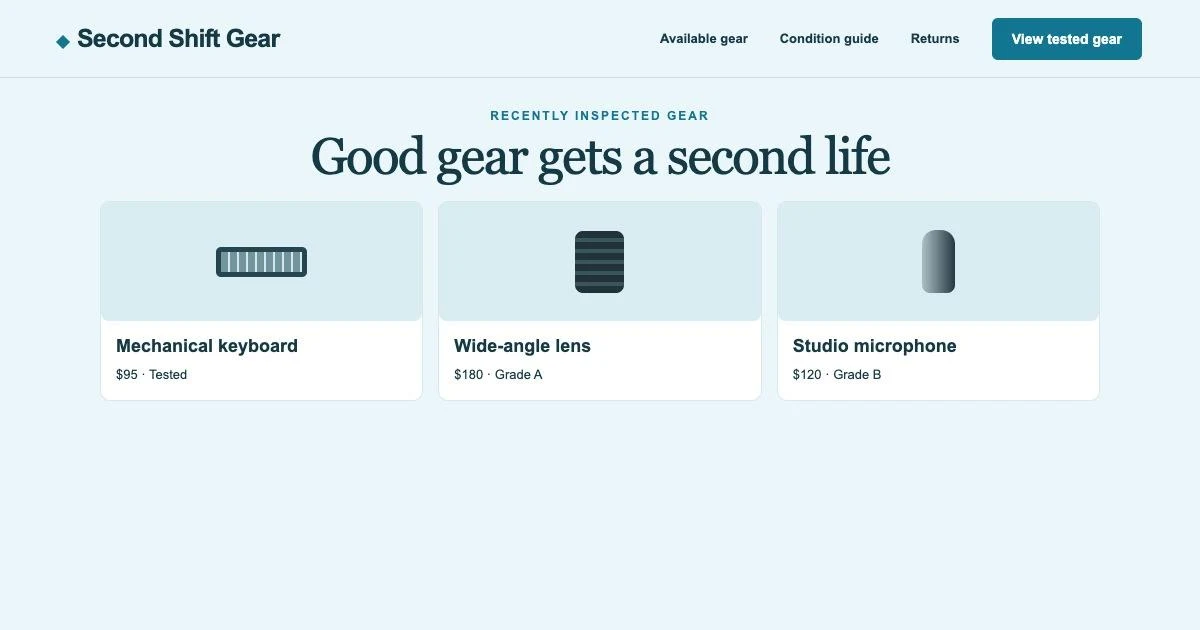
Buy, test, and resell specialty items you know how to evaluate. Photograph each item and record its condition, included parts, and completed checks. Set prices after allowing for purchase costs, repairs, and the time each item takes to prepare.
Your first website needs item-specific photos, condition notes, a description of completed checks, and shipping and return information.
Who buys. Enthusiasts who value tested, accurately described used equipment.
How to start
1) Pick a category you can inspect and create a condition checklist.
2) Photograph each item and record included parts, completed tests, and purchase costs.
Tip for success. Use item-specific listings so buyers know exactly what they will receive.
Illustrative monthly sales. At $125 per sale, 5 sales bring in $625 and 24 bring in $3,000.
Illustrative costs and remainder. After $100 in monthly fixed costs and $73 per sale, the two scenarios leave $160 and $1,148 before owner labor and taxes. Allow $60 separately for initial website setup in this model.
25. Made-to-order personalized products
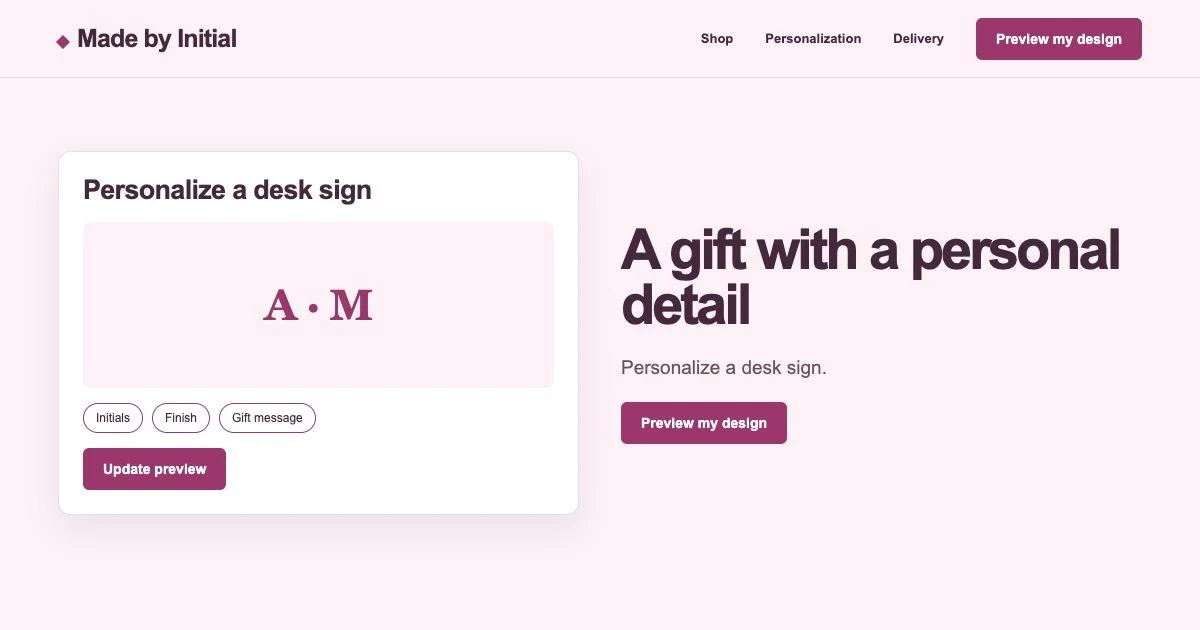
Sell made-to-order items with a small set of custom options. Tell buyers when they will see a proof and how long approval adds to delivery. Build proofing time, remakes, and special materials into the price.
Your first website needs an options form with character limits, proof-approval instructions, and clear order deadlines.
Who buys. Gift buyers seeking initials, names, or other personalization.
How to start
1) Start with a few base products and limit personalization to options you can reproduce.
2) Build an order form that collects exact wording, finish, and delivery dates.
Tip for success. Confirm how proofs and corrections work before the order goes into production.
Illustrative monthly sales. At $48 per custom order, 10 orders bring in $480 and 50 bring in $2,400.
Illustrative costs and remainder. After $120 in monthly fixed costs and $21 per custom order, the two scenarios leave $150 and $1,230 before owner labor and taxes. Allow $55 separately for initial website setup in this model.
Publishing and Memberships
26. Paid niche newsletter
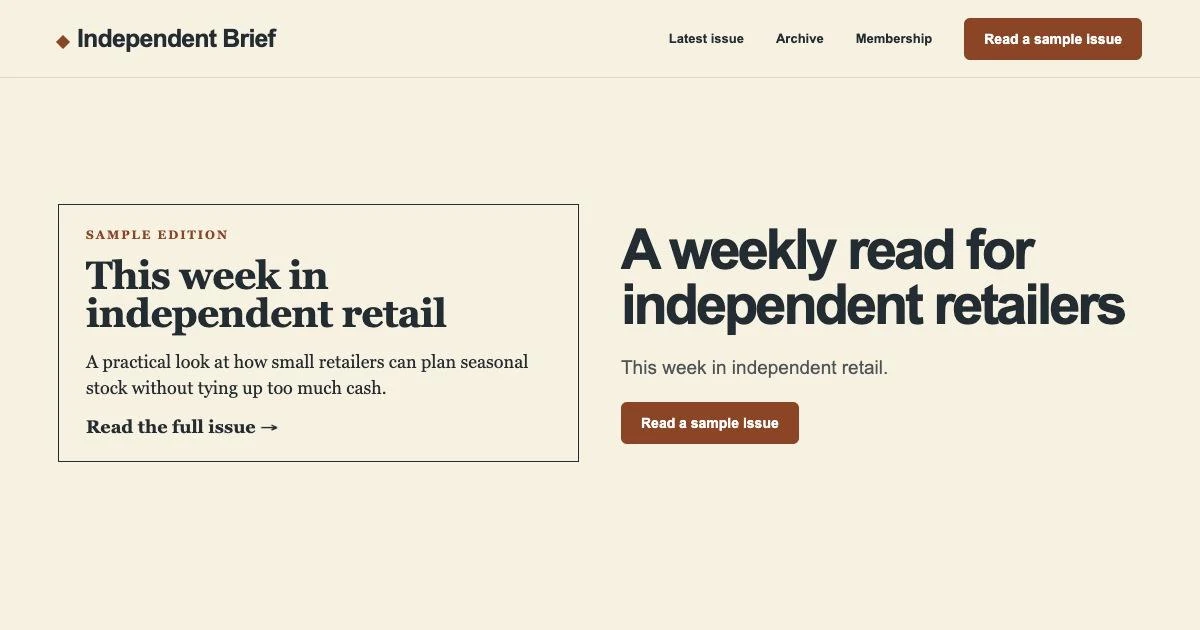
Publish a focused briefing that helps readers follow an industry or make recurring decisions. Use free issues to show the quality and cadence. A paid tier can add deeper analysis, useful interviews, or access to a well-organized archive.
Your first website needs a signup page, issue archive, sample paid edition, and a clear publishing schedule.
Who buys. Professionals who need regular, focused industry information.
How to start
1) Define the reader and publish a few sample issues on a consistent schedule.
2) Offer one paid tier with clear benefits and test subscriptions and cancellations.
Tip for success. Ask subscribers which section they look for each week before adding more features.
Illustrative monthly sales. At $10 per subscriber per month, 30 paid subscribers bring in $300 and 150 bring in $1,500.
Illustrative costs and remainder. After $65 in monthly fixed costs and $1 per subscriber, the two scenarios leave $205 and $1,285 before owner labor and taxes. Allow $25 separately for initial website setup in this model.
27. Affiliate resource website
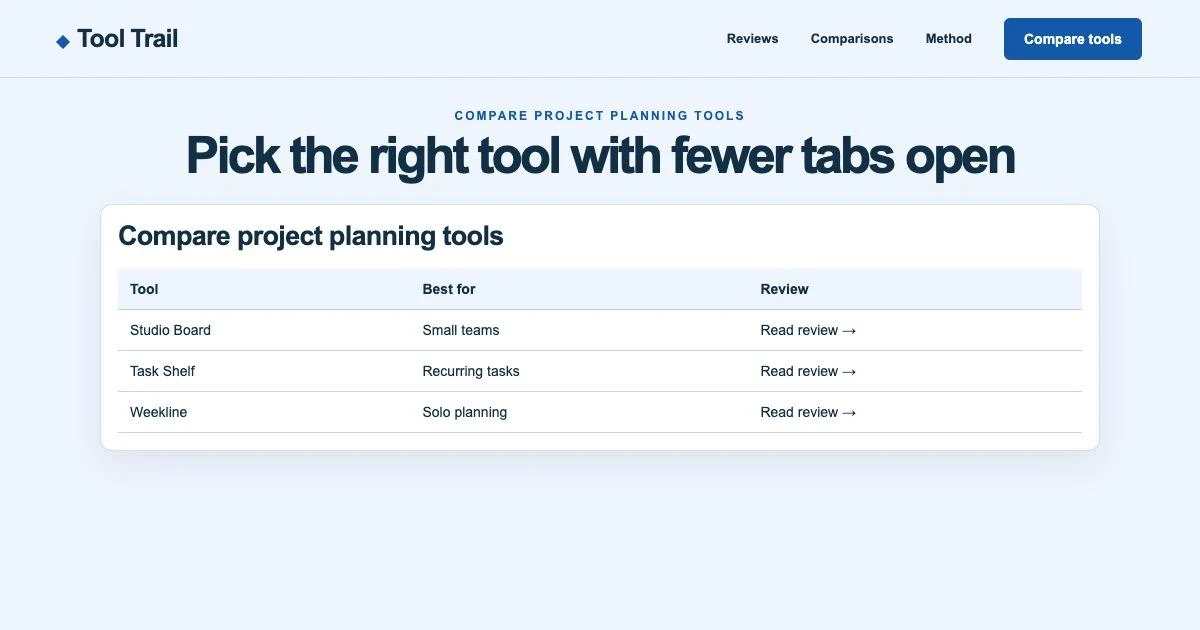
Help readers choose a product by showing who it serves, how it compares, and which trade-offs matter. Earn eligible commissions through disclosed affiliate links. Publish your selection criteria and mark which products you tested yourself.
Your first website needs comparison pages, review methodology, visible affiliate disclosures, and a process for updating outdated listings.
Who buys. Readers comparing options before a purchase.
How to start
1) Choose one buying decision and create a comparison rubric.
2) Publish an independently useful guide and disclose eligible referral relationships.
Tip for success. Keep a review date on each comparison so changes to pricing or product features are easier to spot.
Illustrative monthly sales. At $18 per approved referral, 10 approved referrals bring in $180 and 45 bring in $810.
Illustrative costs and remainder. After $80 in monthly fixed costs and $2 per approved referral, the two scenarios leave $80 and $640 before owner labor and taxes. Allow $40 separately for initial website setup in this model.
28. Paid resource library
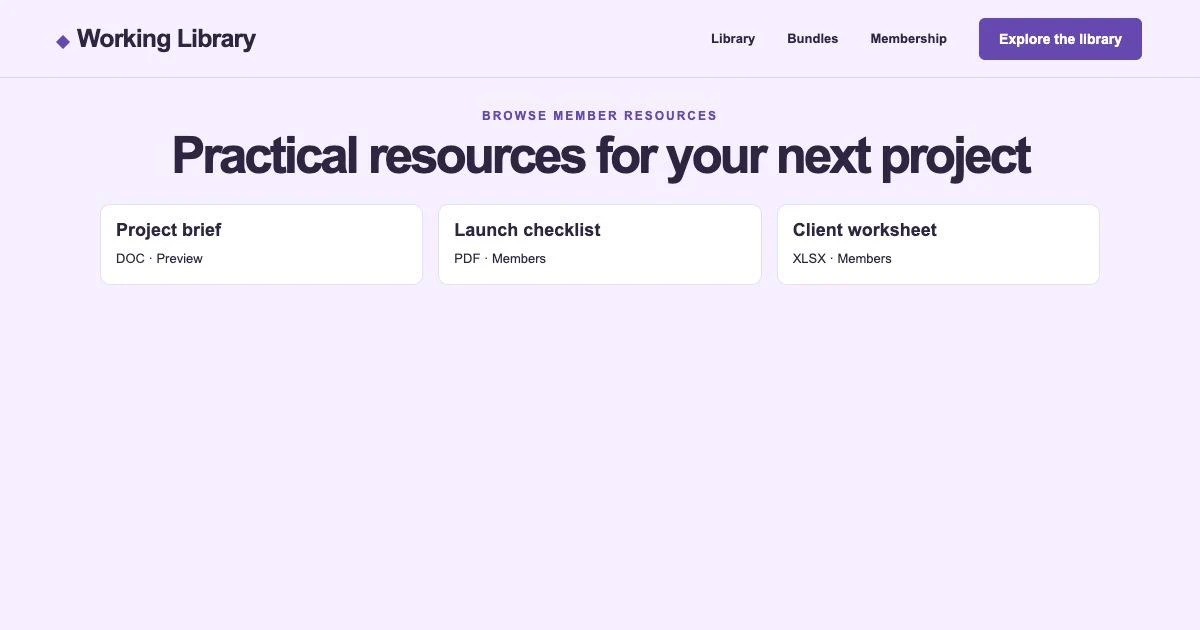
Create checklists or templates professionals can return to throughout the year. Charge members for access to the library and a clear update schedule. A small public sample helps readers judge whether the resources fit how they work.
Your first website needs a public catalog preview, member access, sample downloads, and plain-language renewal and cancellation terms.
Who buys. Professionals who return to reusable resources each month.
How to start
1) Create a starter library around one professional workflow.
2) Open a sample page and test registration, account access, and cancellation.
Tip for success. Commit to an update schedule you can sustain before promising frequent additions.
Illustrative monthly sales. At $15 per member per month, 20 paid members bring in $300 and 100 bring in $1,500.
Illustrative costs and remainder. After $85 in monthly fixed costs and $2 per member, the two scenarios leave $175 and $1,215 before owner labor and taxes. Allow $35 separately for initial website setup in this model.
29. Industry directory
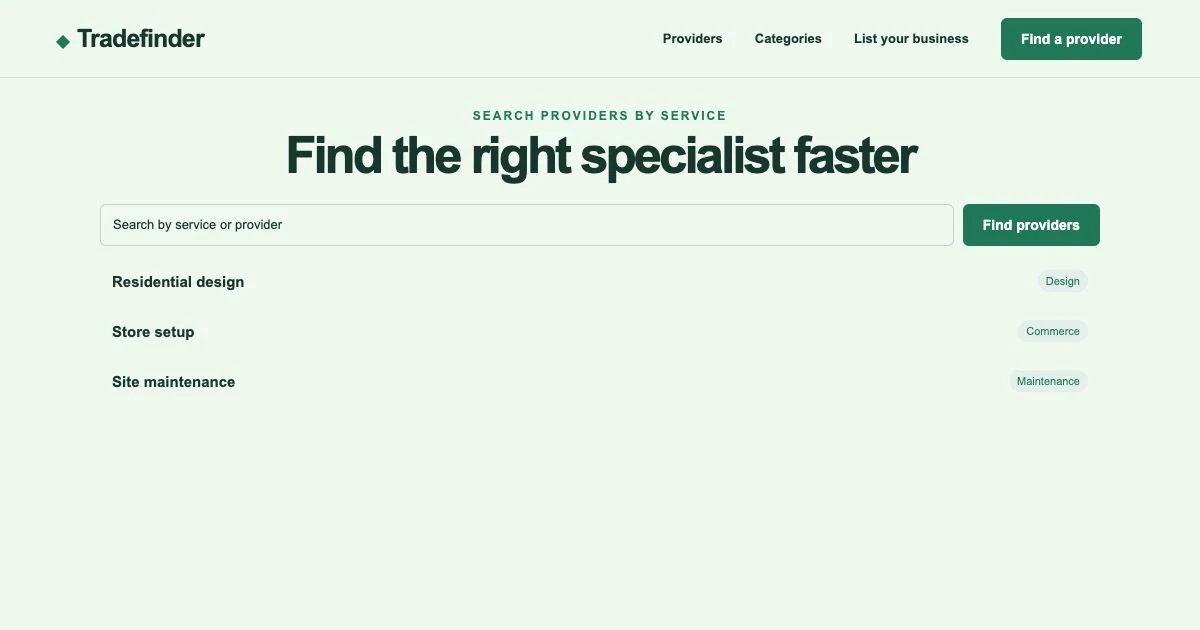
Gather useful providers or tools in one searchable place. Give every listing consistent fields so visitors can compare results. Once readers can find useful matches, test paid profile upgrades or clearly labeled featured placements.
Your first website needs search and filters, listing criteria, a submission form, and a way for providers to request corrections.
Who buys. Buyers looking for qualified niche providers and suppliers seeking discovery.
How to start
1) Decide which providers belong in the directory and build the first profiles manually.
2) Add search and filters around what buyers actually use to shortlist providers.
Tip for success. Test the free listings for usefulness before selling featured placements.
Illustrative monthly sales. At $35 per featured listing, 8 paid listings bring in $280 and 40 bring in $1,400.
Illustrative costs and remainder. After $100 in monthly fixed costs and $5 per featured listing, the two scenarios leave $140 and $1,100 before owner labor and taxes. Allow $35 separately for initial website setup in this model.
30. Niche job board
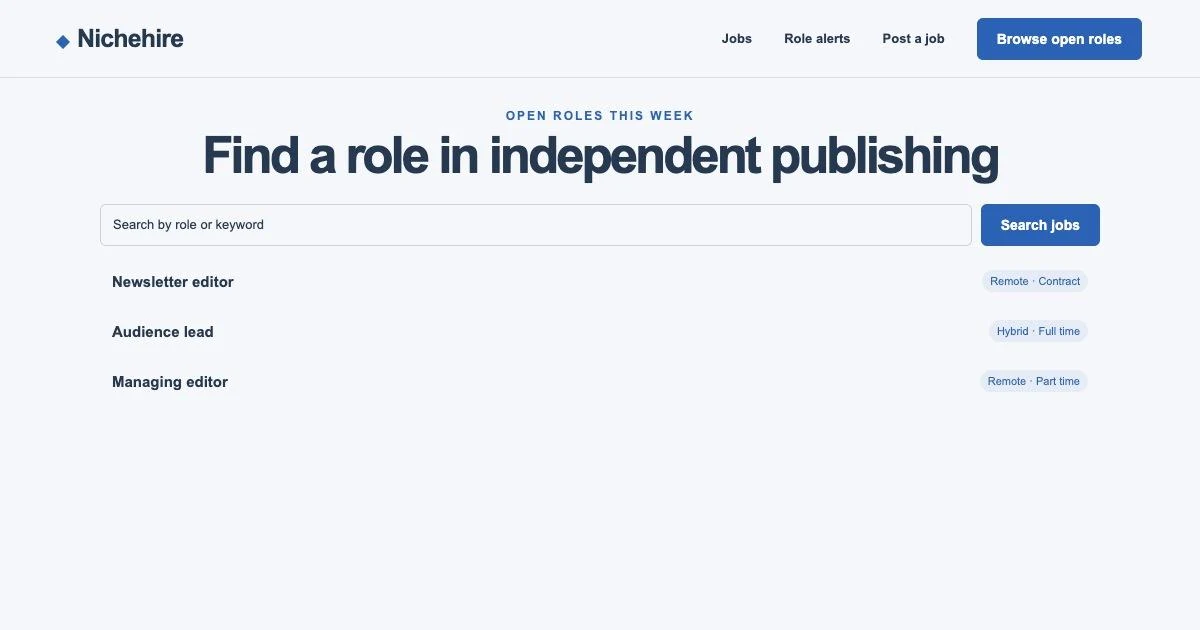
Build a job board around a profession or type of work that broad boards serve poorly. Recruit employers for a small pilot, then test paid postings once the board can deliver relevant applications. Set expiry dates so old roles disappear automatically.
Your first website needs job filters, a posting form, expiry dates, and a clear route for applications.
Who buys. Employers and candidates in an underserved job niche.
How to start
1) Speak with employers about a role they struggle to fill and recruit a small pilot group.
2) Set up a submission form, role filters, listing expiry, and application links.
Tip for success. Moderate the first listings yourself so visitors see relevant and current jobs.
Illustrative monthly sales. At $75 per job post, 4 paid job posts bring in $300 and 22 bring in $1,650.
Illustrative costs and remainder. After $110 in monthly fixed costs and $8 per job post, the two scenarios leave $158 and $1,364 before owner labor and taxes. Allow $40 separately for initial website setup in this model.
Creative and Event Businesses
31. Freelance photography
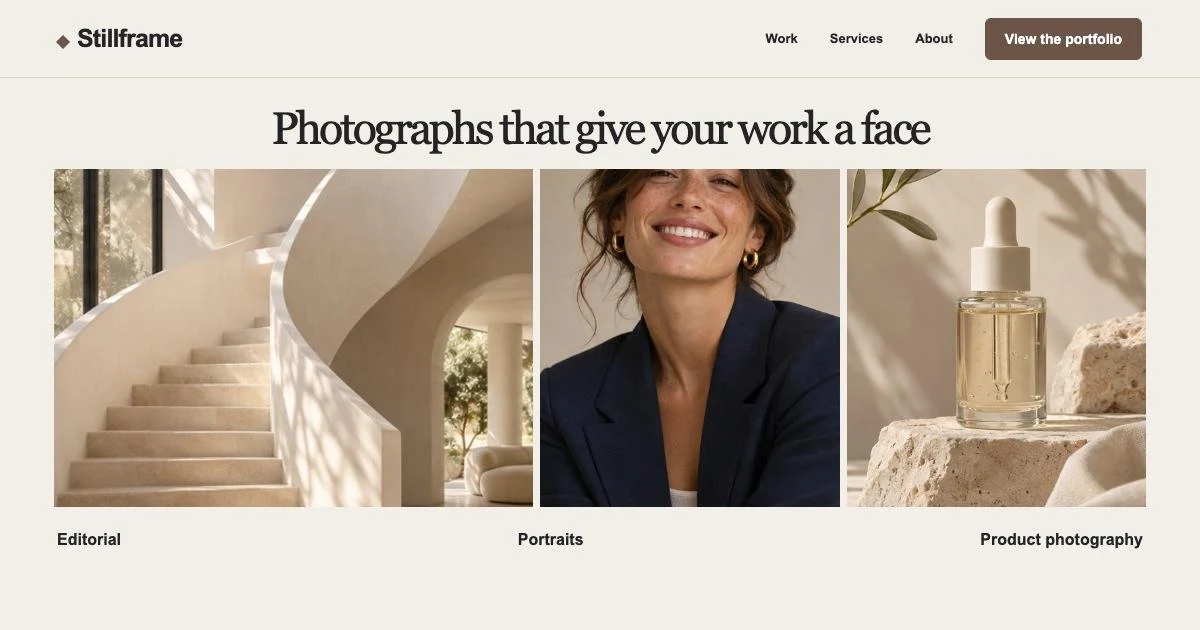
Help a brand or individual get consistent photographs for a clear purpose. Price a session around shoot time, editing, image count, and usage rights. Show case studies with examples that match each service you sell.
Your first website needs separate portfolio galleries by service, package information, and a form that asks about subject, date, and intended use.
Who buys. Brands and individuals who need consistent images for a defined use.
How to start
1) Pick a specialty and publish a portfolio with images you have permission to show.
2) Write a package that defines shoot length, edited image count, and permitted uses.
Tip for success. Ask where the photos will appear before the shoot so you capture the formats the client needs.
Illustrative monthly sales. At $325 per shoot, 3 shoots bring in $975 and 10 bring in $3,250.
Illustrative costs and remainder. After $160 in monthly fixed costs and $65 per shoot, the two scenarios leave $620 and $2,440 before owner labor and taxes. Allow $45 separately for initial website setup in this model.
32. Video editing
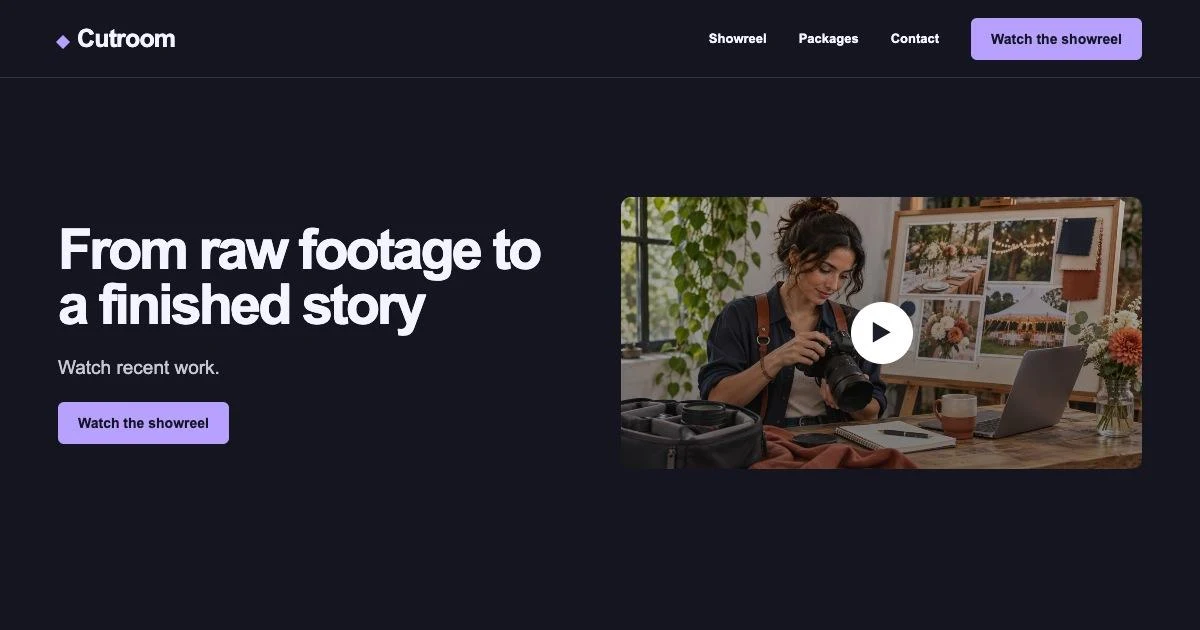
Turn raw footage into finished videos that fit a repeatable publishing schedule. Offer a single-project rate or a monthly package. Quote based on footage length, deliverable formats, captions, and how many rounds of feedback are included.
Your first website needs a short showreel, before-and-after samples, turnaround estimates, and a project brief covering footage and delivery formats.
Who buys. Creators and teams publishing videos on a recurring schedule.
How to start
1) Publish a short showreel that matches the type of footage you want to edit.
2) Run one pilot with a clear source-footage limit and delivery date.
Tip for success. Price extra revision rounds or additional output formats separately.
Illustrative monthly sales. At $260 per project, 3 projects bring in $780 and 12 bring in $3,120.
Illustrative costs and remainder. After $115 in monthly fixed costs and $35 per project, the two scenarios leave $560 and $2,585 before owner labor and taxes. Allow $40 separately for initial website setup in this model.
33. Podcast production
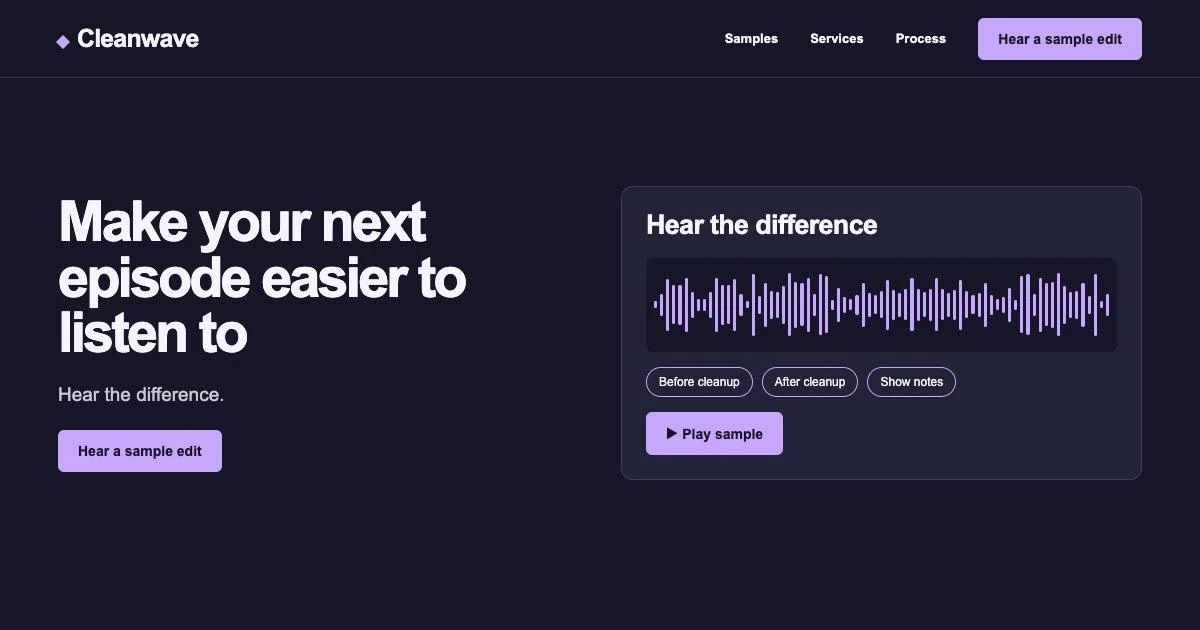
Prepare podcast episodes for release by cleaning tracks, editing conversations, and producing finished files. Offer a core editing package and price extras such as show notes or clips separately. Set deadlines around the client's release cadence.
Your first website needs audio samples, an episode workflow, service tiers, and a form that asks about release cadence.
Who buys. Podcasters who need production help on a predictable release schedule.
How to start
1) Create short audio samples that demonstrate your editing work.
2) Offer one episode package and agree on file intake, deadlines, and approvals.
Tip for success. Check the quality and number of incoming tracks before committing to a turnaround.
Illustrative monthly sales. At $140 per episode, 4 episodes bring in $560 and 18 bring in $2,520.
Illustrative costs and remainder. After $90 in monthly fixed costs and $15 per episode, the two scenarios leave $410 and $2,160 before owner labor and taxes. Allow $35 separately for initial website setup in this model.
34. Event planning
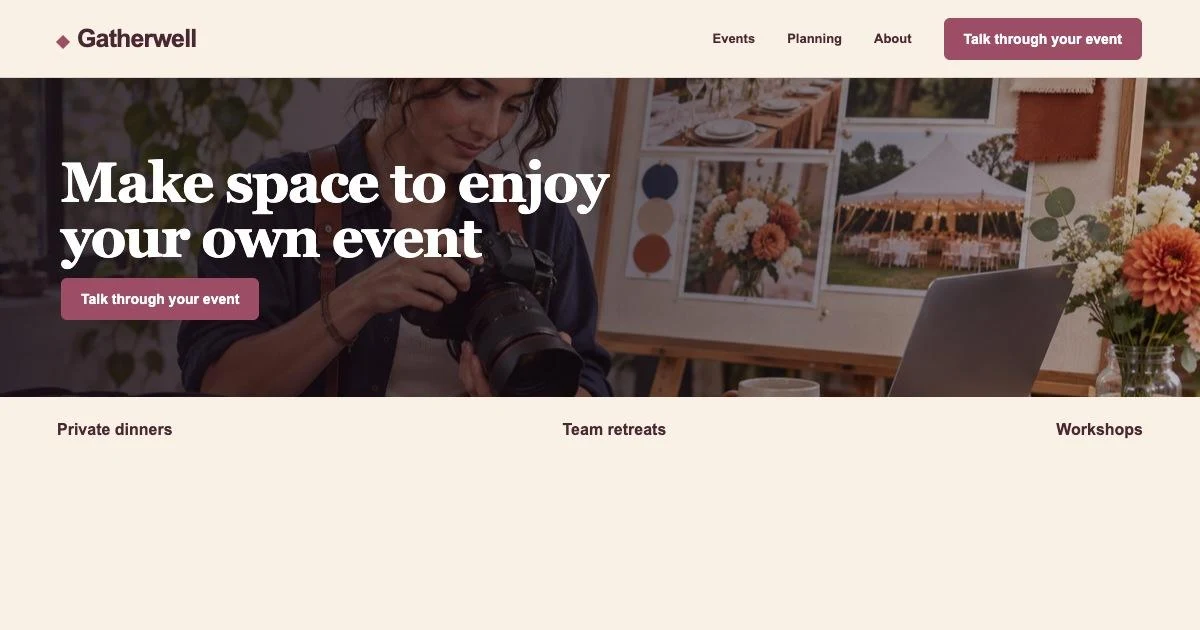
Help a host make decisions and keep vendors, schedules, and event details organized. Choose one kind of gathering and show what your coordination package covers. Specify event hours, travel, and the point when extra work requires a new quote.
Your first website needs event case studies, package summaries, and an inquiry form for date, guest count, and estimated budget.
Who buys. Hosts and teams who want help coordinating a specific event.
How to start
1) Choose one event type and build a sample timeline or portfolio case study.
2) Define the planning and event-day tasks included in your first package.
Tip for success. Confirm how overtime, vendor changes, and travel are handled before taking a deposit.
Illustrative monthly sales. At $650 per event, one event brings in $650 and four events bring in $2,600.
Illustrative costs and remainder. After $155 in monthly fixed costs and $95 per event, the two scenarios leave $400 and $2,065 before owner labor and taxes. Allow $55 separately for initial website setup in this model.
35. Event equipment rental
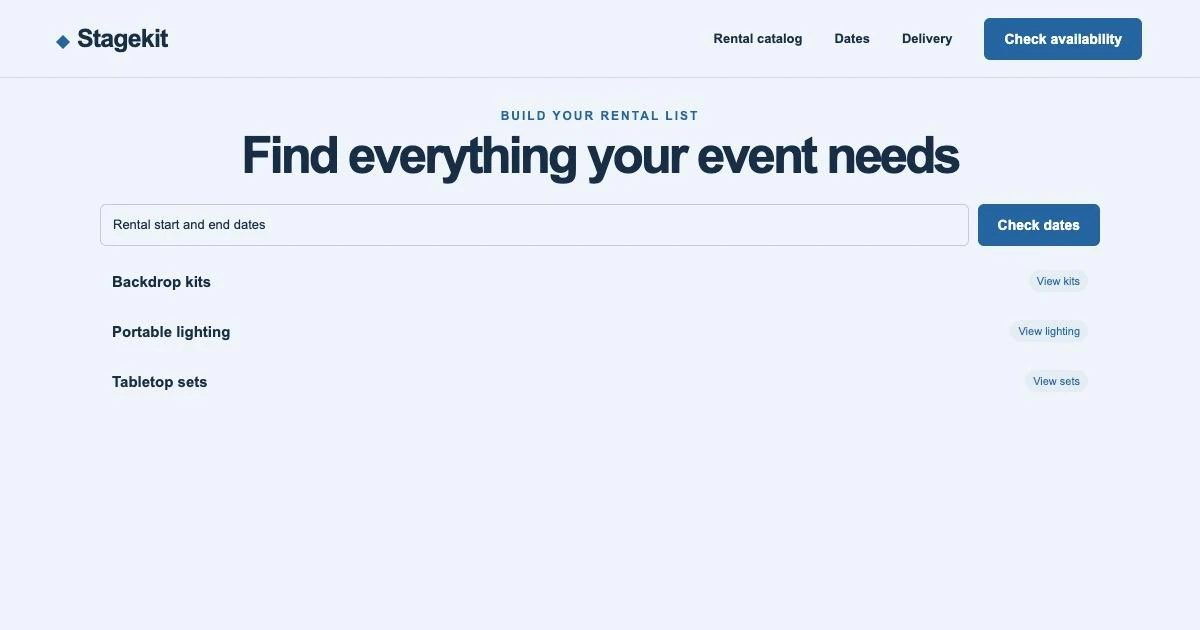
Rent equipment that people only need for a short event, such as backdrops, lighting, or tabletop pieces. Make availability and package quantities clear. Account for cleaning, transport, inspections, and the time needed between rentals.
Your first website needs an inventory catalog with dimensions and quantities, rental terms, and an availability request form.
Who buys. Venues, planners, and hosts who need event supplies for a short period.
How to start
1) Build one rental kit and record inventory, dimensions, and setup time.
2) Test how long cleaning and inspection take between bookings, then publish availability.
Tip for success. Keep time between rentals for returns, repairs, and replacements.
Illustrative monthly sales. At $115 per rental, 6 rentals bring in $690 and 24 bring in $2,760.
Illustrative costs and remainder. After $140 in monthly fixed costs and $32 per rental, the two scenarios leave $358 and $1,852 before owner labor and taxes. Allow $50 separately for initial website setup in this model.
How to Choose Your First Business Idea
List three ideas you can deliver with skills, equipment, or supplier access you already have. For each one, write down the buyer, the problem, what the offer includes, and a starting price that accounts for your time and direct costs. Talk to potential customers and ask what they currently use, what they pay for, and what would make them switch.
Pick one action the website should support. A service can start with an inquiry or booking request, a shop with one tested checkout, and a publication with an email signup. Build the pages the customer needs to complete that action, then test it on a phone and desktop.
Use the WordPress business website guide to plan your pages. Browse the Element Pack template library for a starting layout that fits your offer.
From Business Idea to Your First WordPress Page
Define the sale. Write down the buyer, what they receive, the price, and the action they need to take. A tutor might offer one trial lesson. A product seller might take orders for a single downloadable file.
Build around that action. Lead with the offer and show a sample or example. Give readers one relevant action, such as requesting a quote, reserving a time, or placing an order.
Run a complete test. On your phone, submit the form, book a slot, or place a test order. Check that the right person gets the notification and that the customer sees what happens next.
Review the first results. Track inquiries or orders, the hours each one takes, and the actual costs you paid. Use those numbers to adjust your offer before adding more products or pages.
Frequently Asked Questions
Start with a service you can deliver today. Copywriting, tutoring, and virtual assistance can begin with a clear offer, a sample, and an inquiry form. Choose a customer you can reach directly and try to win a paid pilot before investing in advanced features.
Choose services if you can solve a customer problem directly. Choose products if you can deliver a repeatable item at a workable margin. A membership makes sense when buyers need ongoing value and you can sustain the update schedule you promise.
List domain, hosting, and any tools you need for checkout, booking, or email. Compare setup costs with recurring renewals and keep a separate budget for business expenses such as materials or travel. Start with the features your first customer actually needs to buy or contact you.
A service business can launch with an inquiry form or booking link. WooCommerce is a better fit when the site needs a catalog, checkout, or automatic delivery of purchased files. Pick the customer flow first, then choose tools you can test and maintain.
Yes. One page can explain who the offer helps, what it includes, show examples, and give customers a way to book or ask a question. Add pages when visitors need more room to compare services, browse a catalog, or understand shipping and returns.
Talk to potential customers about what they already buy and where they get stuck. Put one clear offer on a landing page, share it with a few relevant buyers, and ask for a booking, paid pilot, preorder, or another action that takes real commitment.
Multiply expected monthly orders or billable work by the average price to estimate revenue. Subtract costs per sale and fixed expenses, then allow for your time and taxes. Run a smaller sales scenario as well, so you can see how sensitive the numbers are.
Publish one clear offer, the details buyers need to decide, and a working way to inquire or purchase. Add relevant proof, such as a sample, demonstration, or case study you have permission to share. Test the entire process on mobile, including confirmation messages.
Start where your customers already spend time. Ask existing contacts for introductions, contribute useful answers in relevant communities, or contact a small number of prospects with a specific offer. Send them to a page that matches what you offered and makes the next step clear.
Add a tool when it solves a problem you see repeatedly, such as scheduling by email, collecting payment manually, or delivering files one at a time. Map the workflow first and test a complete inquiry, purchase, or cancellation before depending on it for customers.
Conclusion
It's easy to finish a list like this with several promising ideas and no clear first move.
Trying to launch several at once spreads your time across different customers, tools, and costs. Even if you finish the site, you'll still have to learn which offer someone will pay for and whether you can deliver it at a workable price.
Choose one idea that fits your skills and budget. Write one offer, publish a page with one clear next step, and put it in front of a few likely buyers. Use their inquiries, bookings, or orders to decide what to improve and when the site needs another page.

I’m a strategic content writer specializing in Semantic SEO, WordPress, SaaS products, and practical digital tools. I turn complex features and technical subjects into clear, useful content that helps readers solve problems and make informed decisions.