



Your business website is often the first thing a potential customer sees and the impression it makes happens fast.
Research from Mindfeeder shows that 94% of initial website impressions are related to design aesthetics and layout. That figure alone makes a compelling case for treating your widget choices as a strategic business decision, not just a design preference.
Elementor is the world's most widely used WordPress page builder, powering over 22 million websites globally. The platform's drag-and-drop editor gives you access to a wide library of elements, but the right combination of widgets is what separates a professional, conversion-optimized business website from a basic web presence.
In this guide, we cover 25 essential Elementor widgets that every business website needs in 2026, with a focus on how Element Pack Pro, the most comprehensive Elementor addon available.
What Makes a Great Business Website Widget?
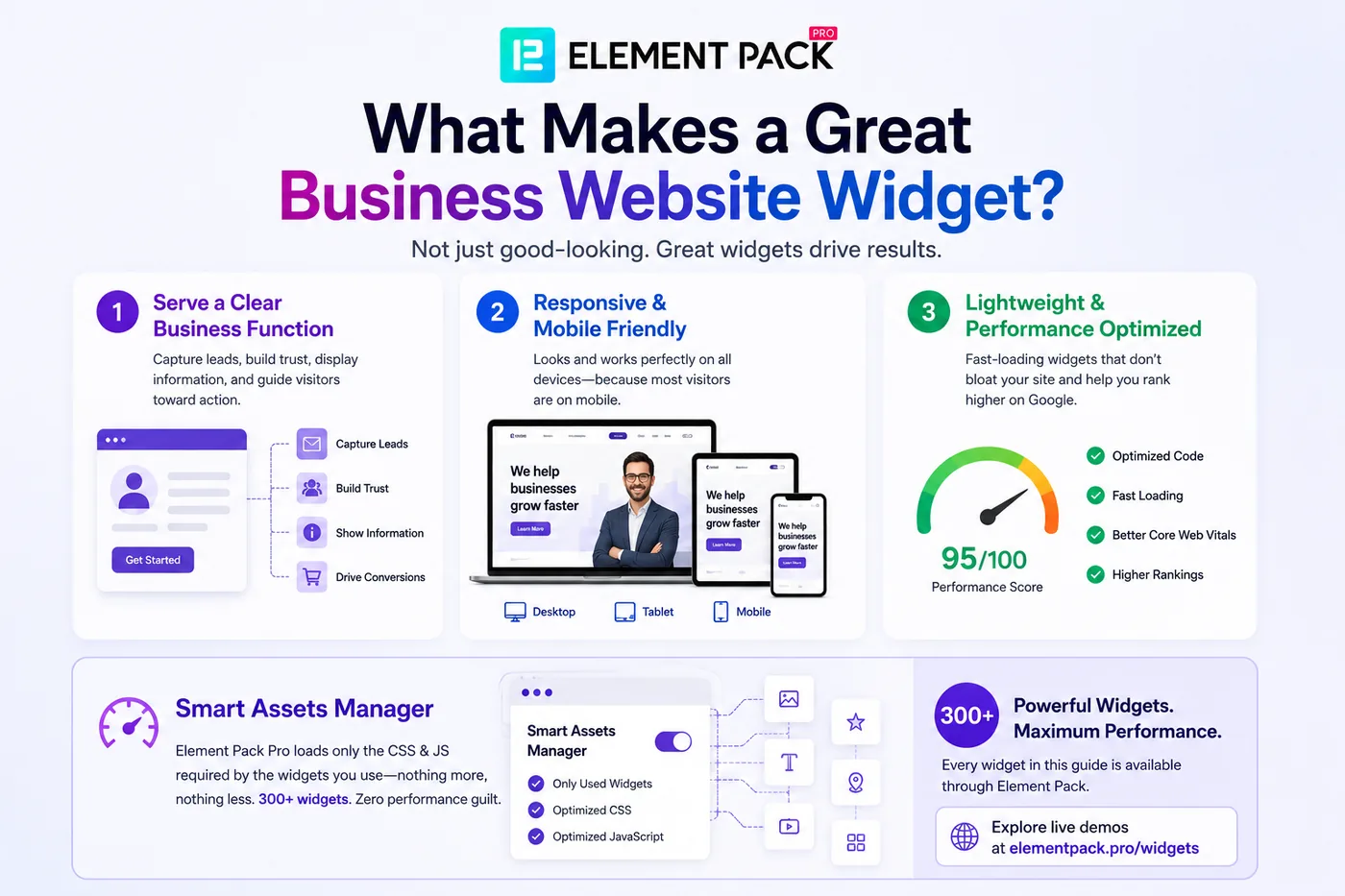
Not every widget that looks good in a demo performs well on a live business website. The best widgets share three qualities that separate genuinely useful tools from decorative ones.
- They serve a clear business function, whether that is capturing a lead, building trust through social proof, displaying service information, or guiding a visitor toward a purchase decision.
- They are responsive and perform well across devices, since mobile traffic now drives the majority of web visits for most industries.
- They load efficiently without bloating page size, which directly affects your Core Web Vitals scores and search rankings.
Element Pack Pro addresses performance with its Smart Assets Manager, which loads only the CSS and JavaScript required by the widgets actually used on each page.
You get access to 300+ powerful widgets without paying a performance penalty for ones you are not using. Every widget in this guide is available through Element Pack and you can explore live demos at elementpack.pro/widgets.
25 Essential Elementor Widgets for Business Websites
Each widget below addresses a specific business need. For every entry, you will find a description of what it does, why it matters for a business website and what sets the Element Pack version apart from standard alternatives.
1. Hero Banner Widget
The hero banner is the first thing a visitor sees on your homepage or landing page, making it the single most important conversion element on your entire site.
A well-designed hero section communicates your value proposition, directs attention to a primary call to action and sets the visual tone for everything below it.
Element Pack's Slider and Hero Section widget goes far beyond a basic image-and-text block. Key capabilities include:
- Full-screen layouts with parallax scrolling backgrounds and video background support
- Animated text overlays with independently controlled entrance timing for headlines, subheadlines and buttons
- Multiple pre-built skin variations with live preview inside the Elementor editor
- Responsive controls for separate mobile and tablet layout configurations
For businesses, this means your homepage hero can communicate professionalism and brand quality immediately without requiring a developer or custom CSS.
2. Call to Action Widget
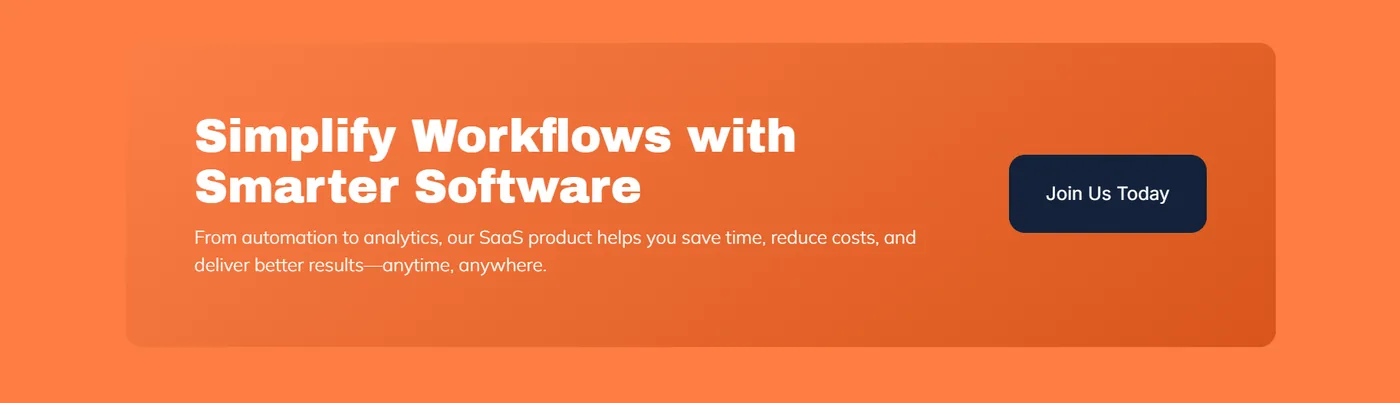
A call-to-action widget is the conversion engine of your business website. Whether you are prompting a visitor to book a demo, download a resource, start a free trial, or contact your team, the CTA widget needs to be visually prominent and persuasive.
Element Pack's Call Out widget offers a versatile feature set designed for conversion-focused placements:
- Multiple layout skins including full-width banners, inline content boxes and card-style CTAs
- Icon placement options with customizable button styles and hover animations
- Background variations including solid fills, gradients and overlay effects
- Native integration with Element Pack's Display Conditions extension, letting you show different CTAs per user role, device, or page
Pairing the Call Out widget with Element Pack's Countdown Timer (covered below) lets you create time-sensitive CTAs that add urgency to promotional campaigns without any additional plugin.
3. Pricing Table Widget
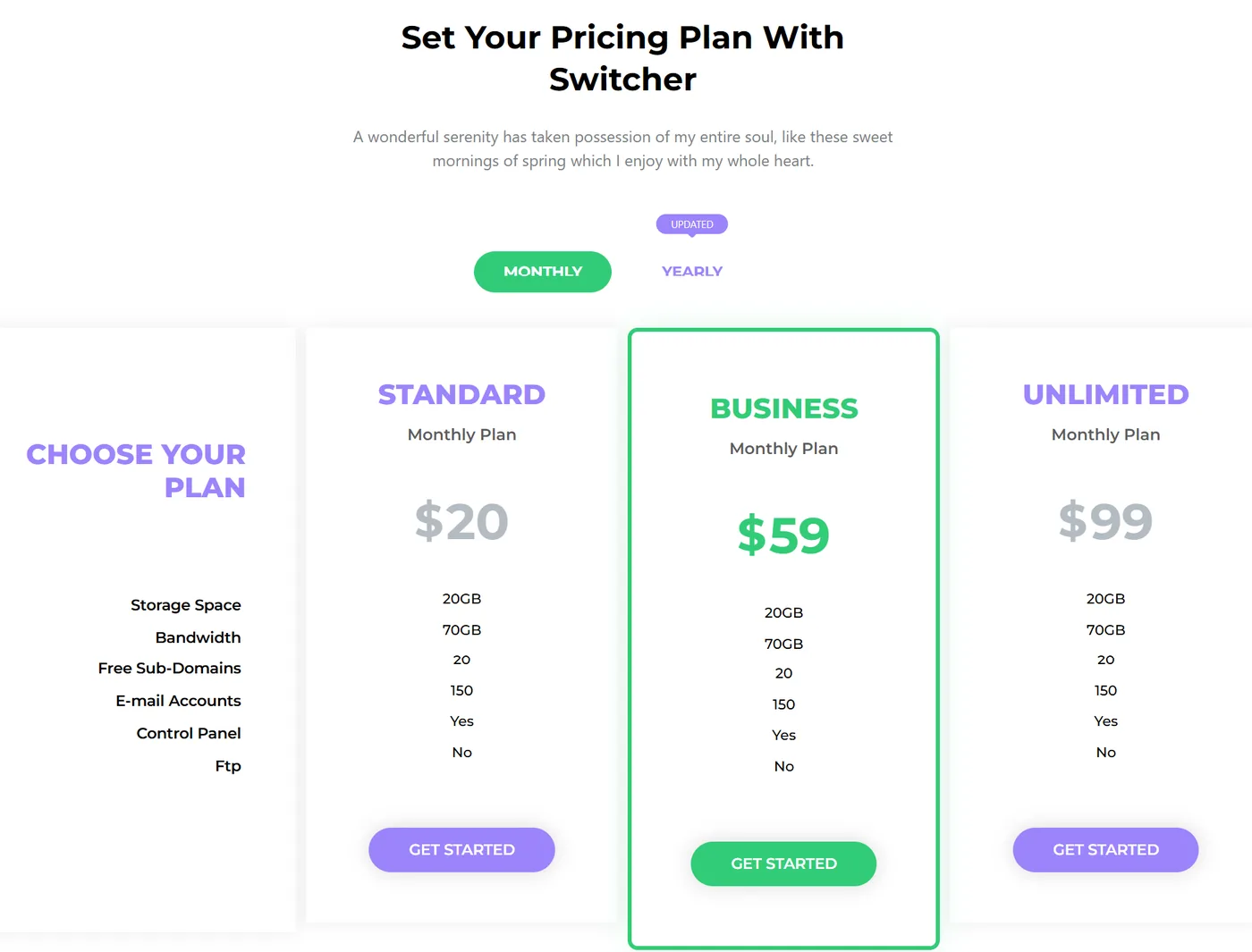
Pricing pages are among the highest-converting pages on any SaaS, agency, or service website. Presenting your pricing clearly, with feature comparisons and prominent calls to action, directly impacts purchase decisions.
A messy or confusing pricing layout is one of the fastest ways to lose a prospect who is ready to buy.
Element Pack's Pricing Table widget is built specifically for this high-stakes page type. Its standout features include:
- Multi-column plan layouts with feature lists, icon indicators and tooltip explanations per feature
- Featured plan badges with customizable labels like 'Most Popular' or 'Best Value'
- Support for multiple billing cycle options within a single table
- Prominent, individually styled CTA buttons per plan
For simpler use cases like restaurant menus and service rate cards, the Pricing List widget provides the same clarity in a compact list format.
For a deeper dive into building competitive pricing pages, check out the Element Pack blog which covers practical pricing page use cases across multiple business types.
4. Testimonial Carousel
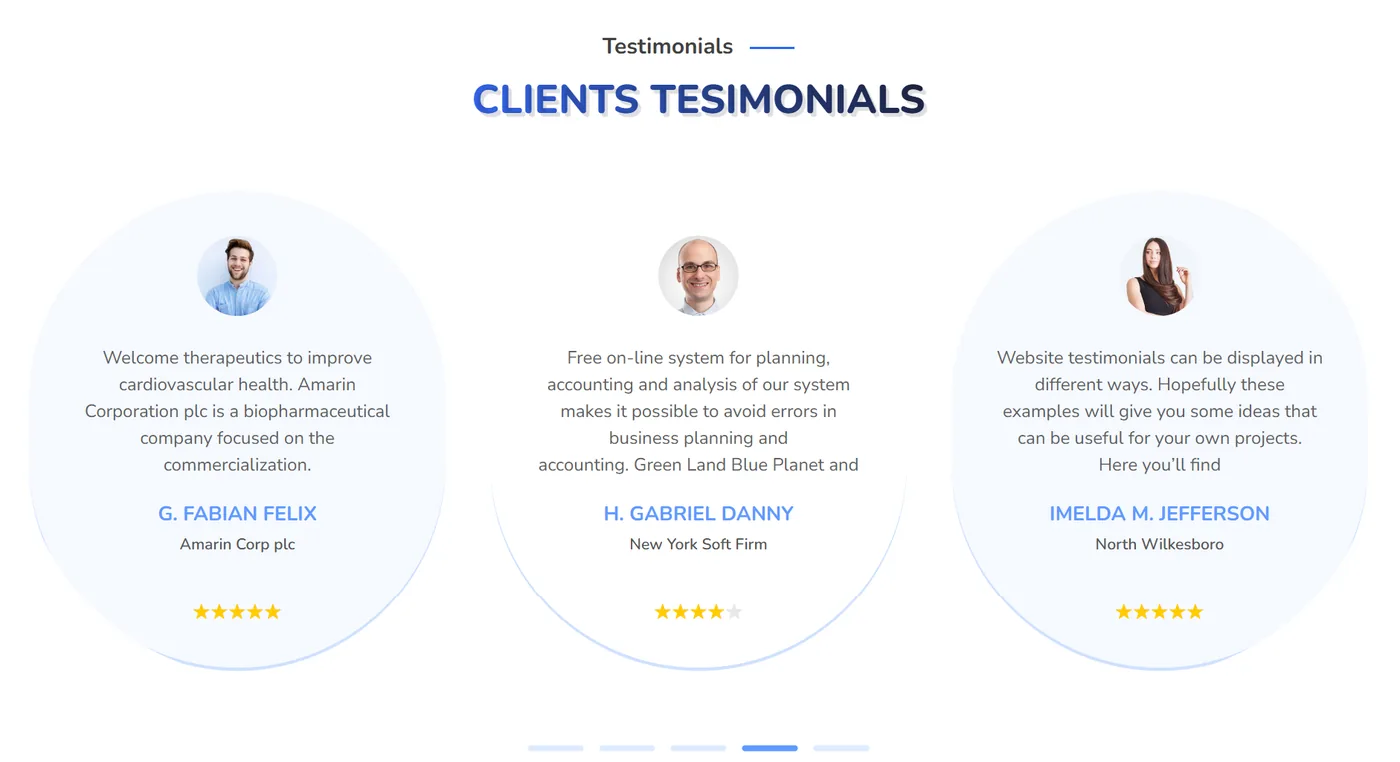
Social proof is one of the most powerful trust signals a business website can deploy.
Visitors trust the experiences of other customers far more than the claims made by the business itself and a well-placed testimonial section can significantly lift conversion rates on landing pages and services pages.
Element Pack's Testimonial Carousel widget is designed to display social proof in the most engaging format possible:
- Multiple layout skins with support for reviewer name, role, company, star rating, photo and quoted text
- Autoplay, touch swipe on mobile and pause-on-hover for a natural browsing experience
- Configurable animation speed and transition style
For a static layout, the Testimonial Grid widget offers the same fields in a fixed grid arrangement. Both widgets are fully responsive and render cleanly at any viewport size.
5. Team Member Widget
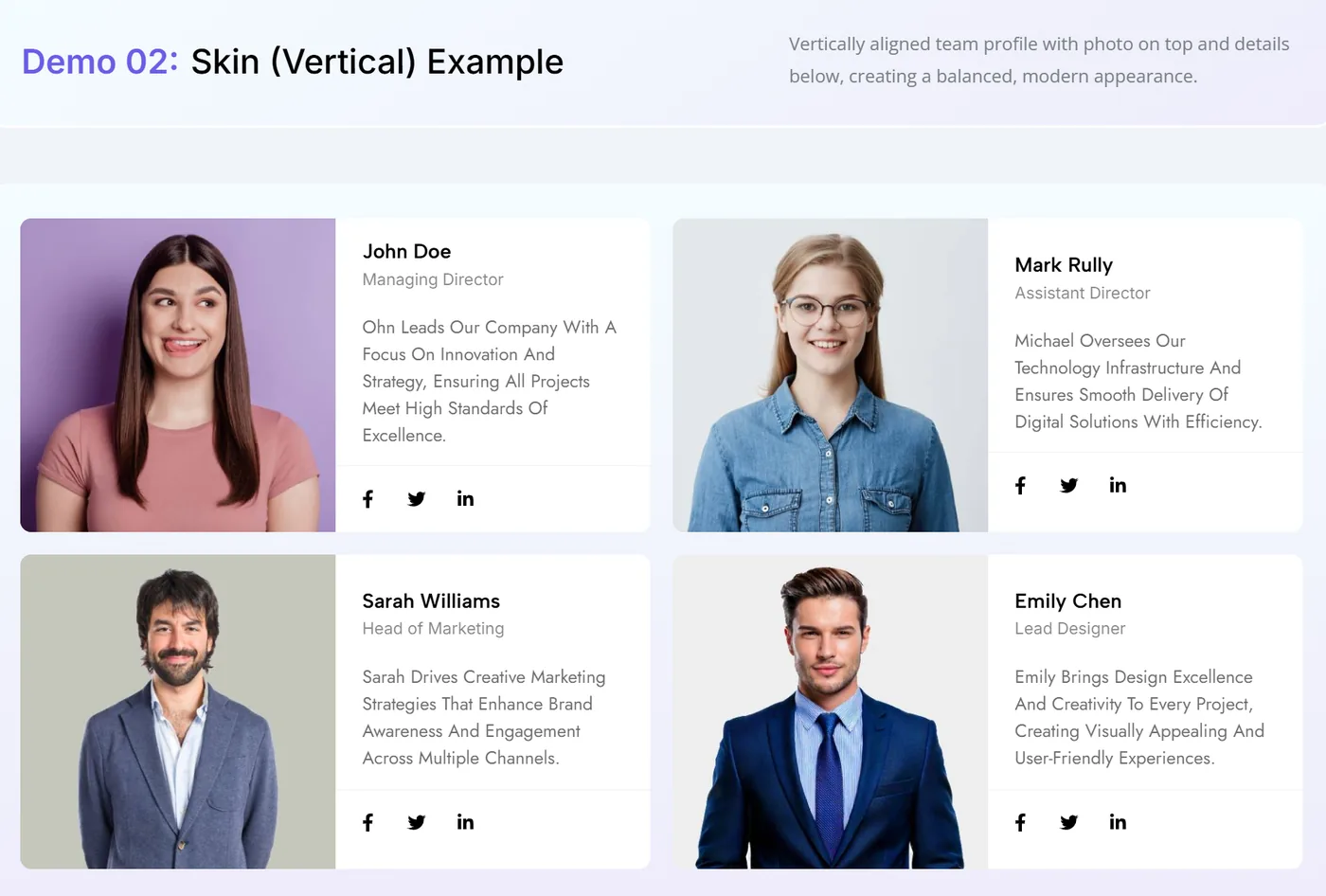
Humanizing your business by showcasing the people behind it is an effective trust-building strategy, particularly for service-based businesses, agencies, consultancies and professional firms.
Visitors who know who they will be working with are more likely to take the next step and reach out.
Element Pack's Member widget handles team profiles with a level of flexibility that the default Elementor widget set cannot match:
- Clean card layout with photo, name, role, bio and social media links
- Multiple skin options including hover-reveal effects that show bio or social links on interaction
- Easily arranged into responsive grids using Elementor's native column system
- Can be combined with Element Pack's Carousel widget for a scrollable team showcase on space-constrained pages
6. Contact Form Widget
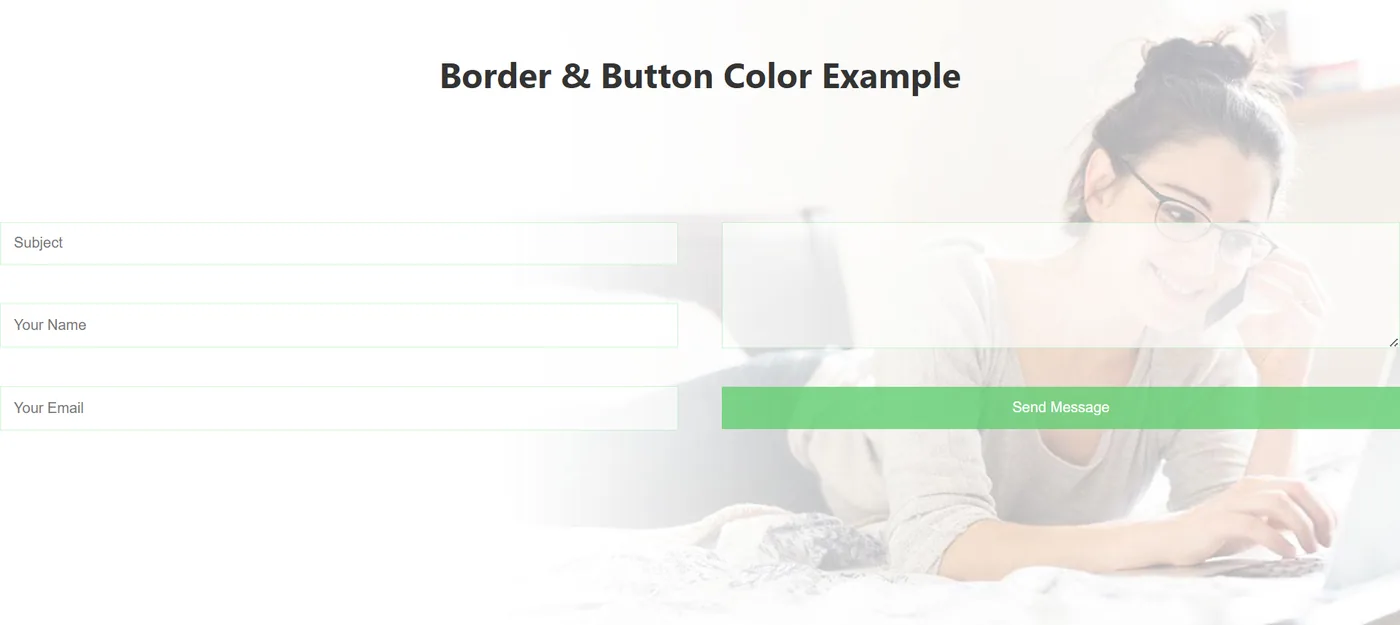
Every business website needs a functional, accessible and visually consistent contact form.
Elementor Free has no native form widget and Elementor Pro's form builder is limited to the Advanced Solo plan. Element Pack fills this gap with a purpose-built contact form solution that works directly with Elementor Free.
Element Pack's Contact Form widget provides a clean, native form experience inside the Elementor editor, with no separate plugin required. For businesses already using third-party form builders, Element Pack includes dedicated styling widgets for:
- Contact Form 7
- WPForms
- Gravity Forms
- Fluent Forms
- Ninja Forms
Each of these styling widgets applies Elementor's full design controls to externally built forms, so your forms match your brand perfectly regardless of which plugin powers them.
Research from Genesys Growth's landing page conversion study found that 81% of users abandon forms after starting, with excessive field count and security concerns cited as the top two reasons.
Element Pack's contact form keeps things minimal and clear by default.
7. Advanced Google Maps Widget
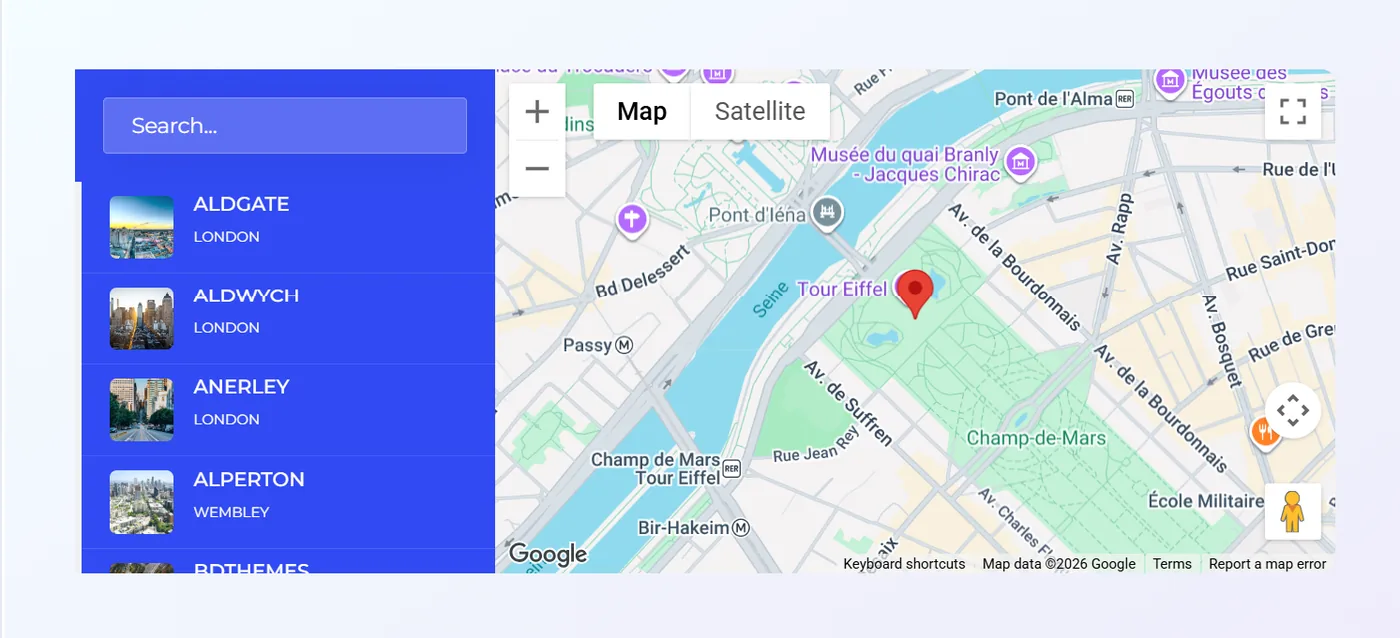
For businesses with a physical location, an embedded map on your contact or about page is a practical necessity. It directly supports local SEO, helps customers find you and adds credibility to your business listing.
A standard Google Maps iframe, however, is often visually inconsistent with the rest of the page design.
Element Pack's Advanced Google Map widget gives you design control that a basic embed cannot provide:
- Custom color themes to match your brand palette, applied directly over the map layer
- Multiple location markers with custom icons, ideal for businesses with more than one branch
- Fullwidth layout option and configurable zoom level, scroll behavior and map type
- Location information cards displayed alongside the map for additional context
The widget also reinforces your geographic relevance for local search by embedding structured location data alongside the visual map, contributing to local SEO signals.
8. Business Hours Widget
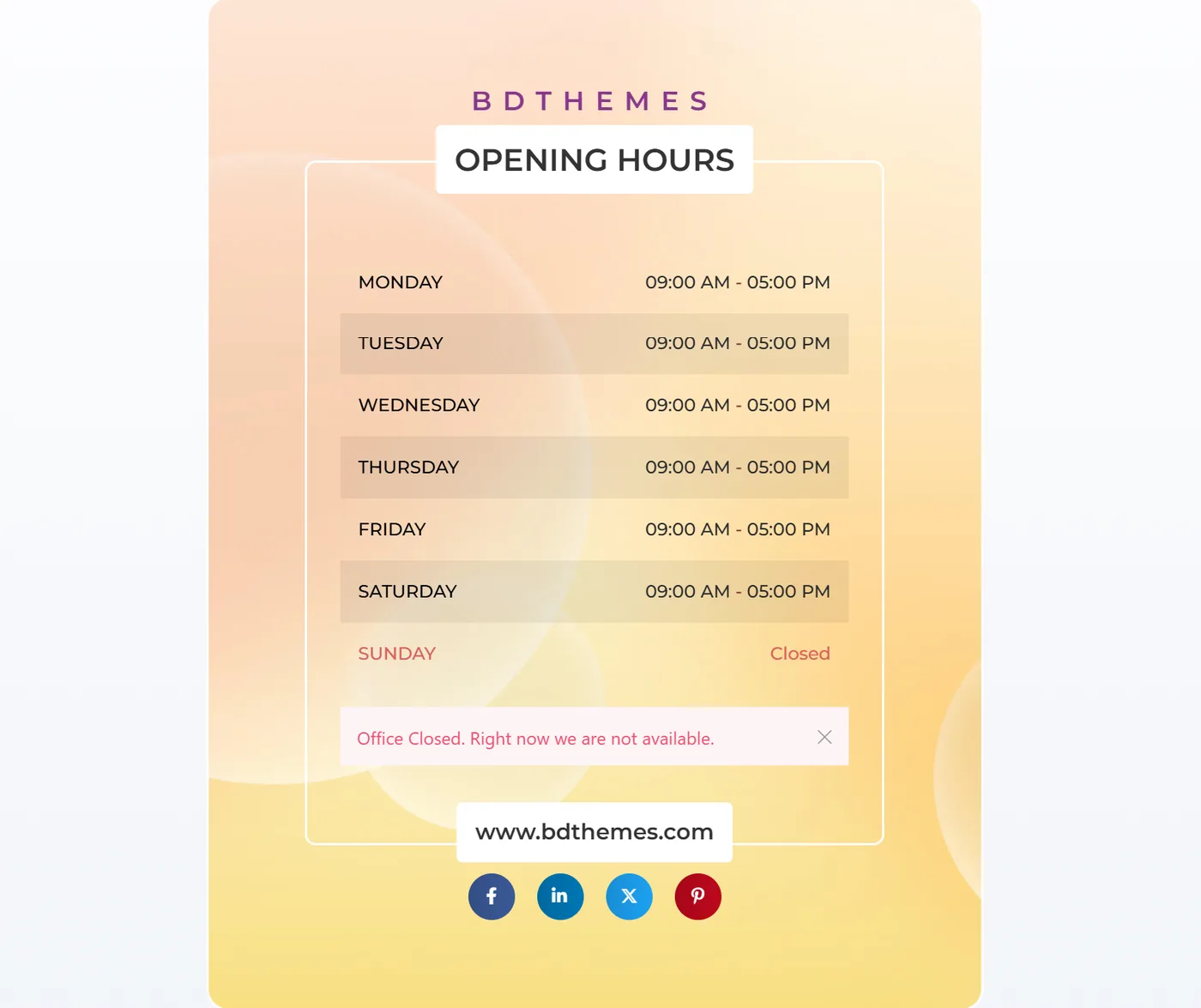
Restaurant websites, healthcare clinics, retail stores and any business with walk-in customers need their operating hours displayed clearly and in a format that is easy to scan.
Burying this information in plain running text is a missed opportunity to make it visually branded and immediately useful.
Element Pack's Business Hours widget is one of the free widgets available without a Pro license.
It offers more flexibility than most dedicated business hours plugins:
- Structured day-by-day list with individually styled rows
- Highlighted row for today's hours, so visitors instantly see current availability
- Color coding to distinguish open versus closed days
- Custom row content for special holiday schedules or department-specific hours
9. Logo Carousel Widget
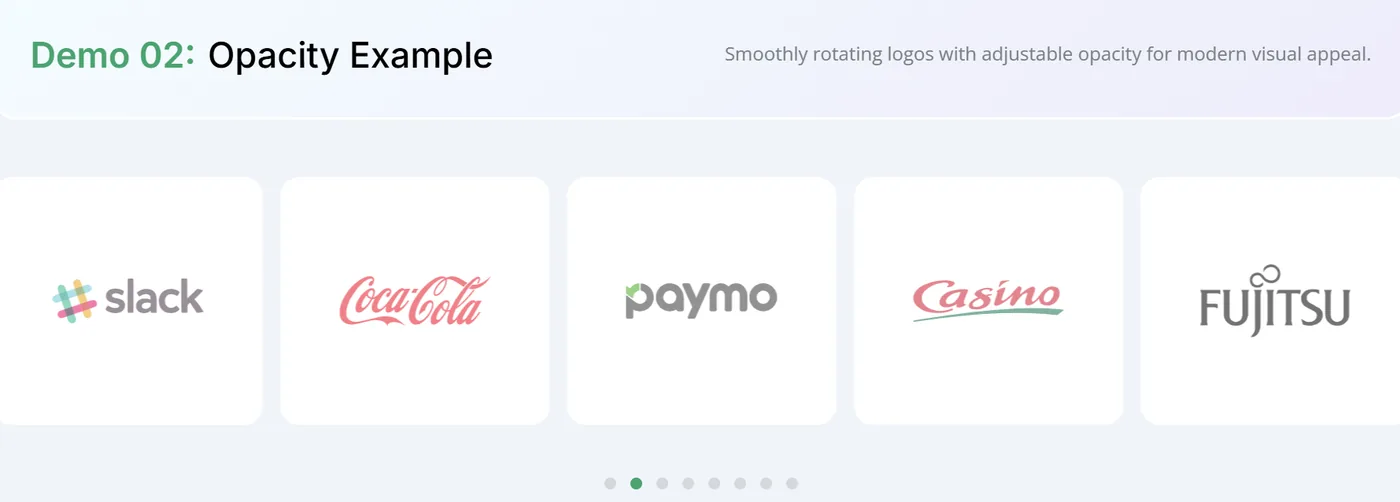
Displaying the logos of well-known clients, partners, or technology integrations is a fast and effective credibility signal.
Visitors who recognize the brands you work with immediately develop a higher level of trust in your business, even before reading a word of copy.
Element Pack's Logo Carousel widget brings polish and interactivity to what is often a plain static row of images:
- Smooth animated horizontal carousel with configurable autoplay speed and hover pause
- Tooltip overlays and individual link targets per logo
- Grayscale-to-color hover transitions for a clean, brand-consistent look at rest
- Masked sliding effect skin for a premium visual presentation
For a static placement, a Logo Grid widget offers the same configuration in a fixed responsive grid, suitable for footer sections or dedicated partner pages where motion would feel out of place.
10. FAQ Accordion Widget
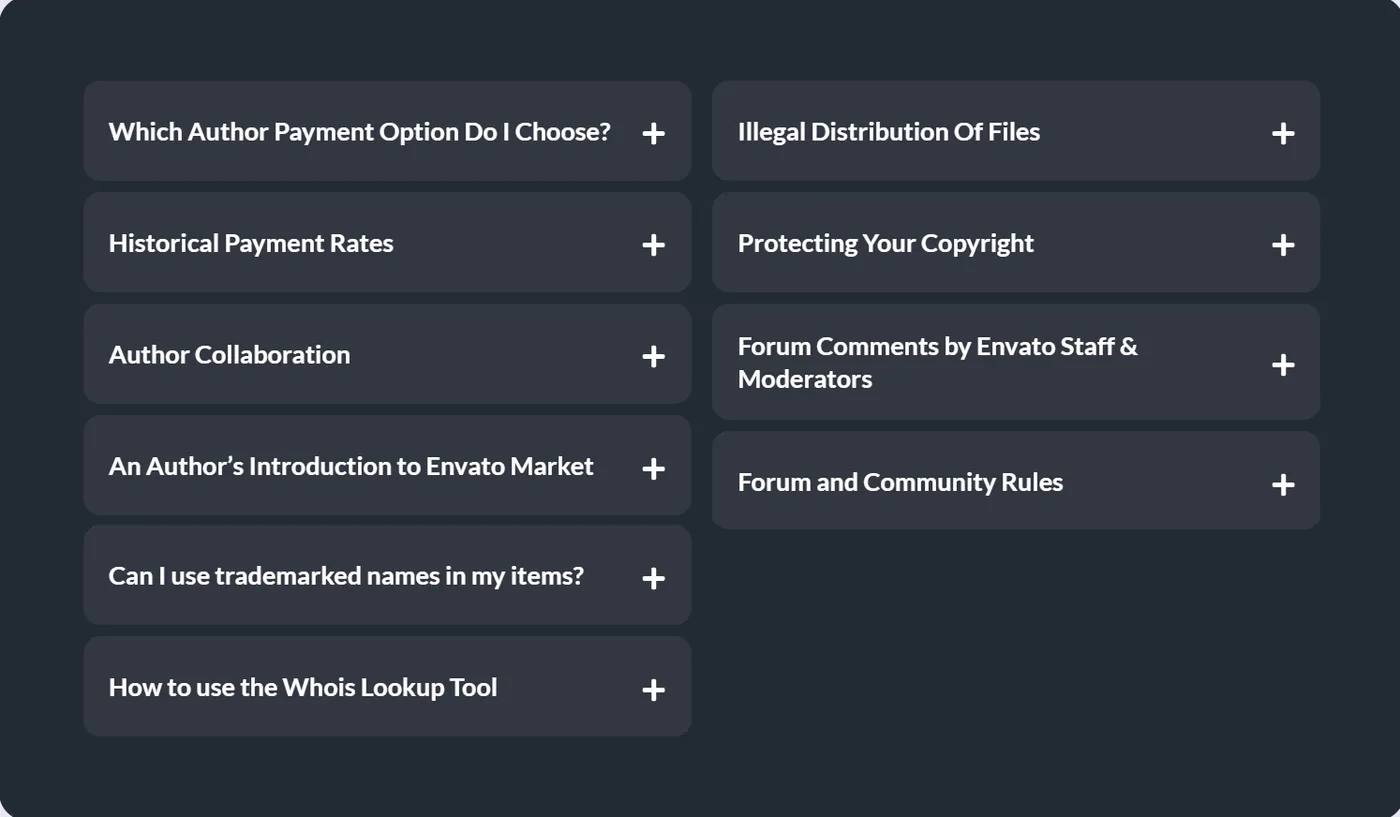
FAQ sections serve two business purposes at once.
They reduce repetitive support inquiries by addressing common questions directly on the page and they improve SEO by capturing the long-tail question-based queries that potential customers are actively searching for.
Element Pack's FAQ widget is built specifically for this dual purpose:
- Collapsible question-and-answer panels with multiple animation styles and icon customization
- Full typography control for both question and answer content
- Valid FAQ schema markup output, enabling rich results in Google Search and improving organic click-through rate
For more complex content needs, the Accordion widget supports nested content including images, icons and other Elementor widgets within each panel, making it suitable for detailed service breakdowns, process explanations and comparison sections.
11. Image Comparison Widget

Certain businesses have a story that is best told visually, particularly renovation companies, photography studios, digital marketing agencies, skin care brands and any service provider that wants to demonstrate a measurable transformation or quality difference.
Element Pack's Image Compare widget turns a simple before-and-after into an interactive experience:
- Draggable slider that reveals the before and after image dynamically as visitors interact
- Fully customizable slider handle with icon, color and sizing controls
- Both horizontal and vertical comparison layouts for flexible placement
This widget works particularly well on services landing pages where you want visitors to interact with the content rather than simply read it, increasing time on page and engagement rates.
12. Countdown Timer Widget
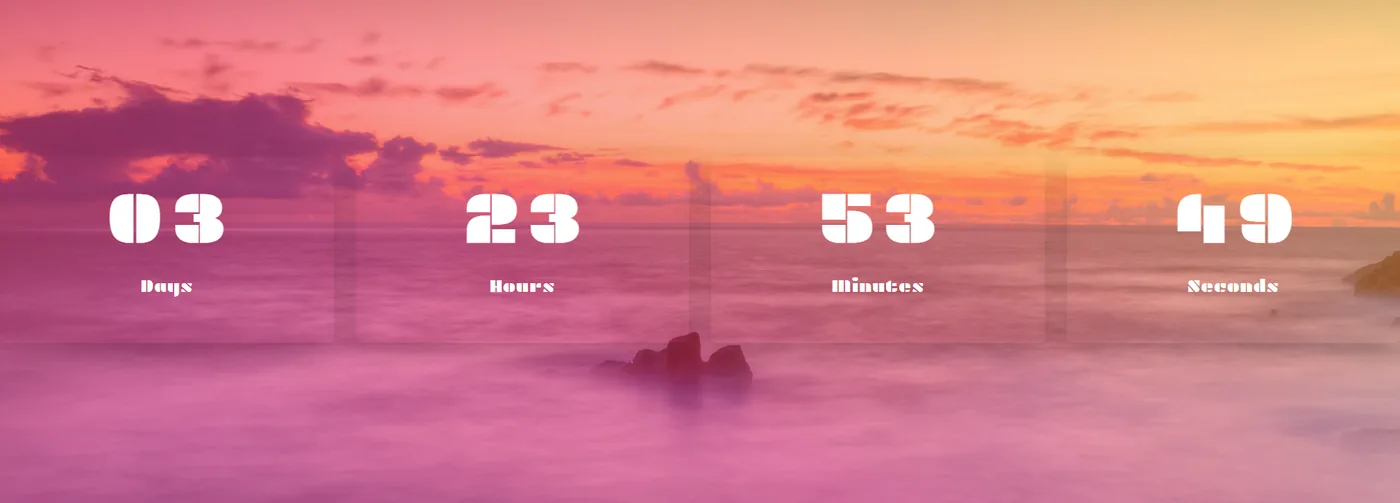
Urgency is one of the most effective psychological triggers in marketing.
A countdown timer communicates that an offer, event, or opportunity is time-limited, creating a natural incentive for visitors to act immediately rather than leaving and returning later, or never.
Element Pack's Countdown Timer widget is available on the free tier and is versatile enough for multiple use cases:
- Fixed date countdowns for product launches, event registrations and limited-time offers
- Recurring interval timers for rolling promotional campaigns
- Three display formats: circular progress ring, block number and inline text
- Configurable zero-state behavior: auto-hide the section, redirect the visitor, or display a custom message
Used on promotional banners, webinar registrations and sale pages, this widget directly reduces decision delay and supports conversion goals without requiring any additional plugin.
13. Popup Modal Widget
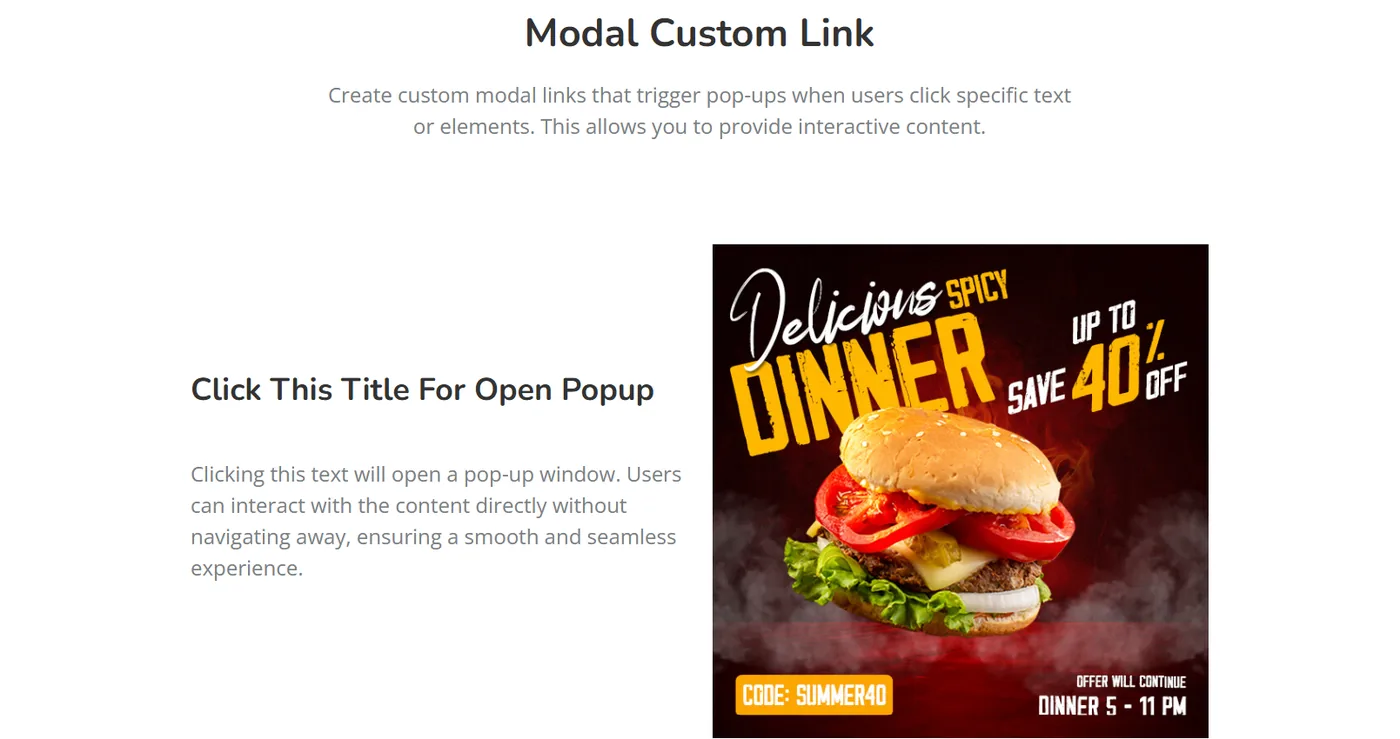
Popups have a mixed reputation in web design, but when implemented thoughtfully, they are among the highest-converting elements on any business website.
Exit-intent lead capture, scroll-triggered discount overlays and gated content modals all require a flexible popup system that matches the rest of your design.
Element Pack's Modal widget provides a native popup solution within Elementor Free, without requiring Elementor Pro's Advanced Solo plan. Trigger options include:
- Button click
- Element click by CSS class, for triggering modals from images, icons, or custom elements
- Page scroll, for mid-page lead capture
- Exit intent, for last-moment conversion attempts
The modal content is fully editable inside the Elementor editor, supporting any combination of text, images, forms, videos and other widgets.
The widget also pairs with Element Pack's Cookie Consent and Age Gate extensions for compliance-focused use cases.
14. Post Grid Widget

Displaying blog content in a structured, filterable grid is essential for any business website using content marketing to drive organic traffic.
A well-designed post grid makes it easy for visitors to browse and click through to relevant articles, reducing bounce rate and increasing session depth.
Element Pack's Post Grid widget is one of the most powerful post display tools in the Elementor ecosystem:
- Multiple layout skins with category filtering, pagination and load-more functionality
- Custom query parameters for filtering by tag, category, author, or date range
- Full control over which post metadata fields are displayed per skin
- Custom post type support natively, without requiring Elementor Pro's Advanced Solo plan
For a complete guide on building custom blog layouts with Element Pack, see our guide to creating a custom blog layout for Elementor.
15. Blog Slider Widget
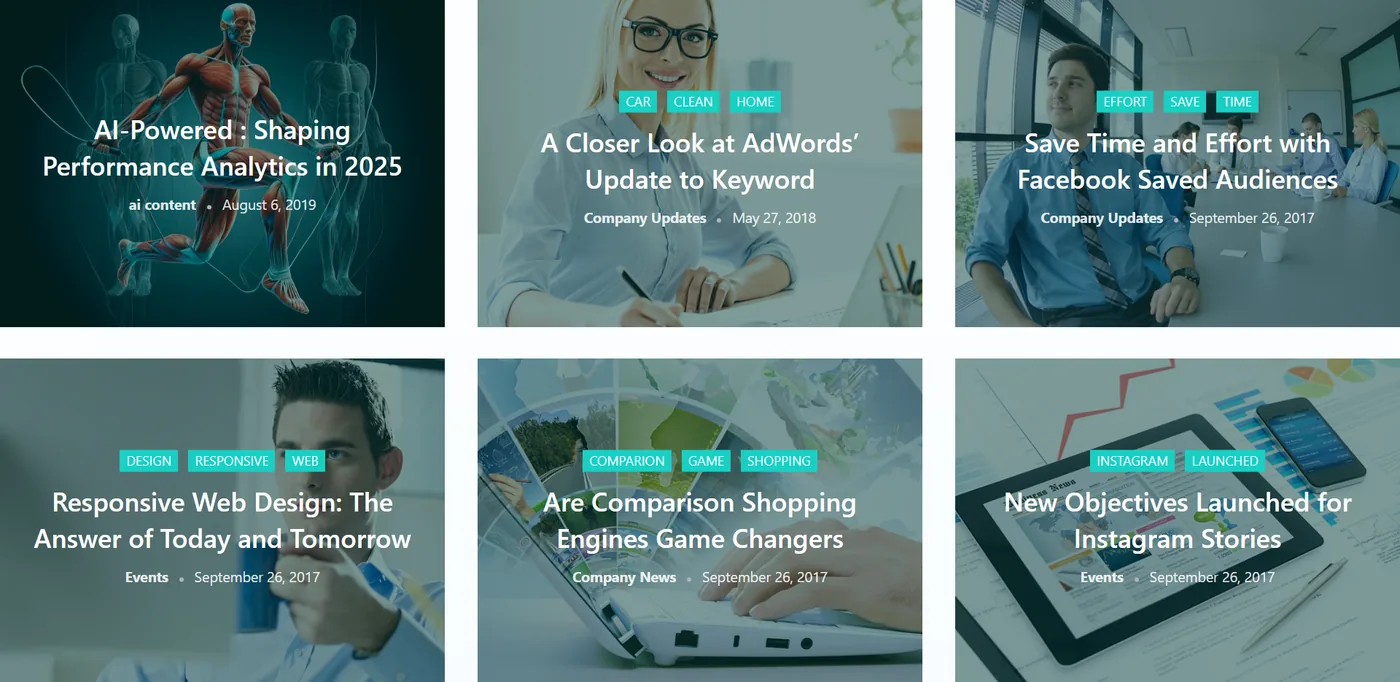
A blog slider is a space-efficient way to feature multiple posts on your homepage without overwhelming visitors with a full grid.
It works particularly well in below-the-fold homepage areas, sidebar sections and dedicated content hubs where a wide grid layout would feel overbuilt.
Element Pack's Post and Blog Carousel widget handles this use case with dynamic content pulling and full layout control:
- Posts pulled dynamically from WordPress, so the carousel always reflects your latest content without manual updates
- Configurable autoplay, touch swipe and slide count
- Multiple card layout skins including image-left, image-right and image-overlay styles
For agencies, SaaS businesses and publishers using content marketing as a growth channel, this widget ensures your homepage continuously surfaces fresh, relevant content to returning visitors.
16. Table of Contents Widget
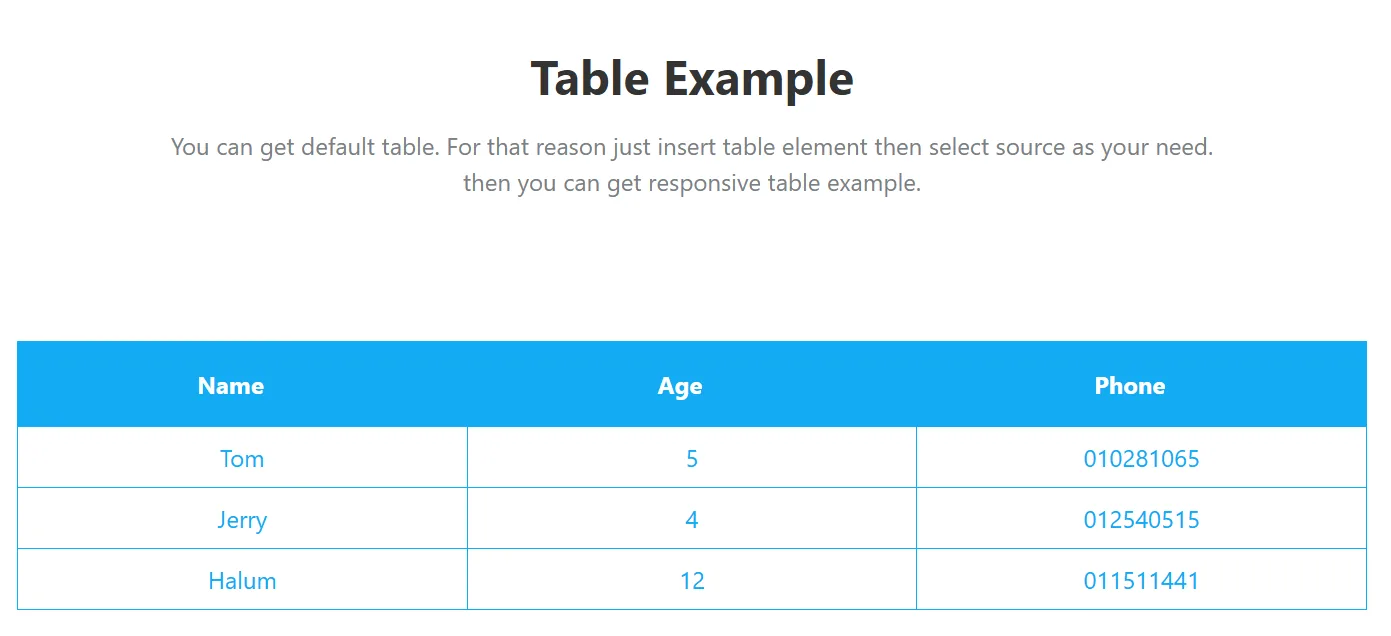
Long-form content benefits significantly from a navigational table of contents.
It improves usability by letting visitors jump directly to the section most relevant to them, reducing pogo-sticking and improving time on page across detailed blog posts, comprehensive product pages and knowledge base articles.
Element Pack's Table of Content widget generates navigation automatically without any manual input:
- Automatically scans the page for heading tags and generates a hierarchical navigation list
- Sticky positioning keeps the contents panel visible as the reader scrolls
- Customizable heading depth filters to show only the heading levels you want
- Collapsible sections for nested content and smooth scroll-to-section animation
For SEO, a properly implemented table of contents can generate sitelinks in Google search results, increasing organic click-through rate from both branded and informational queries.
17. Video Gallery Widget
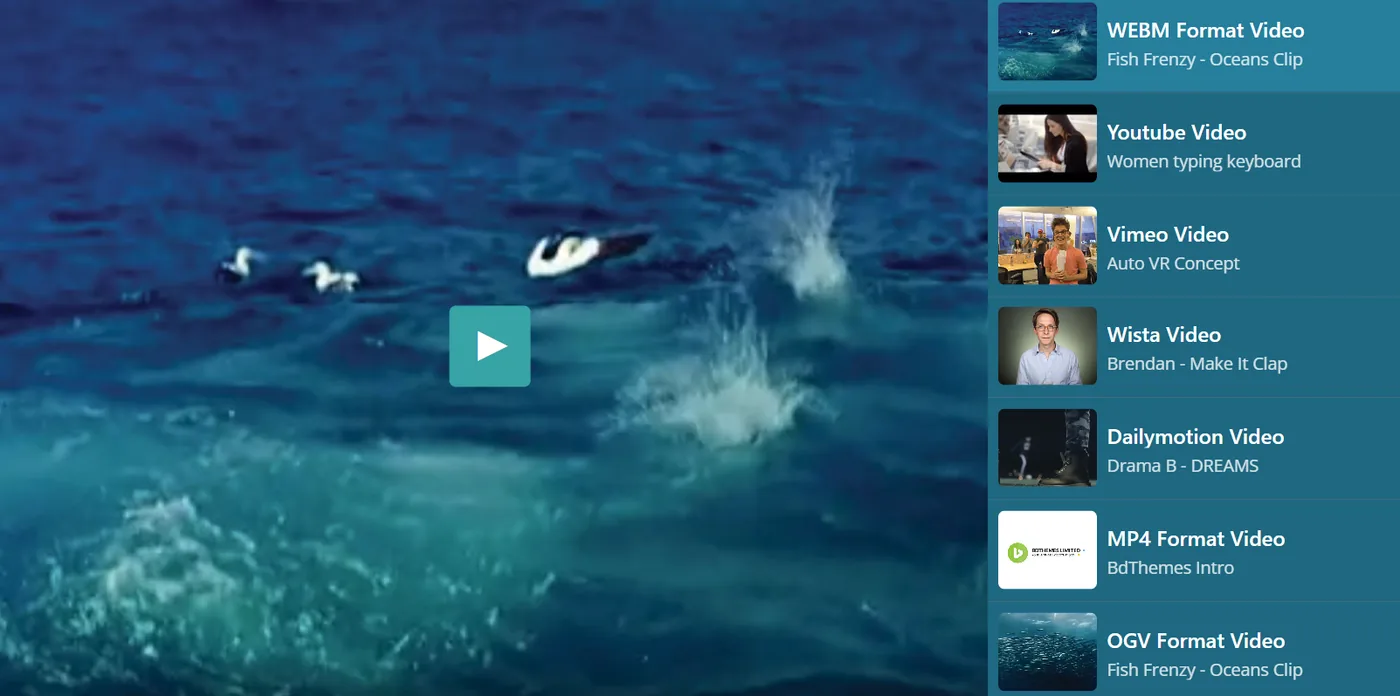
Video content drives engagement far beyond what static images and text can achieve.
Product demos, customer testimonials, explainer videos and case studies all benefit from a dedicated video display widget that presents content professionally rather than as raw embeds scattered across a page.
Element Pack's Video Gallery widget supports a full range of video use cases:
- YouTube, Vimeo and self-hosted video sources in a single filterable gallery
- Lightbox overlay playback that keeps the page layout intact while providing a full-screen viewing experience
- Category filters, custom thumbnail images, hover effects and caption overlays
For product-led businesses and SaaS companies, embedding a video gallery on a features or case studies page can significantly increase the time visitors spend engaging with your value proposition before making a decision.
18. Flip Box Widget
The Flip Box widget is a high-impact design element for services pages, feature highlight sections and team directories.
It presents a front face with an icon, image, or short headline and reveals a back face with additional detail when the visitor hovers over or clicks the box.
Element Pack's Flip Box widget gives you fine-grained control over both the visual and interactive experience:
- Multiple flip directions including horizontal and vertical, with configurable animation styles
- Both front and back faces support background images, gradients, icons, headings, text blocks and buttons
- Individually styled for each face, so the front and back can have a completely different visual treatment
Compared to a standard icon box or feature card, the Flip Box's interactive nature increases engagement, encouraging visitors to hover over sections they might otherwise scroll past quickly.
19. Progress Bar Widget
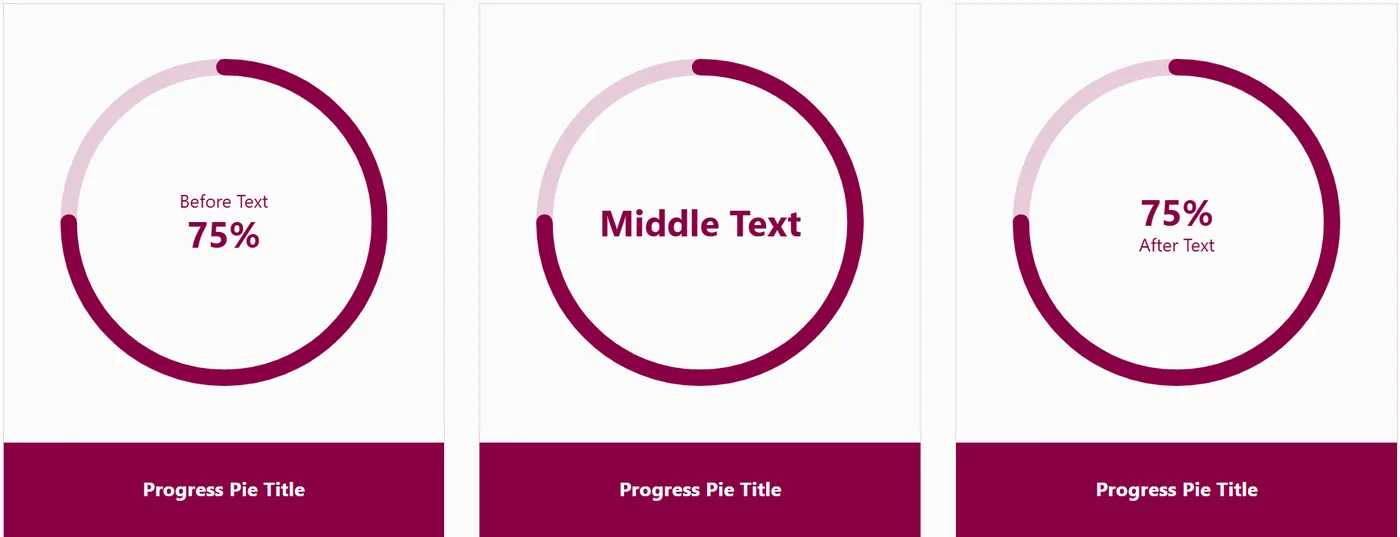
Animated progress bars are a visually compelling way to present data-driven content without resorting to a dense data table or chart.
They work naturally in skills sections, project completion breakdowns, campaign performance summaries and stats sections that communicate business scale.
Element Pack's Progress Bar widget offers both linear and circular display formats with smooth viewport-triggered animation:
- Linear bars with multiple stripe styles, gradient fills, tooltip labels and custom icons
- Circular progress pie format for compact metric displays in stats sections
- Scroll-triggered fill animation that activates as the widget enters the viewport
When paired with a Counter widget to display numerical statistics alongside the visual indicators, these elements create a credibility-building stats section that communicates business performance at a glance.
20. Social Share Widget
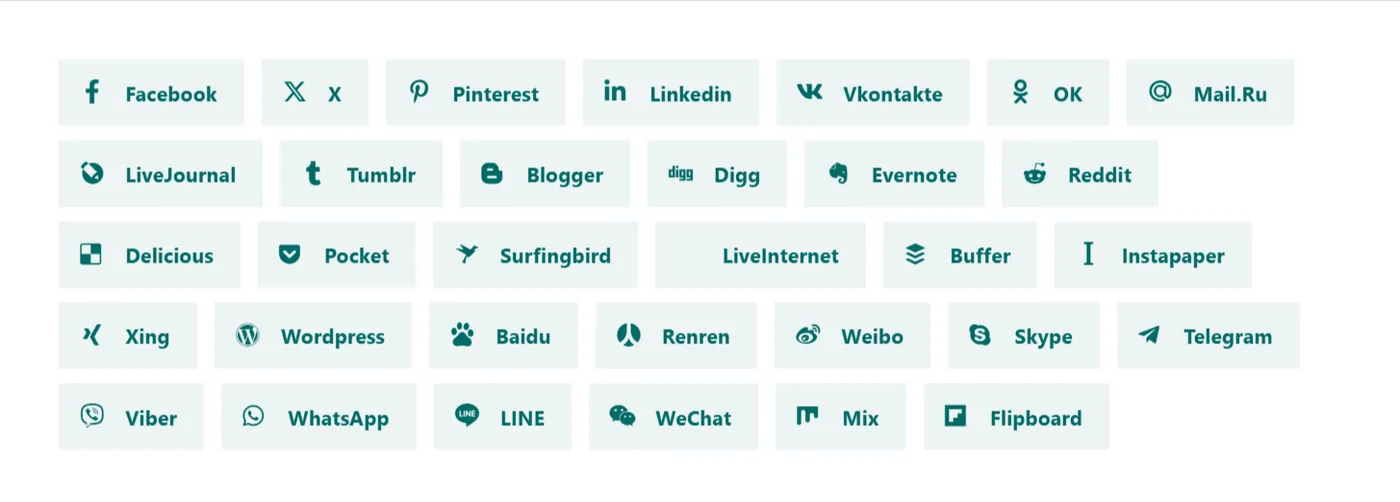
Every piece of content on your website is a potential shareability asset.
Blog posts, case studies, product pages and thought leadership articles all benefit from visible, accessible sharing buttons that make it frictionless for visitors to distribute your content.
Element Pack's Social Share widget covers all major platforms with a flexible set of display options:
- Platform support for LinkedIn, X (formerly Twitter), Facebook, WhatsApp, Telegram, Pinterest and email
- Multiple button styles: icon-only, icon-and-label and full-width formats
- Customizable colors, border radius, hover effects and button size per platform
Placing the Social Share widget at both the top and bottom of long-form content pages ensures your content is shareable at every reading stage, whether visitors engage briefly or read through to the end.
21. Instagram Feed Widget
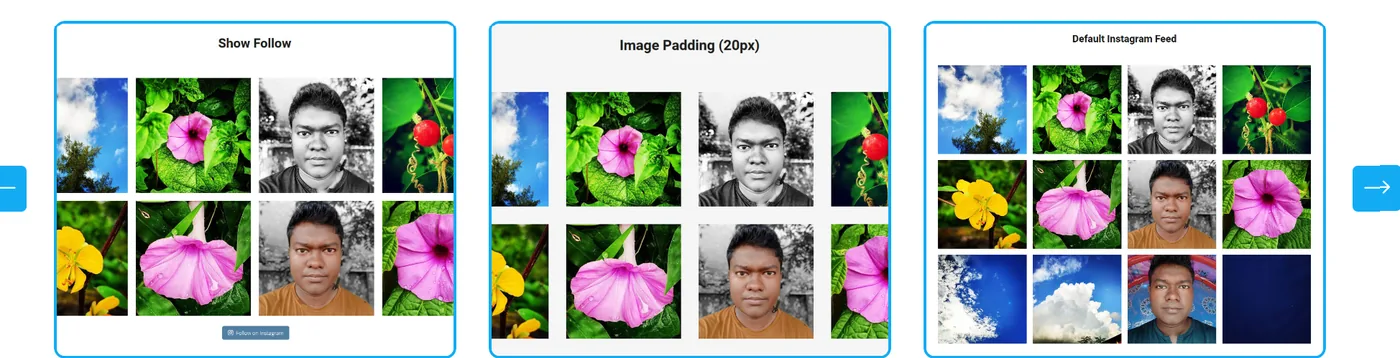
For consumer brands, fashion businesses, food and beverage companies, travel agencies and lifestyle brands. An embedded Instagram feed creates a live content block that keeps the site looking fresh without any manual updates on the WordPress side.
Element Pack's Instagram Feed widget gives you full control over how your social content appears on the site:
- Grid or masonry layout with configurable post count and column count per breakpoint
- Hover effect styles and configurable display of engagement metrics
- Post links directing to Instagram or to a custom URL for conversion-focused placements
This widget is particularly valuable for businesses with an active Instagram presence because it surfaces social content to website visitors who may not follow the account, supporting follower growth alongside overall brand engagement.
22. Advanced Tabs Widget
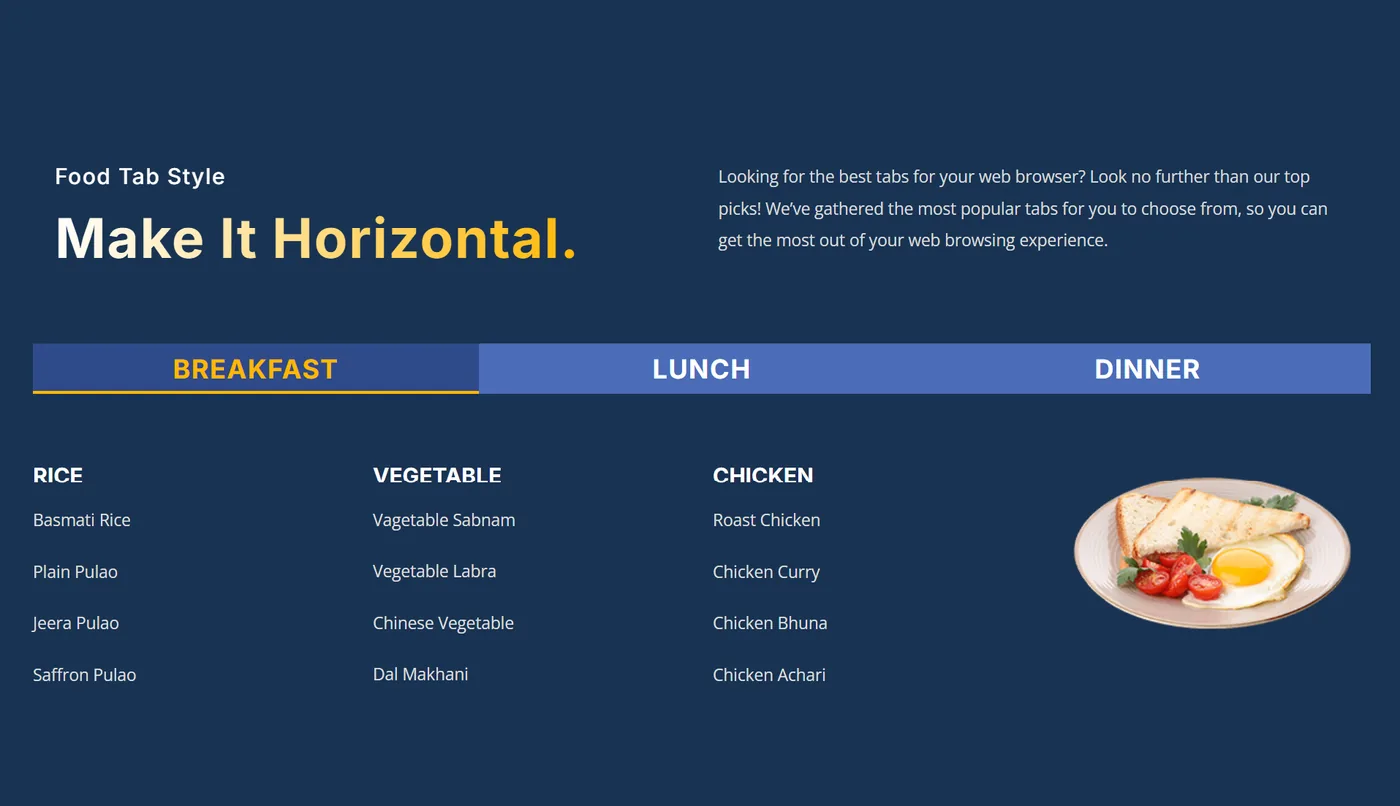
Complex service offerings, multi-feature products and information-dense pages benefit from tabbed navigation that organizes content into clearly labeled, on-demand sections.
Rather than forcing visitors to scroll through everything, tabs let each person self-select the information most relevant to them.
Element Pack's Advanced Tabs widget goes well beyond Elementor's built-in Tabs widget in both layout and content capability:
- Vertical tab layout option in addition to the standard horizontal arrangement
- Icon-enhanced tab labels with animated transition effects between active tabs
- Tab content built from Elementor templates, allowing any combination of widgets inside a tab rather than just plain text
- Configurable active tab styles for visual consistency with the surrounding page design
For SaaS websites presenting multiple use cases, agencies comparing service packages, or eCommerce stores with layered product specifications.
This is one of the most practically useful organizational widgets in the library.
23. WooCommerce Product Grid Widget
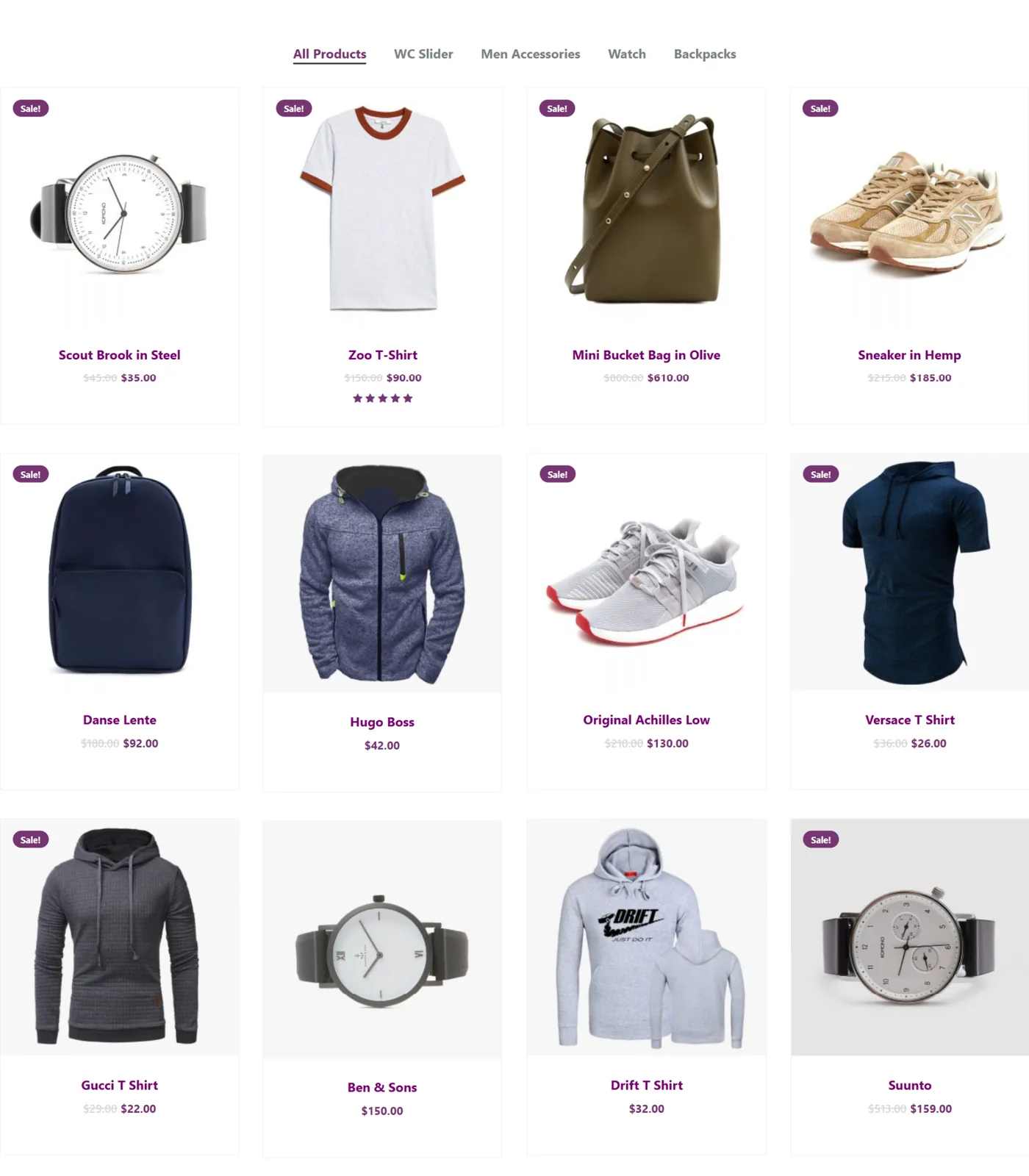
For any business selling products through WooCommerce, the default product archive templates provided by most WordPress themes are restrictive and difficult to customize.
A dedicated product display widget gives you full design control over how products are presented, which directly affects purchase intent and conversion rate.
Element Pack's WooCommerce Product Grid widget handles the full product display workflow:
- Fully customizable grid or list layout with configurable column count and product card design
- Hover effects, rating display and add-to-cart button positioning options
- Category and tag filtering for curated product collections on landing pages
- Integration with Element Pack's Variation Swatches extension, replacing dropdown selectors with visual color and size swatches
For a comprehensive breakdown of how Element Pack handles the full WooCommerce design workflow, see our guide on the best Elementor addons for WooCommerce.
24. Review Widget
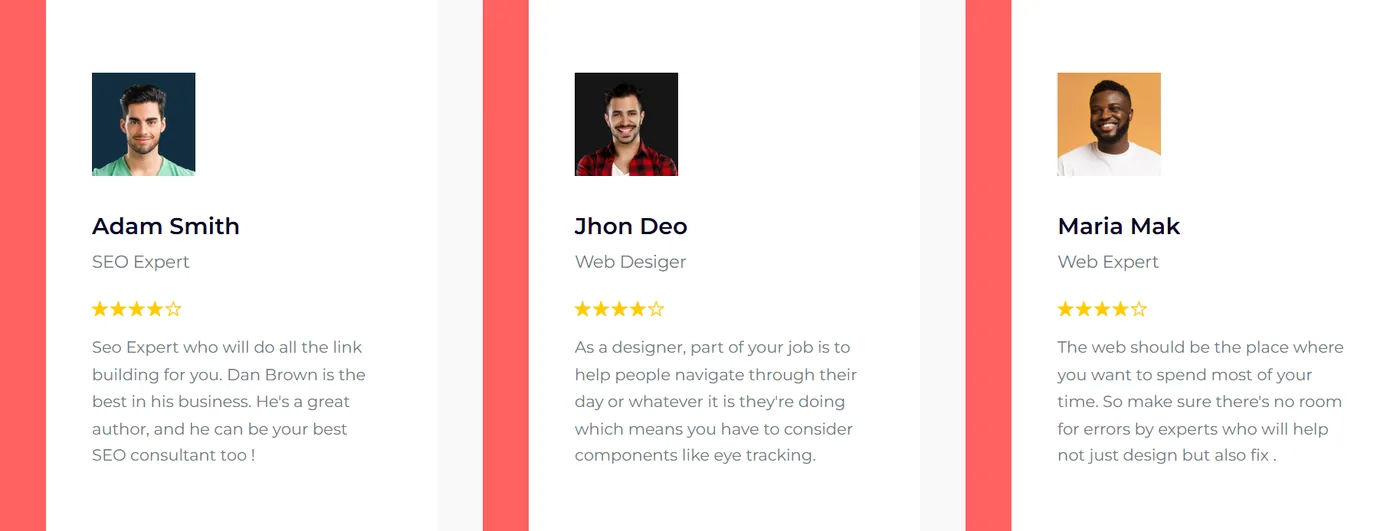
Customer reviews are one of the highest-impact trust signals on any product or service page.
Unlike curated testimonials, reviews carry the perception of independence, making them more convincing to skeptical visitors who are close to a purchase decision.
Element Pack's Review Card Carousel widget is built specifically for displaying structured review content in an engaging format:
- Scrollable carousel layout with star ratings, reviewer names, review text and profile photos
- Designed for custom review collections managed inside WordPress
- Can be combined with Element Pack's WooCommerce integration to display product reviews dynamically from your store database
For service-based businesses where platforms like Google Reviews or Trustpilot are the authoritative sources.
The widget can be configured with manually entered review data that mirrors your external ratings, keeping page design consistent while surfacing genuine customer feedback.
25. Before/After Slider Widget
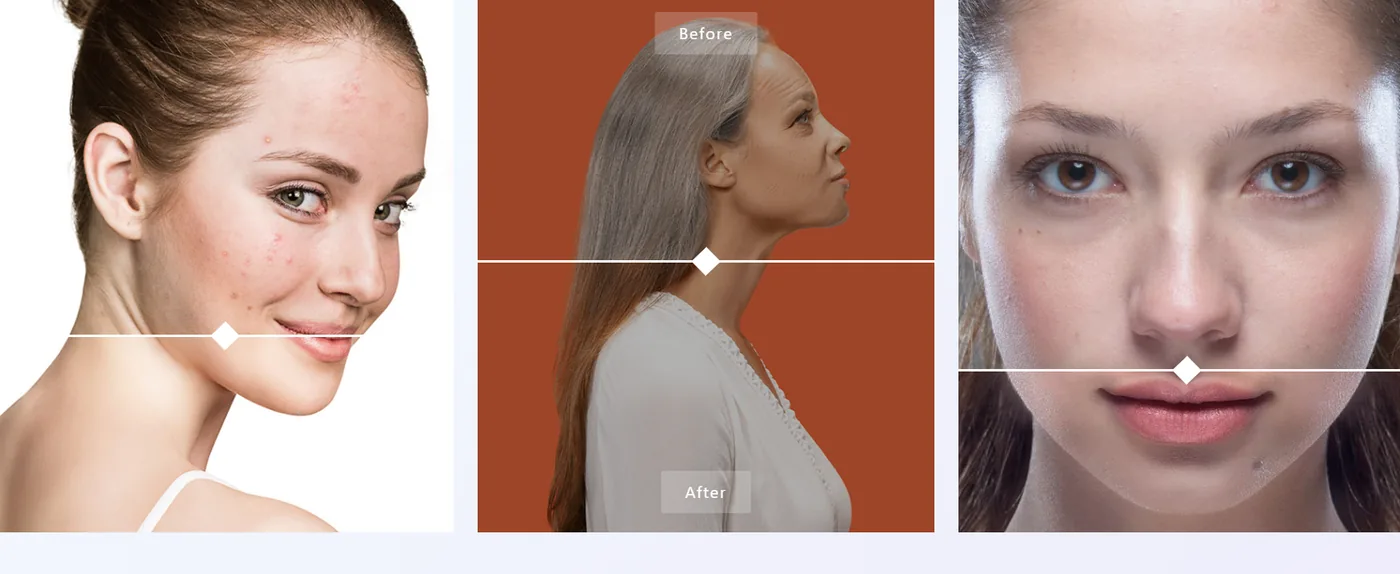
The Before/After Slider is designed for sequential transformation storytelling, where a single image reveals a before and after state through a draggable reveal interaction.
It is particularly effective for renovation contractors, cleaning service providers, cosmetic brands, print design agencies and digital marketers who want to demonstrate the measurable impact of their work.
Element Pack's Image Compare demo shows the full range of configurations available:
- Horizontal and vertical reveal variants for flexible page placement
- Fully customizable drag handle with icon and color controls
- Full-width banner layout for high-impact homepage placements
The interactive nature of this widget keeps visitors engaged far longer than a static case study image would and engagement time is a positive signal for both SEO and conversion rate optimization.
How Element Pack Helps You Build Business Websites Faster
Every widget covered in this guide is available through Element Pack Pro, which means you get the complete toolkit from a single plugin rather than managing multiple separate addons.
Here is what Element Pack brings to every business website build beyond the 25 widgets above.
300+ Widgets Across Every Business Need
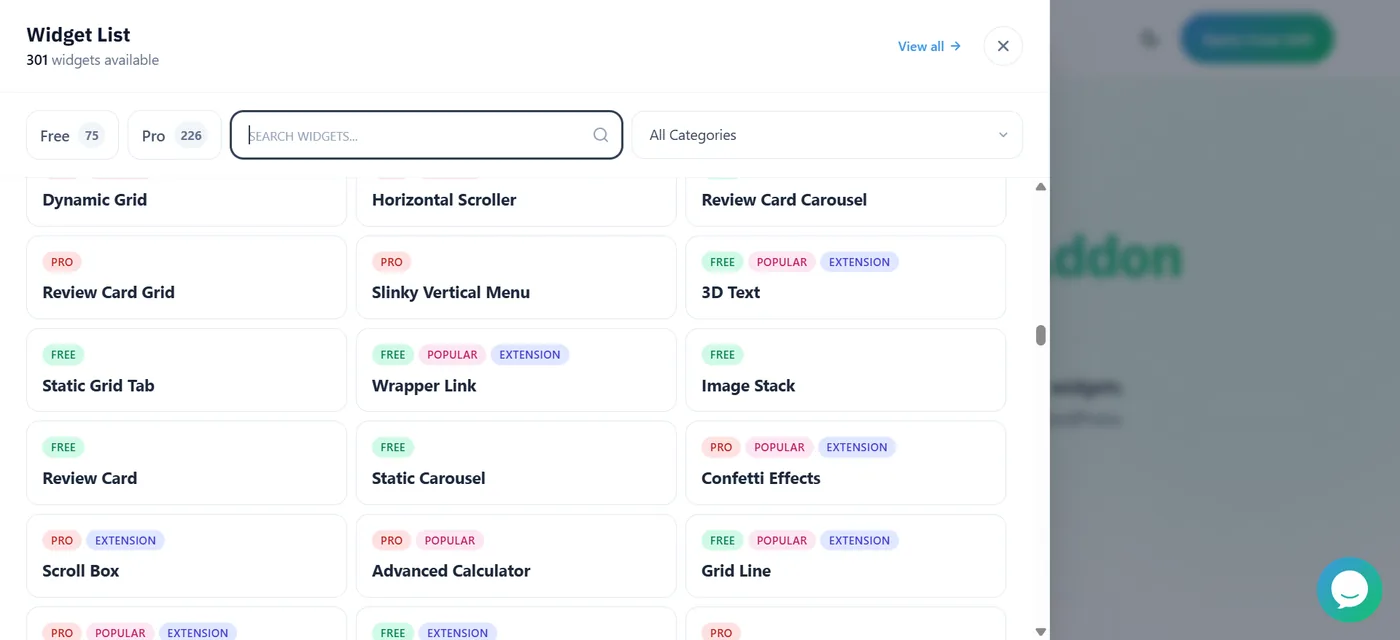
Beyond the essentials in this guide, Element Pack's full library covers 300+ widgets across every category a business website could need:
- Navigation: Mega Menu, Navbar, Off-Canvas Sidebar
- Dynamic content: Post Grid, Dynamic Carousel, Loop Builder, Post Slider
- WooCommerce: Product Carousel, Variation Swatches, Mini Cart, Checkout Builder
- Marketing: Modal, Coupon Code, Notification, Charts
- Design effects: Parallax, Particles, Cursor Effects, Confetti, Scroll Fill
Every widget shares the same Elementor design interface, so there is no learning curve when switching between tools.
2,700+ Ready-Made Templates
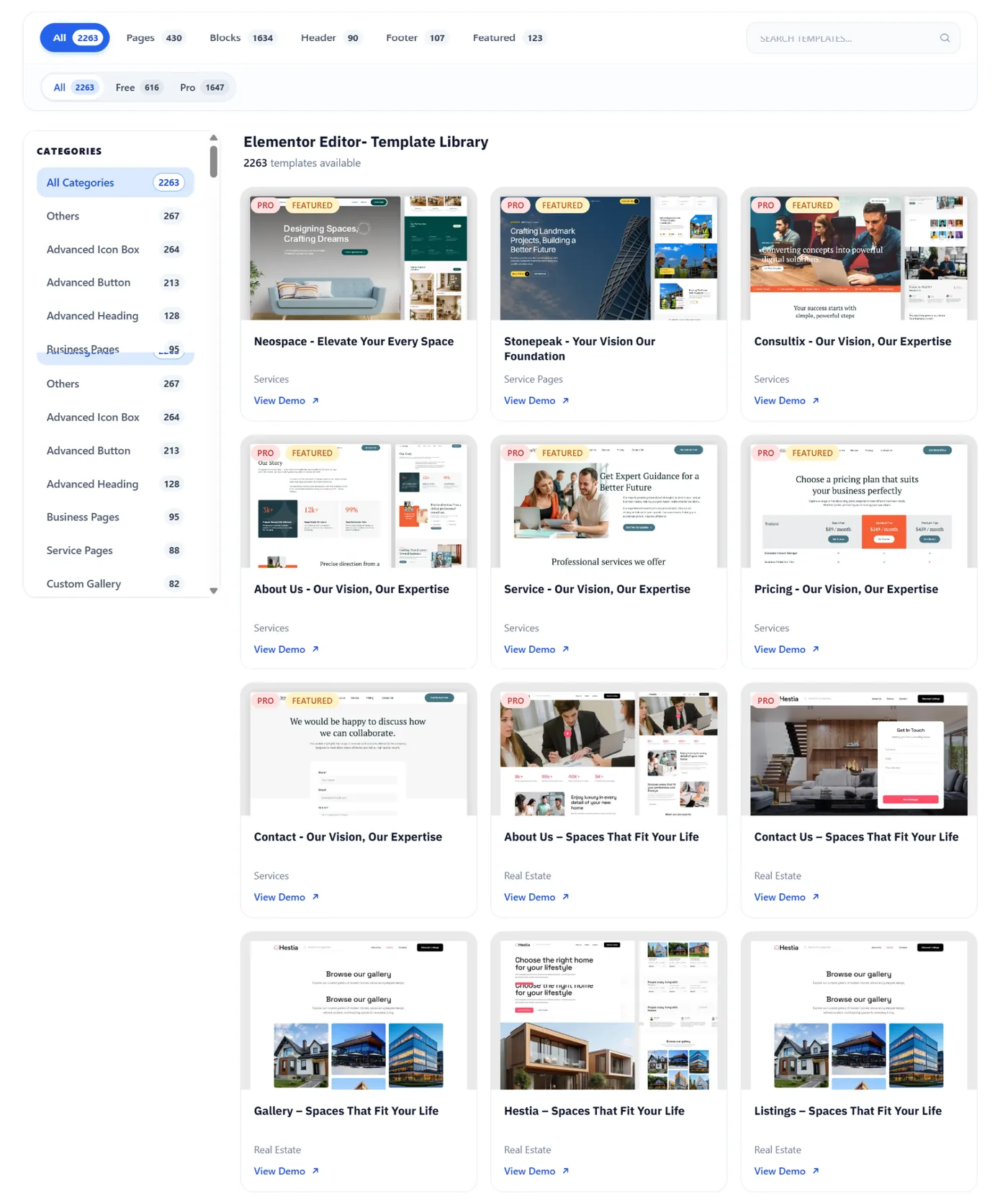
Element Pack's template library includes 2,700+ professionally designed templates across dozens of industries, all importable directly inside the Elementor editor with a single click.
The library also includes dedicated Ready Headers and Ready Footers that let you build site-wide navigation and footer sections without needing Elementor Pro's Theme Builder.
Each template ships with real content in place, so you can see exactly how your pages will look before committing to a layout.
WooCommerce Widgets Built for Conversion
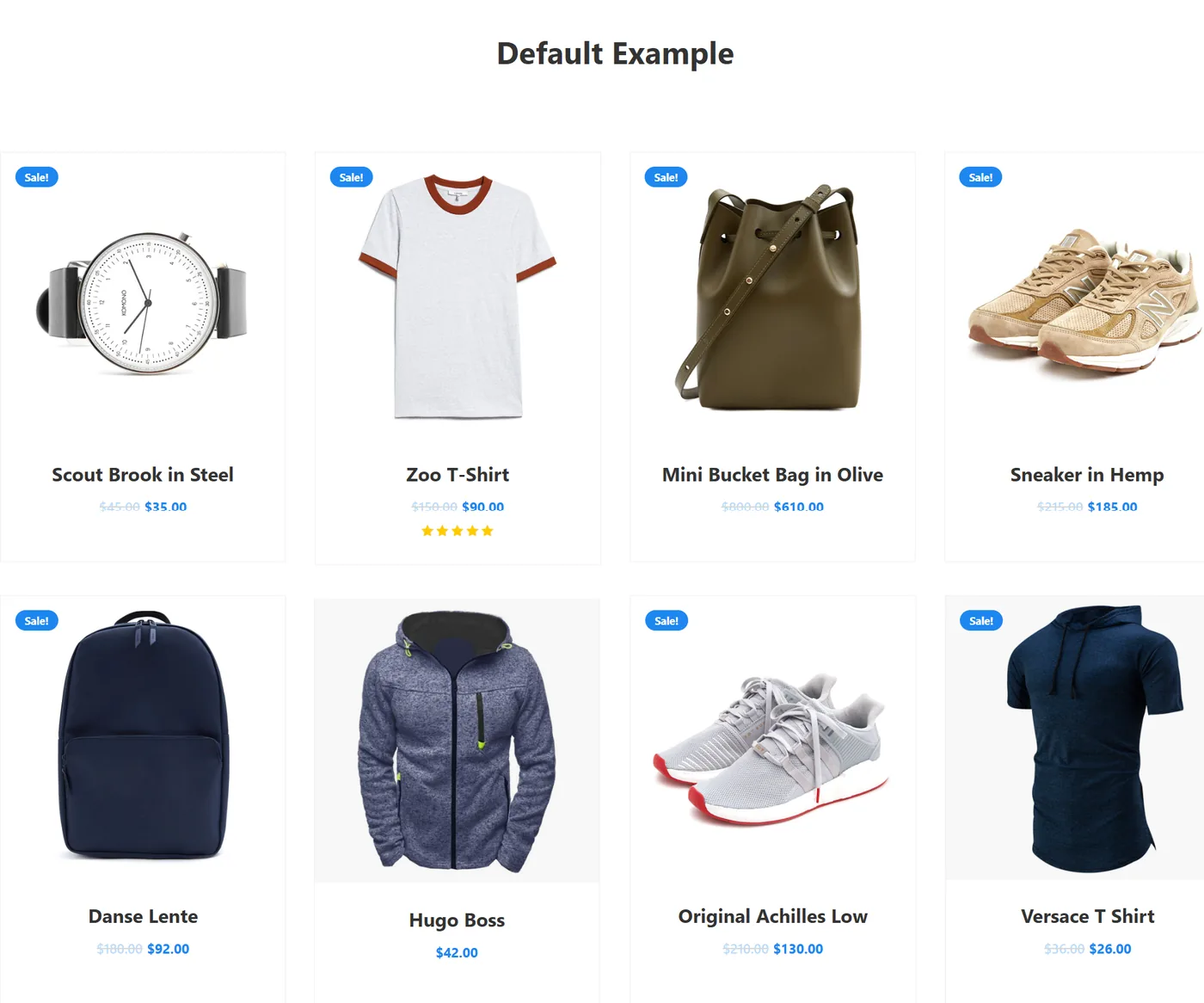
Element Pack's WooCommerce suite, detailed in the WooCommerce product demo, covers every stage of the shopping experience:
- Variation Swatches replace dropdown selectors with visual color and size pickers
- Mini Cart embeds a persistent cart anywhere in your layout, including the header
- Product Carousel widgets display featured products in high-engagement scrollable formats
- Dedicated Checkout and Cart page widgets give full design control over the transaction pages where purchase decisions are finalized
30+ Advanced Extensions
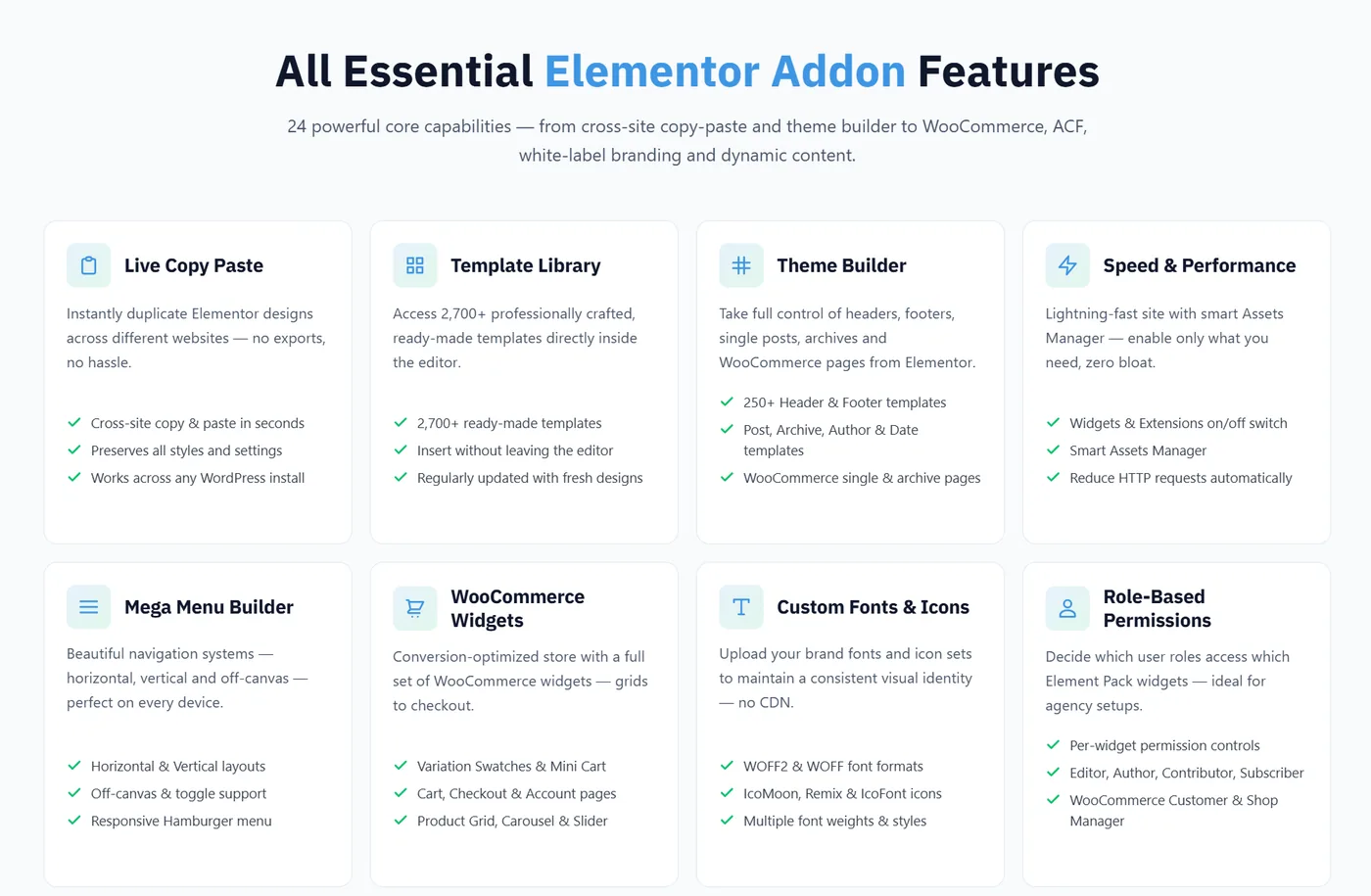
Element Pack's extensions library adds 30+ design and functional extensions that apply across every Elementor widget, not just Element Pack widgets:
- Live Copy Paste: copy any design from the Element Pack demo site directly into your editor in two clicks
- Mega Menu Builder: build complex multi-column navigation menus without a separate plugin
- Display Conditions: show or hide any element based on user login status, device, or time of day
- Equal Height, Animated Gradient Background, Parallax Effects, Shape Divider, Reveal Effects and more
No Coding Required
Every widget and extension in Element Pack is configured entirely through Elementor's visual editor, with no custom CSS, PHP editing, or JavaScript knowledge needed.
You can explore how real websites have been built using Element Pack at the Element Pack website examples page.
How to Choose the Right Widgets for Your Industry
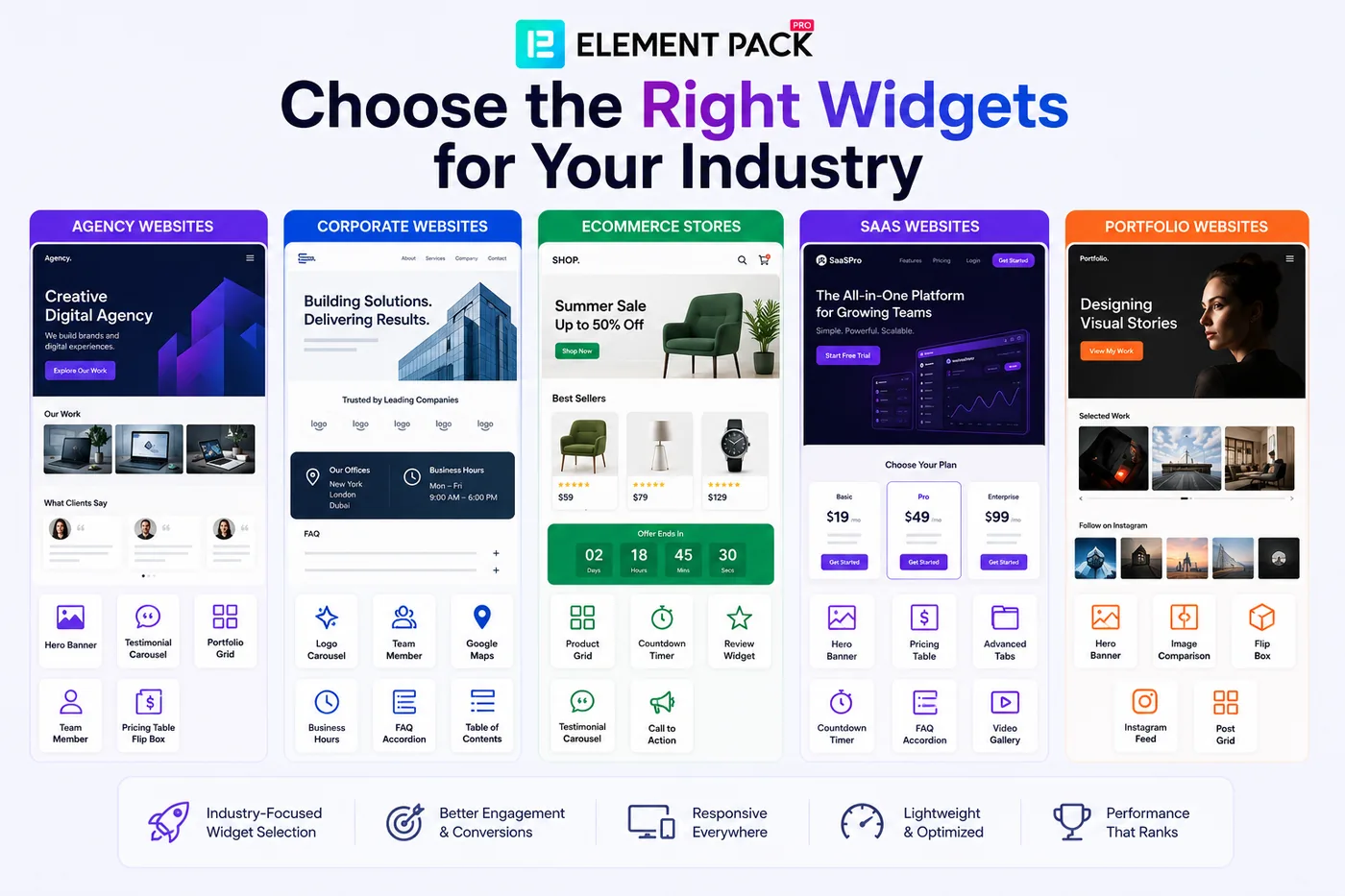
Different business types have different priorities when it comes to website design. Here is a practical breakdown of which widgets from this list matter most for each major industry category.
Agency Websites
Agencies need to demonstrate capability, creativity and trustworthiness simultaneously. The most critical widgets for an agency website are:
- Hero Banner for a polished first impression that establishes visual credibility
- Testimonial Carousel for client social proof on the homepage and services pages
- Post Grid or Portfolio Grid for curated work samples and case studies
- Team Member to humanize the agency and build personal connection with prospects
- Pricing Table or Flip Box for clean service package presentations
Element Pack's website examples page includes several agency builds that demonstrate how these widgets come together in professional layouts.
Corporate Websites
Corporate websites prioritize credibility, clarity and professionalism. Key widgets for this audience include:
- Logo Carousel for client and partner logos that establish market-level credibility
- Team Member for the leadership team, with conservative card styles suited to enterprise audiences
- Advanced Google Maps for office locations across multiple regions
- Business Hours for publicly accessible contact information
- FAQ Accordion and Table of Contents for long company overview and investor relations pages
The Element Pack templates library includes corporate and enterprise-style page templates that apply these widgets in conservative, B2B-appropriate layouts.
eCommerce Stores
For WooCommerce stores, the priority widgets are:
- Product Grid and Product Carousel for showcasing products in visually compelling layouts
- Countdown Timer for sale urgency on promotional pages
- Review Widget for purchase trust on product pages
- Testimonial Carousel for brand-level social proof on the homepage
- Call to Action for promotional banners tied to seasonal campaigns
The WooCommerce-focused guide covers how to combine these widgets for maximum store conversion.
Element Pack's Smart Assets Manager also ensures that WooCommerce widgets do not slow down product pages, keeping Core Web Vitals scores in the range that Google rewards in search rankings.
SaaS Websites
SaaS websites live and die by how clearly they communicate value to multiple user segments. Essential widgets for SaaS sites include:
- Hero Banner for the primary value proposition with animated text overlays
- Pricing Table for subscription plan comparisons with per-feature tooltips
- Advanced Tabs for organizing use cases or feature sets by audience segment
- Countdown Timer for free trial expiry or launch countdown urgency
- FAQ Accordion for objection handling and onboarding support
- Video Gallery for product demos and feature walkthroughs
Combining these widgets with Element Pack's Display Conditions extension lets you show different content blocks to different visitor segments, enabling basic personalization without a custom development budget.
Portfolio Websites
Portfolio websites for photographers, designers and creative professionals prioritize visual impact above everything else. Top widgets for portfolio sites include:
- Hero Banner for a full-screen opening visual that sets the creative tone immediately
- Image Comparison and Before/After Slider for demonstrating the quality and impact of your work
- Flip Box for project teasers that reveal details on hover
- Instagram Feed for live social proof that updates automatically
- Post Grid for a dynamic case studies section
Element Pack's guide to creating a custom blog layout for Elementor is directly applicable to building a dynamic case studies section that updates automatically as new project pages are published.
Frequently Asked Questions
Which Elementor widgets are best for business websites?
The most impactful Elementor widgets for business websites are the Hero Banner, Pricing Table, Testimonial Carousel, Contact Form, FAQ Accordion, Post Grid and Countdown Timer. These widgets directly support the four core goals of any business website: communicating your value proposition, building trust, capturing leads and driving conversions. All of these are available through Element Pack Pro with advanced customization options and a live demo for each.
How many widgets do I need on a business website?
There is no fixed number, but the guiding principle is that each widget should serve a clear purpose for the visitor. A typical business homepage uses 8 to 12 distinct widget types. Adding more widgets beyond what your visitors genuinely need increases page weight and cognitive load without improving conversion.
Are Elementor widgets good for SEO?
Yes, when used correctly. Element Pack's widgets output semantic HTML and specific widgets like the FAQ Accordion generate valid schema markup that enables Google rich results. Element Pack's Smart Assets Manager loads only the CSS and JavaScript your page actually uses, directly supporting Core Web Vitals scores. According to WP Rocket's 2025 load time research, B2B sites loading in 1 second convert at 3 times the rate of 5-second sites. A performant widget setup is therefore both an SEO and a direct business performance investment.
Can I use Element Pack widgets with Elementor Free?
Yes. Element Pack Pro works with both Elementor Free and Elementor Pro. You do not need to purchase Elementor Pro to use Element Pack's widgets. This means you can build a professional business website using Elementor Free as the base editor and Element Pack Pro as your widget and template layer, getting access to 300+ widgets, 2,700+ templates and 30+ extensions without an Elementor Pro subscription. See our detailed breakdown in Elementor Pro vs Free in 2026 for a full comparison of what each combination offers.
What is the best Elementor addon for business websites?
Element Pack Pro is the most comprehensive single Elementor addon for business websites. For a comparison of Element Pack against other Elementor addons, see our best alternatives to Elementor Pro widgets guide. For the support comparison specifically, our Elementor addon support review for 2026 covers response times and documentation quality across the top ten addons.
Conclusion
Building a professional business website with Elementor in 2026 does not require you to compromise between design quality, functionality and performance.
The 25 essential widgets covered in this guide address every core need of a business website, from first impressions through to conversion and ongoing content distribution.
Element Pack Pro brings all 25 of these widgets together in a single, well-maintained addon, backed by 300+ total widgets, 2,700+ ready-made templates, Ready Headers, Ready Footers, 30+ extensions and a full WooCommerce suite.
Whether you are building your first business website or scaling an Elementor workflow across multiple client projects, Element Pack provides the toolkit to do it faster, with more design flexibility and without writing a line of code.
If you want to see what is possible before committing to a plan, browse the live widget demos at elementpack.pro, explore the ready-made template library, or check the pricing page for plans starting from $27 per year. Your next professional business website starts here.
Supreakshya Shrestha
The BdThemes team builds WordPress plugins trusted by 3M+ users worldwide. We write about web accessibility, WCAG compliance, and inclusive design.