

In order to retain website traffic, site loading speed is very important. In this article, I bring you a very interesting list of the best plugins to optimize WordPress driven website. There is a special term known as WPO aka WordPress Optimization. It is actually the best practices that are involved in speeding up a website.
Since Google announced that website loading speed will be an SEO factor, you should focus on your site loading speed.
I recommend that your site not take longer to load more than 2 seconds.
If it exceeds that figure, you are losing visits, registration on the site and newsletter, sales and others.
You can take a look at our guide on How to speed up a WordPress site. In this article, I will be focusing mainly on plugin-based speeding solutions.
The best plugins to optimize WordPress website
Why you should know how to choose your plugins?
I’ve been optimizing WordPress websites since 2010 and I have learned everything that needs to speed up a site. ( Learning is a continuous process and I am still doing it)
There are 2 clear rules when installing plugins in WordPress:
- Do not install too many (although this depends on the second point).
- Install plugins that do not consume many resources.
The problem with many optimization plugins is that they consume more resources than they should. Some of them do the tasks they meant to be but takes more server resources. Most of the owners can’t afford such luxury!
That is why I have decided to make this list, so you can save all those hours of tests that I have done.
If any plugin is not here it is because I have discarded it or not used it yet.
For the sake of ease, I am going to categorize my list in separate groups.
The best cache plugins for WordPress
A cache plugin is basically the one that creates static HTML copies of your content.
In this way, instead of requesting the server every time it actually serves static content most of the time. If needed, it updates the cache from time to time. Thus, the speed of the website faster.
After having tried many of the caching plugins, I am keeping the following in my lists.
WP Rocket
Since I have discovered WP Rocket, it has been a before and after in the optimization of my sites.
The problem with cache plugins is that they are very simple or usually load the website a lot.
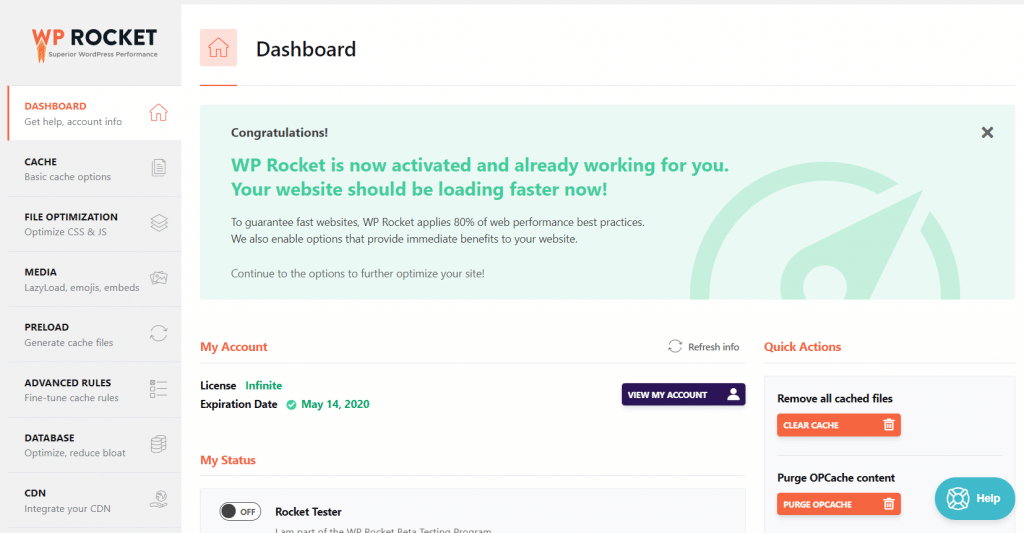
WP Rocket is paid, but it is very complete because it optimizes virtually everything for your WordPress site which includes:
- Cache.
- Optimize internal and external scripts.
- Optimize your media.
- Also the database.
- It is CDN compatible.
- And much more.
But it is also very easy to use and does not eat almost any resources.
If you ask me to give a percentage of recommendation, I recommend it to 200%. It is the best plugins to optimize WordPress website at this moment.
				<div class="bdt-ep-advanced-icon-box-icon">
			<span class="bdt-ep-advanced-icon-box-icon-wrap">


												<i class="fas fa-star fa-solid" aria-hidden="true"></i>


								</span>
		</div>


		<div class="bdt-ep-advanced-icon-box-content">

										<h4 class="bdt-ep-advanced-icon-box-title ep-title-">
		<span >
			Join our affiliate program and Earn upto 30% per sale!			</span>
	</h4>


								<div class="bdt-ep-advanced-icon-box-description">
					Please check out<a href="/elementpack-affiliate-program" target="_blank" rel="noopener"> Join the Element Pack Affiliate Program and start earning for all referrals </a> for all the perks and benefits you get as our partner.					</div>

						</div>
	</div>


			</div>
				</div>
	</div>
				</div>
	</section>
			<section class="elementor-section elementor-top-section elementor-element elementor-element-cfb7e0c elementor-section-boxed elementor-section-height-default elementor-section-height-default magic-button-disabled-no" data-id="cfb7e0c" data-element_type="section" data-e-type="section">
					<div class="elementor-container elementor-column-gap-default">
				<div class="elementor-column elementor-col-100 elementor-top-column elementor-element elementor-element-274f2b9" data-id="274f2b9" data-element_type="column" data-e-type="column">
		<div class="elementor-widget-wrap elementor-element-populated">
					<div class="elementor-element elementor-element-02b279d elementor-widget elementor-widget-heading" data-id="02b279d" data-element_type="widget" data-e-type="widget" data-widget_type="heading.default">
				<h3 class="elementor-heading-title elementor-size-default">WP Super cache</h3>				</div>
				</div>
	</div>
				</div>
	</section>
			<section class="elementor-section elementor-top-section elementor-element elementor-element-6283c9b elementor-section-boxed elementor-section-height-default elementor-section-height-default magic-button-disabled-no" data-id="6283c9b" data-element_type="section" data-e-type="section">
					<div class="elementor-container elementor-column-gap-default">
				<div class="elementor-column elementor-col-100 elementor-top-column elementor-element elementor-element-d929240" data-id="d929240" data-element_type="column" data-e-type="column">
		<div class="elementor-widget-wrap elementor-element-populated">
					<div class="elementor-element elementor-element-ae356c2 elementor-widget elementor-widget-text-editor" data-id="ae356c2" data-element_type="widget" data-e-type="widget" data-widget_type="text-editor.default">
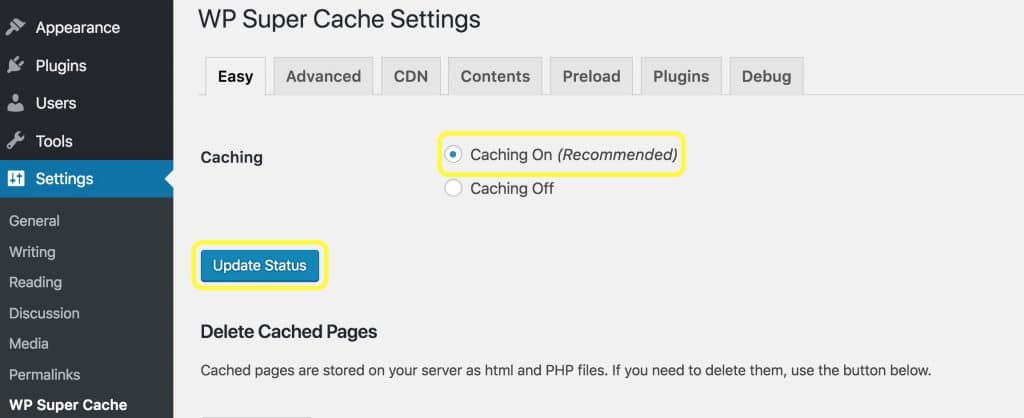
								<p><a href="https://wordpress.org/plugins/wp-super-cache/" target="_blank" rel="noopener">WP Super Cache</a> is a widely used cache plugin that I have used for years.</p>
I changed it to WP Rocket because it only has the function of cache and CDN.
If you want to optimize other things you have to pull other plugins.
Honorable Mention: W3 Total Cache, I have also used W3 Total cache for years. It is also very powerful but seems complex for the common user. It also has paid version but WP Rocket is much easier to understand and use. So I have decided to shift into WP Rocket.
The best plugins to optimize images
Images are one of the most common problems that usually slow down a website.
It basically does so because if the code of a site weighs 1MB and the images 10, then it is 11MB that have to be downloaded. ( Images is 10X time heavier than the code )
So these types of plugins are usually used to weigh images as little as possible.
Regenerate Thumbnails
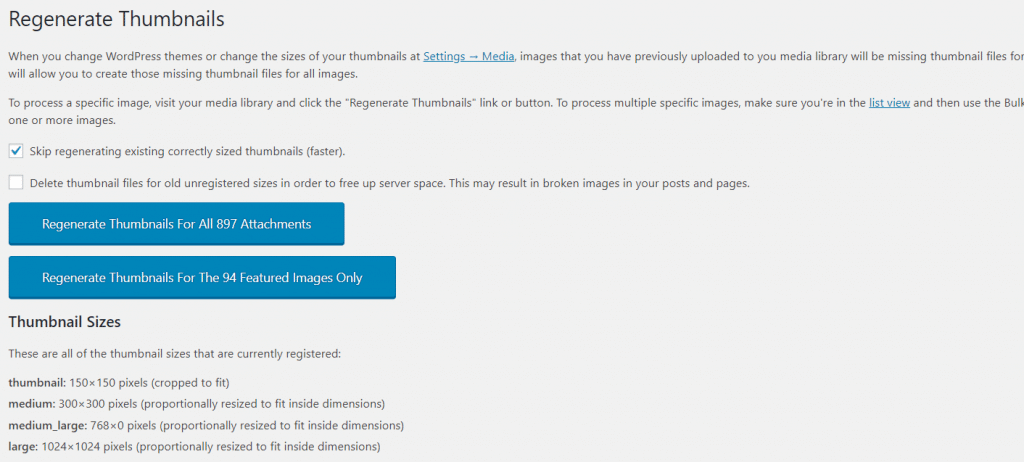
Before thinking about optimizing your images you should think about resizing WordPress thumbnails.
For this, I recommend you to use Regenerate Thumbnails, a very simple plugin that will create all of the thumbnails of your website again.
Imsanity
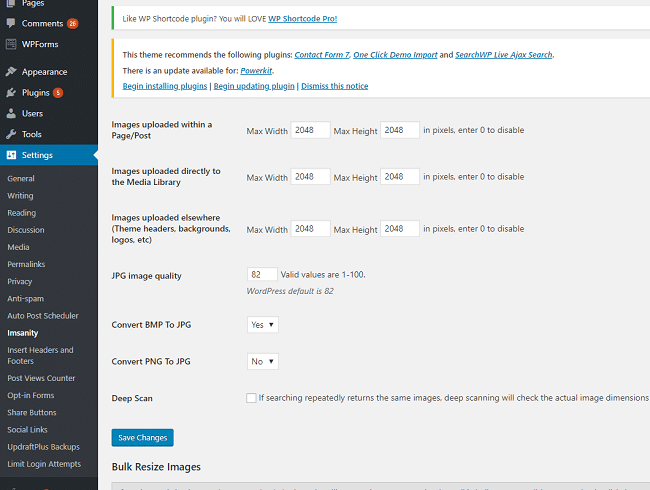
Another very common WPO optimization failure is to upload full-size images which are several megabytes of size.
If you are a photographer, you will surely know what I am talking about.
Theirs is to resize all images and this is done with Imsanity.
I recommend it 100%.
WP Smush
Once we have corrected the sizes, it is time to optimize the images.
For this, we can use plugins such as WP Smush that makes your images much lighter, but without losing quality.
The problem with this plugin is that it only optimizes 50 images every time you hit the button.
So I do not recommend it if you have many images.
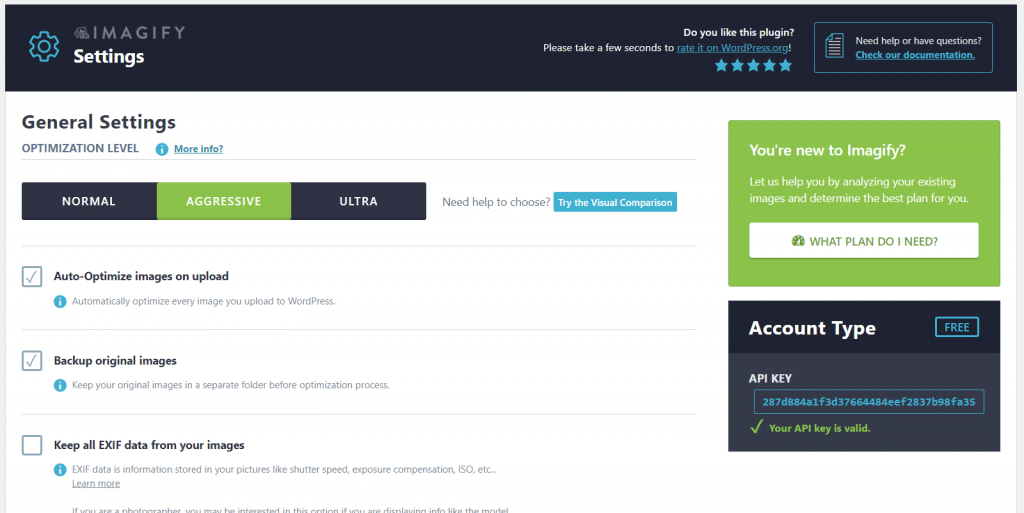
Update: It is providing 25MB free. So if your images are less than 25 MB, you can select the free plan.
The best plugins to optimize WordPress scripts
WordPress Theme scripts (scripts that come with the theme) and plugins slow down your website considerably and you have to optimize them.
If you are using a theme that calls too many scripts, please consider using rooten.pro – faster and lighter WordPress theme built for you. You will love it especially if you are using the elementor page builder.
I don’t want to recommend specific plugins for this because every plugin that I’ve tried doesn’t convince me and I do it with WP Rocket.
But I’m going to tell you one in case you have no choice
Autoptimize
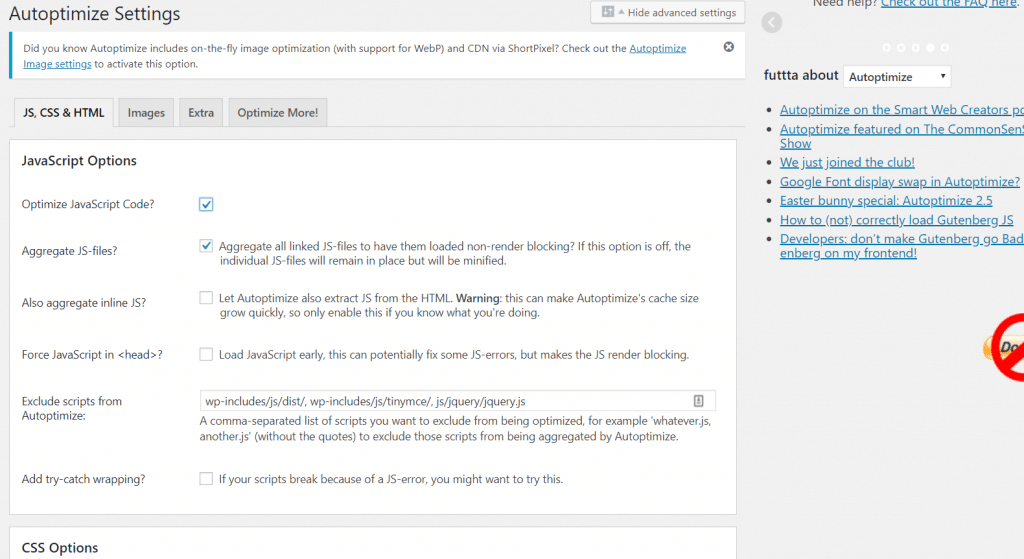
Autoptimize helps you to optimize all WordPress scripts and markups – whether they are HTML, CSS or Javascript.
If you use WP Super Cache you will need a plugin of these characteristics.
What I don’t like is that I have noticed a higher than normal consumption of server resources and I have discarded it.
Be careful with this type of plugins.
If you don’t know how to use it, you may break the structure of your website.
The best plugins to optimize the WordPress database
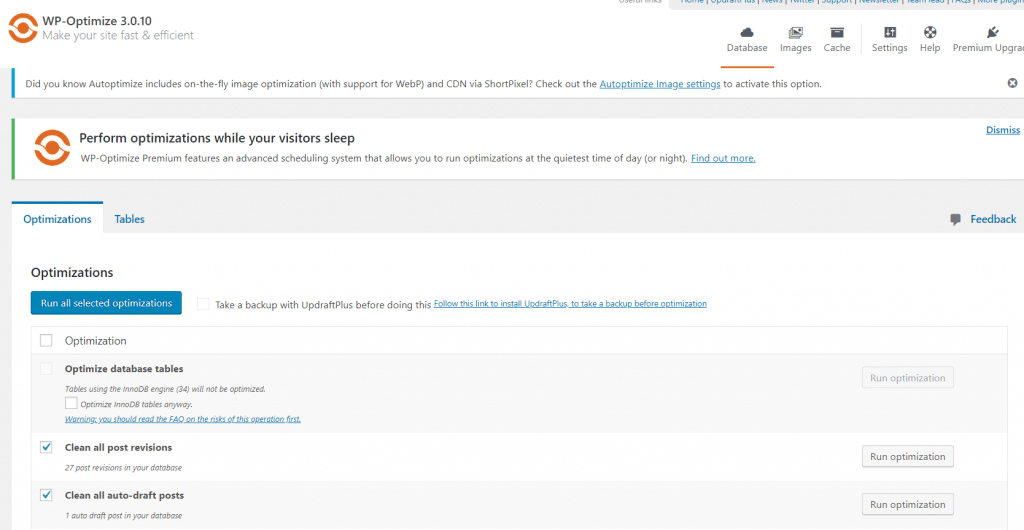
Let me tell you an ugly truth, WordPress driven sites save some craps in the database. You may differ in opinion with me but I will still say those are craps as most of the users don’t need them in the future.
This information might include:
- Reviews
- Drafts.
- Spam
- Temporary data
- And more…
It is advisable to have a good WordPress configuration – by configuration I mean server and optimized database server. And/or use a good plugin, although I do it with WP Rocket, I would like to recommend one.
The best plugins to optimize other plugins
You might be thinking Miz has lost his mind. No, I haven’t!
If you want to have a fast site you will have to know which plugins are slow and for that there are very good tools available.
P3 Performance Profiler
P3 Plugin Performance Profiler is the only one that helps you with this task.
Not only does it detect slow plugins, but it also helps you to detect the problems and other issues.
I recommend it 100%.
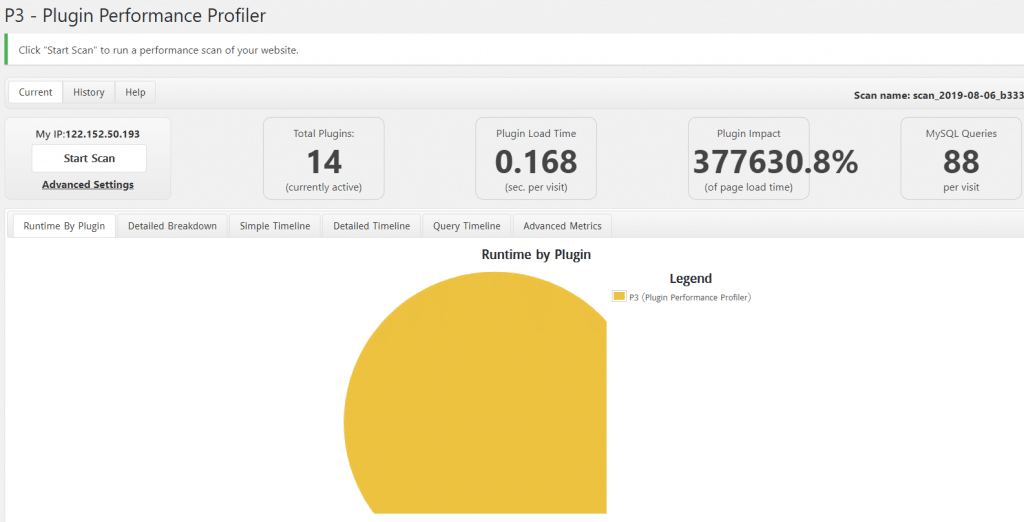
Update: This plugin hasn’t been tested with the latest 3 major releases of WordPress.But we have found that it works well in most of the cases. If you would like to latest well-maintained plugin, I would like to recommend Clearfy – WordPress optimization plugin and disable ultimate tweaker plugin.
Final Thoughts
Nowadays I only use a few plugins but choosing the right plugin/s depends upon the requirement of your website. Obviously, it depends on the site and the problems you have. Image centric website will need an image optimization plugin, the heavy data-driven site will need database optimization.
What has been your experience with these plugins?
Have you used them?
Please tell me what plugin do you use in your WordPress driven website. What are the best plugins to optimize WordPress website according to you?
Let’s start the conversation about optimization plugins in the comment.
Selim Rana
The BdThemes team builds WordPress plugins trusted by 3M+ users worldwide. We write about web accessibility, WCAG compliance, and inclusive design.