


Elementor
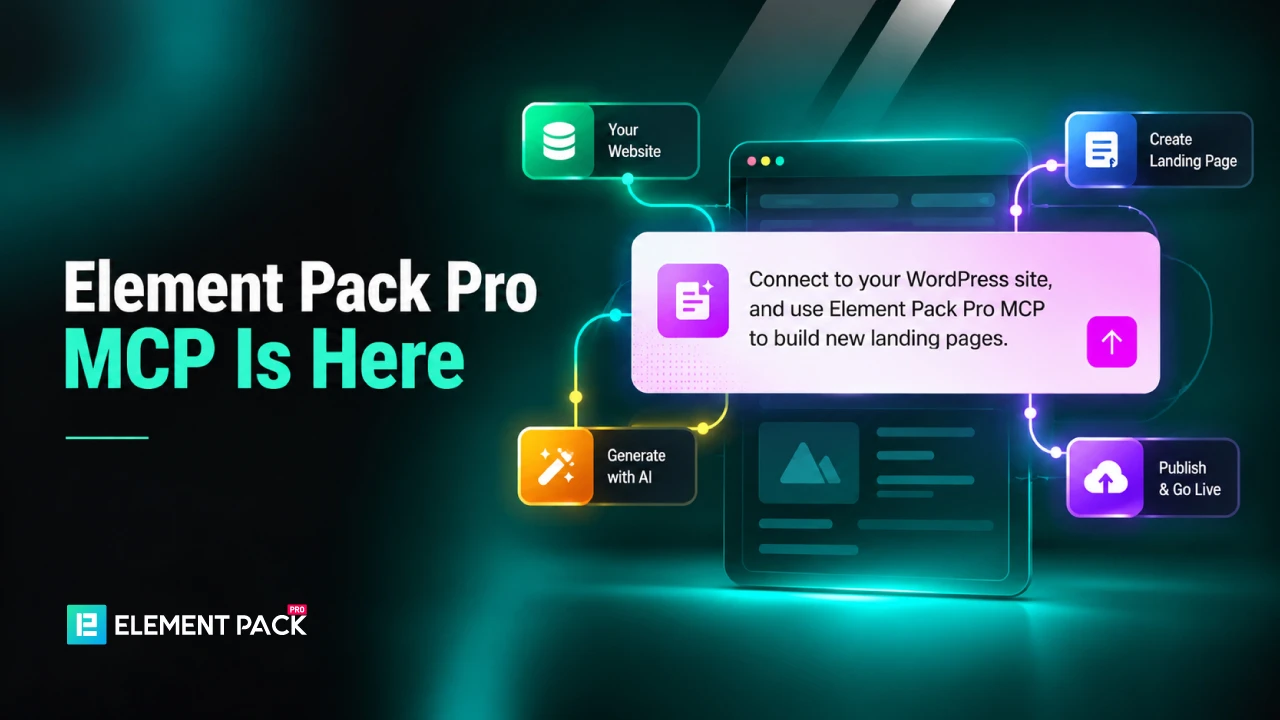
Element Pack Pro Brings New MCP & AI Update
Know how to connect Element Pack Pro AI Tools with Claude, ChatGPT or Cursor to build, edit and manage Elementor pages with controlled access.
#Element Pack MCP#Element Pack AI Tools#Elementor AI

Senior Content Strategist & Editor, Element Pack
Al Suzaud Dowla is a Senior Content Strategist and Editor at Sigmative (Element Pack), translating intricate WordPress, Elementor and web development architectures into engaging, data-backed technical guides and growth resources.
About
Al Suzaud Dowla serves as Senior Content Strategist and Editor at Sigmative, the parent team behind Element Pack and BdThemes. With over 8 years of hands-on experience in WordPress, SaaS and modern web design tools, he excels at breaking down intricate code structures and widget capabilities into actionable, user-first tutorials.
Throughout his career, Suza has guided editorial roadmaps and organic search strategies for prominent WordPress software companies: Brainstorm Force (Astra), weDevs (Dokan, WP ERP), SovWare and Themefic. His deep technical explanations and educational resources are widely published across enterprise publications including Atlassian and Hostinger.
Suza centers his editorial philosophy on direct experimentation and technical fidelity. Instead of relying on high-level summaries, each article and tutorial stems from active testing in WordPress environments, direct page builder configuration and meticulous research into search intent (SEO, GEO and AEO). His work consistently bridges product engineering, UI/UX design and practical user workflows.
He studied BBA (Banking and Insurance) at the University of Dhaka. He also holds a Bachelor of Science in Business Administration (B.S.B.A.) degree from the University of the People. He blends strategic marketing insight with practical front-end technical skills in HTML/CSS, PHP, JavaScript and Figma design. He actively contributes as a WordPress Translation Contributor and frequently engages with the wider open-source community at WordCamp events.
Core Focus: Simplifying modern WordPress tools, design workflows and technical search visibility for creators.
Page Builder & Design Systems
In-depth guides and architectural walkthroughs helping designers and developers build advanced dynamic layouts with Elementor widgets.
Enterprise Strategy & Frameworks
In-depth technical breakdowns of work breakdown structures (WBS), cost-benefit analyses and operational planning frameworks for agile and technical teams.
Technical WordPress Engineering
Step-by-step technical guides on building advanced directory portals, custom modal systems and high-performance WordPress sites.
Monetization & Web Publishing
Strategic tutorials and actionable frameworks for digital entrepreneurs, affiliate marketing systems and high-performance site architecture.
Visit his portfolio or work samples to get a glimpse of his writing.
Know how to connect Element Pack Pro AI Tools with Claude, ChatGPT or Cursor to build, edit and manage Elementor pages with controlled access.
Element Pack Lite is available on WordPress.org with an updated release build and stronger safeguards across our code review and publishing process.
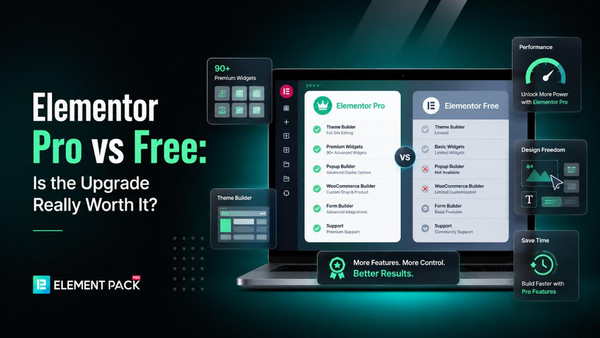
Elementor Pro vs Free in 2026 compared side by side — features, pricing and limitations — to help you decide if the upgrade is worth it for your website.
Compare customer support of top Elementor plugins in 2026. Response times, docs, and channels for Element Pack, Essential Addons, HappyAddons and more.

Track and improve your WordPress website visibility using Google Search Console, keyword ranking tools and AI search visibility platforms.

Know how to create a landing page in WordPress using Elementor with this simple step-by-step guide to design, customize and publish right away.
Discover what is Elementor and how its visual editor simplifies WordPress design. Compare Free vs. Pro and know to extend its power with addons.
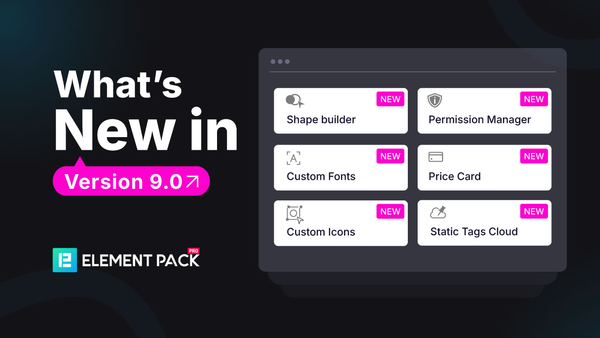
Element Pack Pro version 9 has been released. Upgrade to the pro only with a fraction of the cost (up to 87% off) during the BFCM deals season.
Use Element Pack to bring Elementor widgets, ready-made templates, WooCommerce tools and practical workflow controls into one WordPress setup.