

You know that feeling when you land on a website and instantly think, “Wow, this is nice”? You are not quite sure what it is. The colors might be fine. The logo looks okay.
But something about the way everything is arranged just feels right. That feeling has a name: good layout design.
And the websites that nail it are not always the biggest names in the game.
Some of the most impressive web page layout examples out there belong to brands you might not have heard of yet: focused, creative companies that have invested seriously in how their site looks, feels and guides you through a story.
That is exactly what this post is about.
We will cover what a website layout actually is, why it has such a big impact on the people visiting your site and then walk through 20 genuinely inspiring website layout examples from brands that are doing it brilliantly.
By the end, you will have a full picture of what great layout design looks like in practice and what you can do to bring that same quality to your own site.
What Is a Website Layout?
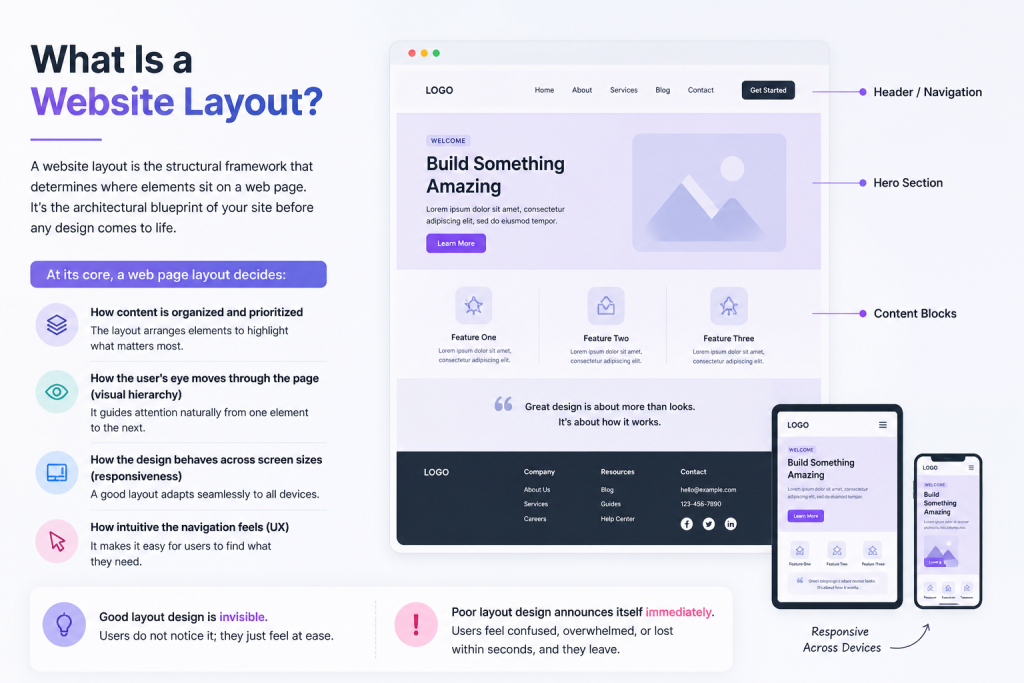
A website layout is the structural framework that determines where elements sit on a web page.
Your header, navigation, hero section, content blocks, sidebars and footer all live somewhere on the page and the layout determines where they appear and how they relate to each other.
At its core, a web page layout decides:
- How content is organized and prioritized
- How the user’s eye moves through the page (visual hierarchy)
- How the design behaves across screen sizes (responsiveness)
- How intuitive the navigation feels (UX)
Good layout design is invisible. Users do not notice it; they just feel at ease. Poor layout design announces itself immediately. Users feel confused, overwhelmed, or lost within seconds and they leave.
There are several common types of website layouts designers work with:
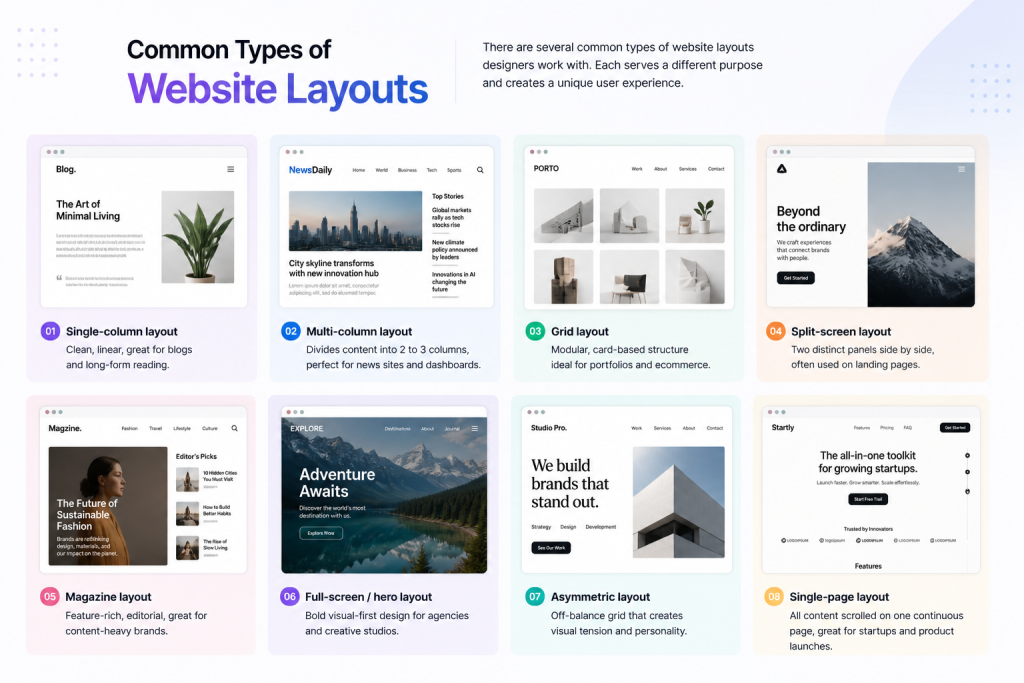
- Single-column layout: Clean, linear, great for blogs and long-form reading
- Multi-column layout: Divides content into 2 to 3 columns, perfect for news sites and dashboards
- Grid layout: Modular, card-based structure ideal for portfolios and ecommerce
- Split-screen layout: Two distinct panels side by side, often used on landing pages
- Magazine layout: Feature-rich, editorial, great for content-heavy brands
- Full-screen/hero layout: Bold visual-first design for agencies and creative studios
- Asymmetric layout: Off-balance grid that creates visual tension and personality
- Single-page layout: All content scrolled on one continuous page, great for startups and product launches
Understanding the types of website layouts available helps you make smarter decisions for your specific goals and audience.
20 Stunning Website Layouts Examples to Inspire Your Next Design
What follows are 20 genuinely impressive modern website layout examples from creative, mid-to-large-sized brands across different industries.
These are thoughtful, well-executed sites that deserve far more attention than they typically get.
1. Wistia: Asymmetric Storytelling Layout
Website: wistia.com
Layout Type: Asymmetric editorial grid
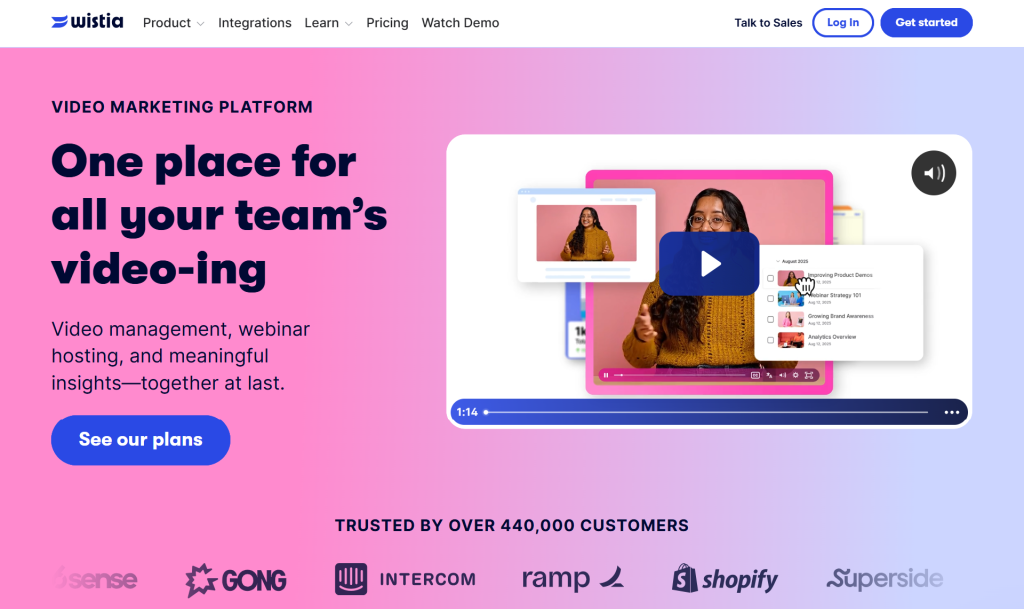
Wistia, a video marketing platform, uses an asymmetric layout that feels editorial without being chaotic. Content blocks alternate between left-heavy and right-heavy compositions, keeping the eye moving in unexpected ways. What makes it stand out:
- Deliberate use of negative (white) space lets sections breathe without feeling empty
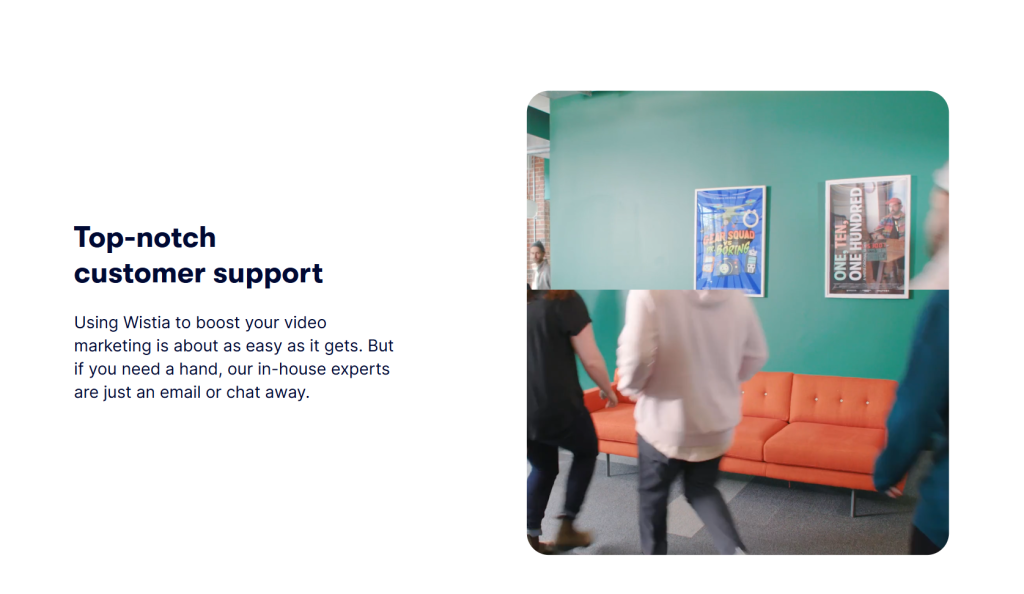
- Bold typography anchors each section like a visual headline
- Pastel color blocks establish hierarchy without relying on imagery alone
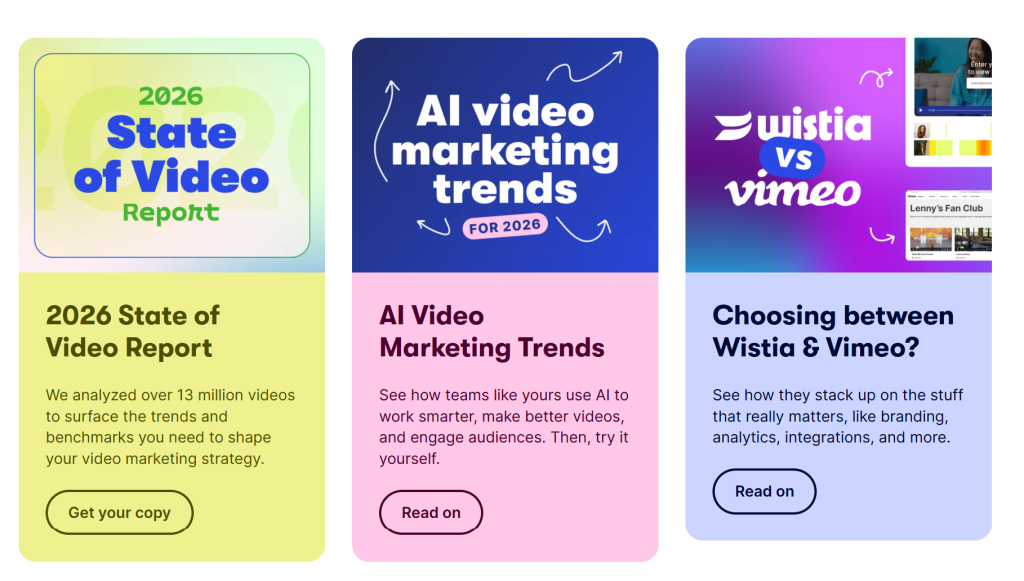
- The asymmetric grid collapses gracefully on mobile, keeping the experience clean on every screen
This is a masterclass in creative website layouts that communicate personality alongside function.
2. Basecamp: Single-Page Conversion Layout
Website: basecamp.com
Layout Type: Long-form single-page layout
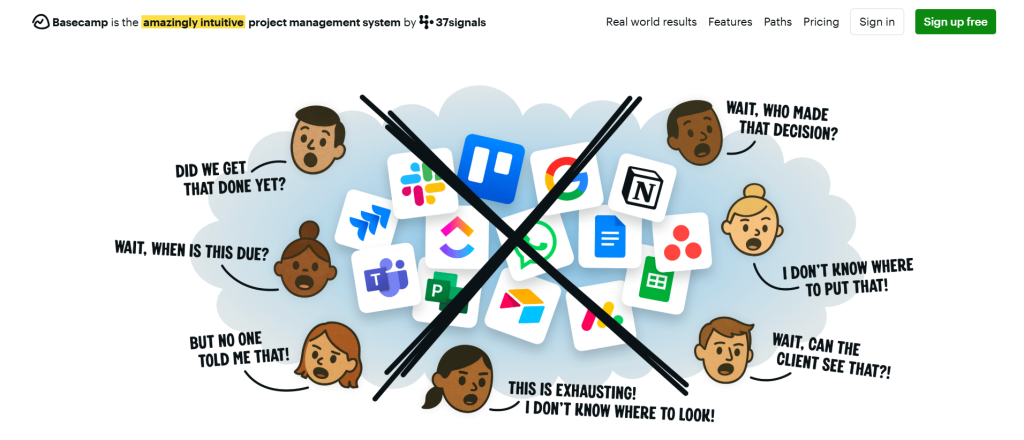
Basecamp’s homepage is one of the best single page website layout examples in the SaaS world. The entire page is a long, scrollable persuasion sequence with no complex navigation and no distractions. Just a structured argument from top to bottom:
- Problem, solution, proof, pricing and CTA flow naturally one after another
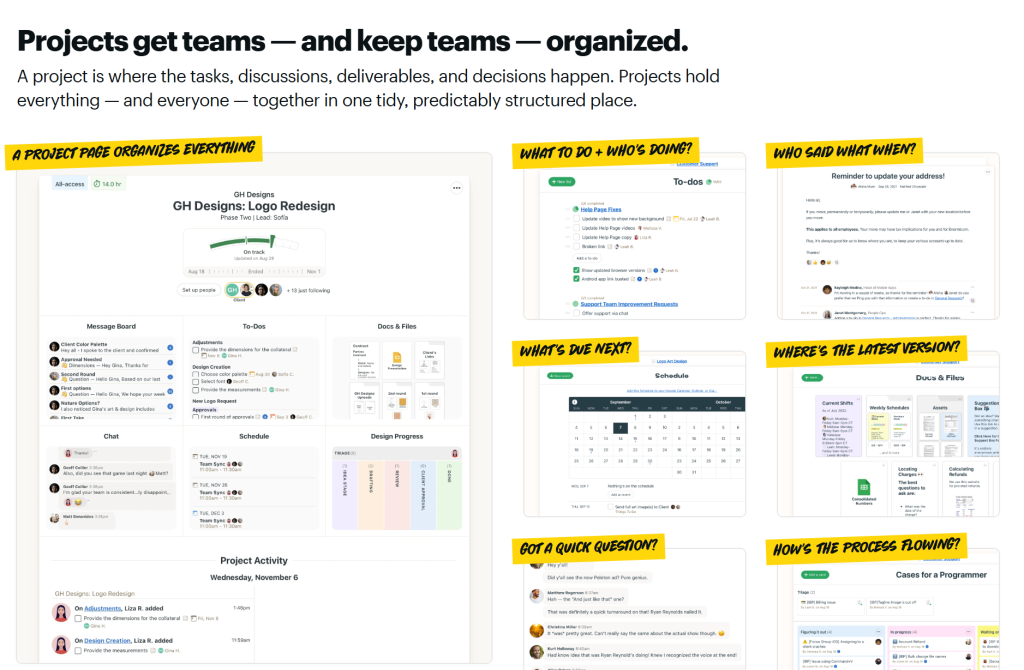
- Bold, oversized text headlines act as section anchors that keep the reader oriented
- Real customer testimonials are woven throughout rather than buried at the bottom
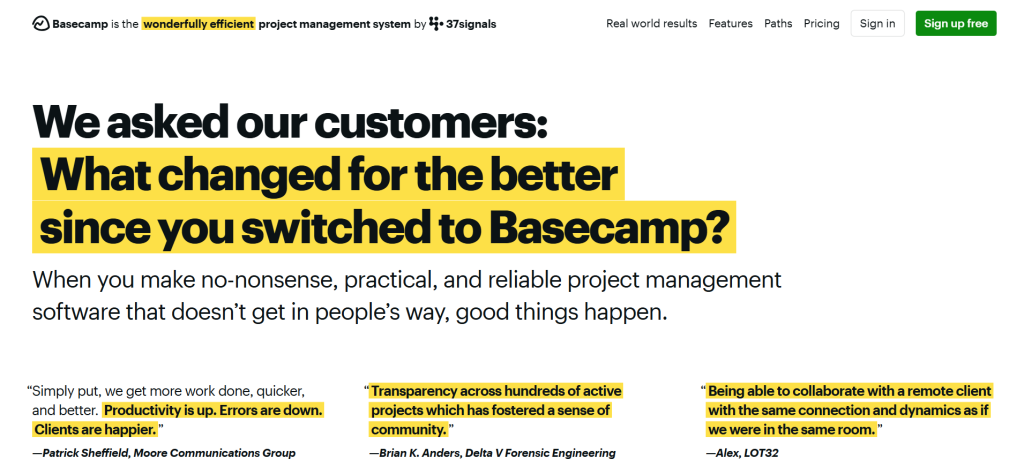
- Color backgrounds shift subtly to signal section transitions without hard borders
It is proof that a simple website structure example done right can outperform a complex multi-page site for conversion-focused goals.
3. Figma: Split-Screen Hero with Animated Demo
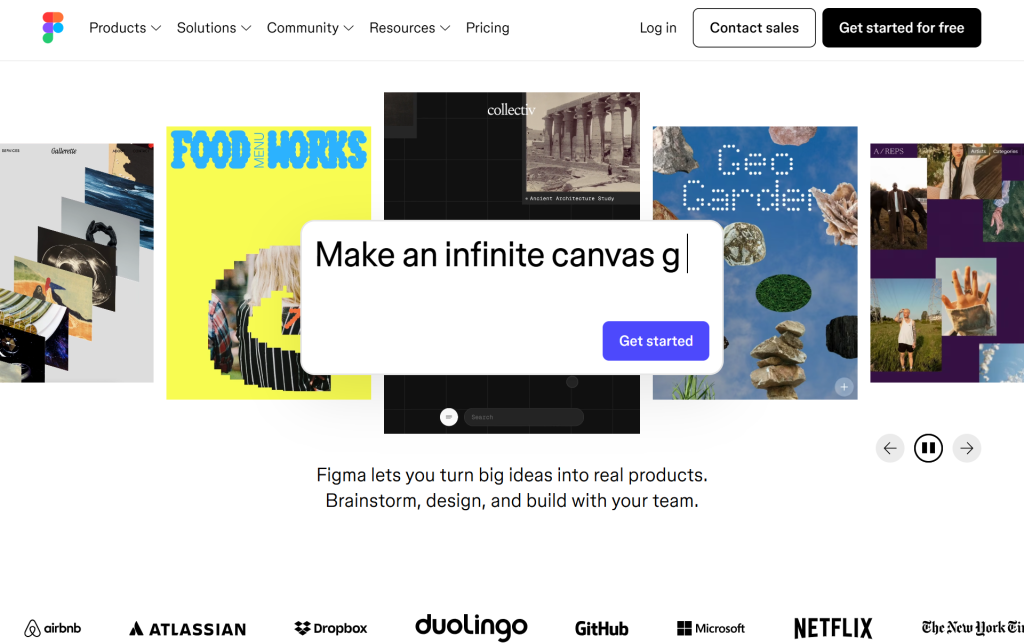
Website: figma.com
Layout Type: Split-screen hero layout
Figma’s homepage uses a split-screen layout at its hero section. The left half delivers the value proposition in sharp, minimal text while the right half shows the product in action. What is particularly smart:
- The product demo is live and animated, not a static screenshot
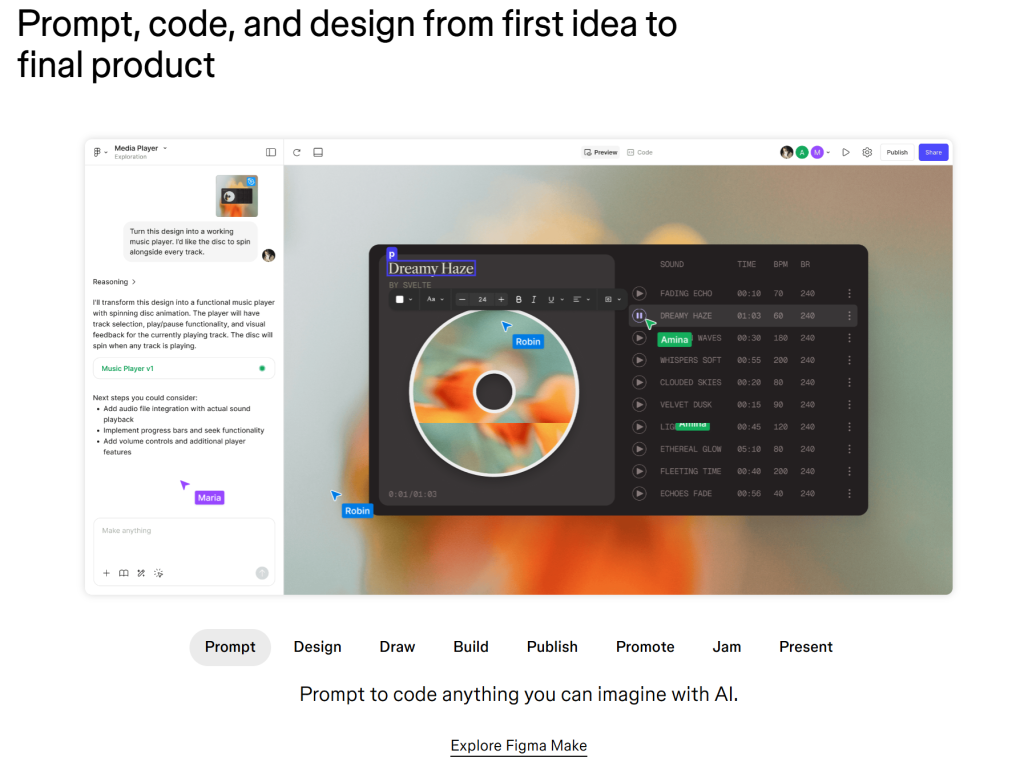
- The split creates visual tension that pulls the eye inward toward the CTA
- Scroll-triggered animations reveal features section by section
- Navigation stays minimal with a single sticky header and clear links
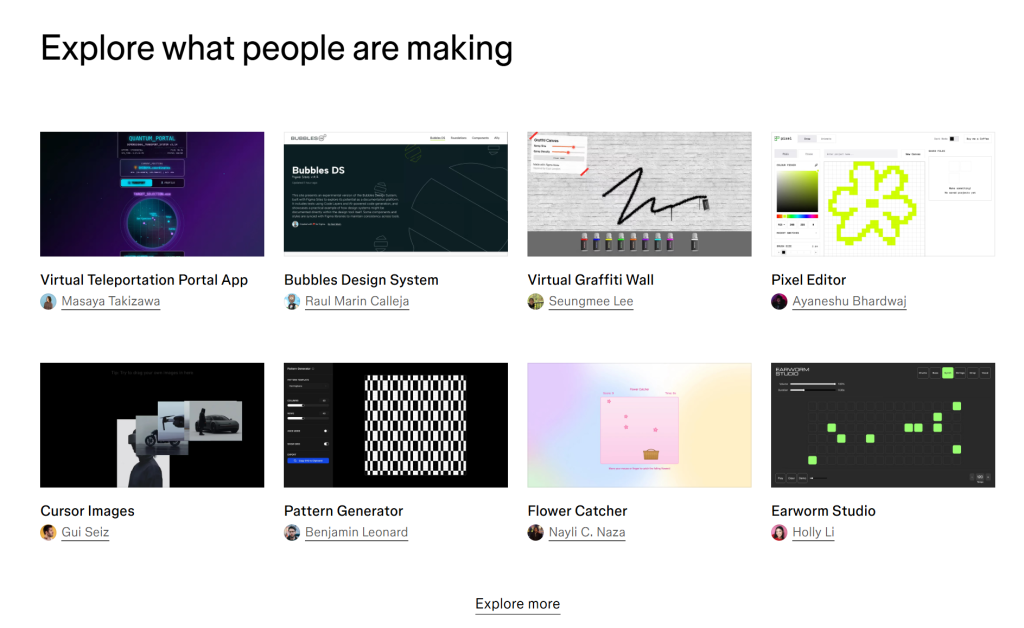
This is one of the best homepage layout examples from the design tools space and it works because the layout mirrors exactly what the product does.
4. Monzo: Magazine-Style Mobile-First Layout
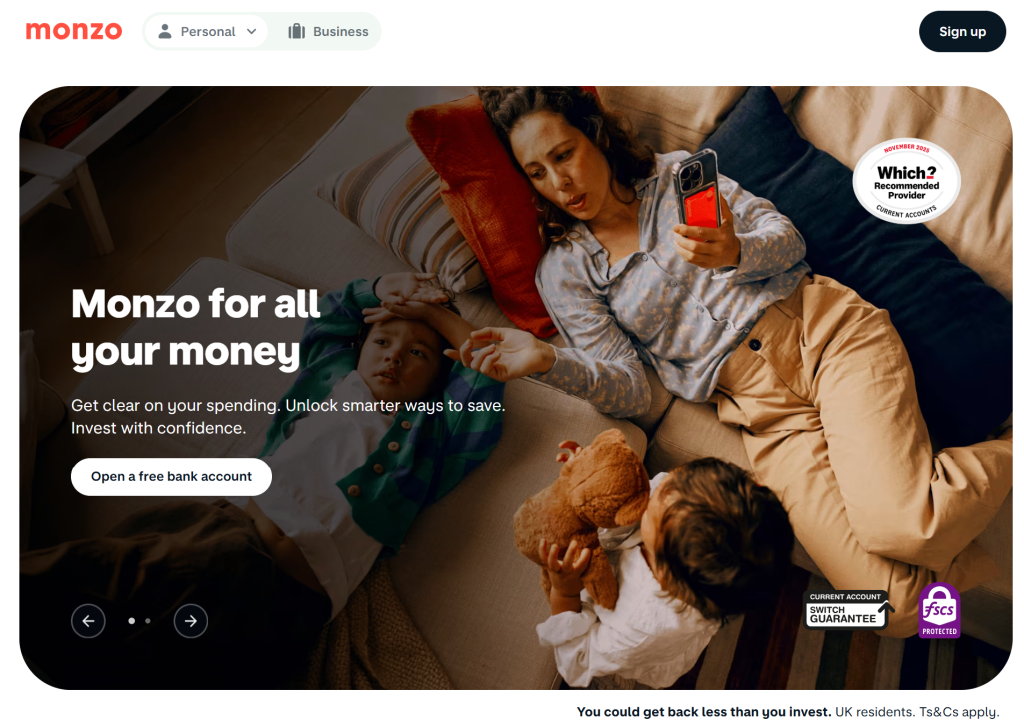
Website: monzo.com
Layout Type: Modular magazine grid
Monzo, the UK digital bank, has quietly built one of the most impressive UX website layout examples in fintech. Its layout uses a modular grid that divides features into card-based sections, each with its own visual identity, while maintaining brand coherence throughout. Notable design choices:
- A coral accent color creates visual anchors throughout the grid
- Feature cards use illustrative icons instead of generic stock photography
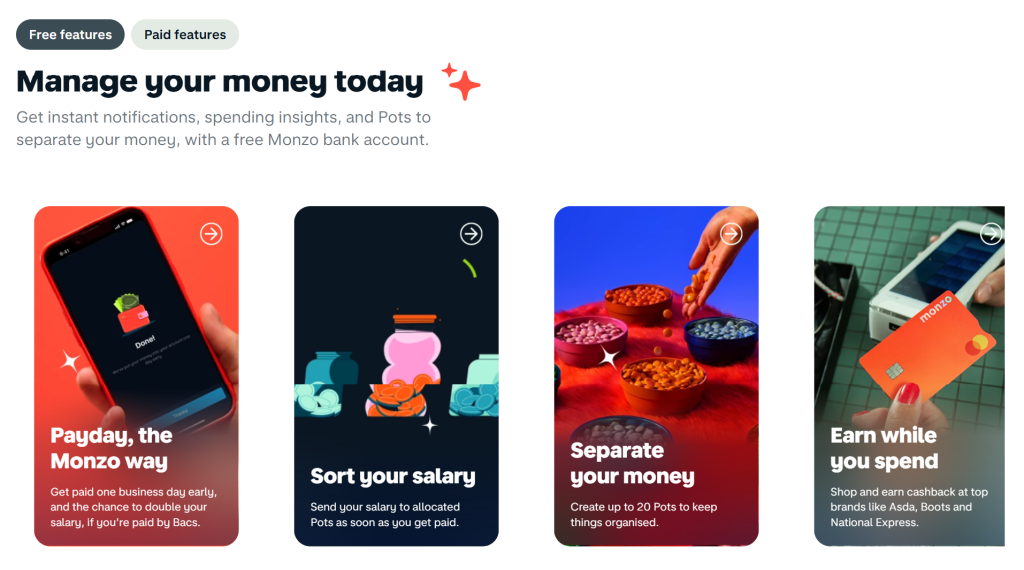
- The layout is clearly designed mobile-first, with desktop as an enhancement
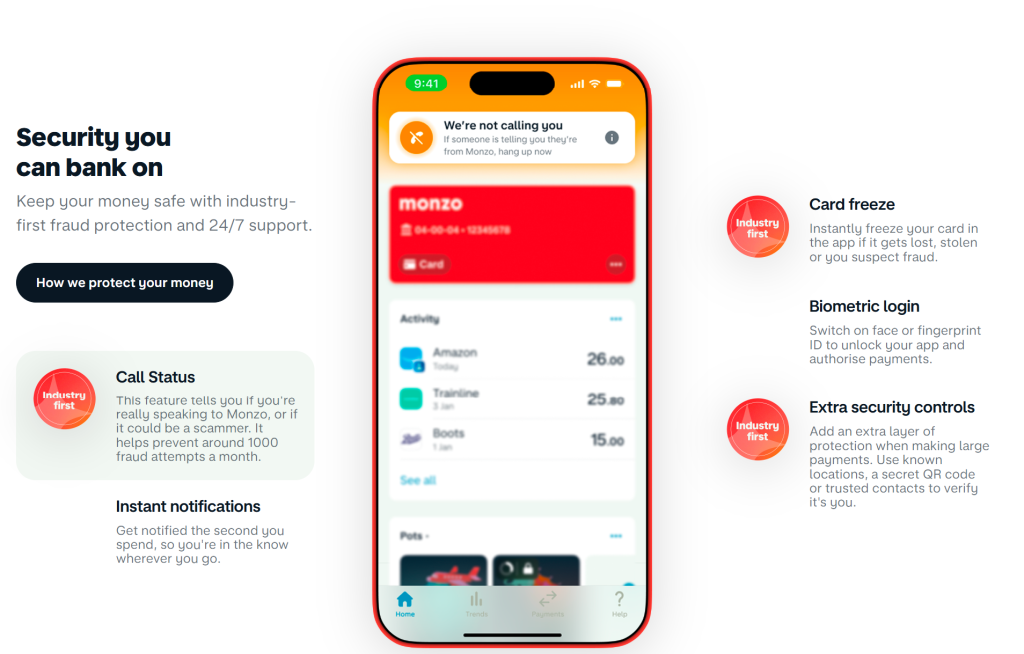
- Alternating full-width and contained sections add rhythm without clutter
Monzo proves that even a trust-sensitive industry like banking can adopt a forward-thinking responsive website layout and actually win because of it.
5. Pitch: Dark Mode Dashboard Layout
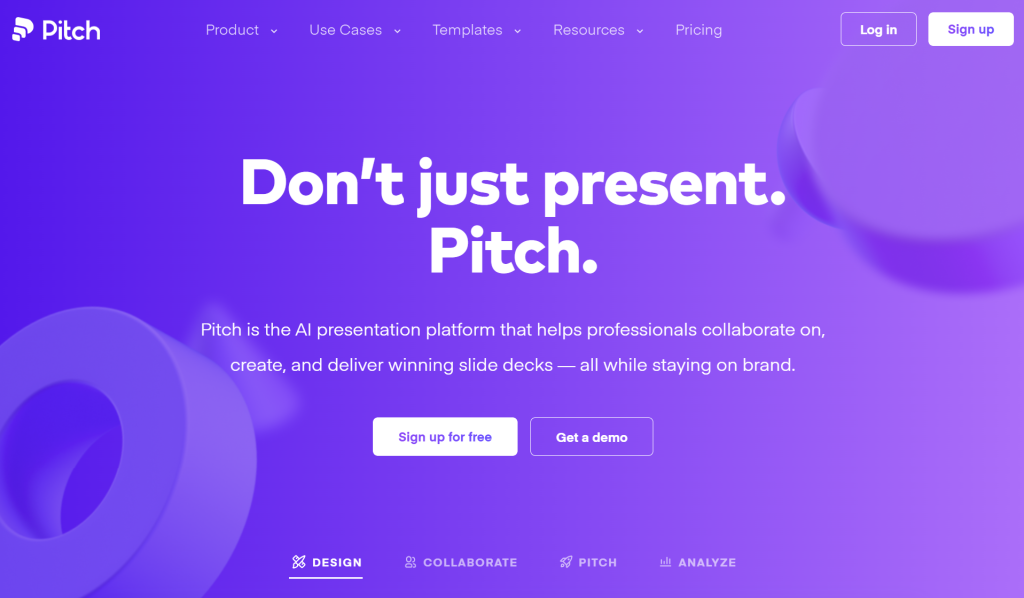
Website: pitch.com
Layout Type: App-style dashboard grid
Pitch, a collaborative presentation tool, uses a dark-mode web page layout that doubles as a live demo of the product. Visitors land on what looks like the actual app itself:
- A fixed left sidebar mimics the product’s navigation structure
- The main content area is a canvas-style scroll, giving it a genuine app feel
- UI elements are actual product components, making the site feel immersive from the first second
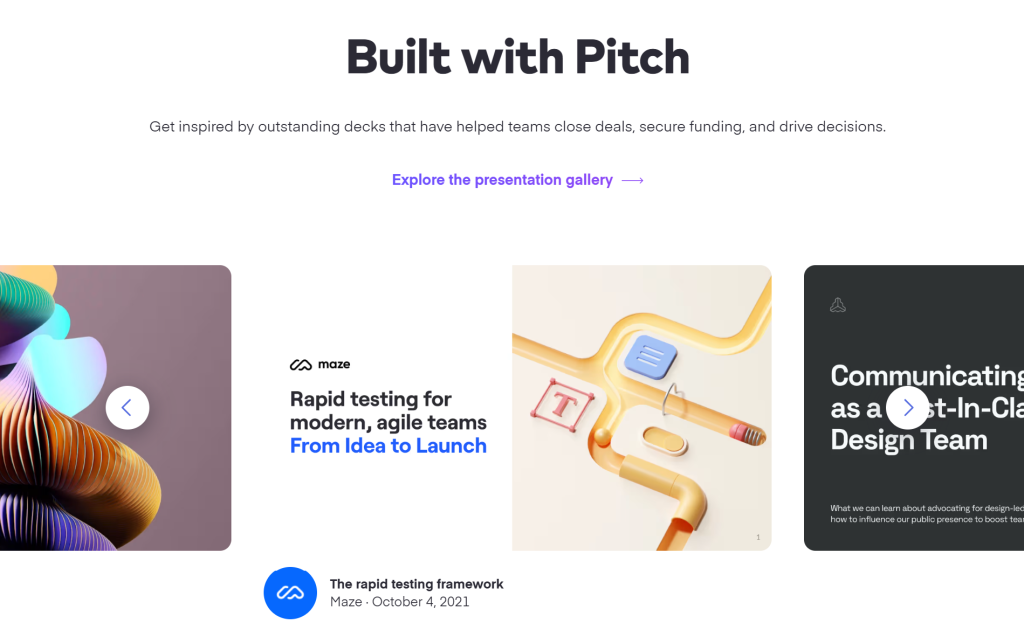
- Hover interactions throughout give a tactile, hands-on quality
This is one of the most creative UI layout examples available anywhere, where the website itself becomes the product demo.
6. Notion: Minimal Grid with Radical Whitespace
Website: notion.com
Layout Type: Content-first minimal grid
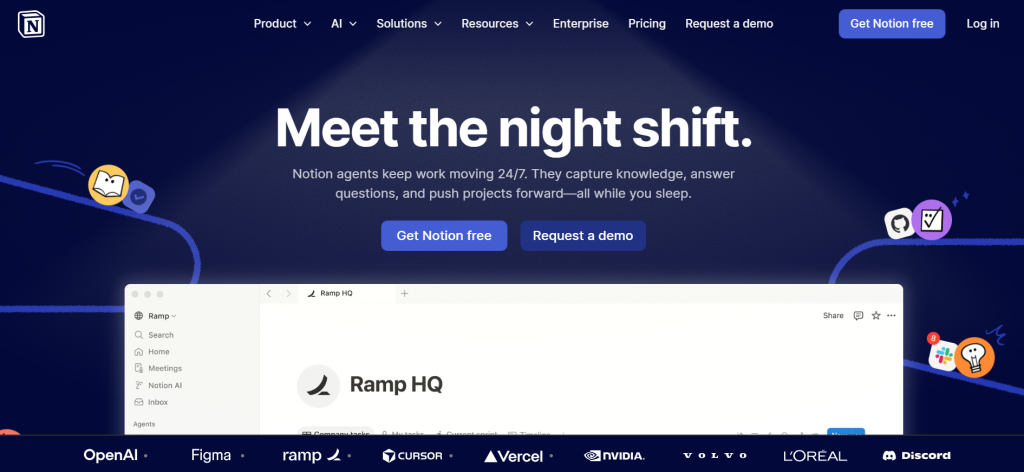
Notion’s homepage succeeds by doing almost nothing and doing it perfectly. It is one of the best website layouts for brands that want their product to speak for itself:
- Extreme whitespace around every element
- A centered, single-column text hierarchy in the hero section
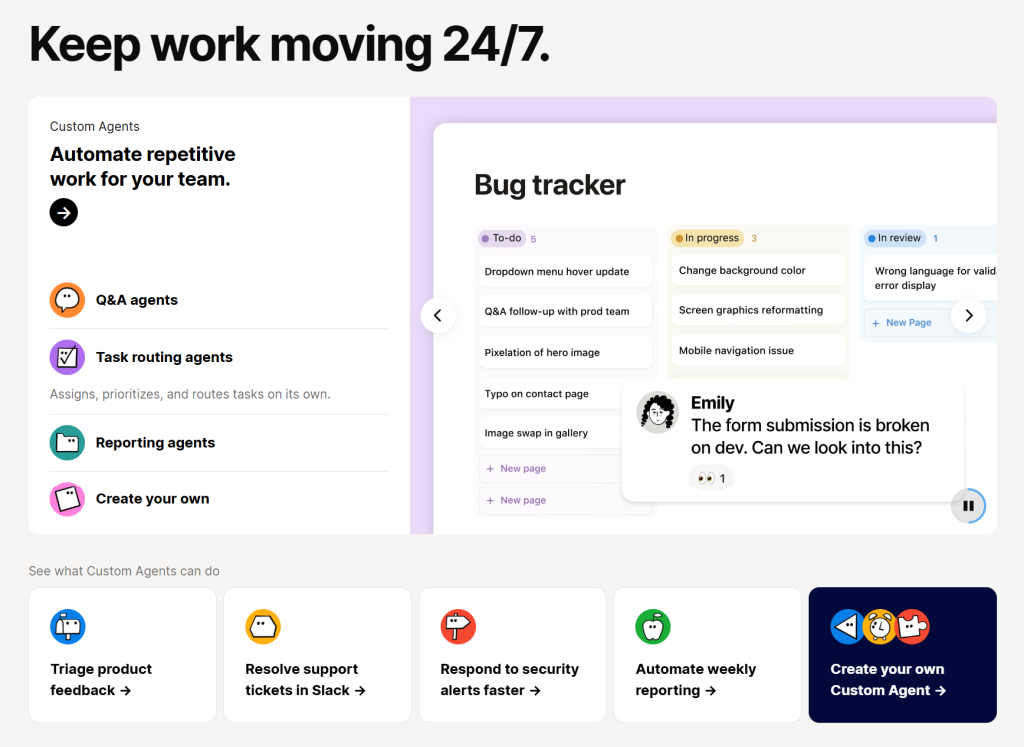
- Feature sections use a clean two-column grid with interactive product previews
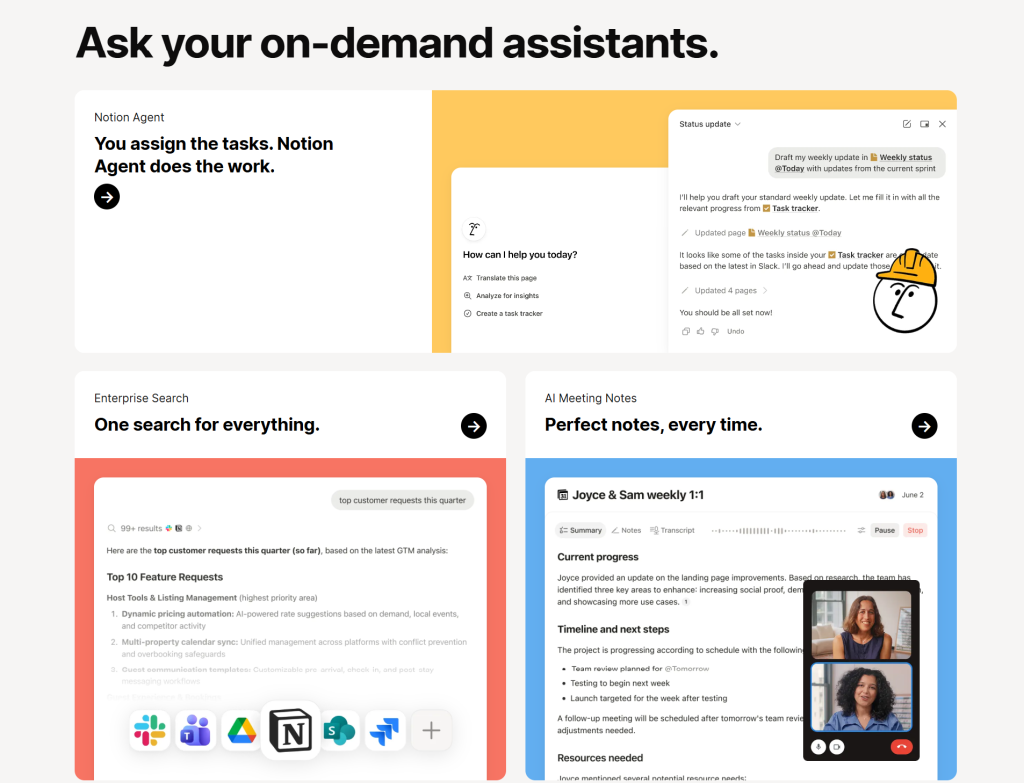
- No distracting animations or heavy visuals, just clarity from top to bottom
Notion’s approach proves that the best website layout design ideas are often subtractive, not additive.
7. Loom: Video-Forward Hero Layout
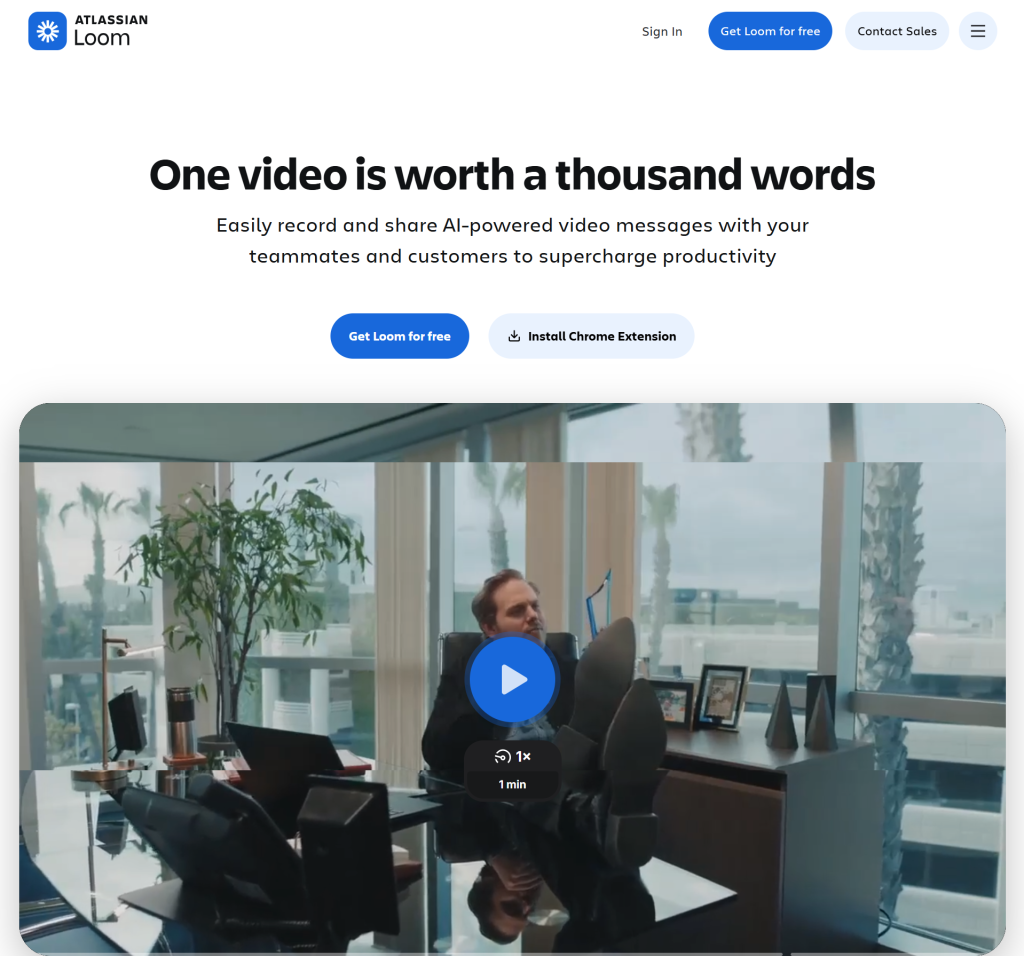
Website: loom.com
Layout Type: Full-screen video hero
Loom, the async video messaging tool, puts an auto-playing product demo video front and center on its homepage. It is a bold choice that immediately communicates the product’s value without a single word of copy:
- The full-screen video hero is contained in a browser-frame mockup, so it feels native rather than intrusive
- Secondary sections use a clean grid for feature explanations

- CTAs appear contextually during scroll, persistent without being aggressive
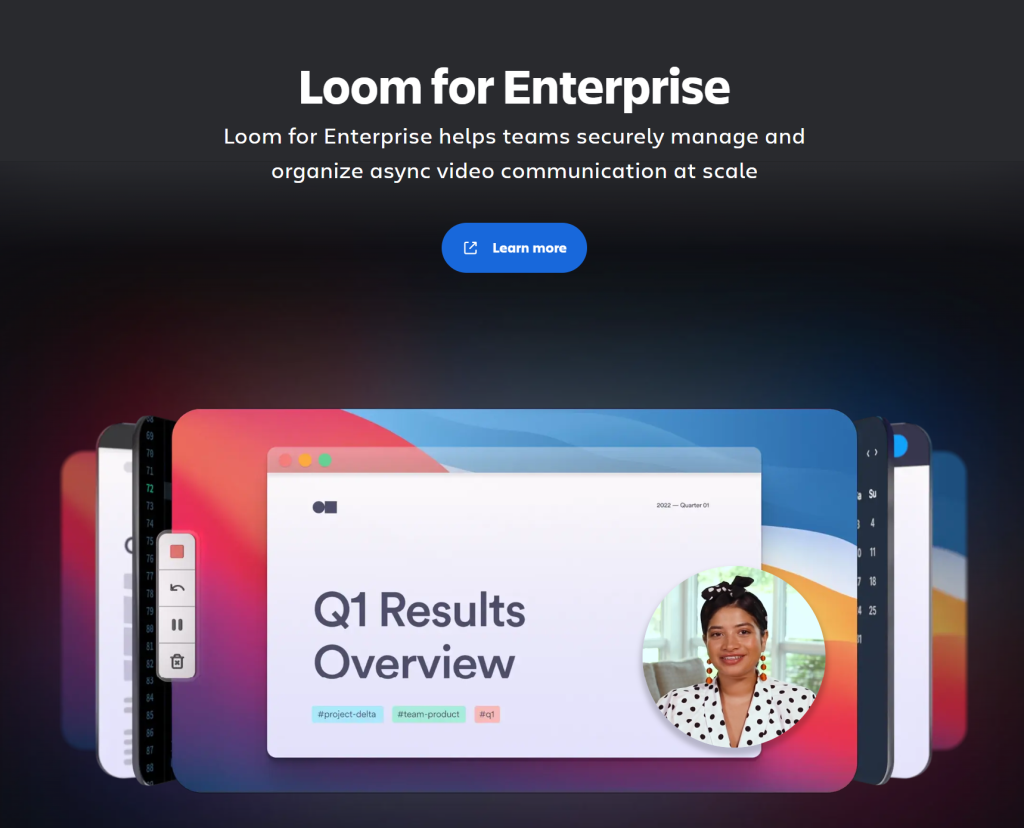
- The mobile version gracefully swaps the video for a thumbnail with a play button
This is a standout landing page layout example for any product where seeing is believing.
8. Framer: Canvas-Based Experimental Layout
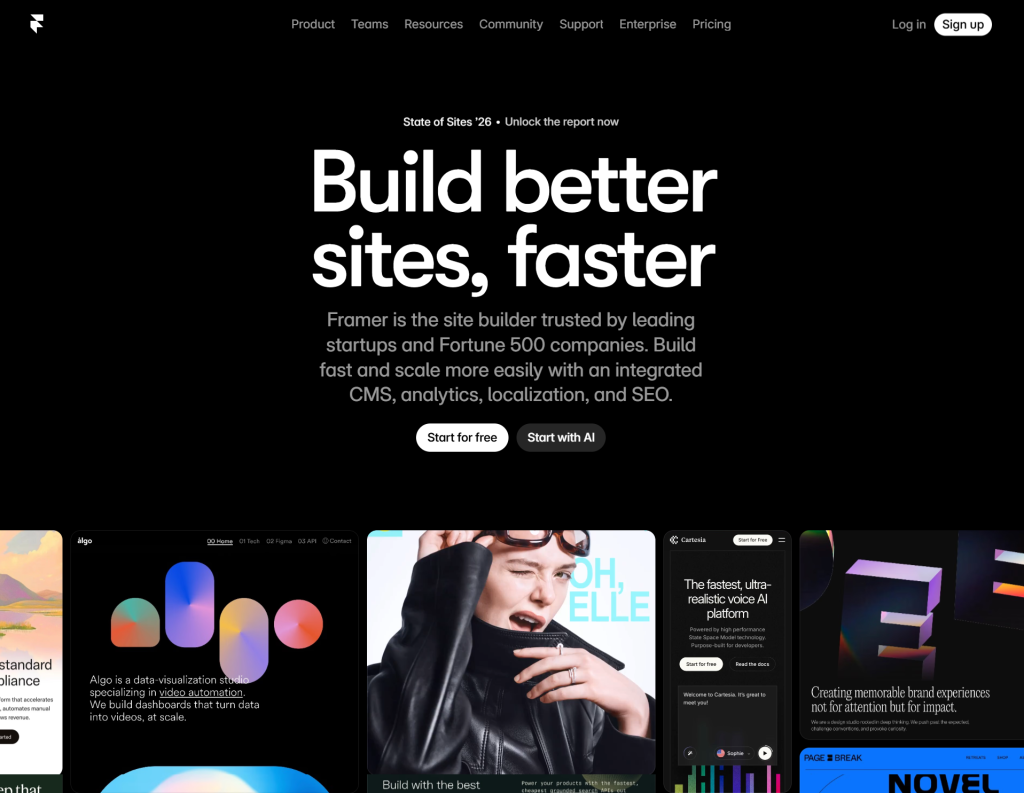
Website: framer.com
Layout Type: Free-form canvas with scroll-triggered sections
Framer’s website is basically an art project that also happens to sell software. It is one of the most experimental modern website layout examples you will encounter. Elements appear to float on an infinite canvas and scrolling transforms the layout entirely:
- Parallax depth effects create a genuine 3D-like experience as you move through the page
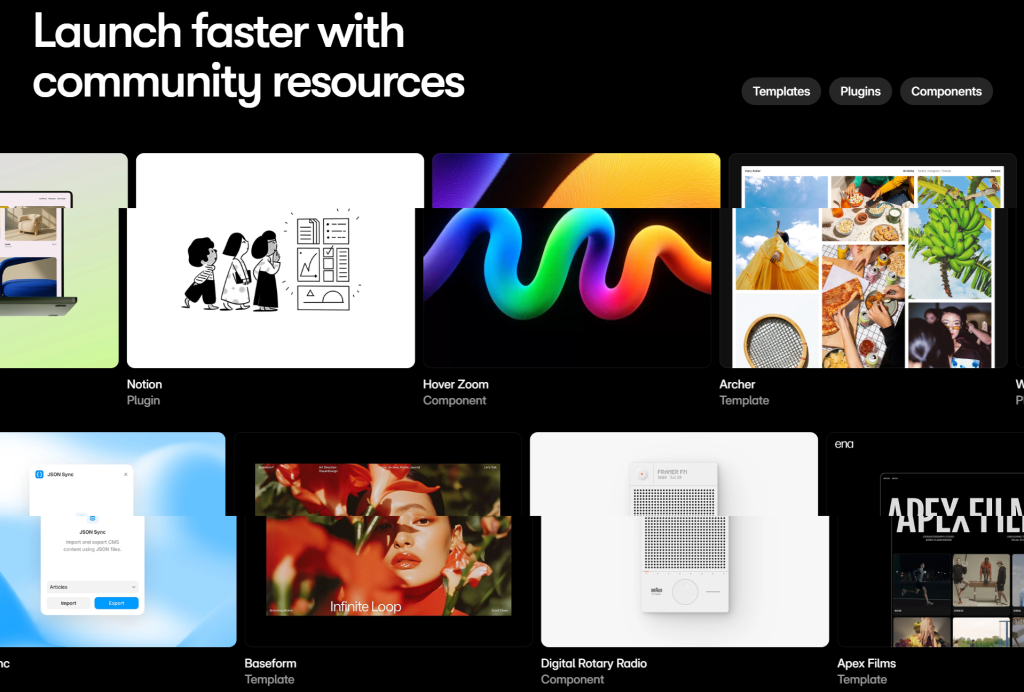
- Typeface-forward sections use massive display typography as the main visual
- Color shifts from dark to light signal narrative progression organically
- The seemingly “messy” layout is deliberate and controlled; every element has a purpose
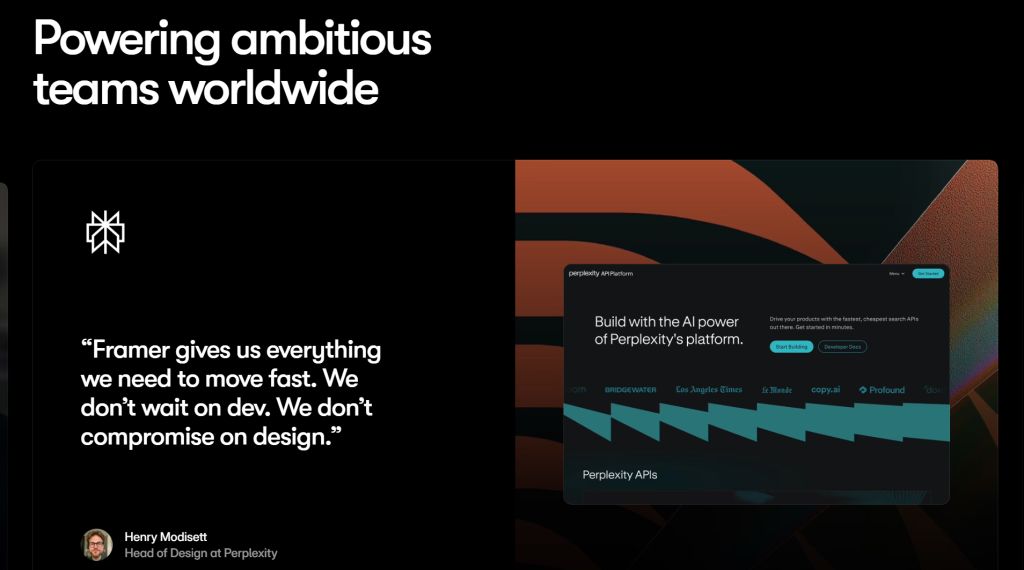
For designers and creatives, this is the kind of website layout inspiration you will screenshot and revisit.
9. Linear: Gradient Grid with Micro-Interactions
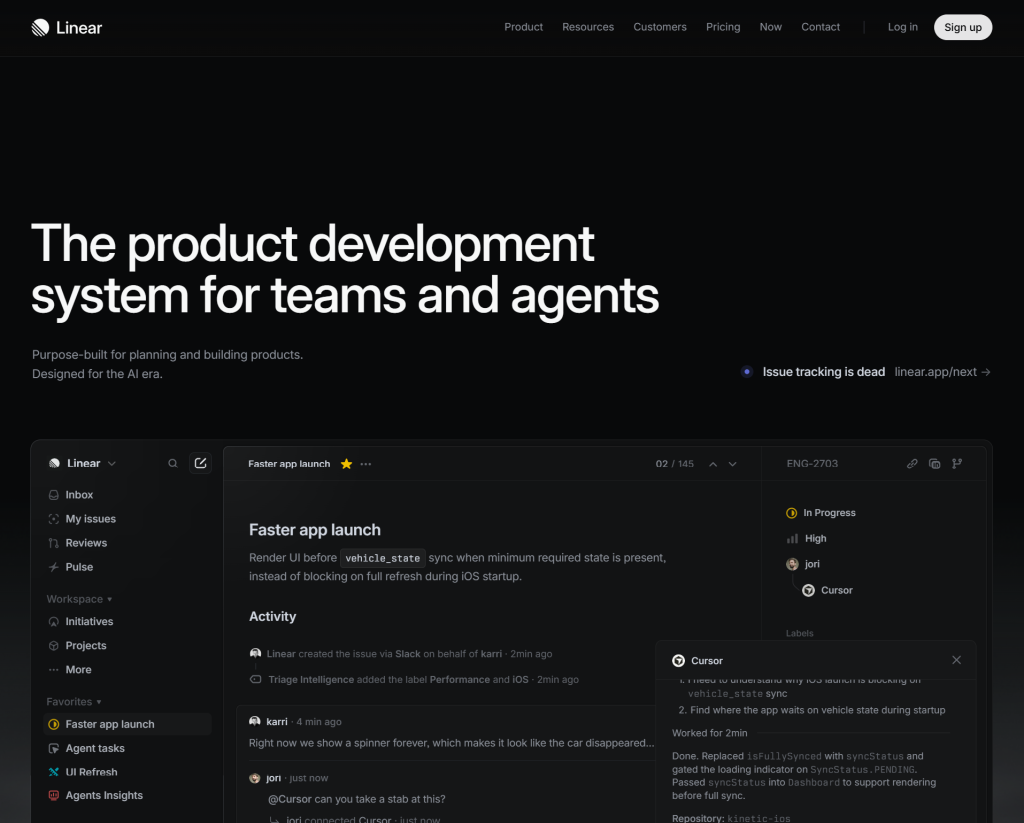
Website: linear.app
Layout Type: Dark gradient grid
Linear is a project management tool beloved by developers and startups. Its site uses a deep dark background with gradient accents that give it a distinctly premium feel:
- A centered single-column hero transitions into a three-column feature grid
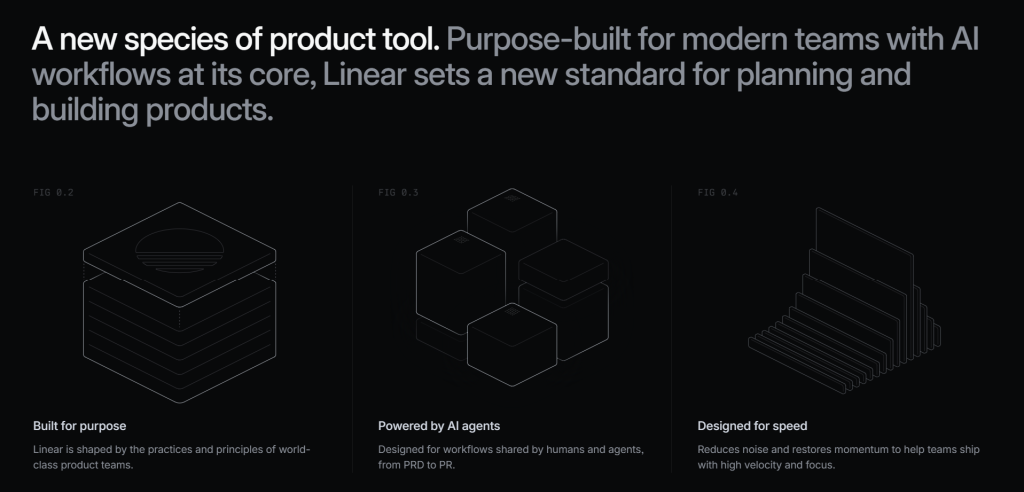
- Each card in the grid uses animated gradient borders on hover
- Typography is extremely deliberate with weight, size and letter-spacing varying to create hierarchy
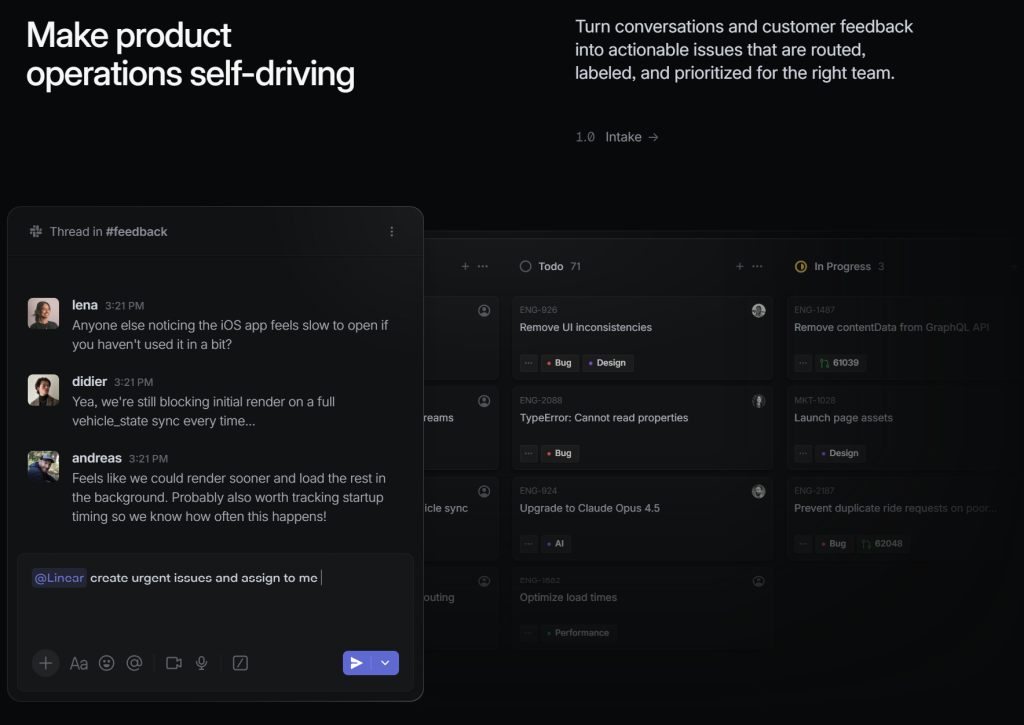
- The contrast between dark backgrounds and bright text increases legibility enormously
This is one of the most referenced grid website layout examples in the developer and startup community right now.
10. Headspace: Calm Split Layout with Illustration
Website: headspace.com
Layout Type: Alternating split sections
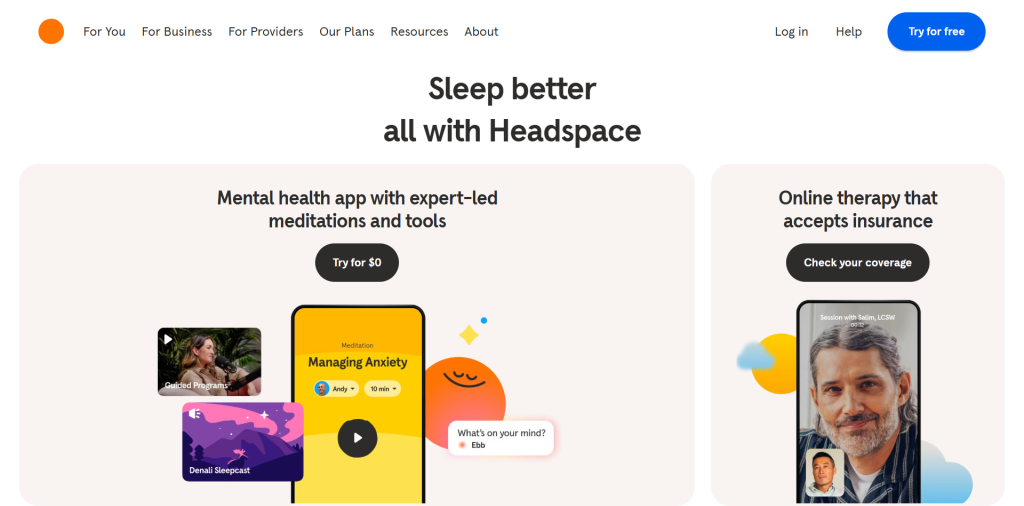
Headspace uses a layout that feels as calm and organized as the product it sells. Alternating split-screen sections pair illustration on one side with text on the other, left then right then left again:
- The rhythm of the alternating layout mirrors the concept of balance that the brand itself stands for
- Pastel color blocking replaces borders and dividers elegantly
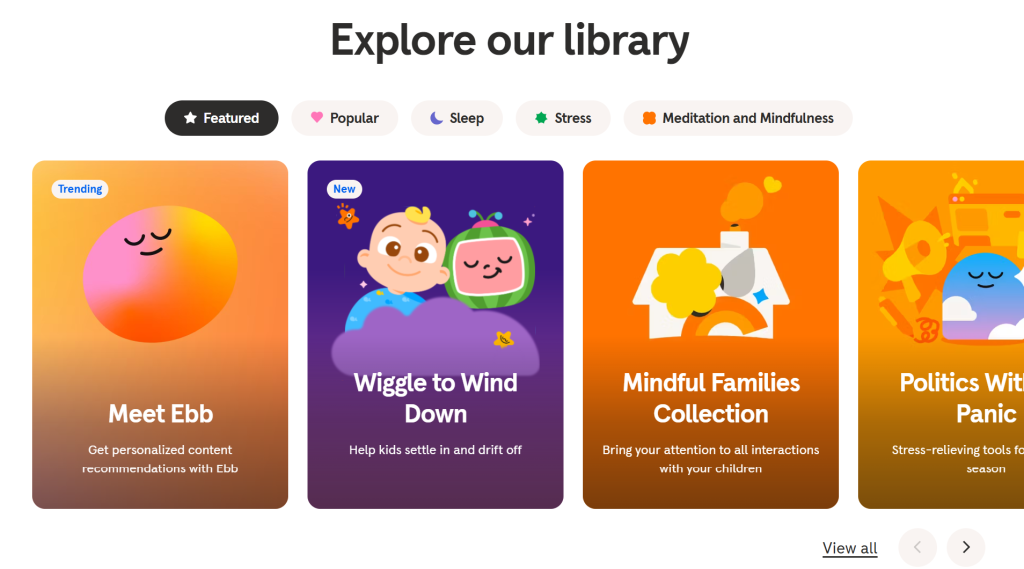
- Character illustrations make the UI layout feel warm rather than clinical
- Scroll animations are slow and gentle, with no visual aggression anywhere on the page
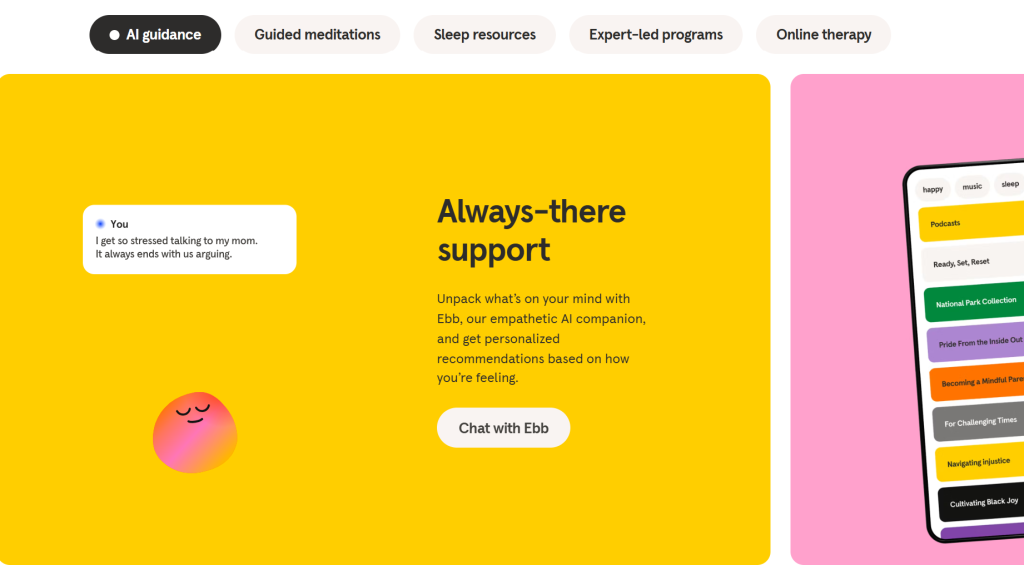
If you are building a wellness, mental health, or self-care product, Headspace offers remarkable website layout design ideas worth studying closely.
11. Shopify: E-commerce Hero with Trust-Stack Layout
Website: shopify.com
Layout Type: Ecommerce hero plus social proof stack
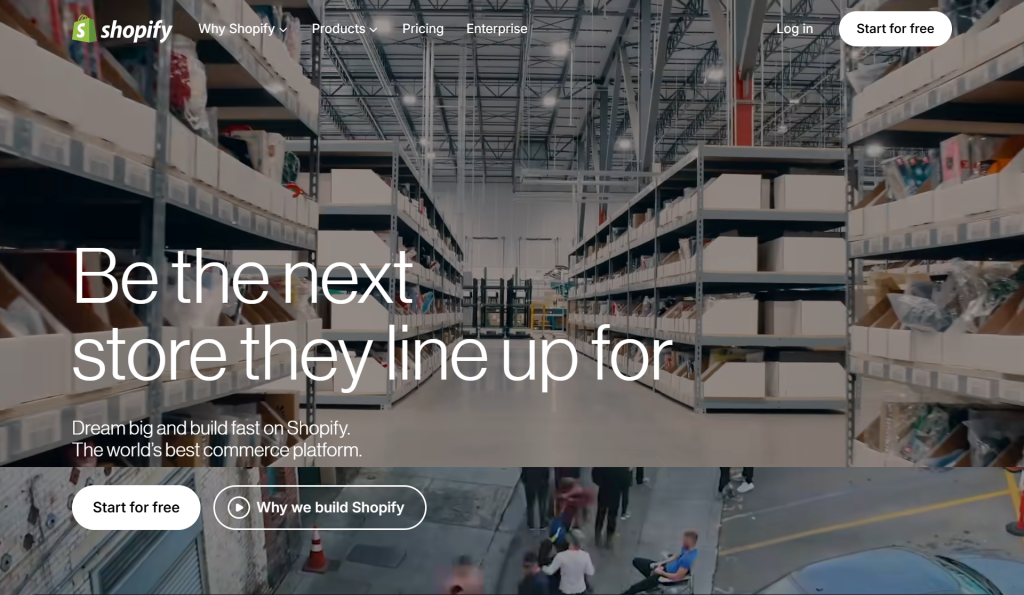
Shopify’s homepage is one of the most studied ecommerce website layout examples in the industry. The layout makes a simple argument: this works and here is the proof. Structure breakdown:
- The hero is split with a bold headline on the left and a trial form on the right
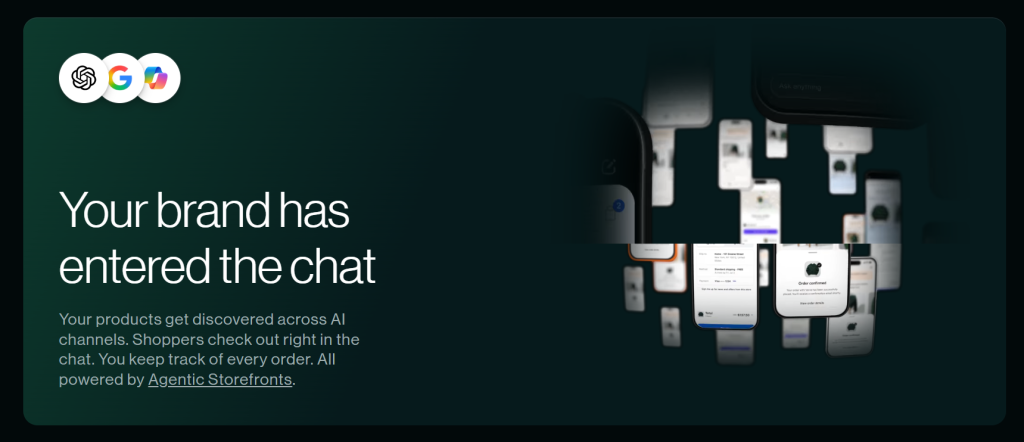
- Below the fold, a logos row of recognizable brands provides instant trust
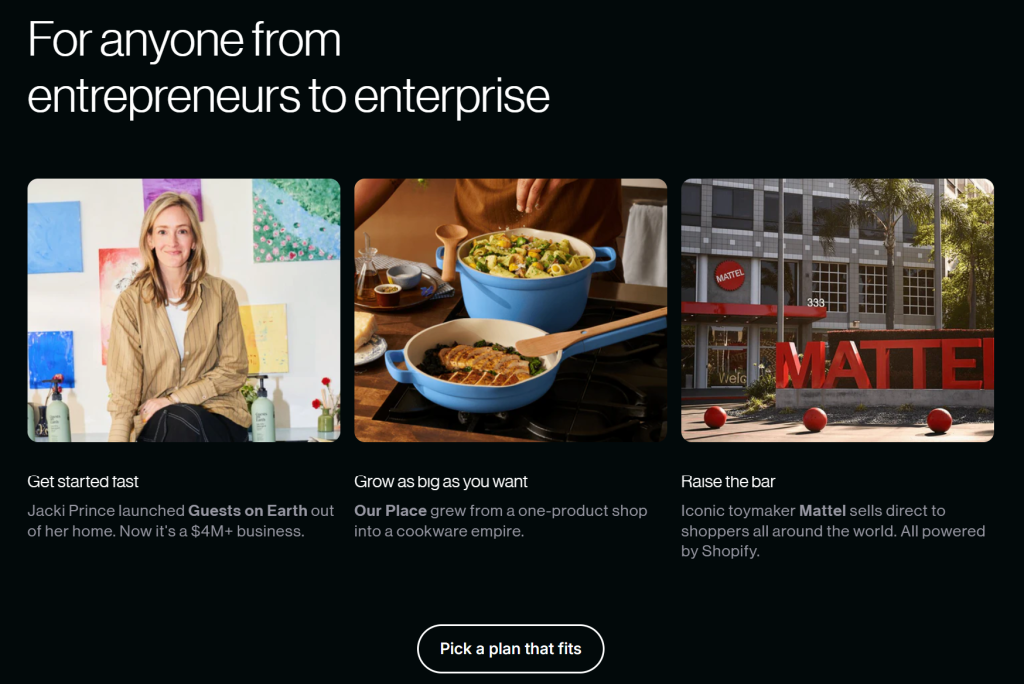
- Feature sections use a zig-zag alternating layout with text then visual then swap
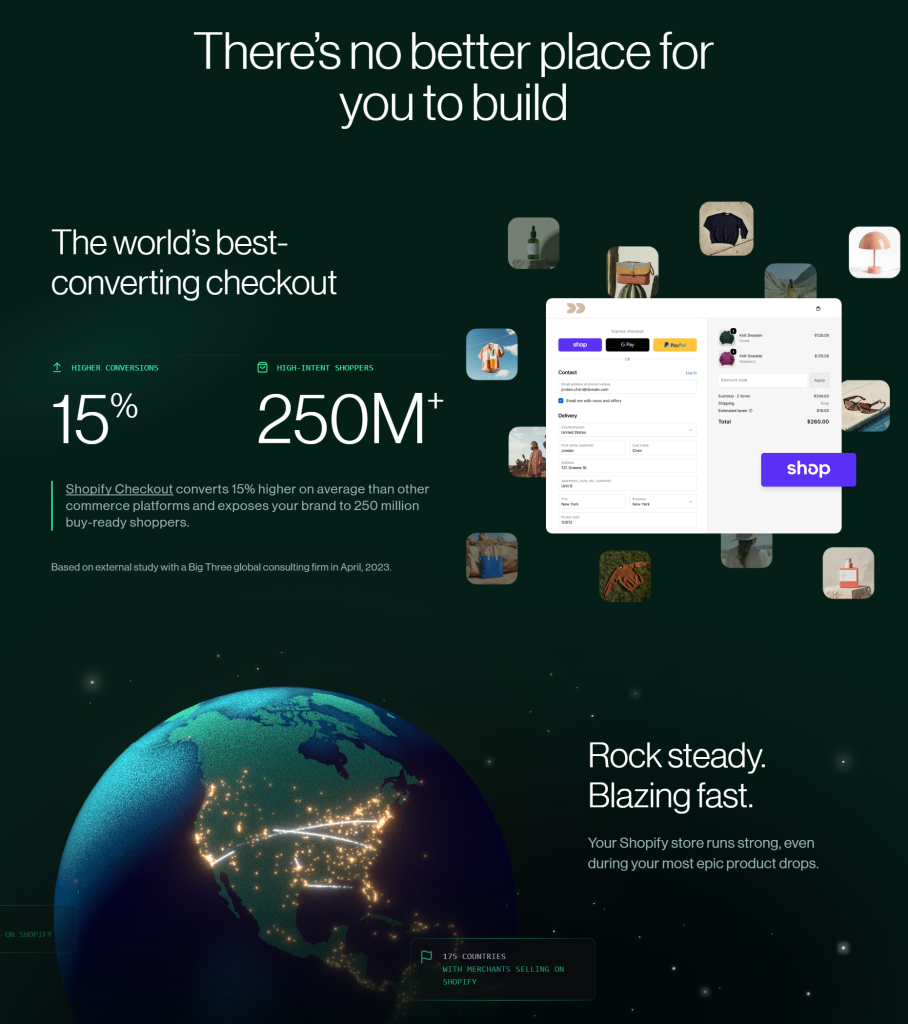
- The footer is a comprehensive site map laid out in a clean five-column grid
Every element earns its place. This is best-in-class homepage layout architecture.
12. Webflow: Interactive Education Layout
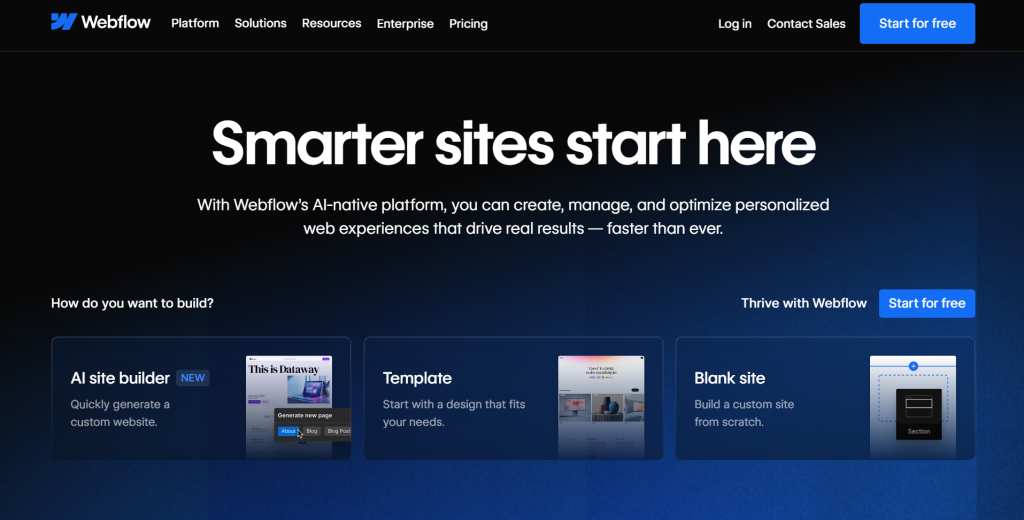
Website: webflow.com
Layout Type: Horizontal scroll combined with vertical article grid
Webflow’s main site is itself a tutorial in web design. The homepage uses a bold horizontal section that scrolls sideways within a vertical scroll, a clever way to pack more visual content without creating an overwhelming page:
- Horizontal scroll sections are clearly communicated with directional cues so users do not feel lost
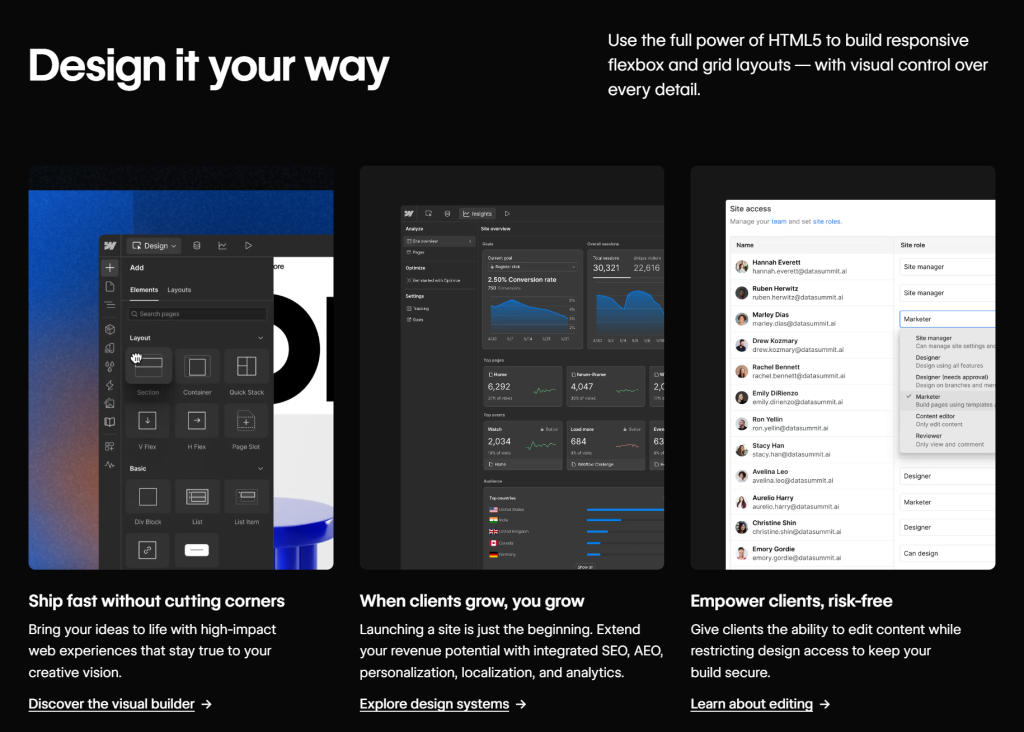
- The blog and resources section uses a magazine-style grid with featured and list items side by side
- Color coding across nav and site sections helps users orient quickly
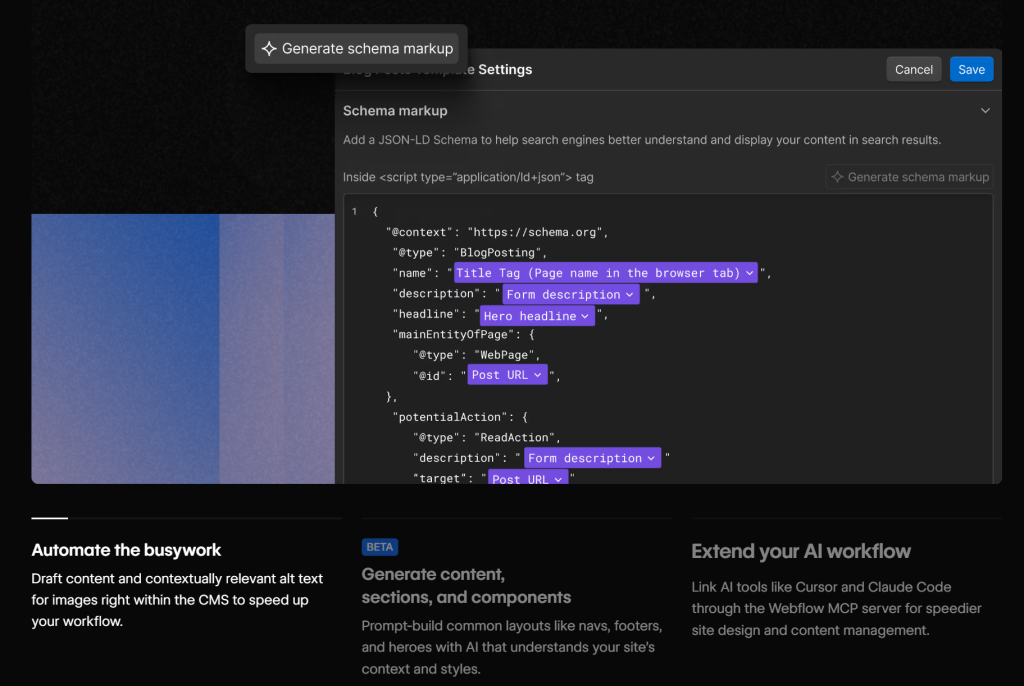
- Every visual in the layout is either a product screenshot or a live interaction
It is one of the freshest blog website layout examples to study if your brand has a strong educational content component.
13. Superhuman: Ultra-Minimal Above-the-Fold Layout
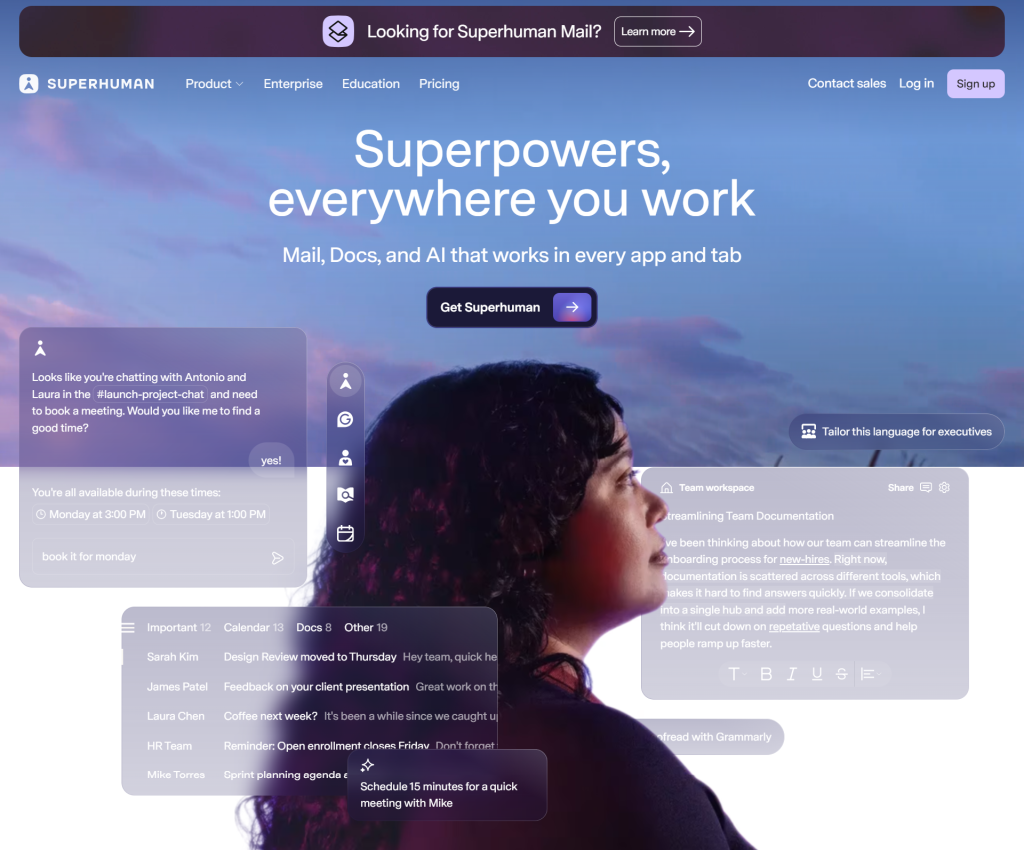
Website: superhuman.com
Layout Type: Centered minimal hero
Superhuman, which bills itself as the fastest email client ever made, keeps its homepage to almost nothing above the fold. A centered headline, two sentences and a single CTA button. That is it:
- Zero visual clutter in the hero forces total focus on the message
- Below the fold, animated feature showcases appear on scroll one at a time
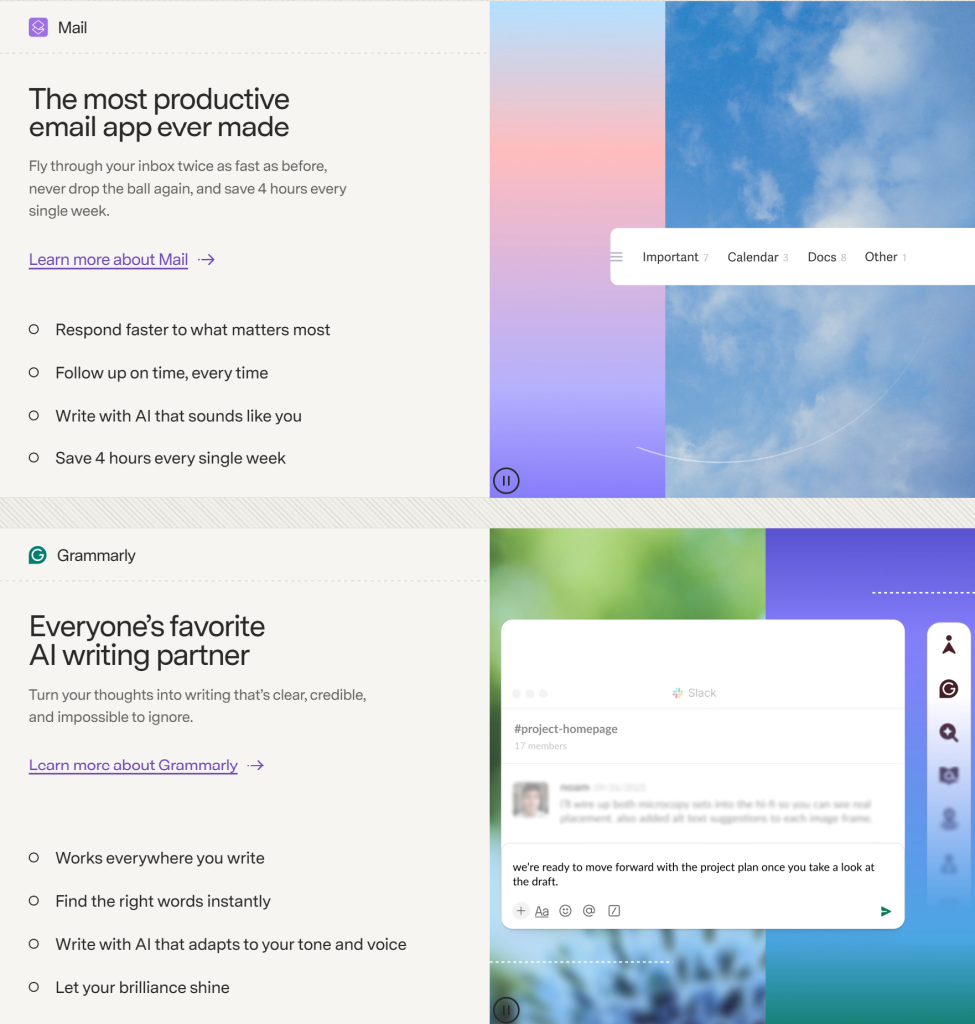
- The entire layout uses a strict single-column to two-column structure throughout
- Appealing background with bright CTA button creates extreme contrast and a sense of urgency
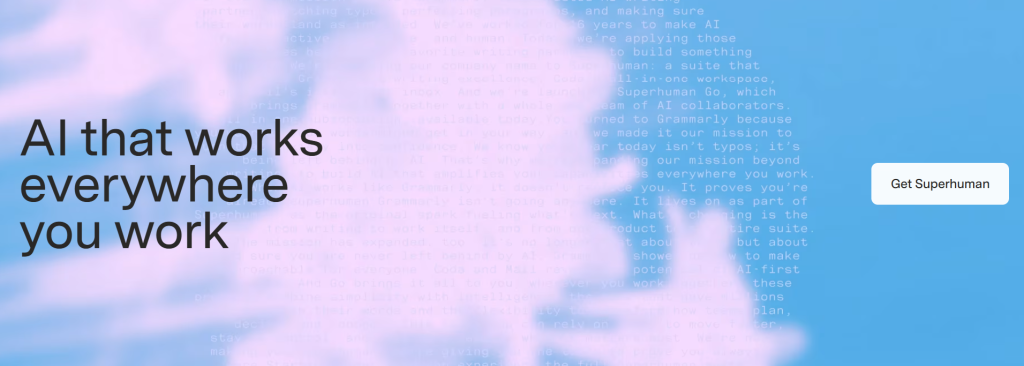
This landing page layout example teaches a fundamental lesson: confidence in your product means you do not need to over-explain.
14. Mailchimp: Playful Modular Card Layout
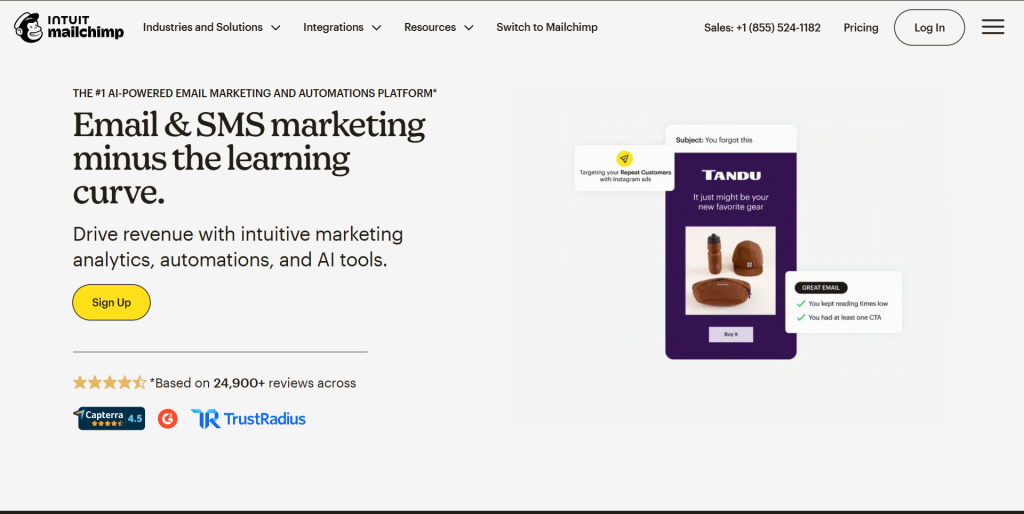
Website: mailchimp.com
Layout Type: Modular card grid with illustration
Mailchimp’s homepage uses a colorful, illustration-heavy card layout that is unlike any other email marketing tool and that is very much the point:
- Large, hand-drawn-style illustrations replace photography throughout the entire site
- Cards vary in size and color, creating a collage-like, energetic grid that feels alive
- Feature tiles use a mix of single, two and three-column grids across scroll sections
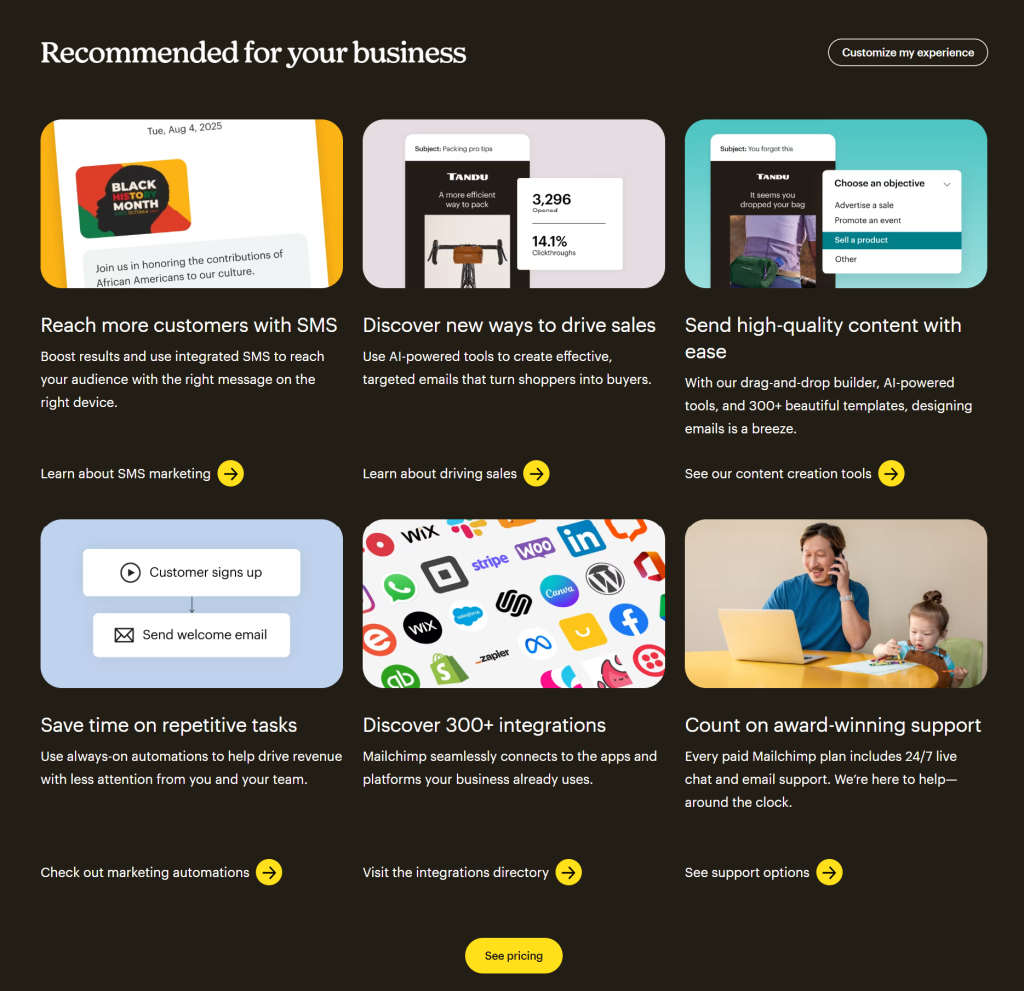
- The layout feels playful but the hierarchy is clear: headline to subtext to CTA
Mailchimp’s approach is a perfect example of UX website layout principles applied with genuine personality and brand voice.
15. Intercom: Documentation-Style Layout with Dense Content
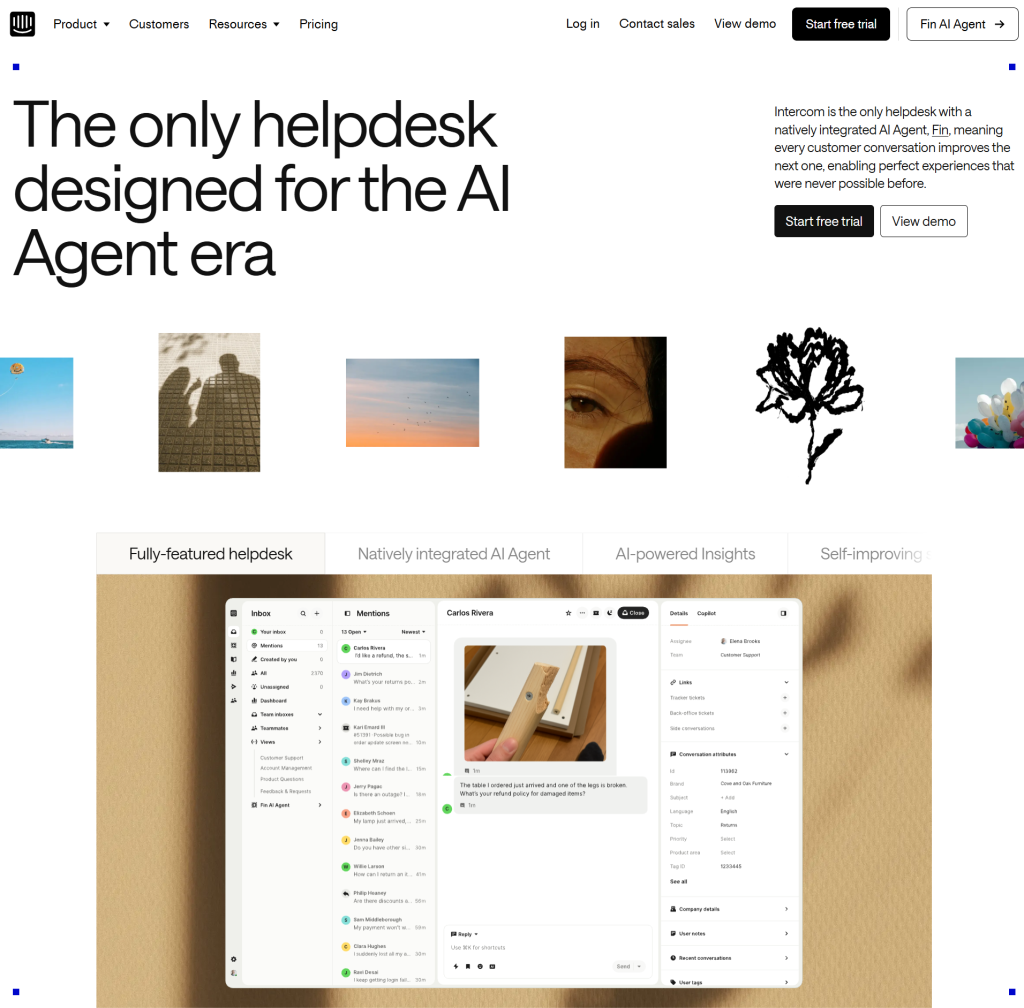
Website: intercom.com
Layout Type: Dense editorial grid
Intercom does not shy away from putting a lot on the page. Its layout uses a structured editorial grid that packages dense content into scannable chunks:
- Feature headlines are sized large enough to be read as standalone bullets while scrolling
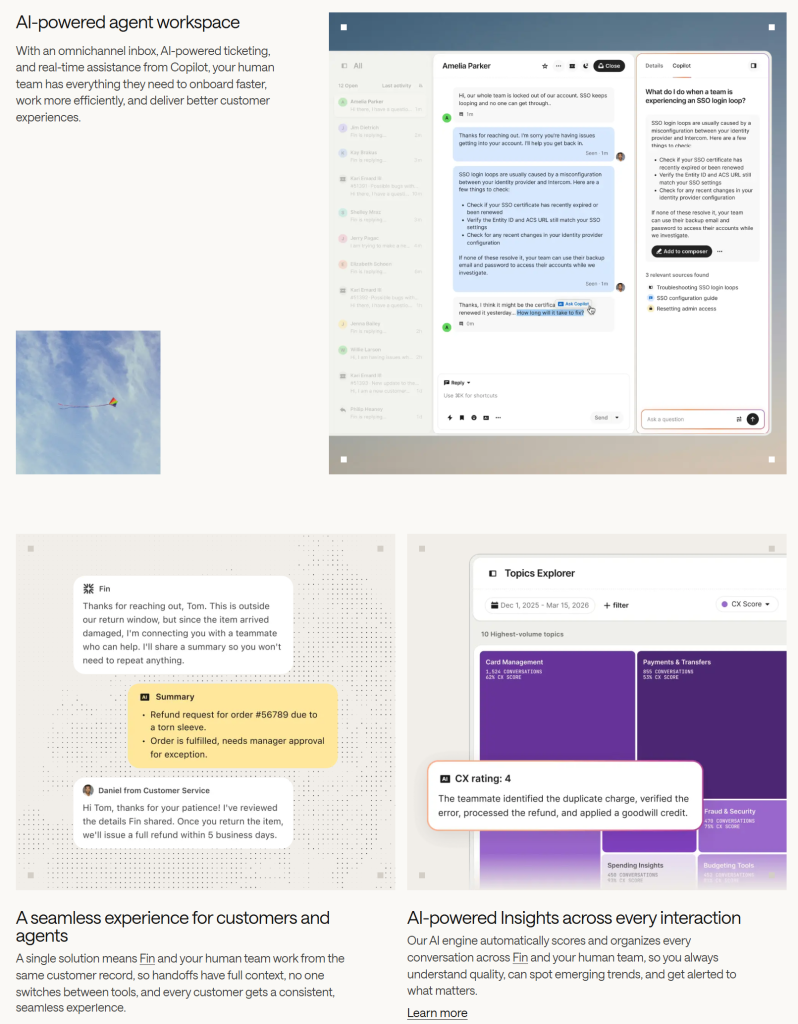
- Column grids separate use-case content into side-by-side comparison views
- A persistent sticky navigation lets users jump between product areas without scrolling back to the top
- Case studies use a tight three-column card layout with metric-forward summaries
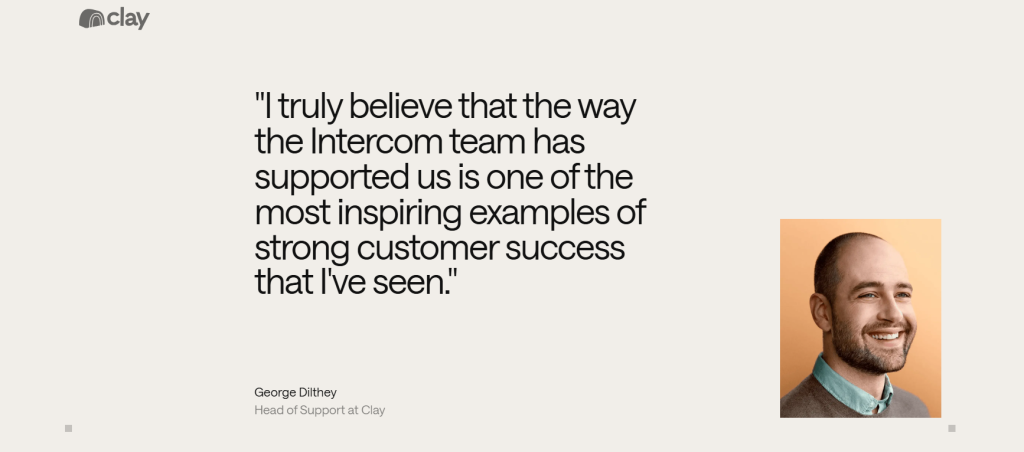
For B2B brands with complex products, Intercom offers one of the more realistic website structures that converts without oversimplifying.
16. Unsplash: Masonry Grid Portfolio Layout
Website: unsplash.com
Layout Type: Masonry portfolio grid
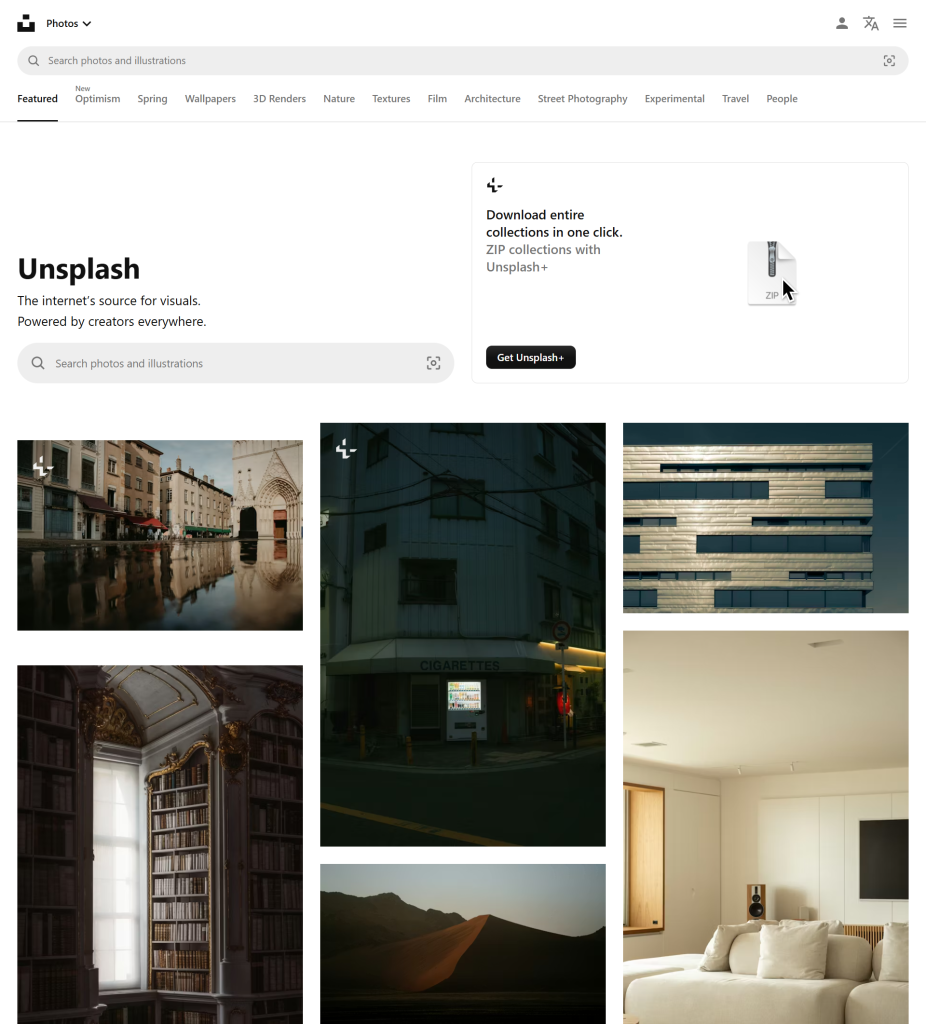
Unsplash is one of the most visited portfolio website layout examples on the internet and it earns that distinction with a deceptively simple masonry grid:
- Images of varying heights stack fluidly in three and four columns
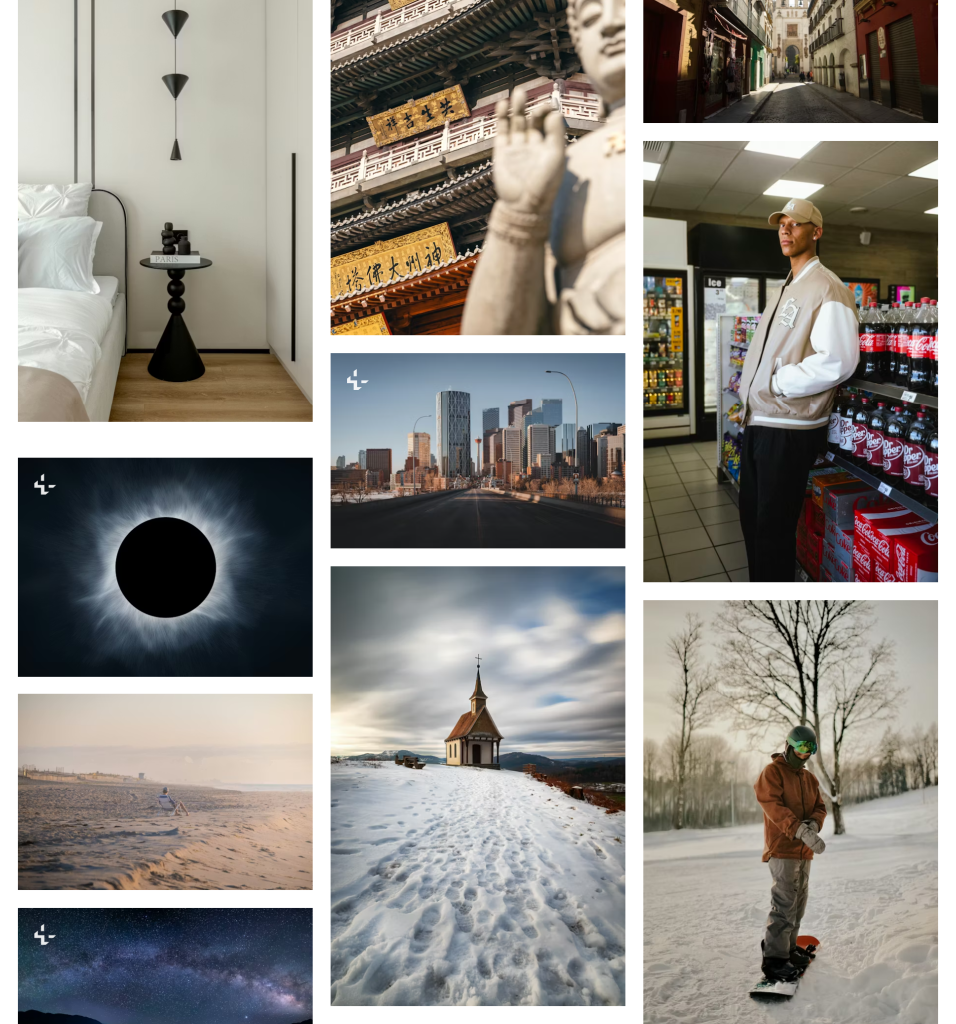
- No text overlays distract from the visual content; hovering reveals metadata cleanly
- The grid is infinitely scrollable with smooth lazy loading that never disrupts the experience
- A clean top navigation with a single-line search bar keeps UX minimal and fast
Masonry grids shine whenever your content varies in dimension and Unsplash proves this format scales to millions of pieces of content without losing elegance.
17. Typeform: Full-Screen Slide Layout
Website: typeform.com
Layout Type: Full-screen slide-step layout
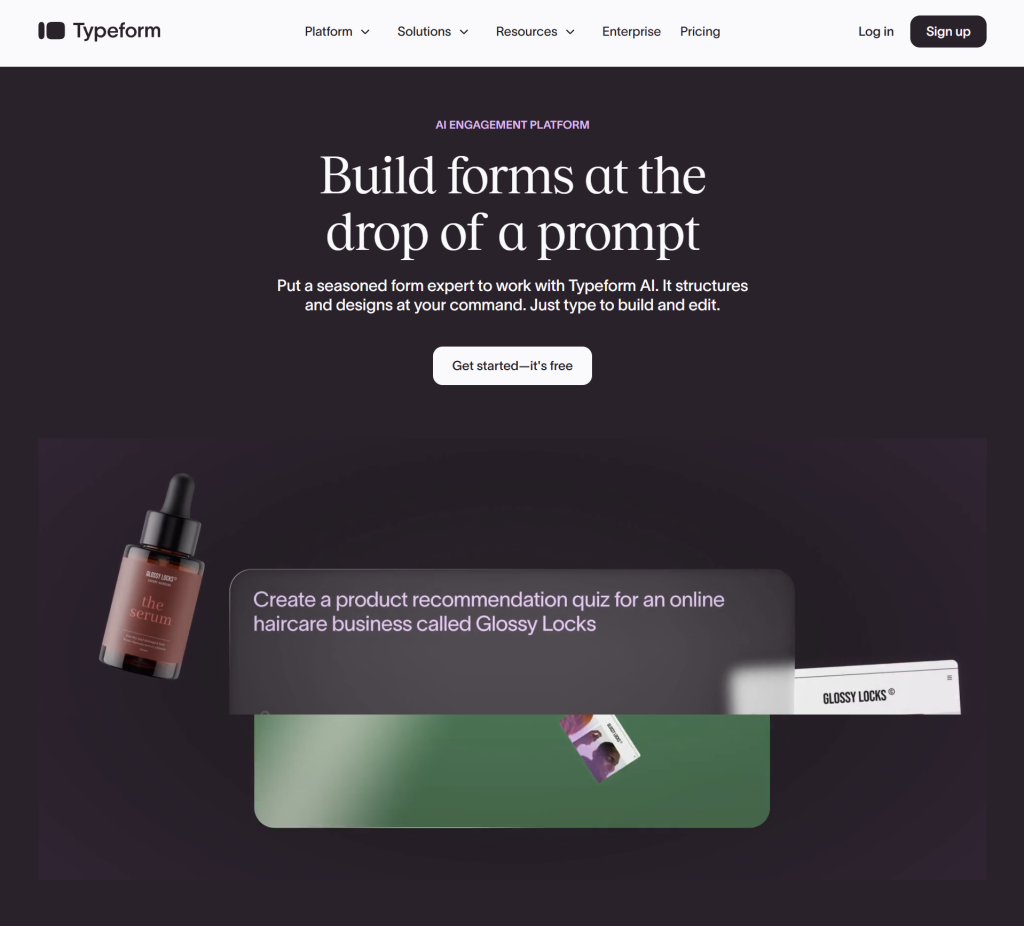
Typeform’s homepage mirrors its own product: an interactive, full-screen conversation-style layout. Each scroll step reveals a new slide that fills the entire viewport:
- Full-screen sections eliminate multi-element clutter completely, one idea per screen
- Each slide has one message, one visual and one action
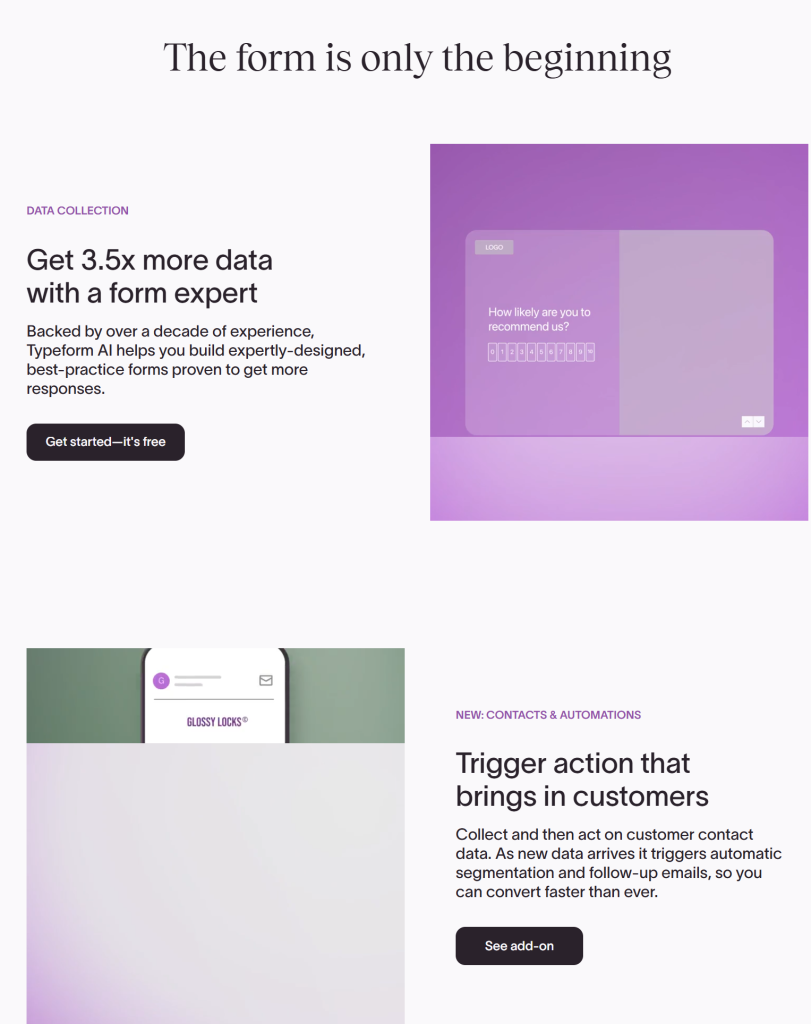
- Transitions between slides use smooth fade and slide animations
- The experience feels more like a product demo than a traditional marketing page
This is one of the most innovative responsive website layout examples for any SaaS product that wants to show off its UX through the website itself.
18. Miro: Zoomable Canvas Layout
Website: miro.com
Layout Type: Canvas-inspired zoomed-out grid
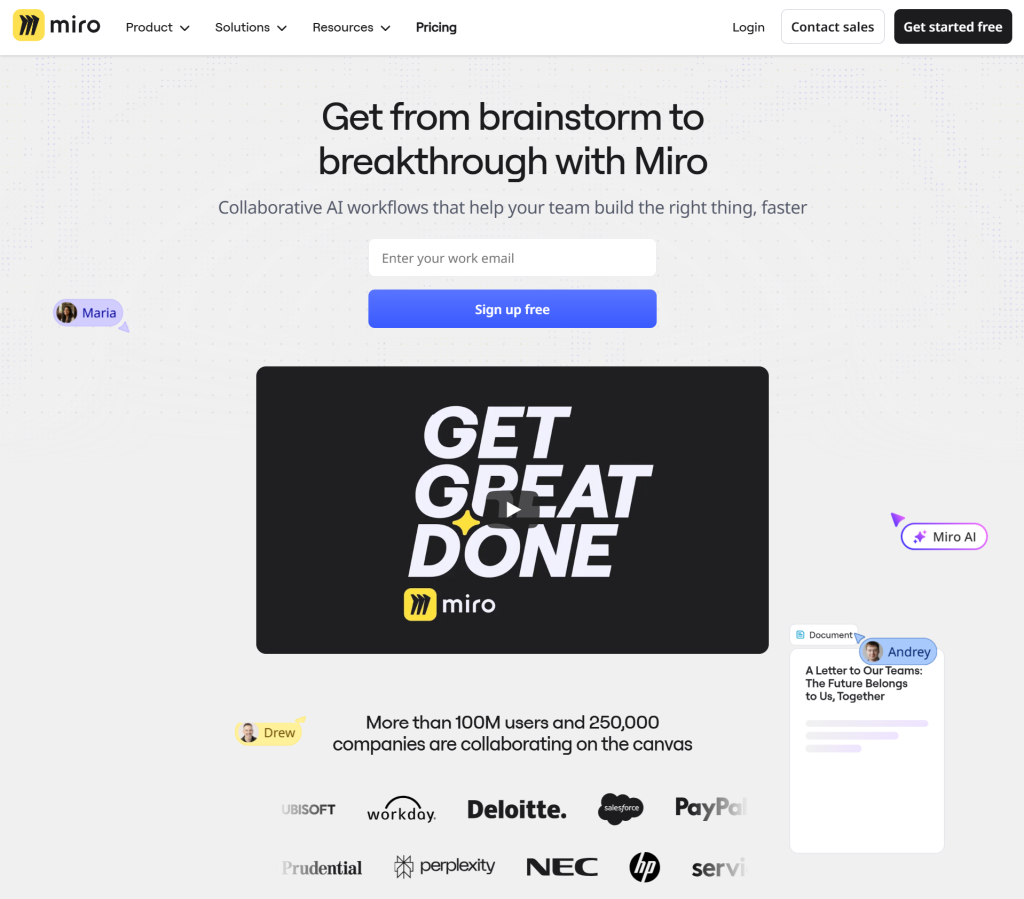
Miro’s site opens on a layout that looks like an infinite whiteboard, which happens to be their actual product. The hero zooms out from a dense, sticker-covered canvas to reveal the product name at the center:
- The opening animation immediately communicates “infinite collaborative workspace” without any copy
- Below the fold, the layout uses a clean two-column section grid with short, punchy copy
- Icons and visual templates from the product are embedded throughout the layout naturally
- Feature sections use a tab-based layout that switches content without reloading the page
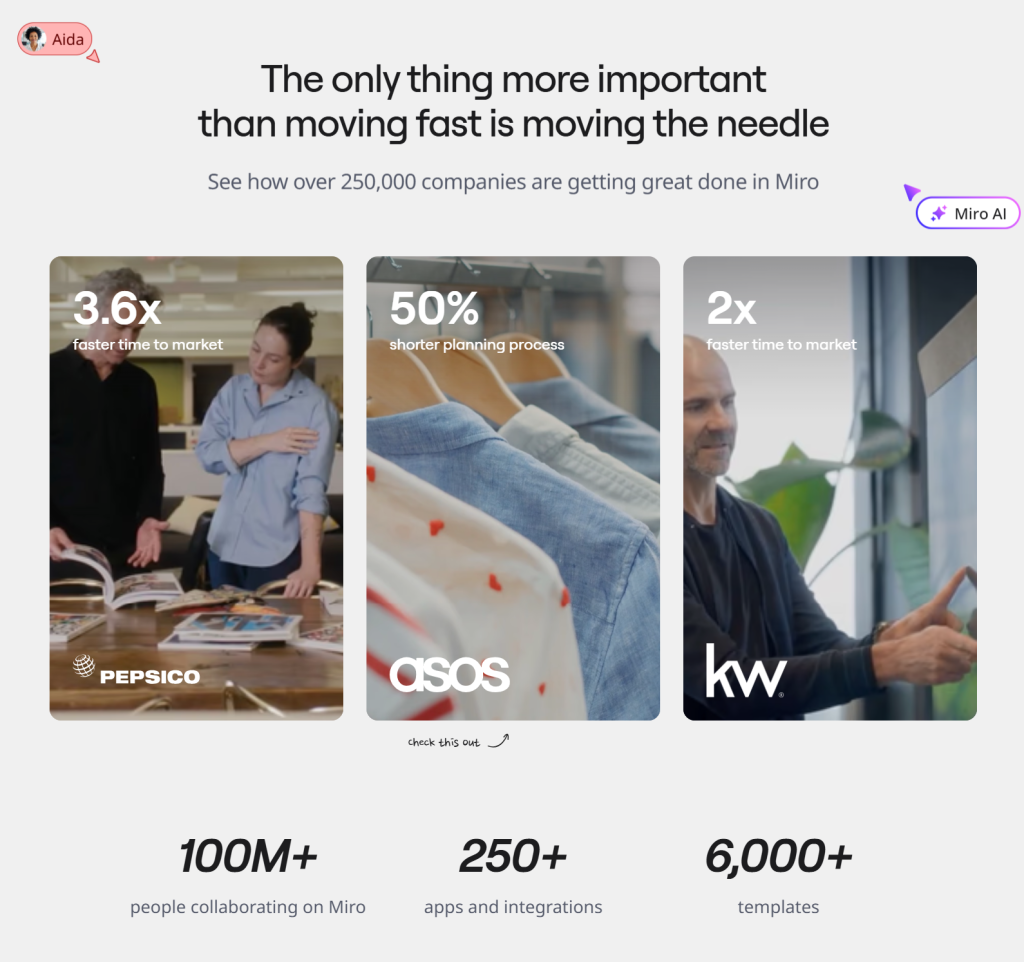
Miro’s website layout is one of the most memorable homepage layout examples around because you feel the product before you even fully understand it.
19. Craft Docs: Magazine Editorial Layout
Website: craft.do
Layout Type: Editorial magazine grid
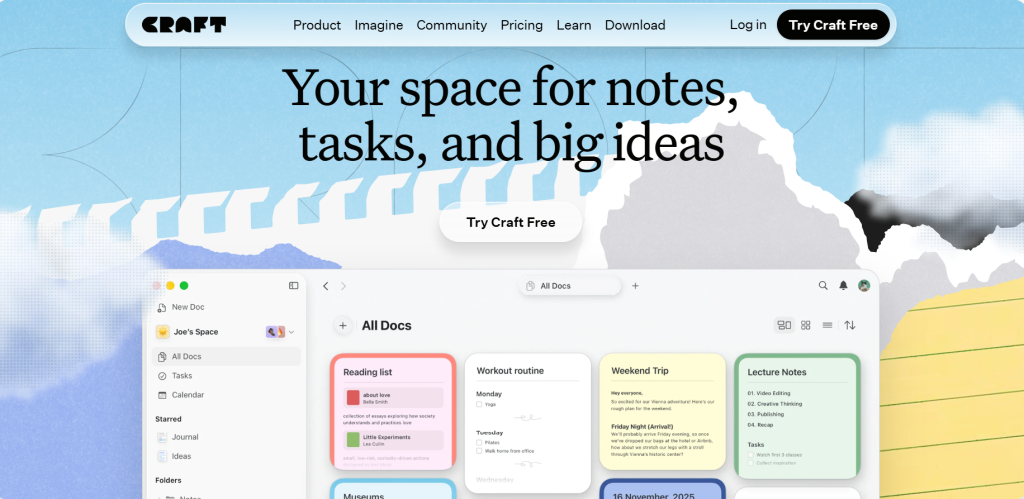
Craft, a document and notes app, has a website that feels like it belongs in a design gallery. Its layout borrows heavily from high-end editorial magazines:
- A cinematic full-screen hero uses real product screenshots inside device frames
- Feature sections alternate between flowing editorial text and large visual showcases
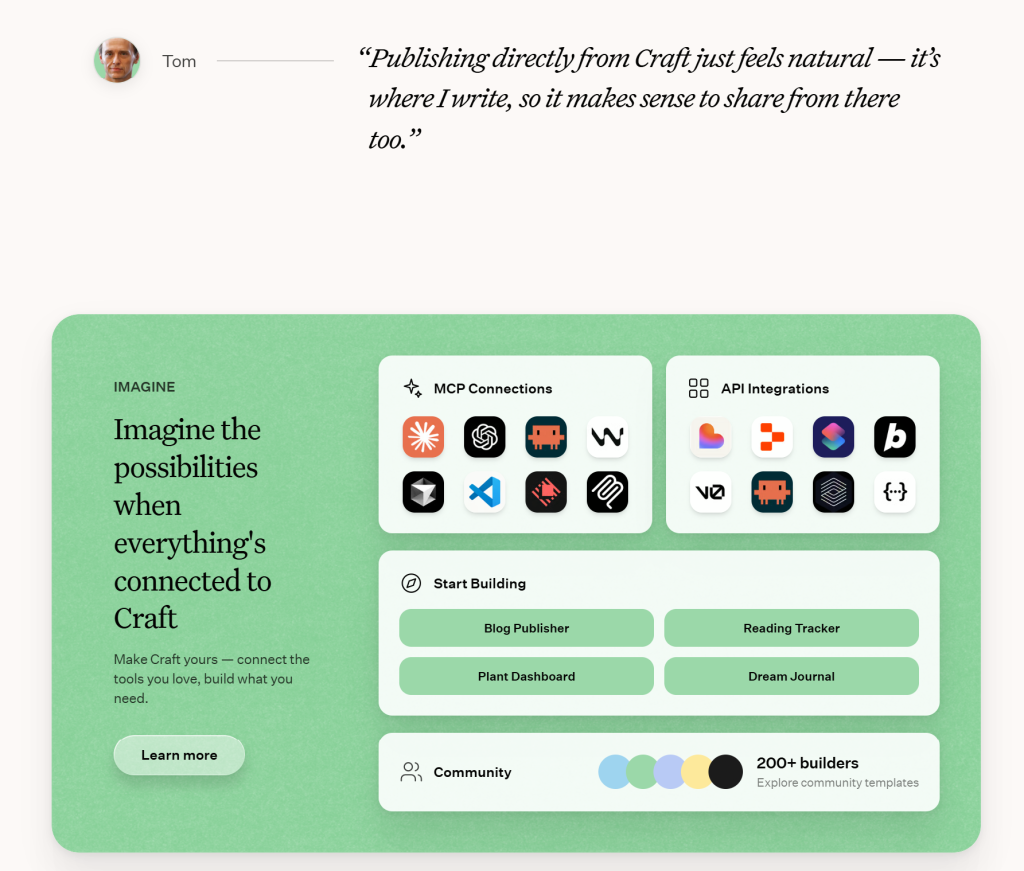
- Color palettes shift per section, from warm amber to cool blue to neutral white, keeping each area feeling fresh
- Typography is paired boldly with large display type alongside clean sans-serif body text
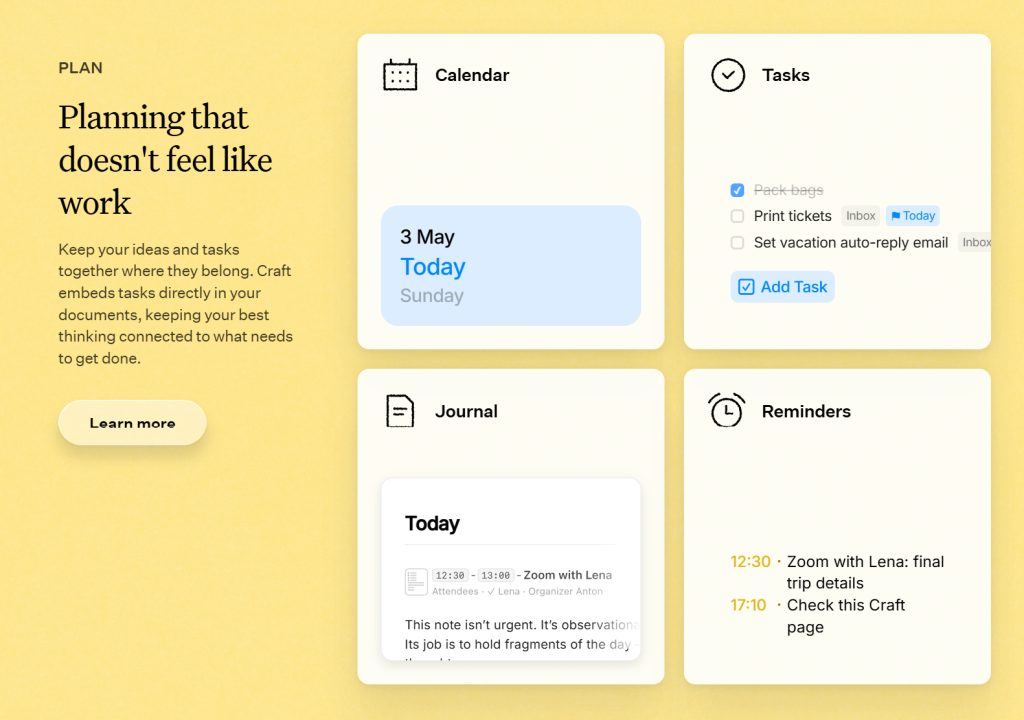
Craft is a benchmark modern website layout example for any premium software product targeting design-conscious users.
20. Canny: Transparent Roadmap Layout
Website: canny.io
Layout Type: Feature-focused sticky-scroll layout
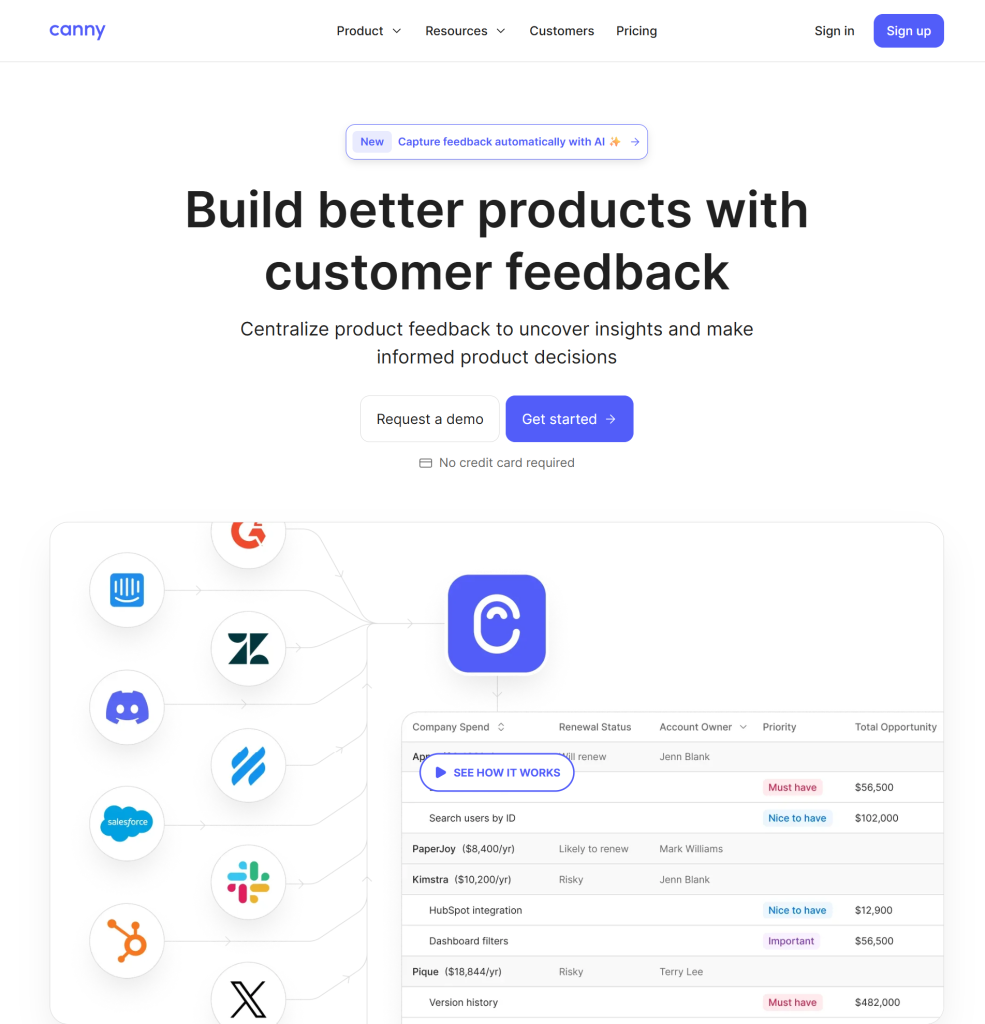
Canny, a customer feedback and product roadmap tool, uses a layout anchored by an interactive vertical scroll through its own product. It is essentially a live, embedded demo baked right into the page:
- The left half of the layout is a fixed product view while the right side scrolls through feature callouts
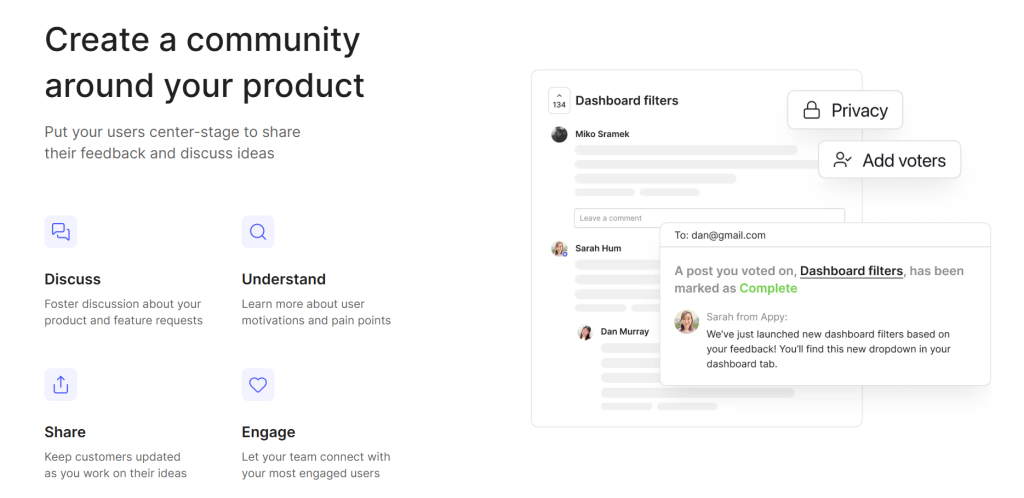
- This sticky-scroll structure is one of the most effective UI layout examples in the productivity space
- Social proof elements like logos and testimonials are placed inline, not isolated at the bottom
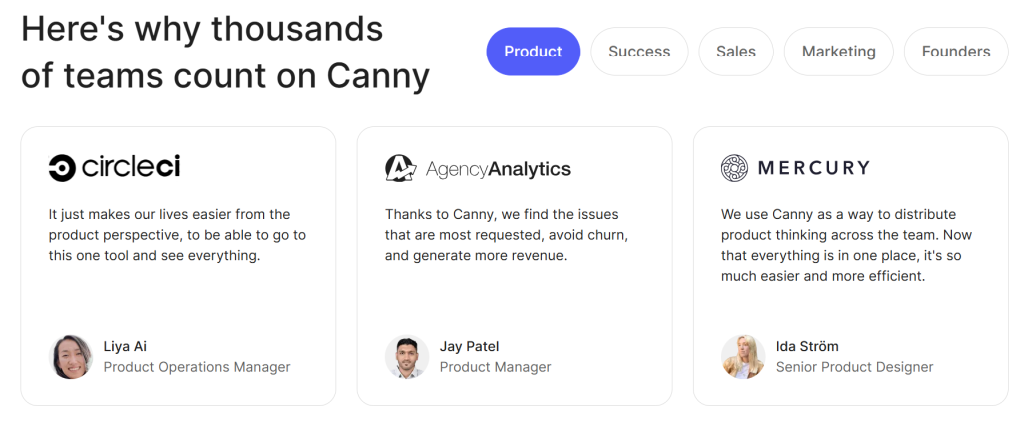
- Color-coded badges distinguish product areas throughout the page
Canny’s layout makes a complex product feel instantly understandable, which is the highest compliment any web page layout can earn.
Key Takeaways: What These Layouts Have in Common
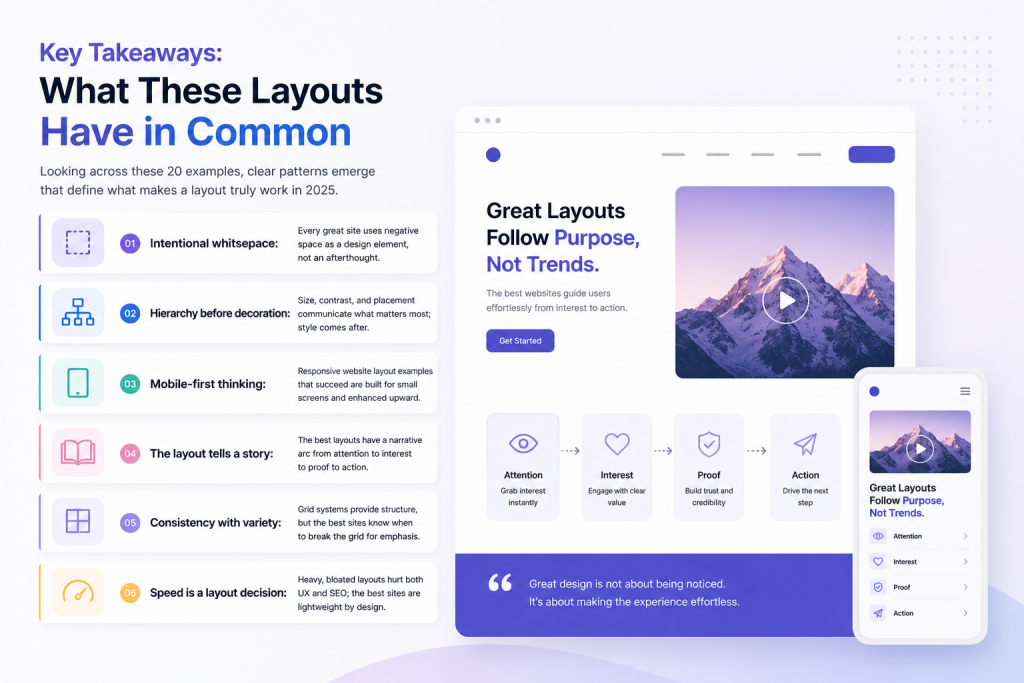
Looking across these 20 examples, clear patterns emerge that define what makes a layout truly work:
- Intentional whitespace: Every great site uses negative space as a design element, not an afterthought
- Hierarchy before decoration: Size, contrast and placement communicate what matters most; style comes after
- Mobile-first thinking: Responsive website layout examples that succeed are built for small screens and enhanced upward
- The layout tells a story: The best layouts have a narrative arc from attention to interest to proof to action
- Consistency with variety: Grid systems provide structure, but the best sites know when to break the grid for emphasis
- Speed is a layout decision: Heavy, bloated layouts hurt both UX and SEO; the best sites are lightweight by design
Why Website Layout Design Ideas Actually Matter
A great layout has a significant impact on how people experience your site and whether they take action.
When Adobe surveyed users, they found that 38% of people stop engaging with a website if the content or layout is unattractive. Stanford Web Credibility Research found that 75% of users judge a company’s credibility based on its website design. HubSpot data shows that well-structured landing pages with a clear visual hierarchy can improve conversion rates significantly.
On top of that, with over 60% of global web traffic now coming from mobile devices (Statcounter, 2024), responsive website layout examples are no longer a nice-to-have. They are the baseline expectation.
The short version: your layout is already doing sales work before your copy even gets a chance to speak.
How Element Pack Pro Helps You Build a Stunning Website
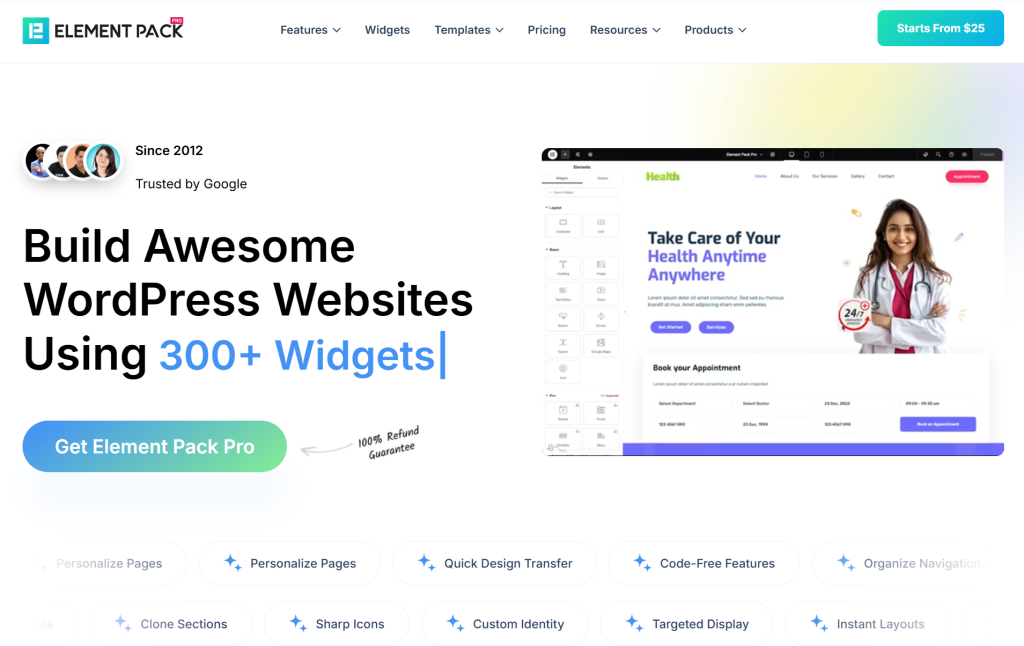
Here is the honest challenge: most of the layouts above were built by professional design teams over weeks or months. But that does not mean you need a full team or a big budget to achieve results at the same level, not when you have the right tools.
Element Pack Pro is one of the most powerful Elementor addons available, trusted by over 100,000 active users worldwide. It is built specifically to help WordPress users design professional, conversion-ready websites without writing a single line of code.
Here is how it directly supports everything we have discussed in this post:
2,700+ Ready Templates: Layout Inspiration, Instantly Applied
Forget starting with a blank page. Element Pack Pro includes over 2,700 professionally designed templates spanning every niche and layout style:
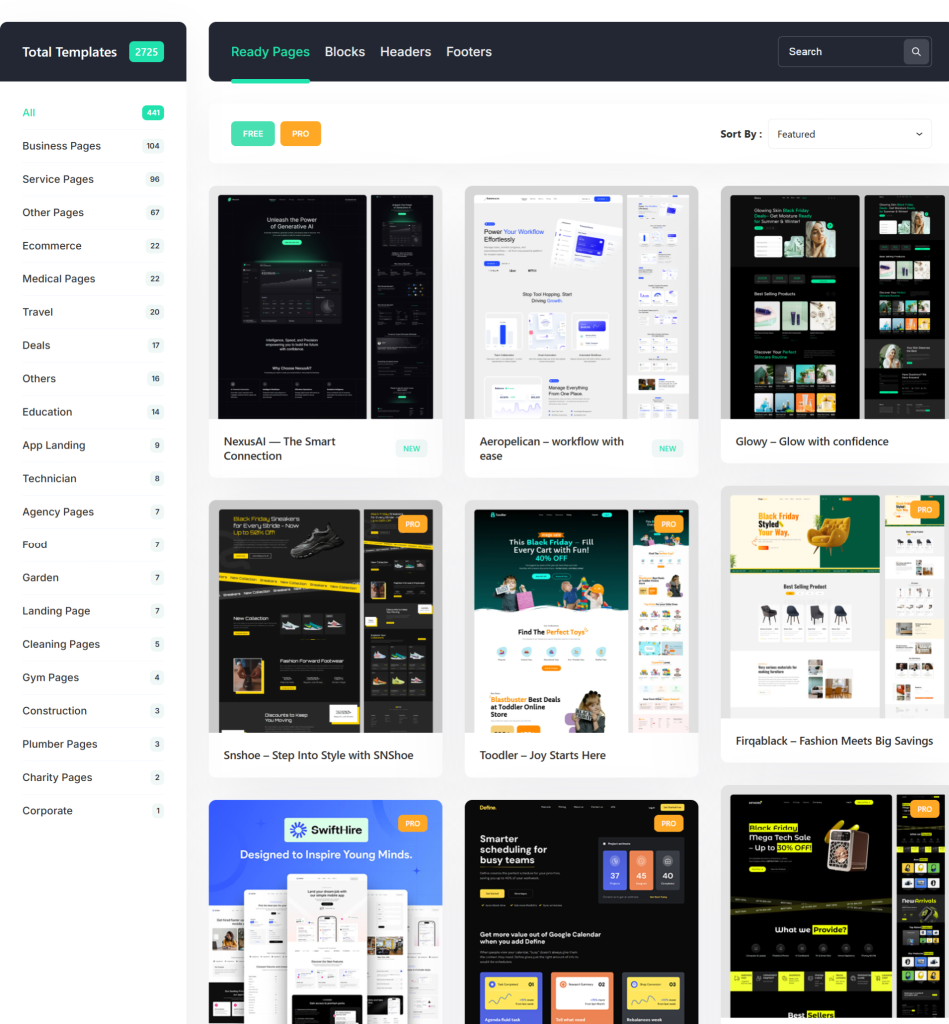
- Ready Pages: Complete, full-page designs for landing pages, portfolios, agencies, ecommerce and more. Drop a template, swap your content and publish. Check out some of the best options in the Top 20 Element Pack Ready Page Templates guide.
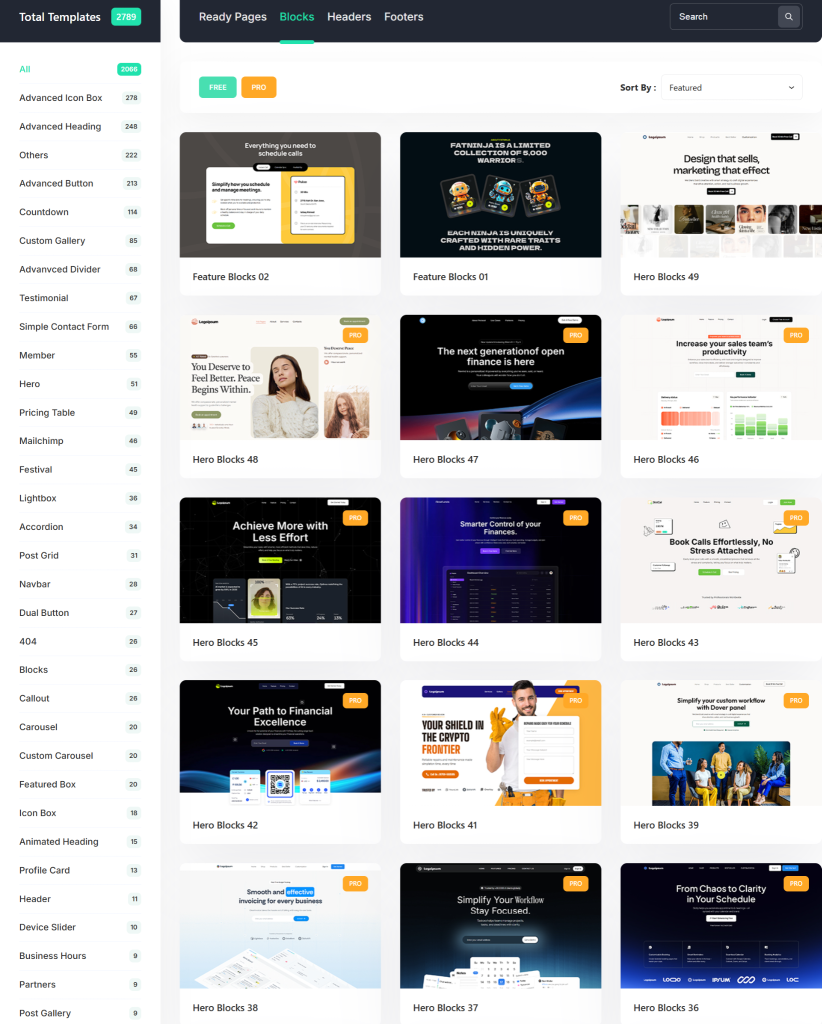
- Ready Blocks: Pre-built sections including heroes, feature grids, testimonials, pricing tables and footers that you mix and match to compose your own unique layouts.
- Ready Headers and Footers: Professionally designed navigation and footer blocks for instant polish on any site.
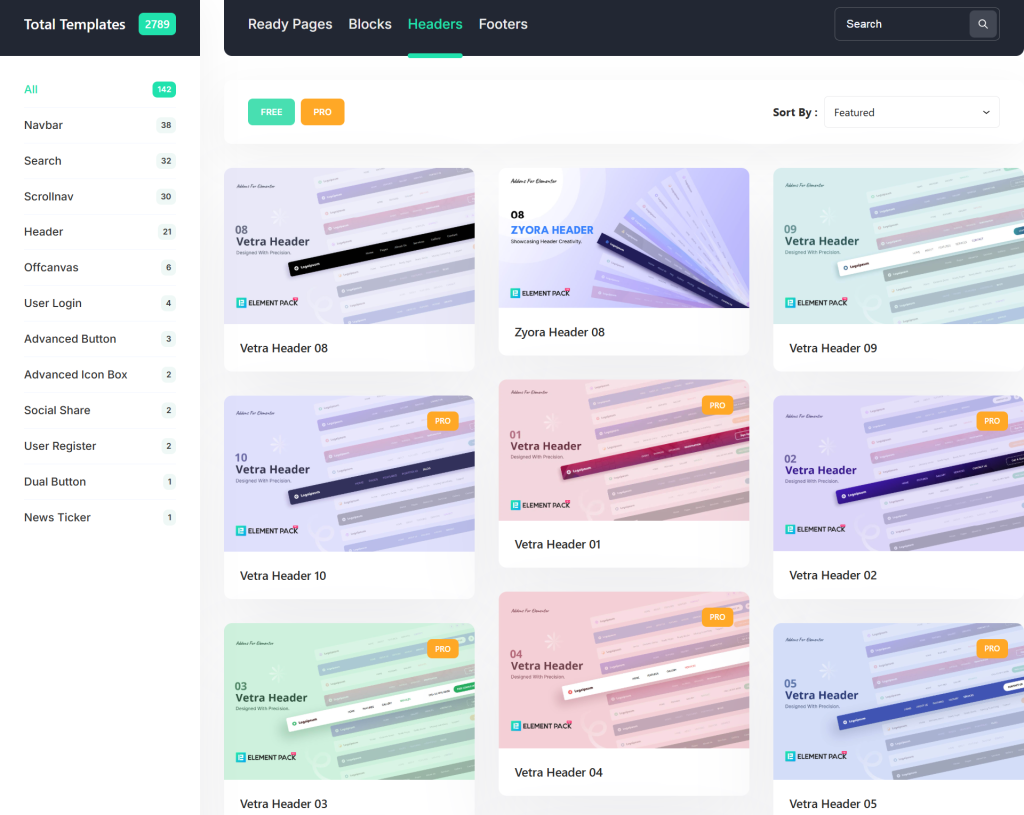
Whether you need grid website layout examples or a bold single page website layout, there is a starting point ready to go.
300+ Widgets Built for Layout Excellence
Element Pack Pro extends Elementor with over 300 widgets that give you the building blocks of every layout type covered in this post:
- Portfolio Gallery Widget: Create masonry and grid portfolio layouts like the Unsplash example above. See the full tutorial on how to create a portfolio page using Elementor.
- Blog Grid and Post Timeline Widgets: Build magazine-style blog layouts with filterable grids, AJAX loading and masonry options. Learn more in the guide on creating a custom blog layout for Elementor.
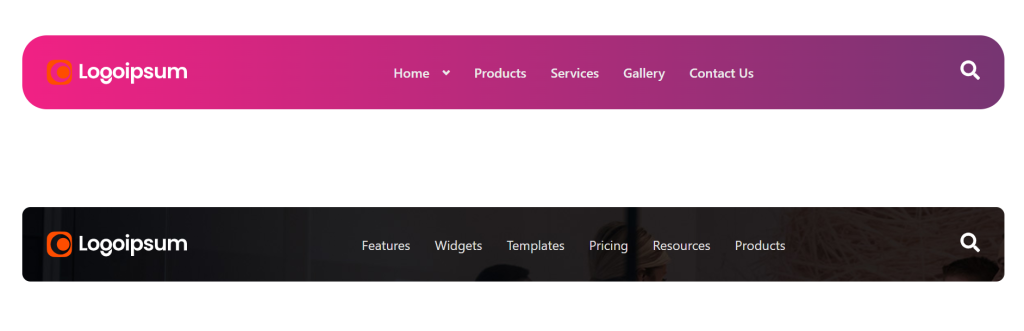
- Mega Menu Widget: Create rich, multi-column navigation like the kind seen on Intercom and Shopify.
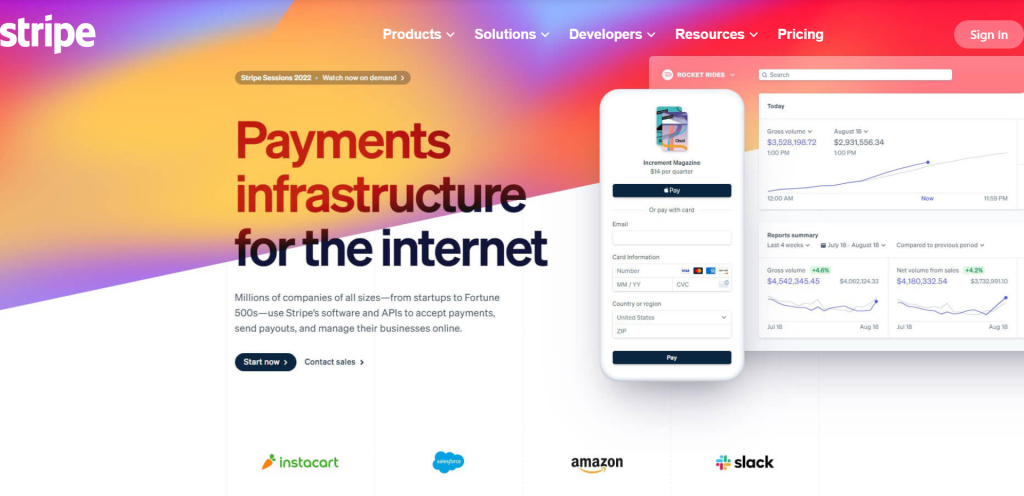
- WooCommerce Widgets: Build professional e-commerce website layouts with product grids, carousels and custom shop pages.
Landing Page Power: From Scratch or Template
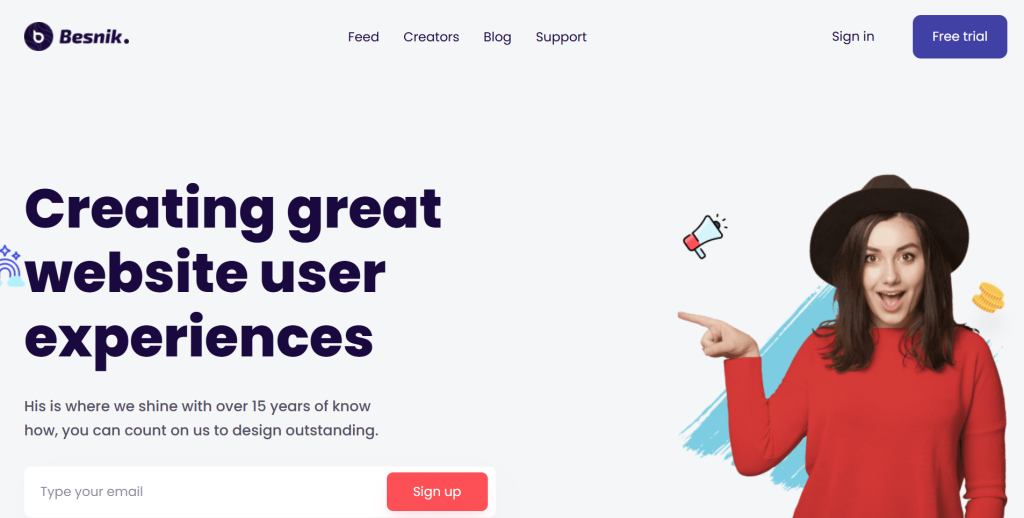
If you are inspired by the single-page and landing page layouts in this post, Element Pack Pro makes them achievable in hours rather than days. The complete guide to creating a landing page in WordPress walks through the full process step by step. If you want to see how individual blocks come together into a full design, the hands-on landing page tutorial with Element Pack is a great place to start.
Advanced Layout Features That Designers Love
Beyond widgets and templates, Element Pack Pro includes features that give your layouts that extra layer of professional polish:
- Parallax and Scrolling Effects: Add depth and motion to your sections for a Framer or Miro-like scroll experience
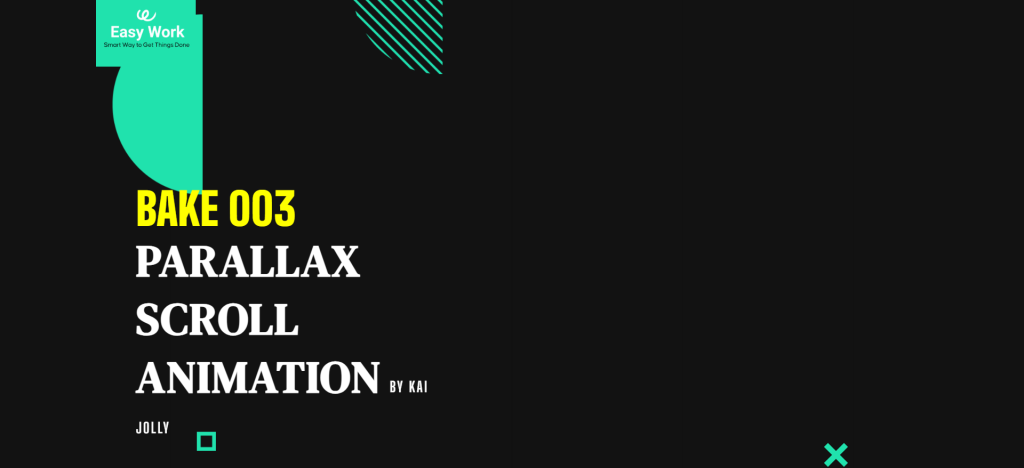
- Transform Effects and Floating Animations: Bring elements to life without custom JavaScript
- Section Sticky: Keep important elements like CTAs and navigation visible as users scroll
- Visibility Controls: Show different layouts to different users based on device, user role, or conditions
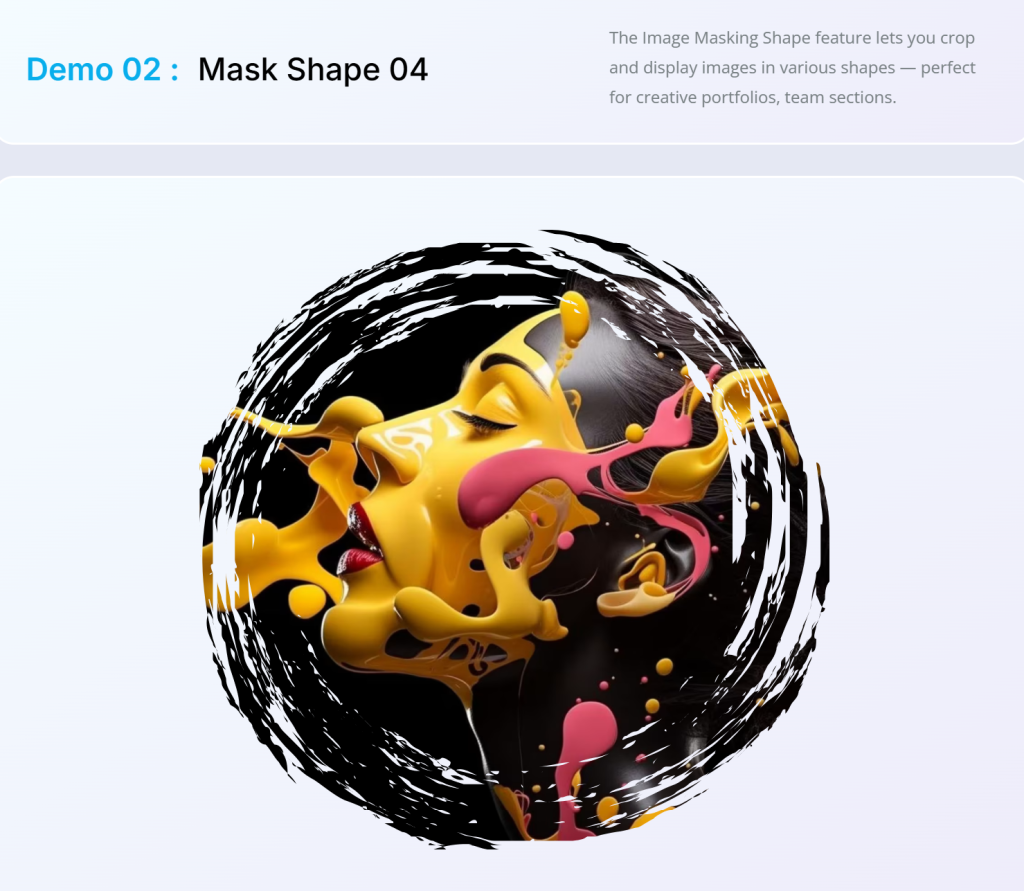
- Image Masking and Liquid Glass Effect: Advanced visual treatments for hero sections and media blocks
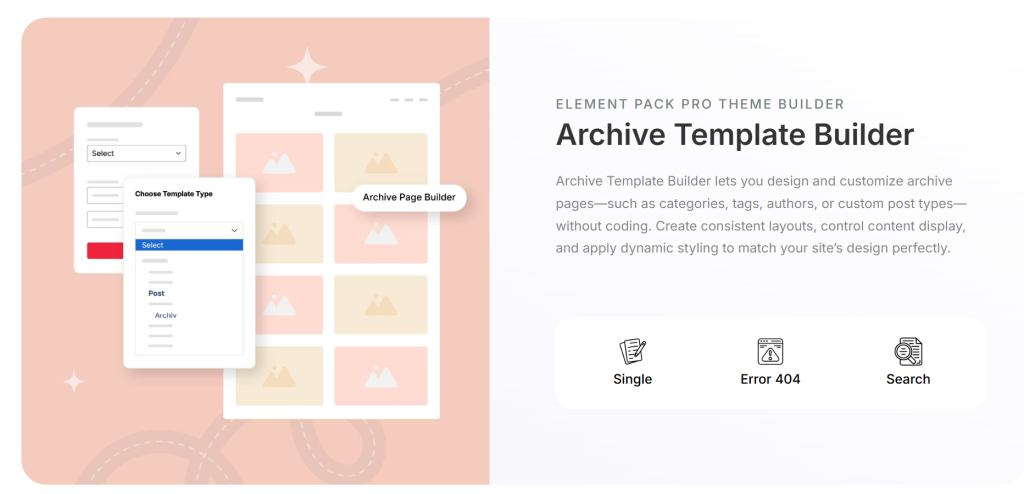
- Theme Builder: Design every part of your site including header, footer, archive pages and single post templates with full layout control
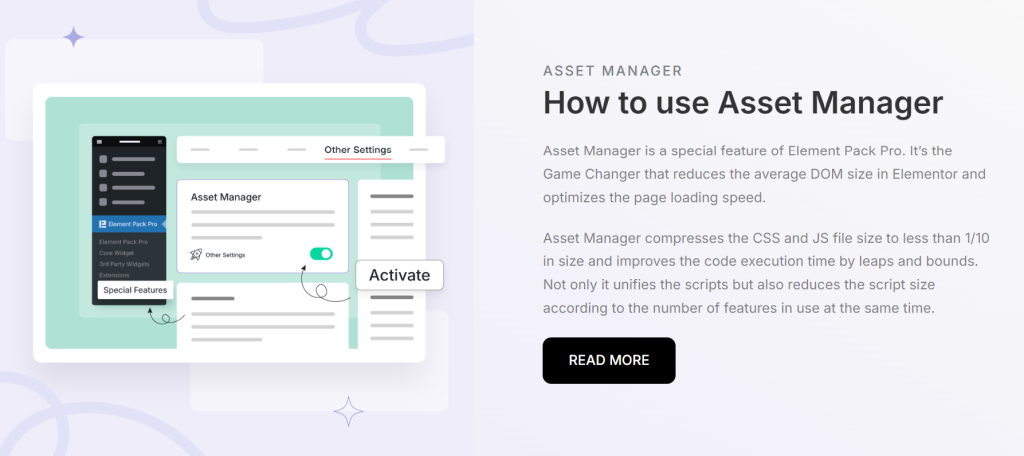
- Assets Manager: Optimize your CSS and JS to keep layouts fast without compromising design quality
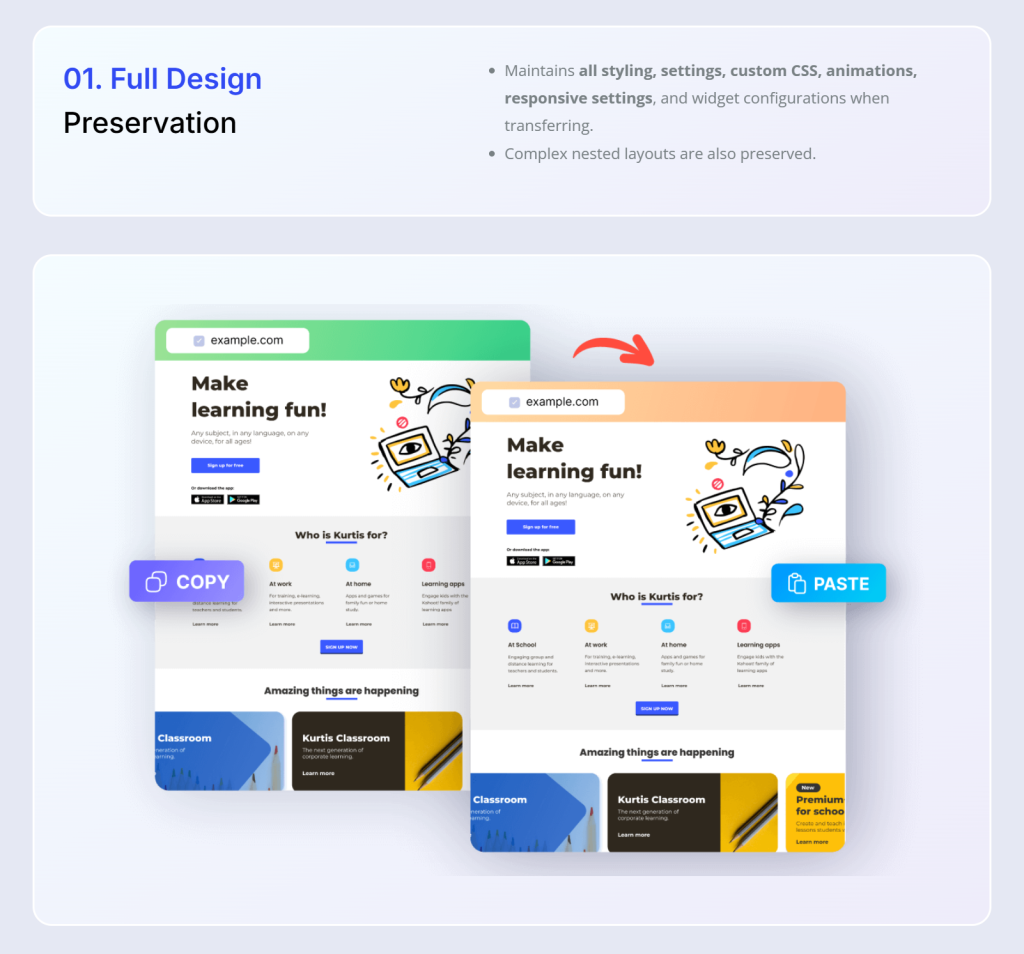
- Live Copy-Paste: Copy sections between Elementor sites in just two clicks
The result is a toolkit that covers every type of website layout discussed in this article, from the minimal hero to the complex ecommerce grid, all within the Elementor editor you already know.
Start Building Your Next Great Layout Today
The 20 websites above did not earn their reputations by accident. They made deliberate, thoughtful layout decisions that serve their users, reinforce their brand and drive real results. The good news is that you do not need a design team or a developer budget to achieve the same quality.
With Element Pack Pro, you get 2,700+ templates, 300+ widgets and a full suite of design features that give you everything you need to build a website that stands out and converts.
Try Element Pack Pro Today and start building the website layout your brand deserves.
Frequently Asked Questions
What is a website layout?
A website layout is the structural arrangement of visual elements on a web page, including the header, navigation, content sections, sidebars and footer. It determines how content is organized, how users navigate and how the page responds across different devices.
What are the most common types of website layouts?
The most common types include single-column, multi-column, grid, split-screen, full-screen hero, magazine, single-page scroll and asymmetric layouts. Each serves different content types and conversion goals.
What makes a good website layout?
A good layout uses clear visual hierarchy, intentional whitespace, consistent grid structure and responsive design. It guides the user’s eye naturally toward the most important information and makes navigation feel effortless.
How do I choose the right layout for my website?
Start with your primary goal. If you want conversions, use a single-page or landing page layout. If you are showcasing work, use a grid or masonry portfolio layout. If you have lots of content, a magazine layout works well. Match the structure to your content and your audience.
Are responsive website layouts important for SEO?
Absolutely. Google uses mobile-first indexing, which means it evaluates your mobile layout for ranking purposes. A poor responsive design can hurt your search rankings directly. A well-structured, fast-loading responsive layout is a significant SEO asset.
Can I build these kinds of layouts without coding?
Yes. Tools like Elementor combined with Element Pack Pro make it possible to build professional layouts with drag-and-drop simplicity. You get access to hundreds of widgets, pre-designed templates and advanced layout controls without touching code.
What is the difference between a homepage layout and a landing page layout?
A homepage is the main entry point to your site, with multiple navigational paths and broader content coverage. A landing page is a focused, single-goal page typically used for ad campaigns, promotions, or lead generation, with minimal navigation and one clear CTA.
How many columns should a website grid have?
Most web design grids use 12 columns because 12 divides evenly into 2, 3, 4 and 6, giving you maximum flexibility. You can build two-column, three-column, or four-column layouts all from a single 12-column base grid.
Supreakshya Shrestha
The BdThemes team builds WordPress plugins trusted by 3M+ users worldwide. We write about web accessibility, WCAG compliance, and inclusive design.