豊富なメニューオプションによる容易なナビゲーション
視覚的な商品選択が売上を加速させる
パーソナライズされたコンテンツがリアルタイムで適応
UXフローを改善するシームレススクロール
瞬時にコンテンツを複製し、時間を節約
パワフルなデザイン要素に素早くアクセス
既製のテンプレートがデザインをスピードアップ
柔軟なデータのための高度なカスタムフィールド
手間をかけずに簡単にサイトをクローン
あらゆるスクリーンに対応する、鮮明でスケーラブルなグラフィック
ツールをリブランドしてプロフェッショナルな外観に
正確なコンテンツの表示・非表示
滑らかな動きで奥行きを魅せる
明確なメモや注釈を簡単に追加
役立つヒントがユーザーとのインタラクションを向上
スタイリッシュなアニメーション
重要なセクションは常に見えるようにしておく
カスタム・コードの微調整によるフル・コントロール
ファイルを最適化してサイトのスピードを上げる
年中無休で対応いたします。喜んでお手伝いいたします。
BdThemesで各機能の詳細なガイドラインをご覧いただけます。
ワードプレス、ウェブデザイン、その他について新しいことを学び、情報を得る。
私の成長における重要なマイルストーンをいくつか紹介しよう:
ビデオで製品の使い方、WordPressのヒントとコツを学ぶ
プロモーションに参加することで、高額なコミッションを得ることができます。
Widget Idea Shareは、あなたが改善できる類似ウィジェットを見つける素晴らしい方法です。
確かに!私たちと連絡を取る必要がある場合は、お気軽にご連絡ください。
Sigma Forms を使って WordPress のフォームを数分で作成しましょう。.
ページ・ビルダー・プラグイン
One Accessibilityでウェブサイトを簡単にアクセシブルに
信頼と信用を高めるために、顧客の声を表示する。.
Zoloblocksは、Gutenbergベースの魅力的なウェブサイトを作成するのに役立ちます。.
Elementorスライダー時代の最も優れたスライダー
Elementorで唯一互換性のあるブログ用ウィジェット
ビジネス向け次世代型WordPress eコマースサイトの構築
Elementorで毎回違うエンジェルで写真を整理する
スピンホイールを使ってエンゲージメントを高め、売上を増加させましょう。.
WordPress用AI画像生成プラグイン ChatGPT
WooCommerce用の360°拡張現実を今すぐ入手しましょう!
好きなウェブデザインを2クリックでコピー&ペースト!
無制限のオプションを備えたelementorのための完全に機能するテーマ
スマート、クリーン、フレキシブルなGutenberg用ブロックテーマ
Dark Readerプラグインは、目に優しいウェブ閲覧を保証します。.
コンバージョンを高めるWooCommerceのワンページチェックアウト。
Find Nearby Stores Instantly with Sigma Store Locator
The Ultimate WordPress Media Library Organizer
 Japanese

豊富なメニューオプションによる容易なナビゲーション
視覚的な商品選択が売上を加速させる
パーソナライズされたコンテンツがリアルタイムで適応
UXフローを改善するシームレススクロール
瞬時にコンテンツを複製し、時間を節約
パワフルなデザイン要素に素早くアクセス
既製のテンプレートがデザインをスピードアップ
柔軟なデータのための高度なカスタムフィールド
手間をかけずに簡単にサイトをクローン
あらゆるスクリーンに対応する、鮮明でスケーラブルなグラフィック
ツールをリブランドしてプロフェッショナルな外観に
正確なコンテンツの表示・非表示
滑らかな動きで奥行きを魅せる
明確なメモや注釈を簡単に追加
役立つヒントがユーザーとのインタラクションを向上
スタイリッシュなアニメーション
重要なセクションは常に見えるようにしておく
カスタム・コードの微調整によるフル・コントロール
ファイルを最適化してサイトのスピードを上げる
年中無休で対応いたします。喜んでお手伝いいたします。
BdThemesで各機能の詳細なガイドラインをご覧いただけます。
ワードプレス、ウェブデザイン、その他について新しいことを学び、情報を得る。
私の成長における重要なマイルストーンをいくつか紹介しよう:
ビデオで製品の使い方、WordPressのヒントとコツを学ぶ
プロモーションに参加することで、高額なコミッションを得ることができます。
Widget Idea Shareは、あなたが改善できる類似ウィジェットを見つける素晴らしい方法です。
確かに!私たちと連絡を取る必要がある場合は、お気軽にご連絡ください。
Sigma Forms を使って WordPress のフォームを数分で作成しましょう。.
ページ・ビルダー・プラグイン
One Accessibilityでウェブサイトを簡単にアクセシブルに
信頼と信用を高めるために、顧客の声を表示する。.
Zoloblocksは、Gutenbergベースの魅力的なウェブサイトを作成するのに役立ちます。.
Elementorスライダー時代の最も優れたスライダー
Elementorで唯一互換性のあるブログ用ウィジェット
ビジネス向け次世代型WordPress eコマースサイトの構築
Elementorで毎回違うエンジェルで写真を整理する
スピンホイールを使ってエンゲージメントを高め、売上を増加させましょう。.
WordPress用AI画像生成プラグイン ChatGPT
WooCommerce用の360°拡張現実を今すぐ入手しましょう!
好きなウェブデザインを2クリックでコピー&ペースト!
無制限のオプションを備えたelementorのための完全に機能するテーマ
スマート、クリーン、フレキシブルなGutenberg用ブロックテーマ
Dark Readerプラグインは、目に優しいウェブ閲覧を保証します。.
コンバージョンを高めるWooCommerceのワンページチェックアウト。
Find Nearby Stores Instantly with Sigma Store Locator
The Ultimate WordPress Media Library Organizer
Japanese
Creating backups is perfect security for a website. In case your site gets hacked, crashed, or any catastrophic accident, you can use backup to avoid locking yourself out. As an all-rounder hosting company, WordPress gives you cloud storage to keep your backup data. But, it has minimal space for a backup. That’s why big websites need a WordPress backup plugin, the fastest and easiest security.
Remember, your websites’ security is your responsibility. There is a difference between occasional backups and scheduled backups. Make sure to arrange a daily or weekly scheduled backup for your site. As WordPress doesn’t give many backup facilities, you must use a backup plugin. Today, we are going to introduce you to some of the best WordPress backup plugins. Let’s start!
The backup plugins we are going to show you, are not only the most popular ones, but also the most secured ones. So, you can choose any from the list and get your site security concerns solved right away!
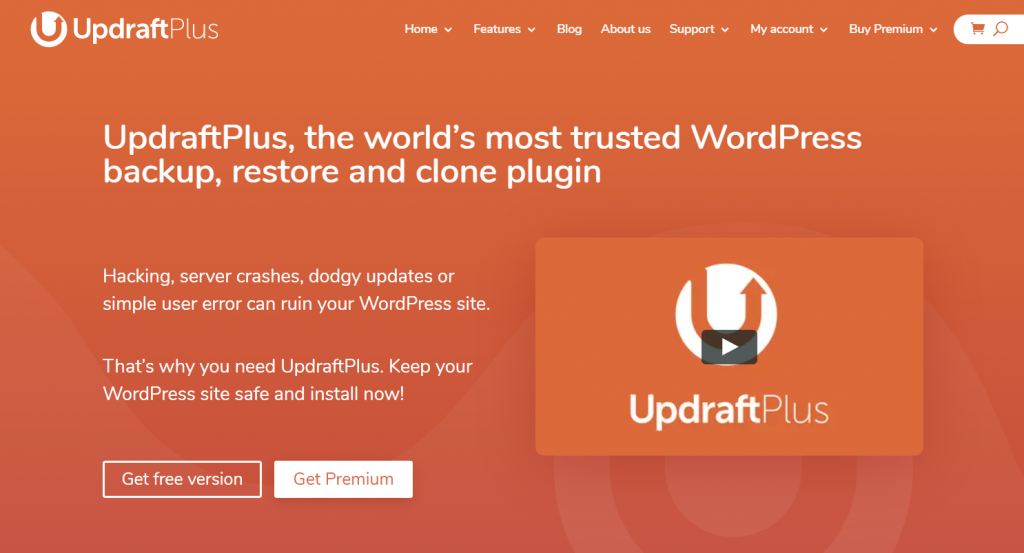
UpdraftPlus is the most trusted and most popular backup plugin on the internet. It supports an astounding number of over 2 million happy customers worldwide.
This plugin backups your website and restores it whenever you want. It operates both manually and automatically. Also, you can adjust the scheduled time and add more backup variables.
It has a free version and a premium version. Obviously, the free one has limited operations and limited storage. The premium version comes with $70 at the lowest with $42 yearly charges. You will get to use it at unlimited sites with $192 first charge and $112 yearly. The premium version offers more storage space, website clone, automatic update backups, selective backup, non-WordPress files backup, and more. Visit this fantastic WordPress backup plugin 今.
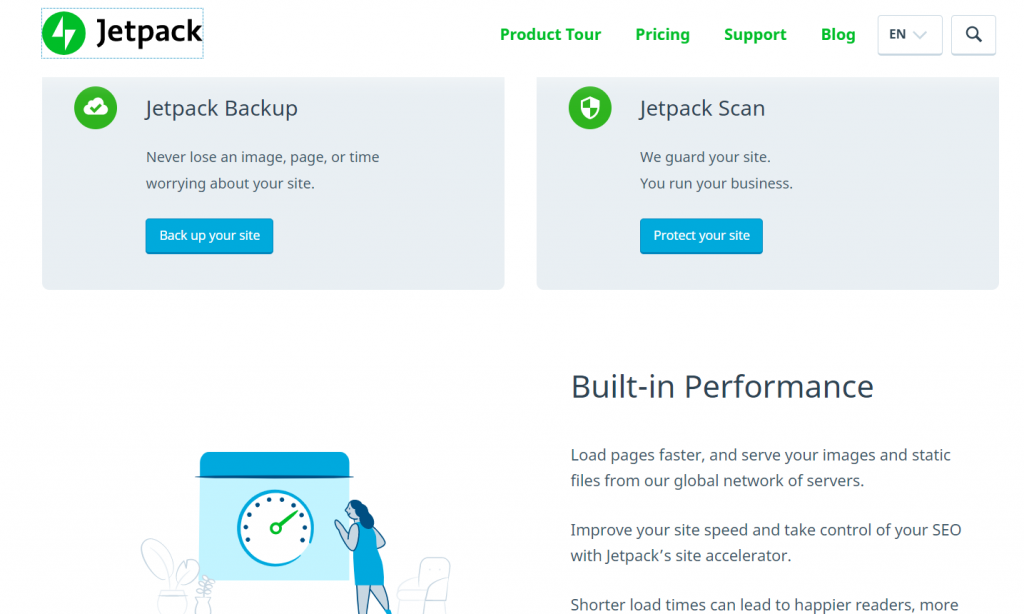
JetPack is a multipurpose website management plugin. Not only it acts as a backup and restore tool, but also as a website performance booster.
This plugin offers real-time backups as well as malware scan & block. It serves over a hundred thousand customers and rated full star. It has an intelligent coding running its base that optimizes your whole website. Moreover, it manages image & video, SEO content, product category, etc. to provide the best user experience.
JetPack backup plugin has a free version that comes with minimum facilities. The premiums ones are rated from $39 to $299 per year. The most expensive package has 10+ automated features. So, if you want to boost, optimize, and backup – all together on your website, you better use JetPack, the multipurpose WordPress backup plugin.
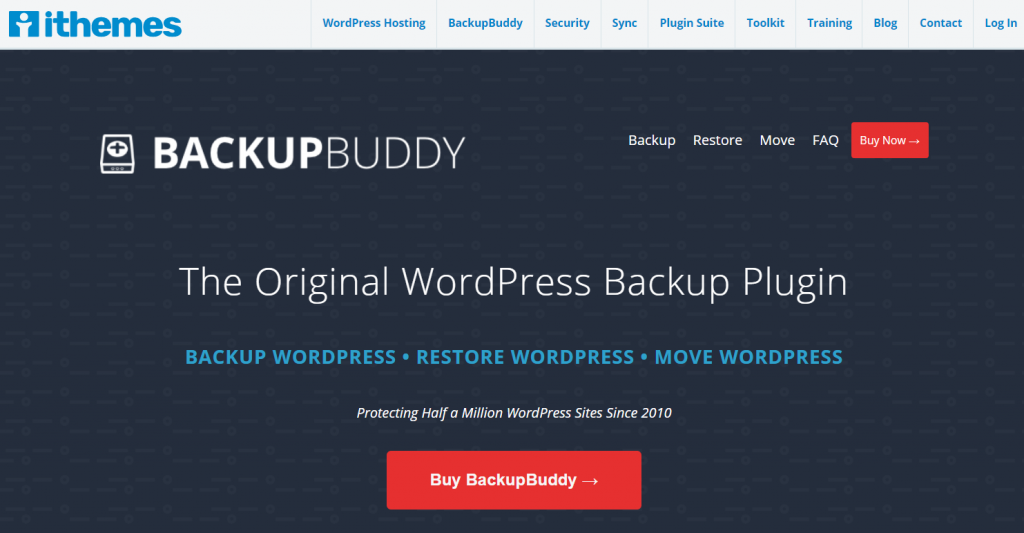
BackupBuddy is another top listed backup plugin for WordPress. It serves close to a million customers and is one of the leading brands in the whole market.
This plugin provides a scheduled backup plan with efficiency. It stores backups automatically to the selected cloud storage. Also, it has a personal storage option that saves up to 1GB of space. Furthermore, it supports more than ten websites in a single license.
The best thing about this plugin is, you don’t have to pay any monthly subscription fee. If you buy a package, you get to keep the package forever. No renew, no worries. You can buy it for a minimum cost of $80 to a $199 mega pack. For unlimited websites, you need to purchase the premium package. Check out this fantastic WordPress backup plugin 今.
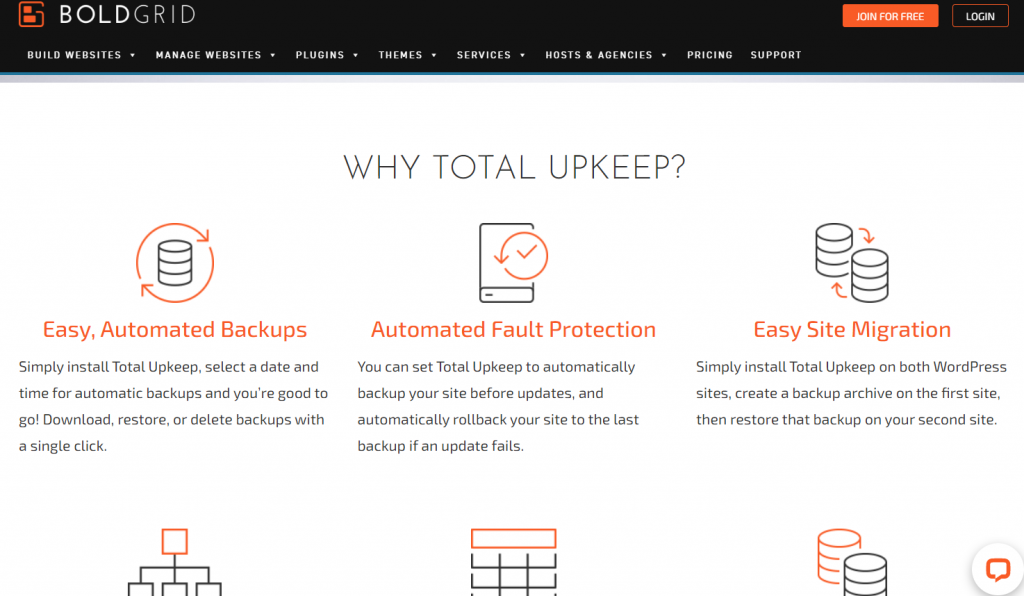
BoldGrid is another handy tool that works both as a backup support plugin and a website builder. It is an automated system that manages your website without your supervision.
This plugin creates a perfect security barrier on your website. Whether your website faces any attack, updating fault, or code error, BoldGrid will be able to detect it instantly and will restore the site. As it creates real-time backups, it eliminates the risk of losing data. After all, it saves the backup data remotely via Amazon S3, Google Drive, or FTP / SFTP.
The plugin has a free subscription for newsletter and updates. But, to have it work, you need to buy it at only $60 per year. The cost isn’t much considering all the free services and tools they provide. Check out this premium WordPress backup plugin これ.
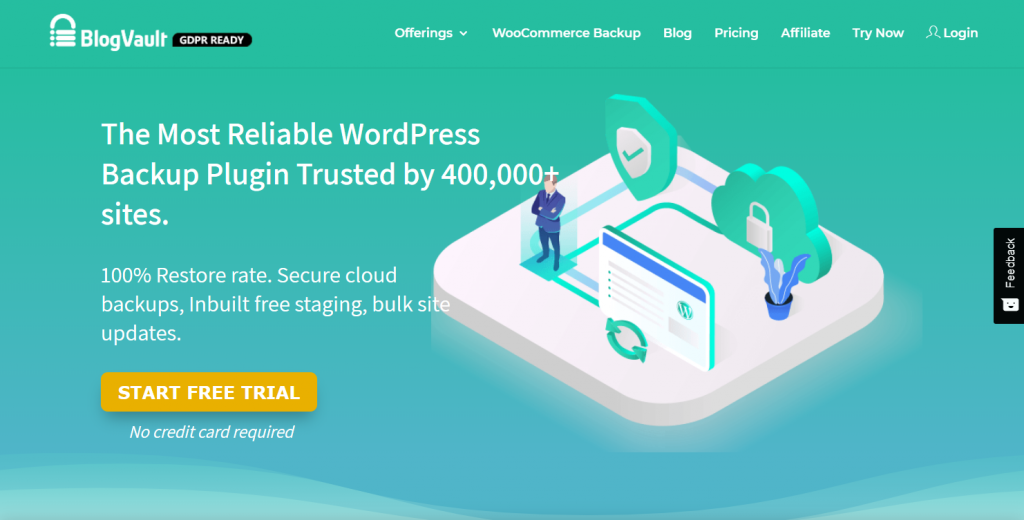
ブログボールト is another most efficient WordPress backup plugin on the market. This premium plugin has a growing popularity and currently serving over four hundred thousand customers.
The most fantastic thing about this plugin is, it stores backup data straight into the cloud servers. There is a 90-day data store time each time it saves a backup. That is why you will have zero loads on your website and database because of its incremental backup system. It guarantees a 100% restore for any kind of websites. Moreover, you can test your sites’ backup & restore behaviour on their test driver. Pretty awesome, right?
ブログボールト is a bit costly in terms of others. The yearly plan for one site costs $89 and renewable. But, considering all the facilities it provides, the cost is pretty fair. Check out this awesome WordPress backup plugin これ.
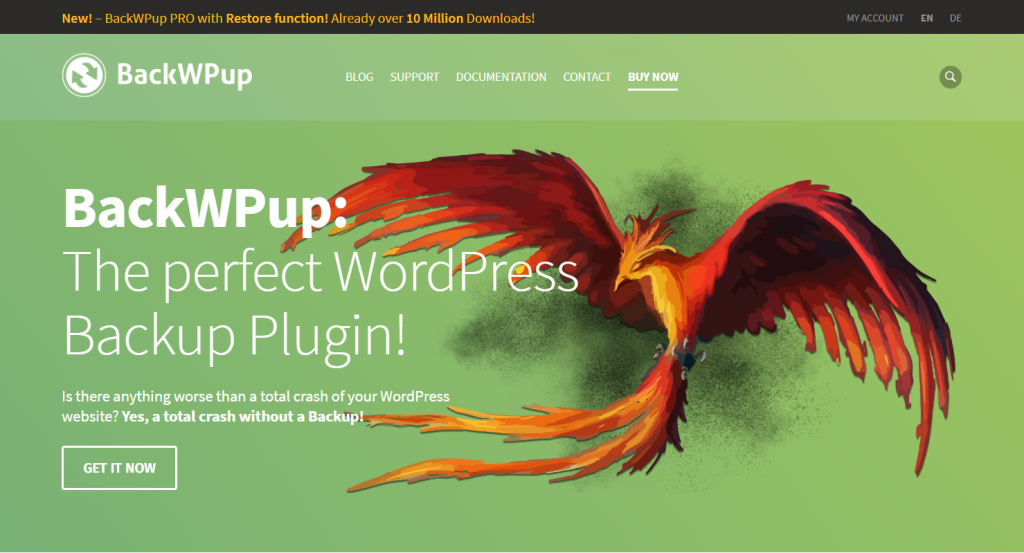
BackWPup is one of the most excellent backup plugins in the world. It is a free plugin that creates and restores backup automatically under any critical fault.
This plugin has a vast number of applications. It regularly checks the site health and coding to figure out possible faults and notifies the user. It shows complete site logs automatically and asks for scheduled backups. Moreover, it integrates with Microsoft windows azure and saves your backup directly into your Microsoft stash. Also, it keeps the list of installed plugins. So, even if you have to reset your website, you can just install the plugins through the list.
BackWPup has both premium and free versions. The premium version starts from $51 to $281 based on the number of sites and facilities. It has a yearly subscription. So, for professional uses, buy this premium backup plugin for WordPress 今.
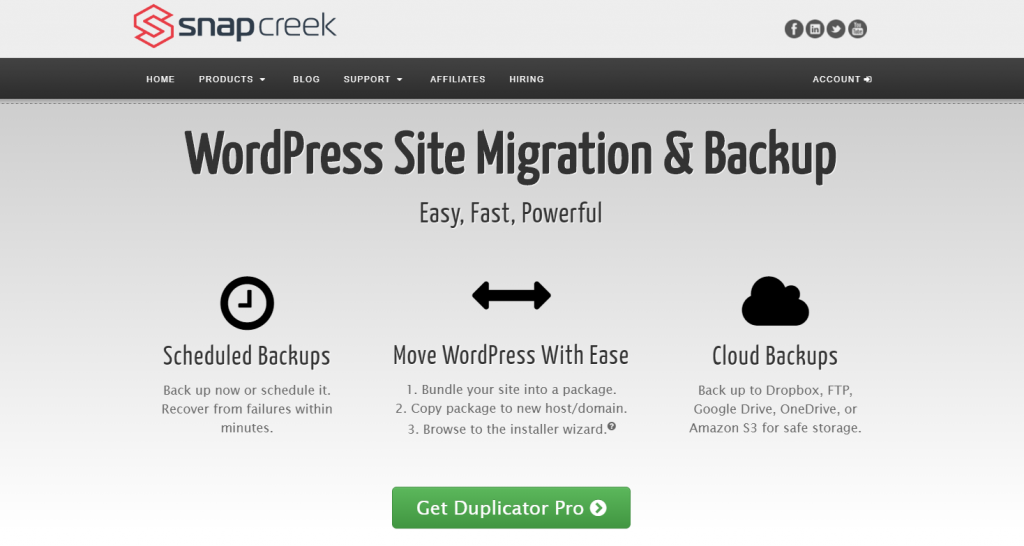
デュプリケーター is a site migration & backup plugin, one of the most popular plugins in the market. It servers over one million happy customers and has an astounding number of fifteen million downloads.
This plugin is known to be the most powerful WordPress site migration tool. Also, it is a tool for creating backups for your site. But, unlike most of the backup tools, its free version doesn’t give you options for a scheduled backup. Neither it has automatic backup nor daily backup plans. However, you will get full support with the pro version.
デュプリケーター costs only $59 for individual use and $359 for the Gold version. It’s subscription-based, which means you need to purchase again after one-year expiry date. Visit this WordPress backup plugin これ.
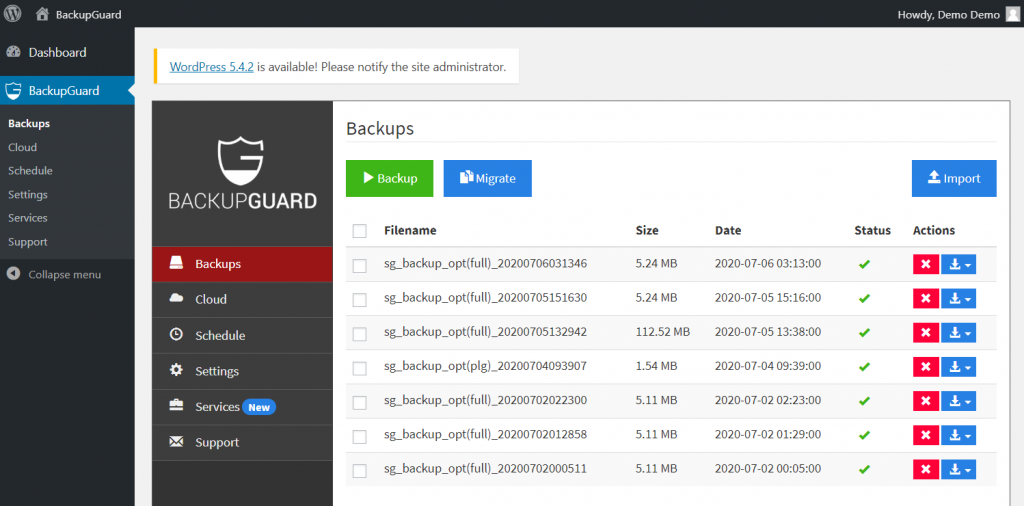
Backup is one of the cheapest plugins for backup and migration. It only costs $36 for regular and $130 for an extended license.
This plugin is very lightweight and fast. Although it is an efficient tool for your website, there are limitations. While you can run scheduled backups as much as you want, you need to choose storage for the backups. Because the plugin doesn’t have an official storage server, it can’t store your data directly. Well, it’s still fair because it’s a migration tool mainly. Check out Backup, the multipurpose WordPress backup plugin.
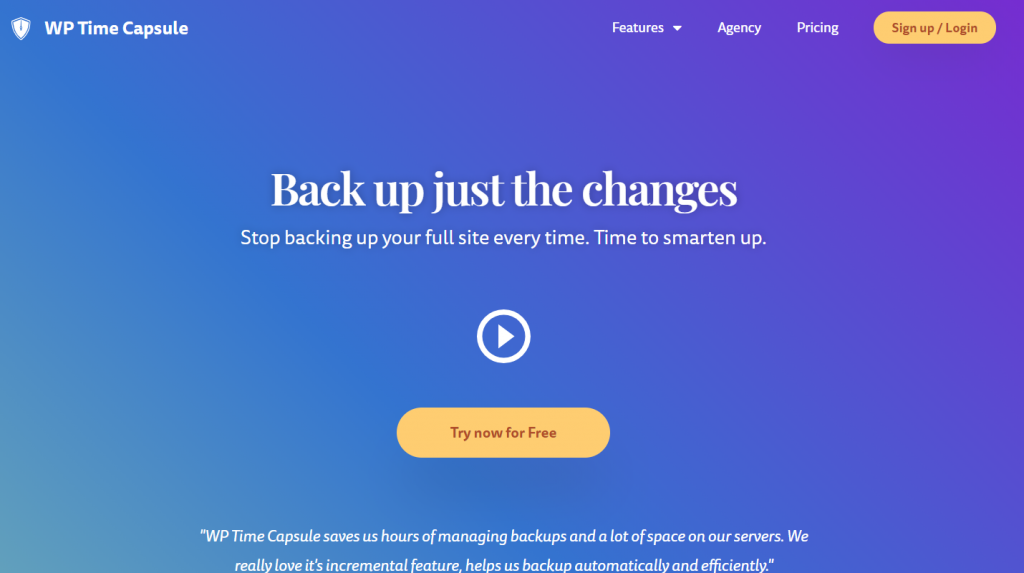
WPタイムカプセル is another new backup tool for WordPress. It hasn’t been long since this plugin came into the market, and still, it made quite a good impression.
The plugin shields your website from cyber-attacks. Whenever you change anything on your site, it grabs the new data and creates a backup. Moreover, Increment technology only saves the modified data into the old backup. Thus, it reduces the total size of the backup data, saves space, saves time. That’s why you can choose this backup plugin to secure your site without worries. It costs $49 per year for individual use. Visit WP Time Capsule これ.
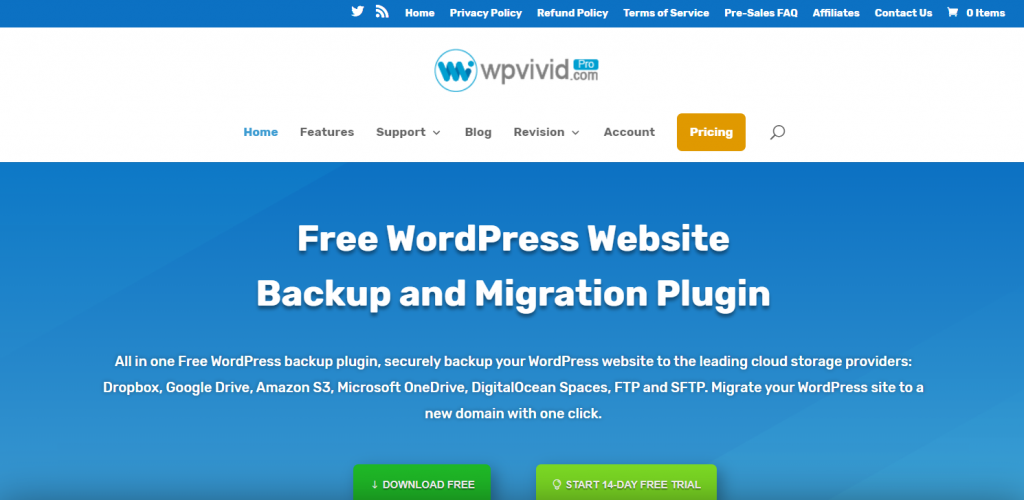
Finally, we present you the WPvivid backup & migration plugin. It is another popular backup tool with over sixty thousand active installations.
This plugin has both free and premium versions. Both versions supports automatic updates, keeping your backup files safe in FTP, Dropbox, Google Drive, Amazon S3 servers. It sends a message every time it creates backup files. Not only you can backup your data, but also you can migrate your site with this tool. Once you buy a service plan, you don’t have to buy ever again because it’s subscription free. The regular version costs only $99. This is a pretty good deal for minimalist websites. Grab WPvivid 今はね。
Now and then, cyber-attacks cause massive loss of data for a website owner. Repairing the damage sometimes cross the five-figure amount. Where the stakes are this high, we must ensure security. That’s why using a backup plugin saves a million life. In this blog, we have stated the best WordPress backup plugin that will keep your website safe and secure. Please subscribe to this blog for more information regarding a website. This blog is brought to you by Element Pack; the one-in-all addons pack for Elementor page builder.
このブログを読んでくれてありがとう。良い一日を。

最大のElementorテンプレートパックは、最もユーザーフレンドリーなUIと 300+ 便利なElementorウィジェット。ゼロからウェブサイトを構築 100% あっという間に完璧になる。
このウェブサイトは Element Pack Pro そして ルーテンのテーマ
Copyright © 2026 Bdテーマ. 無断複写・転載を禁じます。