










Navigation aisée grâce à un menu riche en options
Les choix visuels de produits stimulent rapidement les ventes
Le contenu personnalisé s'adapte en temps réel
Défilement transparent pour une meilleure fluidité de l'interface utilisateur
La duplication instantanée du contenu permet de gagner du temps
Accès rapide à des éléments de conception puissants
Les modèles prêts à l'emploi accélèrent la conception
Champs personnalisés avancés pour des données flexibles
Cloner des sites en toute simplicité
Des graphiques nets et évolutifs pour tous les écrans
Renouveler l'image de marque des outils pour un aspect professionnel
Afficher ou masquer le contenu avec précision
Engager la profondeur avec des mouvements fluides
Ajouter facilement des notes et des annotations claires
Les conseils utiles améliorent l'interaction avec l'utilisateur
Animer des éléments avec style
Garder les sections importantes toujours visibles
Contrôle total grâce à des modifications de code personnalisées
Optimiser les fichiers pour augmenter la vitesse du site
Des modèles de pages conçus pour vous aider à démarrer votre page d'atterrissage en y insérant simplement un modèle de départ.
Ready Blocks est livré avec une variété de mises en page et d'éléments de conception, tels que des en-têtes, des pieds de page, des widgets, etc.
En-têtes pré-conçus avec des styles lucratifs qui conviennent à différentes niches de sites web et à différents goûts en matière de design
Une collection utile de modèles de pied de page pour vous aider à créer un pied de page attrayant sur votre page d'atterrissage.
Nous sommes à votre service 24 heures sur 24, 7 jours sur 7. Nous sommes heureux de vous aider.
Des instructions détaillées sont disponibles pour chaque fonctionnalité sur BdThemes
Apprenez quelque chose de nouveau, restez informé sur WordPress, la conception de sites Web et plus encore.
Voici quelques-unes des étapes clés de mon développement :
Apprendre l'utilisation des produits, les trucs et astuces de WordPress grâce à nos vidéos
Gagnez des commissions importantes en nous rejoignant dans la promotion
Le partage d'idées de widgets est un excellent moyen de trouver des widgets similaires que vous pouvez améliorer.
Certainement ! Si vous avez besoin de nous contacter, n'hésitez pas à le faire.
Build any WordPress form in minutes with Sigma Forms.
Coming Soon & Maintenance Mode Page Builder Plugin
Easily make websites accessible with One Accessibility
Display client testimonials to enhance trust and credibility.
Zoloblocks helps craft stunning Gutenberg-based websites.
Slider le plus performant à l'ère d'Elementor Slider
Les seuls widgets de blog compatibles avec Elementor pour tous les blogs
Build a next-gen WordPress eCommerce website for business
Organisez vos photos dans un ange différent à chaque fois avec Elementor
Boost engagement and increase sales using Spin Wheel.
Powerful AI Image Generator Plugin for WordPress by ChatGPT
Obtenez 360° Augmented Reality pour WooCommerce aujourd'hui !
Copiez et collez n'importe quel design web en 2 clics !
Un thème entièrement fonctionnel pour Elementor avec des options illimitées
Thème de bloc intelligent, propre et flexible pour Gutenberg
Dark Reader plugin ensures eye-friendly web reading.
Le paiement en une page de WooCommerce pour augmenter les conversions.
Find Nearby Stores Instantly with Sigma Store Locator
The Ultimate WordPress Media Library Organizer
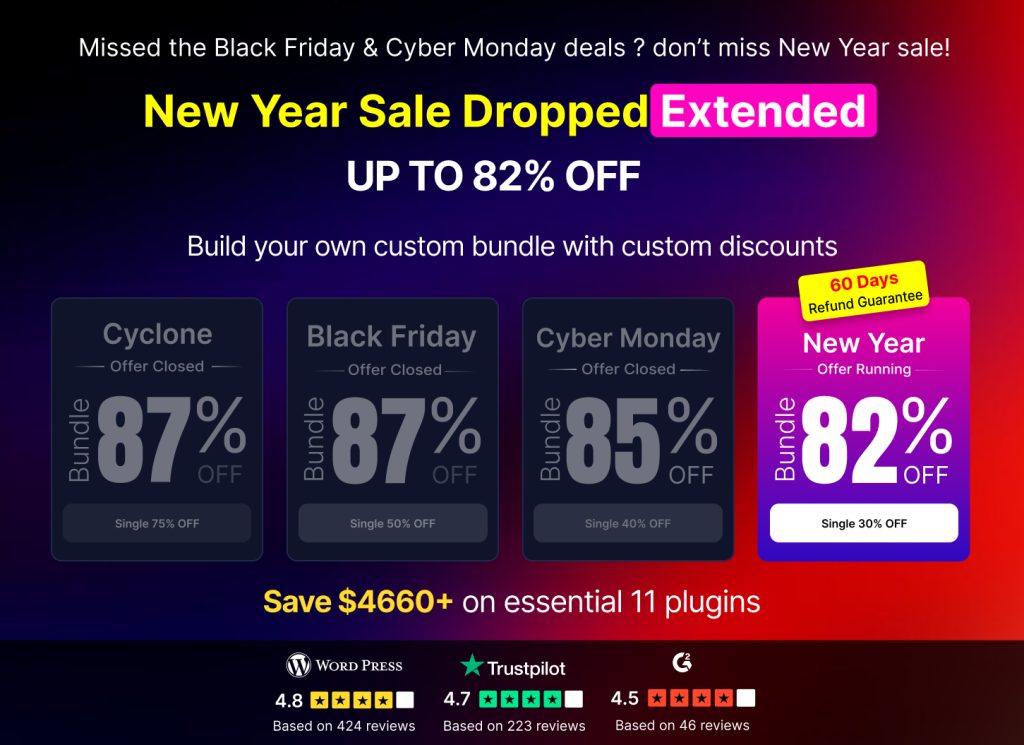
Access 100+ premium WordPress plugins with lifetime updates and dedicated support.
 French

Navigation aisée grâce à un menu riche en options
Les choix visuels de produits stimulent rapidement les ventes
Le contenu personnalisé s'adapte en temps réel
Défilement transparent pour une meilleure fluidité de l'interface utilisateur
La duplication instantanée du contenu permet de gagner du temps
Accès rapide à des éléments de conception puissants
Les modèles prêts à l'emploi accélèrent la conception
Champs personnalisés avancés pour des données flexibles
Cloner des sites en toute simplicité
Des graphiques nets et évolutifs pour tous les écrans
Renouveler l'image de marque des outils pour un aspect professionnel
Afficher ou masquer le contenu avec précision
Engager la profondeur avec des mouvements fluides
Ajouter facilement des notes et des annotations claires
Les conseils utiles améliorent l'interaction avec l'utilisateur
Animer des éléments avec style
Garder les sections importantes toujours visibles
Contrôle total grâce à des modifications de code personnalisées
Optimiser les fichiers pour augmenter la vitesse du site
Des modèles de pages conçus pour vous aider à démarrer votre page d'atterrissage en y insérant simplement un modèle de départ.
Ready Blocks est livré avec une variété de mises en page et d'éléments de conception, tels que des en-têtes, des pieds de page, des widgets, etc.
En-têtes pré-conçus avec des styles lucratifs qui conviennent à différentes niches de sites web et à différents goûts en matière de design
Une collection utile de modèles de pied de page pour vous aider à créer un pied de page attrayant sur votre page d'atterrissage.
Nous sommes à votre service 24 heures sur 24, 7 jours sur 7. Nous sommes heureux de vous aider.
Des instructions détaillées sont disponibles pour chaque fonctionnalité sur BdThemes
Apprenez quelque chose de nouveau, restez informé sur WordPress, la conception de sites Web et plus encore.
Voici quelques-unes des étapes clés de mon développement :
Apprendre l'utilisation des produits, les trucs et astuces de WordPress grâce à nos vidéos
Gagnez des commissions importantes en nous rejoignant dans la promotion
Le partage d'idées de widgets est un excellent moyen de trouver des widgets similaires que vous pouvez améliorer.
Certainement ! Si vous avez besoin de nous contacter, n'hésitez pas à le faire.
Build any WordPress form in minutes with Sigma Forms.
Coming Soon & Maintenance Mode Page Builder Plugin
Easily make websites accessible with One Accessibility
Display client testimonials to enhance trust and credibility.
Zoloblocks helps craft stunning Gutenberg-based websites.
Slider le plus performant à l'ère d'Elementor Slider
Les seuls widgets de blog compatibles avec Elementor pour tous les blogs
Build a next-gen WordPress eCommerce website for business
Organisez vos photos dans un ange différent à chaque fois avec Elementor
Boost engagement and increase sales using Spin Wheel.
Powerful AI Image Generator Plugin for WordPress by ChatGPT
Obtenez 360° Augmented Reality pour WooCommerce aujourd'hui !
Copiez et collez n'importe quel design web en 2 clics !
Un thème entièrement fonctionnel pour Elementor avec des options illimitées
Thème de bloc intelligent, propre et flexible pour Gutenberg
Dark Reader plugin ensures eye-friendly web reading.
Le paiement en une page de WooCommerce pour augmenter les conversions.
Find Nearby Stores Instantly with Sigma Store Locator
The Ultimate WordPress Media Library Organizer
Access 100+ premium WordPress plugins with lifetime updates and dedicated support.
French
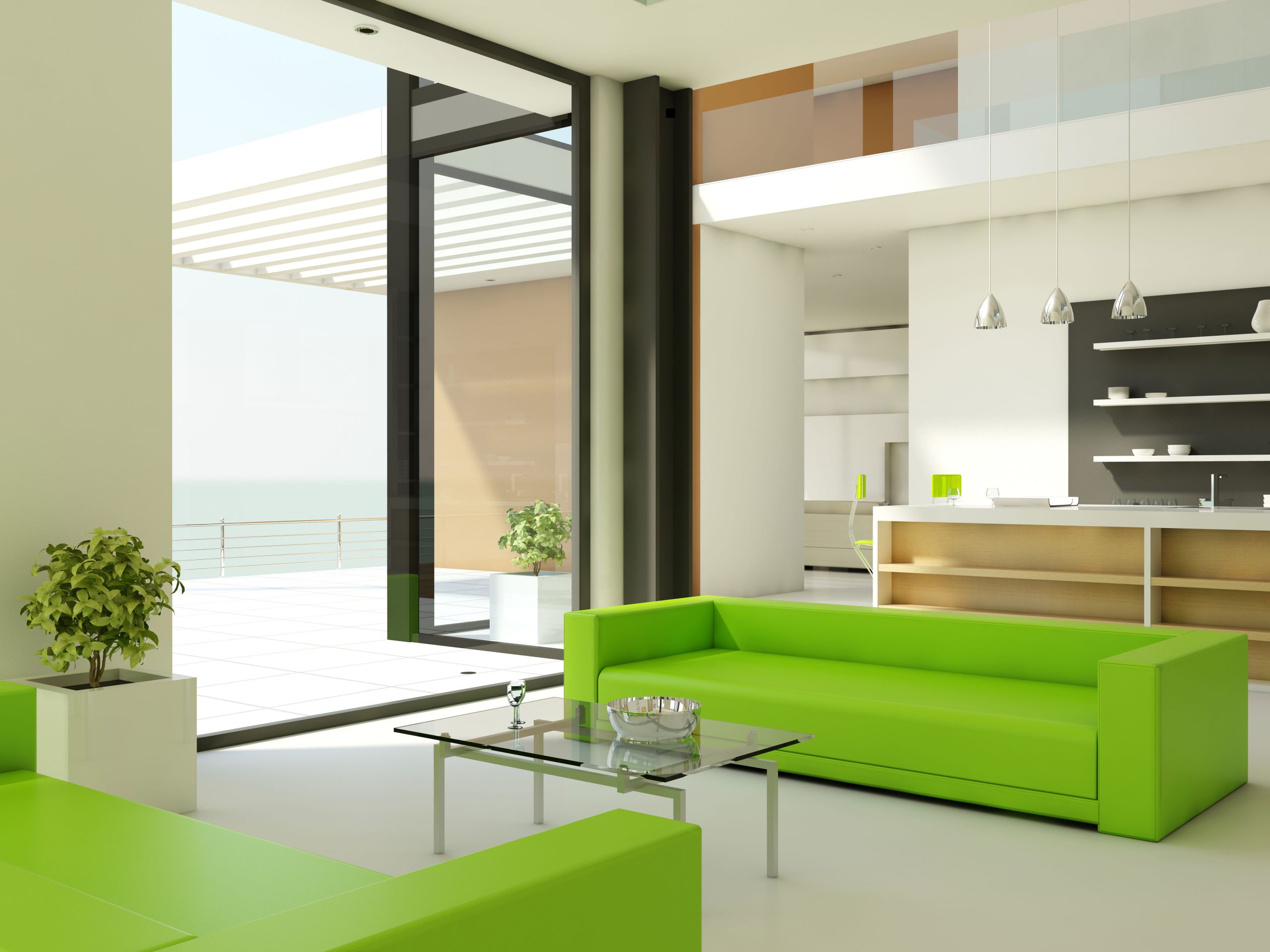
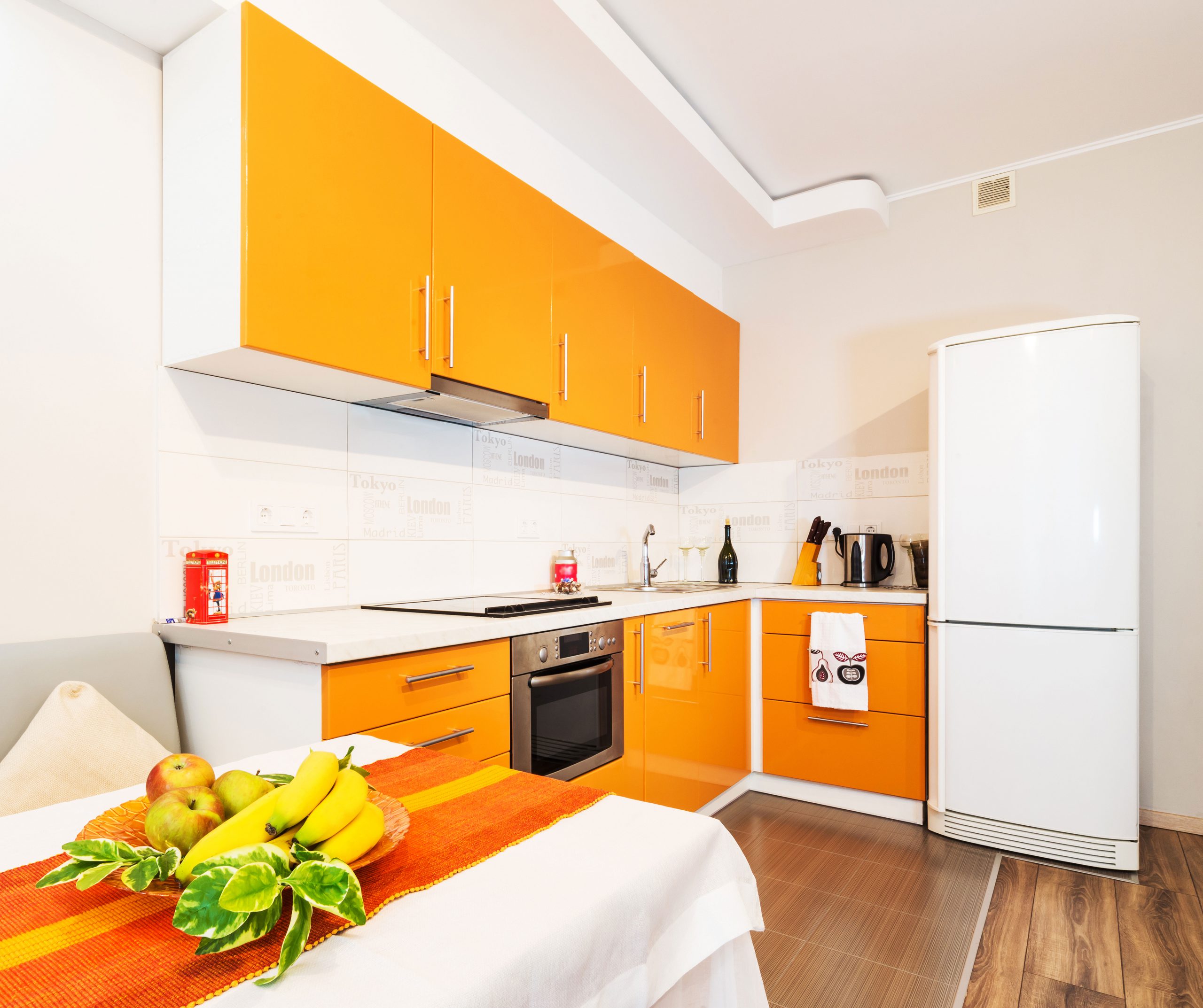
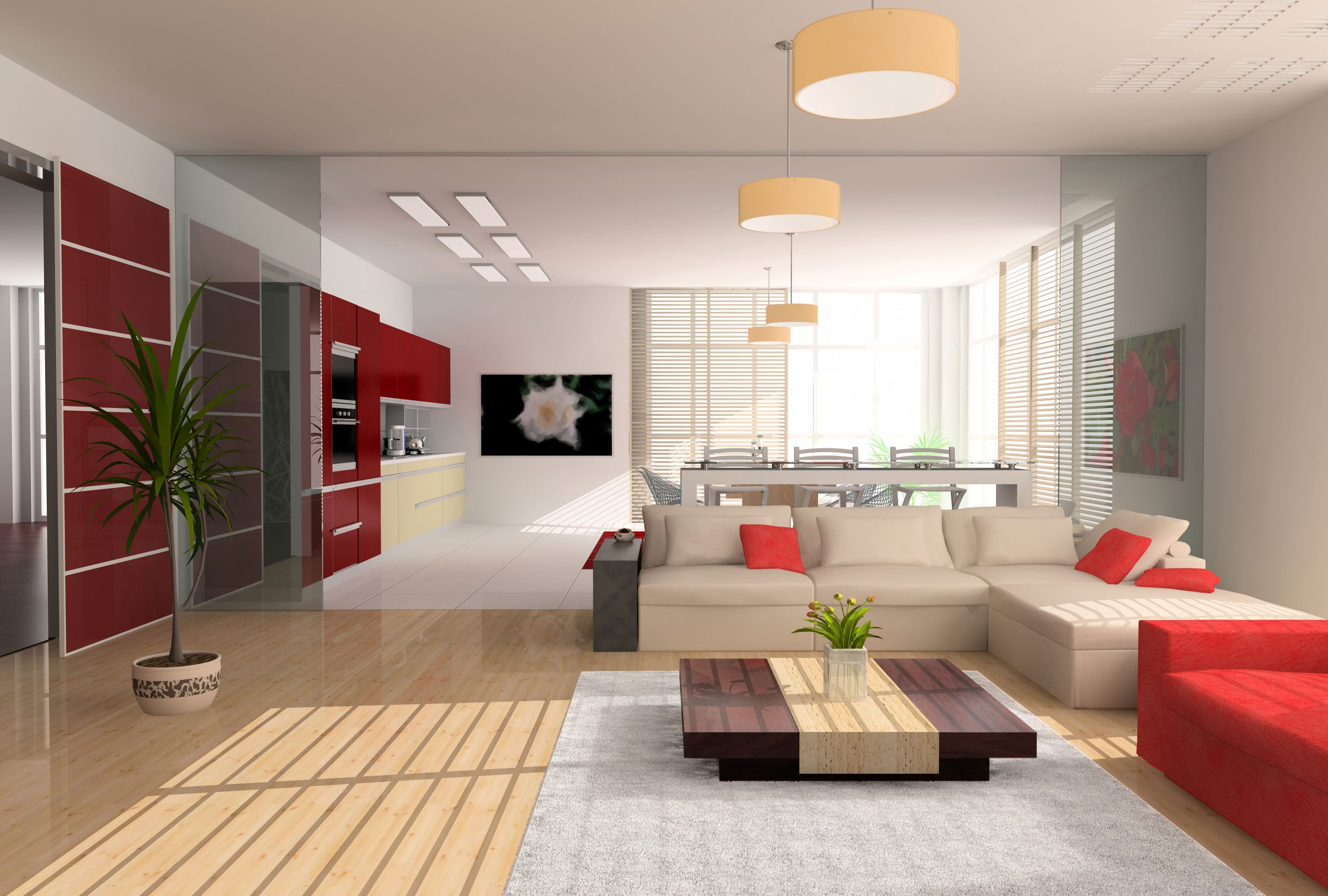
Améliorez l'affichage des produits et les détails des images sur votre site WordPress avec le Widget Elementor Image Magnifier d'Element Pack. Offrez une expérience de visualisation interactive grâce à Elementor.

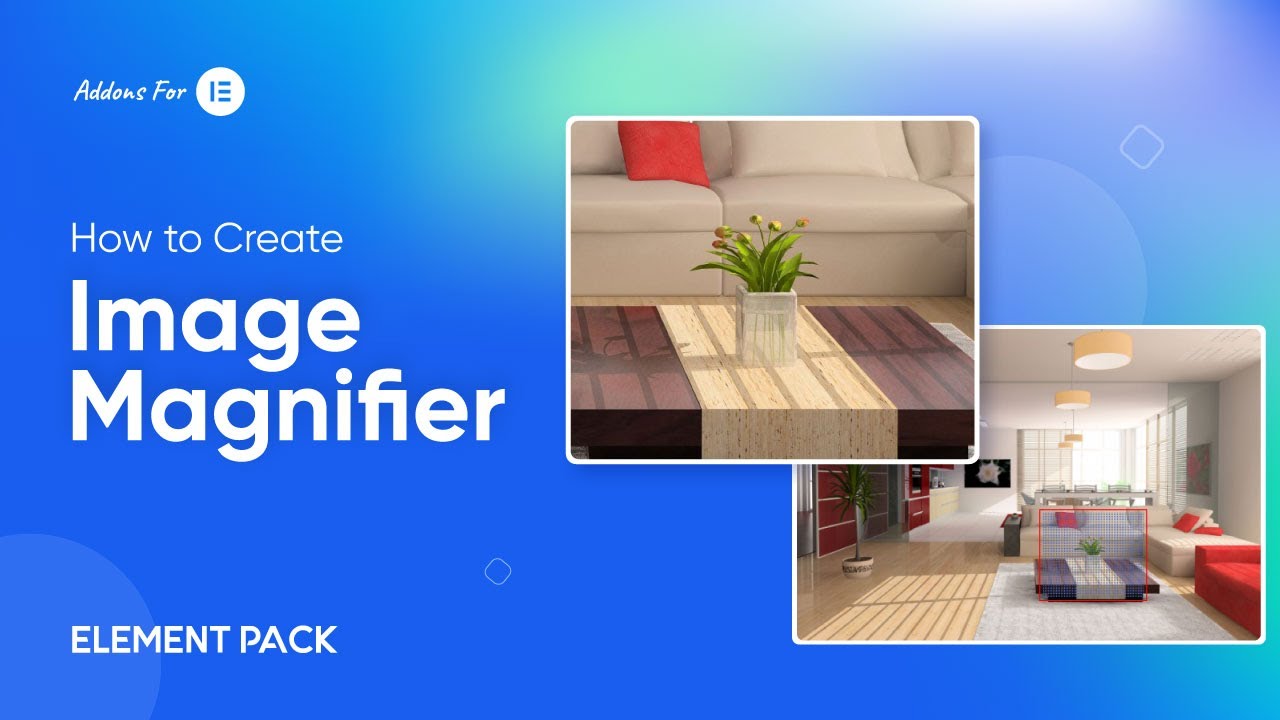
Appelez la loupe d'image sans aucune configuration, appliquez-la simplement sur une image. Vous pouvez définir la taille de l'image, lui appliquer un style ou la rendre réactive comme d'habitude.
Responsive! Standard zoom mode show on the left/right. You can set the zoom view size ,custom css class , set the offset of the thumb image or other offset target!
Suivi du zoom d'une seule image, possibilité de définir une grande image ou non. Et vous pouvez facilement personnaliser la taille et le style de l'objectif.
The No Smooth Move option offers quick, fixed magnification without animation — ideal for precise and fast image inspections.
The Horizontal Offset feature positions the zoomed view to the side, allowing users to explore image details without overlapping the main content.
Choose from 2700+ well-crafted templates—all fully matched for any niches.


Le plus grand pack de modèles Elementor avec l'interface utilisateur la plus conviviale et le plus grand nombre de modèles. 300+ widgets Elementor utiles. Créez des sites web de zéro à 100% la perfection en un rien de temps.
Ce site est alimenté par Element Pack Pro et Thème Rooten.
Copyright © 2026 BdThemes. Tous droits réservés.
