












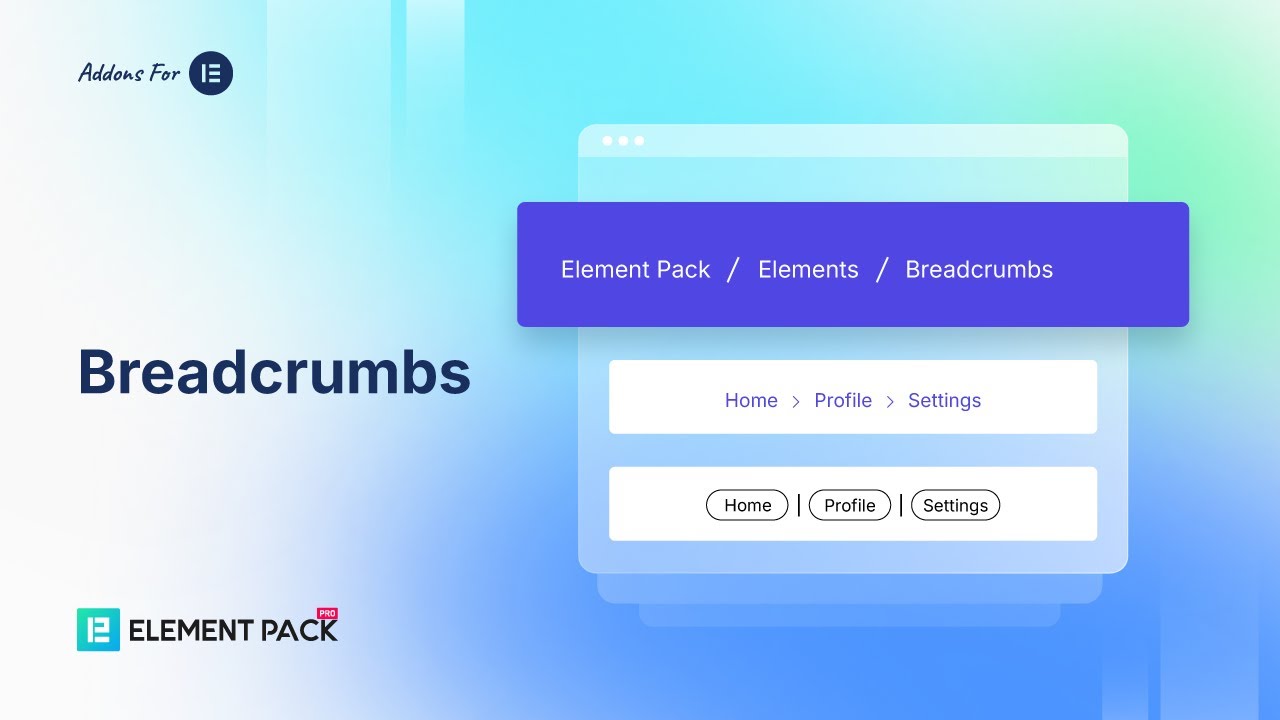
Démo 01 : Left Align
Display breadcrumbs neatly aligned to the left for clear navigation and a structured layout.
- Pack d'éléments
- Élément
- Chapelure
Démo 02 : Centrer Aligner
Show breadcrumbs centered on the page for balanced navigation and a clean design.
- Pack d'éléments
- Élément
- Chapelure
Démo 03 : Right Align
Align breadcrumbs to the right for a modern look and streamlined navigation style.
- Pack d'éléments
- Élément
- Chapelure
Démo 04 :Rayon de la bordure
Easily round element corners with customizable border radius for a smooth and modern look.
- Pack d'éléments
- Élément
- Chapelure
Démo 05 :Couleur dégradée
Apply smooth gradient colors to elements for vibrant, modern, and eye-catching designs.
- Pack d'éléments
- Élément
- Chapelure
Démo 06 :Active Item Color
Highlight the selected item with a distinct active color to improve focus and navigation clarity.
- Pack d'éléments
- Élément
- Chapelure
Démo 07 :Separator
Use separators to divide content clearly, improving readability and visual structure in layouts.
- Pack d'éléments
- Élément
- Chapelure
Démo 08 :Exemple d'icône
Showcase icons to visually represent actions, features, or content for quick recognition.
- Pack d'éléments
- Élément
- Chapelure